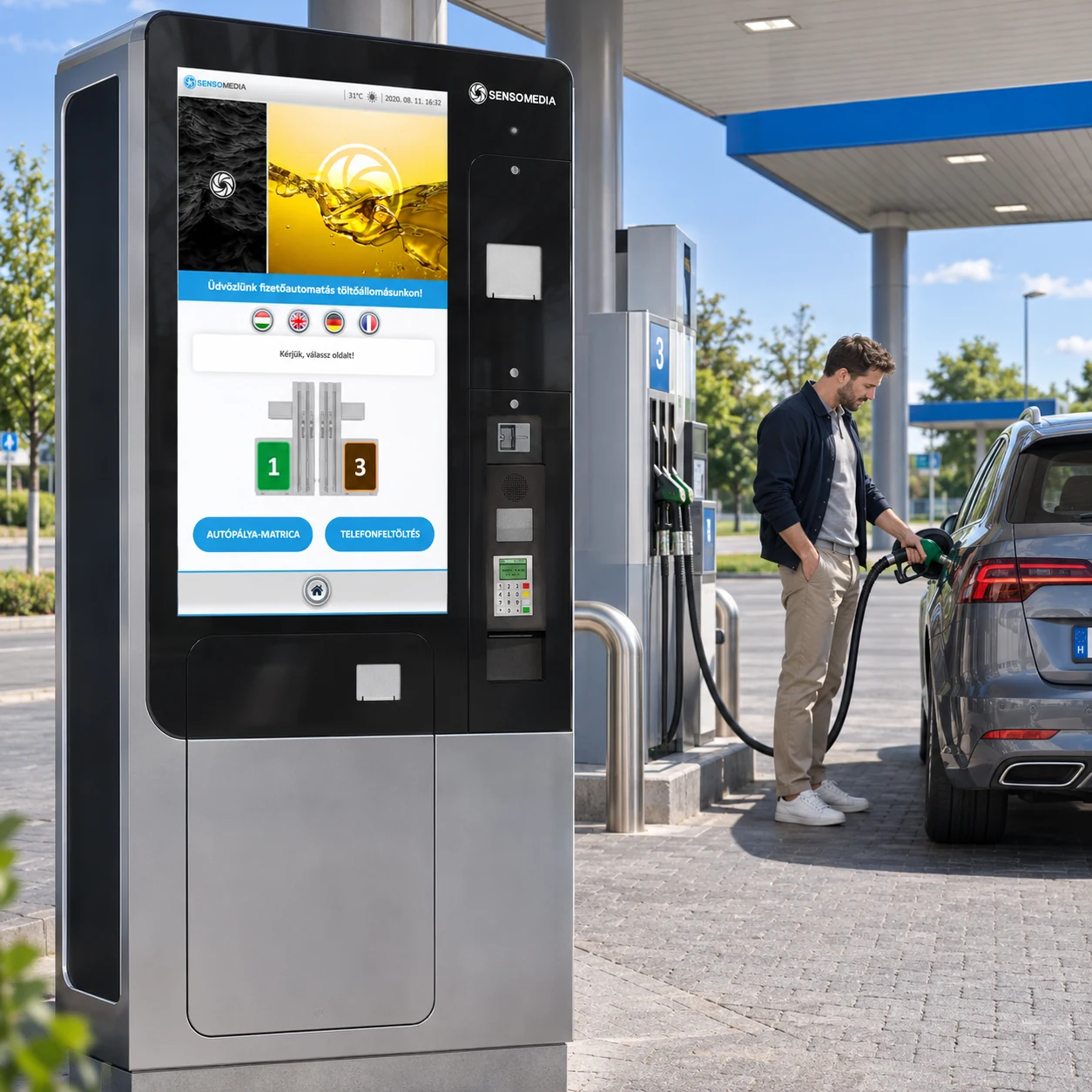
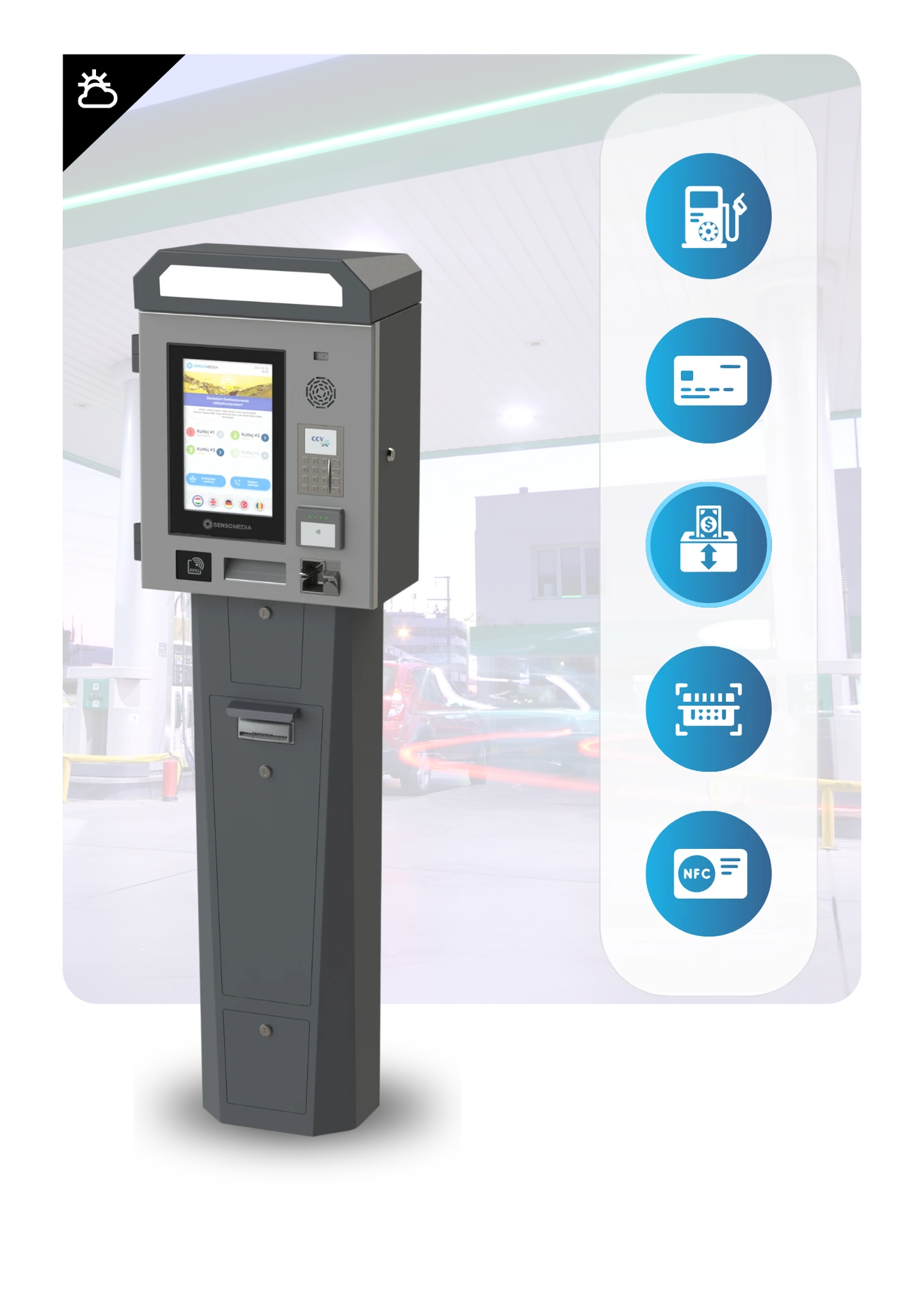
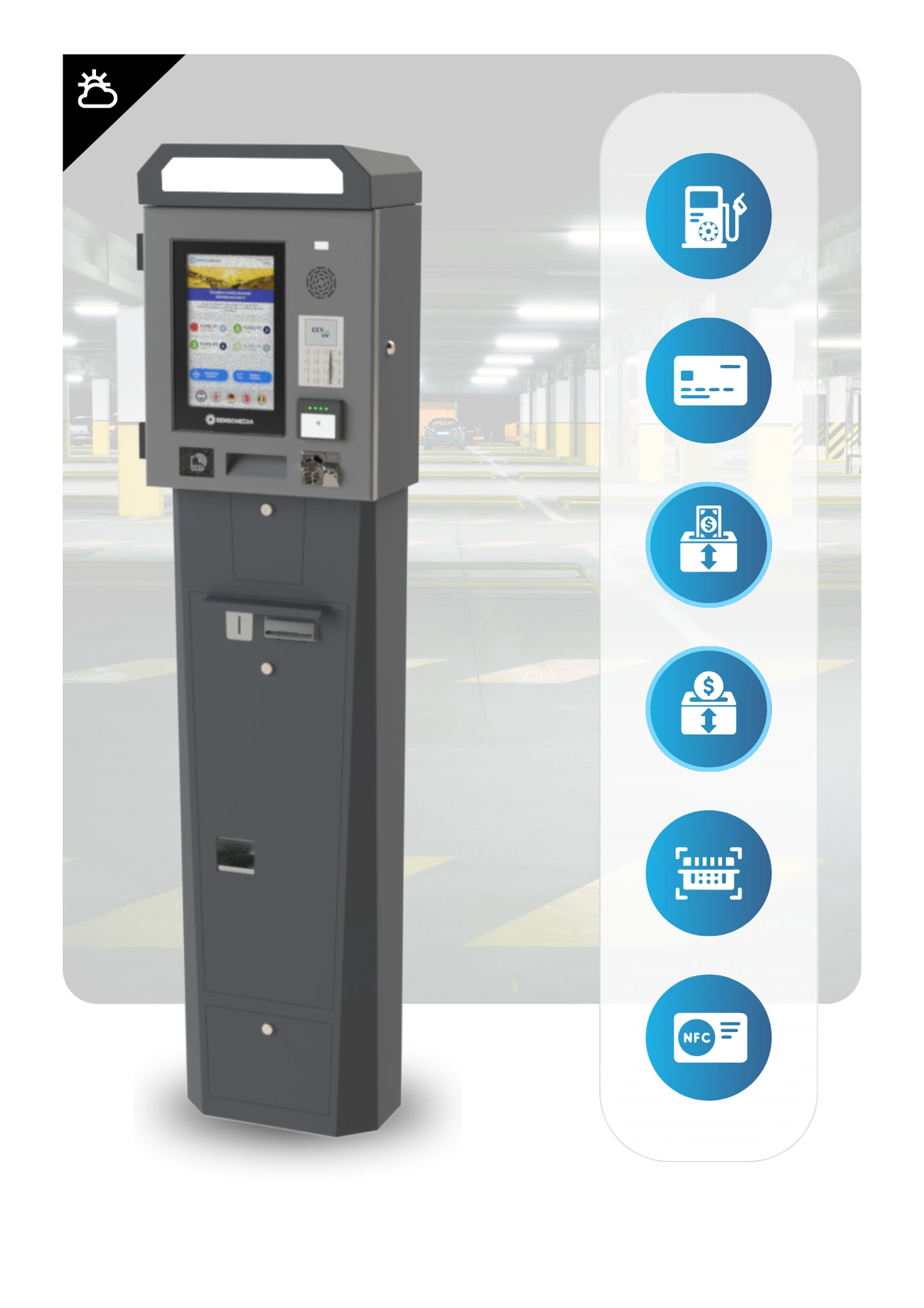
SENSO AllPay – Fuel payment terminal software

SENSO AllPayFuel payment terminal software

SENSO AllPay software suite

Automated fuel sales in one integrated system

The AllPay software suite manages the entire self-service fuel sales process, from starting refuelling and processing payment to issuing receipts and forwarding sales data to the back-end system.

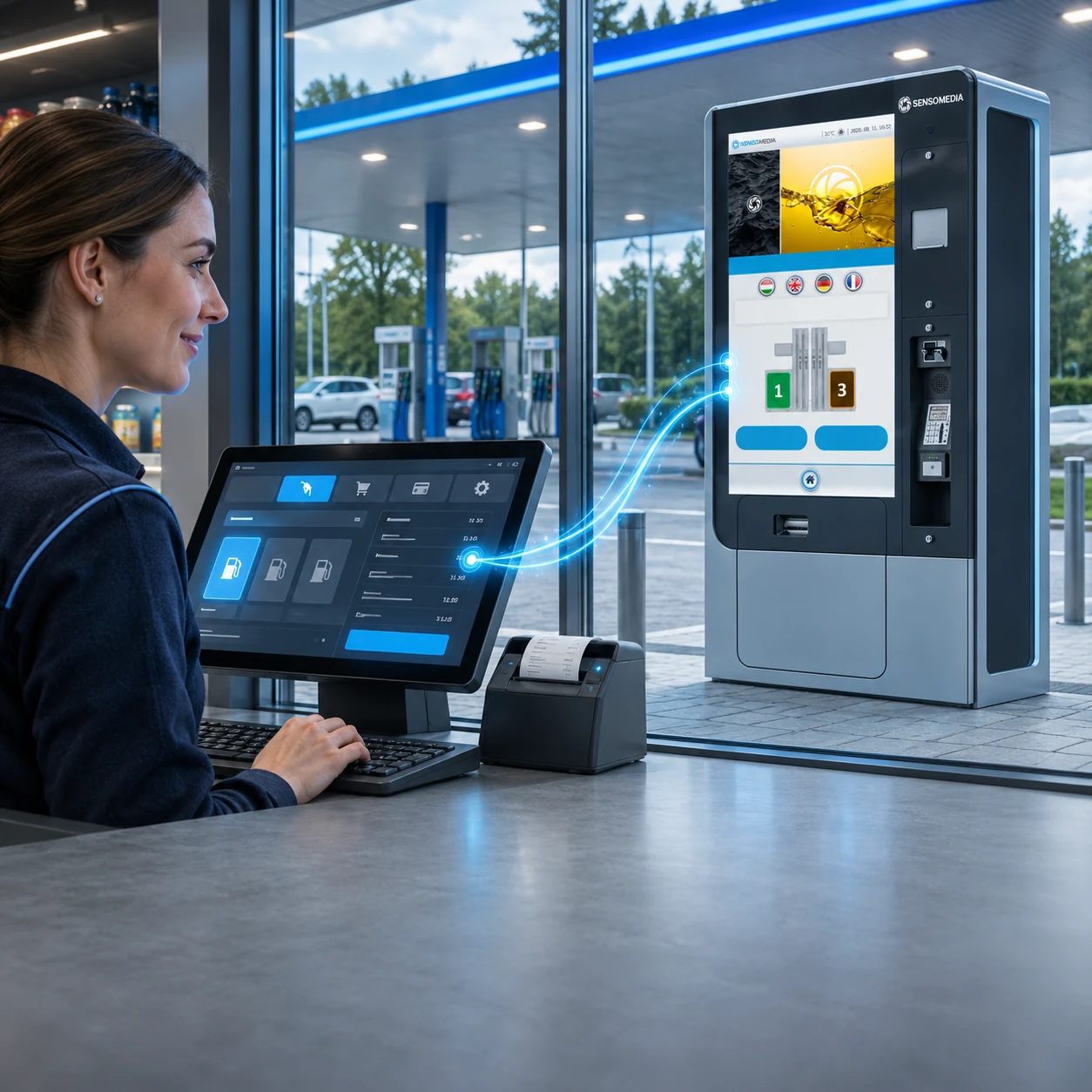
The solution provides an independent automated sales channel alongside, or separately from, traditional sales. AllPay communicates directly with fuel pumps, payment and receipt systems and the back-end platform, allowing customers to complete the entire refuelling process without staff assistance.

The system enables round-the-clock fuel sales, even without on-site staff. Sales and operational data are recorded centrally online for real-time oversight. Statistics can be retrieved for any device group or the entire filling station network.

SENSO AllPay fuel payment terminal software

One software suite for the entire sales process

AllPay is more than a payment interface: it is a comprehensive software environment for controlling and administering fuel sales and integrating an automated sales channel.

24/7 self-service sales

The automated system allows fuel sales to continue outside the shop’s opening hours.

Fast, straightforward purchasing

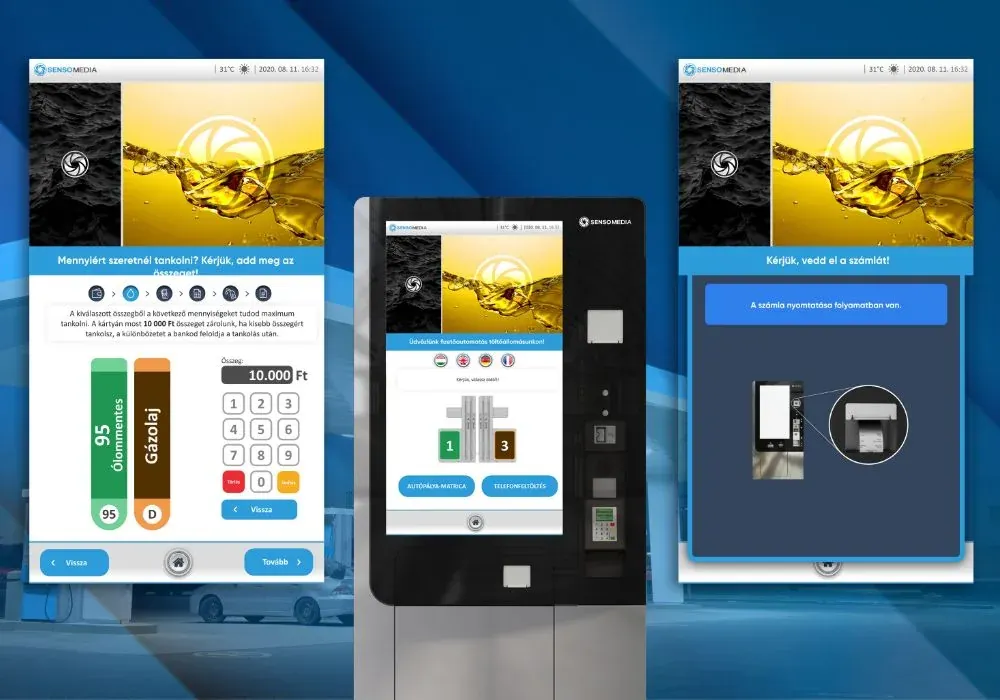
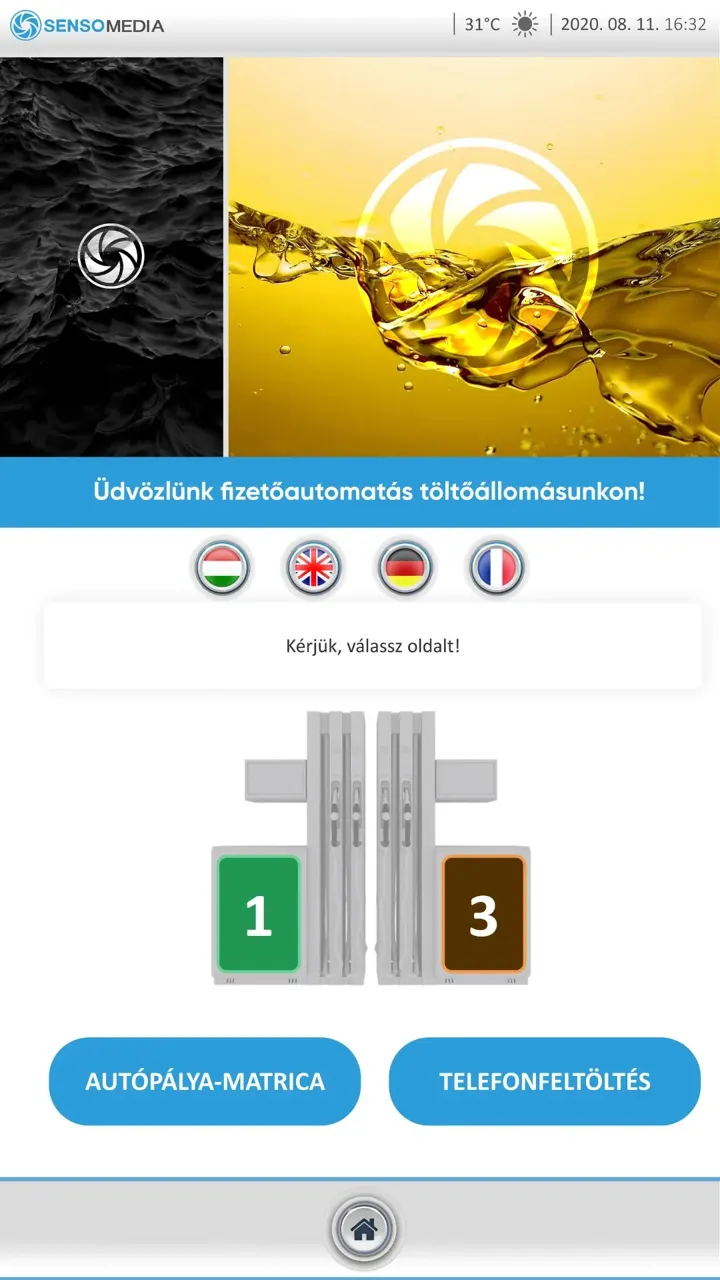
The graphical interface guides customers step by step from pump selection through payment to receipt collection.

Automatic data management and reporting

Sales data can be forwarded automatically to the integrated POS system and relevant regulatory systems.

Flexible integration

The solution works with many POS and fuel card systems widely used in Hungary and supports the most common fuel pump communication protocols.

Fully integrated operation

The software works as a coordinated system with fuel pumps, POS systems, payment solutions, fuel card systems and the central back-end platform.

Cash and electronic payments

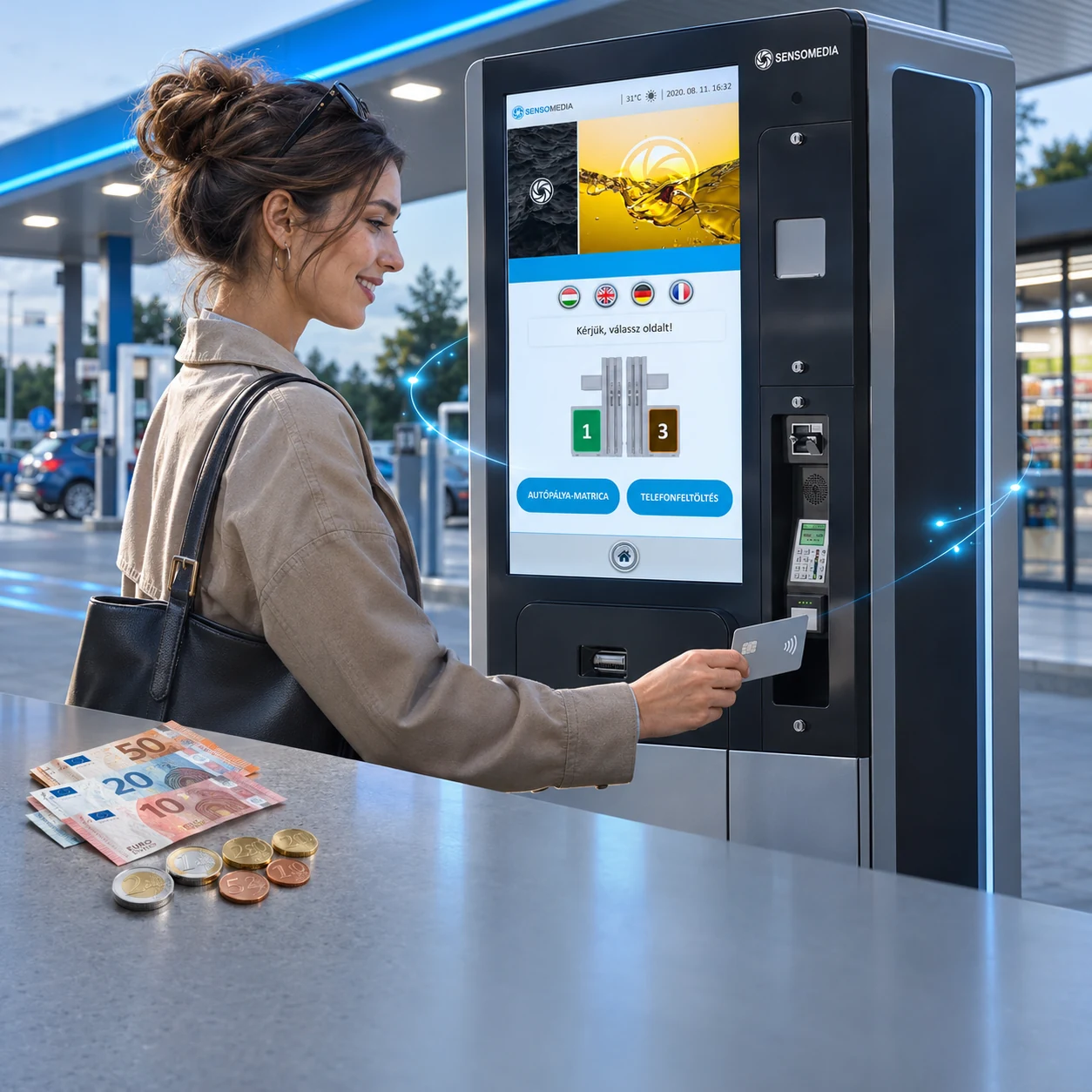
The software supports card payments and, with suitable hardware modules, banknote or banknote-and-coin payments.

Central online monitoring

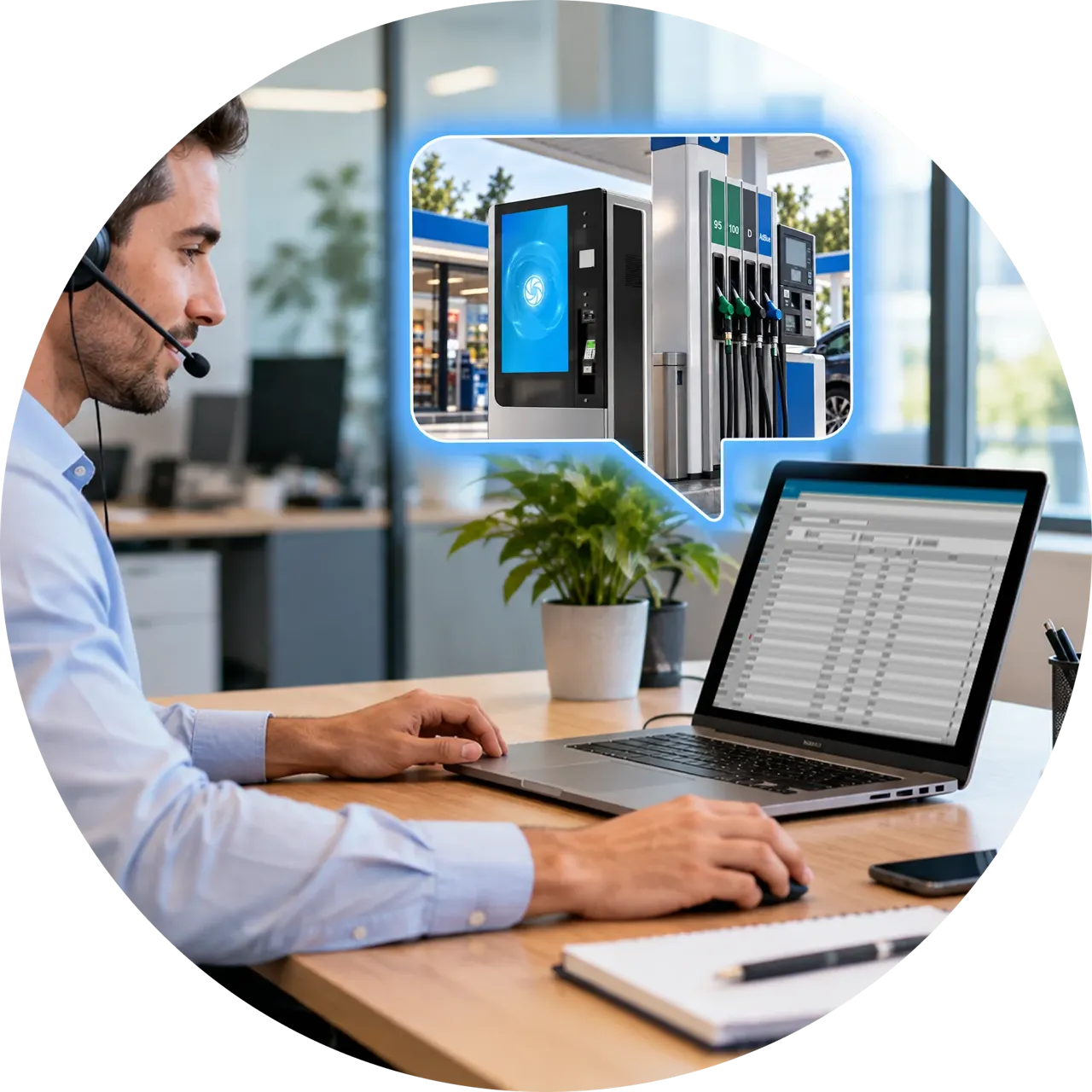
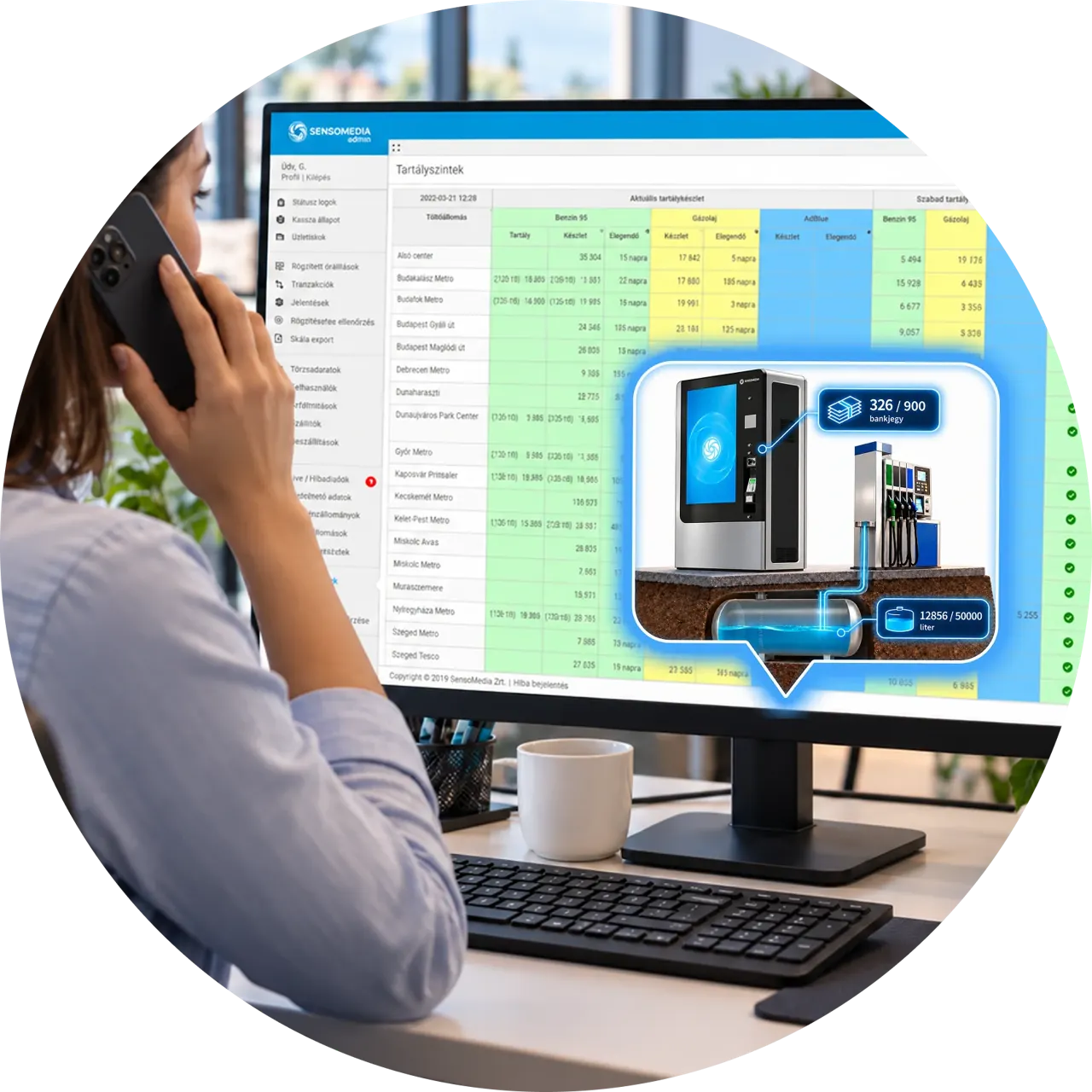
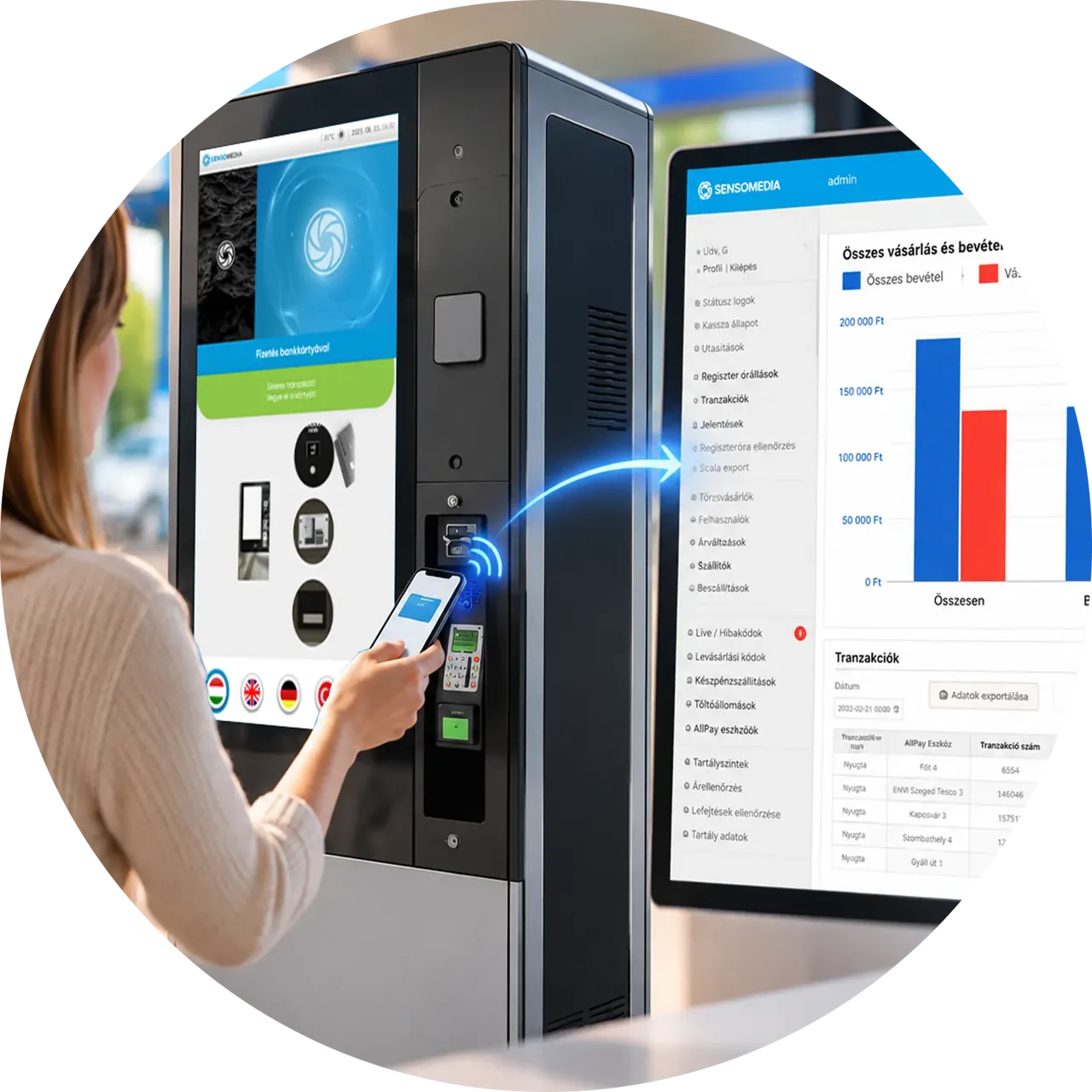
Operational data, sales information and device status are accessible remotely through the web-based Back Office.

What does the AllPay software suite include?

AllPay consists of two closely connected software components.

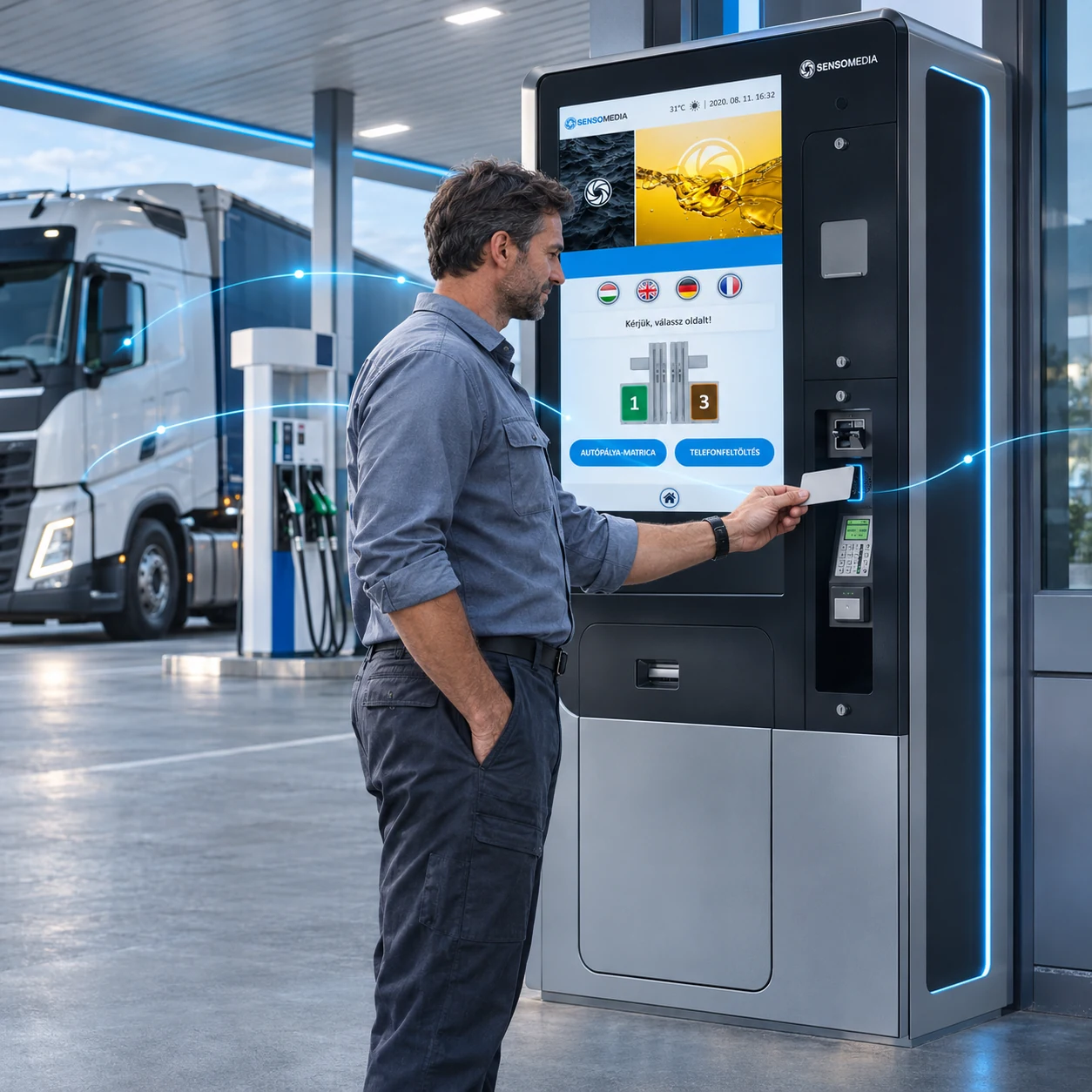
Payment terminal software

Our proprietary terminal software manages all customer interaction and controls and coordinates refuelling, payment and receipt processes.

The software communicates with the station’s pumps and available payment modules while guiding customers through their purchase using an intuitive graphical interface.

Payment terminal software

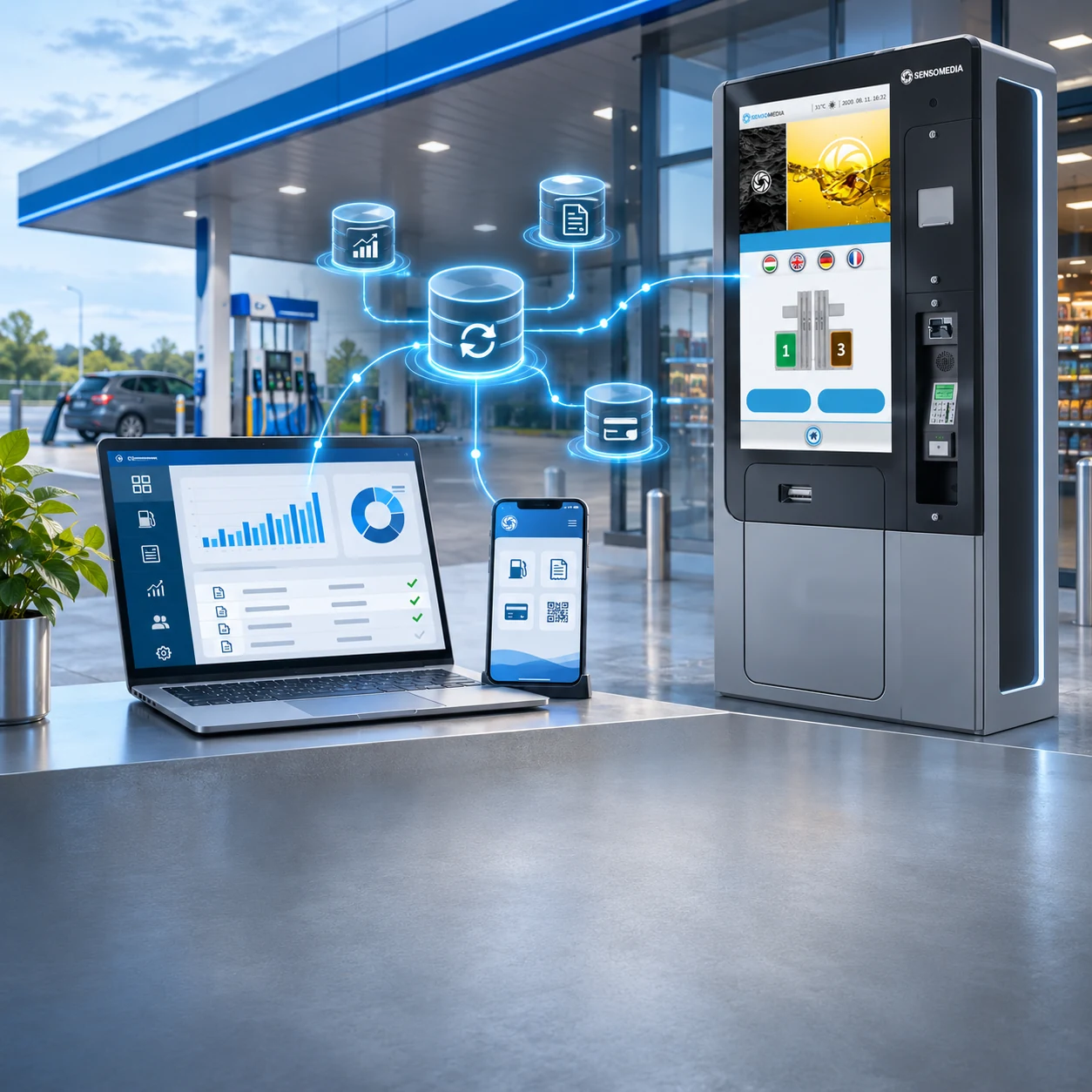
Online Back Office

The software suite includes a web-based back-end system for centrally monitoring terminals and associated sales processes.

The online interface provides sales data, reports, device status and other operational information, while many settings and system functions can be managed remotely.

Online Back Office

Additional services

We adapt the AllPay software suite to each filling station’s operations and branding.

System integrations

System integrations

When deploying SENSO AllPay, we review existing hardware, software and data connections. We define interfaces, data flow directions and operational responsibilities so that the new interface fits existing processes and reduces duplicate data entry where possible.

Branded user interface

Branded user interface

We adapt the AllPay interface to the filling station’s visual identity, creating a consistent brand experience for self-service purchases.

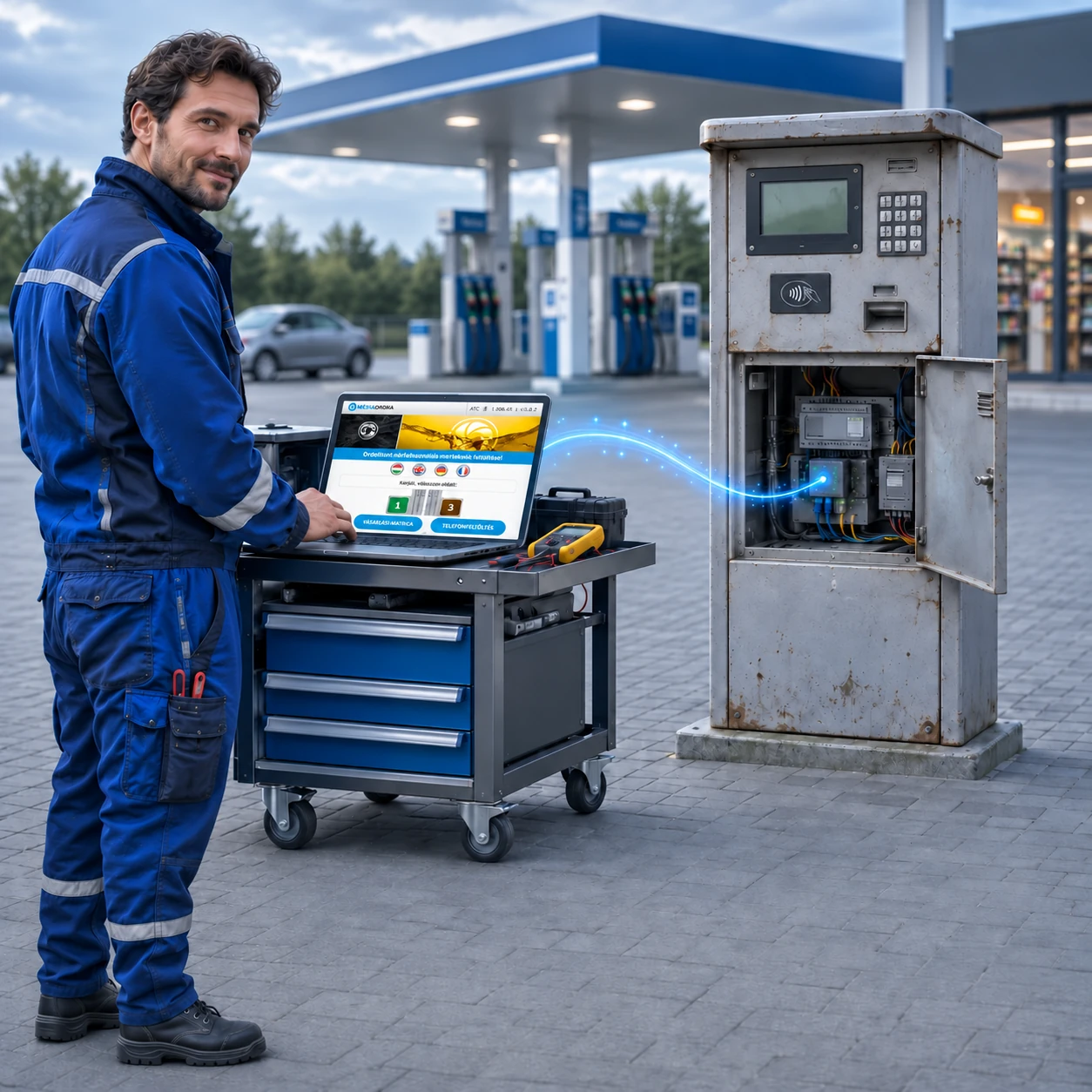
Retrofit

Retrofit

Following a technical assessment, we can modernise other manufacturers’ payment terminals for AllPay software. This adds new software capabilities to an existing device fleet.

Payment terminal software

AllPay payment terminal software makes every refuelling step clear and straightforward. Behind the scenes, it coordinates all sales components for automated 24/7 operation while recording transactions and inventory changes.

How it works

1. Start refuelling

1. Start refuelling

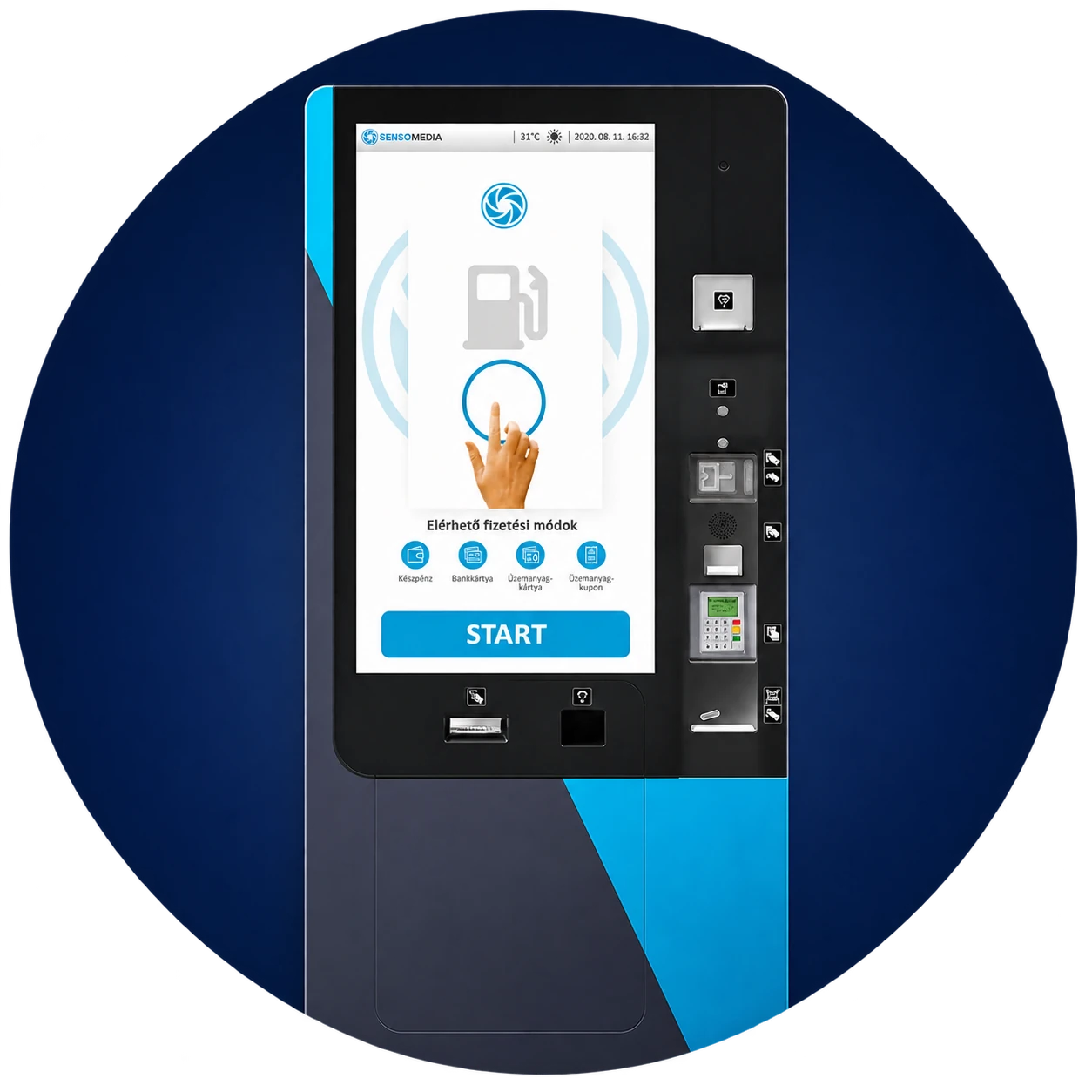
Customers start the refuelling process on the touchscreen and select the fuel purchase option.

2. Select the pump

2. Select the pump

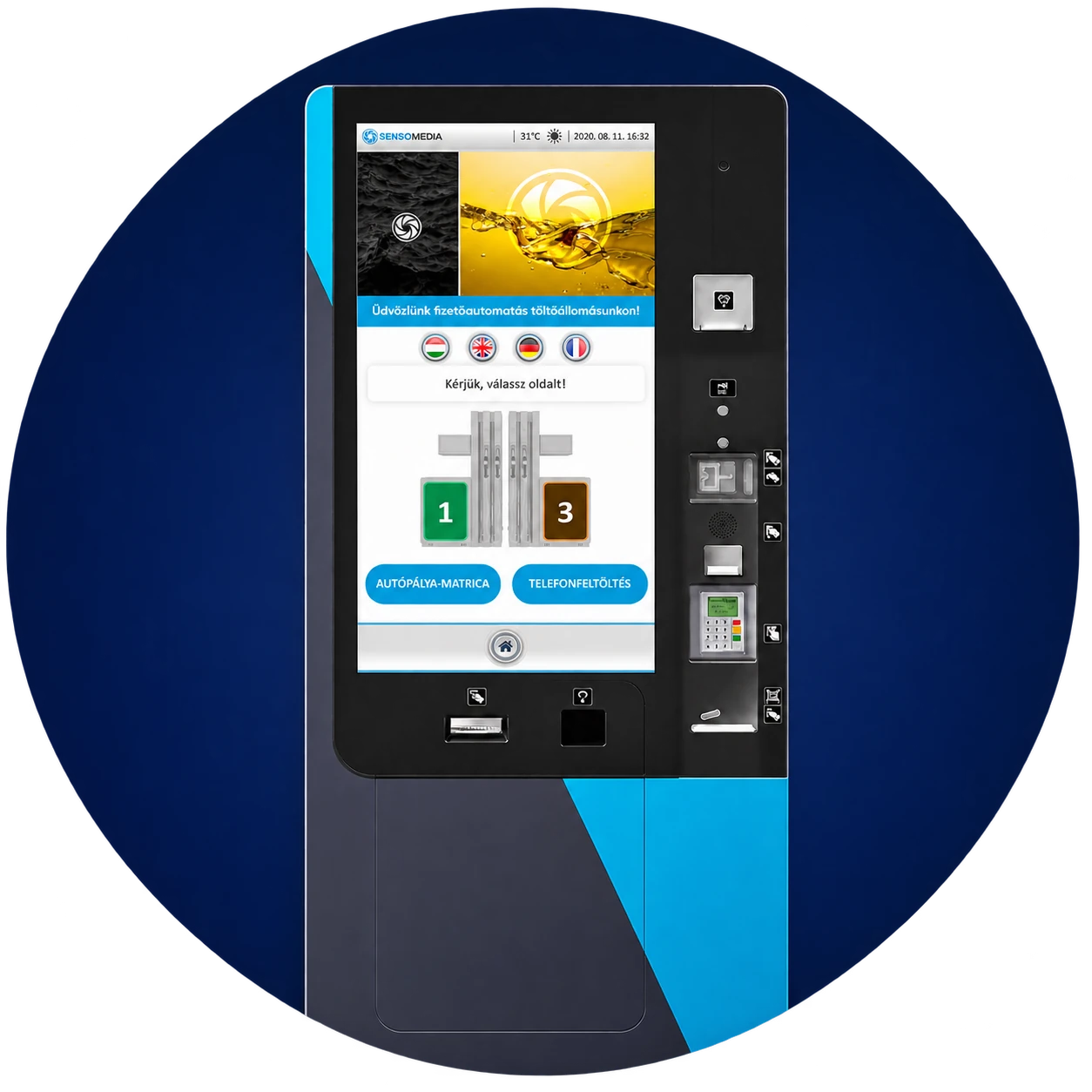
The system displays available pumps for the customer to choose from. Communication with the pumps provides real-time status information, allowing the software to control the sales process accordingly.

3. Select a payment method

3. Select a payment method

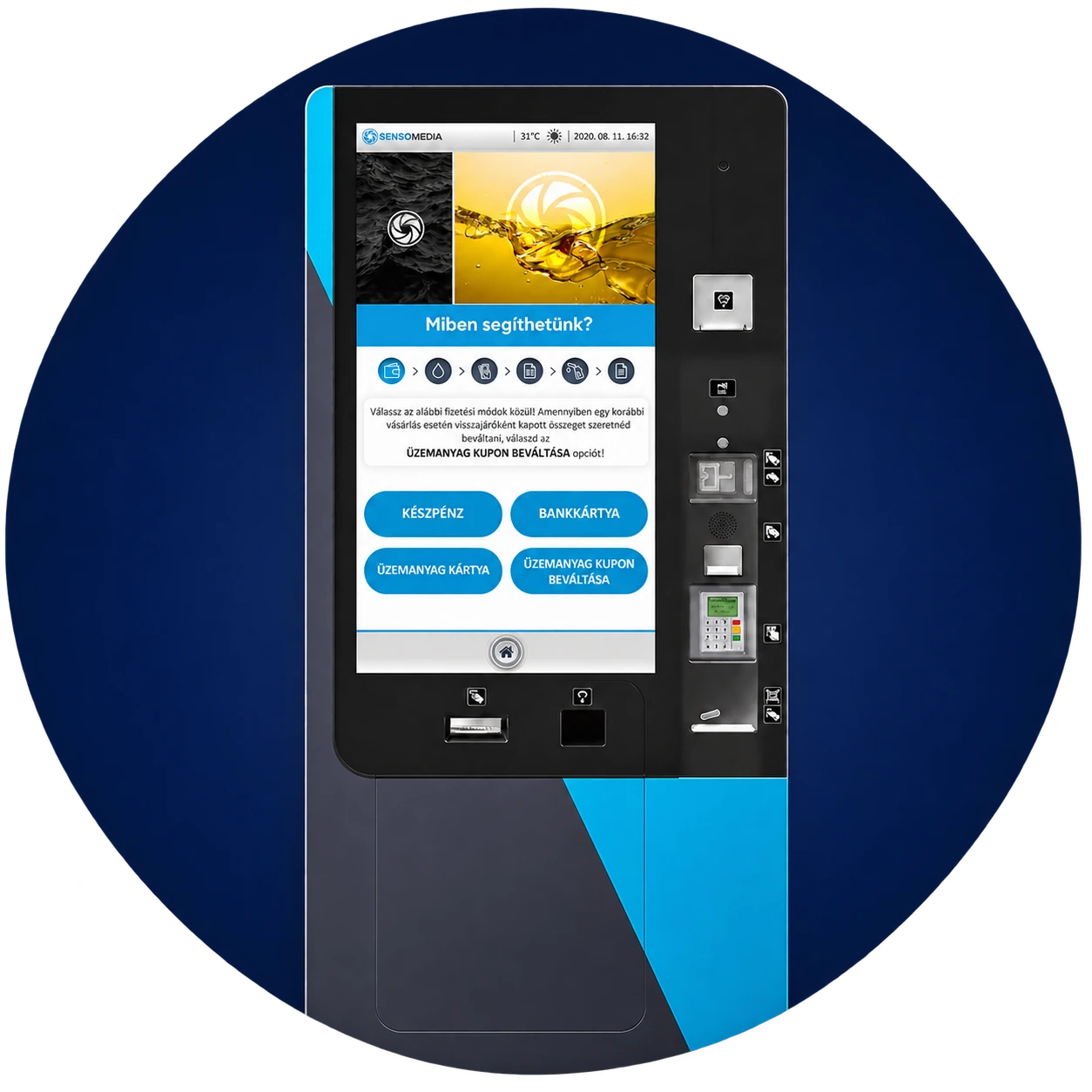
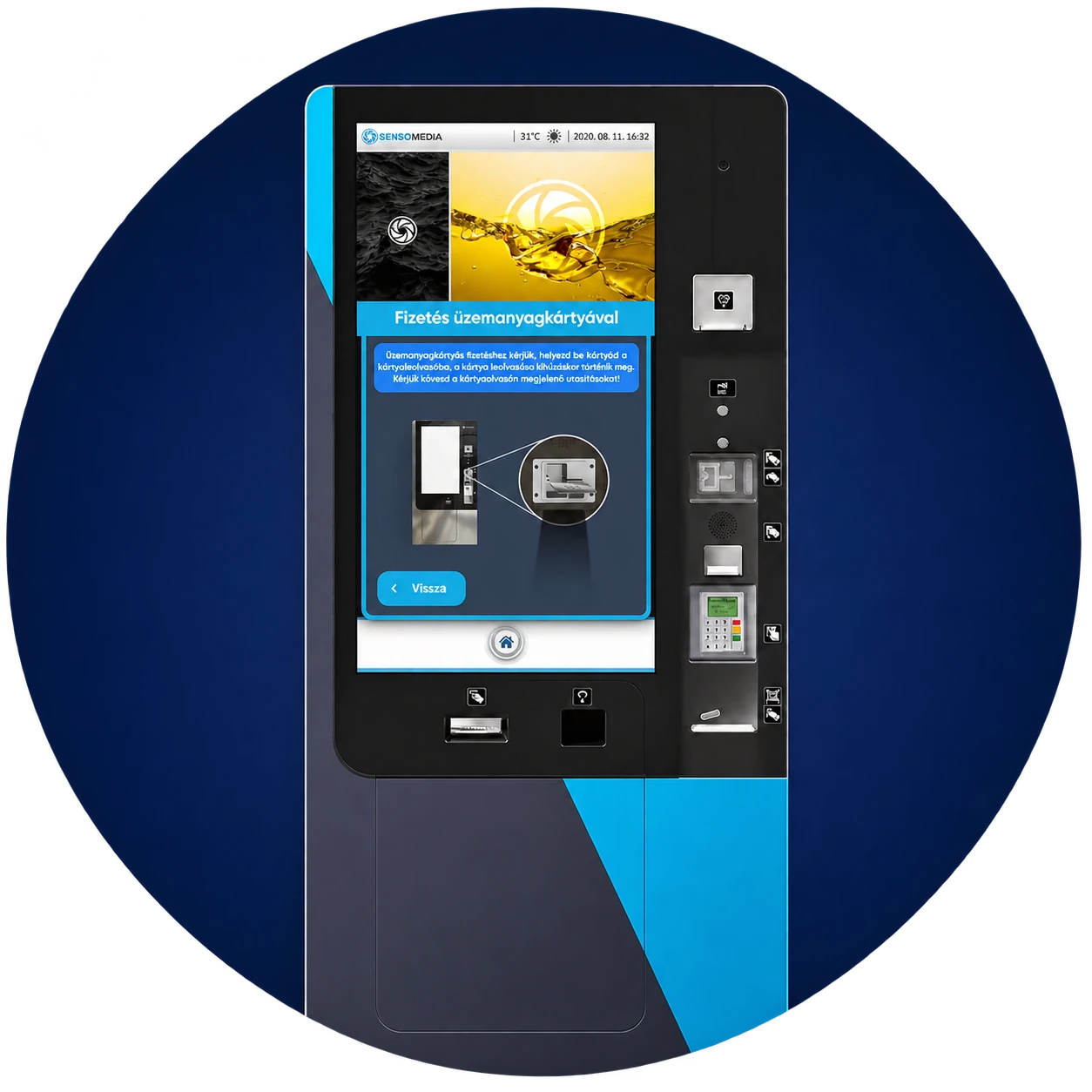
Customers choose their preferred available payment method. AllPay always supports card payments and also enables cash payments on terminals with the appropriate hardware modules.

4. Enter the refuelling amount

4. Enter the refuelling amount

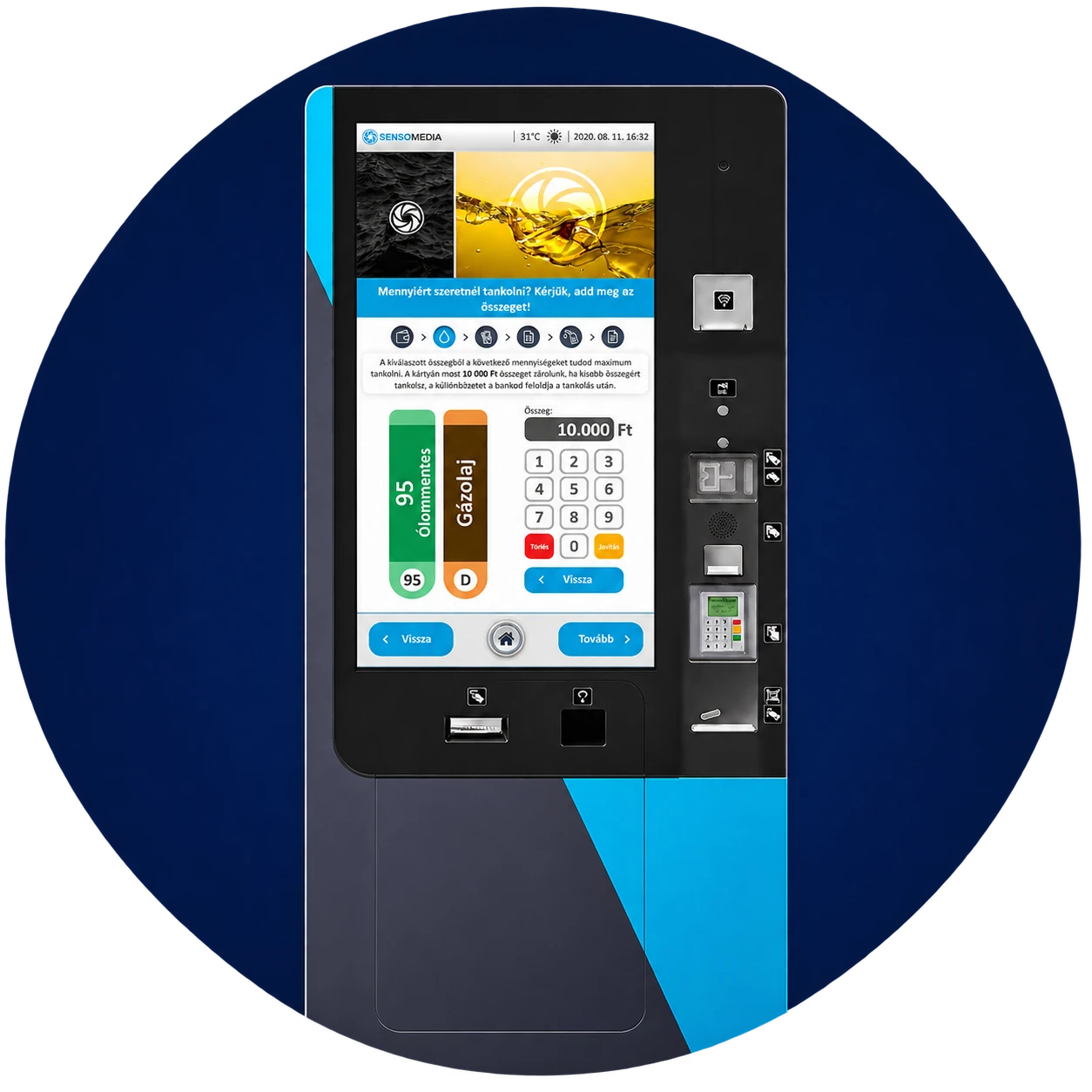
Customers enter their desired spending amount. The system shows how much of each fuel type this will buy, supporting comparison. With the Fill-up function, the software estimates the refuelling amount after the customer enters the vehicle type and estimated fuel remaining in the tank. Customers can freely adjust this estimate.

5. Payment

5. Payment

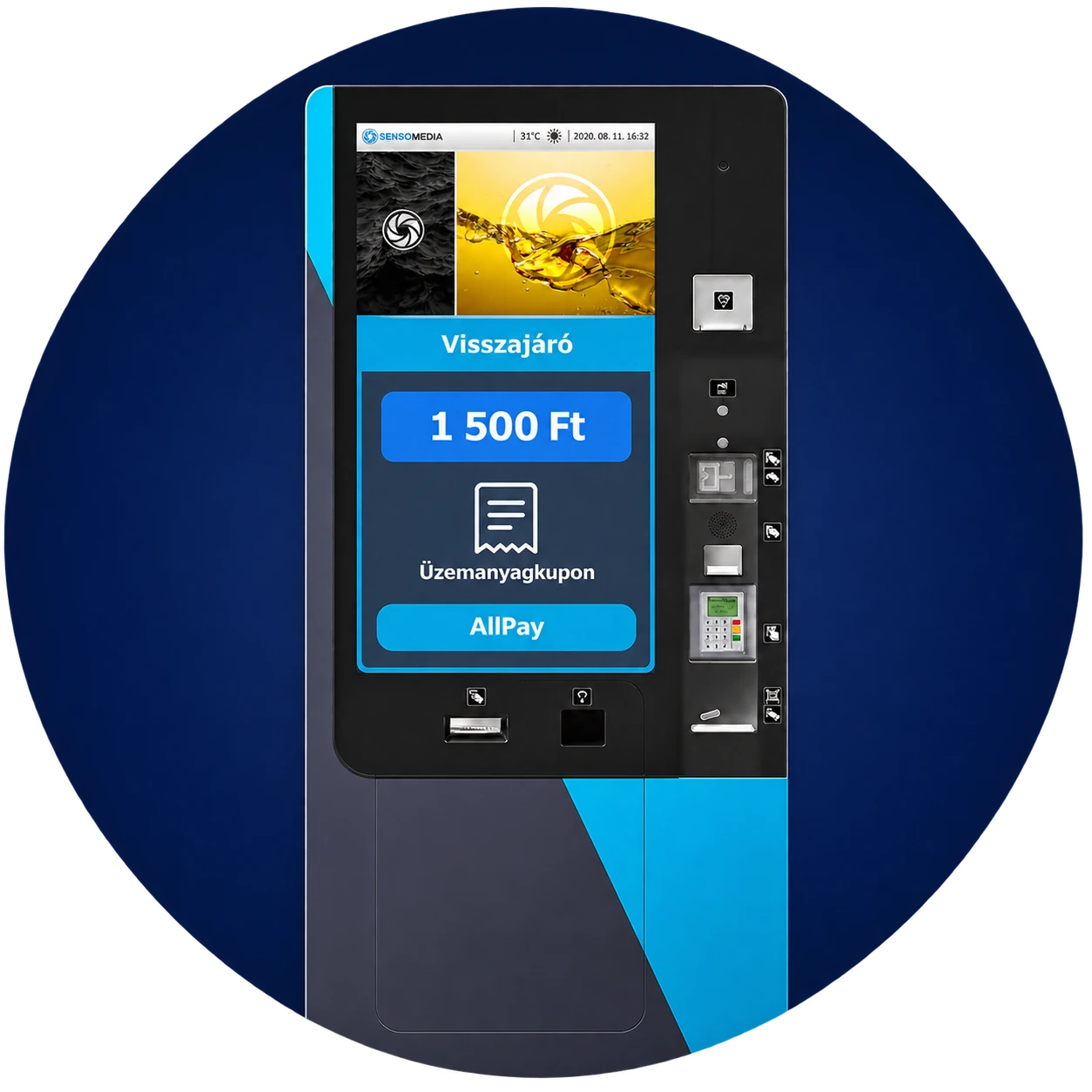
Payment follows the selected method. For card payments, the system reserves the previously specified amount but ultimately charges only for the fuel actually dispensed. Cash customers pay before refuelling. If they dispense less fuel than prepaid, the system automatically calculates the change. Cash refunds require suitable banknote and coin handling modules. Otherwise, the terminal prints an overpayment voucher redeemable within one year.

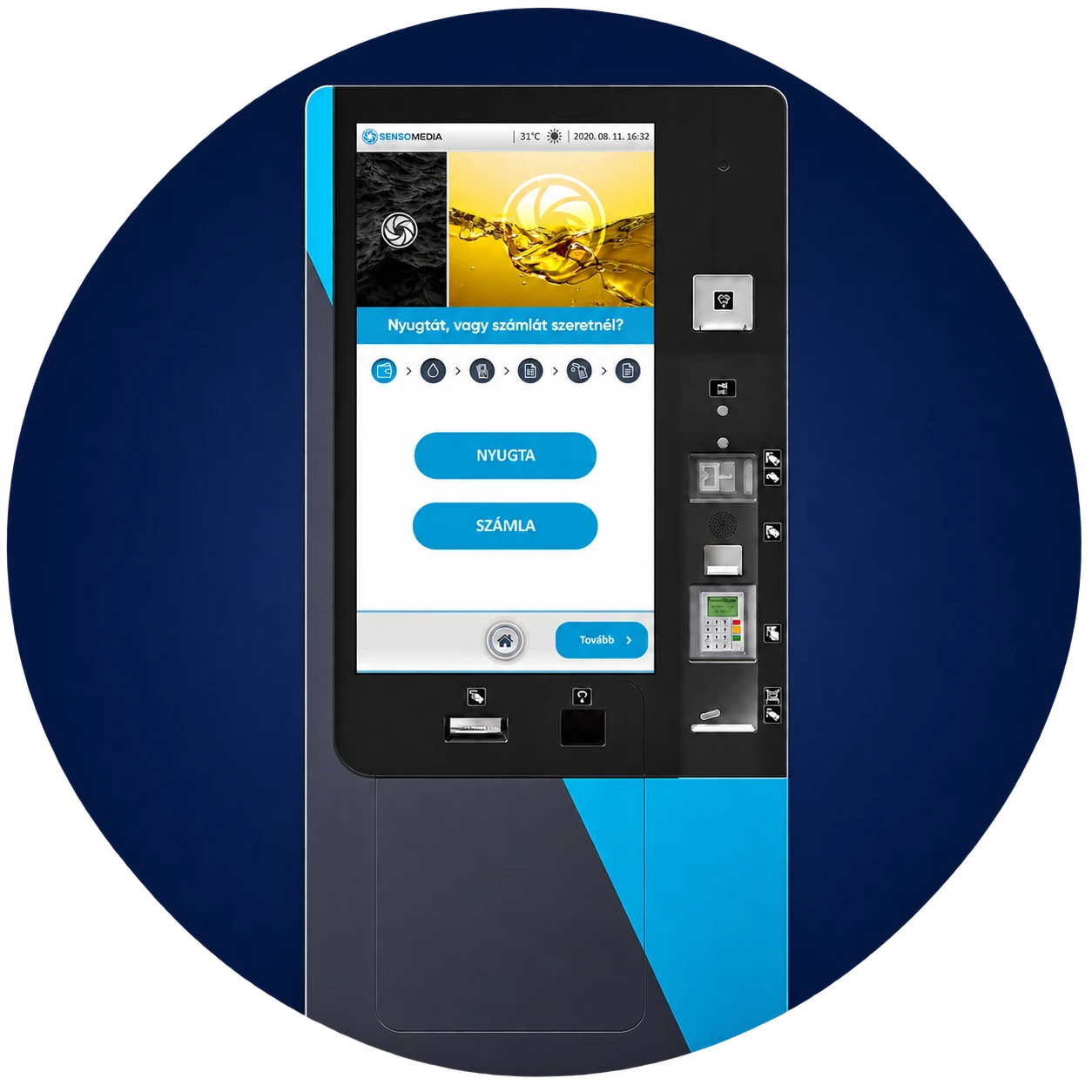
6. Choose a receipt or invoice

6. Choose a receipt or invoice

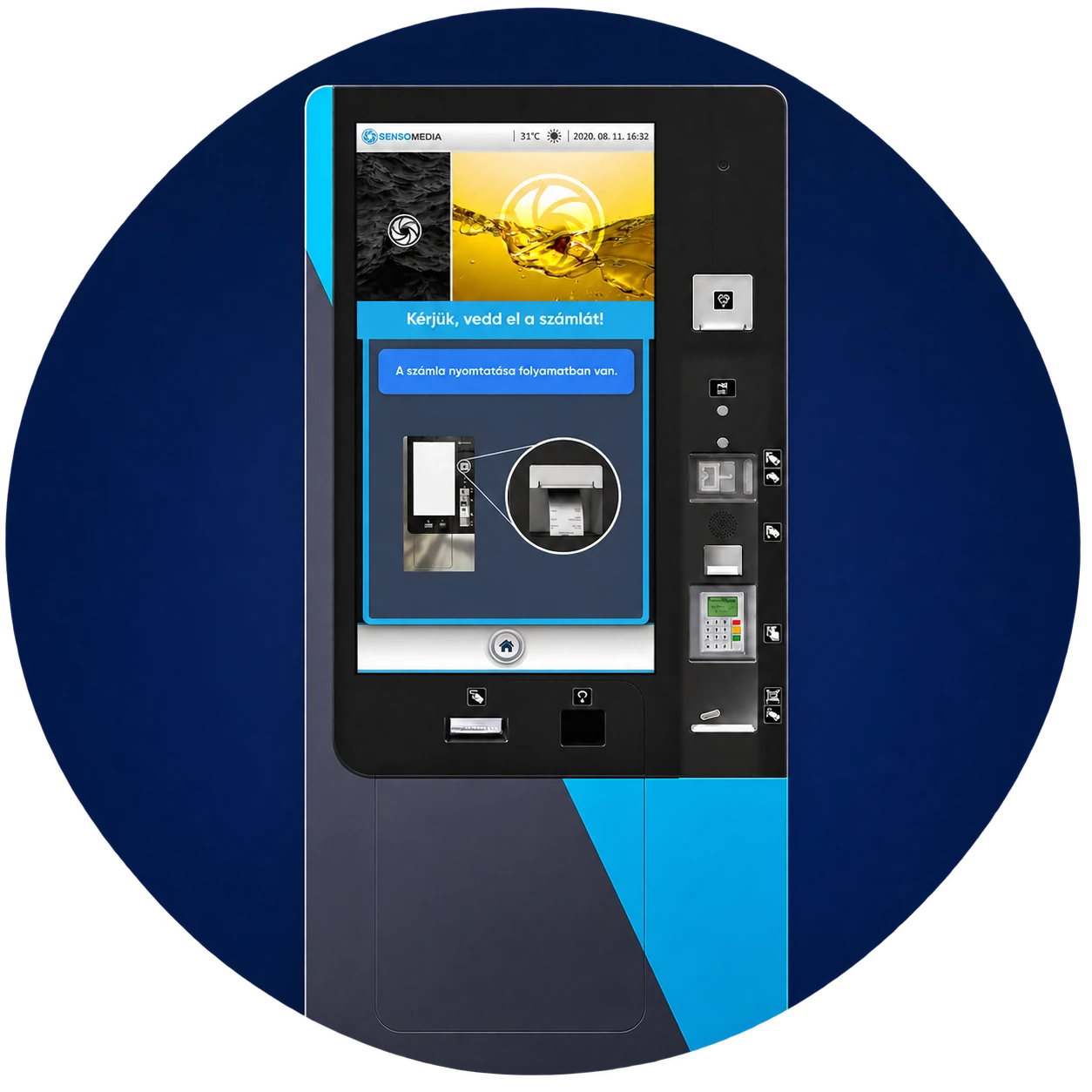
The customer chooses whether to receive a receipt or an invoice for the fuel purchase. If an invoice is required, they enter the billing details. The system issues the selected document once refuelling is complete.

7. Begin dispensing fuel

7. Begin dispensing fuel

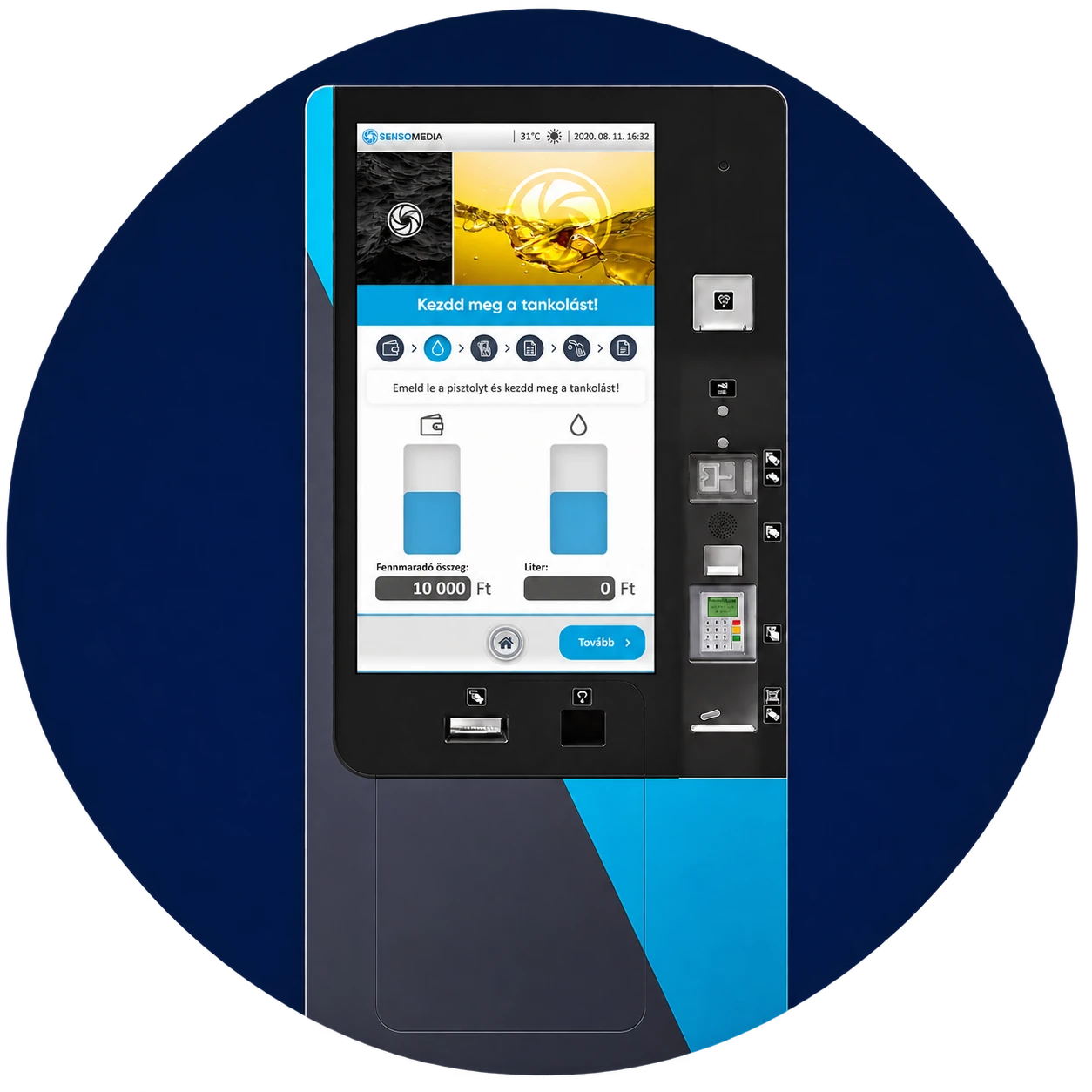
Following successful payment, the system authorises the selected pump. During refuelling, the terminal maintains communication with the pump and displays progress, including the quantity dispensed and the remaining amount.

8. Complete refuelling

8. Complete refuelling

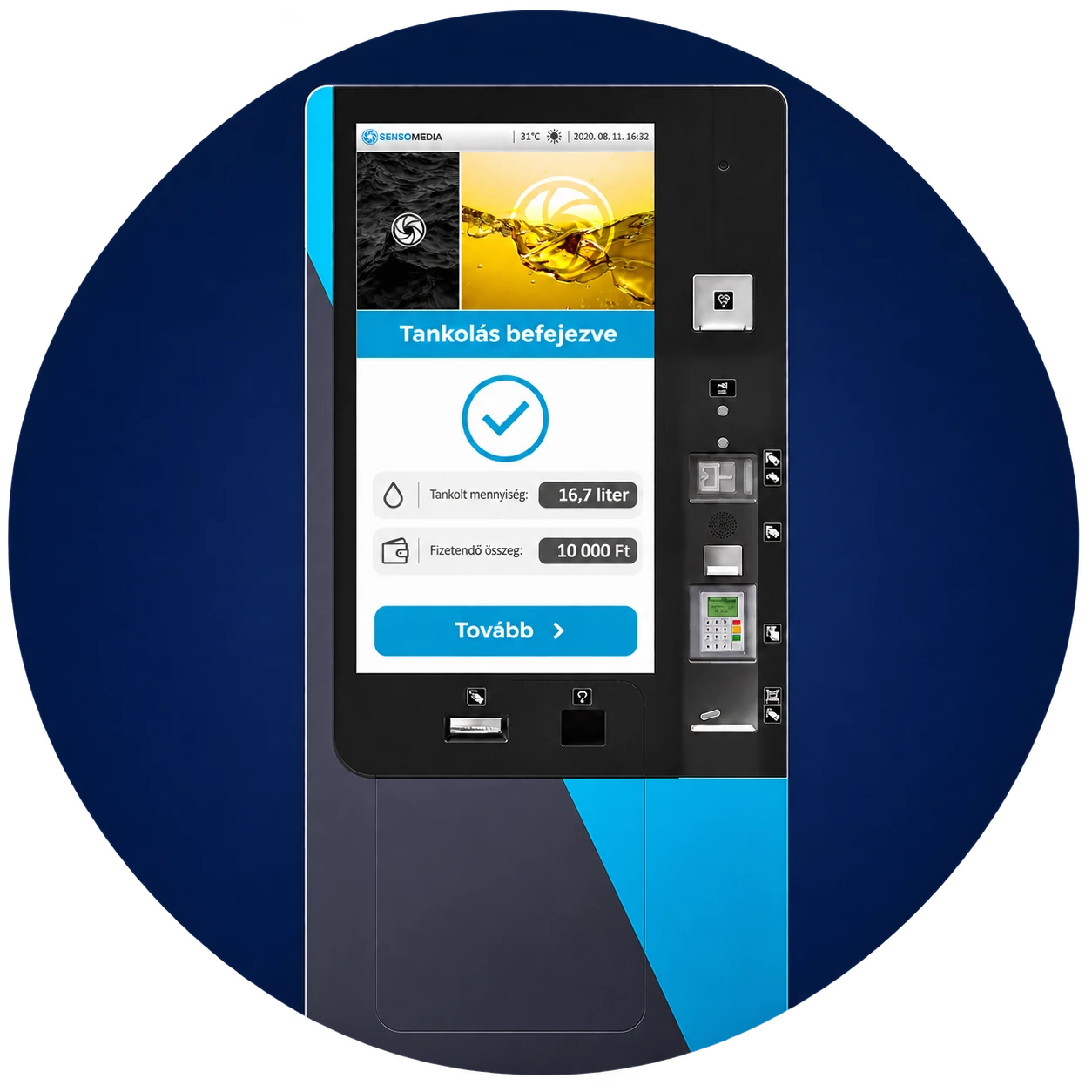
The system automatically ends refuelling when the specified amount is reached. If customers stop sooner, the transaction is completed for the actual fuel quantity. Refuelling can be stopped at any time by returning the nozzle to the pump. SENSO AllPay does not charge the unused balance for card transactions; for cash purchases, it returns the balance as change or an overpayment voucher.

9. Settle the remaining balance

9. Settle the remaining balance

If the actual fuel cost is lower than the amount selected in advance, the system settles the difference. Card payments are charged only for the fuel dispensed. For cash payments, the installed modules determine whether change or a credit voucher is issued.

10. Issue a receipt or invoice

10. Issue a receipt or invoice

Customers can request a receipt or invoice. After a tax number is entered, company invoicing details can be completed automatically if the company has previously requested an invoice at an AllPay terminal. While printing the selected document, the software forwards the required data to Hungary’s NAV tax authority and records the process outcome and transaction data in the online back-end system.

Online Back Office

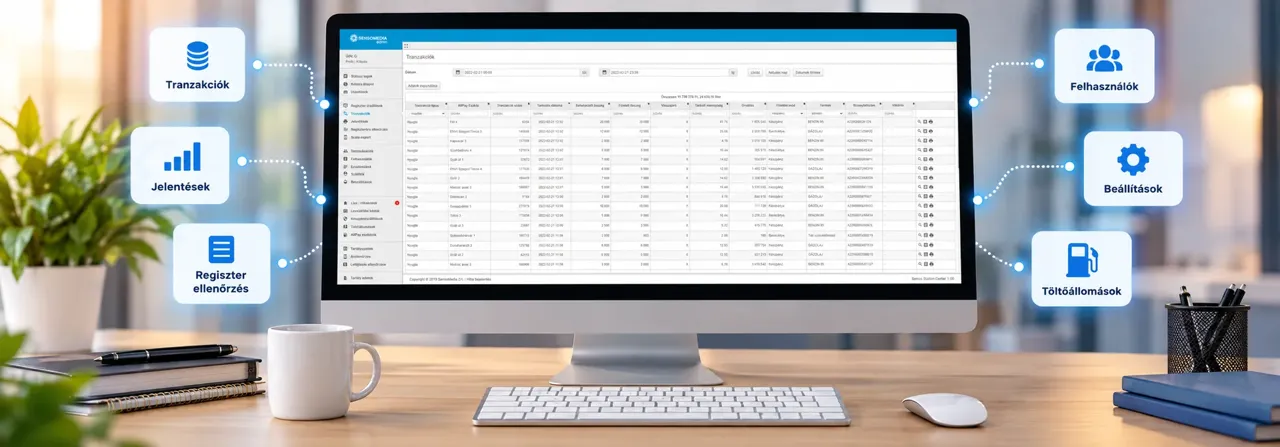
AllPay’s online Back Office provides central monitoring and management of payment terminals and automated sales points. Operators can track device status in real time, change operational settings and access transactions and sales data through the web interface.

The system is particularly beneficial for networks with multiple filling stations or large terminal fleets: individual sales points can be managed centrally, including in groups.

Central management of the entire payment terminal network
Remote access and device control

Remote access and device control

AllPay Back Office allows remote monitoring of terminal operation and control of selected functions.

Real-time device information lets operators check performance without a site visit. Payment terminals can be restarted remotely when needed, and software updates can also be deployed remotely.

This enables faster troubleshooting and simpler operations.

Automatic status monitoring and notifications

Automatic status monitoring and notifications

Back Office continuously monitors key operational parameters of terminals and sales points and can send automatic notifications when predefined conditions occur.

The system can monitor, among other things:

  • fuel tank levels,
  • payment terminal cash storage levels,
  • printer paper levels,
  • and other device conditions relevant to operations.

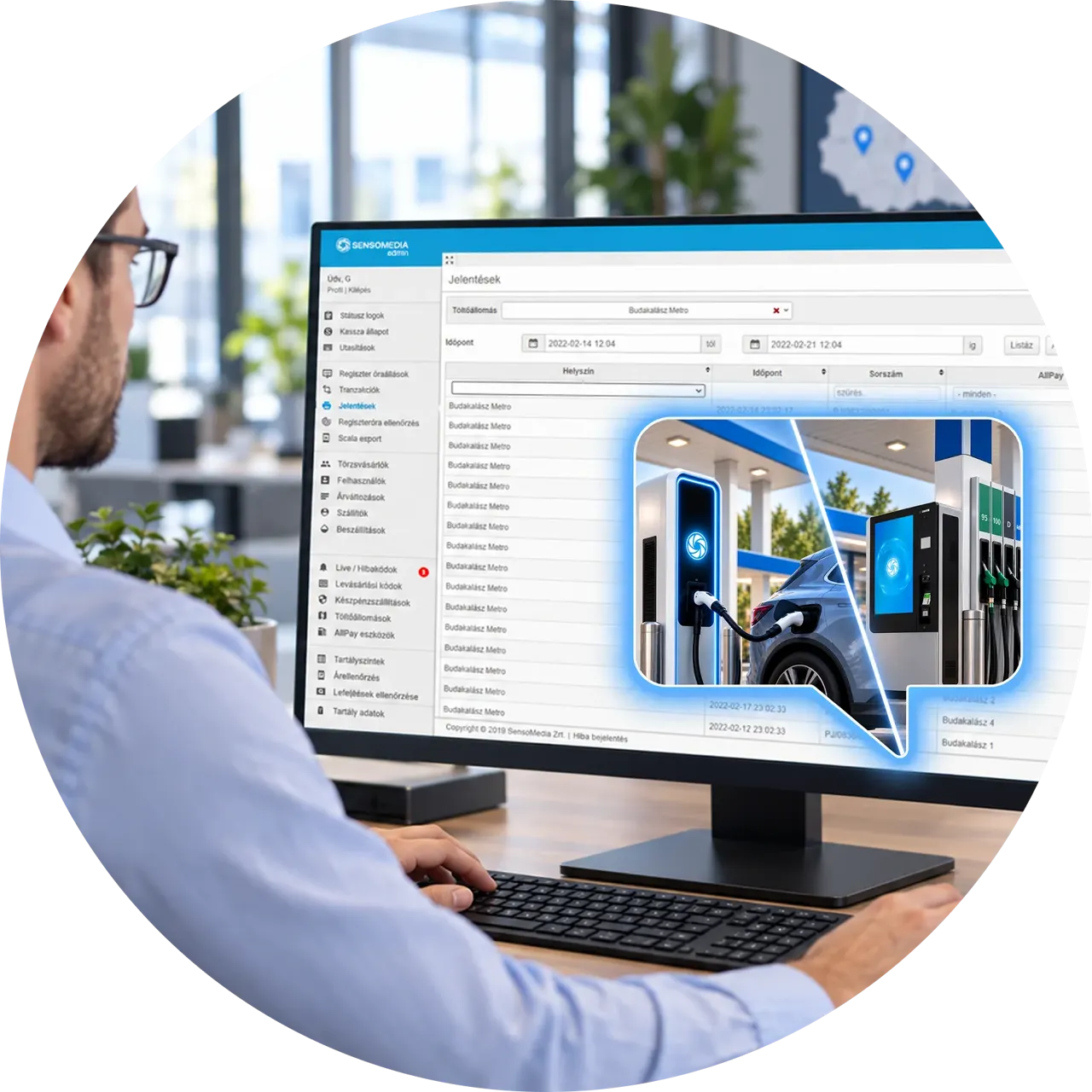
Transaction data are stored in a searchable form so that every sale and associated payment can be reviewed later.

Manage sales points in groups

Manage sales points in groups

In larger terminal fleets, sales points can be managed individually or in groups.

Operators can create device groups by filling station, region, network or other criteria and centrally manage their data, settings and operation.

Group management simplifies daily operation of larger networks and tasks affecting multiple sales points.

Remote fuel price management

Remote fuel price management

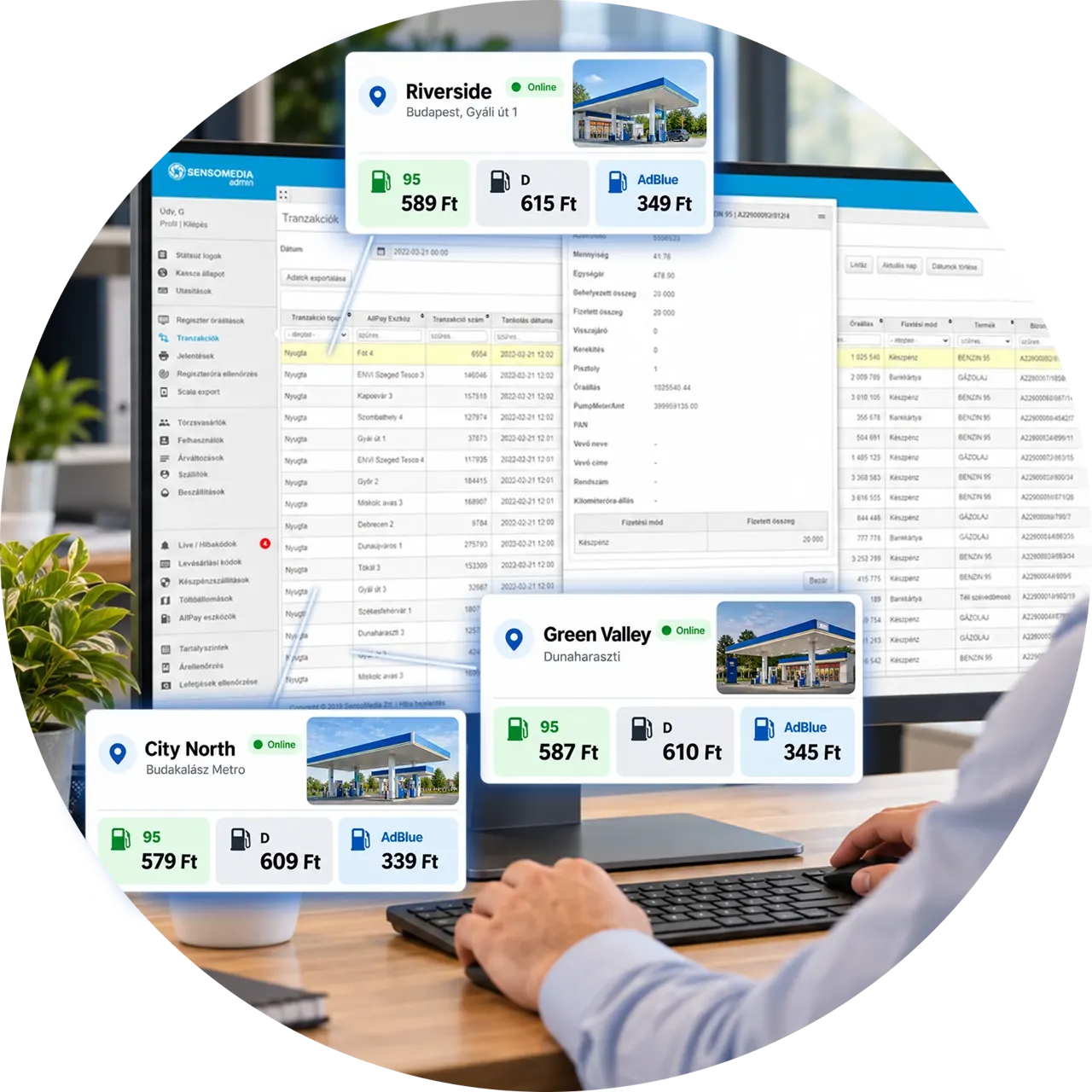
AllPay Back Office allows fuel prices to be changed centrally and remotely.

Prices can be set across the entire network or separately for individual stations, eliminating the need to update each terminal or location manually.

Manage advertising content and playlists

Manage advertising content and playlists

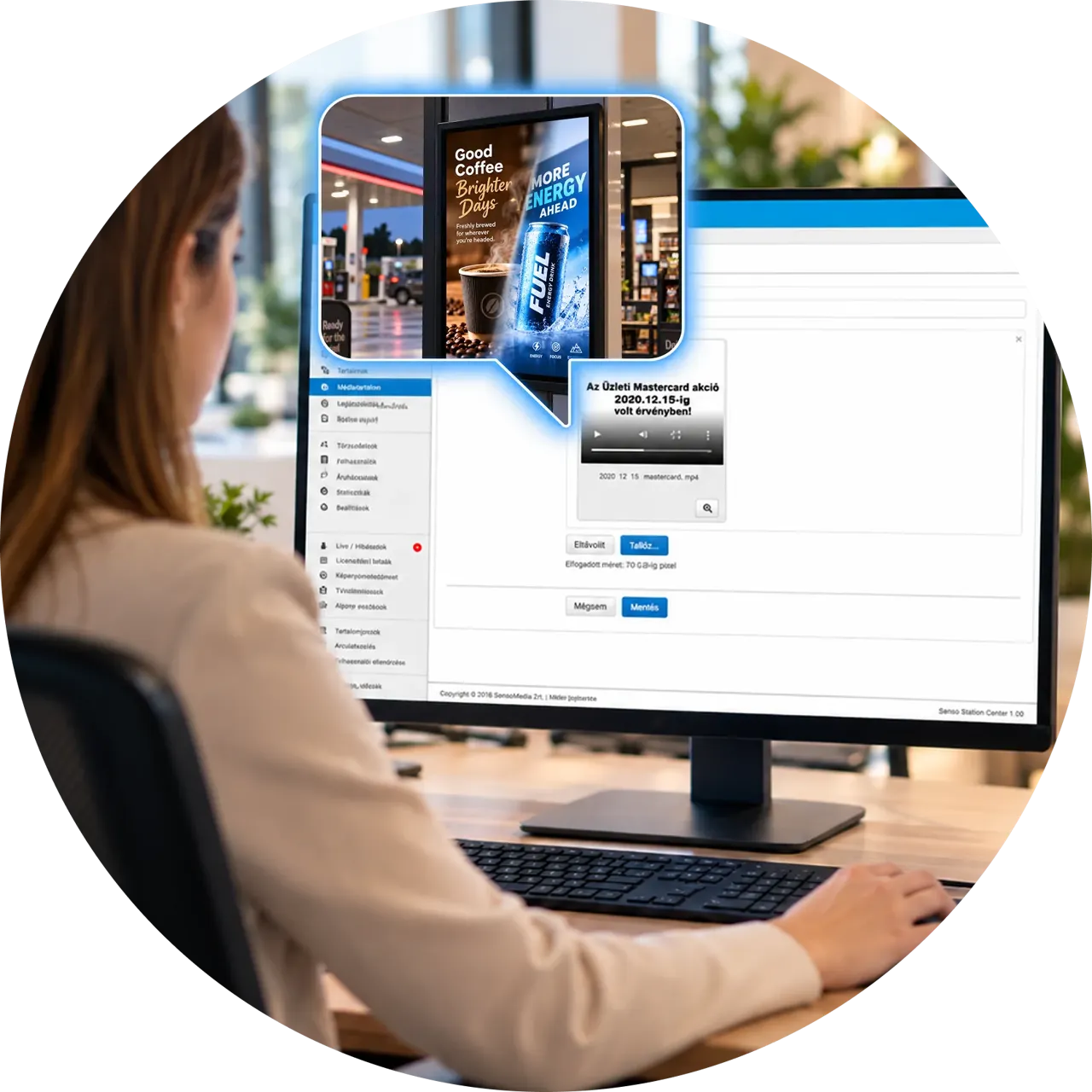
The AllPay payment terminal interface includes a dedicated advertising area, allowing advertising and other visual content to appear at suitable points in the purchasing journey.

Advertising is managed through the online Back Office. Uploaded content can be arranged into editable playlists and assigned to selected payment terminals or device groups.

Campaign content and presentation can therefore be managed centrally across the entire network or at selected sales points.

Statistics and reports

Statistics and reports

Back Office enables detailed analysis of automated sales data. Statistics and reports can cover any selected period and be generated for an individual terminal, a device group or the entire automated sales network.
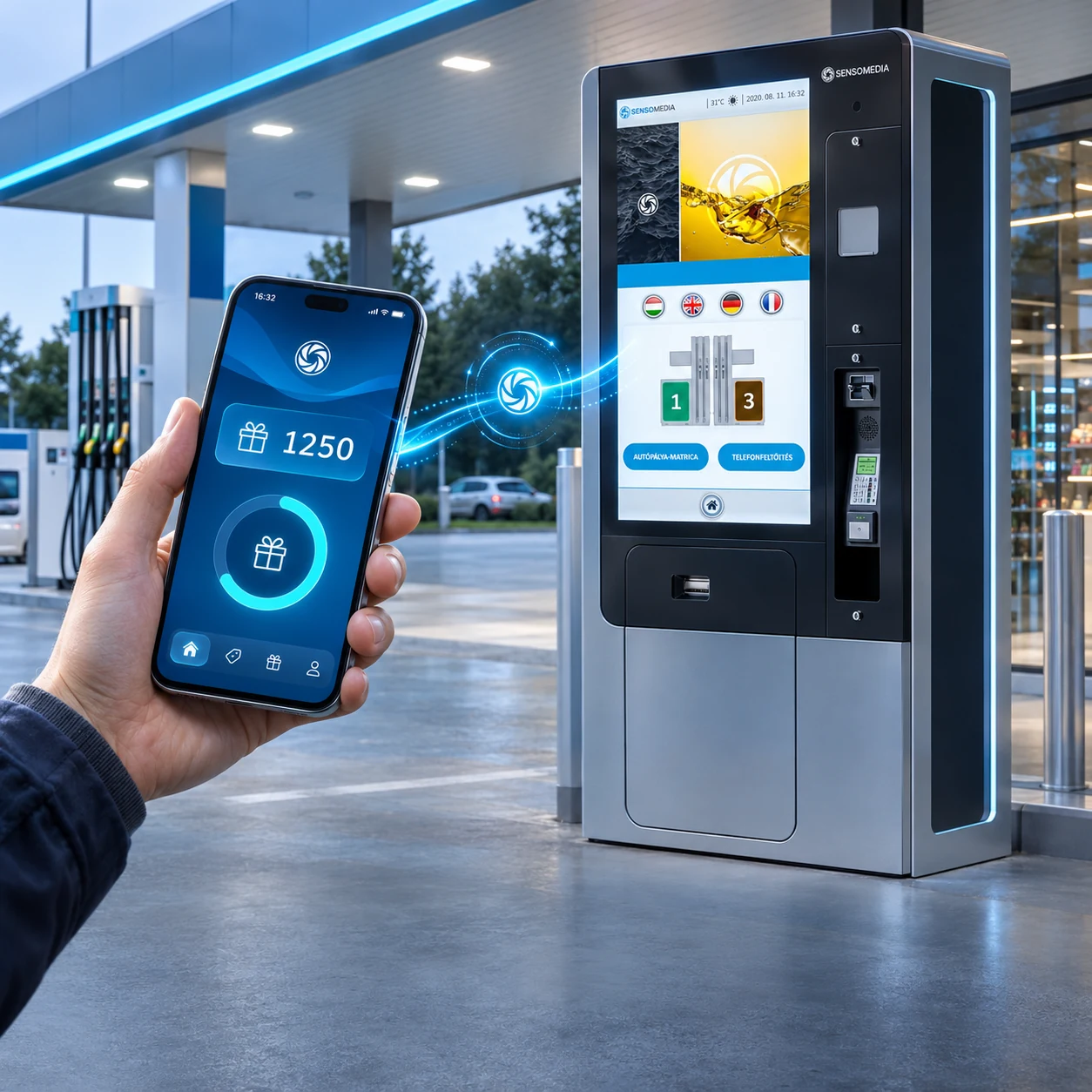
Available data help track sales trends, transactions and the performance of individual sales points.
Back Office therefore supports daily terminal operations while providing clear data for analysing network performance.

Hardware and software integrations

The payment terminal operates as part of the filling station system

A key AllPay benefit is that the terminal does not operate in isolation. Suitable integrations coordinate self-service fuel sales with the station’s existing systems.

POS system integration

POS system integration

AllPay integrates with a wide range of POS systems used in Hungary. We already have established integrations with approximately 20 POS systems.

Integration allows the terminal to function as an independent sales point connected to the station’s system.

Transaction data can be forwarded automatically to:

  • the POS system,
  • relevant regulatory systems,
  • the AllPay online Back Office,
  • and other back-end systems configured for the project.

Sales completed at the terminal therefore require no separate manual entry.

Fuel pump communication

Fuel pump communication

AllPay supports several widely used fuel pump communication protocols.

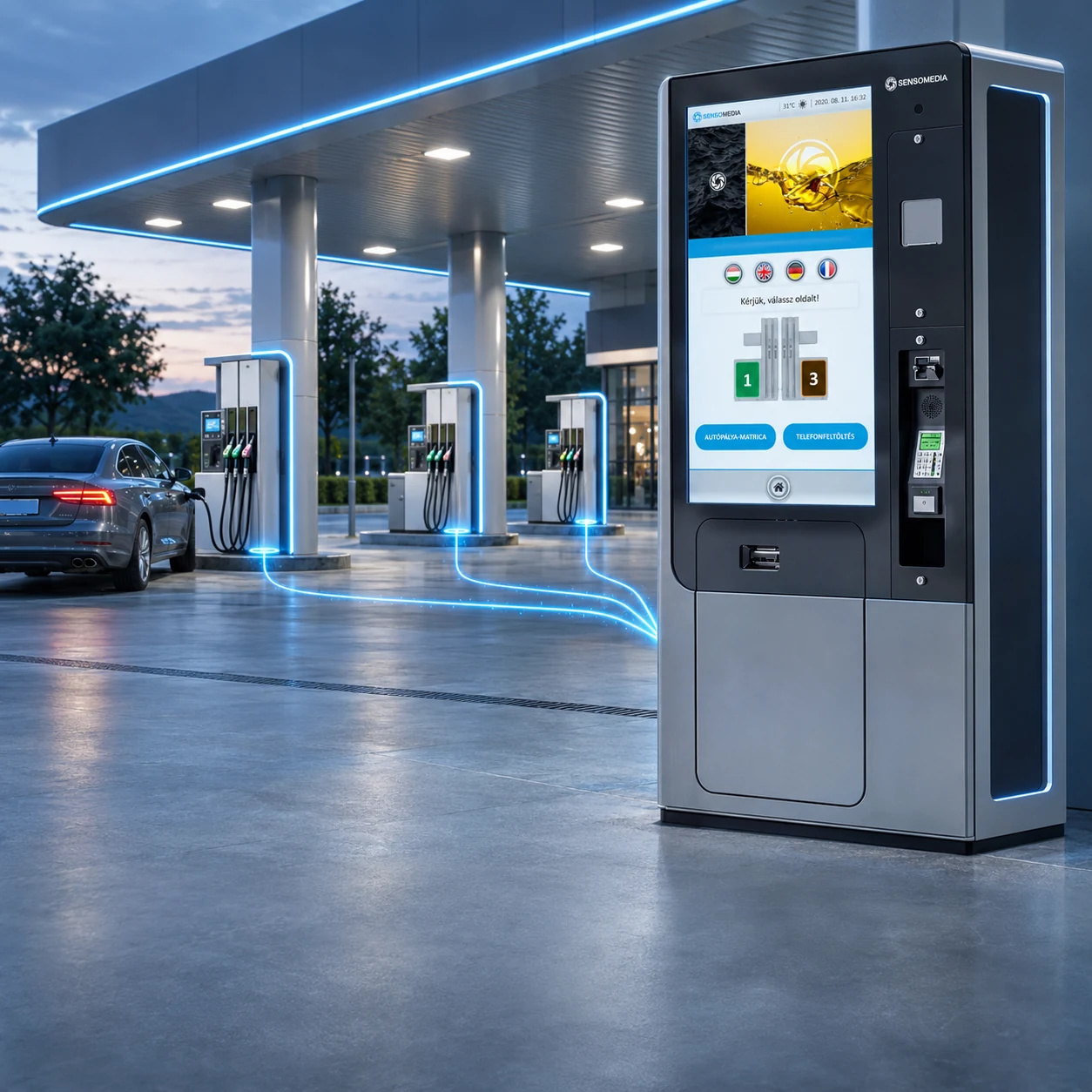
The terminal uses these protocols to communicate with pumps, query their status, select the pump for a sale and receive and process refuelling data.

The solution can manage multiple fuel pumps, allowing one payment terminal to support self-service sales at several pumps. AllPay and AllPay Lite also support simultaneous control of multiple pumps.

Payment systems

Payment systems

The terminal software works with installed payment modules to process customer payments.

Depending on its configuration, the terminal can support:

  • card payments,
  • contactless card payments,
  • PIN-based payments,
  • banknote payments,
  • banknote and coin payments,
  • cash change dispensing.

Payment options depend on more than software: the terminal’s hardware configuration and installed payment modules determine which functions are available.

Fuel card systems

Fuel card systems

AllPay software can also integrate with existing fuel card systems.

Corporate customers and fleet partners can therefore use their existing fuel cards at self-service payment terminals.

Current integrations include DKV, UTA and Eurowag fuel card systems.

Integrated fuel card acceptance is especially useful for fleet partners, giving them access to unattended, round-the-clock refuelling.

Loyalty points systems

Loyalty points systems

AllPay can connect to loyalty points systems, making self-service refuelling part of a partner’s customer programme.

Depending on the integration, the system can support:

  • identification of loyalty programme members,
  • awarding points for refuelling,
  • forwarding purchase data to the loyalty system,
  • checking available points balances,
  • managing points-based discounts,
  • applying the partner’s specific points collection rules.

Available functions depend on the connected loyalty system and the partner’s programme rules. Required data connections and points collection conditions are agreed during implementation.

Bespoke integrations

Bespoke integrations

We adapt the AllPay software suite to each partner’s existing IT environment and individual business processes.

Data connections can be established with POS and enterprise management systems, invoicing solutions, mobile applications and other digital services.

Required interfaces and data flow directions are defined during assessment. Integration can support coordinated management of prices, product data, transactions and permissions.

Bespoke development aligns automated sales with the partner’s operations. Connecting existing systems can reduce duplicate data entry and enable new services.

Retrofit – Deployable on terminals from other manufacturers

Retrofit

Deployable on terminals from other manufacturers

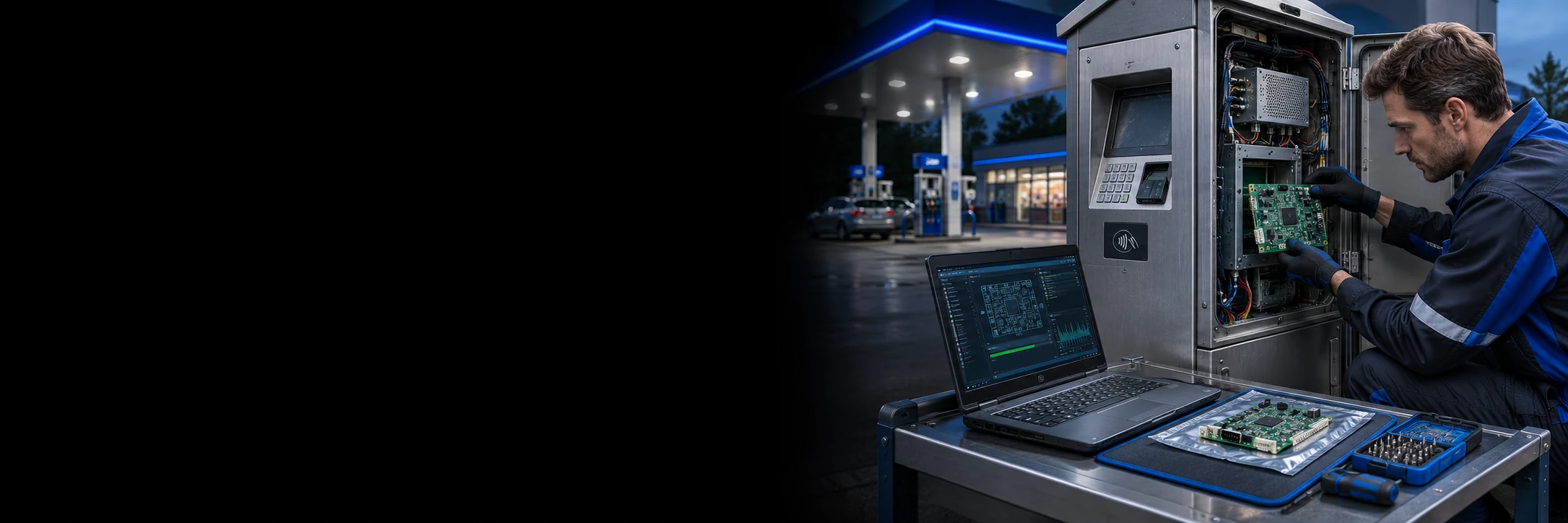
AllPay fuel sales software is not limited to payment terminals manufactured by SENSO-MEDIA.

Our retrofit service cost-effectively modernises payment terminals from other manufacturers so that they can run SENSO AllPay software.

Retrofitting upgrades an existing terminal fleet’s fuel sales system without replacing all the hardware.

We first assess existing terminal hardware, communication capabilities and connected station systems. We then define the hardware modifications needed for AllPay and install our software suite after the necessary refurbishment.

We operate the systems we develop.

Long-term monitoring, support and maintenance are planned with service levels suited to the installed environment.

Our SLA service packages
Proprietary AllPay terminals designed for our software ecosystem

Our premium fuel payment terminals

Proprietary AllPay payment terminals designed for our software environment

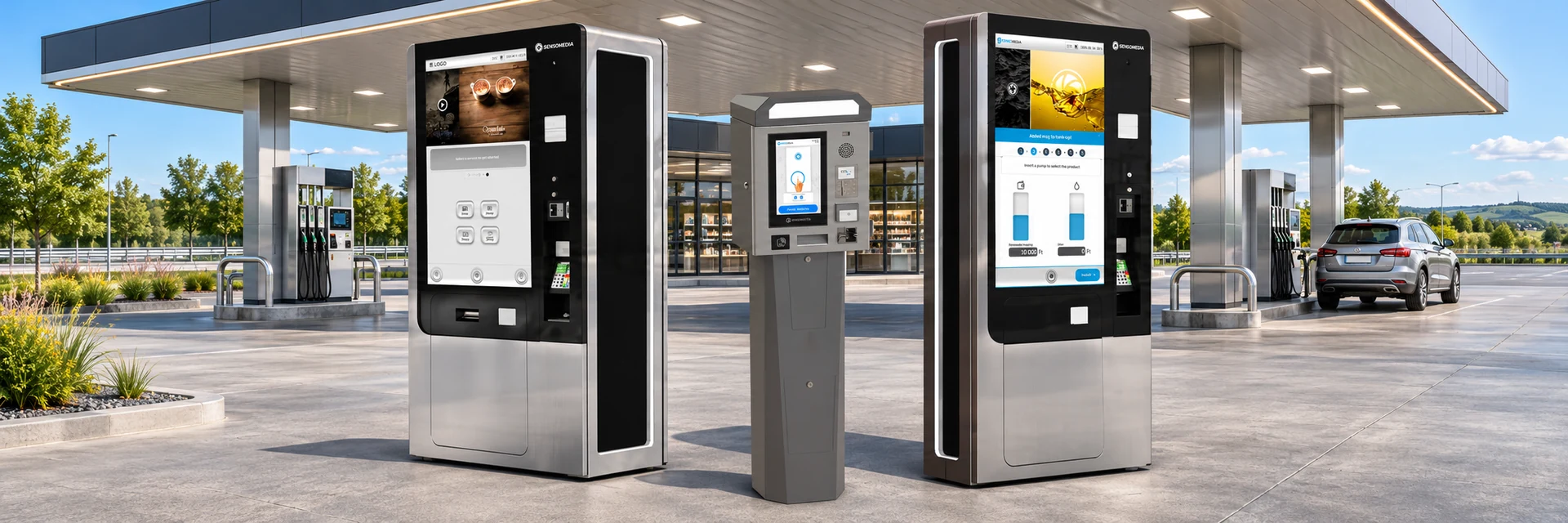
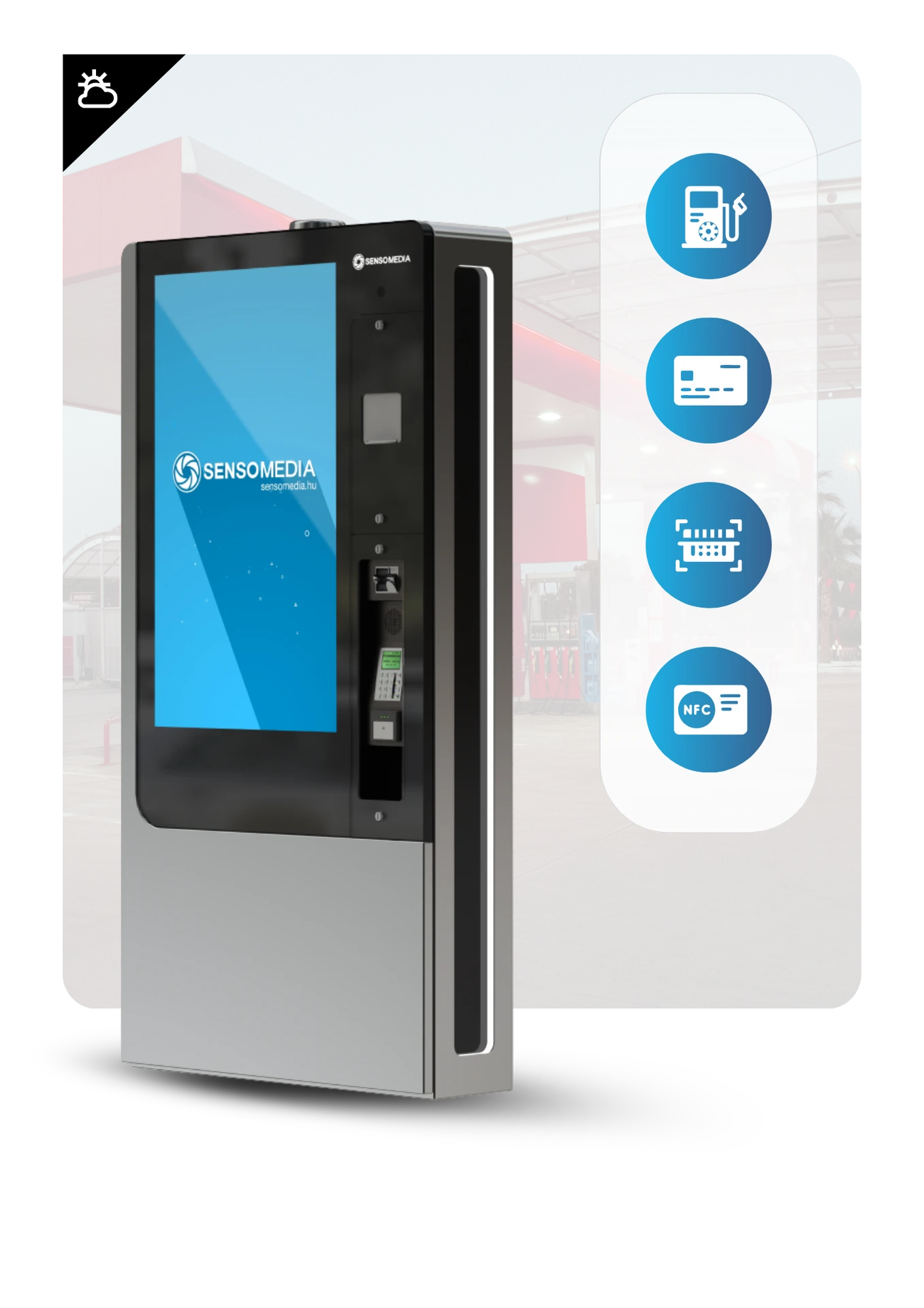
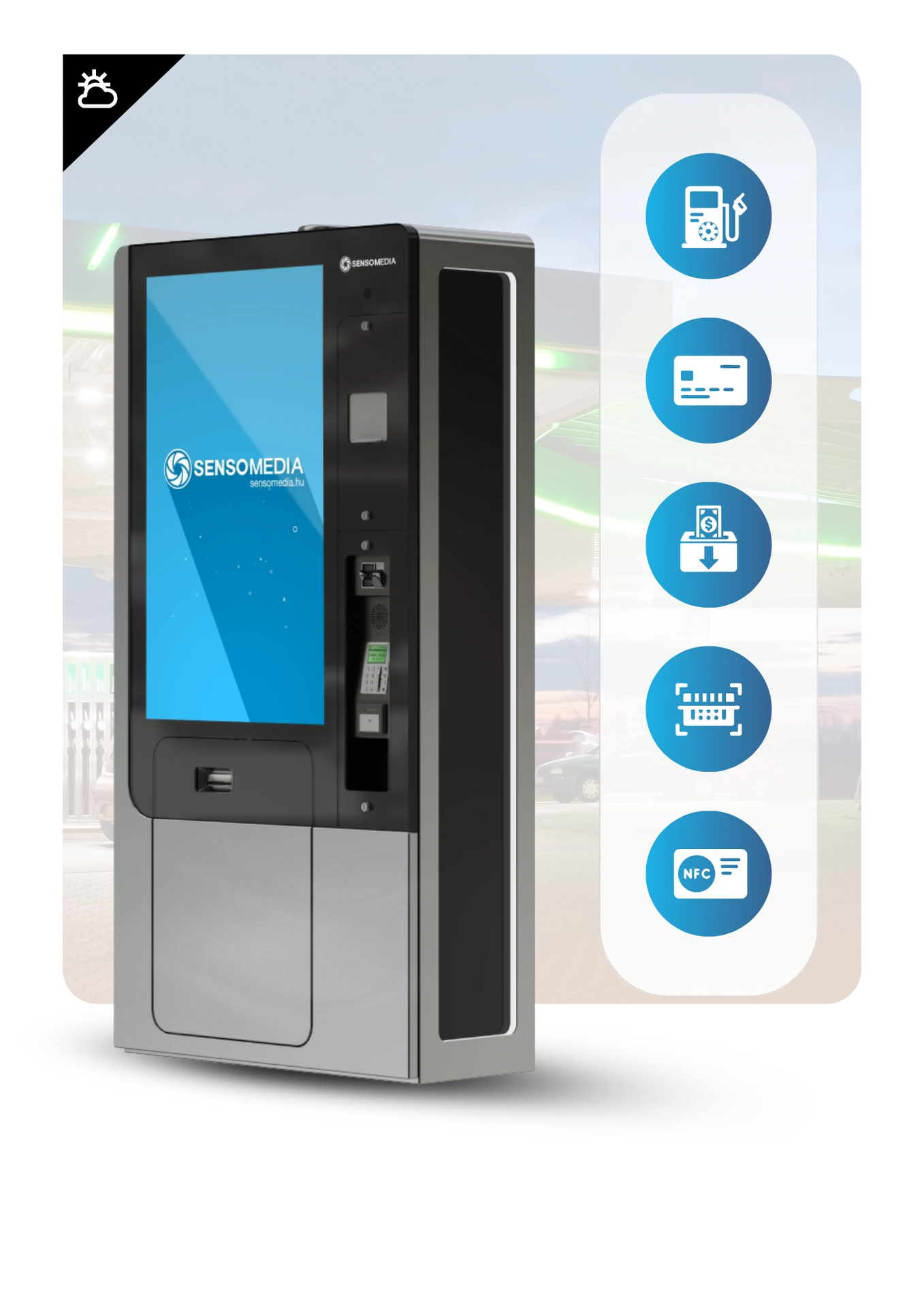
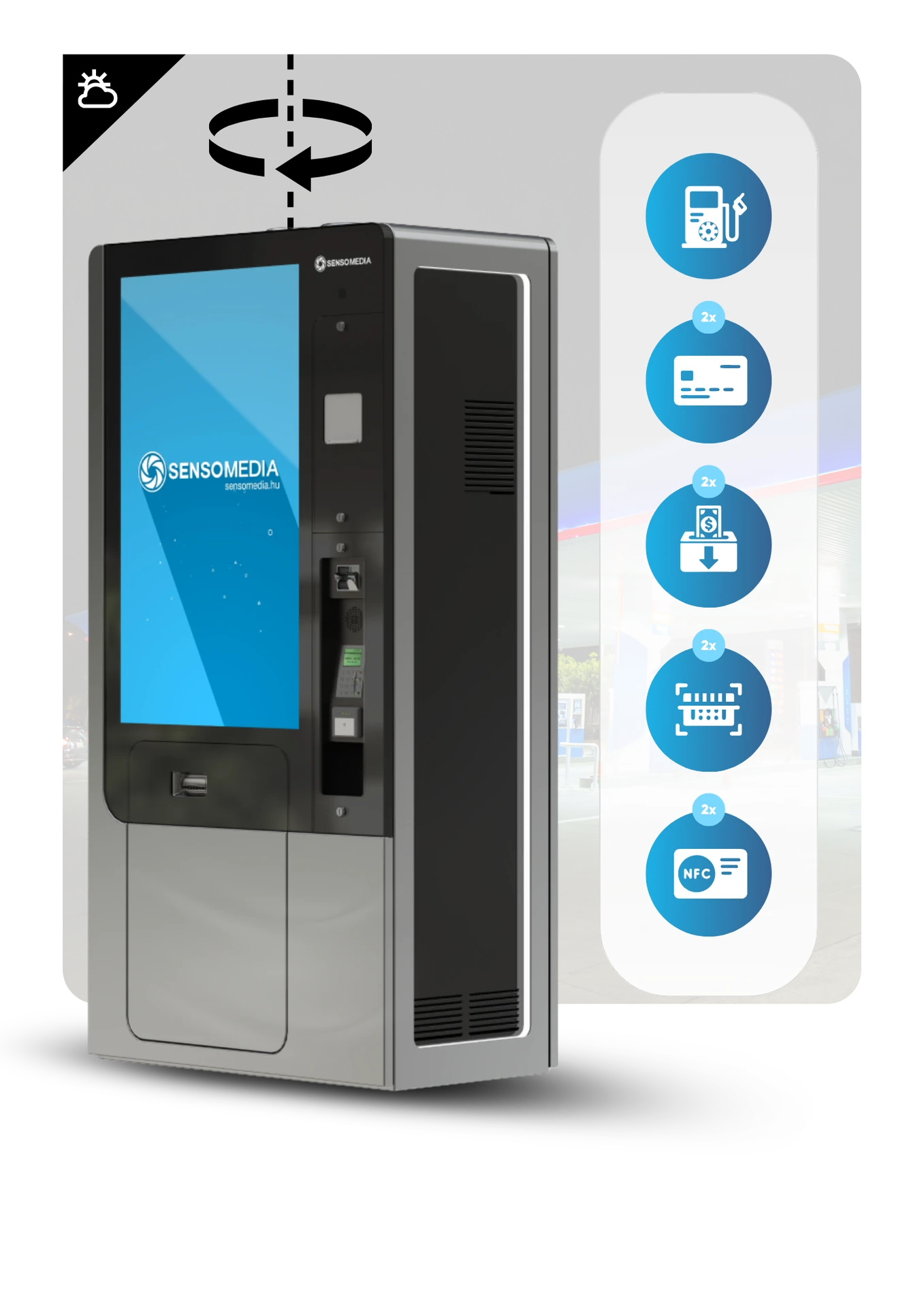
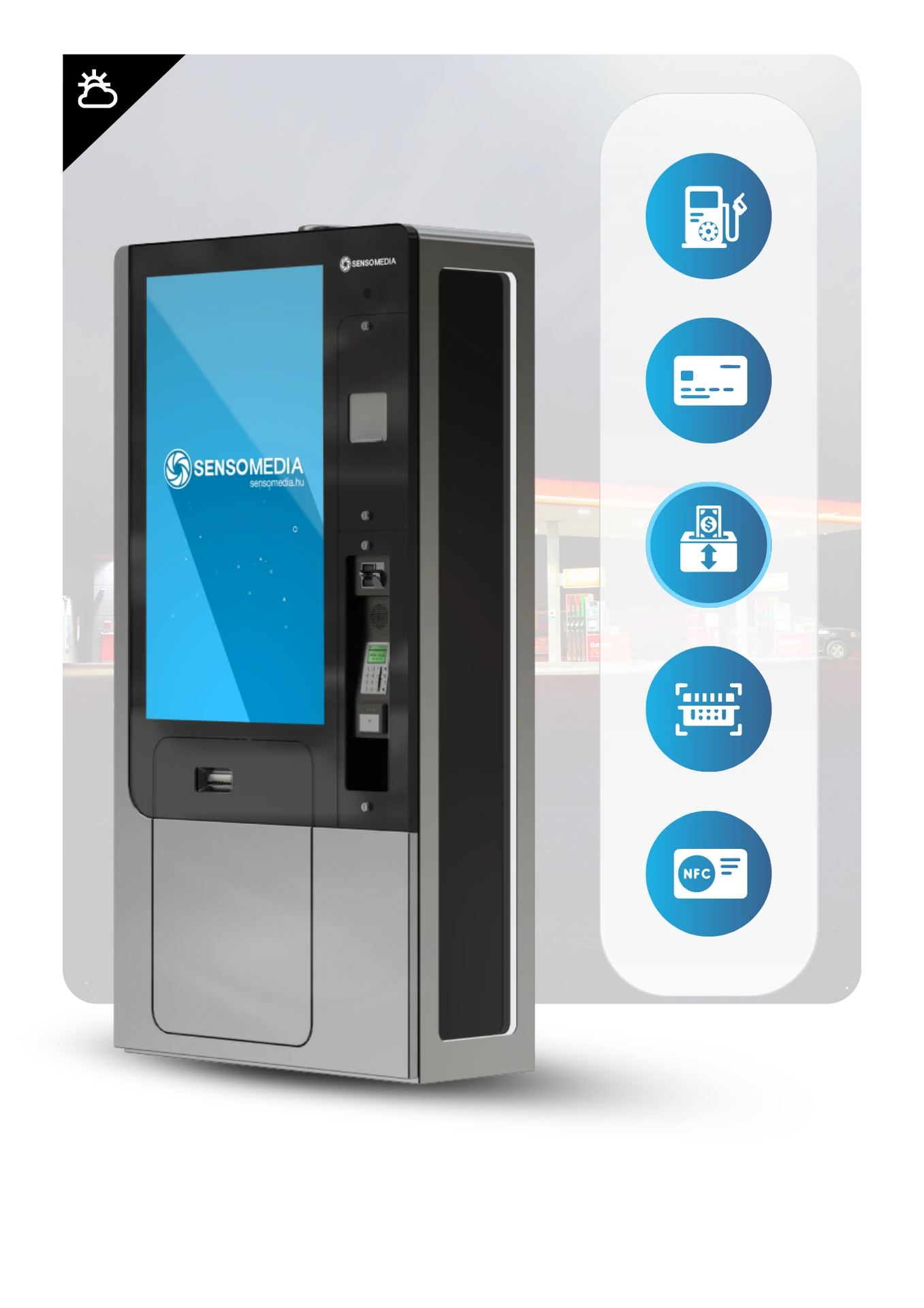
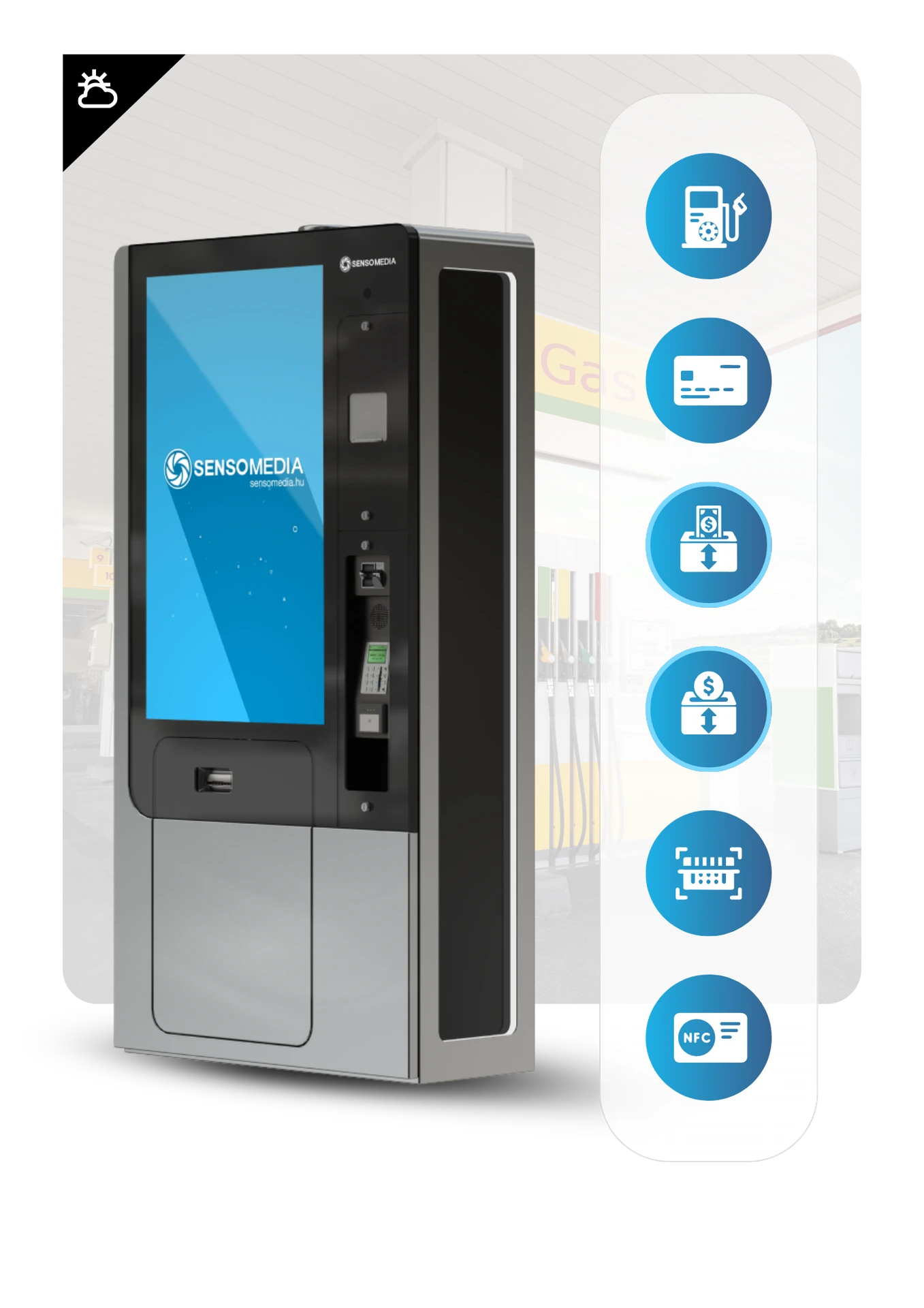
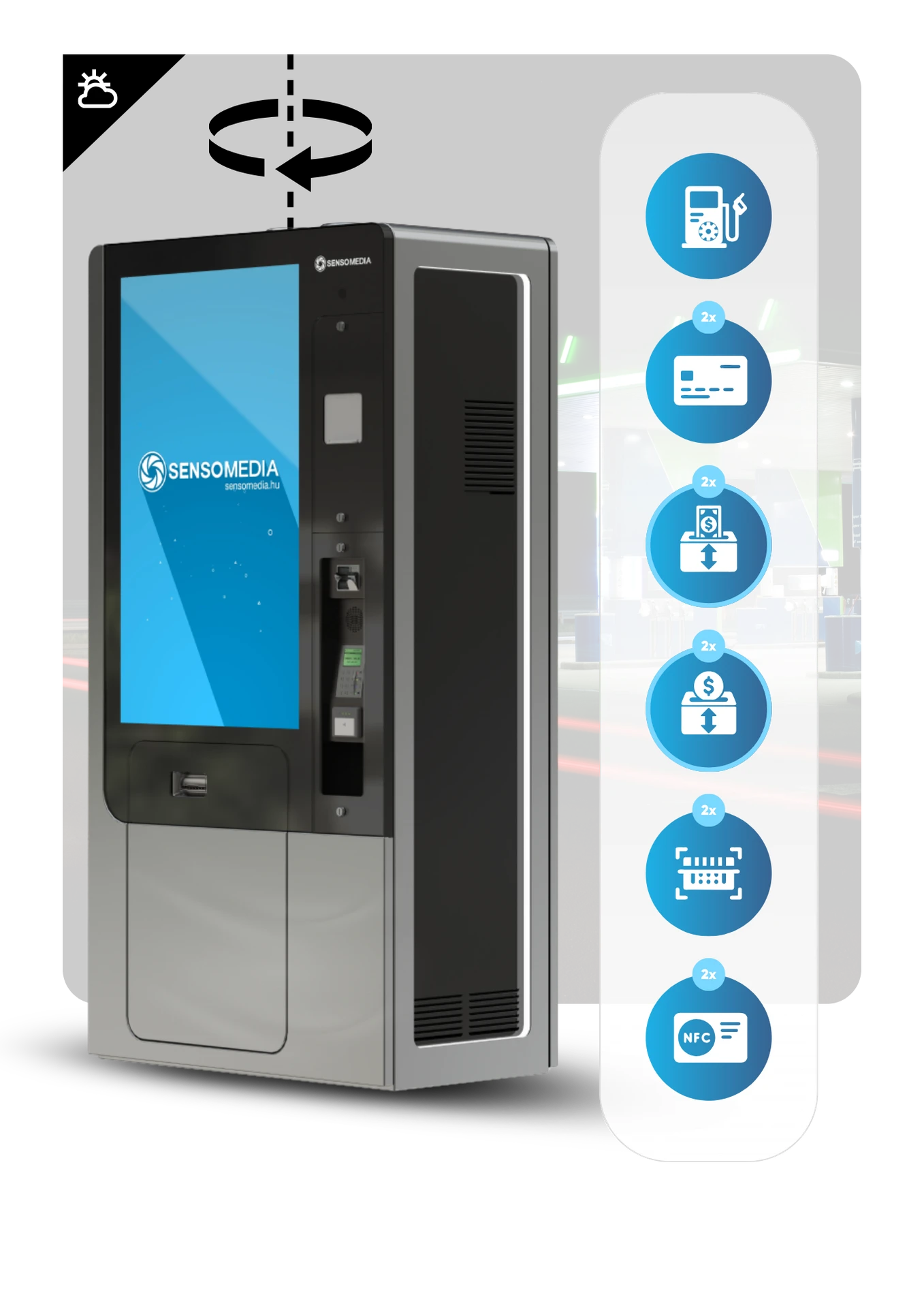
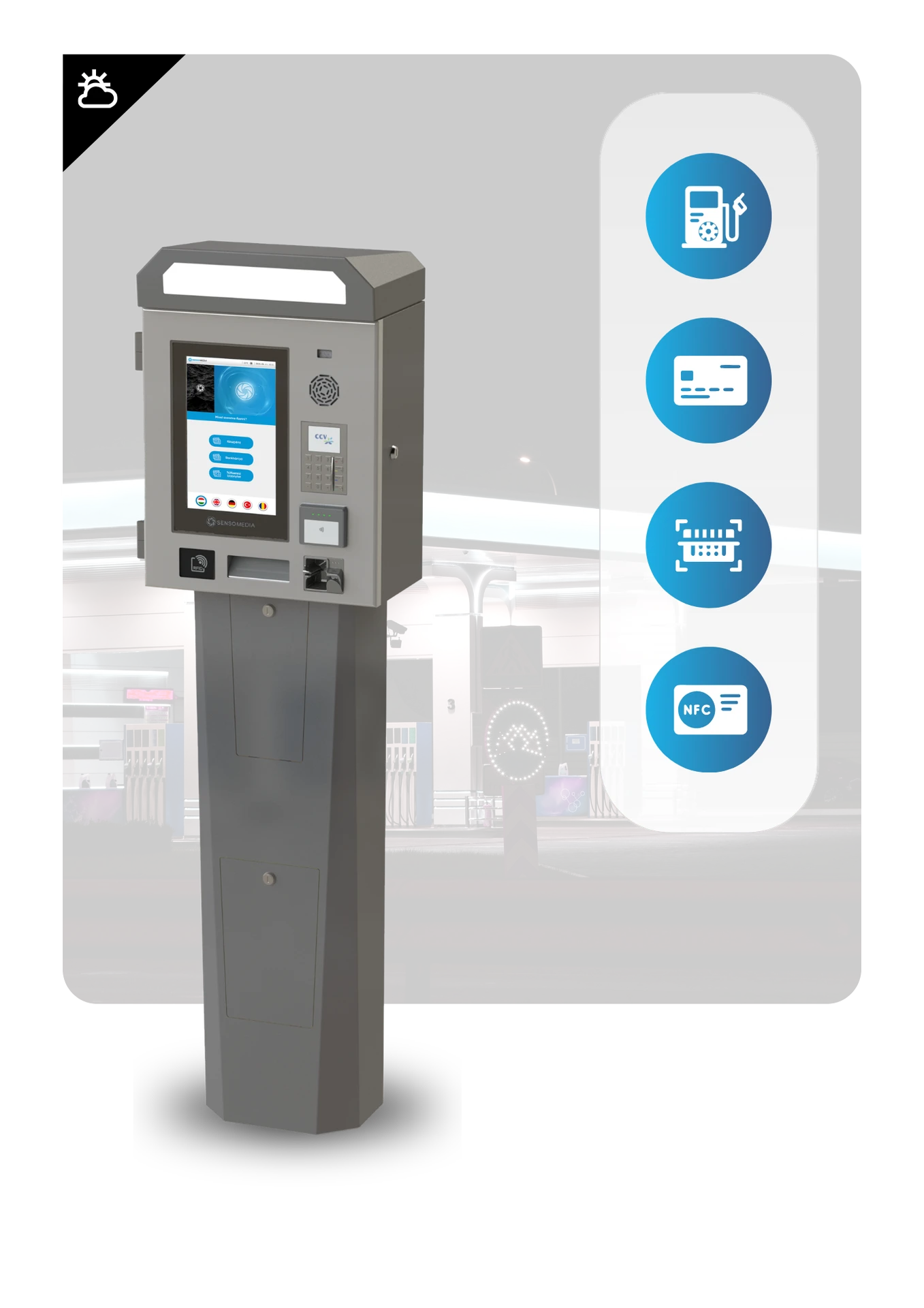
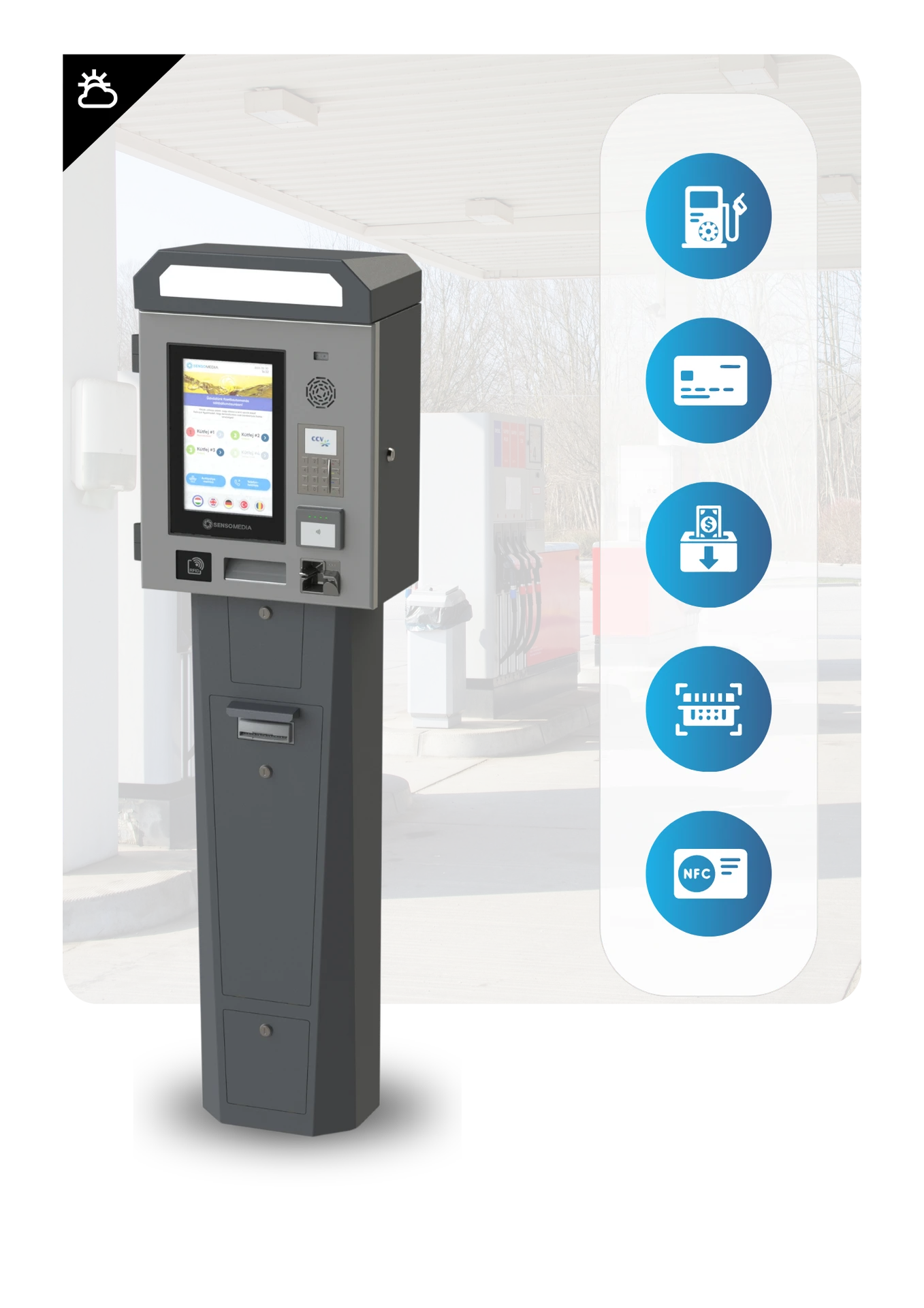
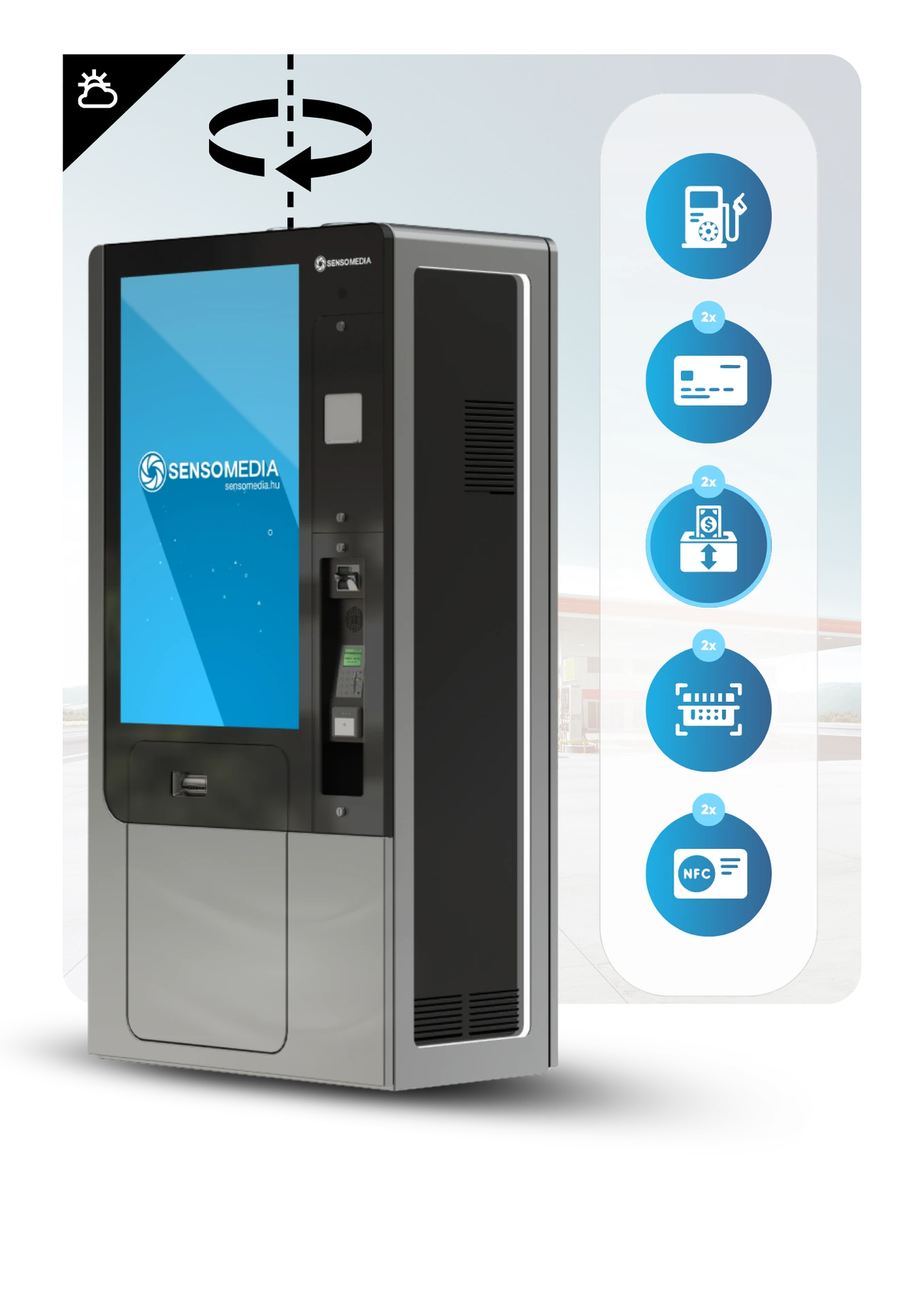
SENSO-MEDIA also designs and manufactures its own AllPay payment terminals, with hardware and software developed in close coordination.

At our Budapest hardware facility, we manufacture fuel payment terminals whose AllPay software environment is designed around the hardware’s capabilities from the outset.

Different hardware configurations adapt the terminal to the station’s traffic and payment requirements. The range includes premium terminals with large touchscreens as well as smaller, more cost-effective solutions.

Our own AllPay terminals and software suite form an integrated system in which terminals, pumps, payment modules, POS and the online back-end operate as one fully coordinated sales process.

Albert

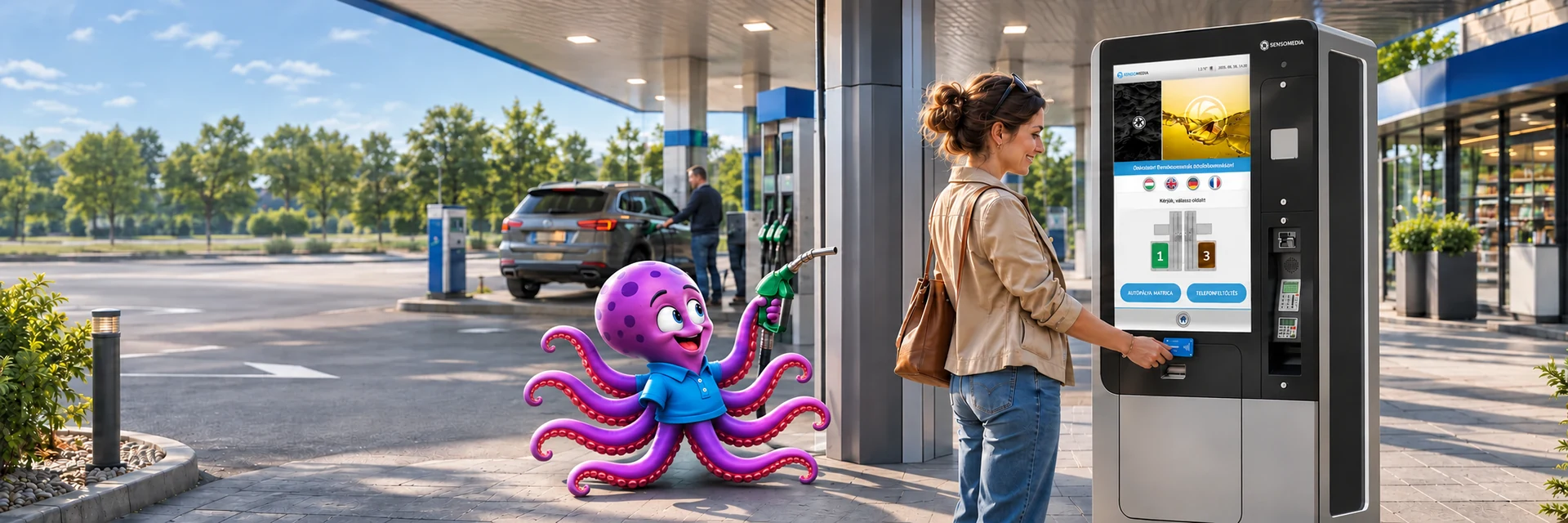
Albert the octopus

the Senso Group mascot

Albert the octopus is the Senso Group’s mascot, representing the group’s diversity. His eight arms illustrate its varied yet interconnected capabilities and business areas. Each arm can also represent an independent system that addresses everyday tasks and business challenges across several industries. Deployed together and connected through data, these systems enhance one another’s value, enabling further automation, clearer operations and greater efficiency. Albert is a curious, helpful problem-solver. The octopus’s adaptability and ability to regenerate offer a friendly parallel with Senso’s flexible, forward-looking approach.

Meet Albert!

Cookies: your choice

Necessary cookies keep the site working and remember your choices. With your permission we measure traffic sources and popular pages. External analytics, marketing measurement and embedded content are separate choices. Cookie notice · Privacy notice