Mobile application and embeddable service interface
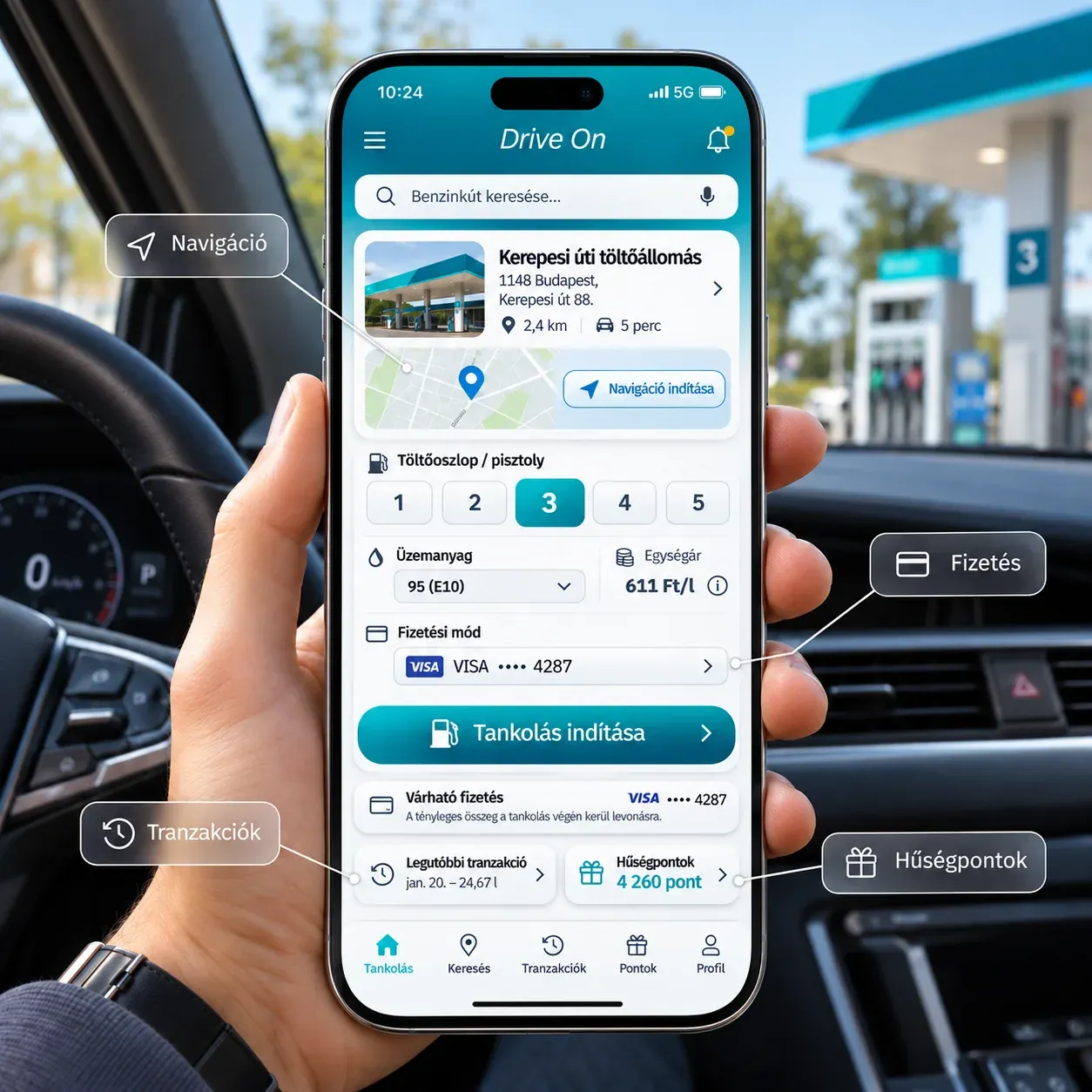
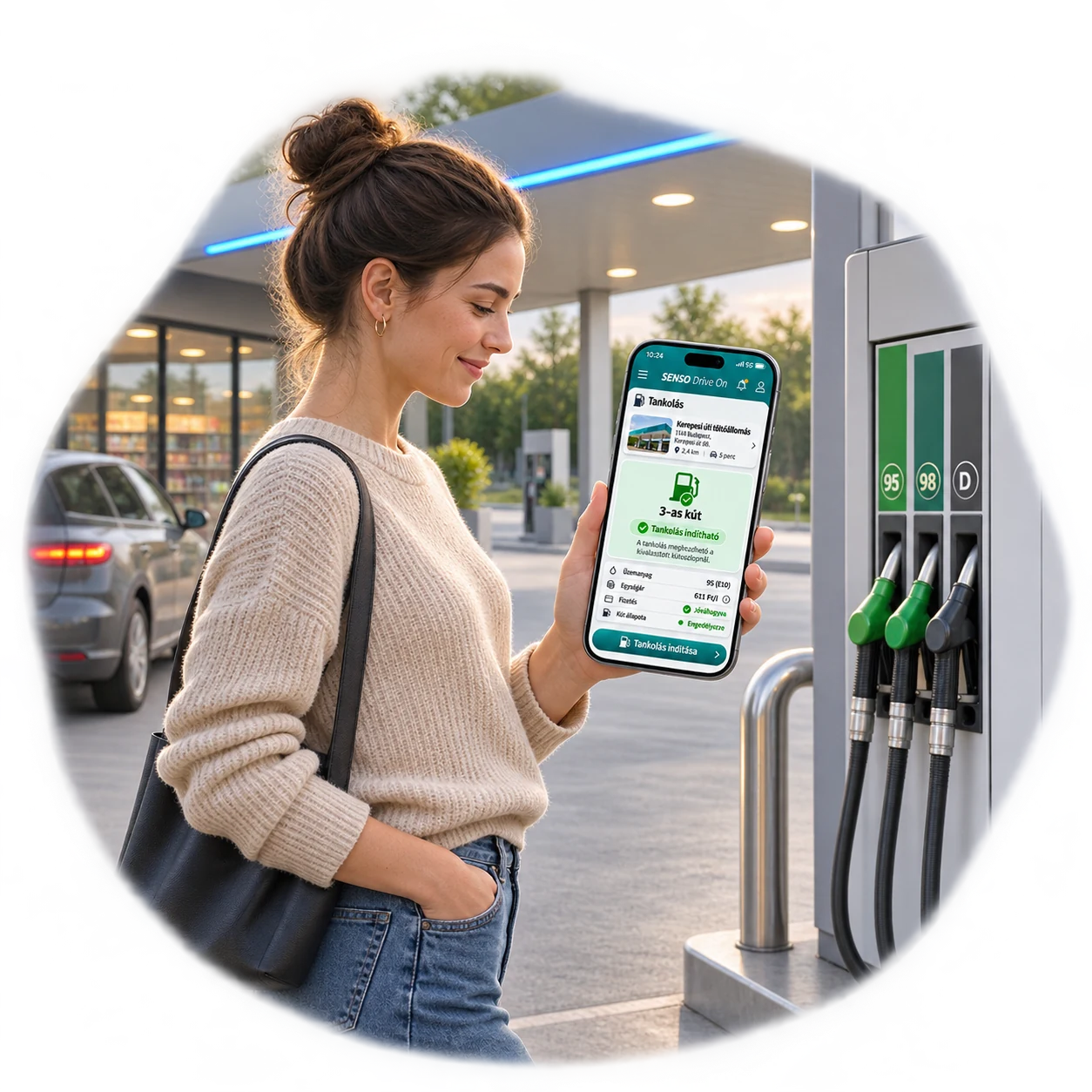
Users find stations, navigate and start refuelling at the appropriate pump. Payments, transaction history and loyalty points can share one mobile interface.
 Let’s talk!
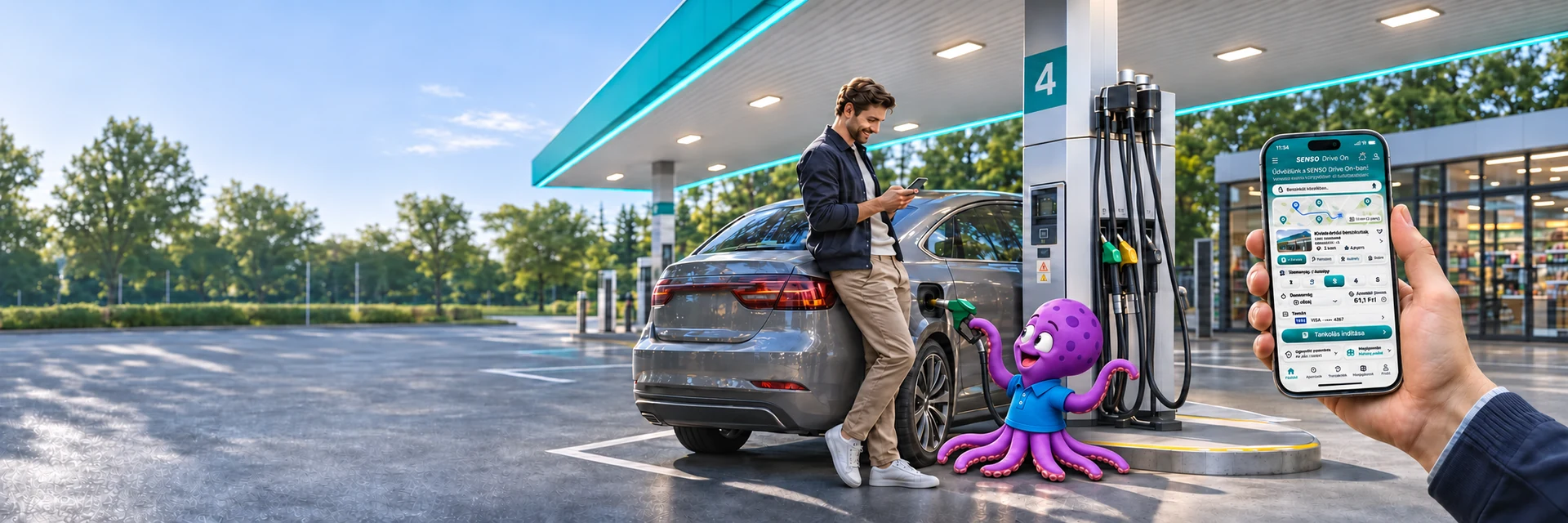
Refuelling and related services directly from your phone
SENSO Drive ON makes filling stations and mobility services accessible by phone. The platform connects station search, navigation, refuelling activation and payment, with parking and other services available as additions.
It can operate as a standalone app or as a service embedded in another application. SENSO Connect compatibility makes mobile refuelling part of a broader service offering.
The central back-end automatically imports fuel prices from the POS system and displays them in administration. It also supports central pricing, content and offer management, and tank level and sales tracking using connected station data.
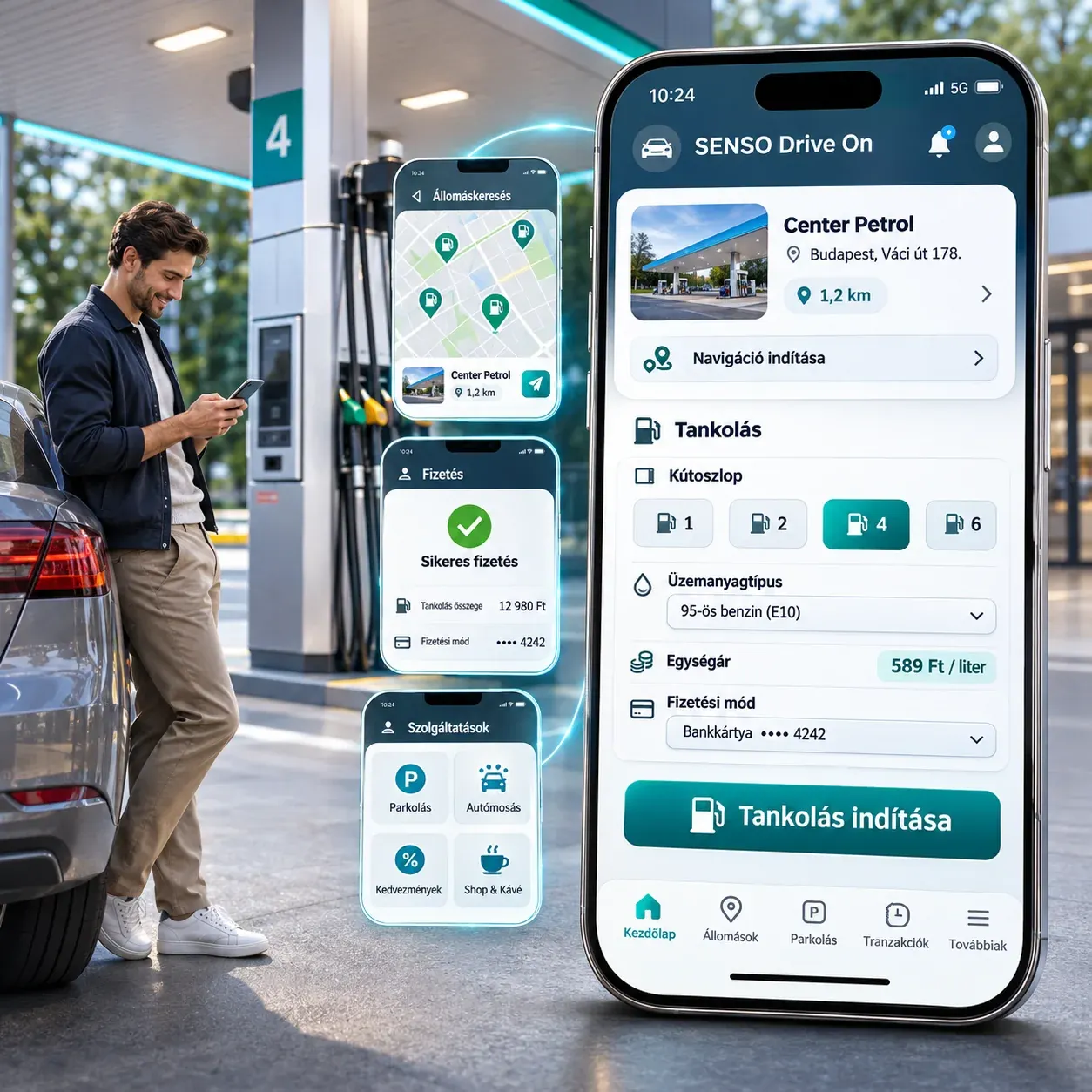
We design the user interface and operational tasks as a coordinated system, choosing a deployment configuration suited to business objectives and site conditions.
A suitably integrated pump can be authorised from the user’s phone.
Prices update from the POS system and appear in administration.
A dedicated app or functions embedded in another app can be developed.
Headless AllPay connects stations without a payment-module terminal.
Refuelling settlement connects to the integrated payment service.

Content and offers can be managed by network, group or sales point.
Parking, motorway vignettes and other services can connect to the platform.
Connected software components provide user functions and back-end processes.
Users find stations, navigate and start refuelling at the appropriate pump. Payments, transaction history and loyalty points can share one mobile interface.
The central system connects POS prices, pump control and sales data. Operators manage offers, review sales and monitor tank levels using connected measurements.
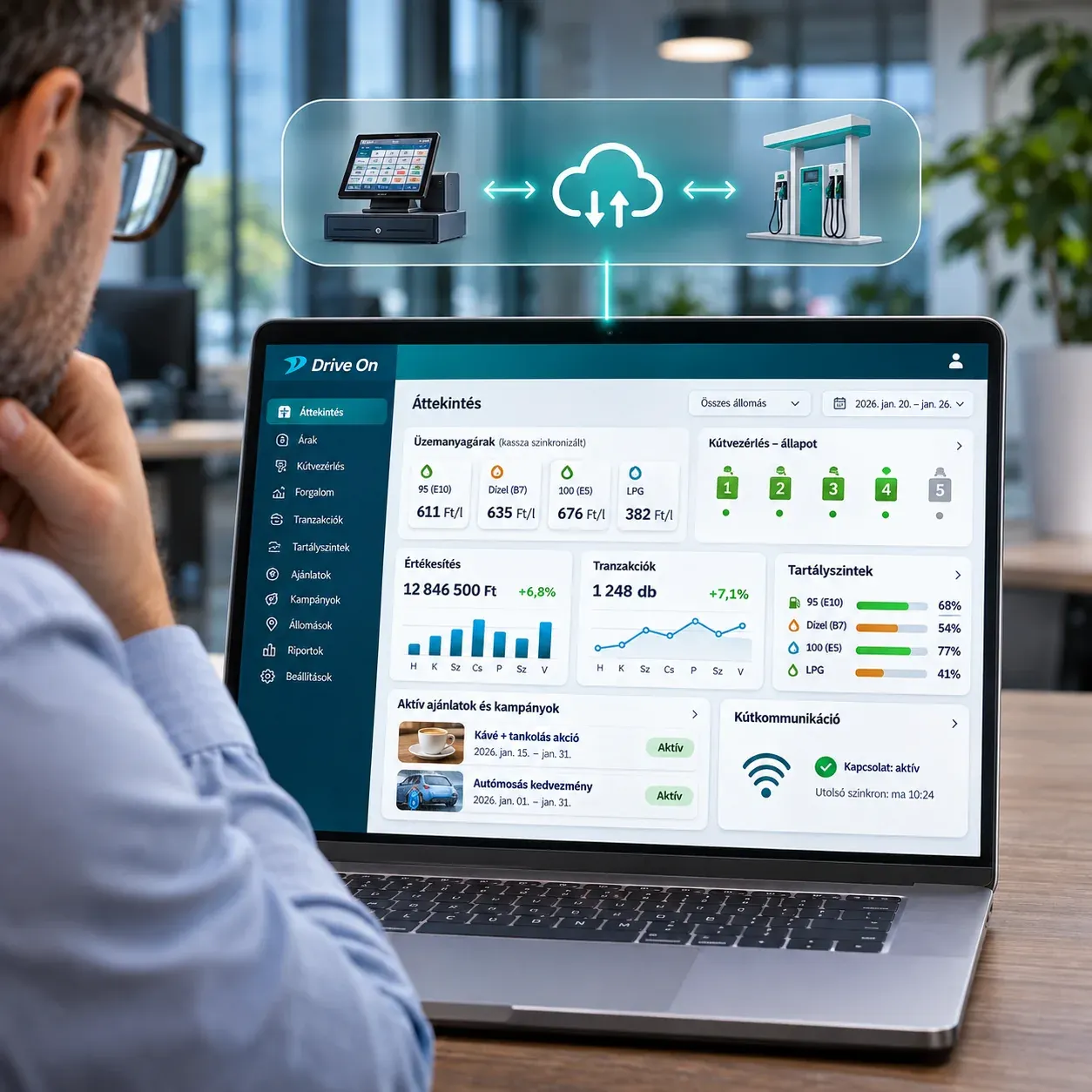
Deployment can include system integration, branding and development adapted to the existing environment. The precise scope is defined as part of the project.

The platform connects to existing systems and new service partners. Joint planning defines data sources, transaction locations and how results appear to users, linking new app functions to established business processes.

We adapt appearance to partner branding and organise menus around key user goals. Information and services share one interface, with language needs and recurring use cases considered from the design stage.

We select modules and integrations together as the foundation for deployment. In-house development enables later features and new partner services. Operations and change schedules follow long-term service goals.
Customers select a station and pump, start refuelling and pay through the app. Previous transactions and loyalty programmes are available in the same mobile environment.
Nearby connected stations are searchable on a map.
Users can start route guidance to their selected location.
The fuelling point is identified in the app.
Refuelling starts through the integrated controller.
A saved payment method is used under the provider’s terms.
Previous purchases can be reviewed in the app.
Refuelling and other specified activities can earn points.
Parking, vignette purchases and shop product pre-orders can also be integrated.
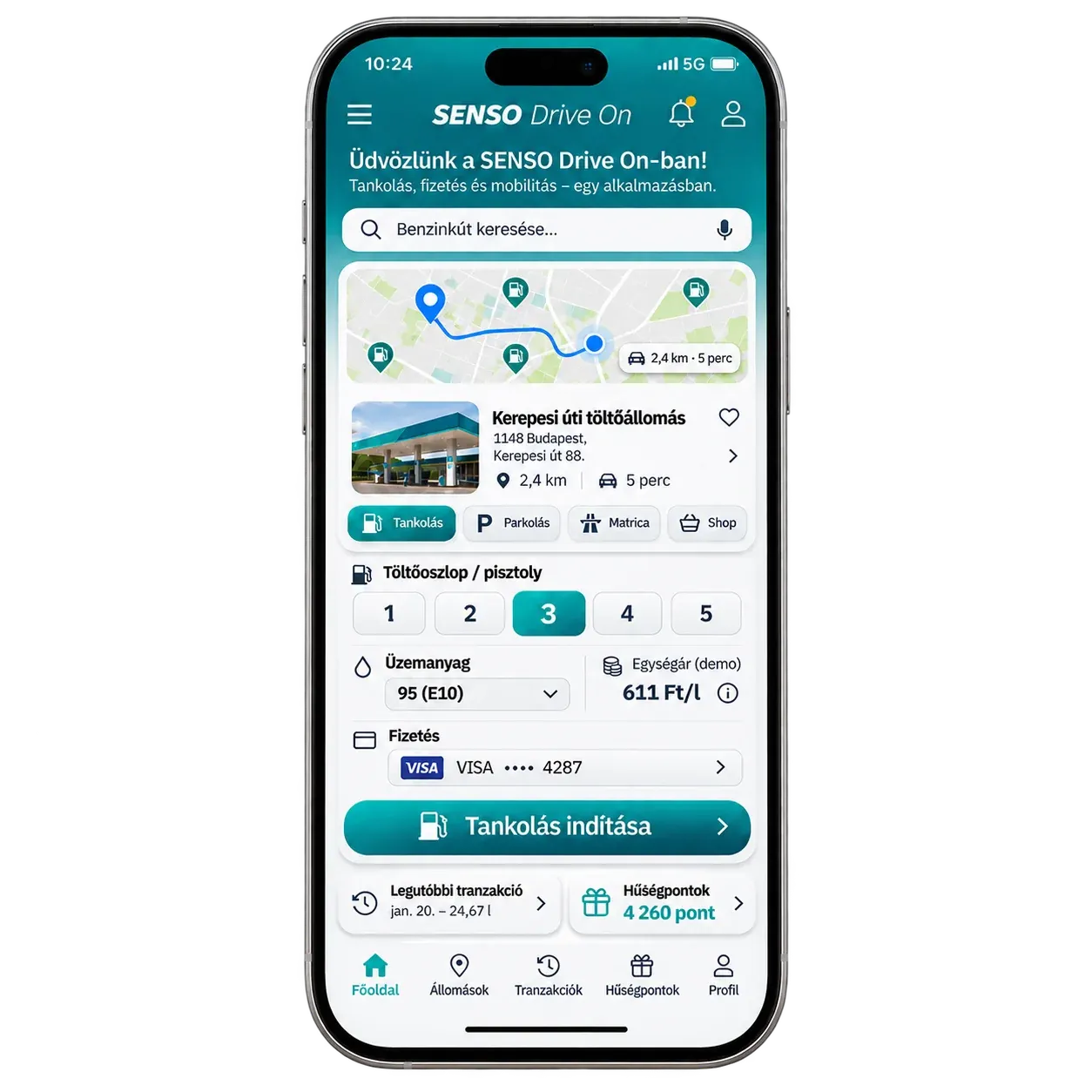
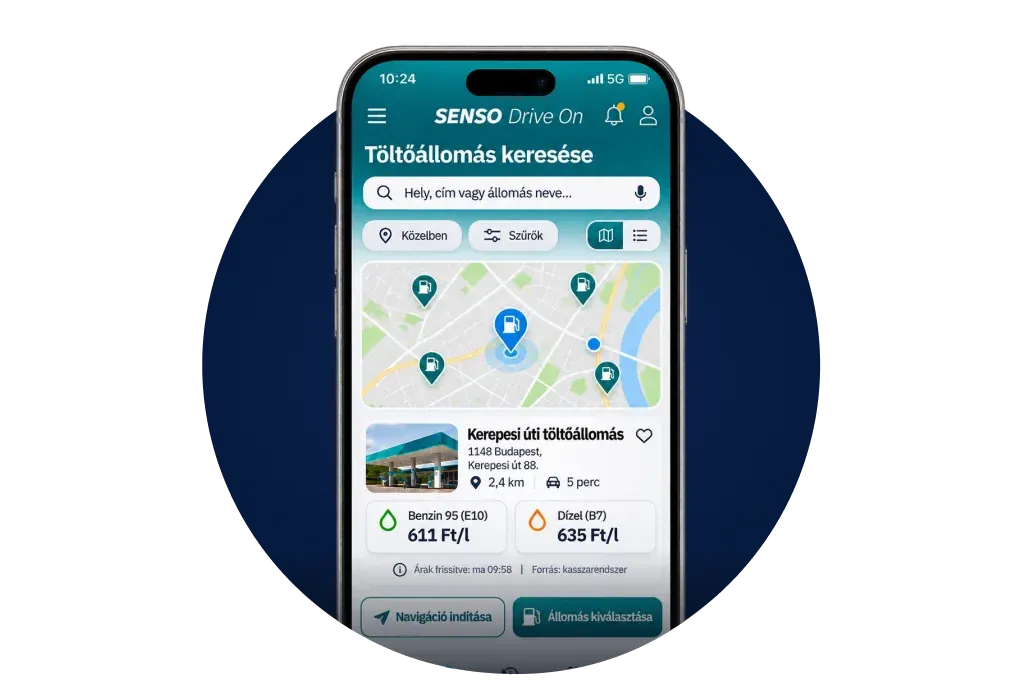
Users find a suitable station and start navigation if needed. Displayed prices update through the POS data connection.
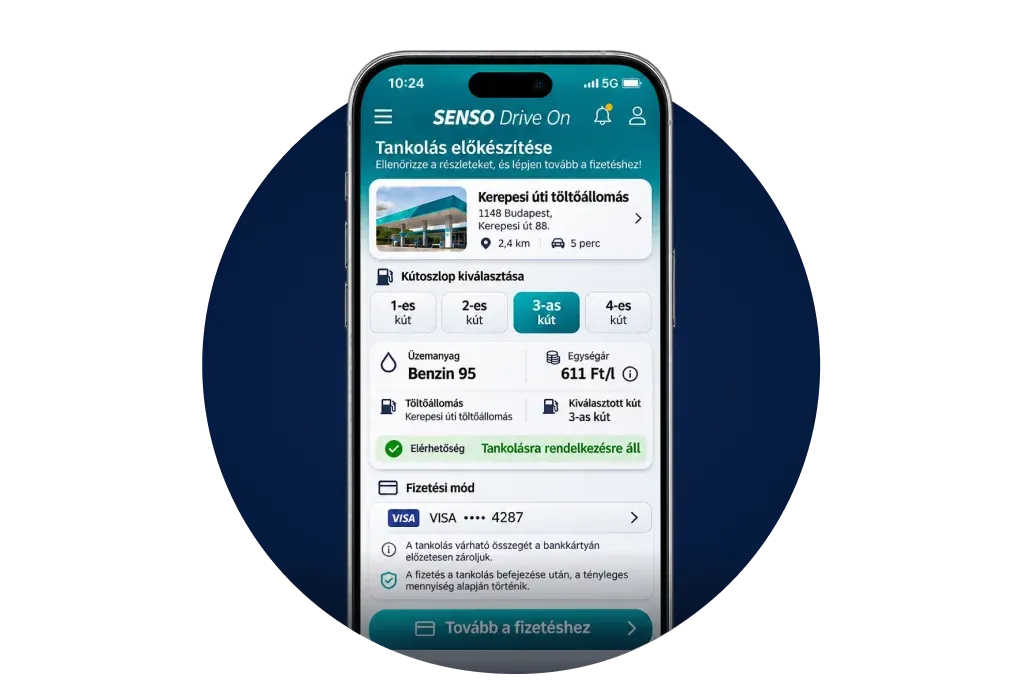
Users select the pump and check purchase details and payment conditions. The process follows the station integration.
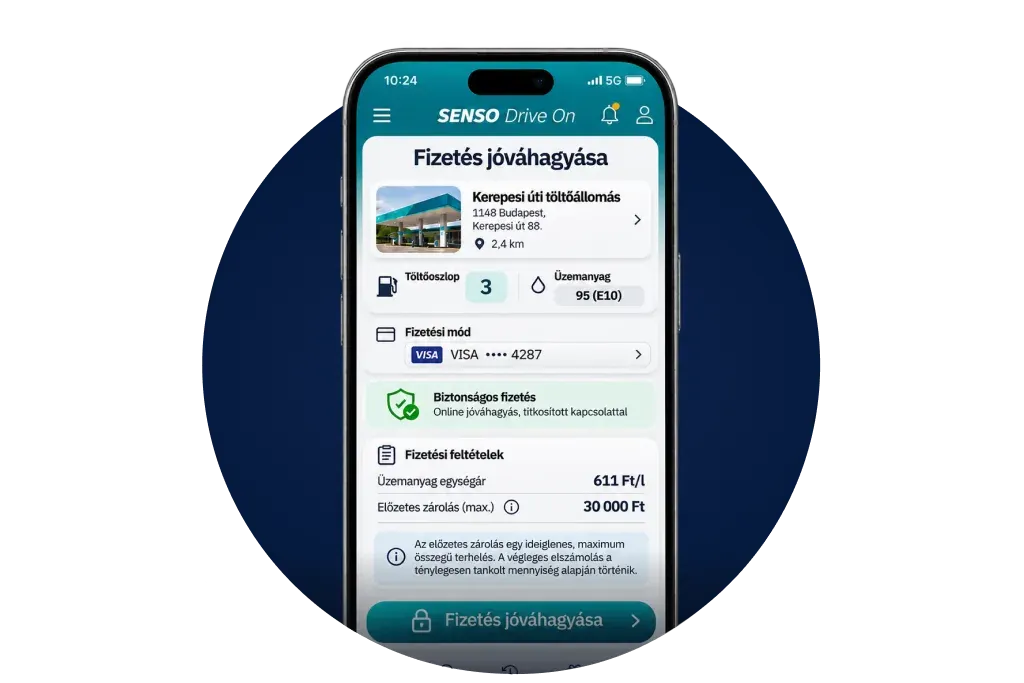
Users authorise the transaction through the configured banking process. In pre-authorisation models, final settlement follows completion of refuelling.
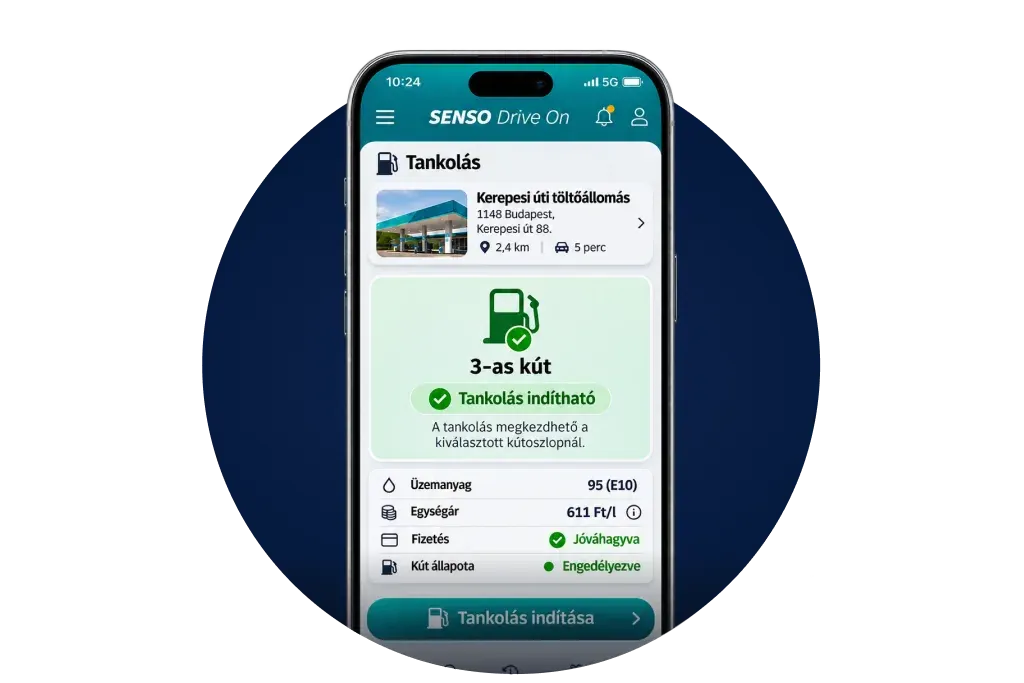
Once required conditions are met, the central system controls the connected pump and the user starts refuelling at the station.
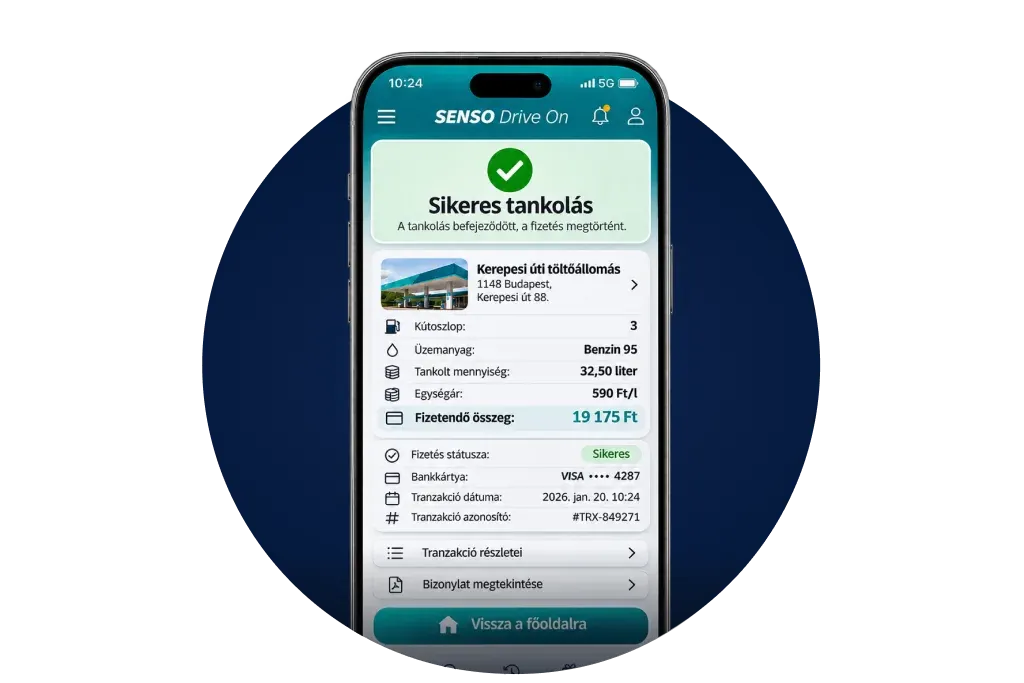
Pump data determine settlement for the actual fuel quantity. Transaction details become available in the app and administration back-end.
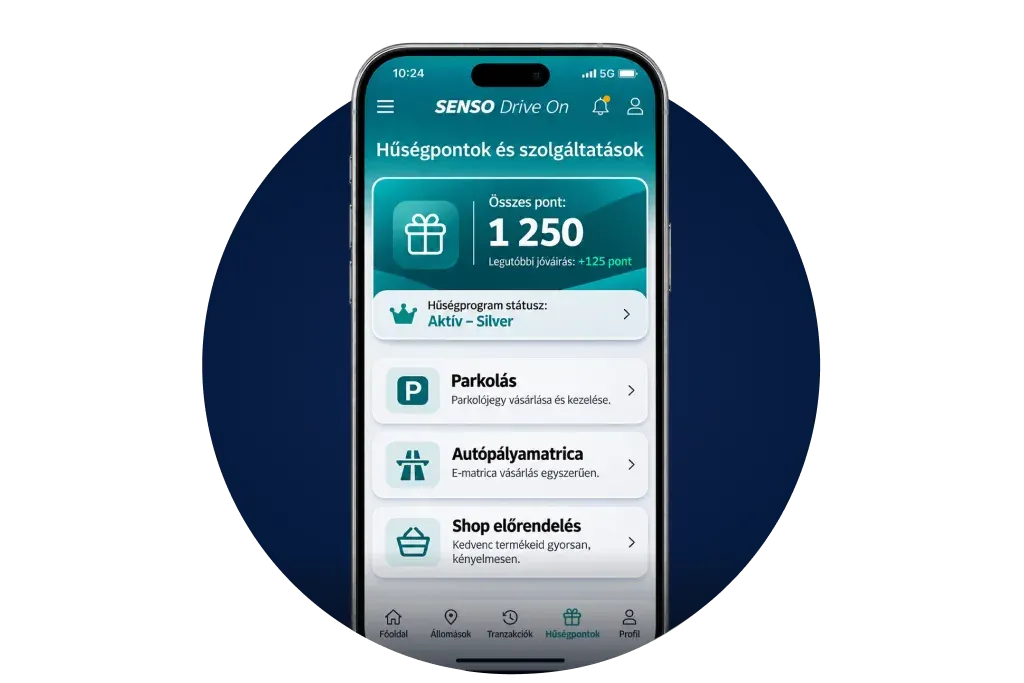
The purchase can earn points under the configured loyalty programme. Users can then access other integrated services, such as parking payment or shop orders.
The following functions depend on the selected configuration and required integrations. Their exact implementation and associated services are agreed before deployment.
Parking, public transport ticketing and motorway vignette sales can connect to the platform. The range expands through integrations with service providers.
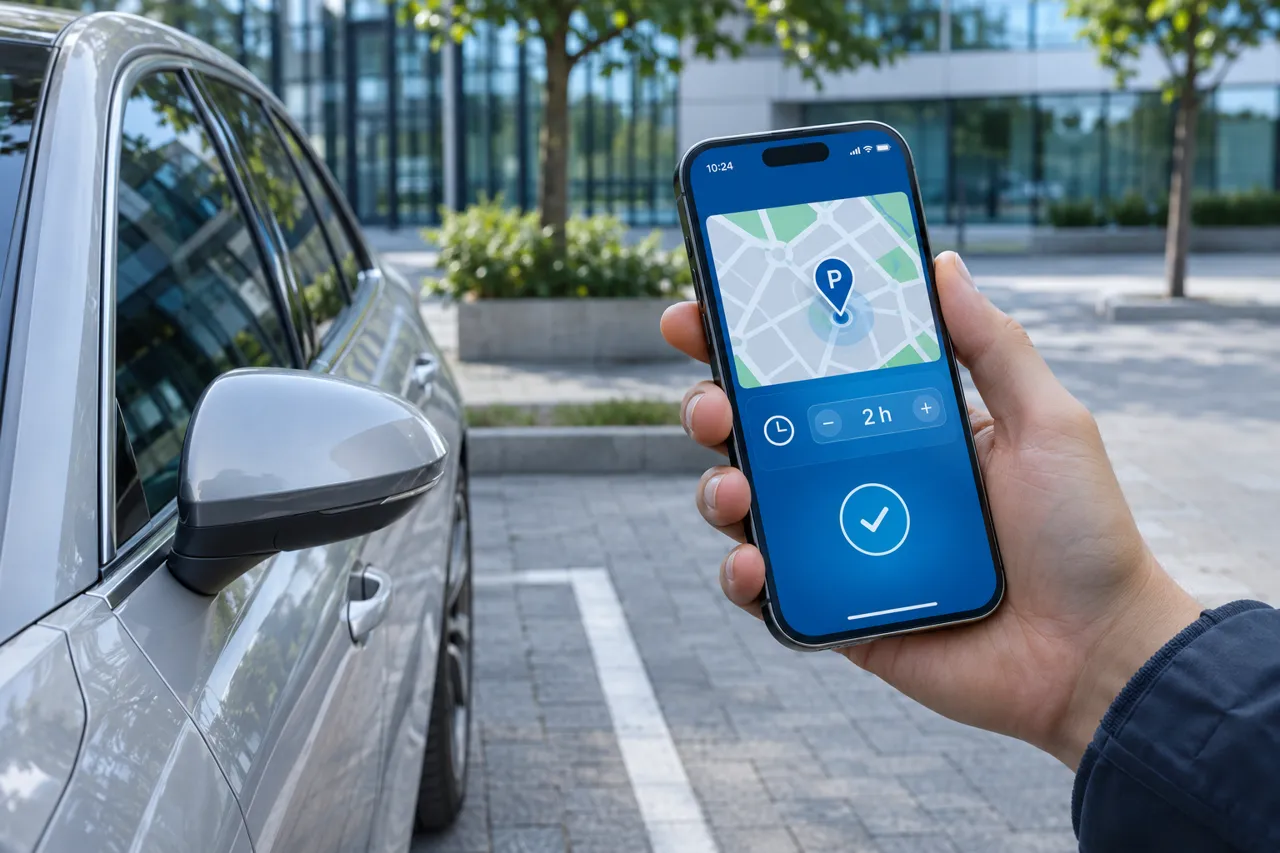
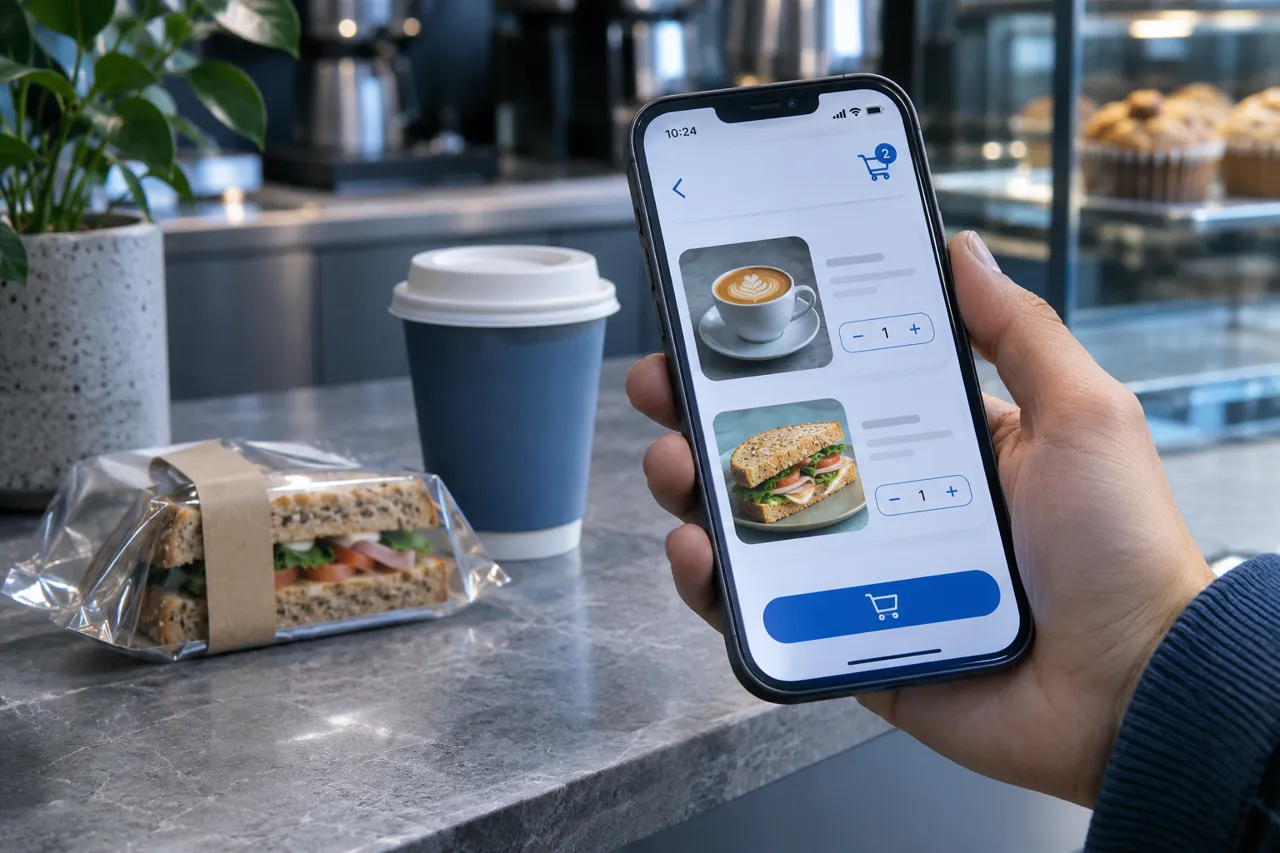
Users select and pay for station shop products in advance through the app. Order delivery follows the partner’s commerce and service systems.
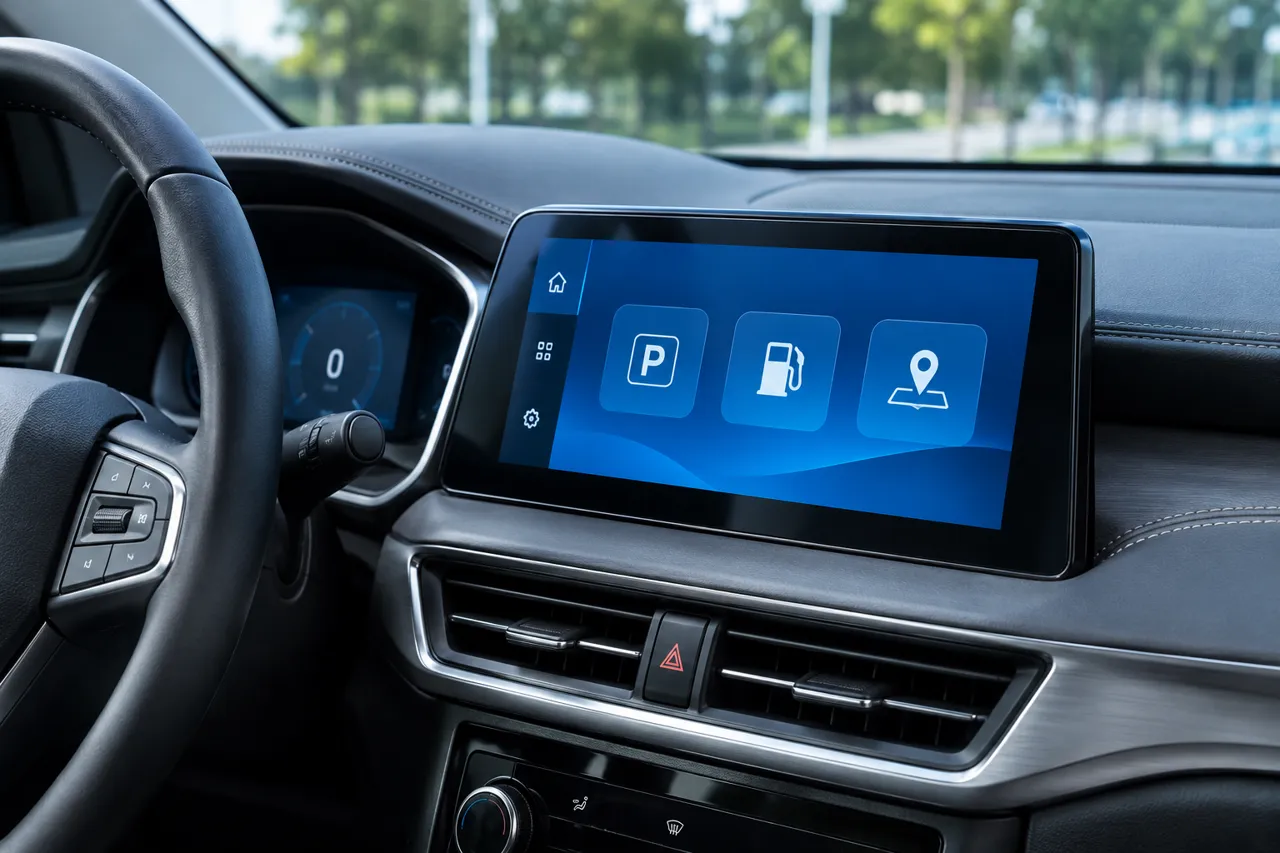
Connections to Apple CarPlay and Android Auto can be planned. Scope and implementation are agreed as a separate project.
As in the AllPay environment, administration shows sales and operational data. POS integration automates price updates while retaining central management options.
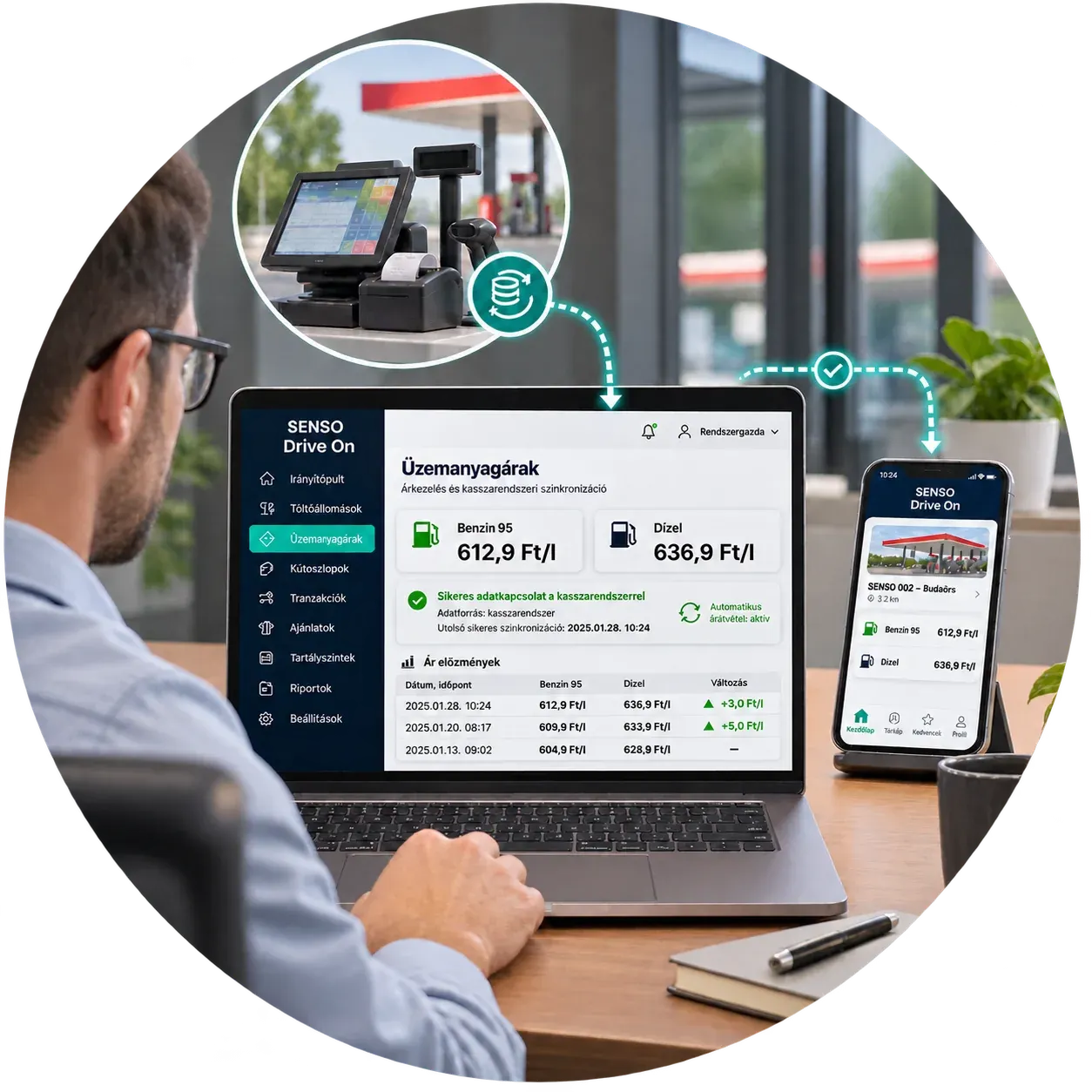
The system automatically retrieves POS prices and displays them in administration, linking mobile sales to current station pricing.
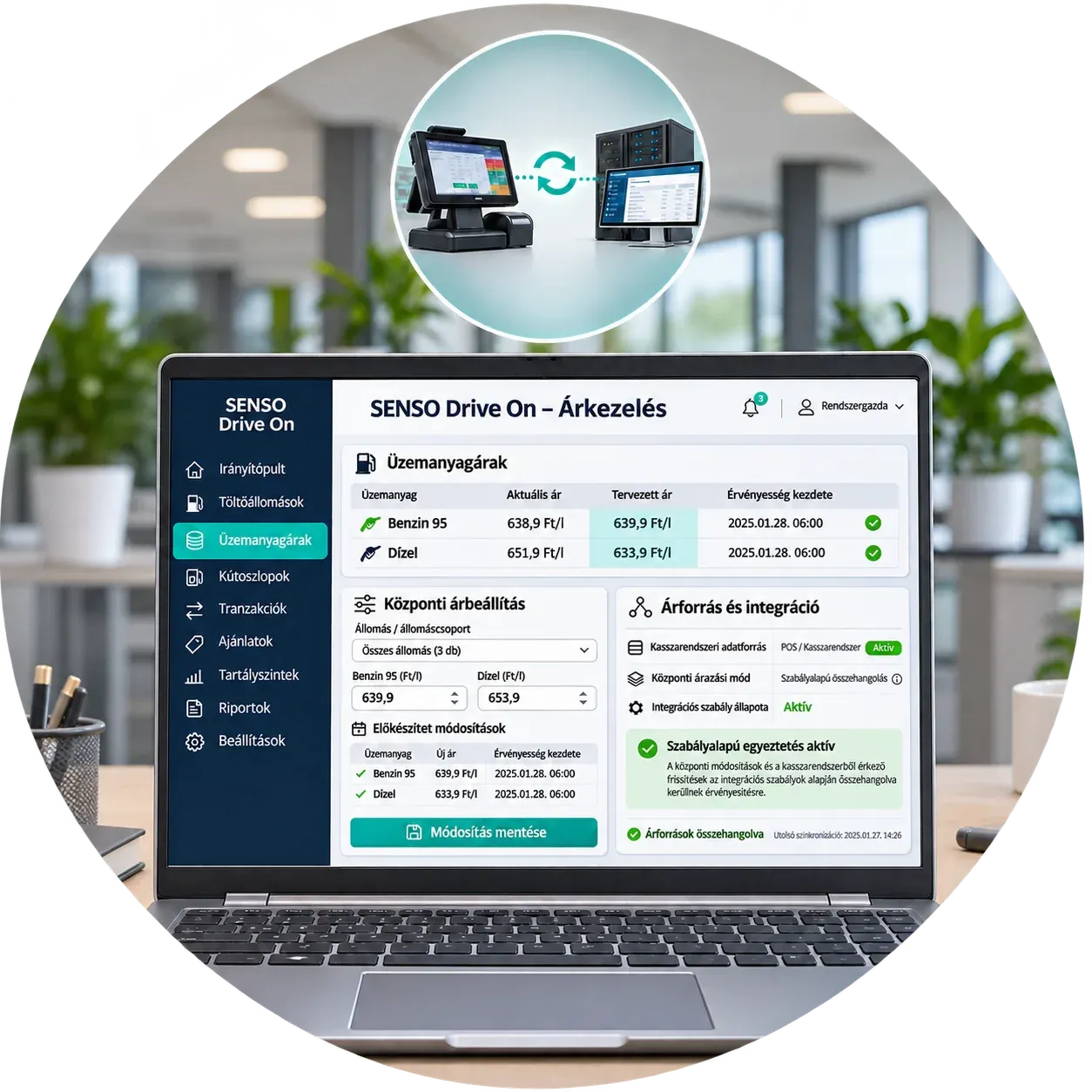
Central price management can complement automatic imports. Central changes and POS updates are coordinated through consistent integration rules.
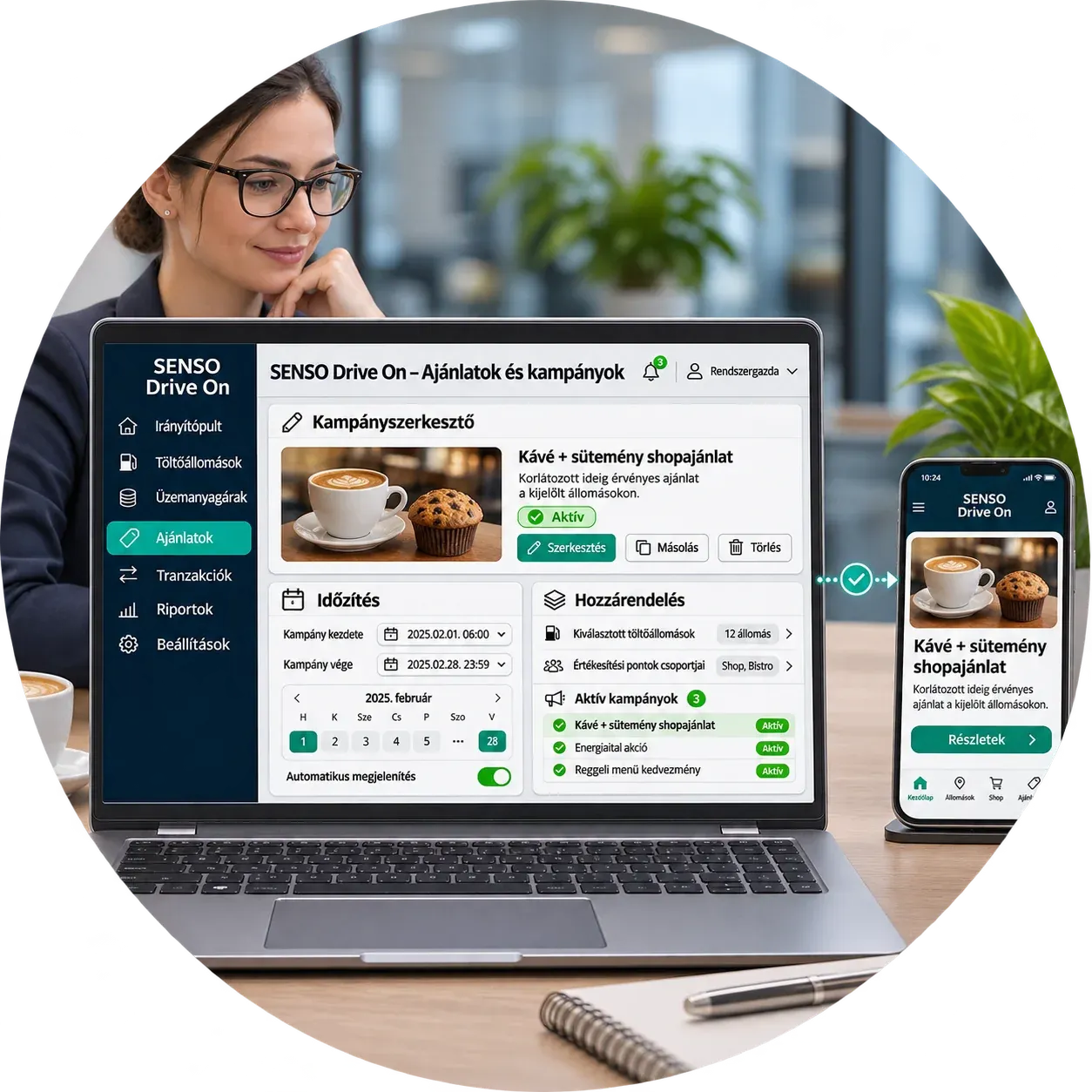
Communications, promotions and offers can be edited and scheduled centrally, independently of price updates. Updates are assigned to selected sales points.
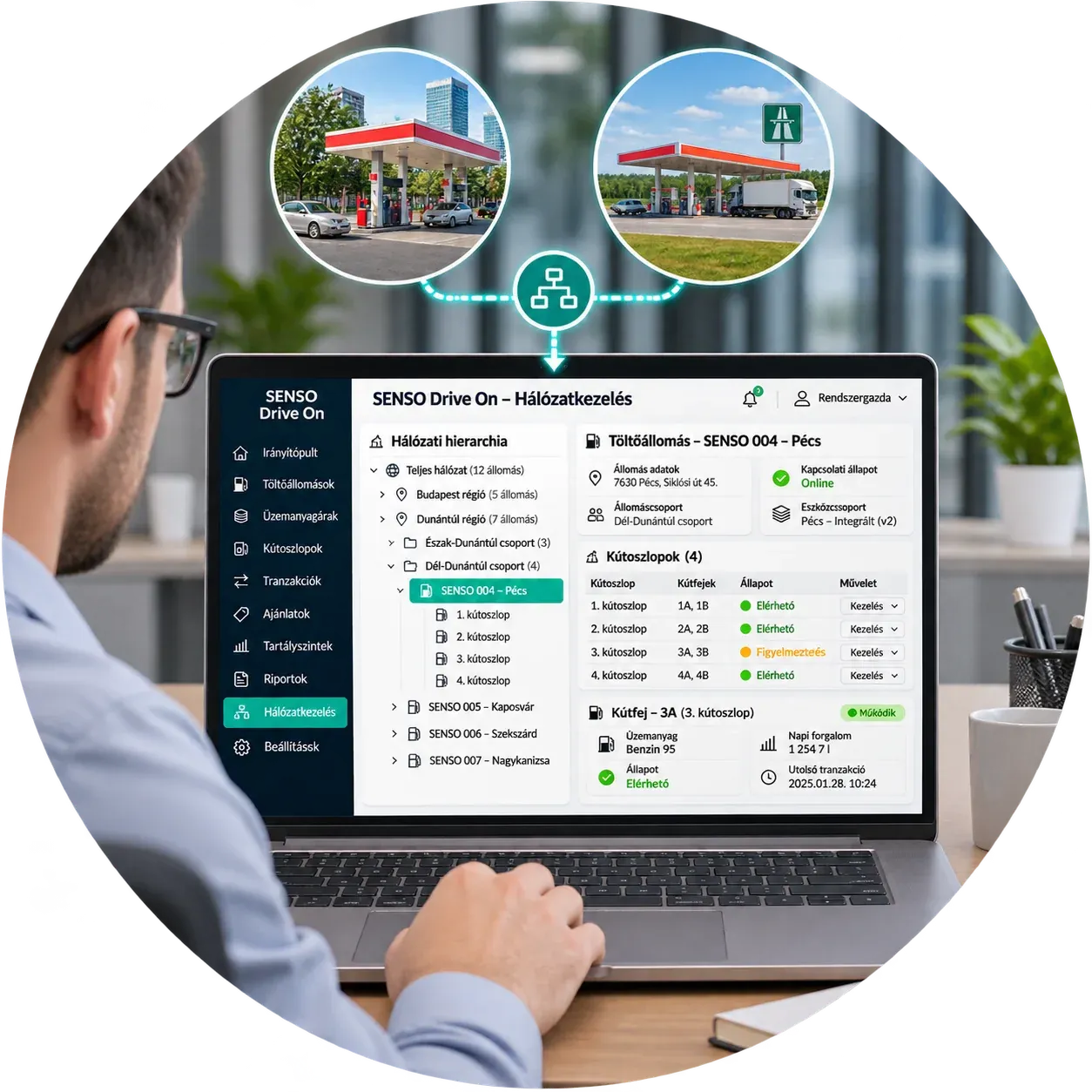
Points can be managed as a whole network, station groups or individual pumps. Grouping follows the partner’s operational and business structure.
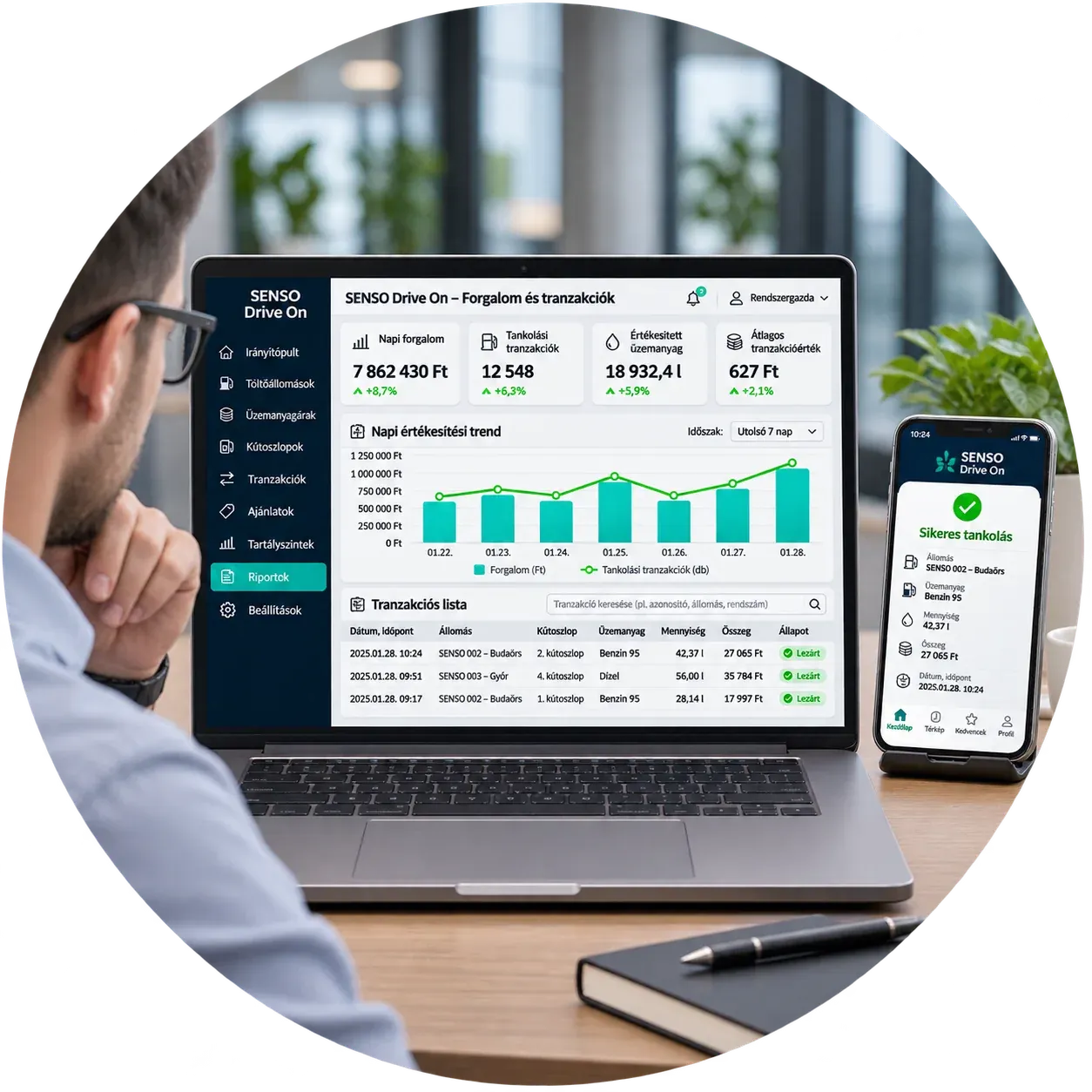
Sales and refuelling data are tracked and previous transactions retrieved. Reports support daily checks and network performance assessment.
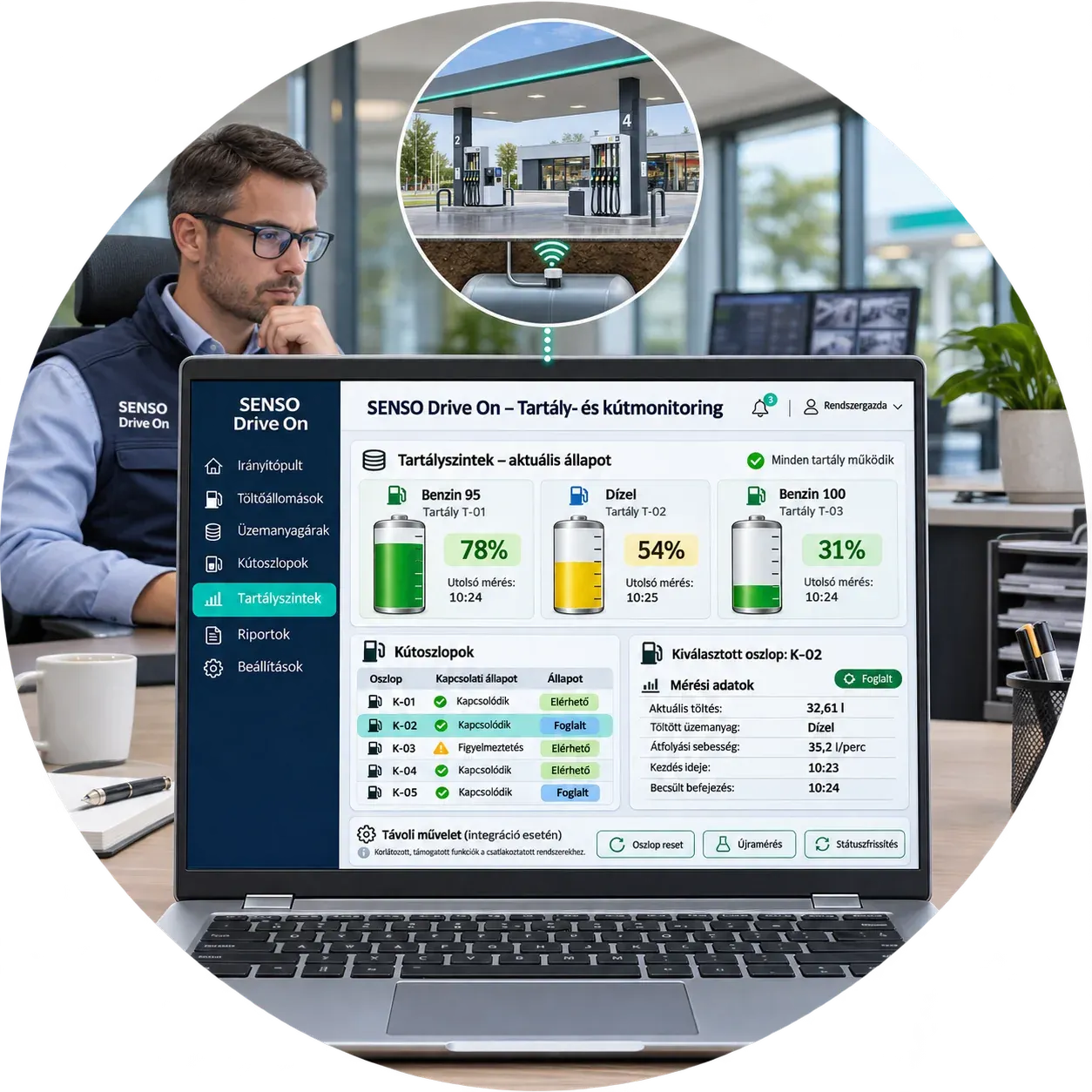
Suitable connections display tank level information. Monitoring and supported remote control of connected pumps assist operations.
The following connections can be configured according to partner requirements and the technical capabilities of existing infrastructure. Integrations are optional and are not automatically available in every installation.
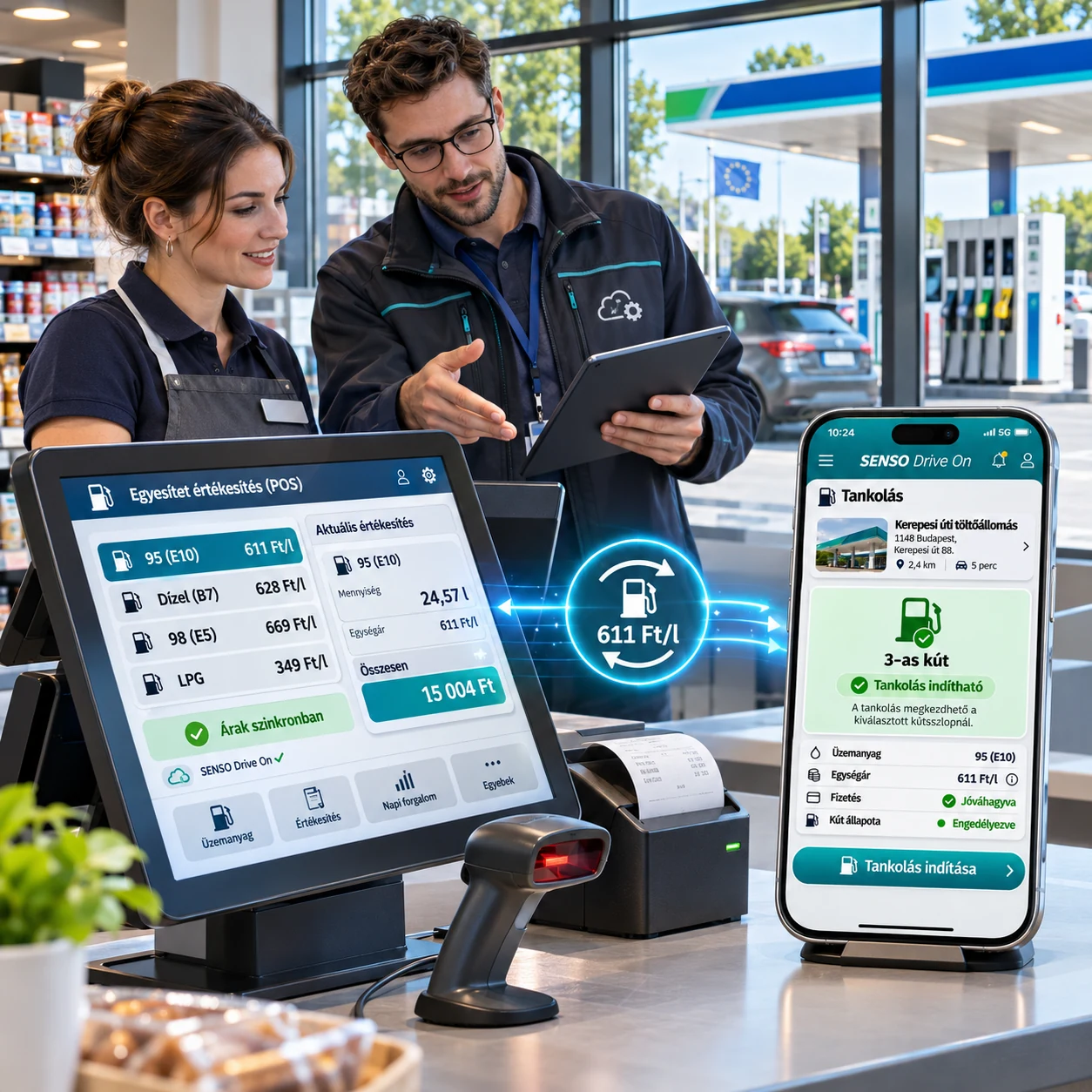
Integration automatically imports prices and can transfer sales data. Price sources and central pricing are coordinated with the station system.

Drive ON functions can be embedded in other mobile apps, enabling a mobile refuelling channel without launching a separate application.
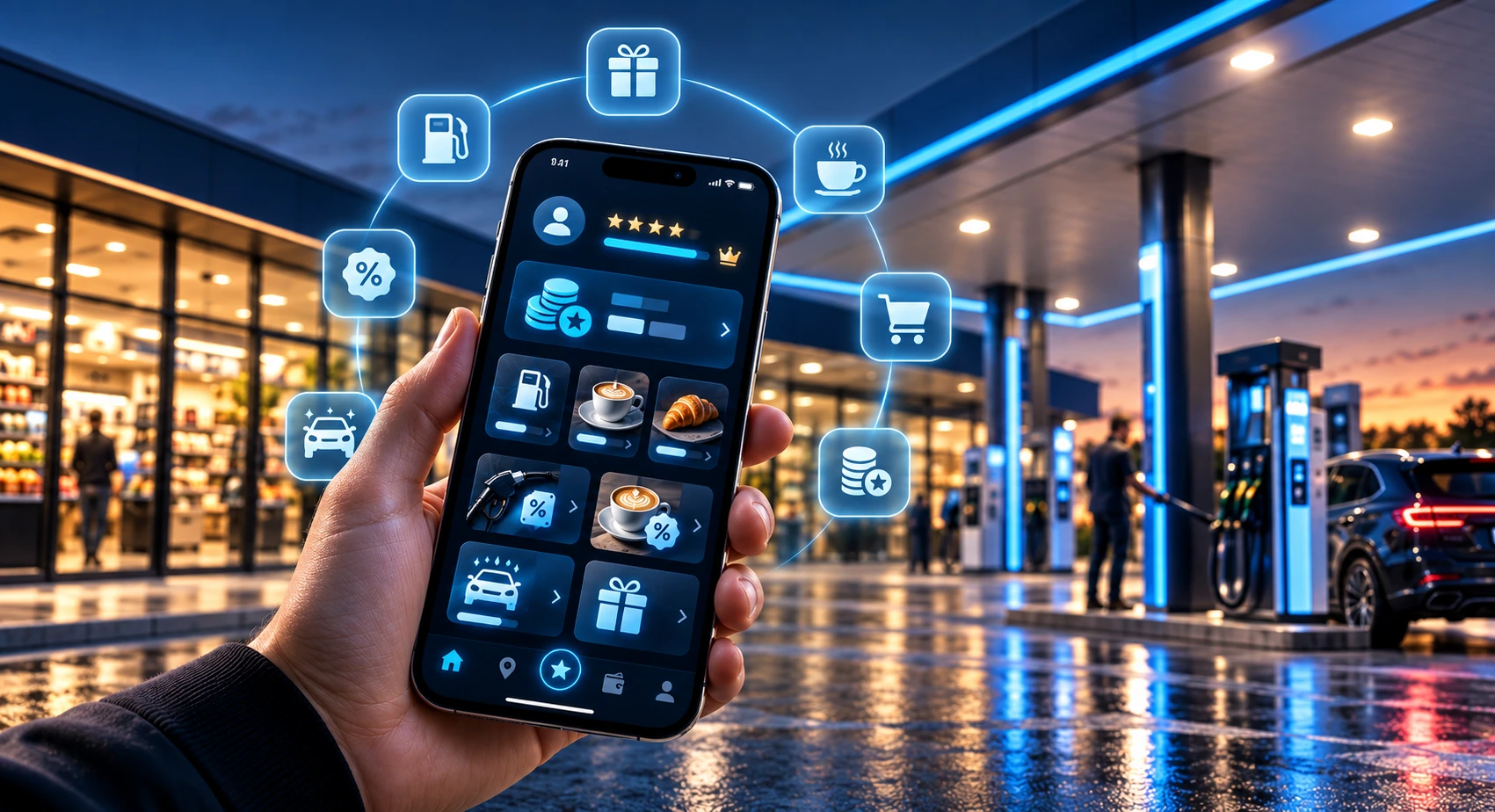
Parking, motorway vignettes and prepaid shop orders can be connected. External partner integrations expand the service offering.
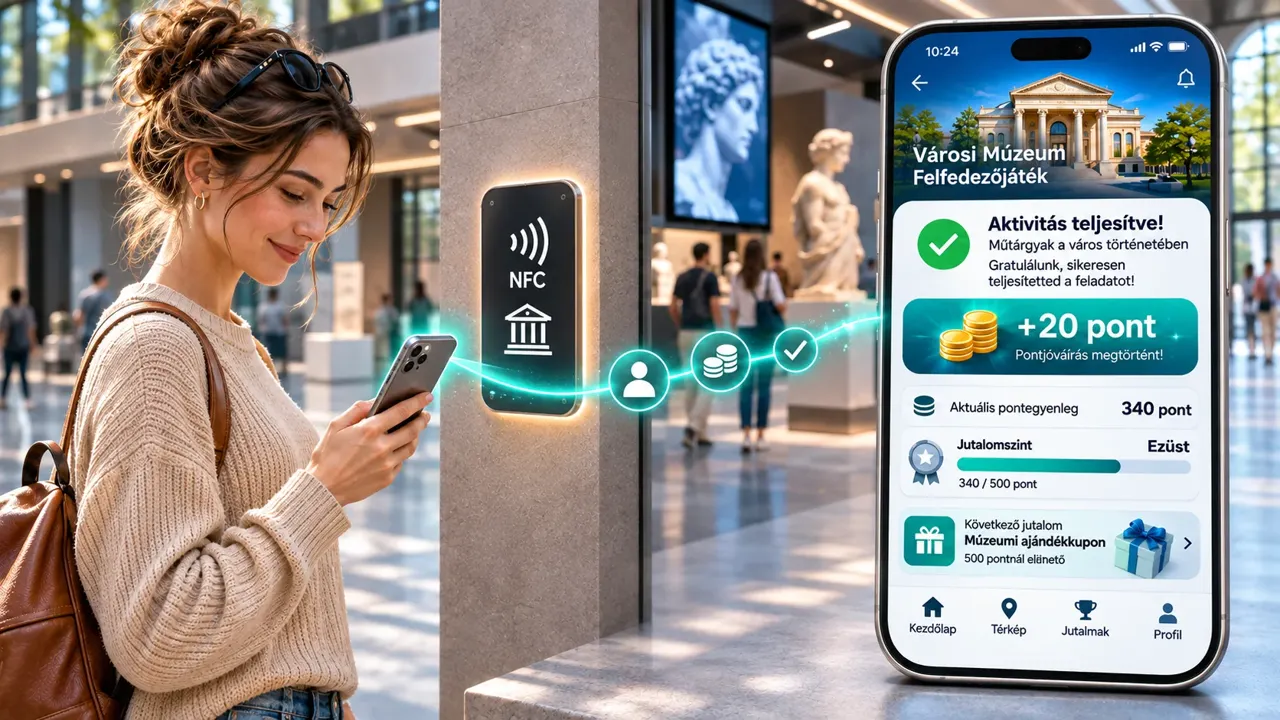
Banking integration settles refuelling, while loyalty integration can provide rewards. Points rules follow the partner’s programme.
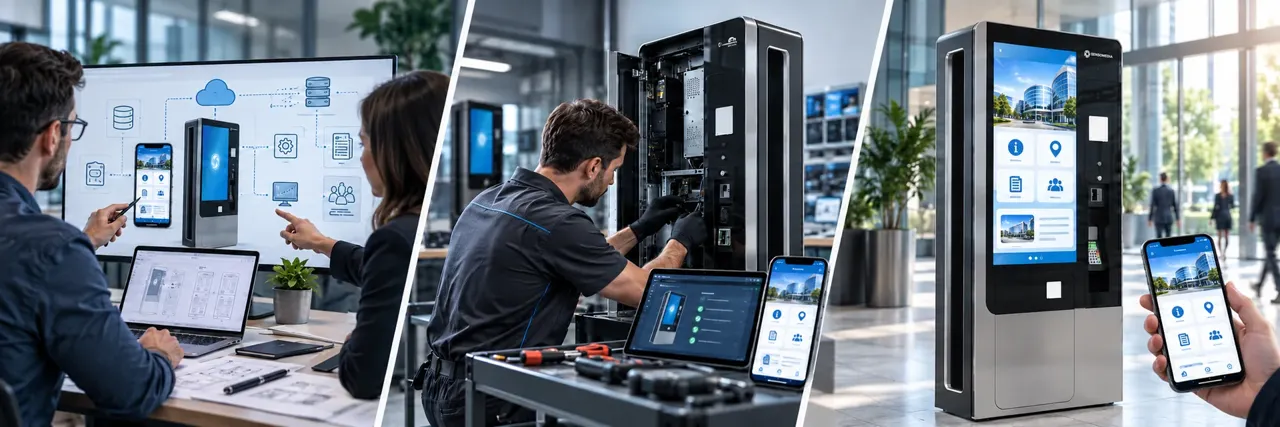
Deployment considers existing services and user channels. Integration assessment identifies functions to transfer, new connections required and which system remains the primary data source.
Where connected terminals or controllers need upgrading, retrofit services support integration through hardware refurbishment and new software. App and on-site infrastructure development can share one system plan.
Technical support, monitoring and service levels are defined for the deployed environment.
Mobile refuelling supports several infrastructure options. Headless AllPay is a dedicated Drive ON control solution without a separate item number in the product list.
Only a pump control unit is installed at the station, without a payment-module terminal. Refuelling becomes phone-activated and payable with minimal on-site hardware investment.
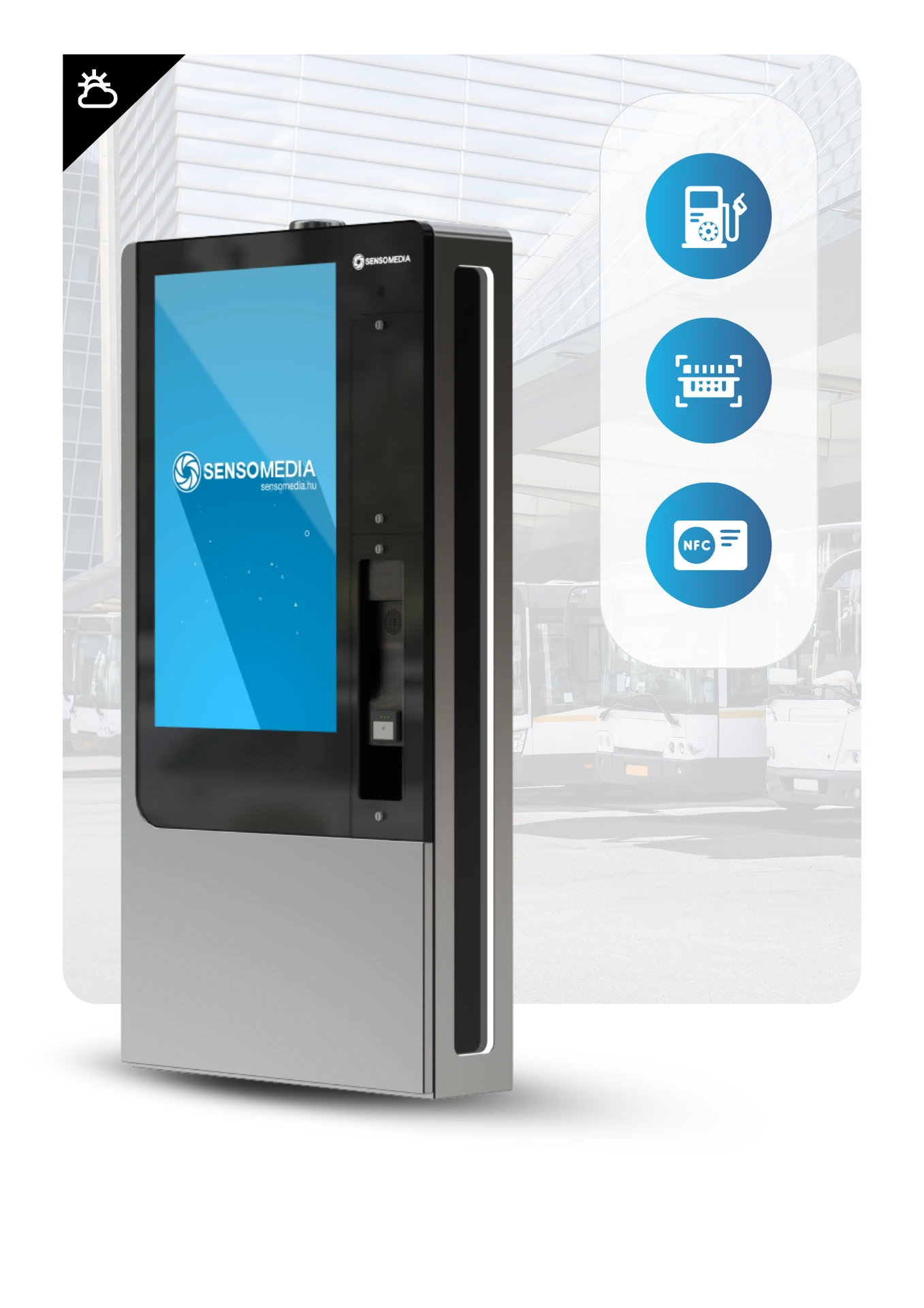
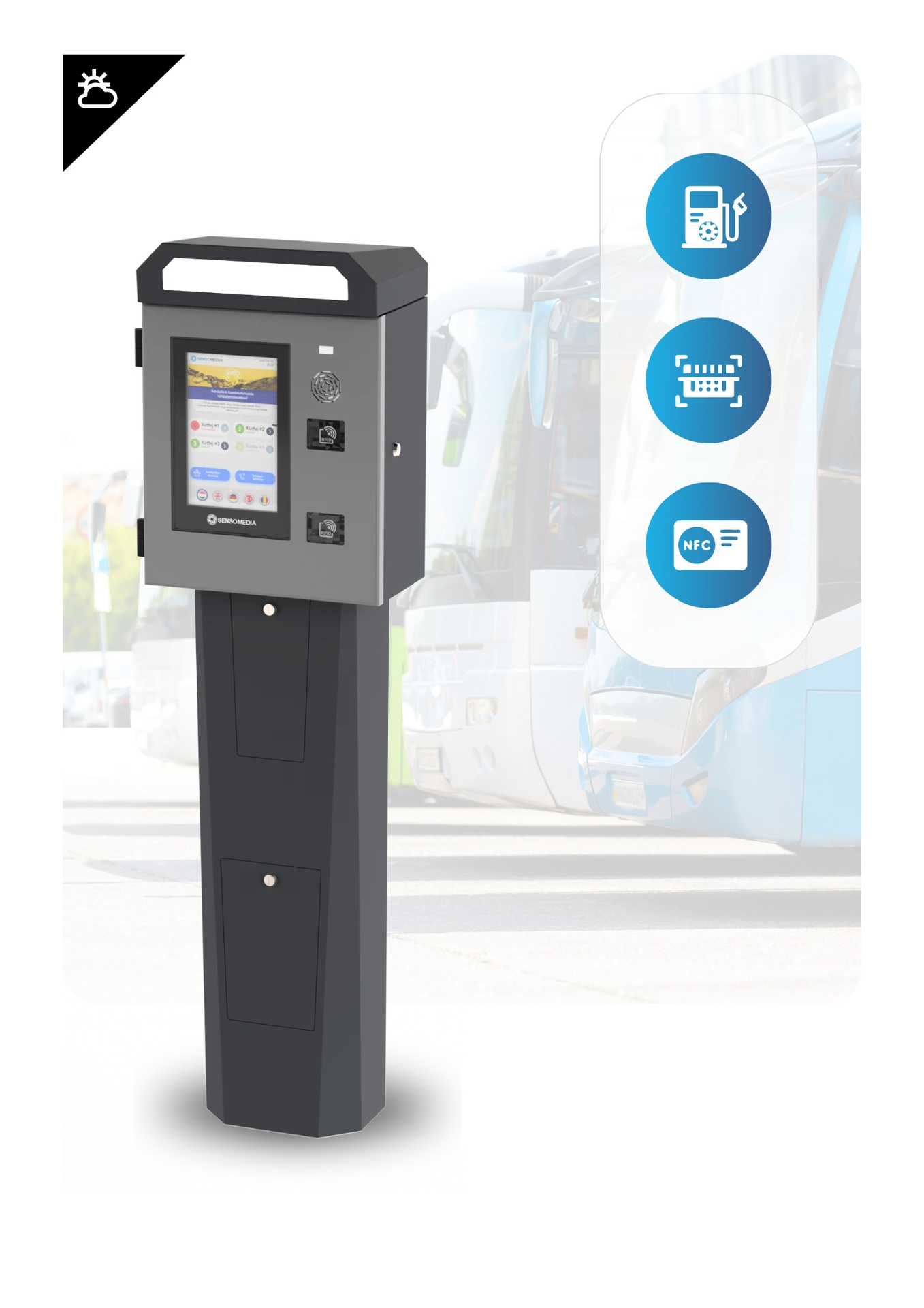
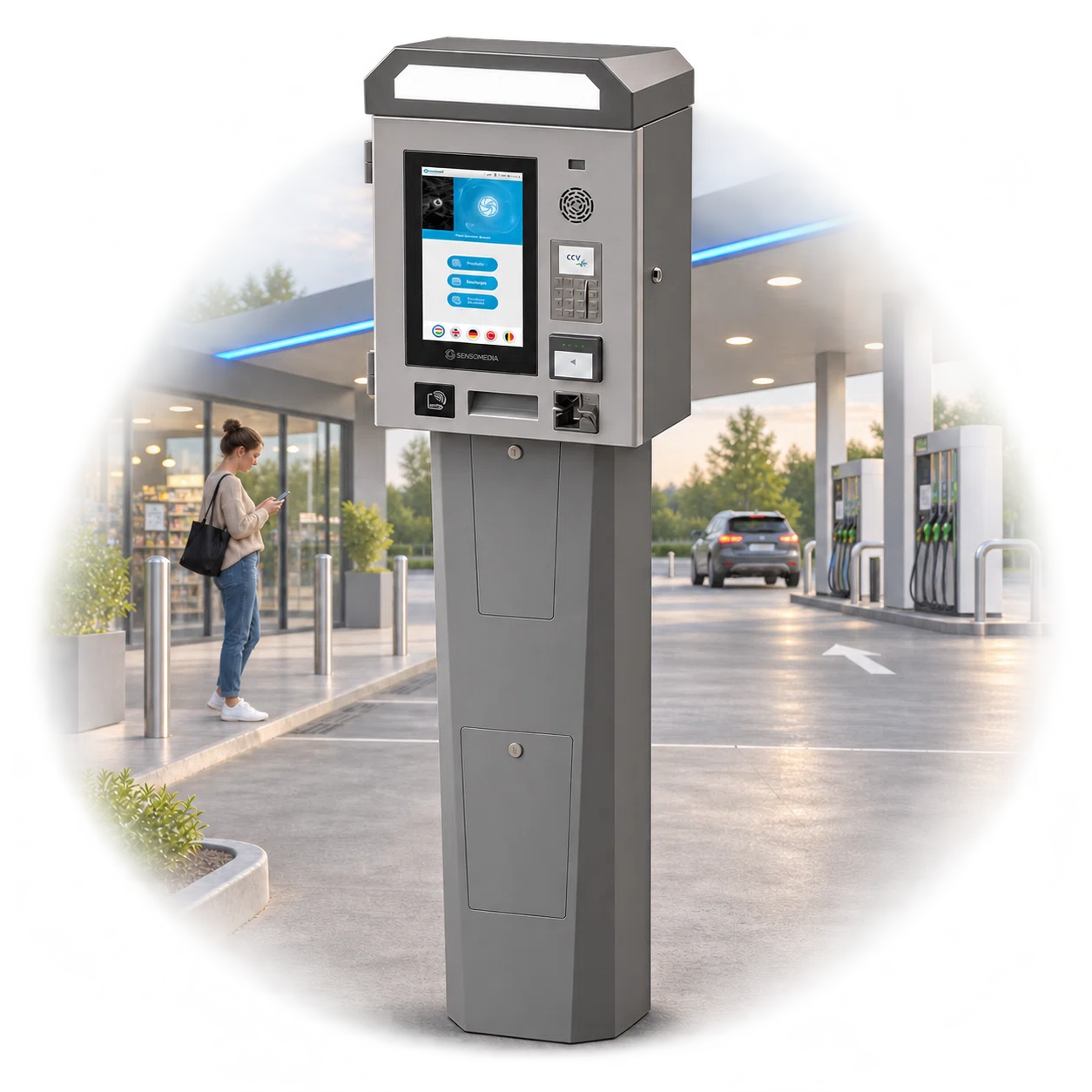
A compact on-site payment point alongside the mobile channel. Card and cash configurations are selected for the station’s customers.
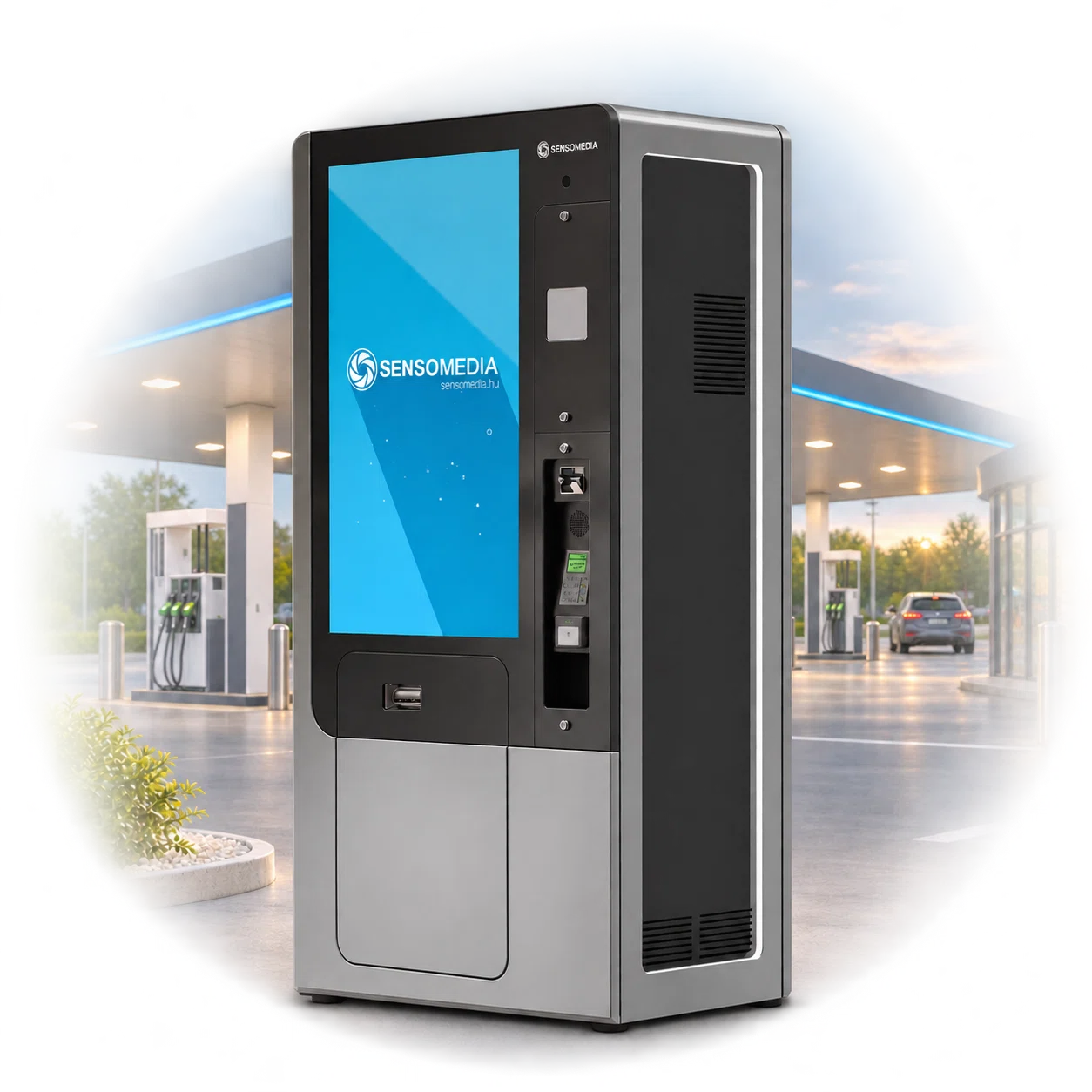
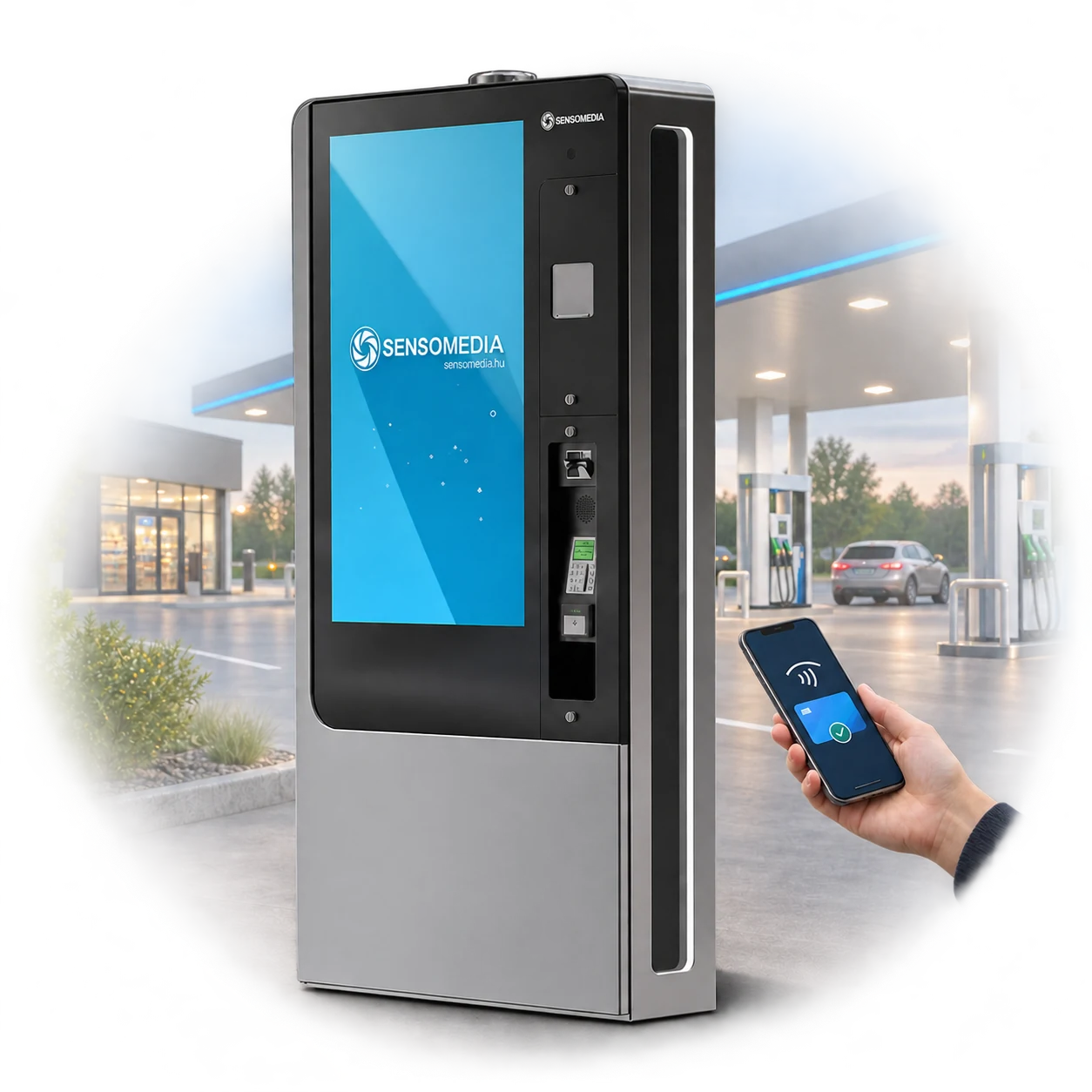
A single-sided outdoor terminal with several payment module options. Drive ON integration coordinates on-site and mobile service.
A double-sided payment point for higher traffic. The mobile app offers an additional option alongside terminal sales.