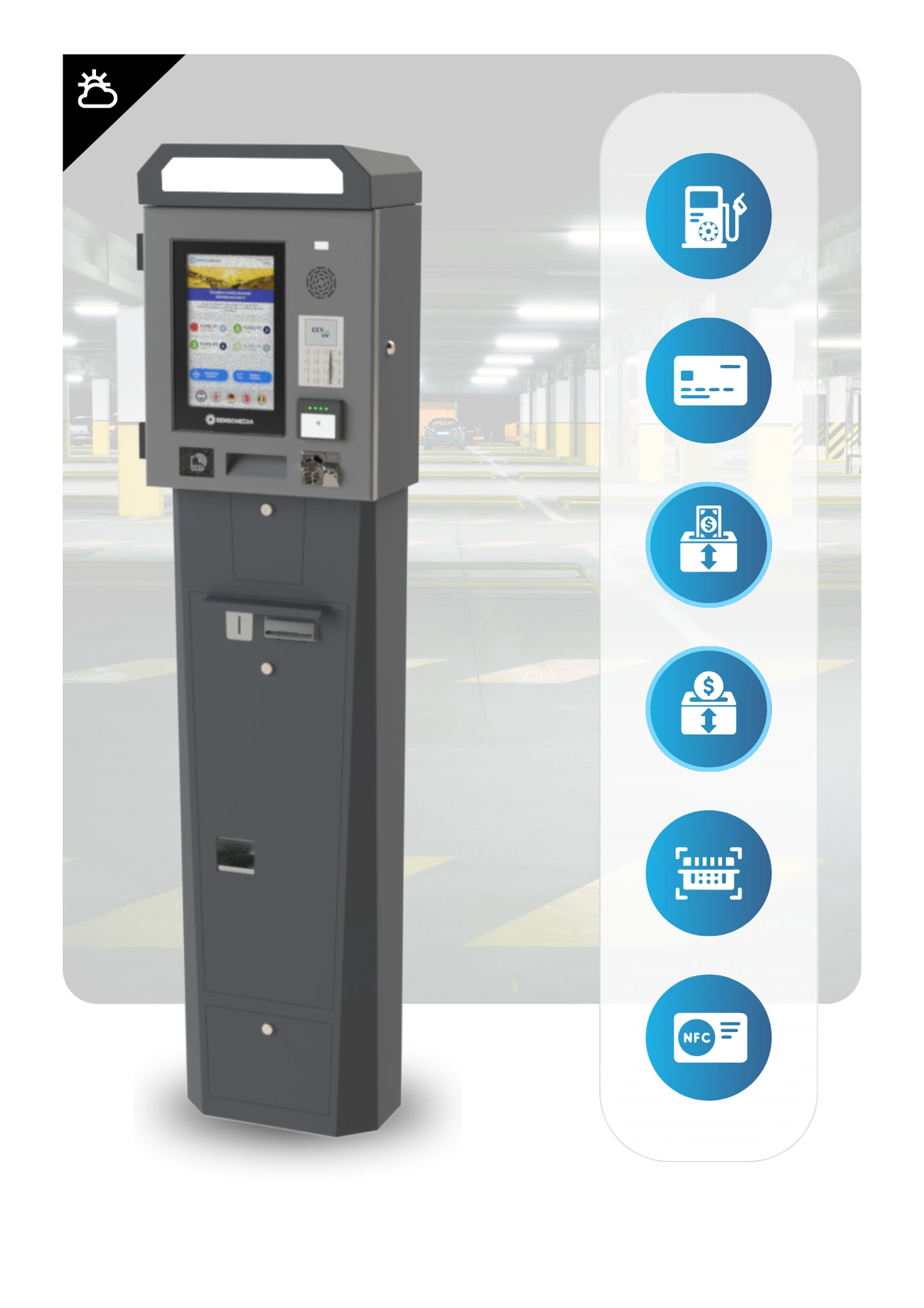
On-site terminal application
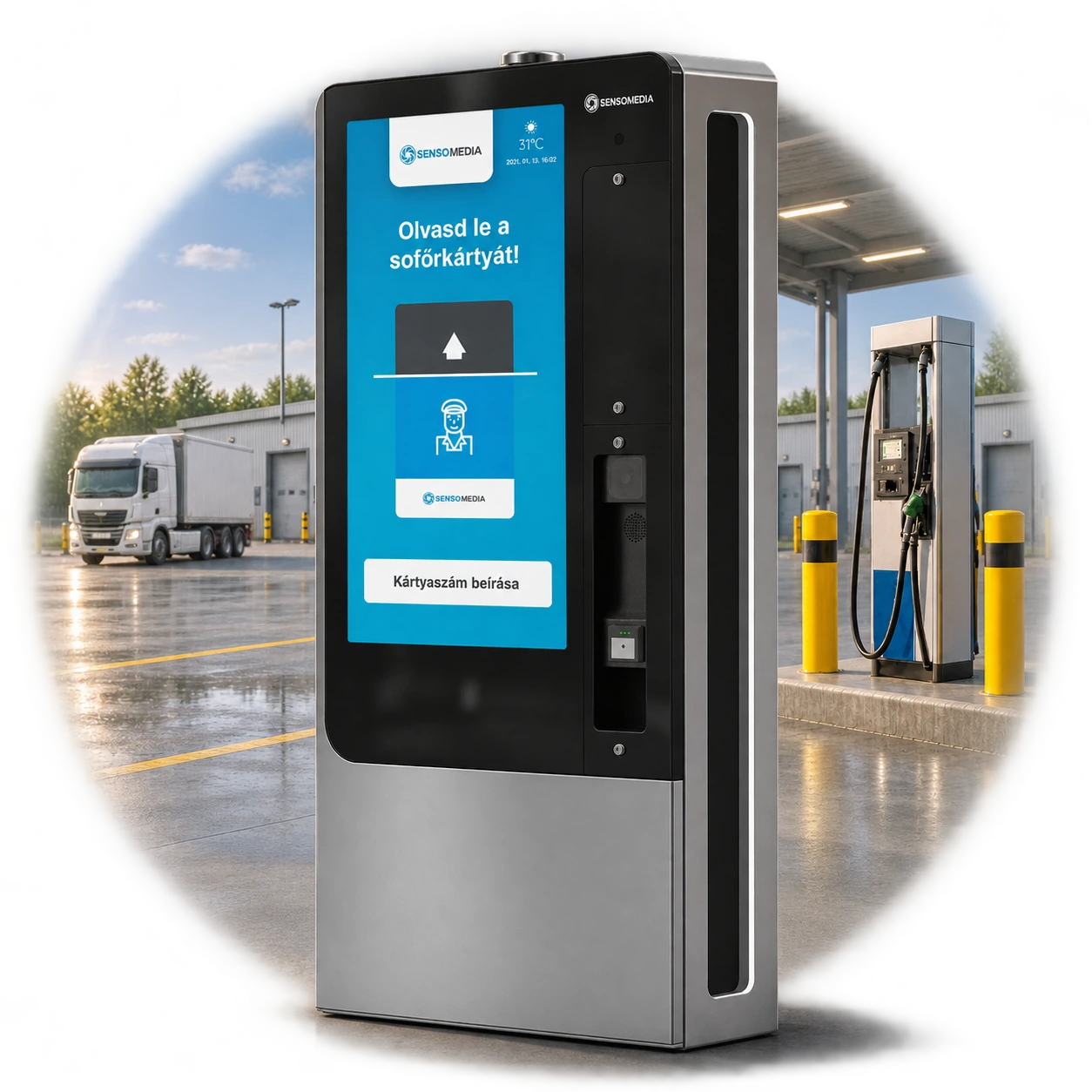
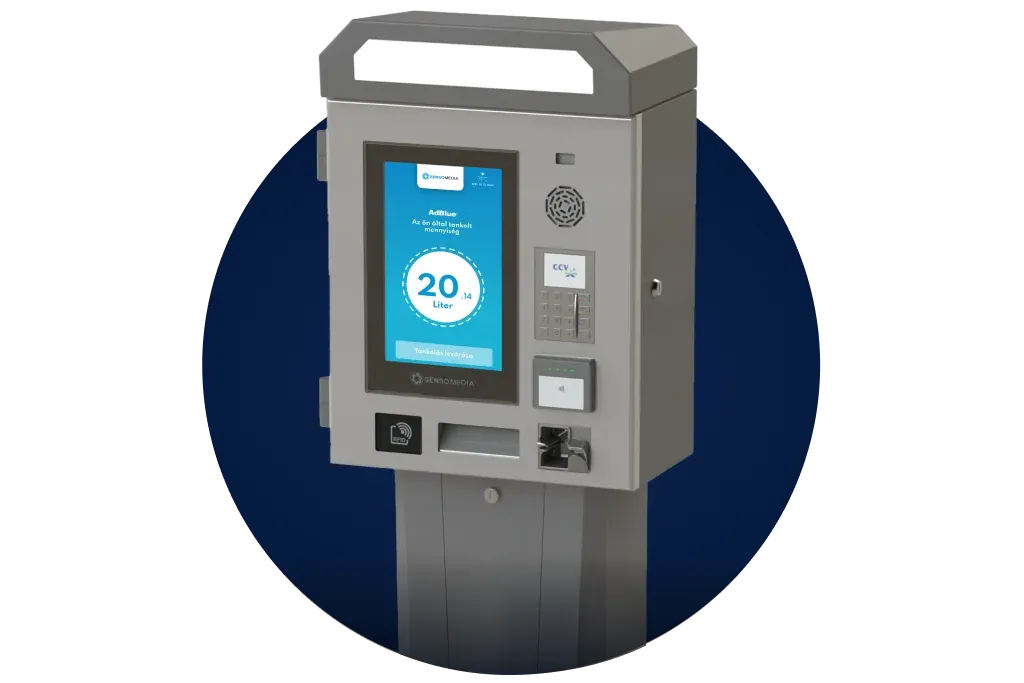
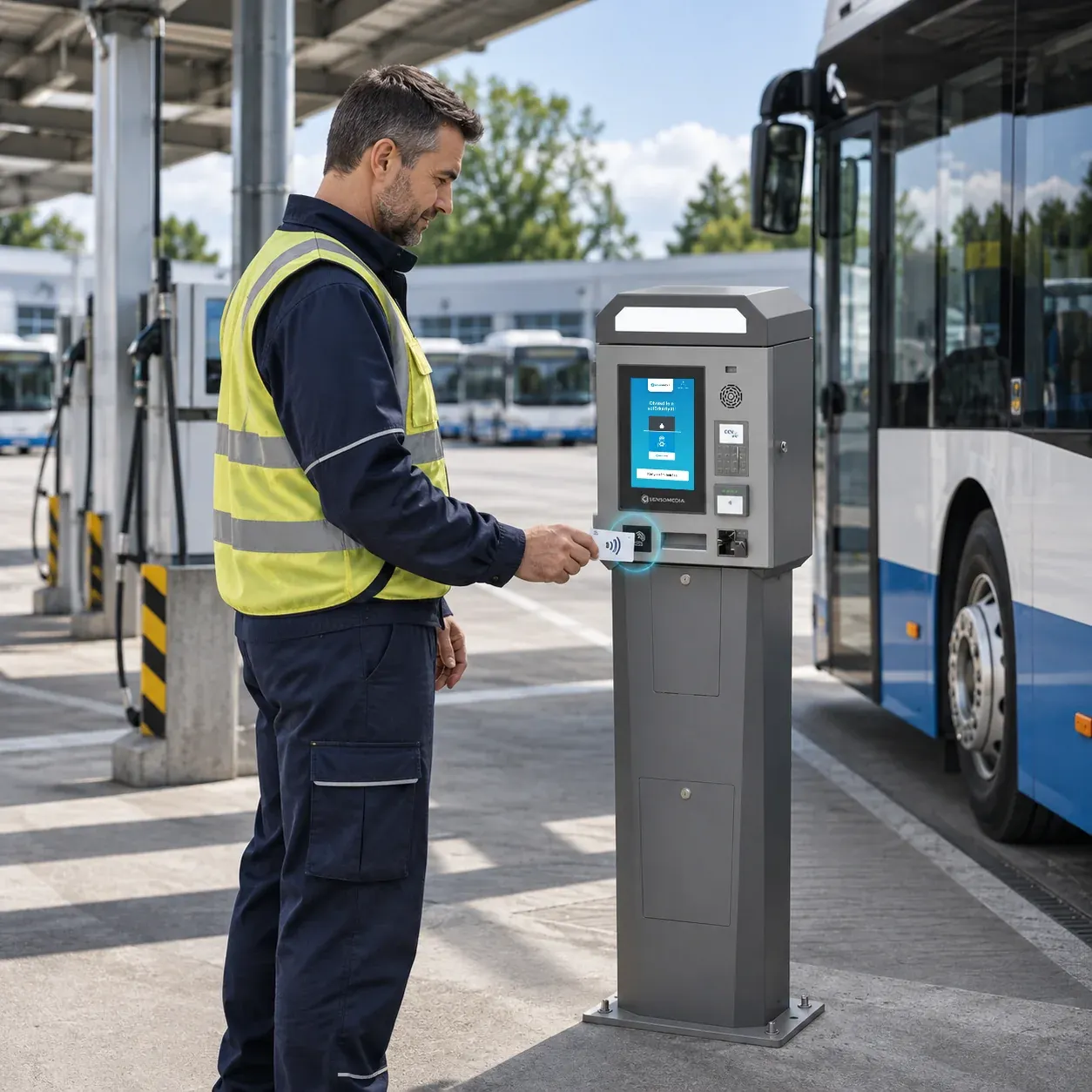
The terminal identifies the driver and vehicle, checks refuelling conditions and controls authorised dispensing. Multilingual information and internal announcements can complement the interface.

 Let’s talk!

Controlled fuel dispensing with data assigned to drivers and vehicles
SENSO IndustrialFuel supports internal fuel supply for corporate fleets and industrial stations. It connects driver and vehicle identification with permission checks, pump control and dispensing records.
Refuelling is authorised when predefined conditions are met. The system can apply periodic volume limits to individuals or vehicles, restricting internal fuel consumption according to company rules.
The solution focuses on controlled dispensing and accountability rather than retail payment. Central Back Office shows individual refuelling events, tank levels and total consumption. The software can operate as part of the SENSO Fuel industrial fuel management solution.
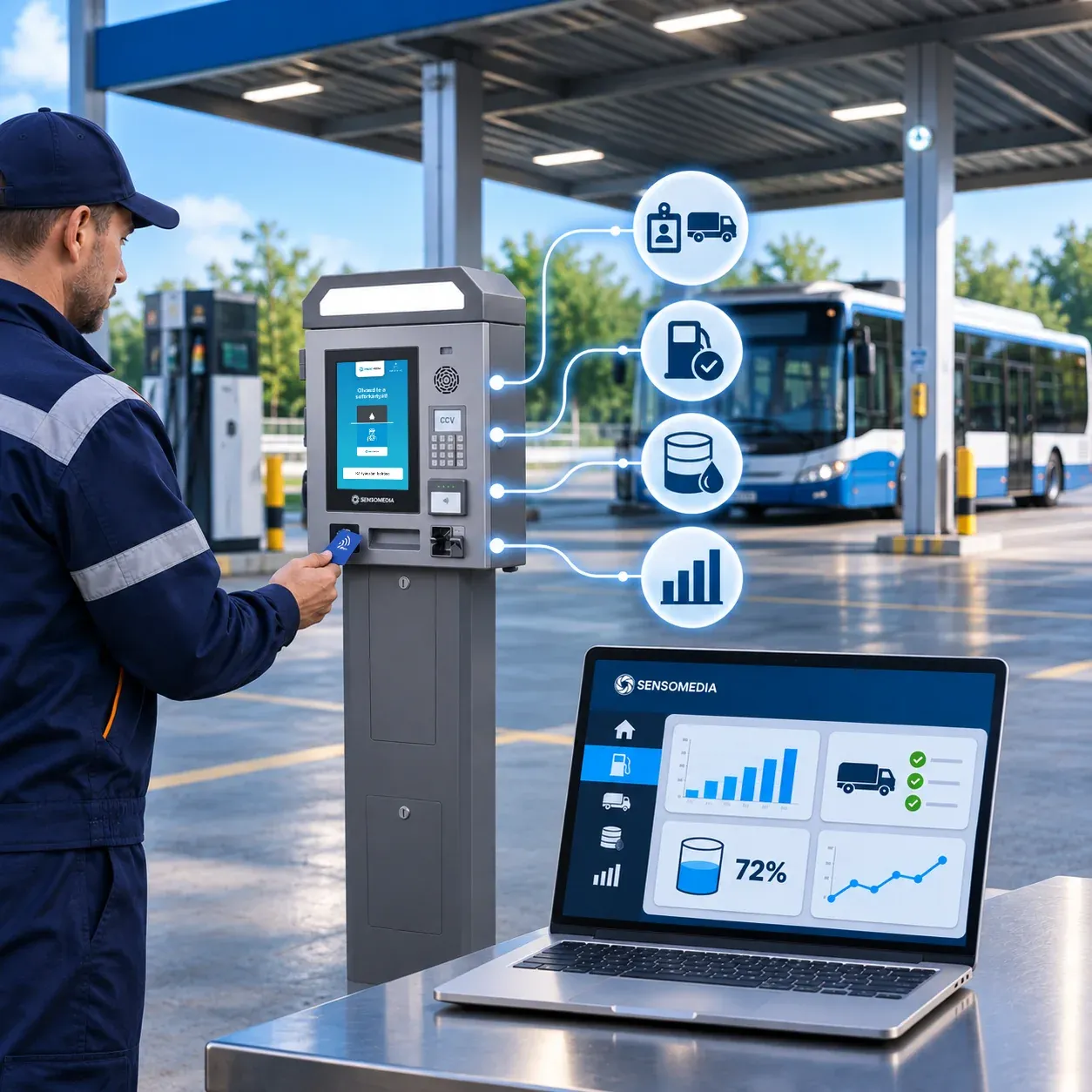
We design the user interface and operational tasks as a coordinated system, choosing a deployment configuration suited to business objectives and site conditions.

Refuelling can be assigned to a specific user and vehicle.

Fuel volumes can be restricted according to company rules.

Tracking inventory changes helps identify discrepancies.

The system can align with existing databases and business processes.

The pump is available only when predefined conditions are met.

Retrievable dispensing records are linked to identified users and vehicles.
Consumption can be assessed by driver, vehicle and period.
Connected software components provide user functions and back-end processes.
The terminal identifies the driver and vehicle, checks refuelling conditions and controls authorised dispensing. Multilingual information and internal announcements can complement the interface.
The central interface manages drivers, vehicles and permissions while tracking refuelling and tank levels. Data support detailed reporting and anomaly investigations.

Deployment can include system integration, branding and development adapted to the existing environment. The precise scope is defined as part of the project.

When deploying SENSO IndustrialFuel, we review existing hardware, software and data connections. We define interfaces, data flow directions and operational responsibilities so the new interface fits existing processes and reduces duplicate data entry where possible.

We adapt graphics, menus and information delivery to the partner and application. Beyond colours and logos, screen layouts support clear service use. Required languages and supplementary information are agreed during design.

Not every upgrade requires an entirely new device fleet. A technical assessment identifies components that can be retained, refurbishment needs and necessary software changes. Deployment is planned around the partner’s daily operations.
The on-site interface supports drivers while refuelling rules are checked in the background. Identification methods and required data are adapted to the company environment.
RFID, PIN, QR codes and other compatible solutions can be used.
Refuelling can be assigned to the correct vehicle.
Dispensing follows current authorisations.
Pump control can take the available allowance into account.
Actual dispensing data enter the system automatically.
Connected measurement data support inventory tracking.
Required steps are clearly presented to drivers.
Company and operational announcements can appear on the display.

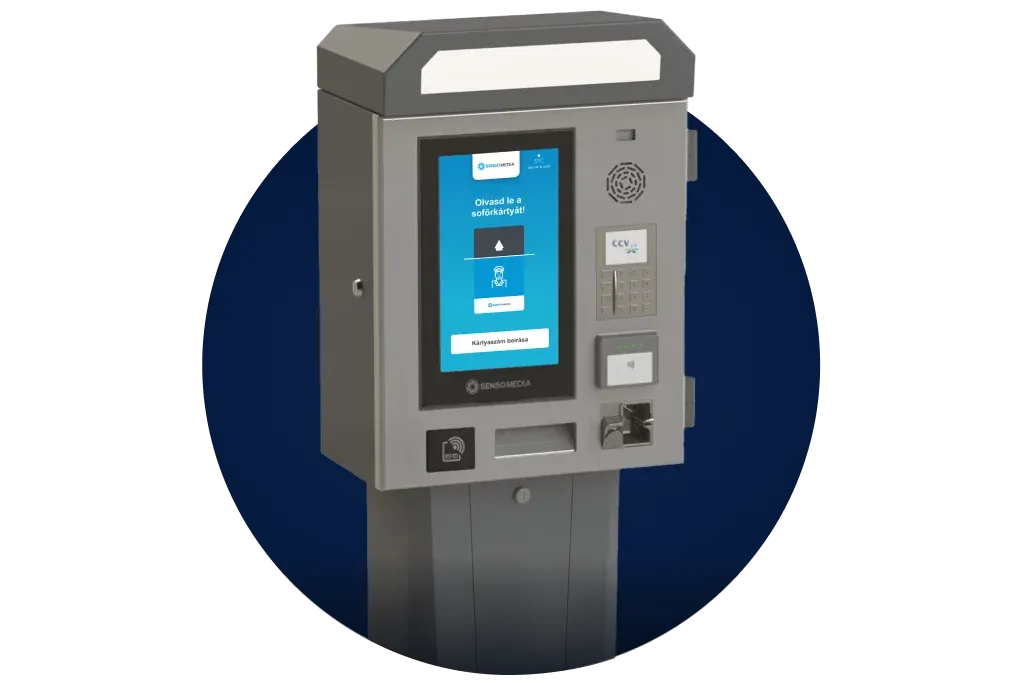
Users log in using the configured identification method. The system links refuelling to the appropriate driver and vehicle.
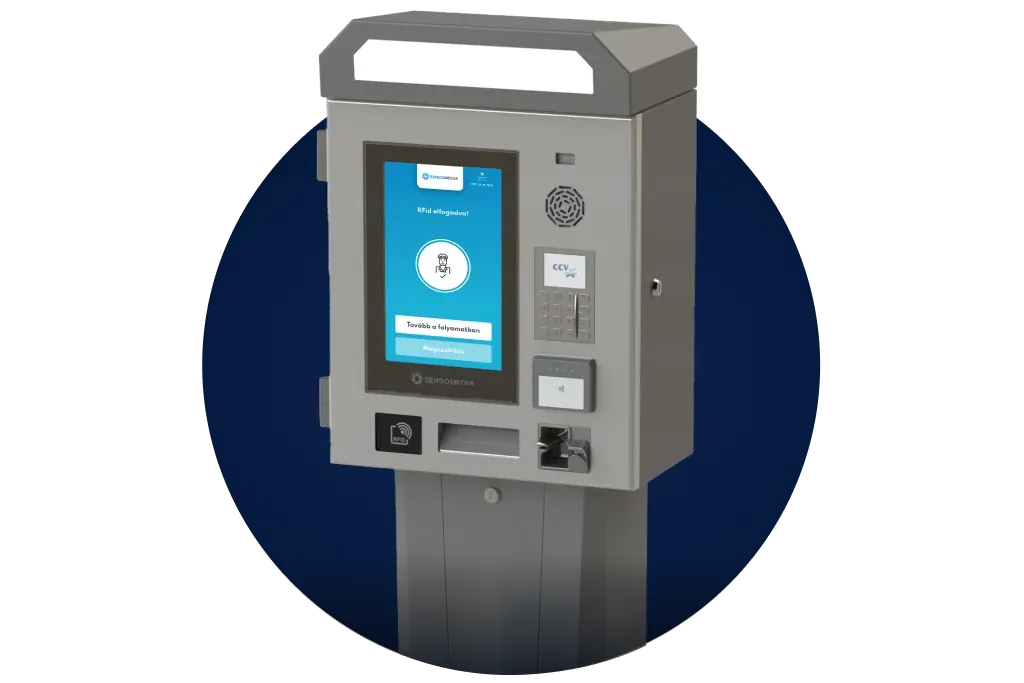
The software checks valid permissions and periodic limits. Authorised dispensing follows company-defined conditions.
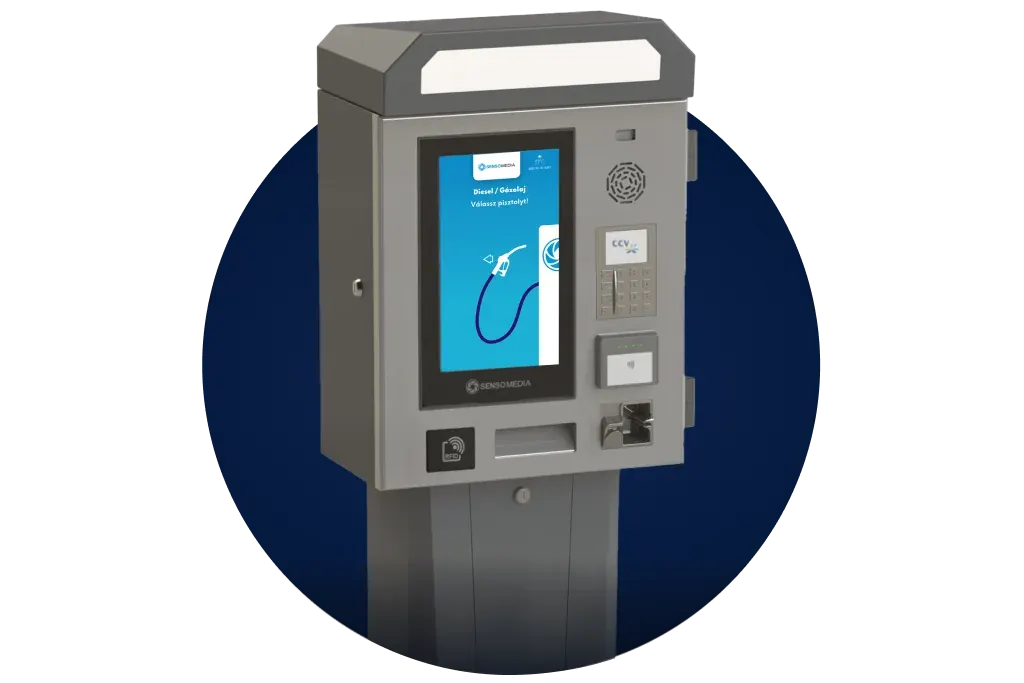
Once conditions are met, the system authorises the appropriate pump. Control can also account for the permitted fuel volume.
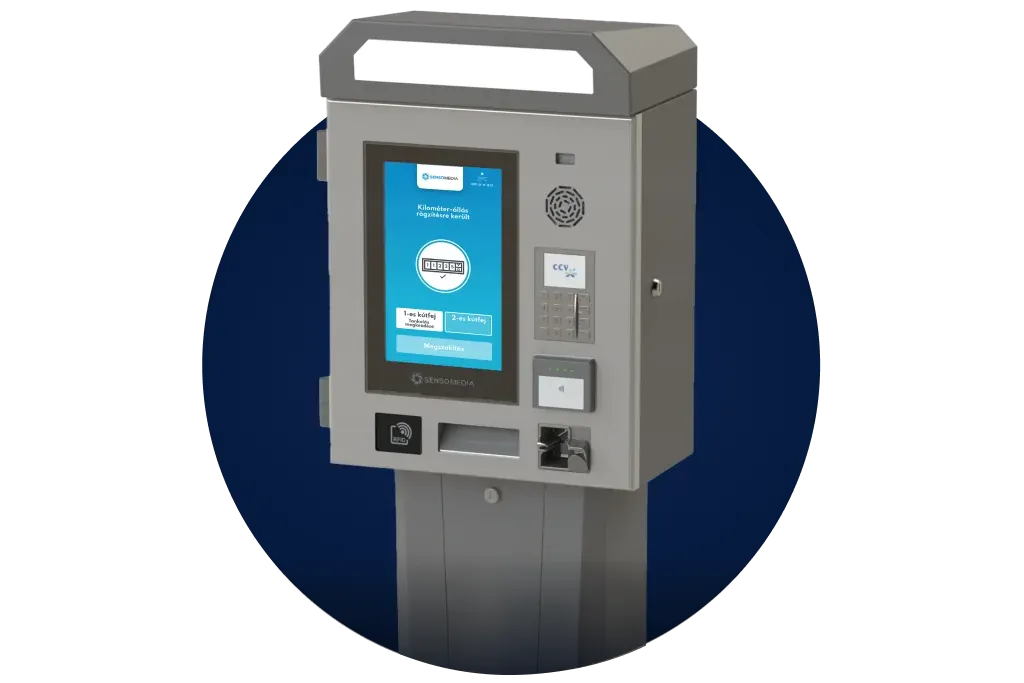
Dispensing data are recorded continuously, allowing refuelling to be traced to the identified driver, vehicle and location.
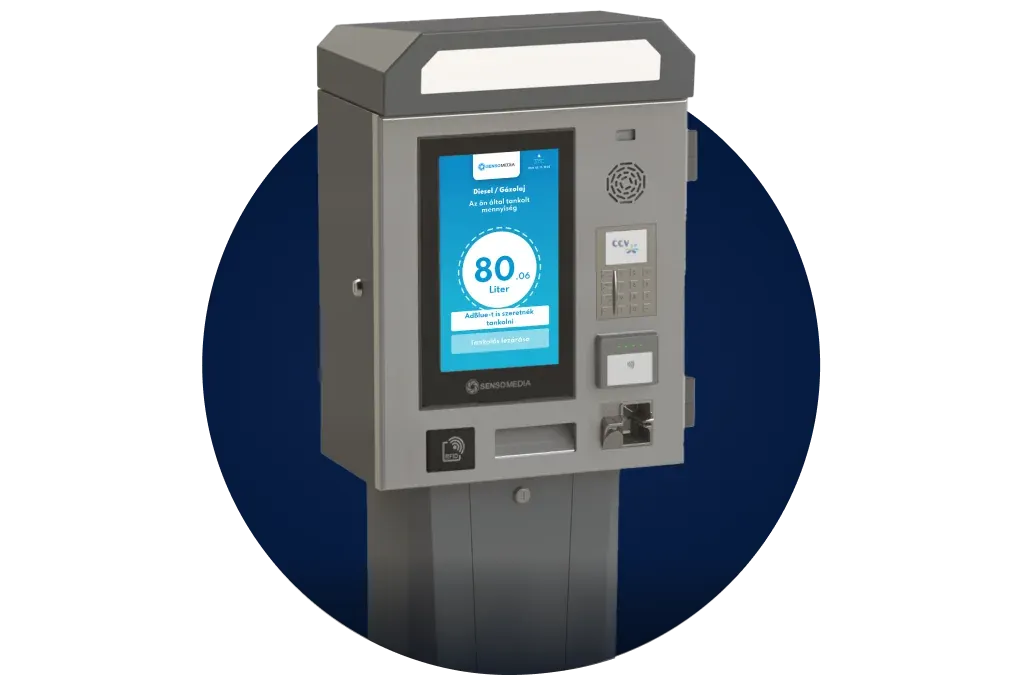
At completion, the actual quantity is recorded and accounted for under the configured rules. Subsequent refuelling uses the updated allowance.
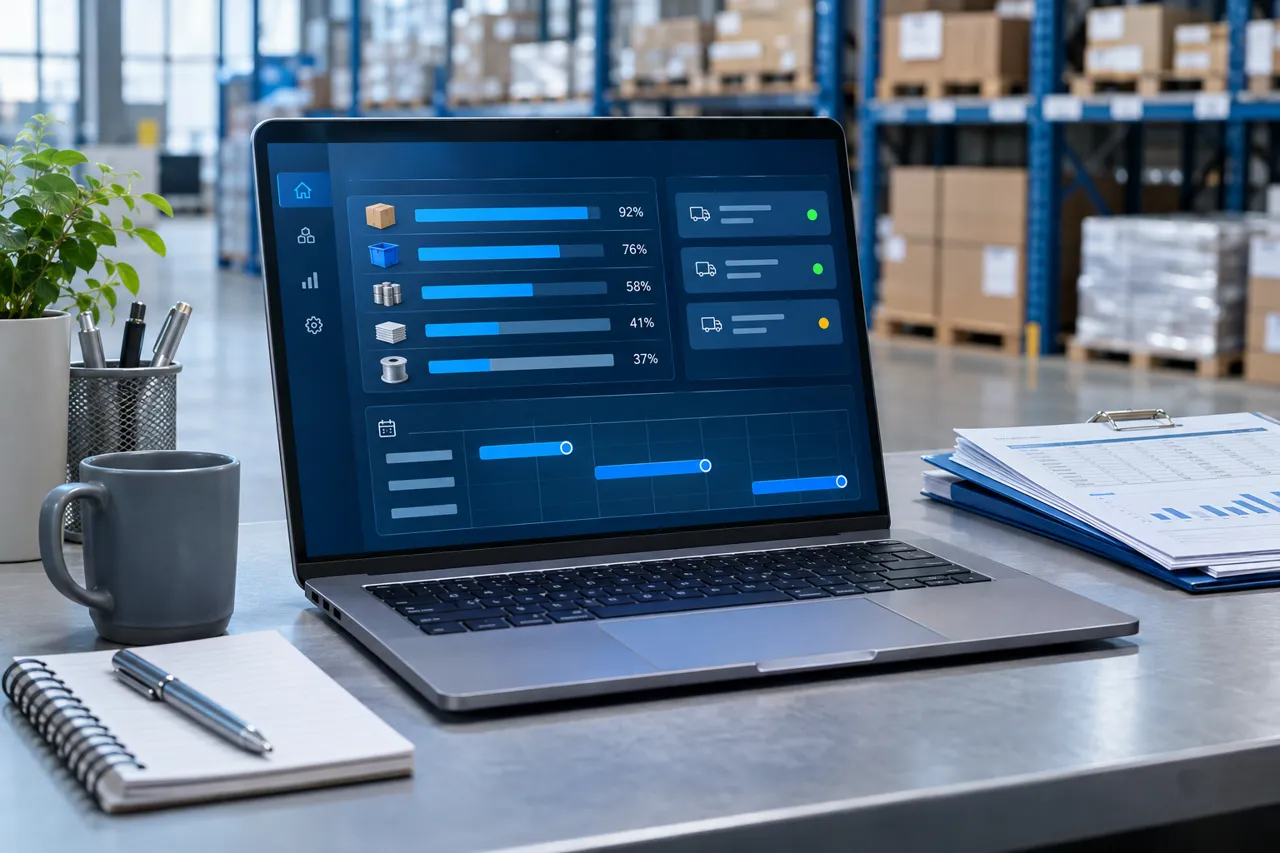
Operators analyse consumption using dispensing and tank level data. The searchable database supports discrepancy investigations.
The following functions depend on the selected configuration and required integrations. Their exact implementation and associated services are agreed before deployment.
Additional company data can support consumption profiles by vehicle type, task or route. Analysis capabilities are adapted to available data sources.

Inventory data can be supplemented with delivery tracking and replenishment planning. Alerts and reports are configured for the partner’s inventory processes.
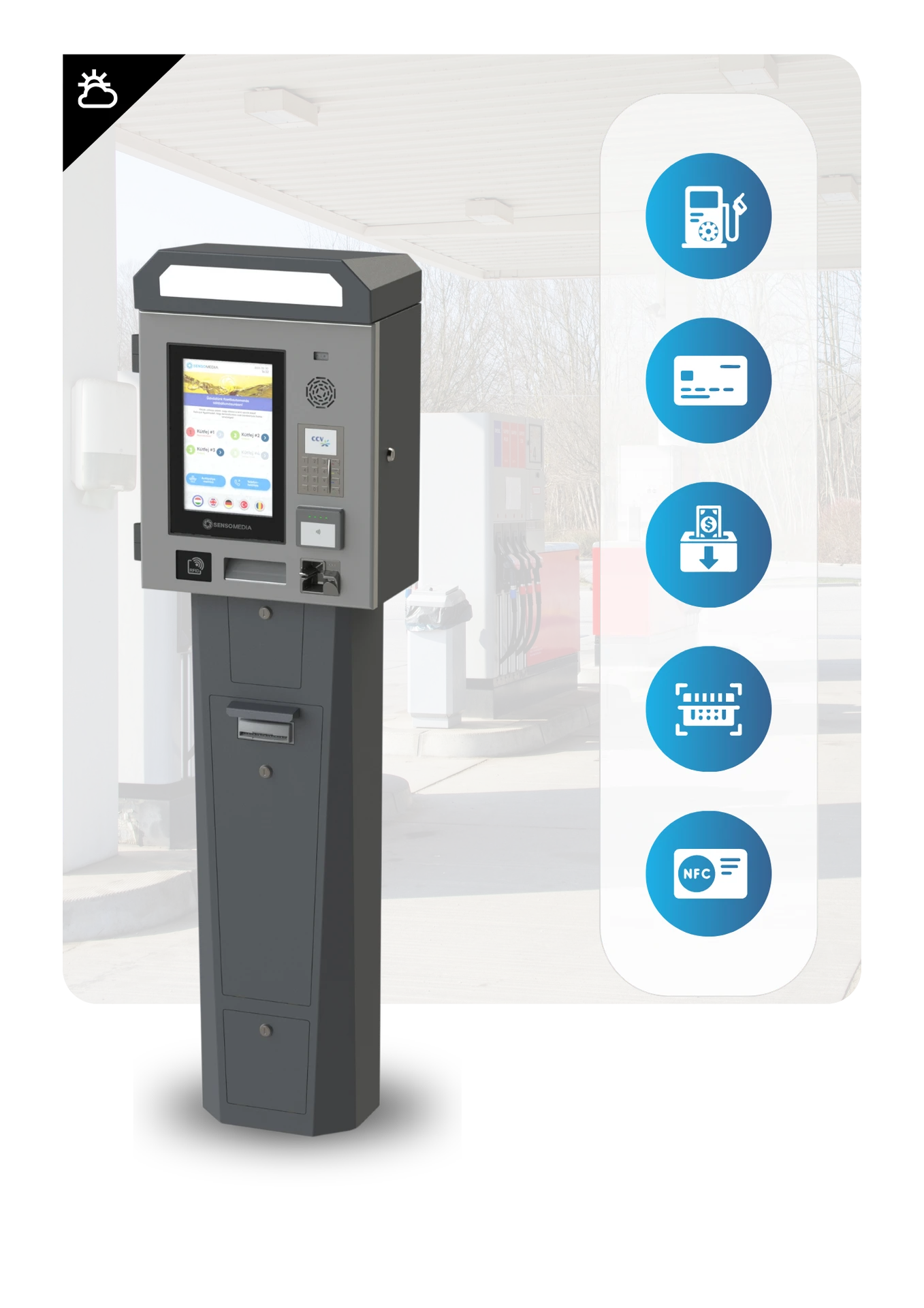
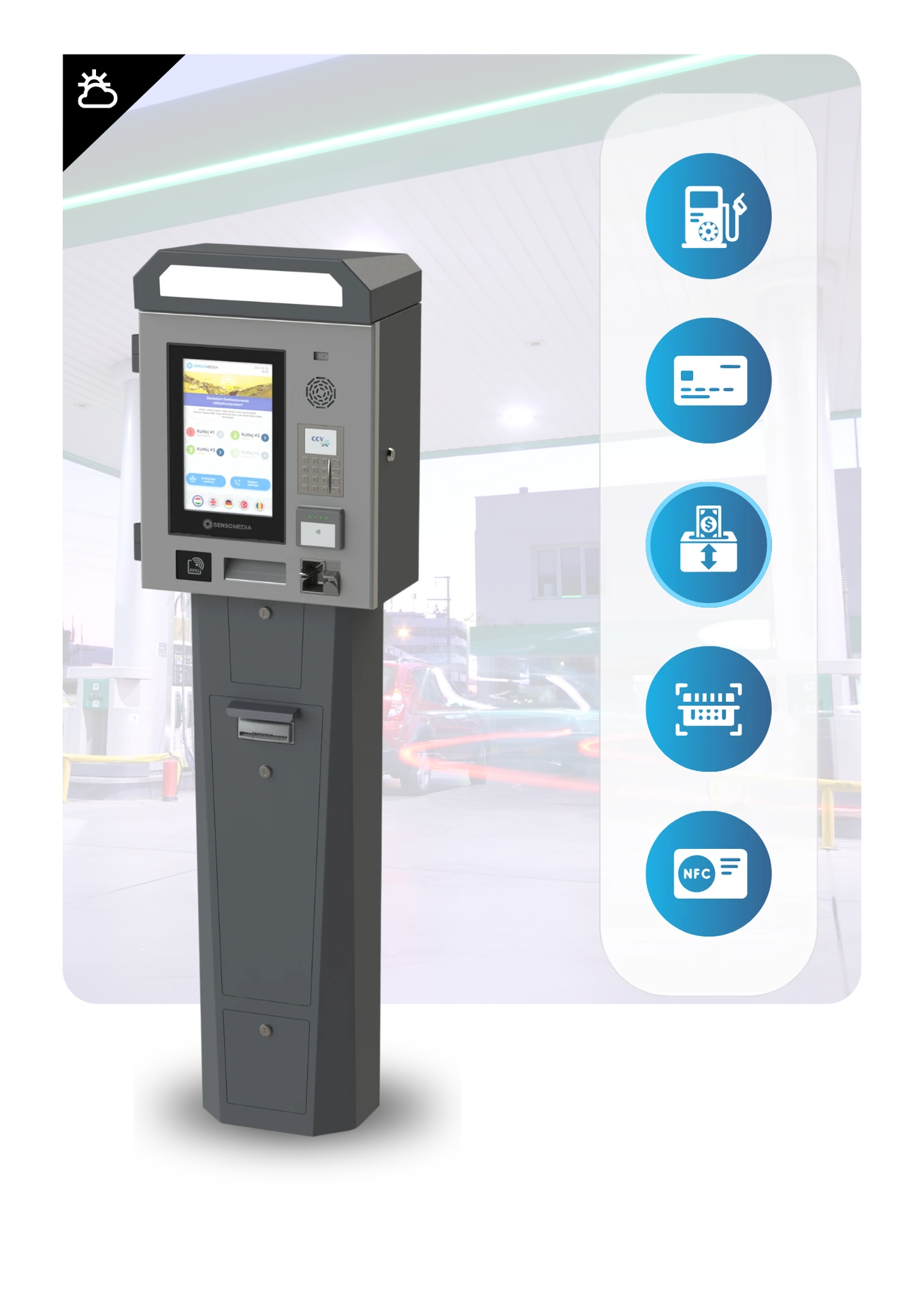
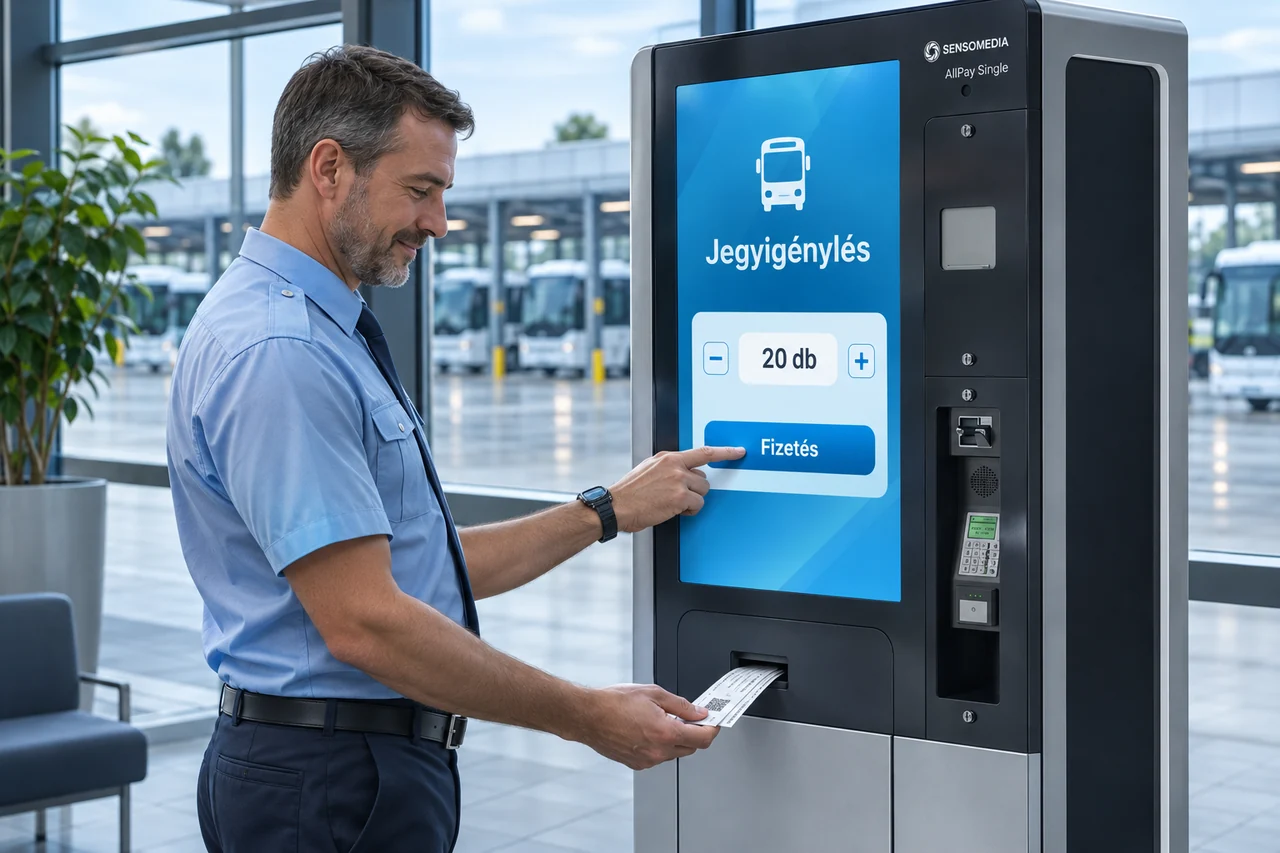
Drivers can request public transport single tickets at the terminal for subsequent resale to passengers on board. If the terminal has a payment module, they can also pay for the tickets on site. This optional feature can complement the industrial refuelling software environment.
Back Office connects permission management with fuel management, showing both dispensed quantities and the context of their use.
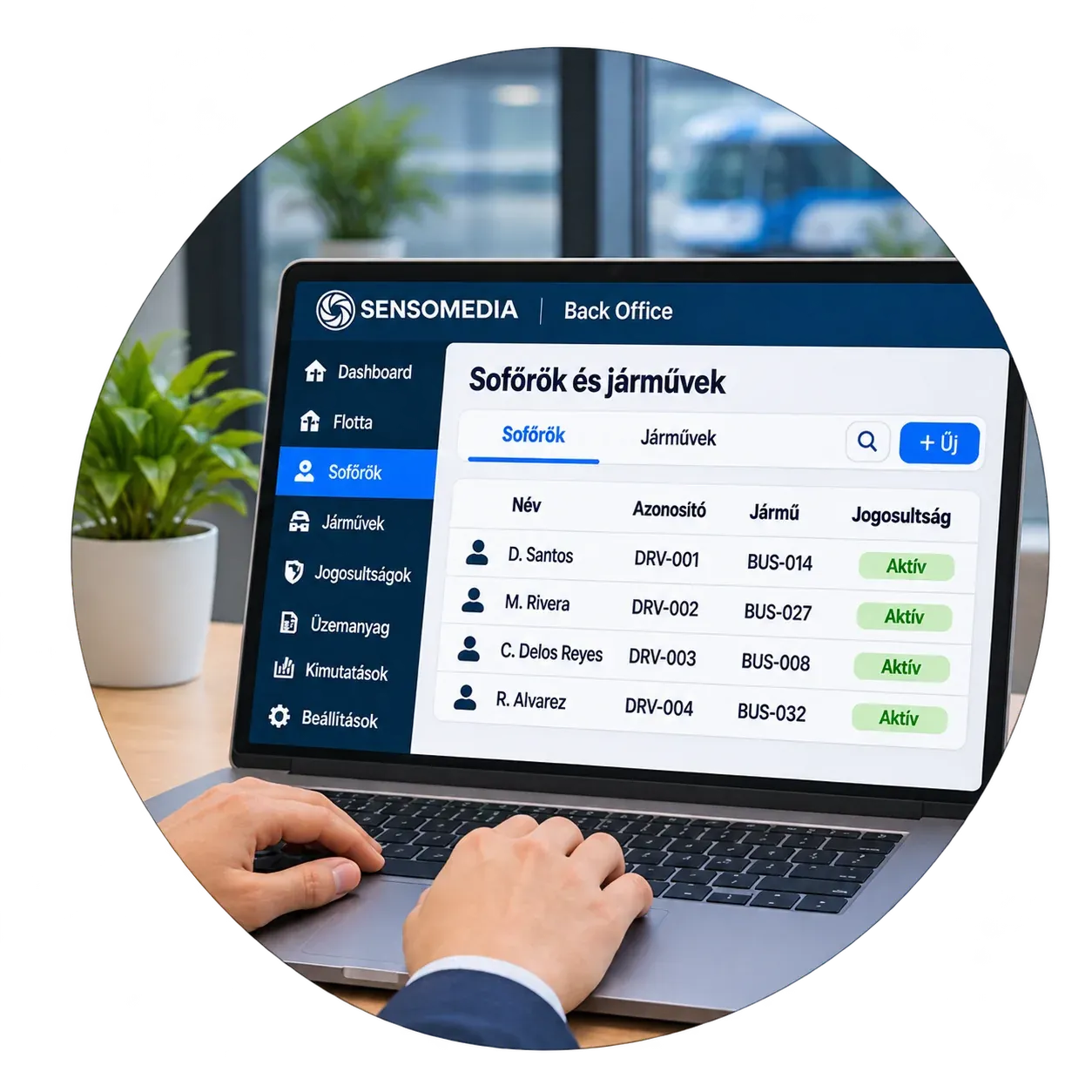
Master data and associations are managed centrally. Changes are reflected alongside refuelling permissions.
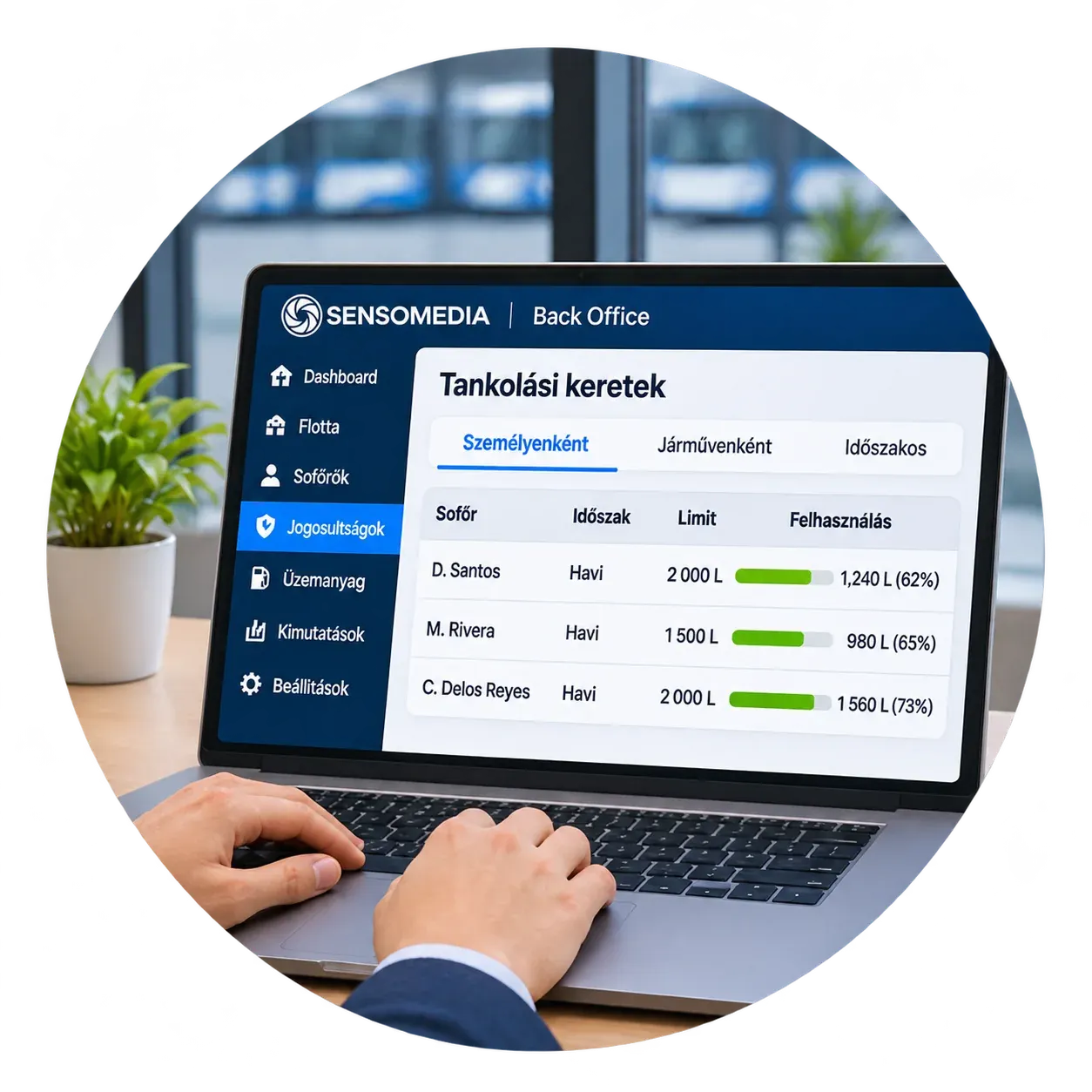
Volume limits can be assigned by period, person or vehicle, following the company’s operating model.
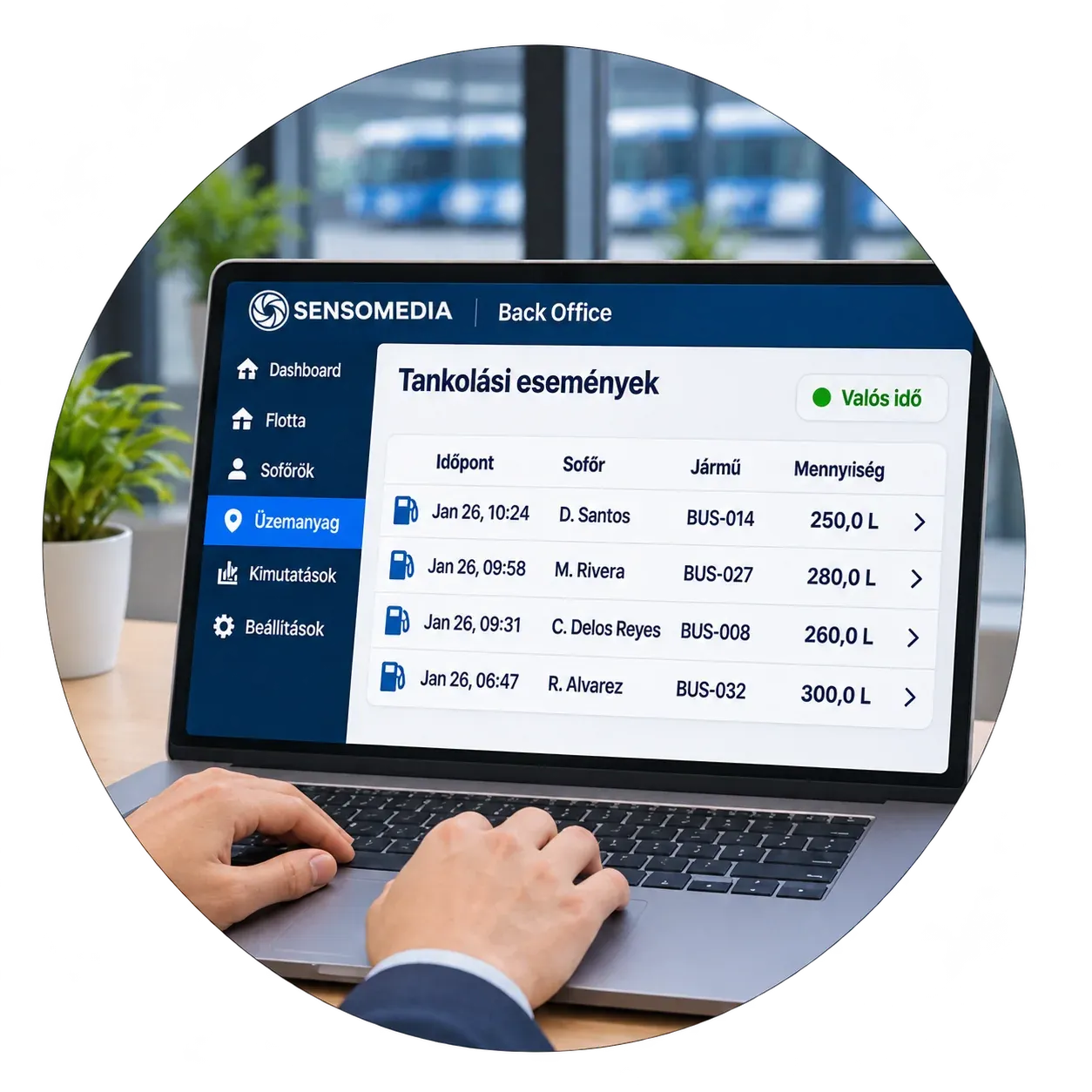
Dispensing events can be reviewed centrally and retrieved later. Individual refuelling details remain available for targeted investigations.
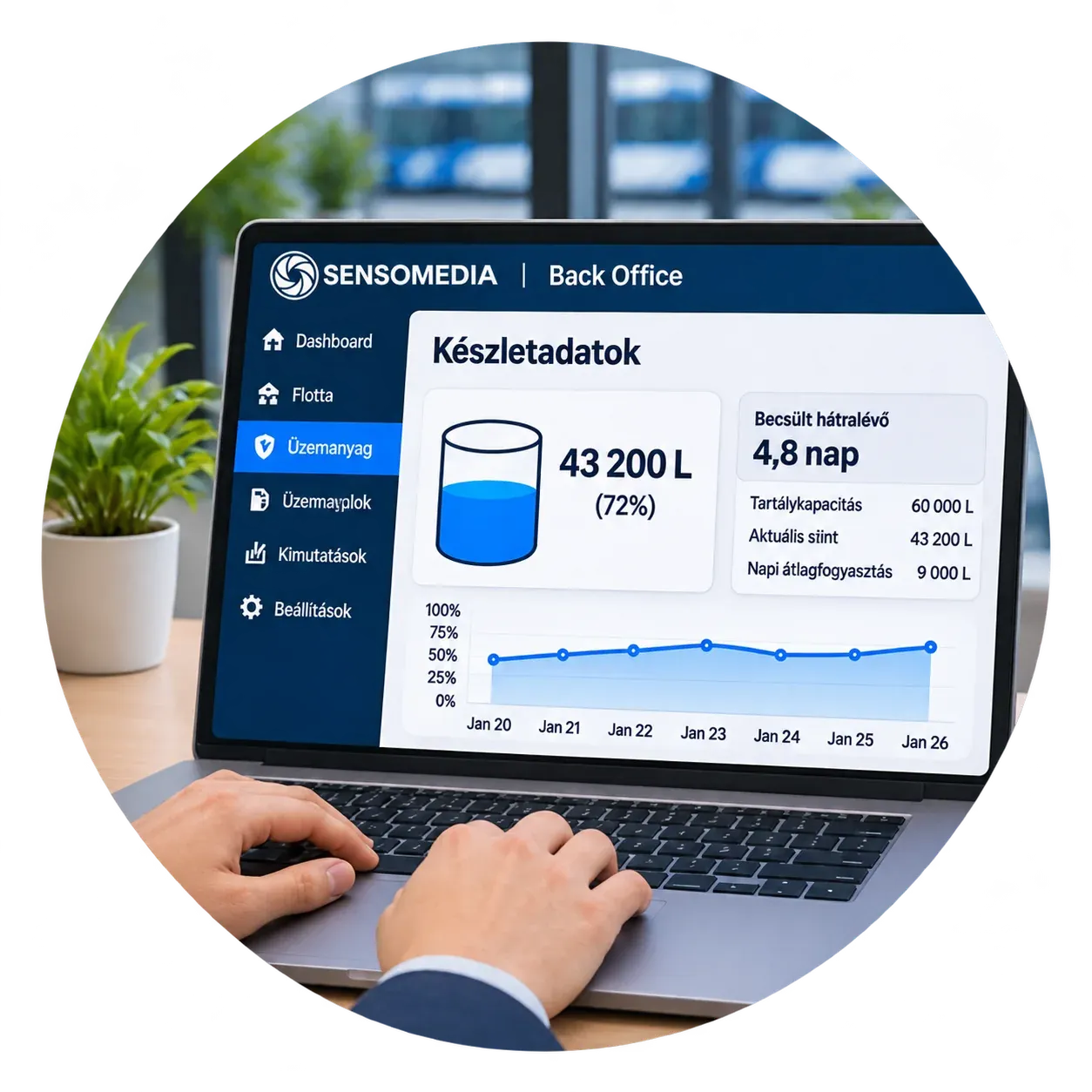
Connected tank measurements track fuel inventory changes. Refuelling and stock data can be compared to analyse discrepancies.

Reports support assessment of fleet fuel consumption. Available data can be analysed by period and registered users or vehicles.

Role-based permissions and supported remote controls enable daily management. Financial and technical roles can receive different access.
The following connections can be configured according to partner requirements and the technical capabilities of existing infrastructure. Integrations are optional and are not automatically available in every installation.
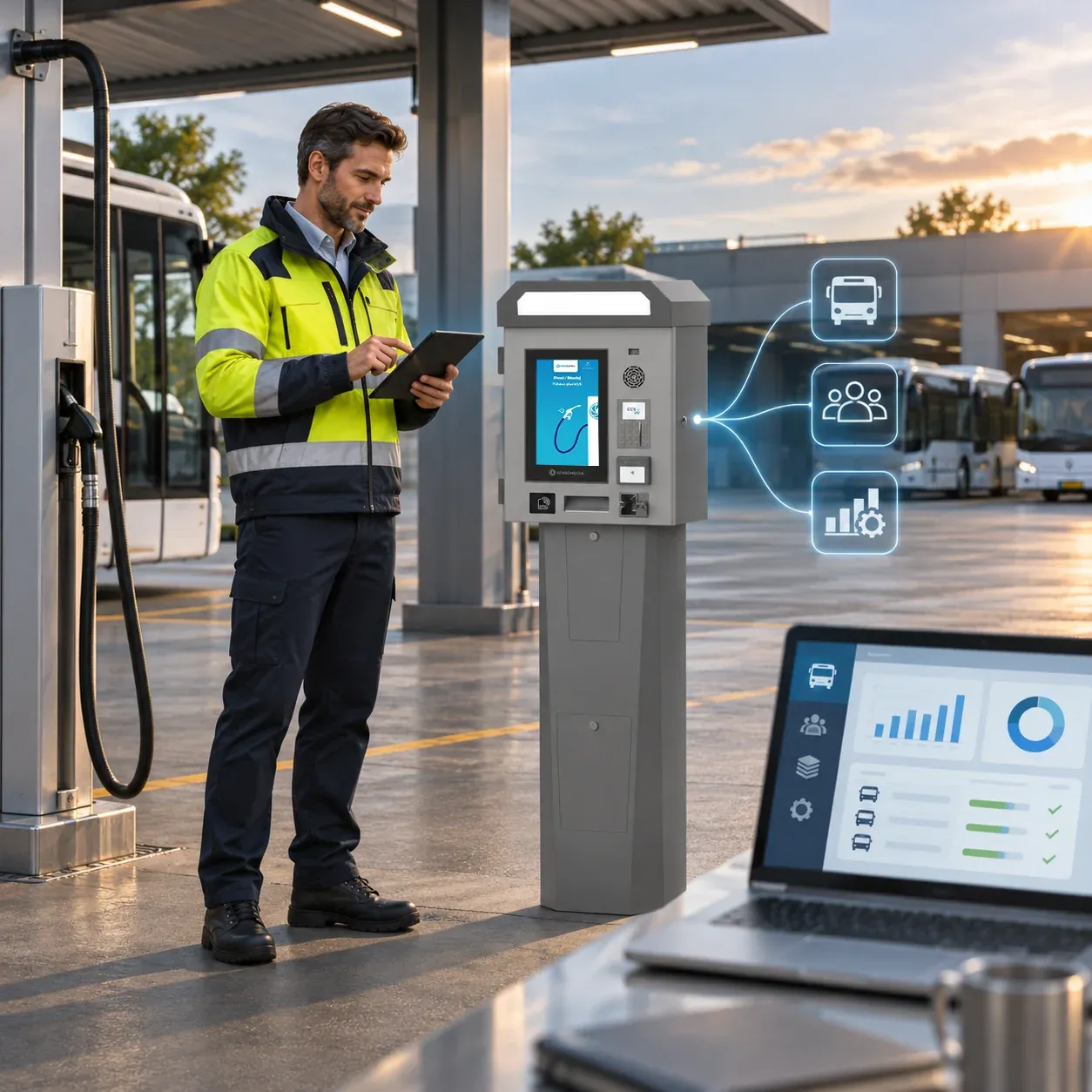
Compatible pump communication authorises dispensing and receives refuelling data. Integration follows the station’s existing technical environment.
Existing company cards and identification solutions can be incorporated through suitable interfaces, reducing the need for new identifiers.
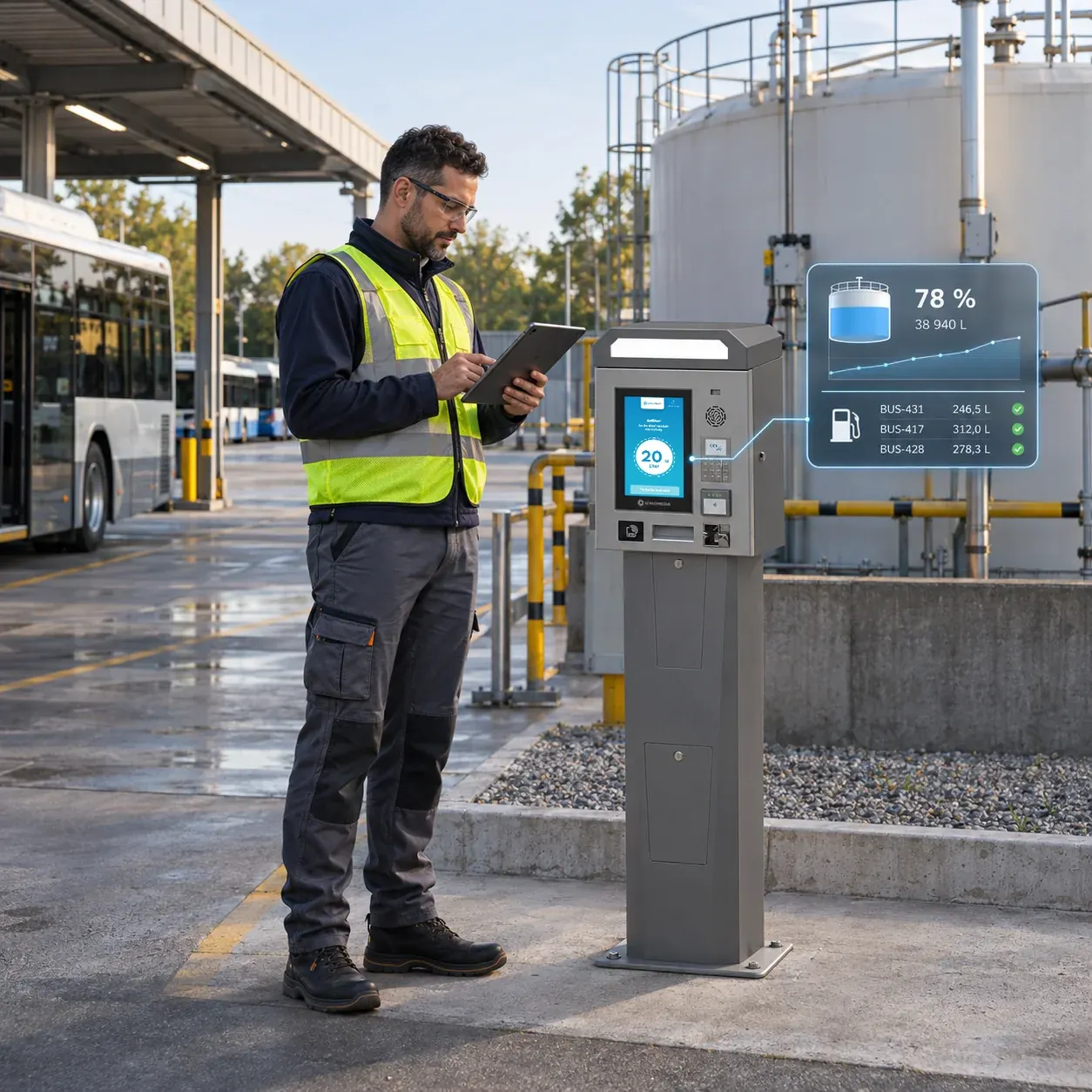
Connecting the measurement system allows stock and dispensing data to be analysed together. Available measurements depend on device capabilities.

Connections can be established with fleet, HR and enterprise management systems, linking required master data and reports to existing administration.
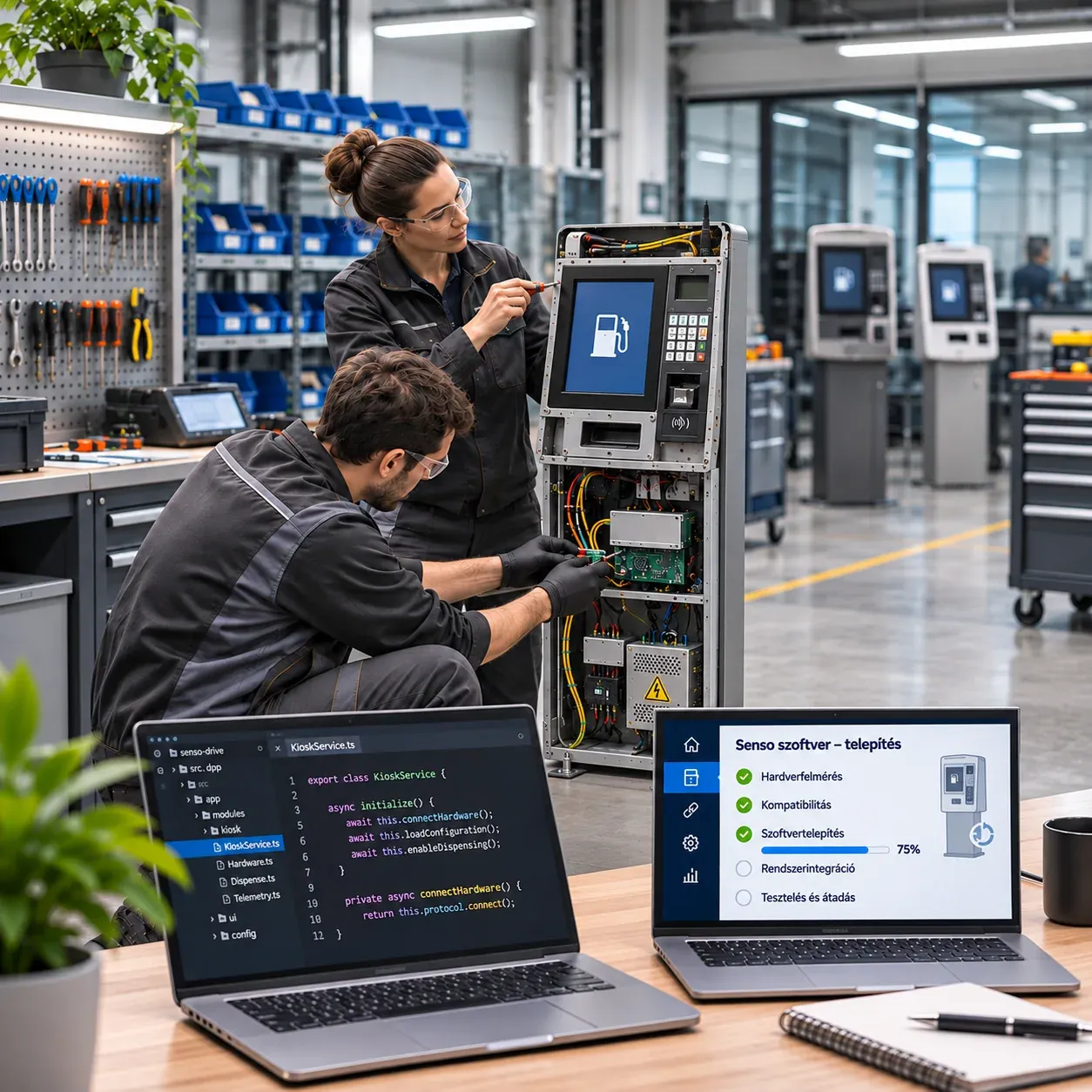
When upgrading an existing network, we first assess hardware condition, communications and connected systems. This determines what can be retained and where replacement components or extensive refurbishment are needed.
We install the SENSO software environment on suitably prepared devices, establish central connections and integrate with the partner’s systems. Device and interface rebranding can also form part of the project.
Long-term monitoring, support and maintenance are planned with service levels suited to the installed environment.
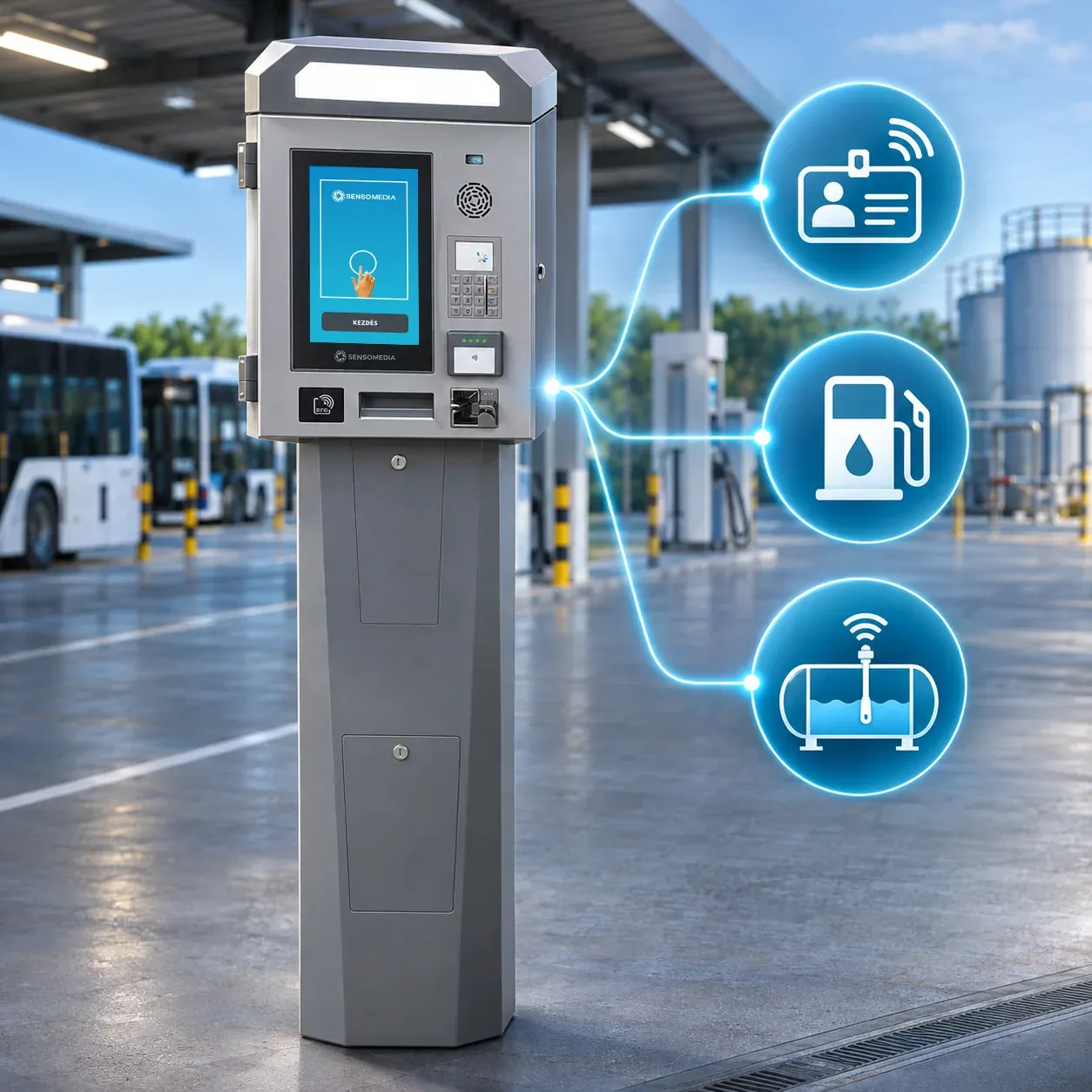
Driver identification and permission checks are the primary tasks at industrial fuelling points. No on-site payment module is required.
Non-Payment
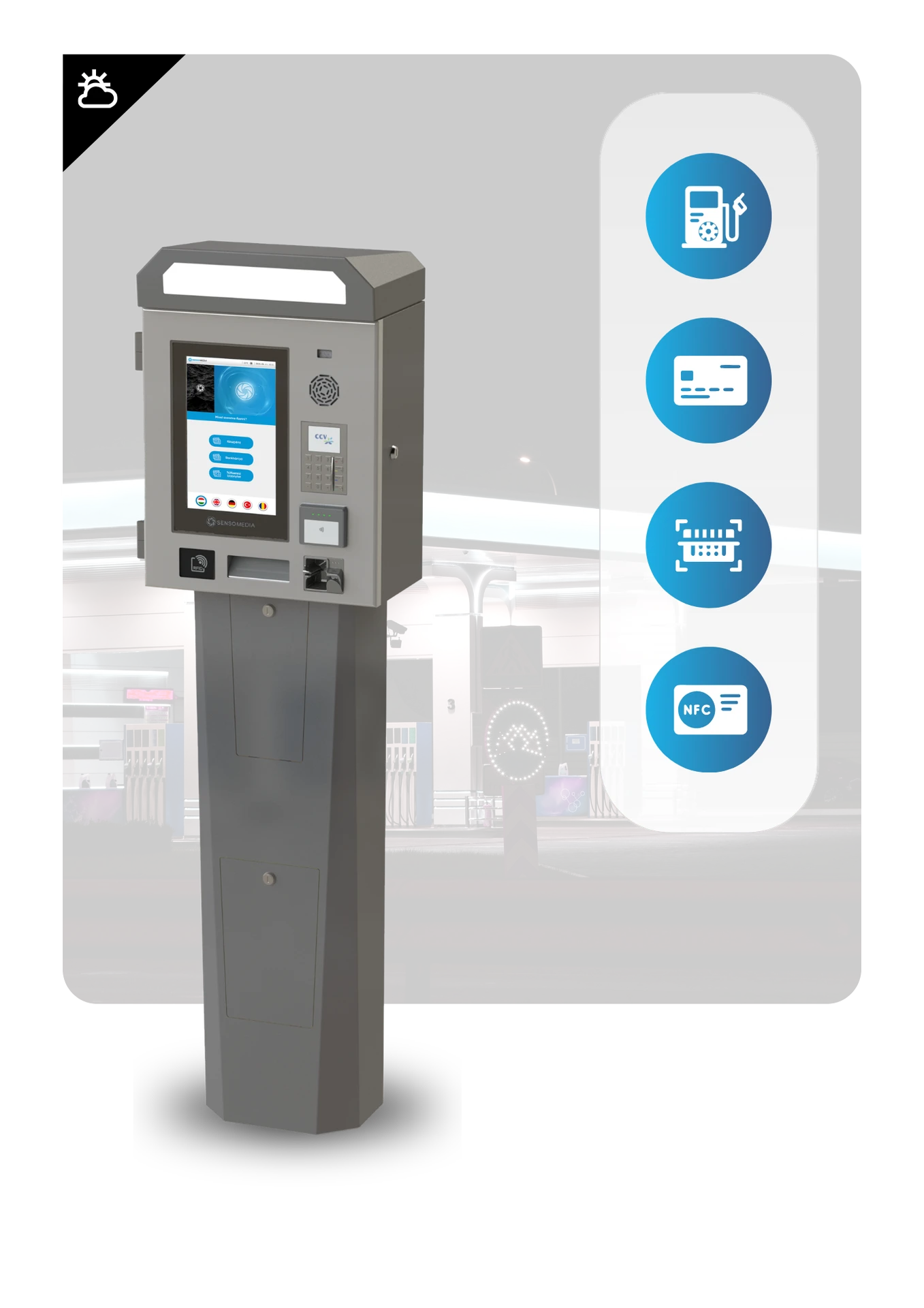
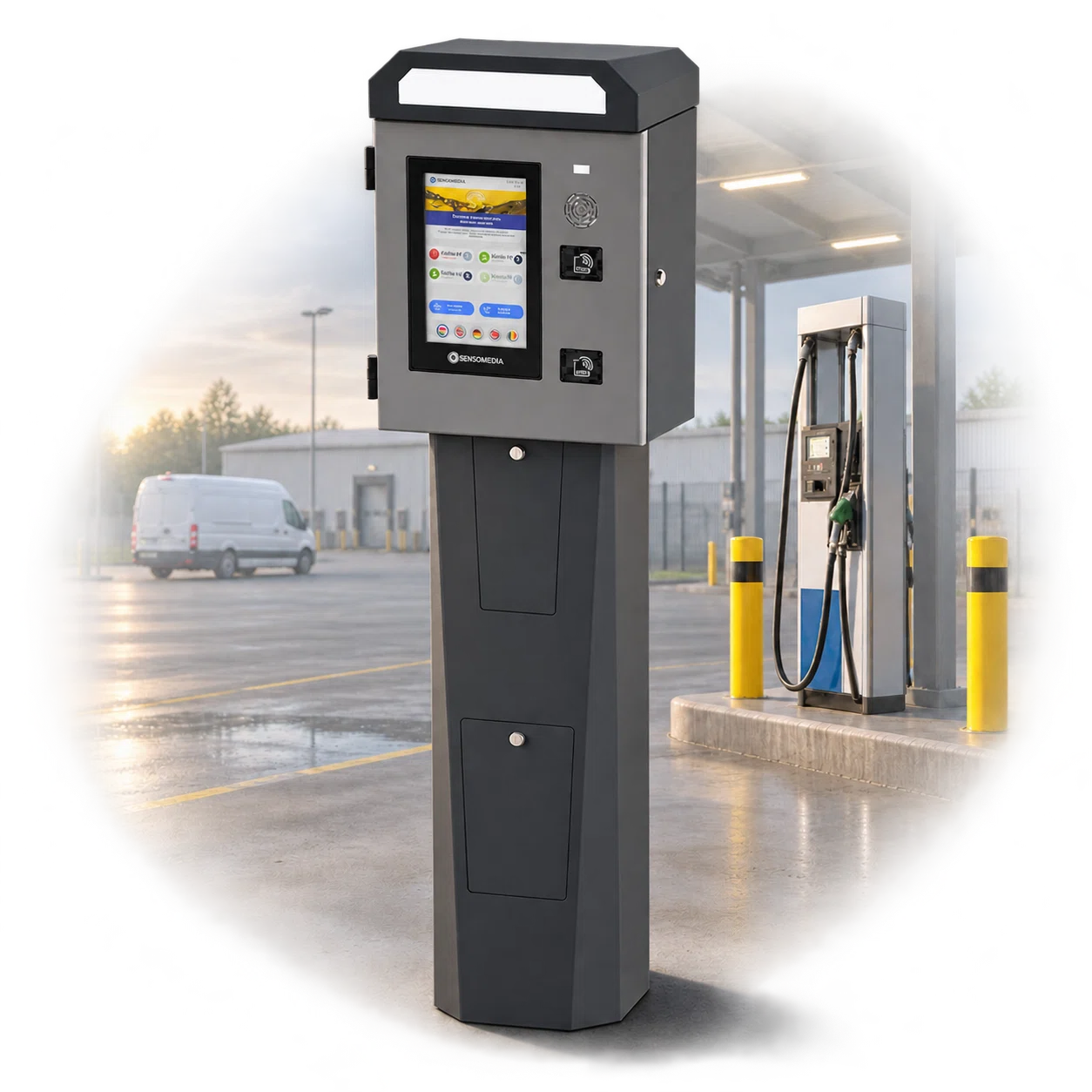
A terminal for industrial filling stations with NFC driver identification and QR/barcode reading options. Without a payment module, it connects permission management, refuelling authorisation and central fuel management.
Non-Payment
A terminal for industrial filling stations with NFC driver identification and QR/barcode reading options. Without a payment module, it connects permission management, refuelling authorisation and central fuel management.