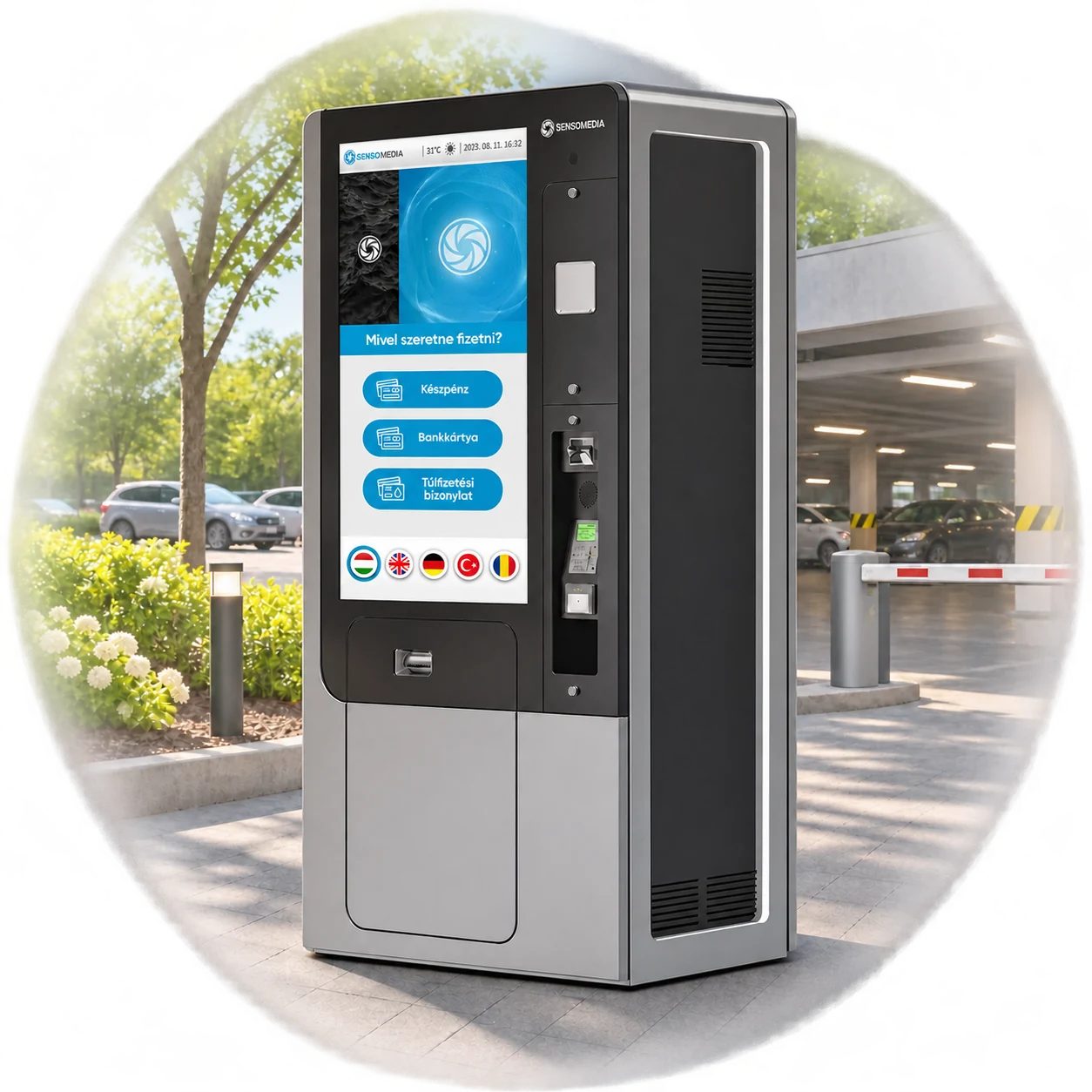
Parking payment kiosk application
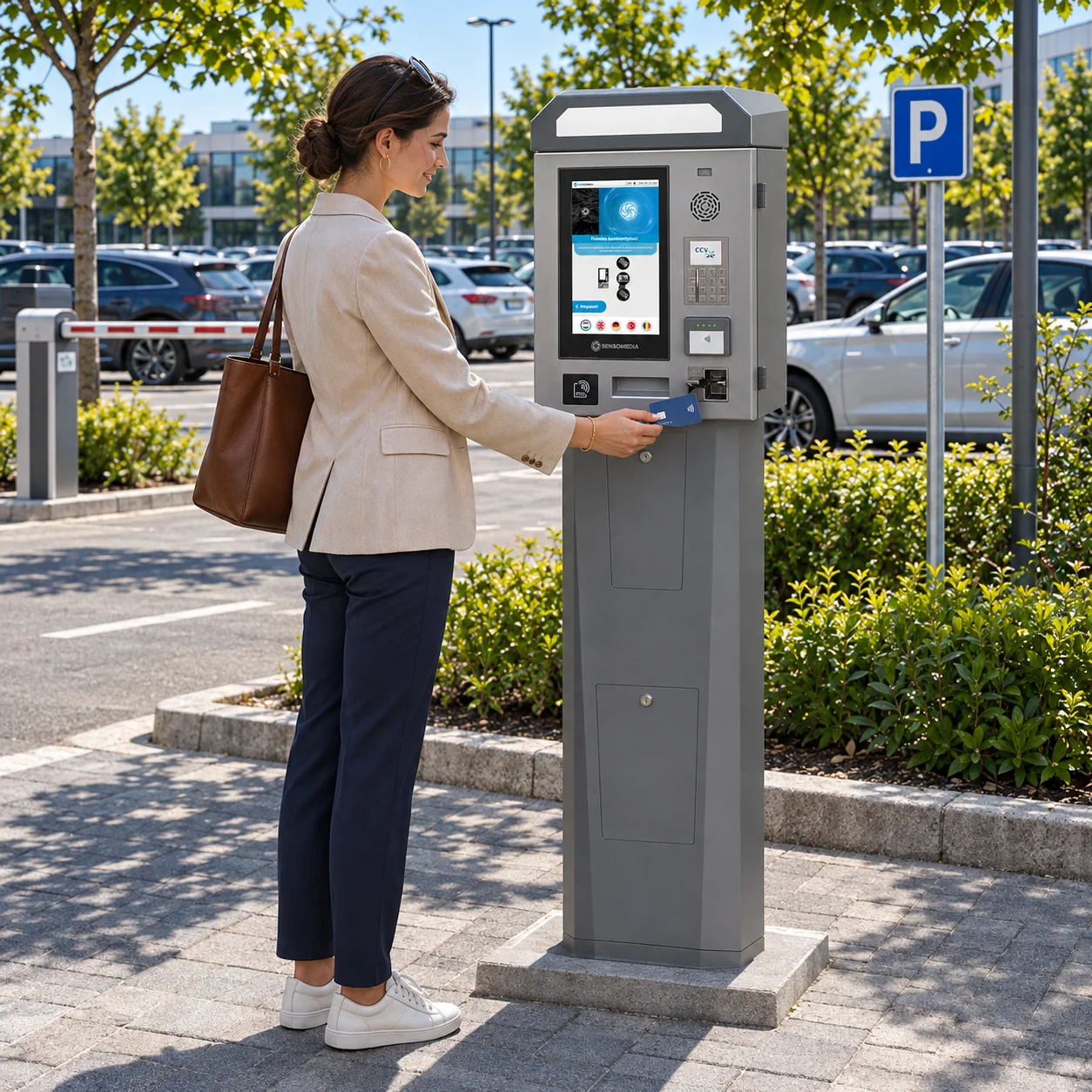
The application finds the parking session, displays the amount due and handles the selected payment method. Receipt issuance and an invoice request option complete the process.
 Let’s talk!

Straightforward payments connected directly to the parking system
SENSO Parking is a software suite for self-service parking payments. It connects the terminal interface with parking sessions, fee calculation and central operations, allowing visitors to settle the amount due quickly and clearly.
Parking sessions are located using a vehicle registration or another identifier used at the site. The system automatically calculates the fee, processes payment and communicates the outcome to the parking infrastructure.
SENSO Parking can connect to existing systems as an independent payment channel or operate as part of SENSO SmartParking. Mobile parking activation and payment can be added, while operators monitor sales and devices centrally.
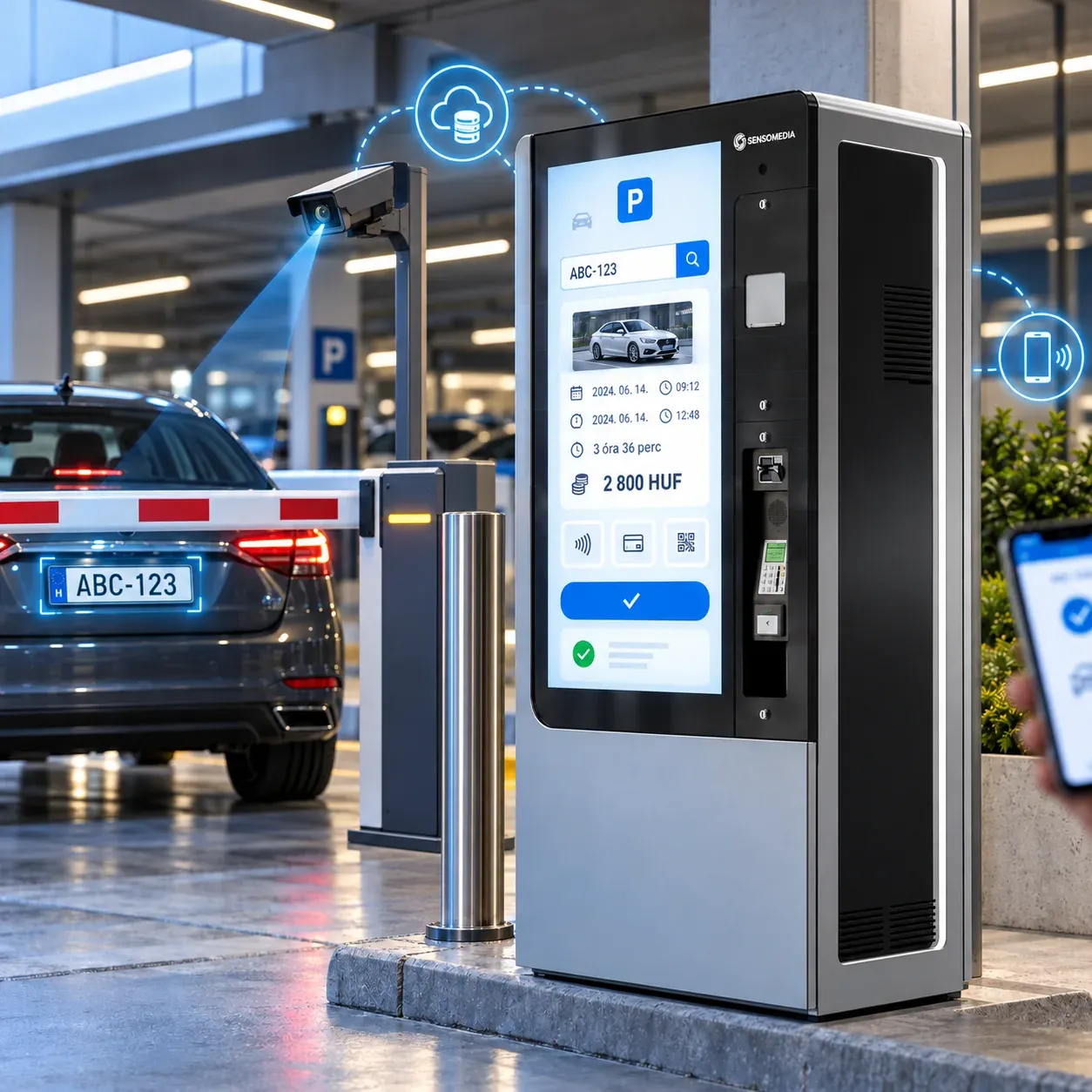
We design the user interface and operational tasks as a coordinated system, choosing a deployment configuration suited to business objectives and site conditions.

Find a parking session using a vehicle registration or another supported identifier.

Cash and cards can be used depending on the installed equipment.

Audio guidance can complement the text interface.
A phone-based parking service can complement the on-site terminal.

The amount due is displayed using the connected parking system and applicable tariff.

Payment results reach the other components of the parking system.

Transactions and usage data can be tracked across multiple locations.
Connected software components provide user functions and back-end processes.
The application finds the parking session, displays the amount due and handles the selected payment method. Receipt issuance and an invoice request option complete the process.
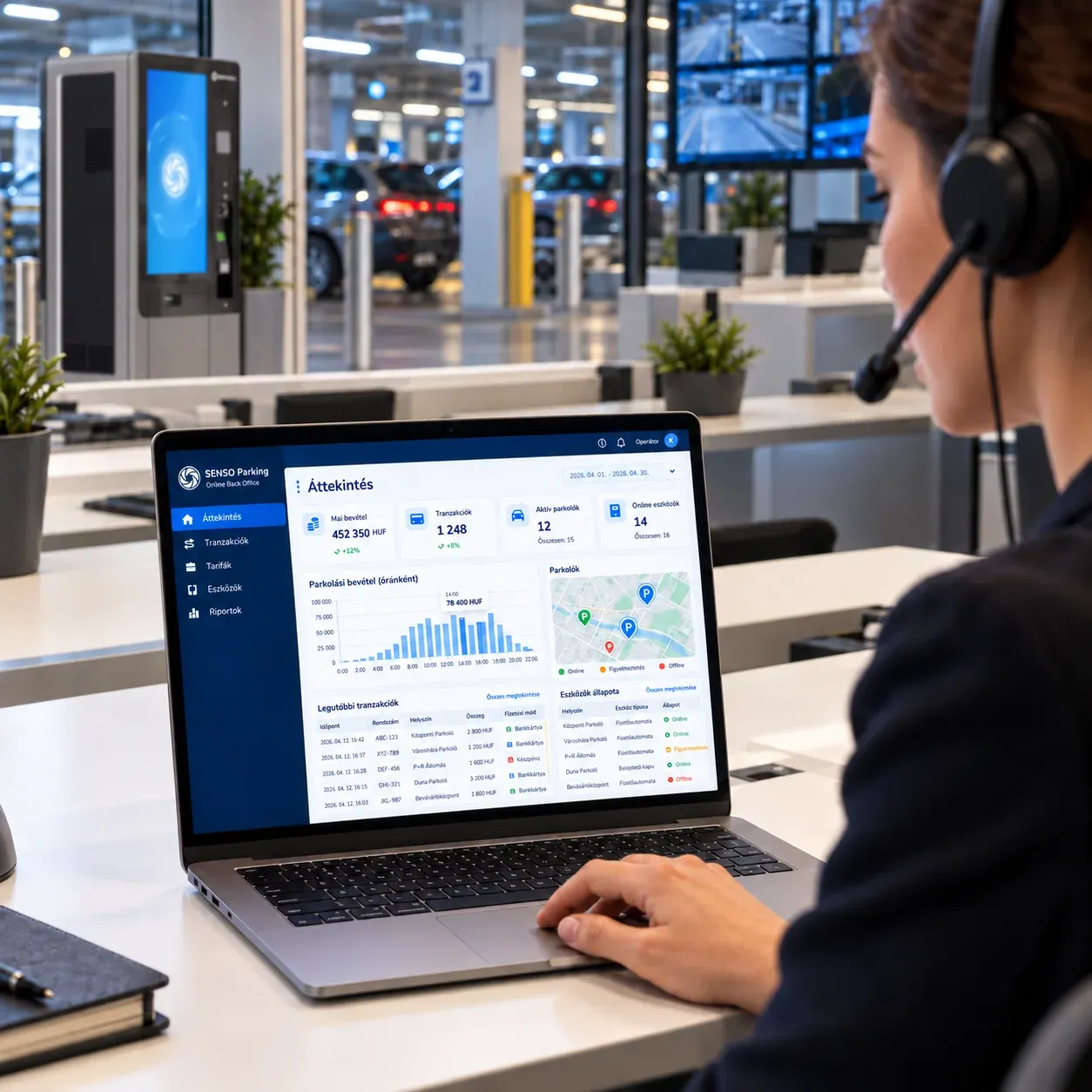
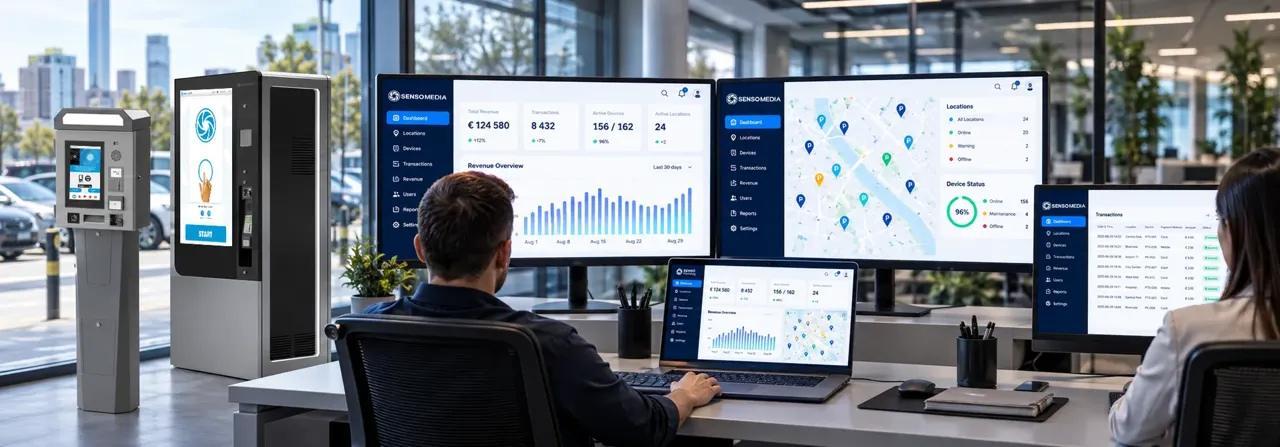
Operators centrally track parking transactions, tariffs and device status. Data from multiple car parks can be reviewed, while remote control supports daily operations.
Deployment can include system integration, branding and development adapted to the existing environment. The precise scope is defined as part of the project.

When deploying SENSO Parking, we review existing hardware, software and data connections. We define interfaces, data flow directions and operational responsibilities so that the new interface connects to established processes and reduces duplicate data entry where possible.

We adapt graphics, menus and information delivery to the partner and application. Beyond colours and logos, screen layouts support clear service use. Required languages and supplementary information are agreed during design.
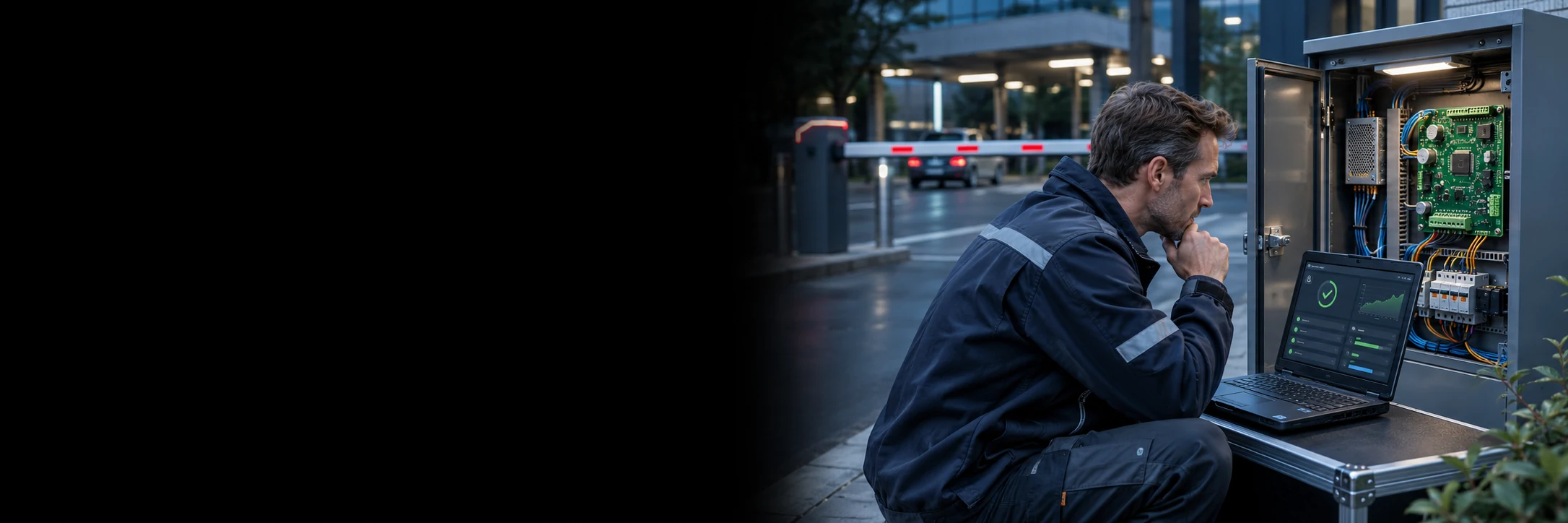
Not every upgrade requires an entirely new device fleet. A technical assessment identifies components that can be retained, refurbishment needs and necessary software changes. Deployment is planned around the partner’s daily operations.
The interface focuses on clear parking identification and payment, providing information and feedback aligned with the parking system.
Locate parking sessions in infrastructure using number plate recognition.
Ticket or session identifiers used by other systems can also be supported.
The system displays the amount due based on the parking session data.
Available methods reflect the terminal’s payment modules.
The interface also helps international visitors find their way through the process.
Voice assistance can accompany the payment steps.
Payment documents can be managed within the process.
The paid parking status is communicated to the connected control system.
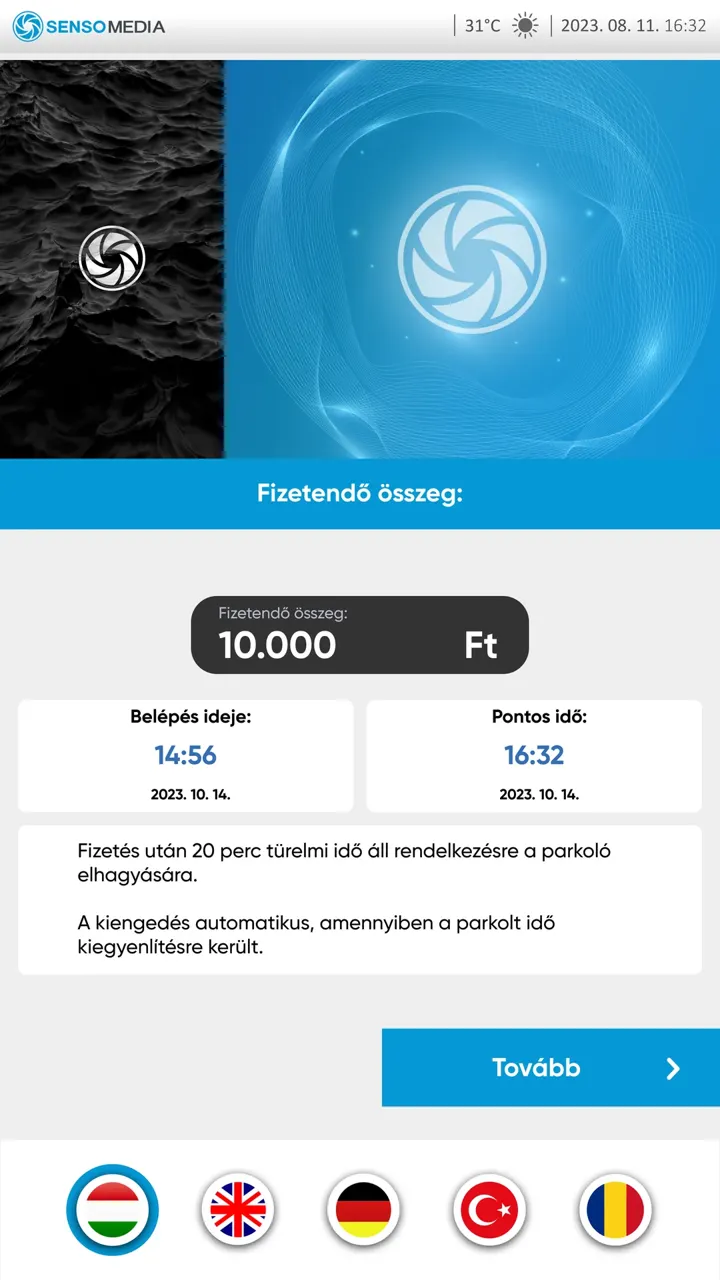
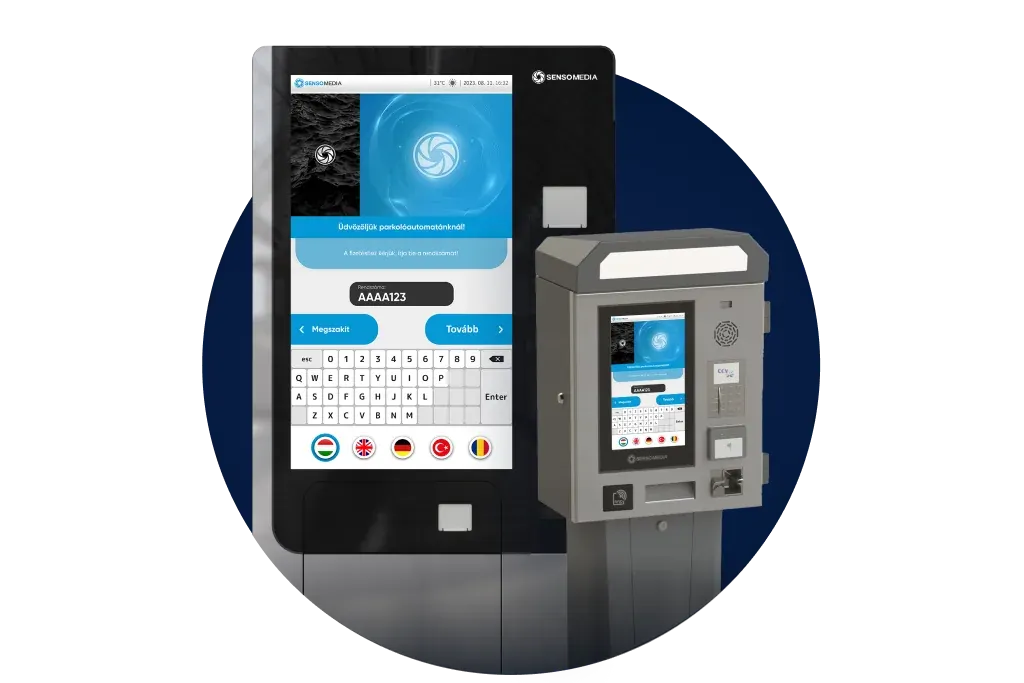
Visitors enter their vehicle registration or use the identifier employed by the car park. The system retrieves the associated parking session.
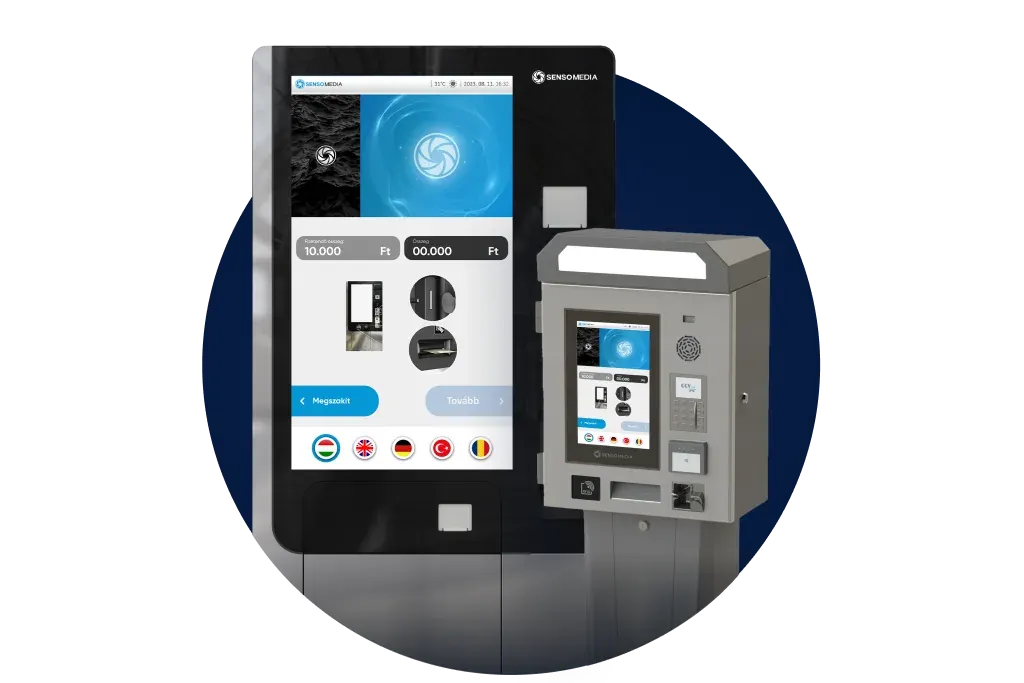
The screen displays session details and the amount due, calculated using local tariffs and any applicable discounts.
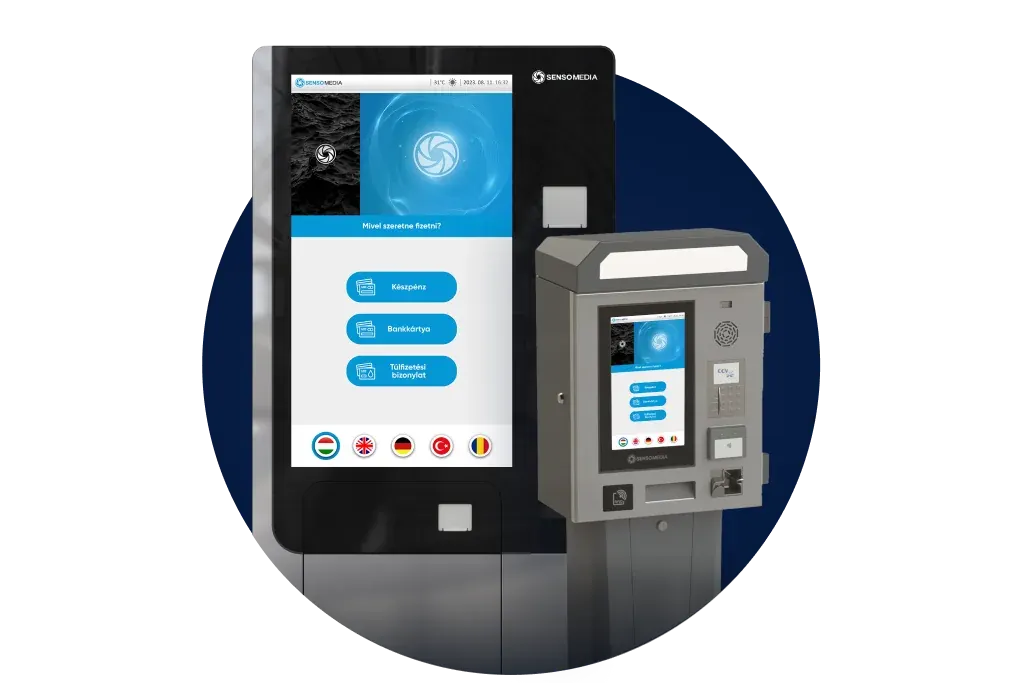
Customers choose from the card or cash options actually available. Change handling depends on the terminal’s equipment.
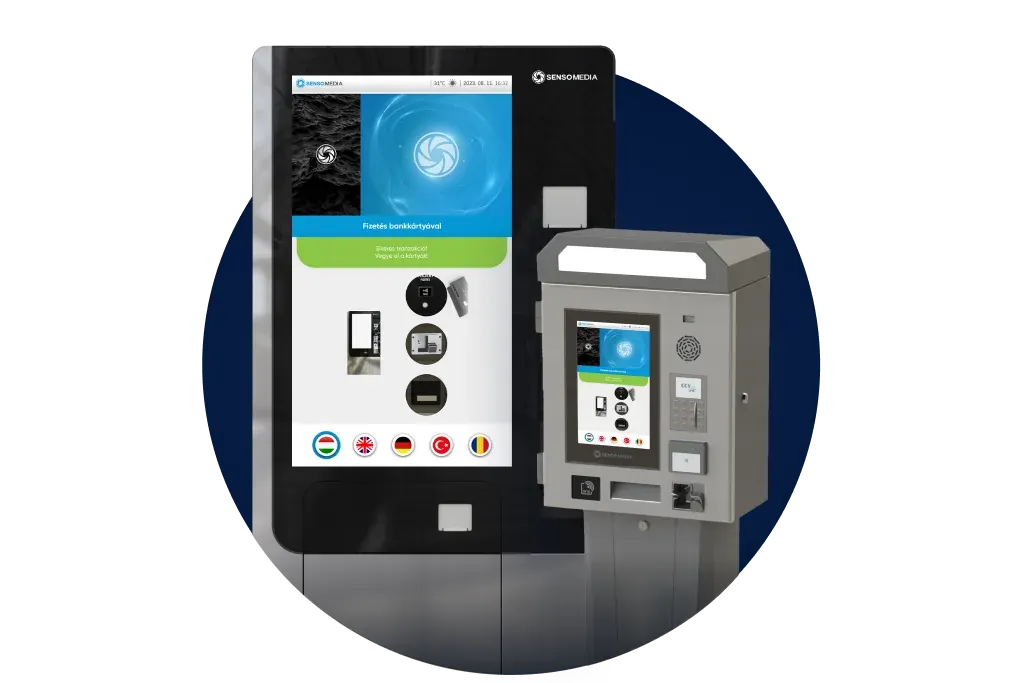
The successful payment is recorded and forwarded to the parking back-end. The kiosk confirms completion of the transaction.
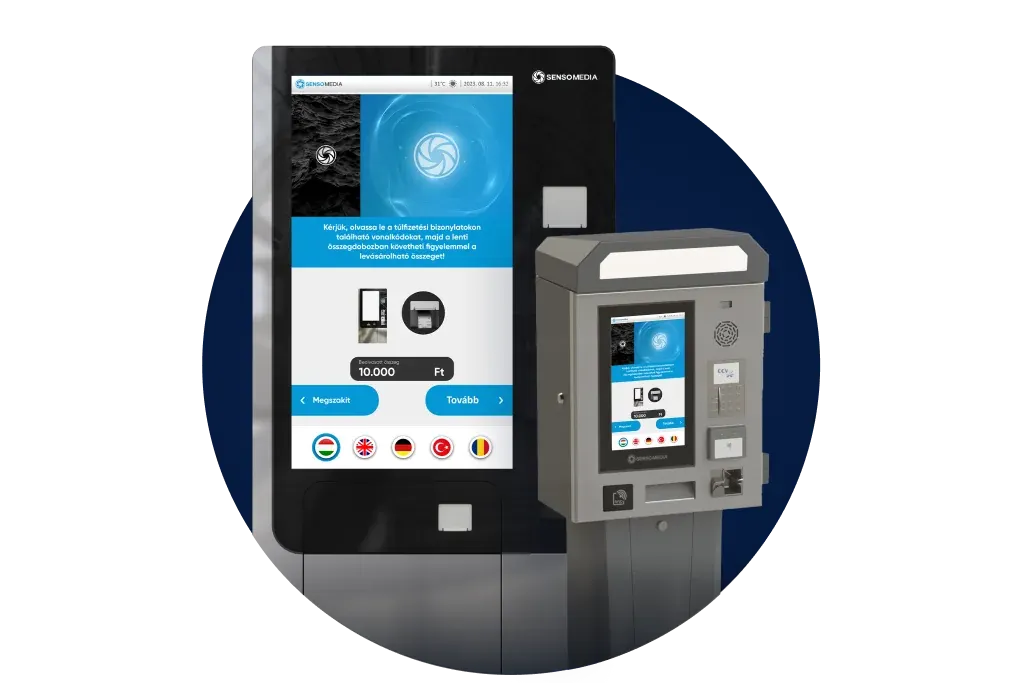
Customers can receive a receipt and request an invoice through the configured process. Payment data remain available for later retrieval.
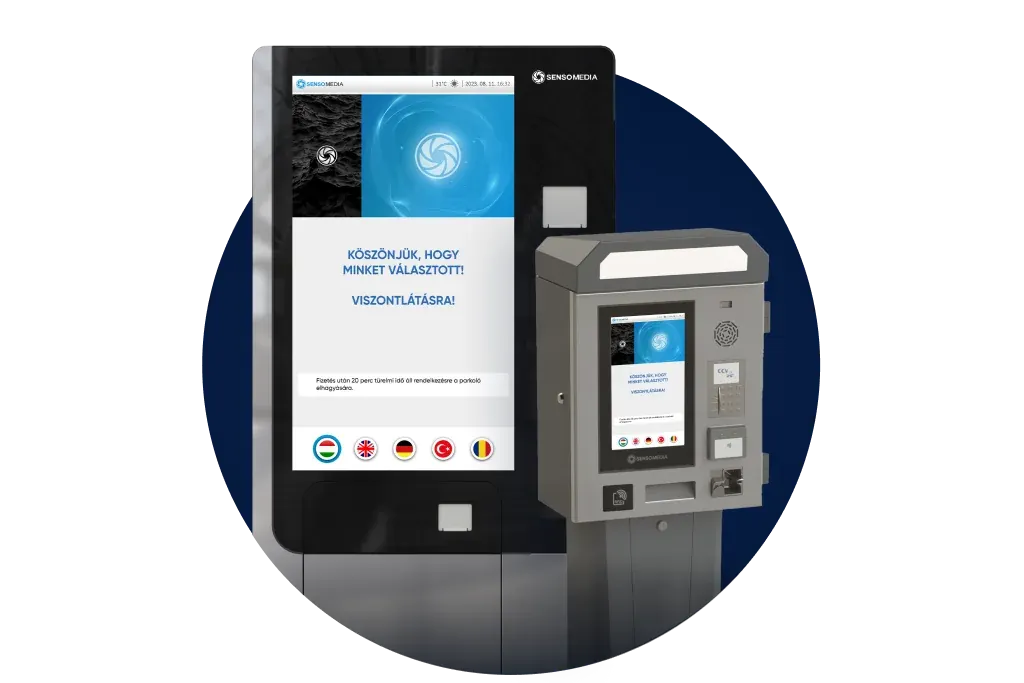
The parking system authorises departure based on payment status and its own rules. Barrier control remains the responsibility of the parking infrastructure, with which the software exchanges data.
The following functions depend on the selected configuration and required integrations. Their exact implementation and associated services are agreed before deployment.
Parking can also be made available through Connect or Drive ON. Mobile activation and payment are adapted to the car park’s operations and connections.
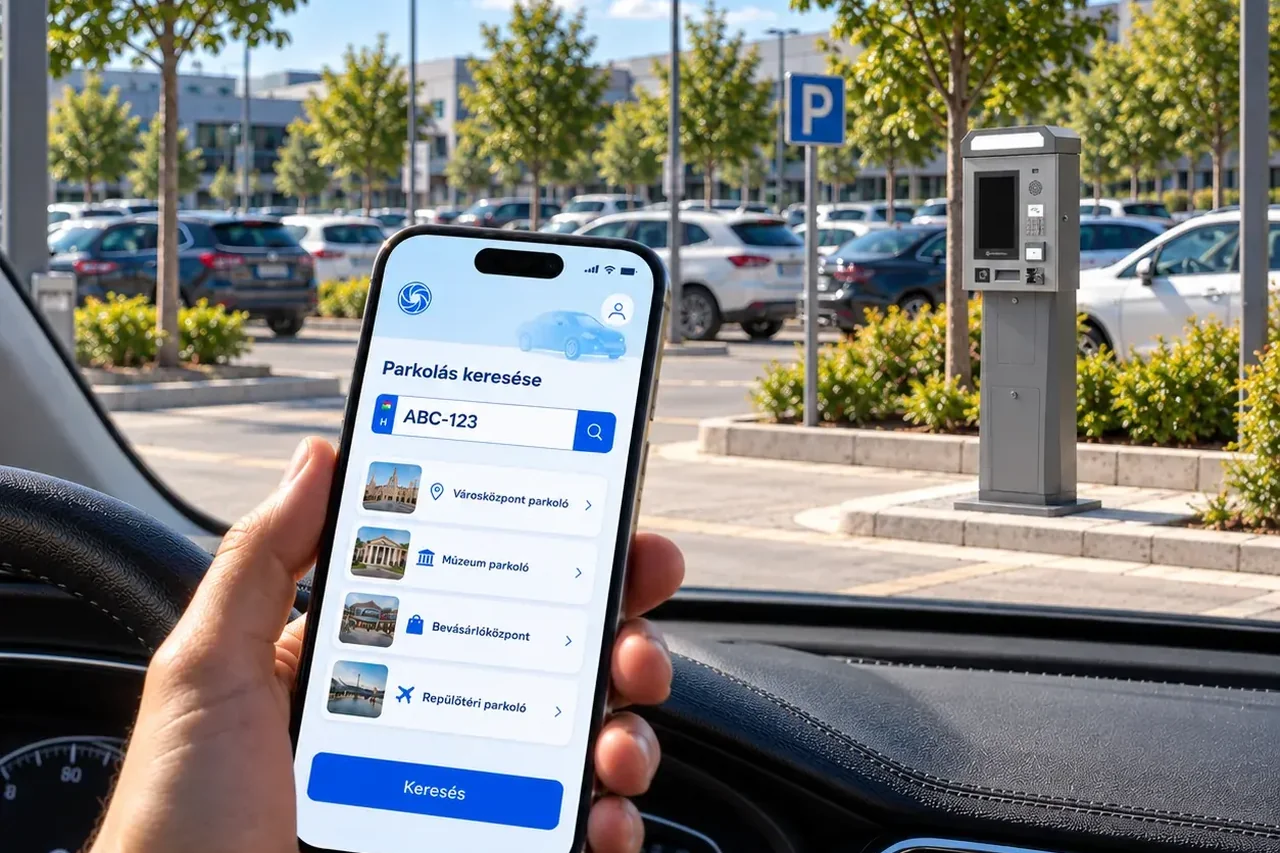
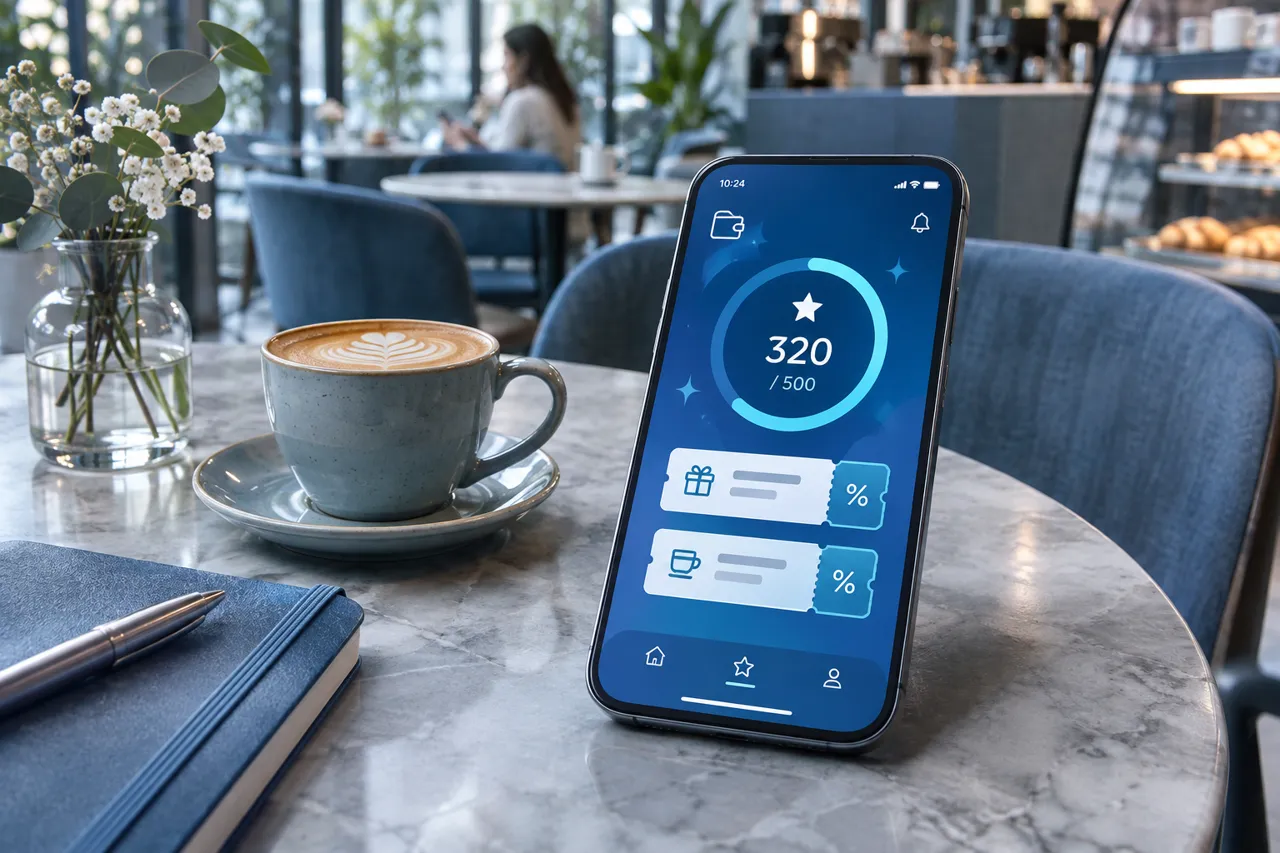
External permission and discount data can be included in fee calculation, linking parking to discounts offered by facility partners or loyalty programmes.
Back Office supports financial tracking and terminal monitoring. Payment data can be analysed alongside associated parking sessions.
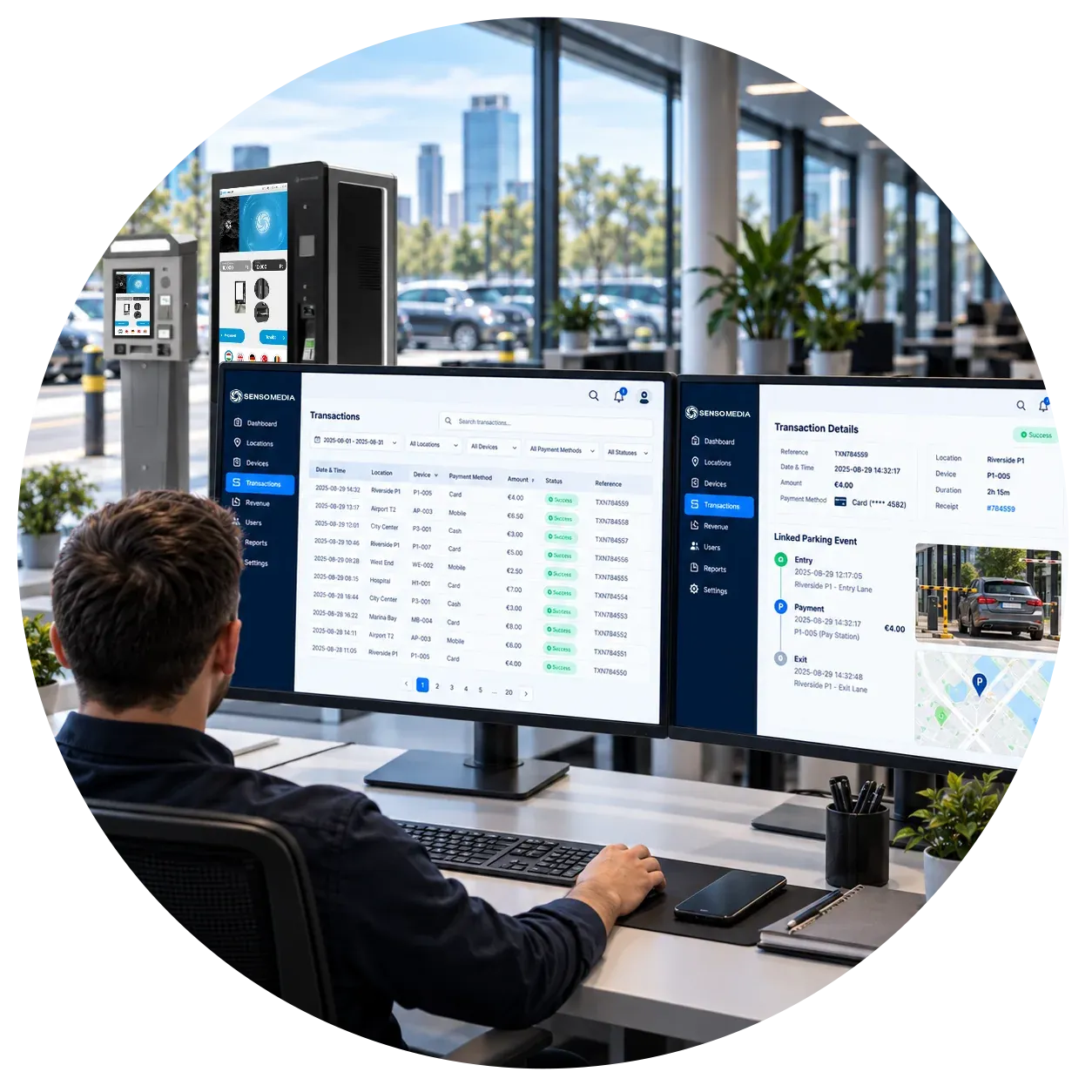
Individual payments can be retrieved and reviewed with their parking sessions, simplifying customer enquiry investigations.

Tariffs and operational settings are managed in line with the integrated parking system. Tariff sources and update procedures are agreed during deployment.
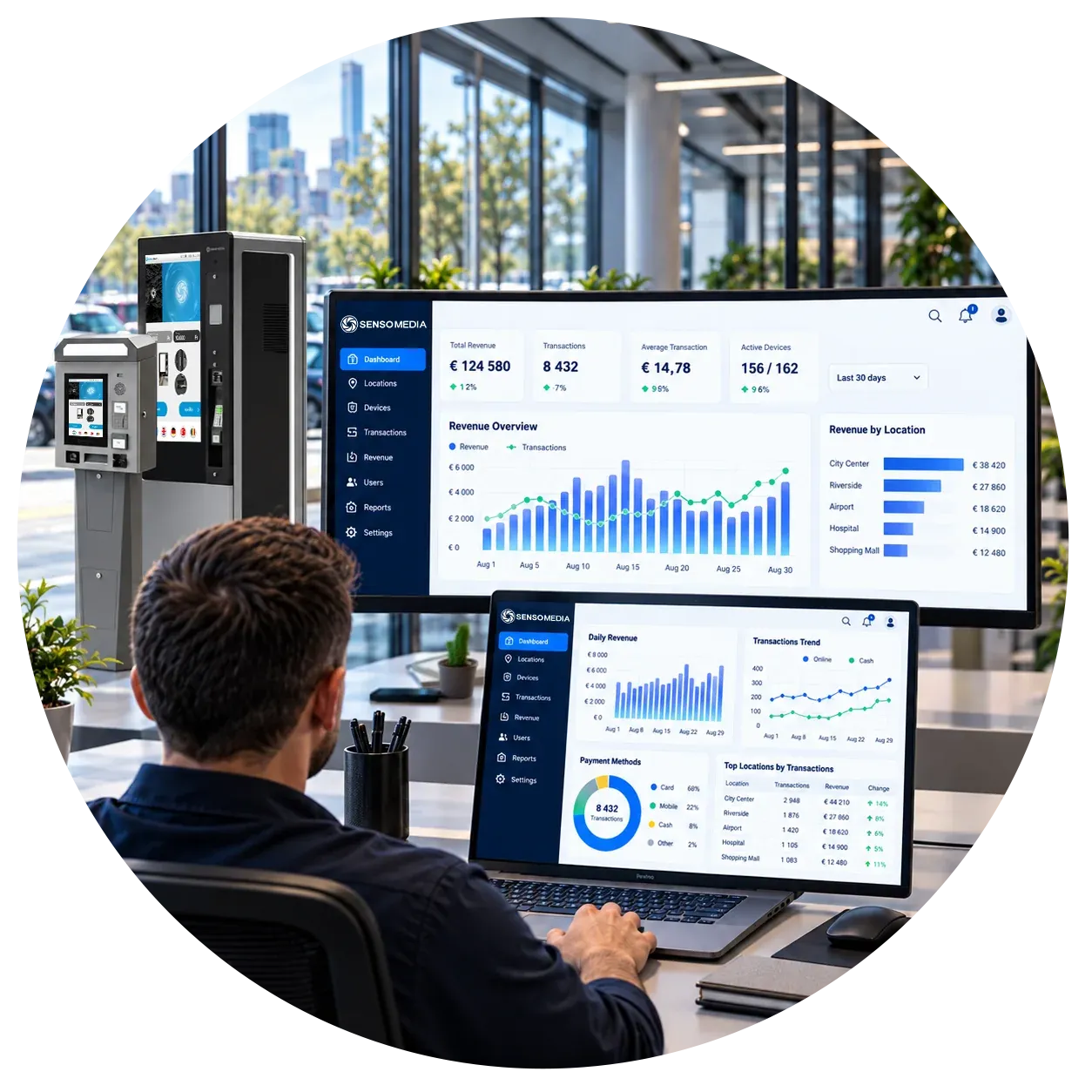
Periodic reports can be generated from the data, allowing comparison of locations and machines and tracking of usage trends.
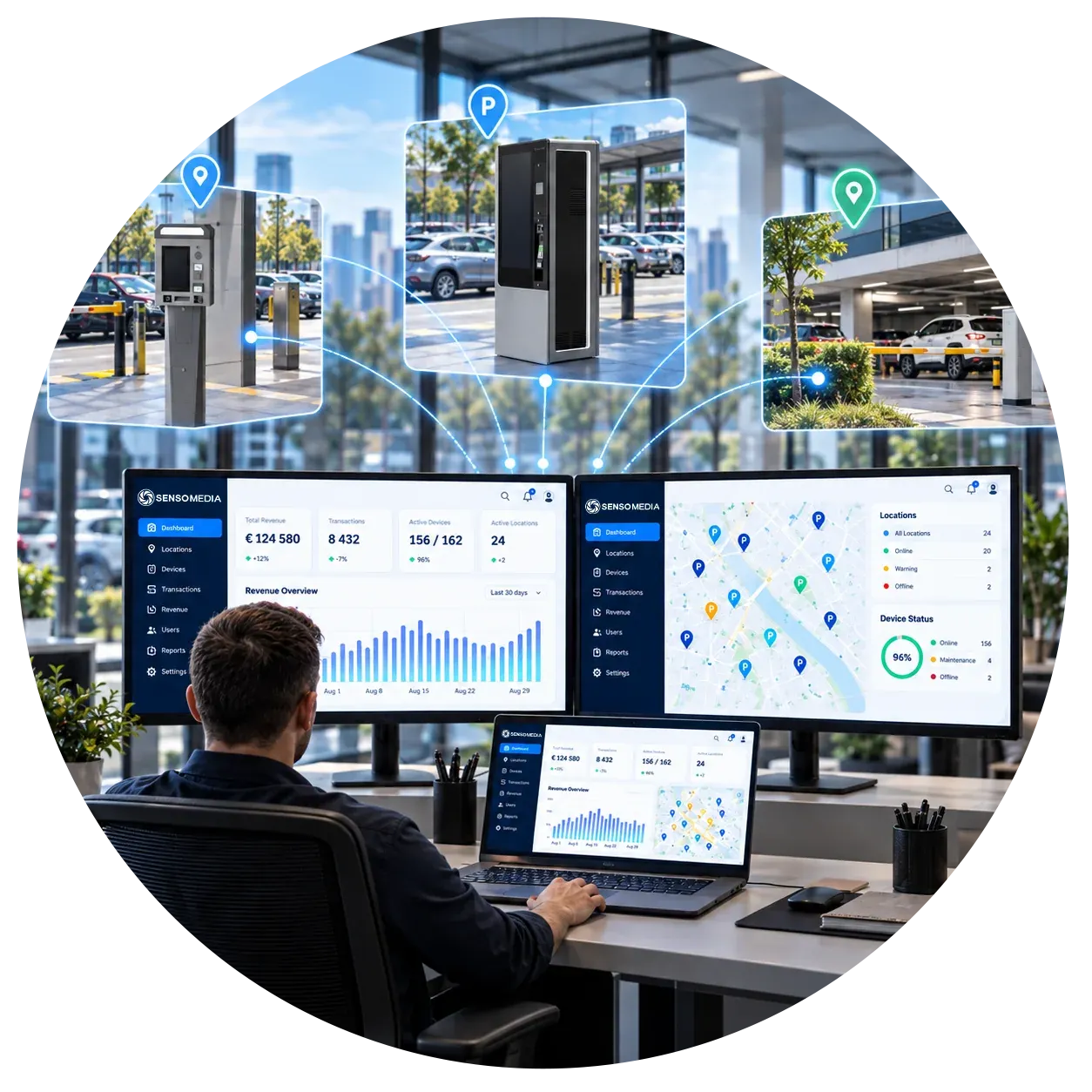
Terminal status can be checked remotely. Available peripheral data help organise maintenance and replenishment.
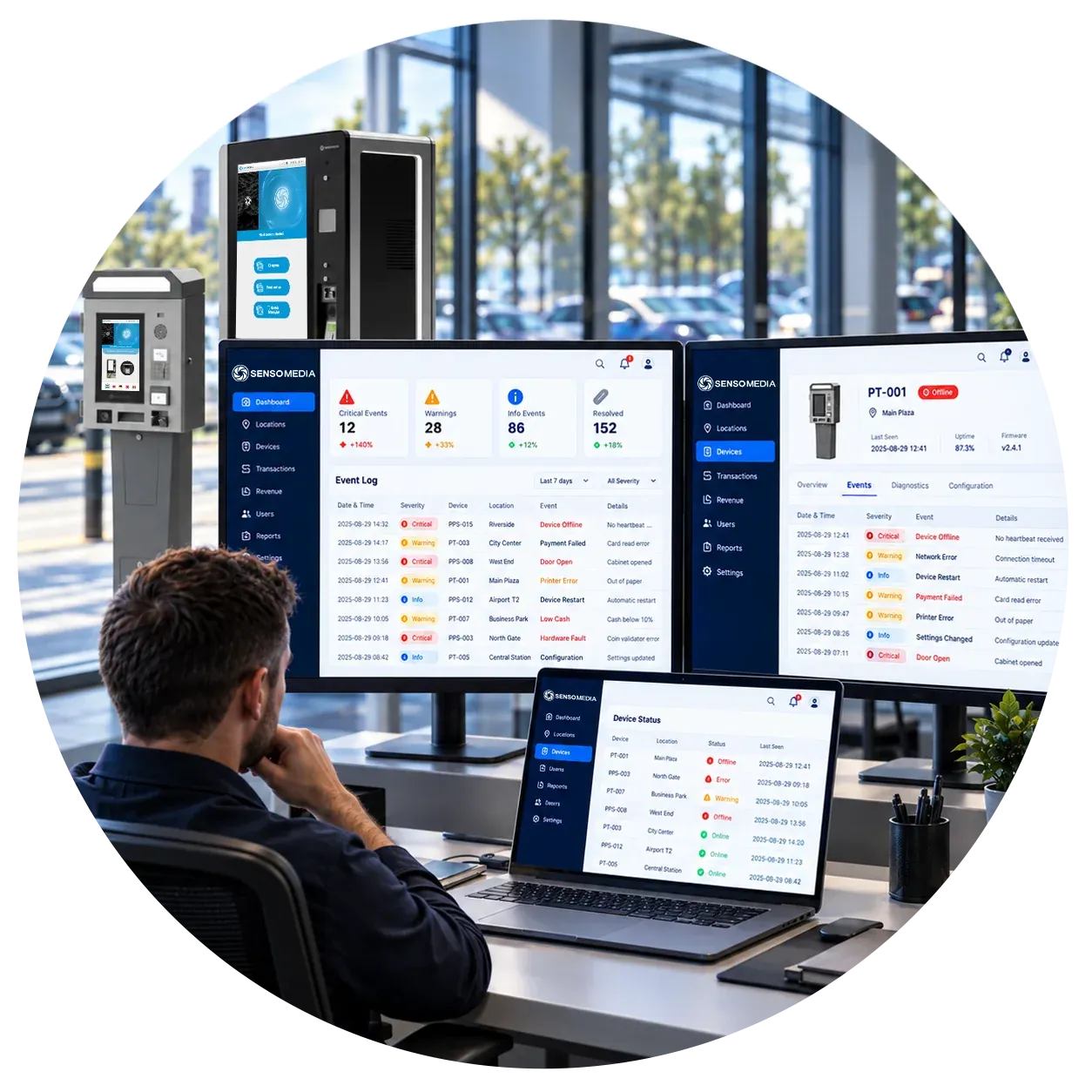
Recorded operational events can be retrieved later. Technical and transaction data together help identify discrepancies.
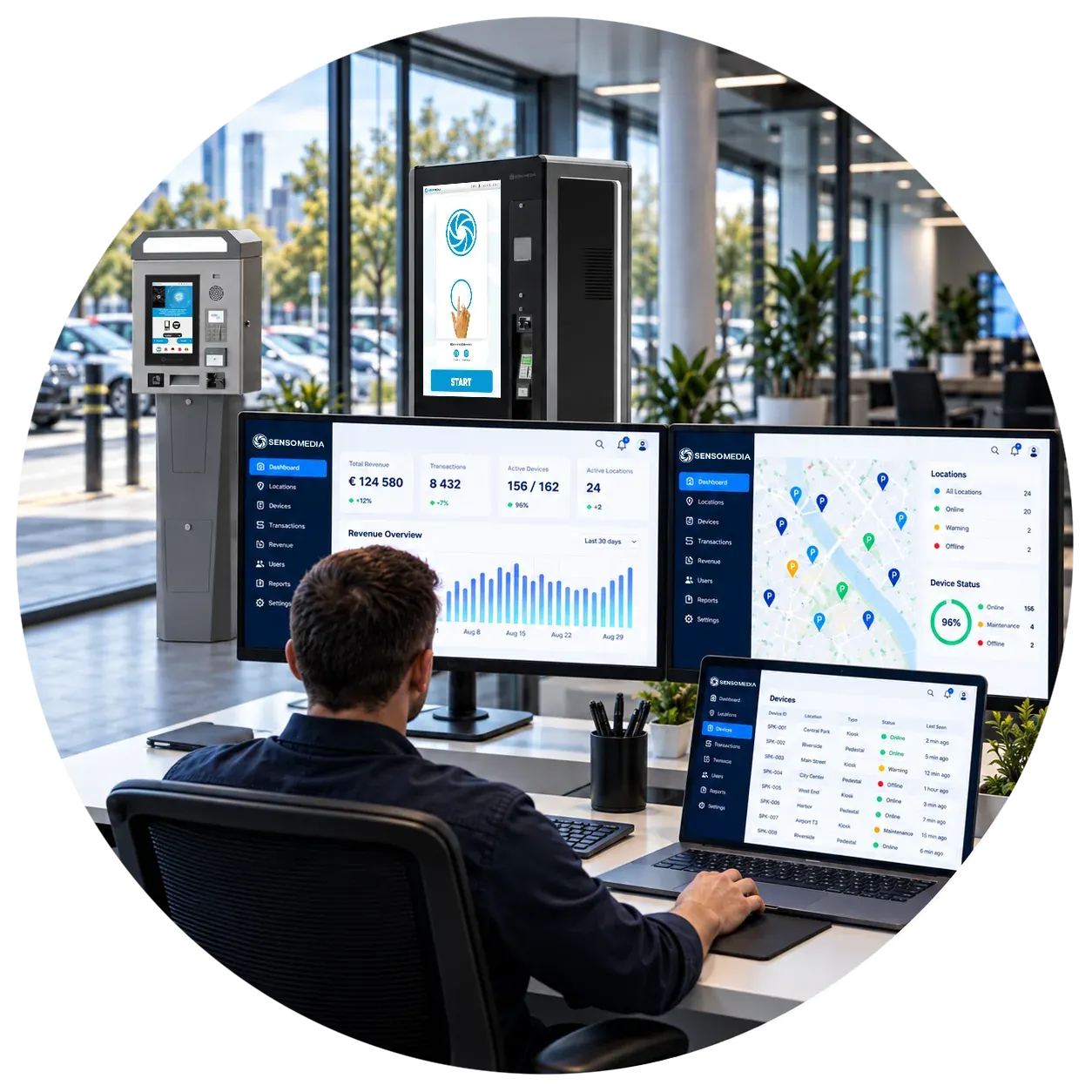
Car parks can be reviewed centrally and supported device functions accessed remotely. Permissions can be tailored to operational responsibilities.
The following connections can be configured according to partner requirements and the technical capabilities of existing infrastructure. Integrations are optional and are not automatically available in every installation.
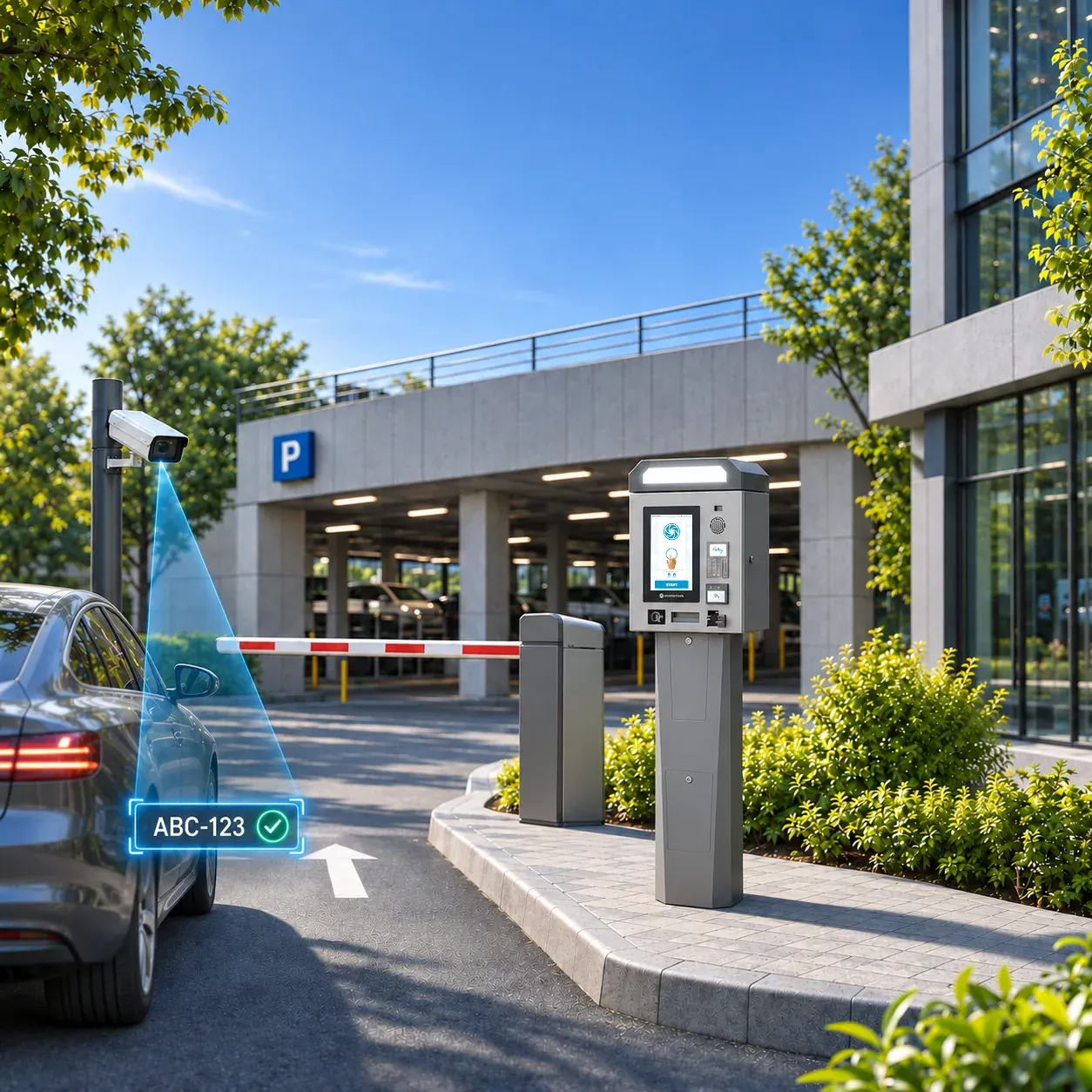
The payment application can connect to the back-end platform coordinating number plate recognition, permissions and barrier control.
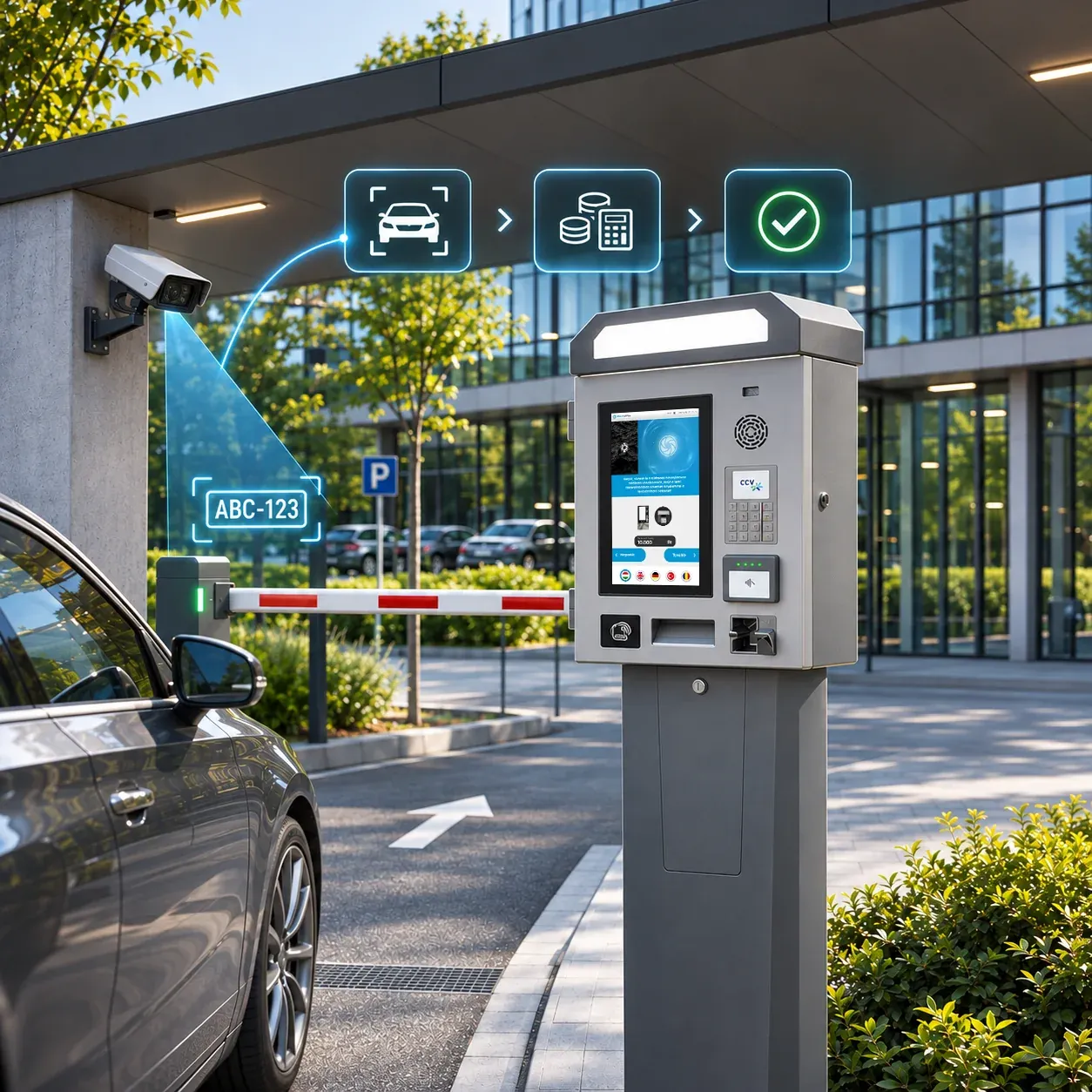
Data connections can be created for existing parking infrastructure. Identification, fee calculation and payment feedback work in coordination with the partner’s system.
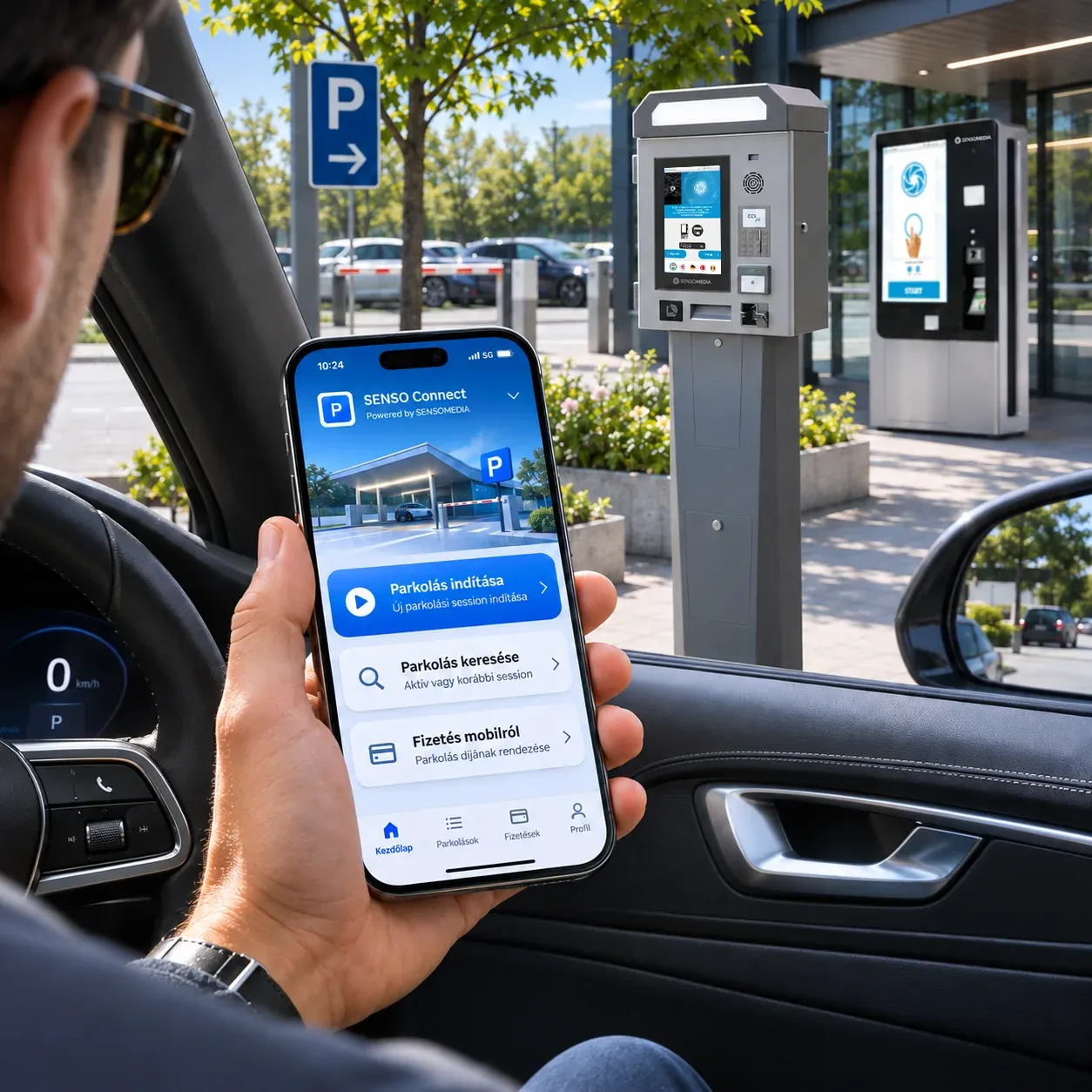
SENSO Connect or Drive ON integration makes parking accessible on mobile devices. Available activation and payment functions depend on the car park’s operation.
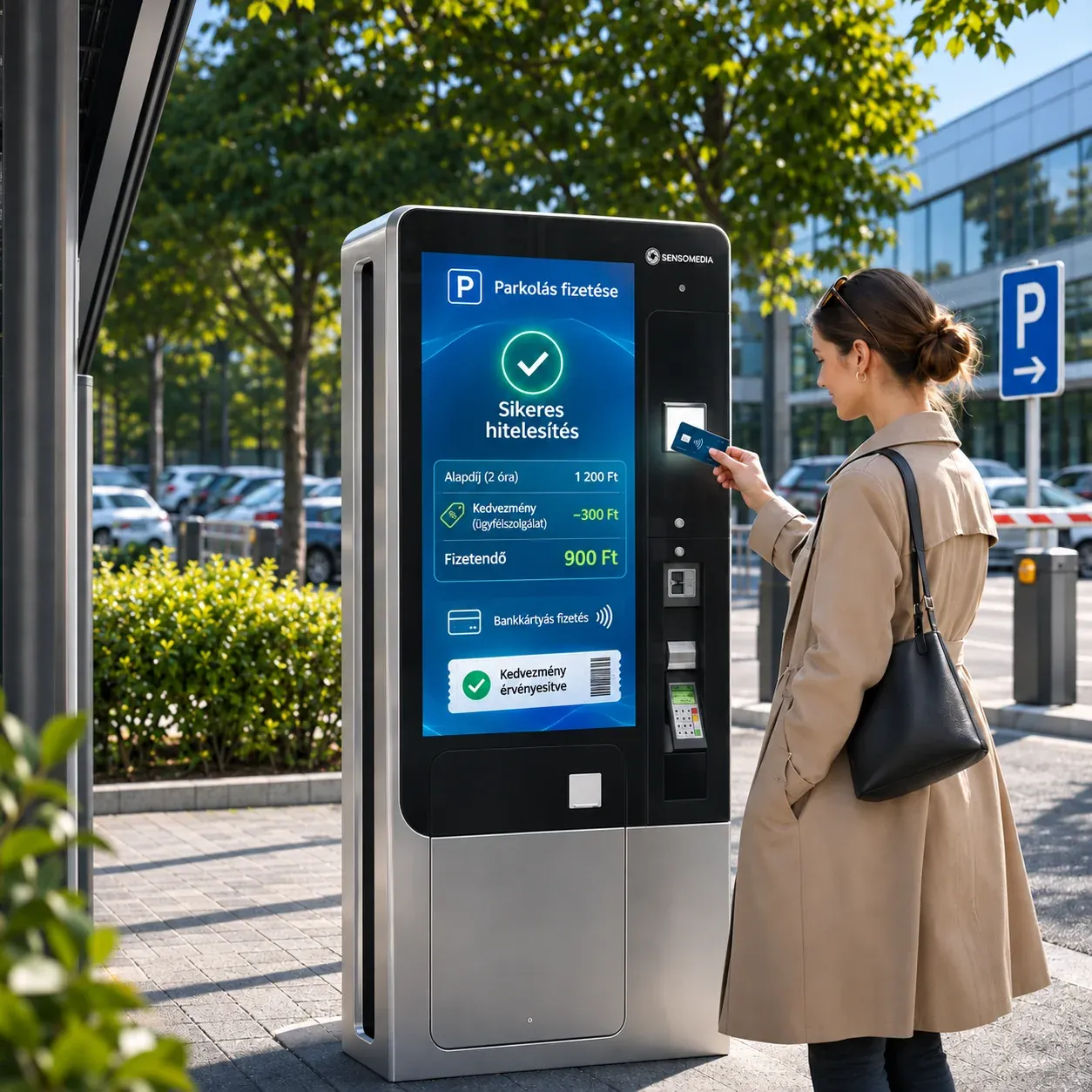
Banking providers and external permission or discount data can be connected. Discounts are handled consistently with the parking tariff.
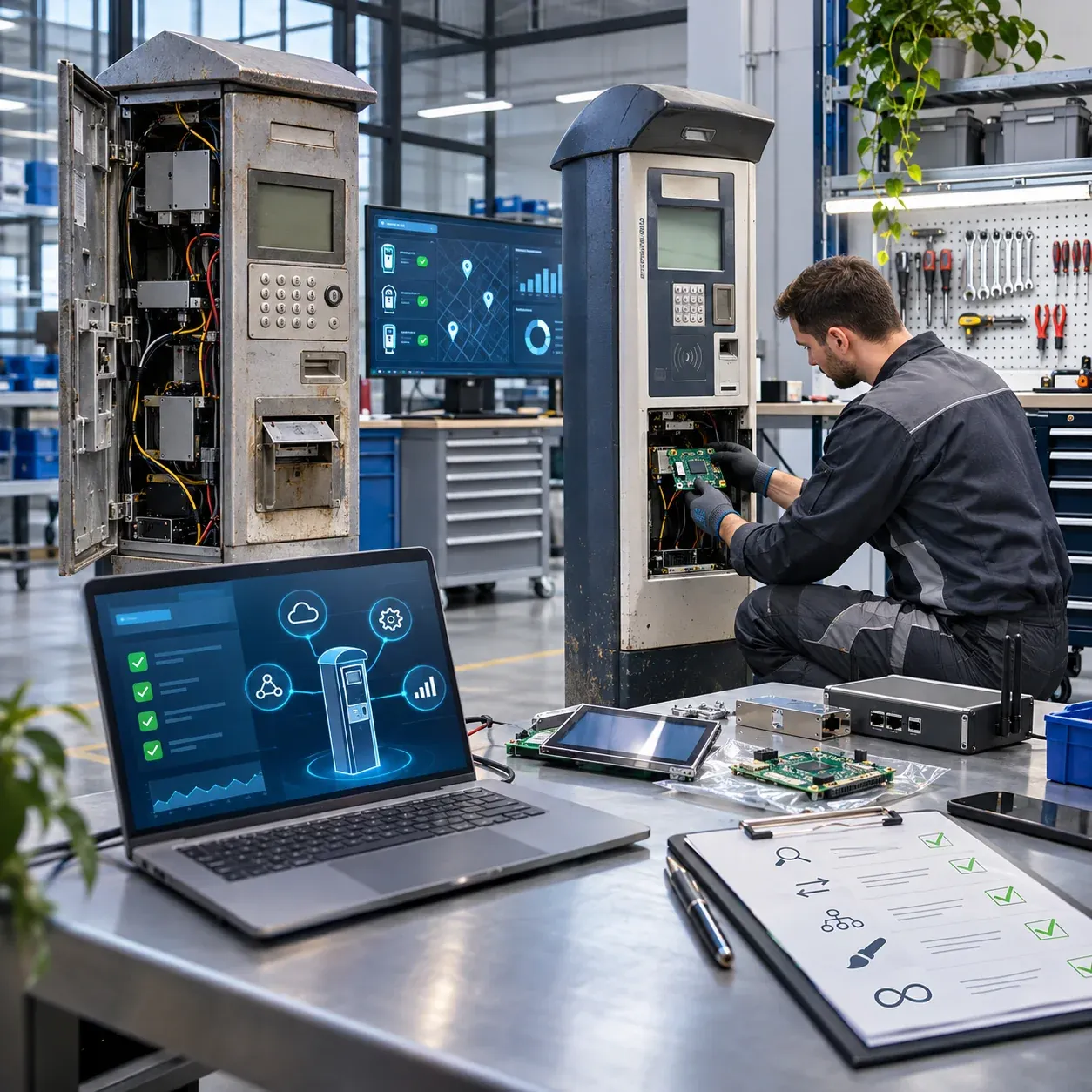
When upgrading an existing network, we first assess hardware condition, communications and connected systems. This determines what can be retained and where replacement components or extensive refurbishment are needed.
We install the SENSO software environment on suitably prepared devices, establish central connections and integrate with the partner’s systems. Device and interface rebranding can also form part of the project.
Long-term monitoring, support and maintenance are planned with service levels suited to the installed environment.
We select self-service payment terminals according to parking fees, traffic and cash handling requirements. Number plate cameras and barriers form part of the connected parking system.
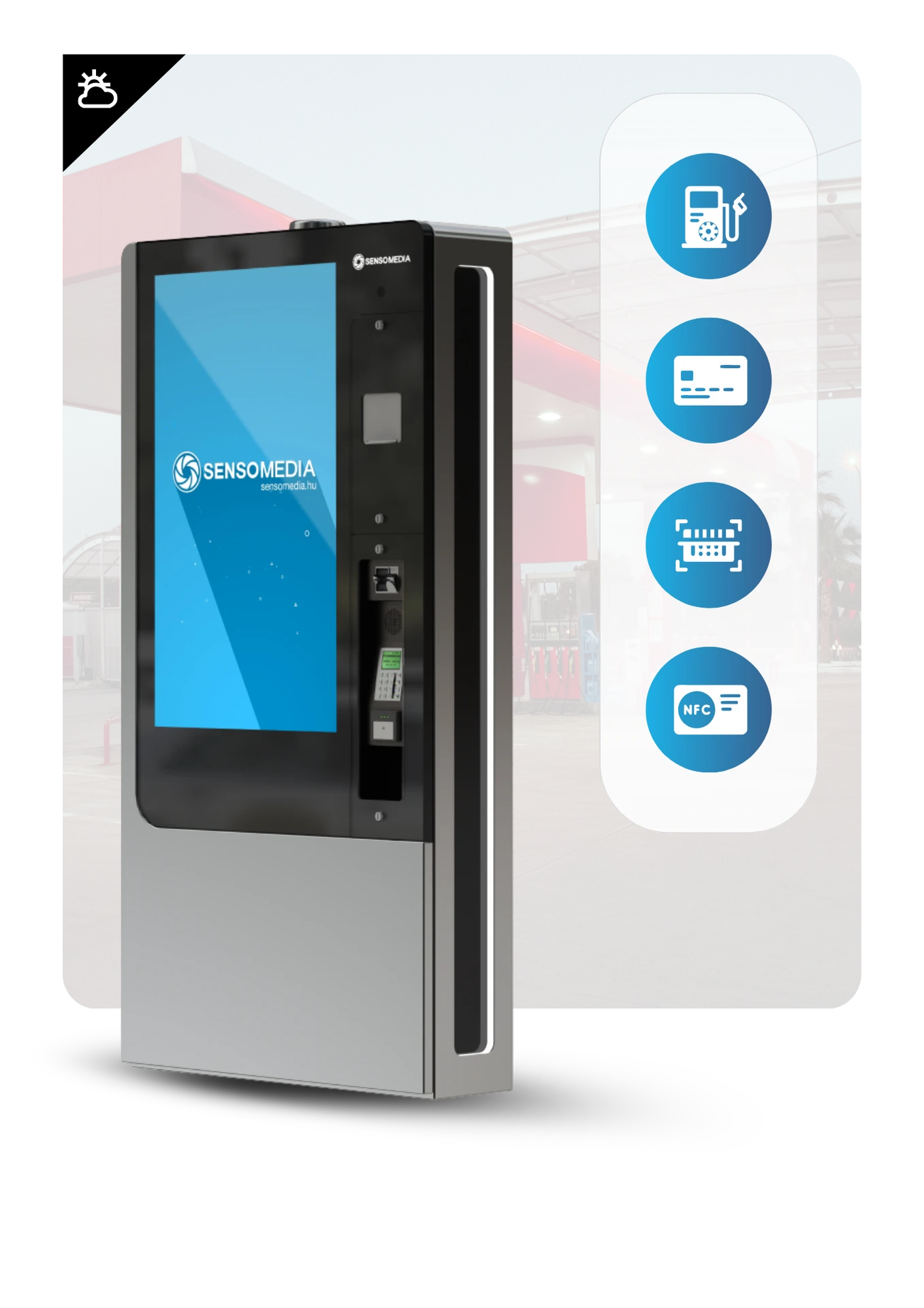
Card Only
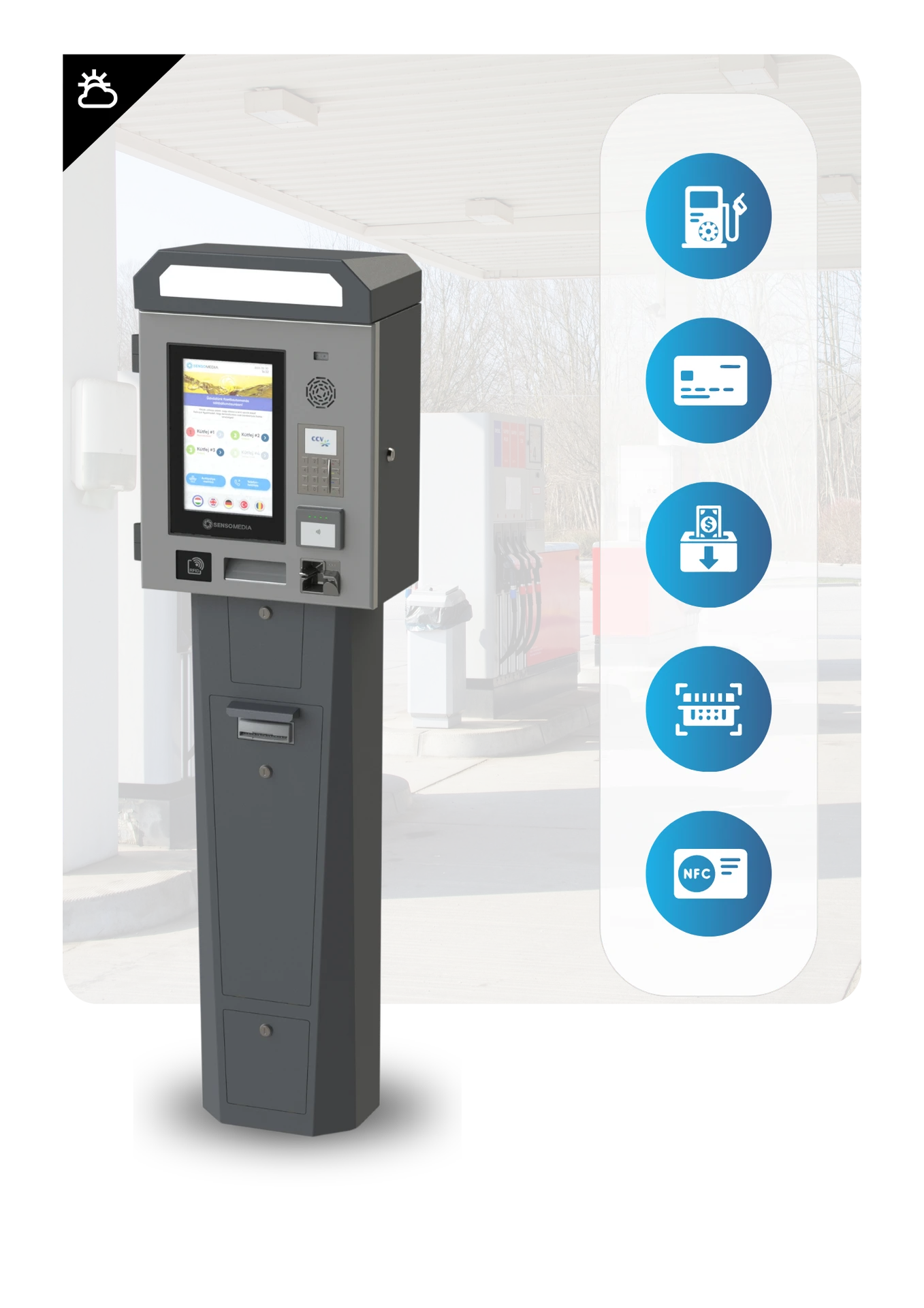
A compact wall- or pedestal-mounted payment point for card-only transactions. Its interface can be adapted to identify the associated parking session.
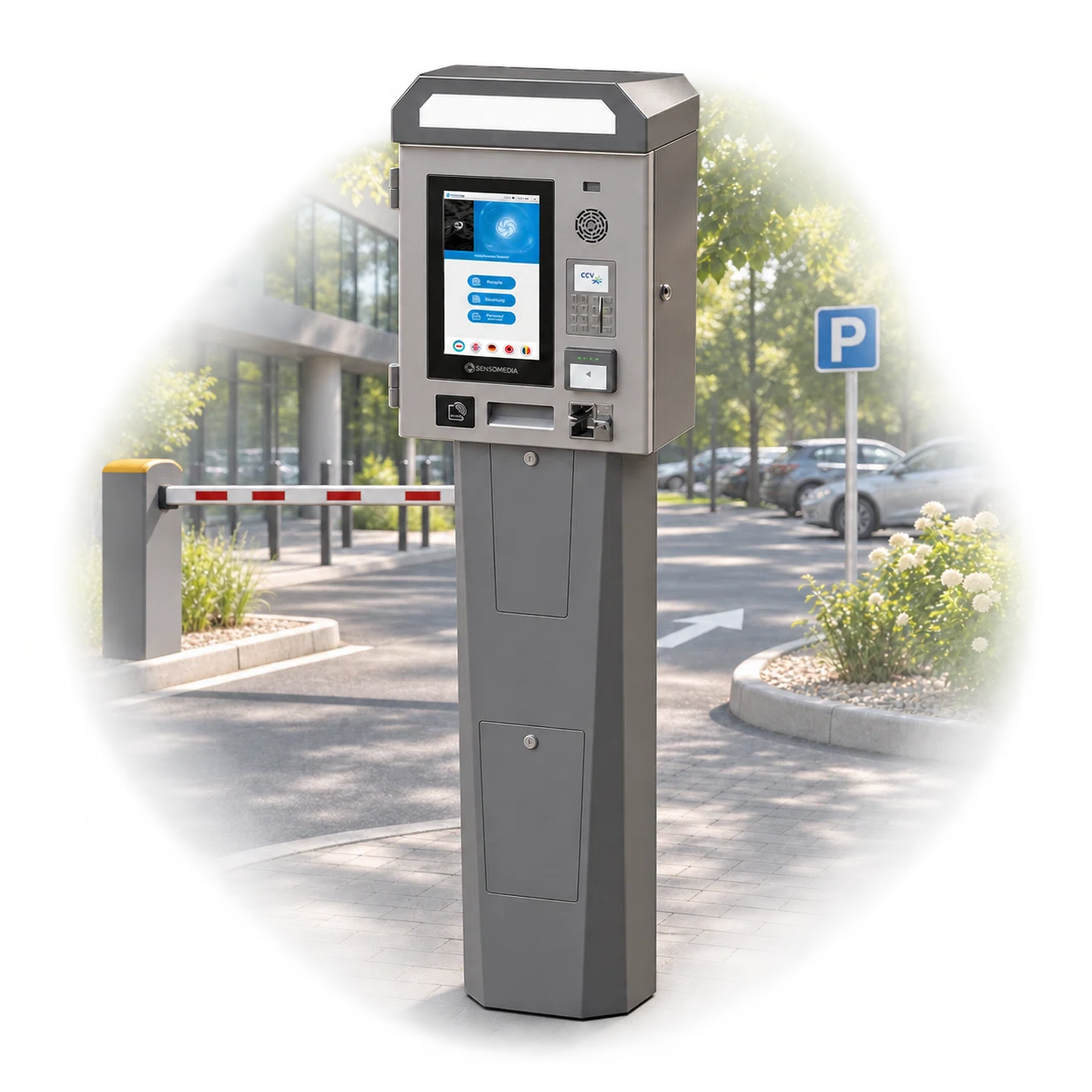
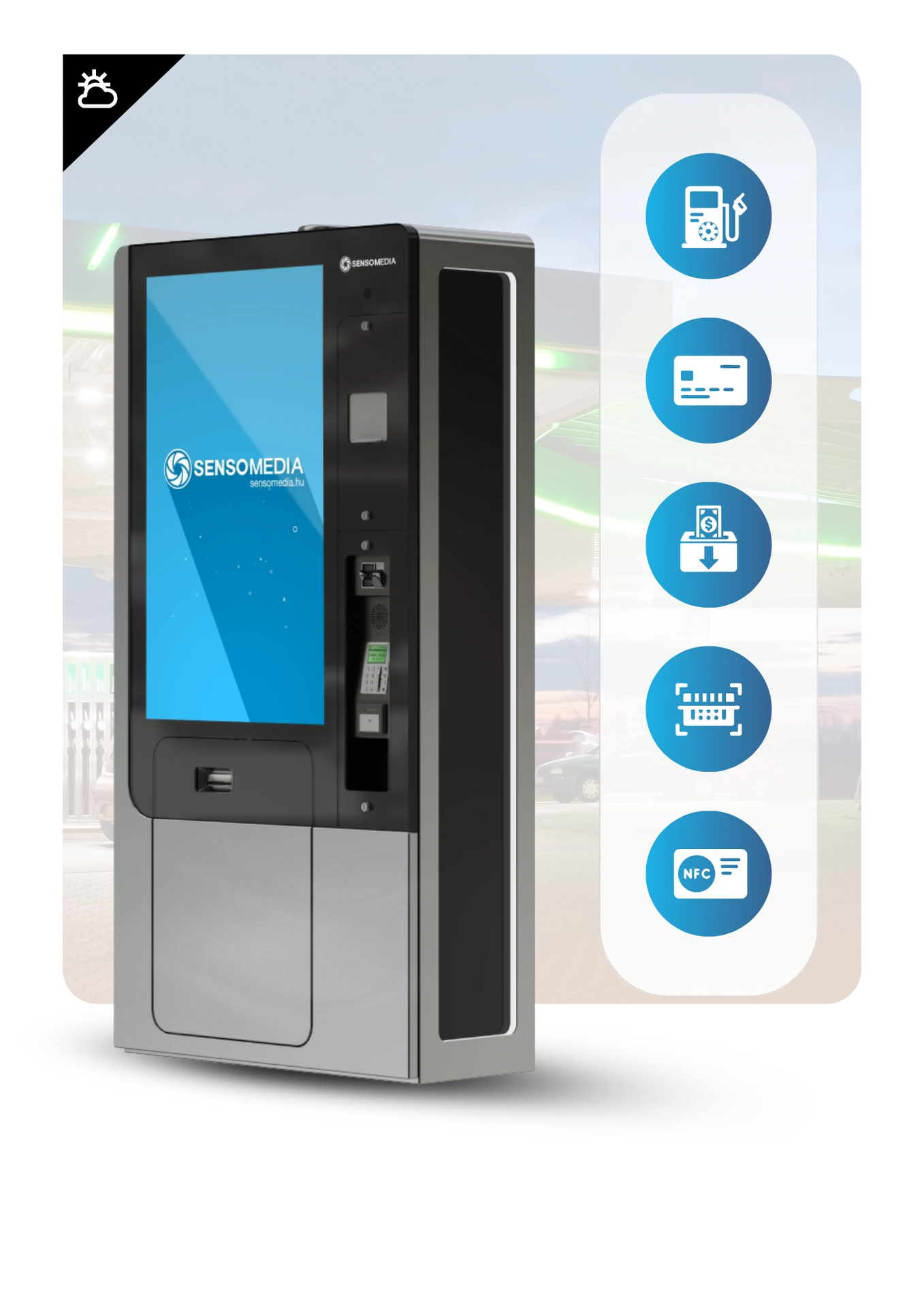
Banknote & Coin Full
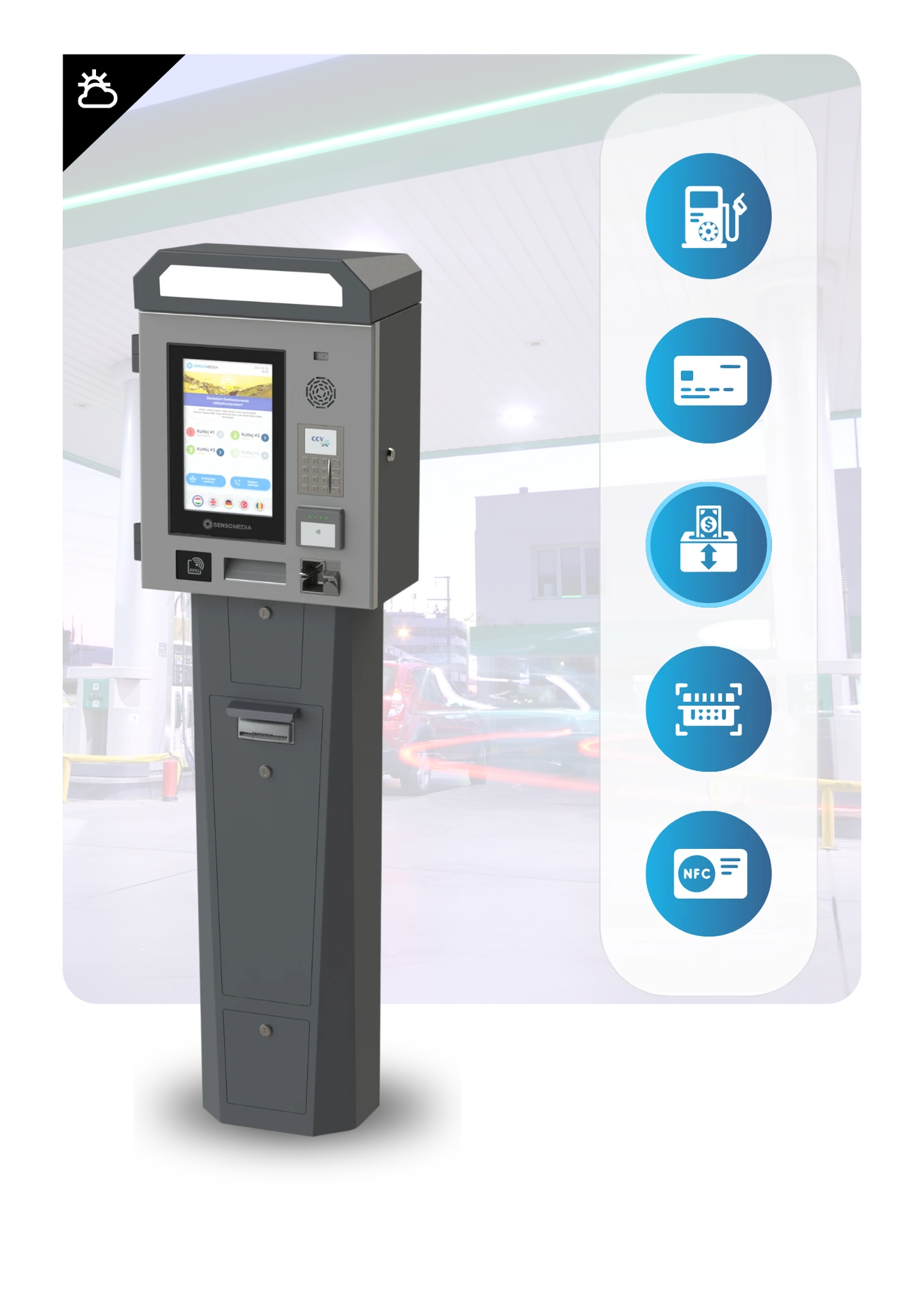
A version accepting and dispensing both banknotes and coins, providing comprehensive payment options even for low-value cash parking fees.
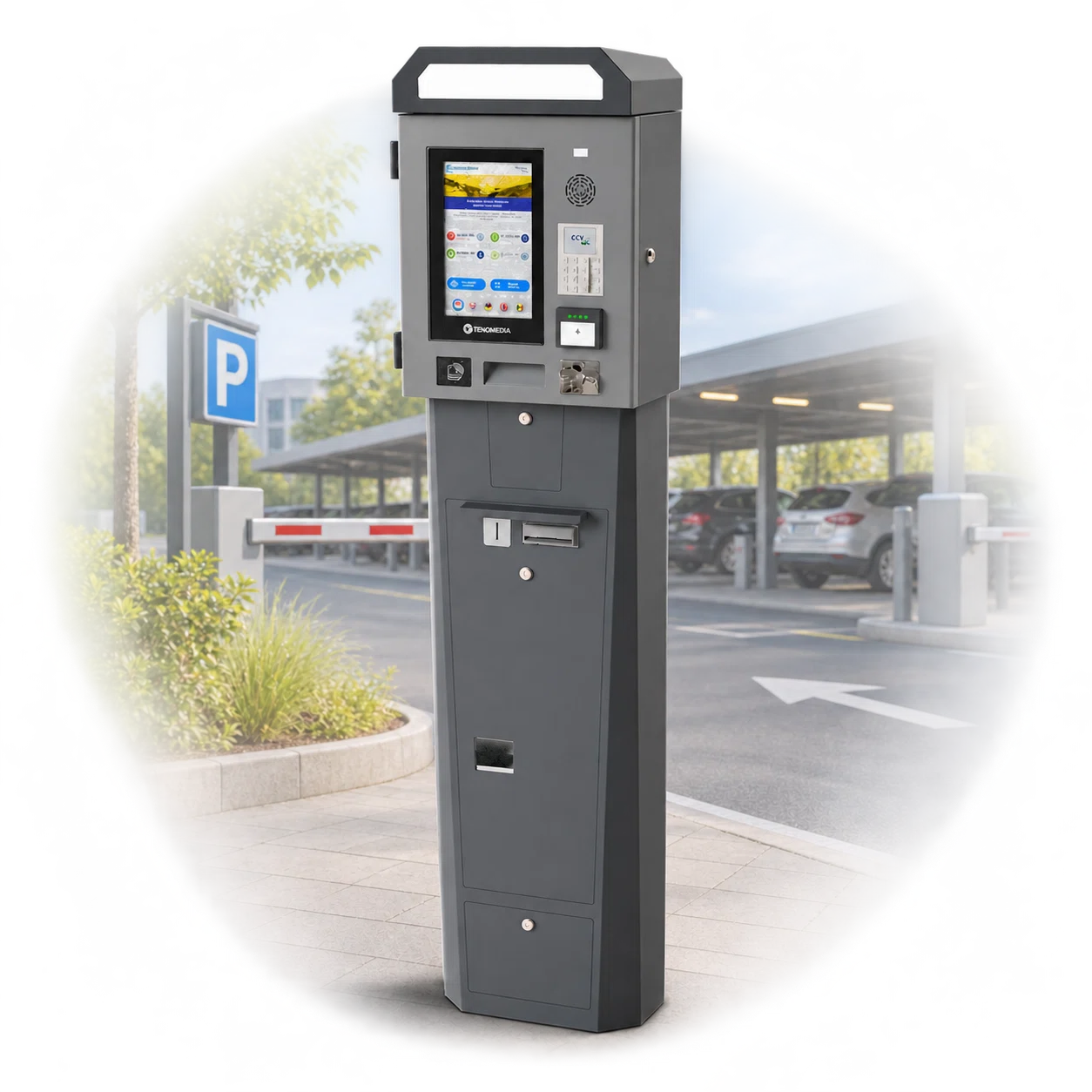
Banknote & Coin Full
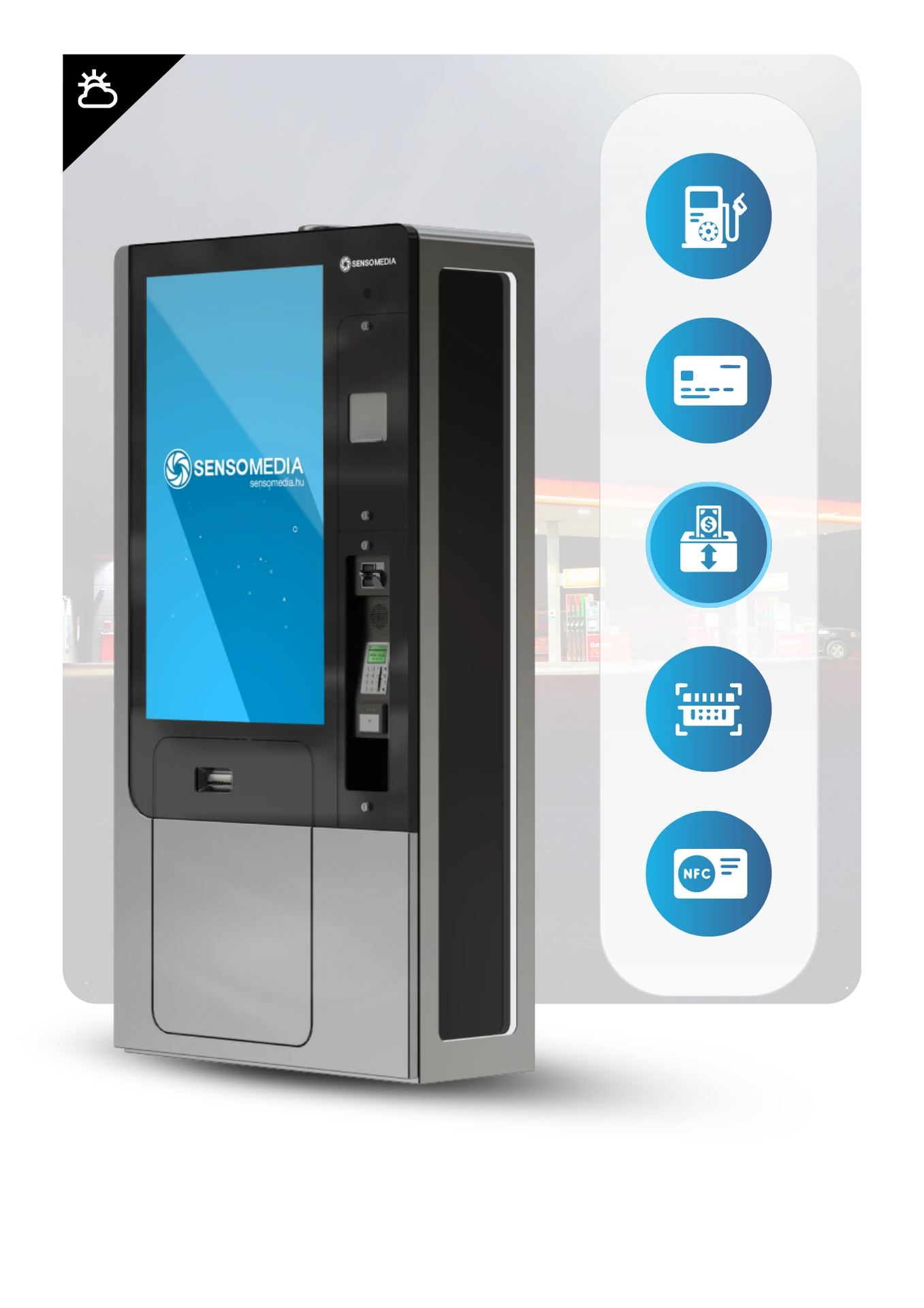
An outdoor terminal with full cash handling and one customer-facing side, also suitable as a self-service payment point for larger car parks.
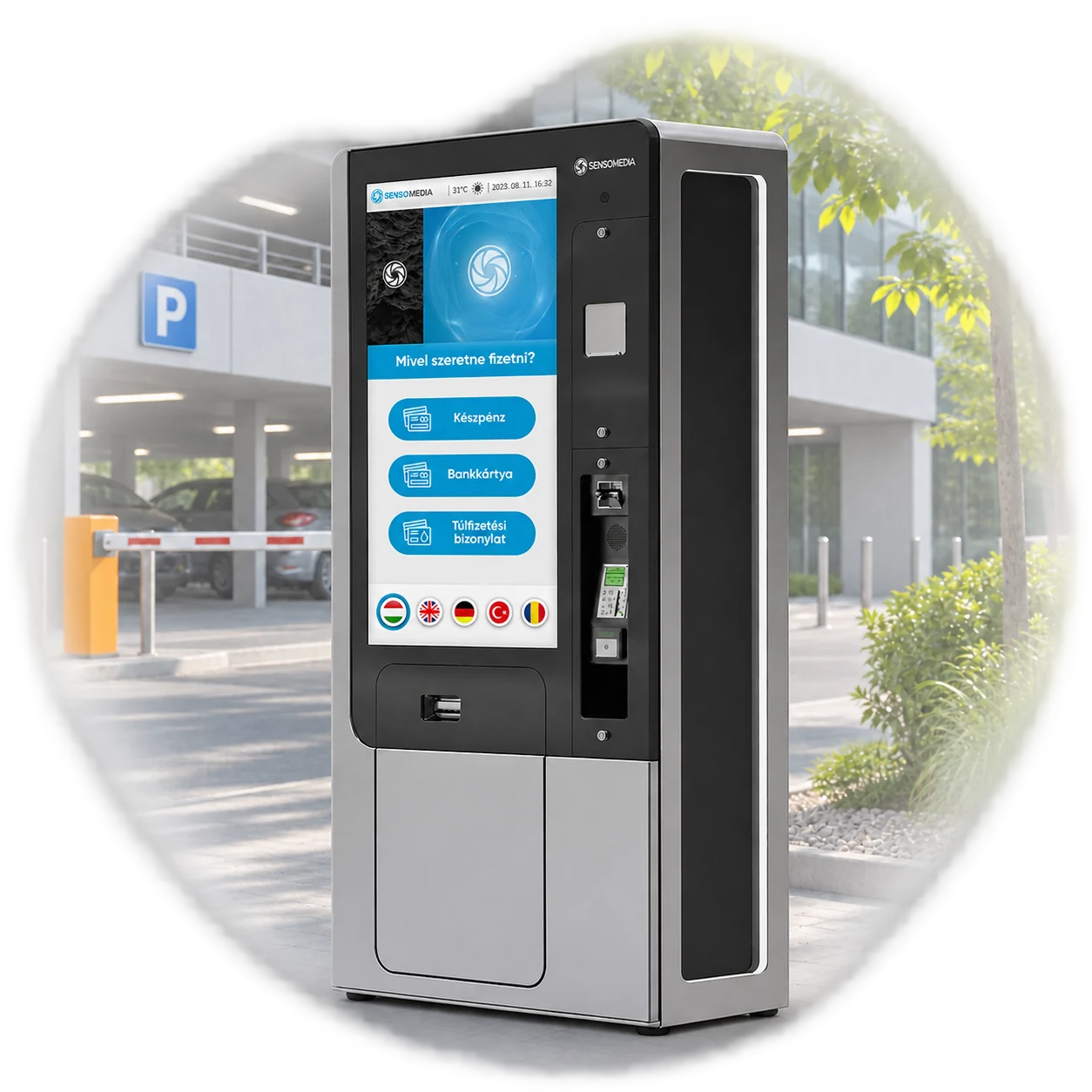
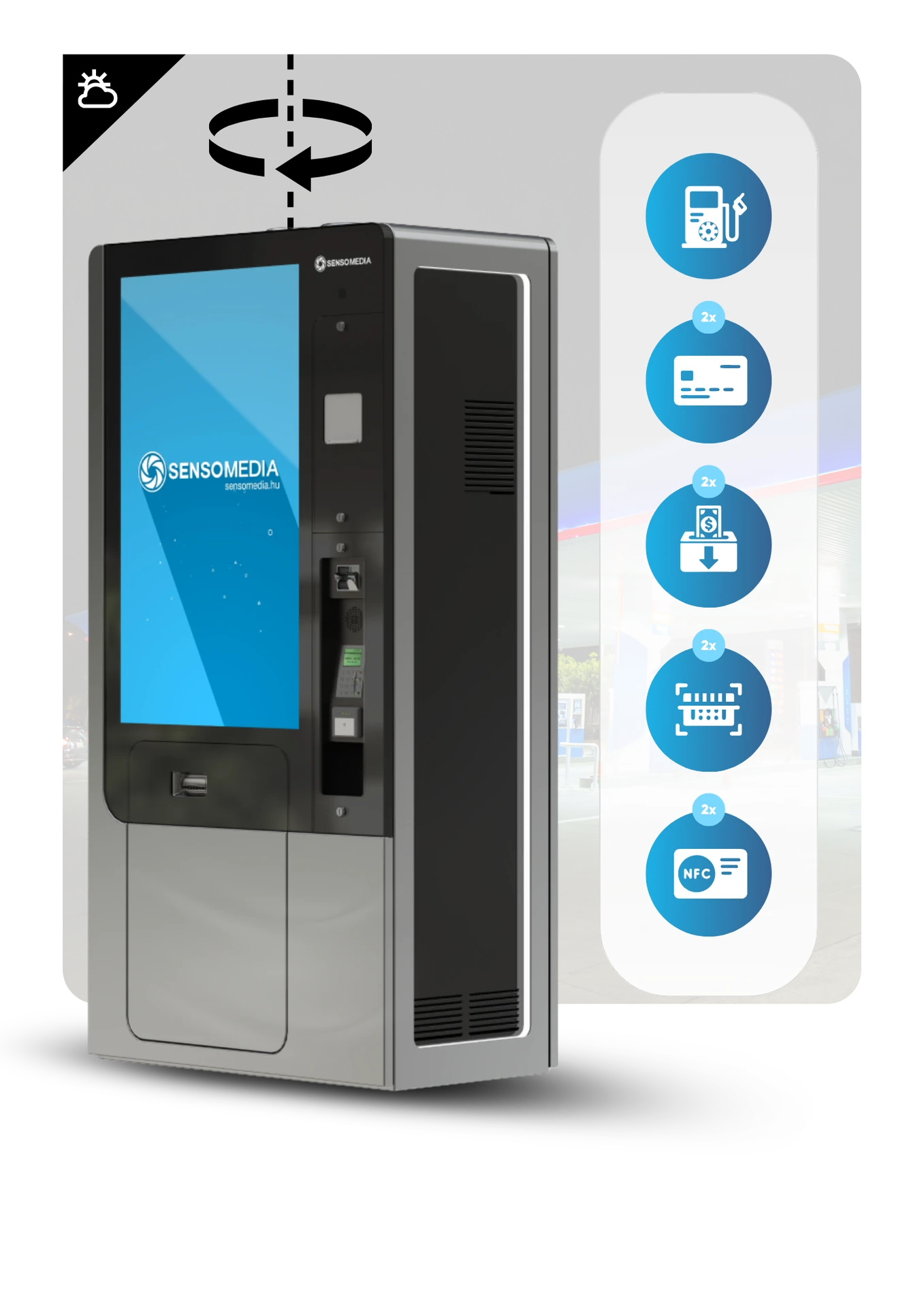
Banknote & Coin Full
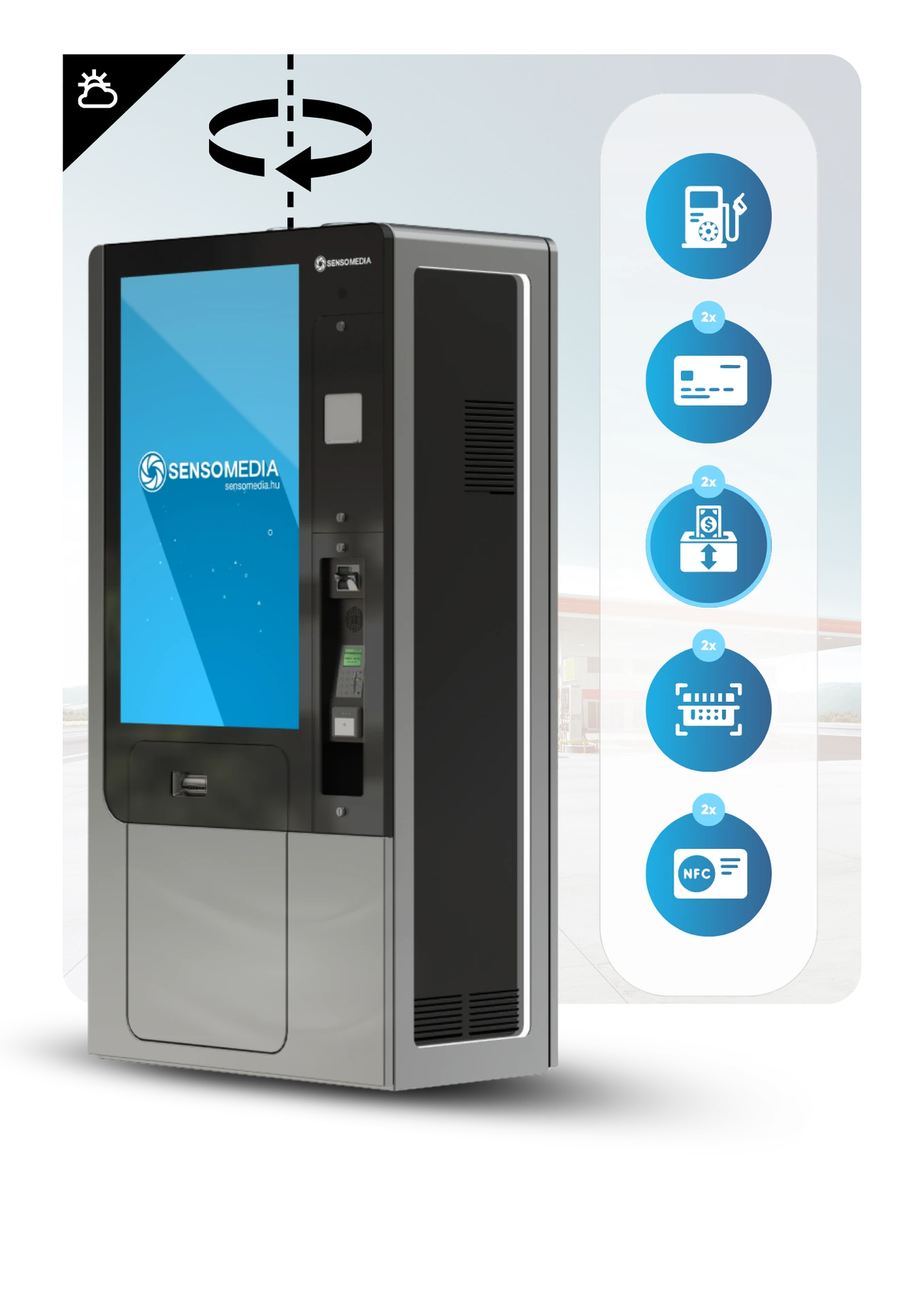
A double-sided outdoor configuration with full cash handling, enabling multiple users to be served at busy parking locations.