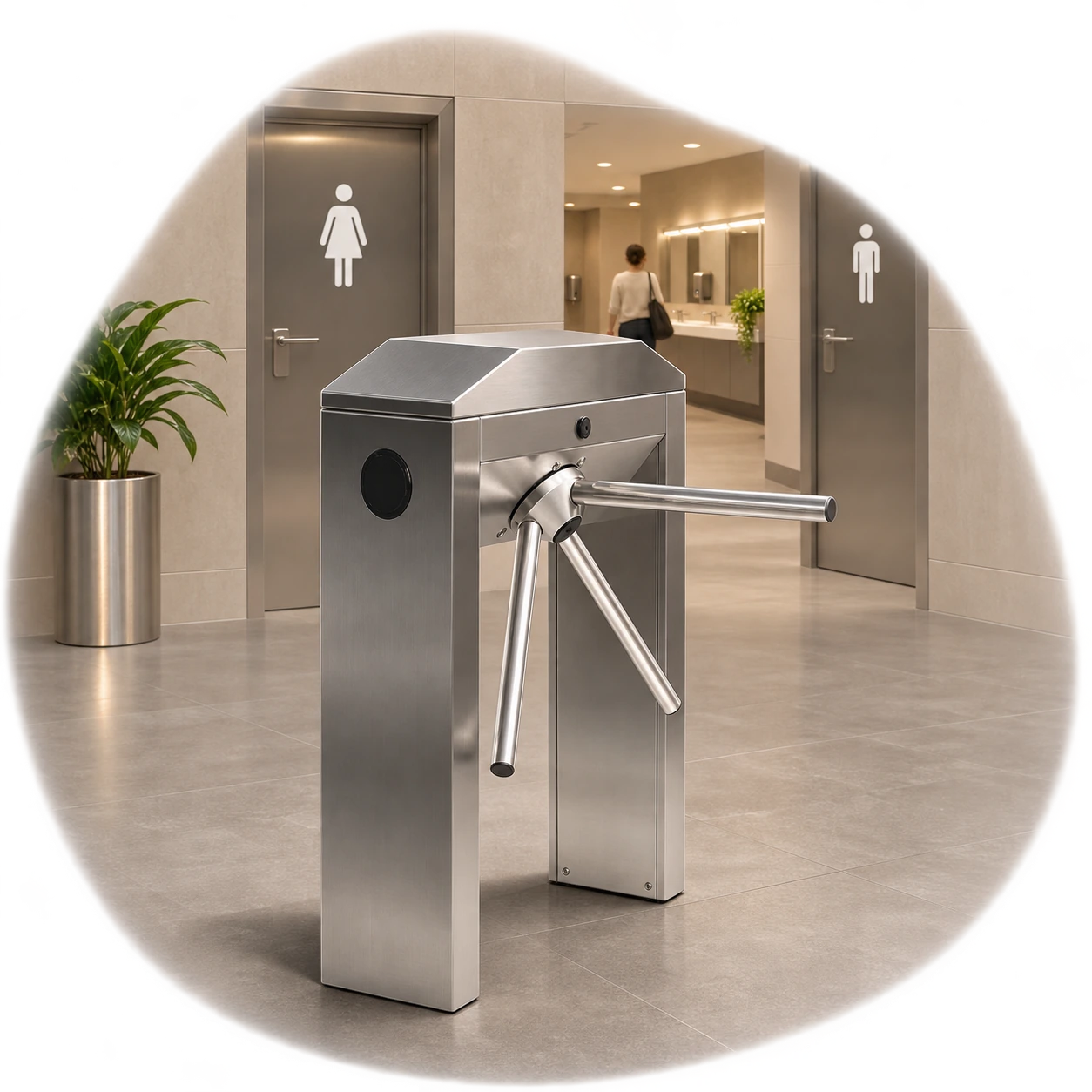
Payment kiosk application
The interface displays the usage fee, handles payment and issues access rights. Identifier types and direct gate opening options follow the on-site access arrangement.
 Let’s talk!
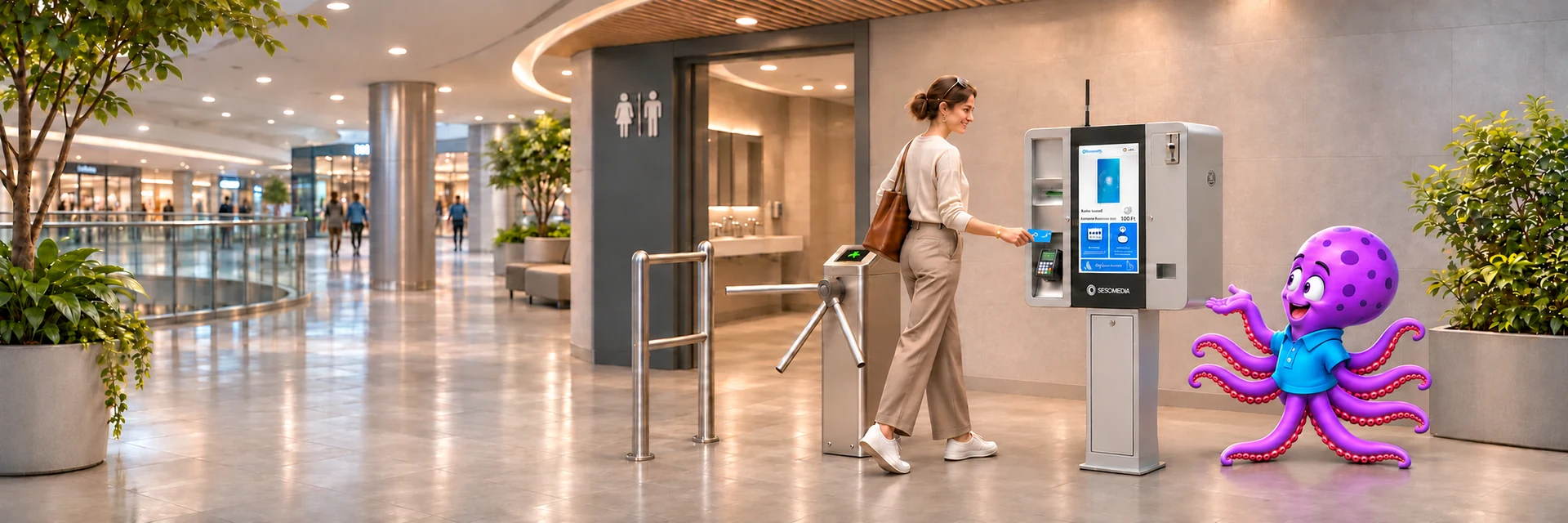
Fast payment with immediately usable access rights
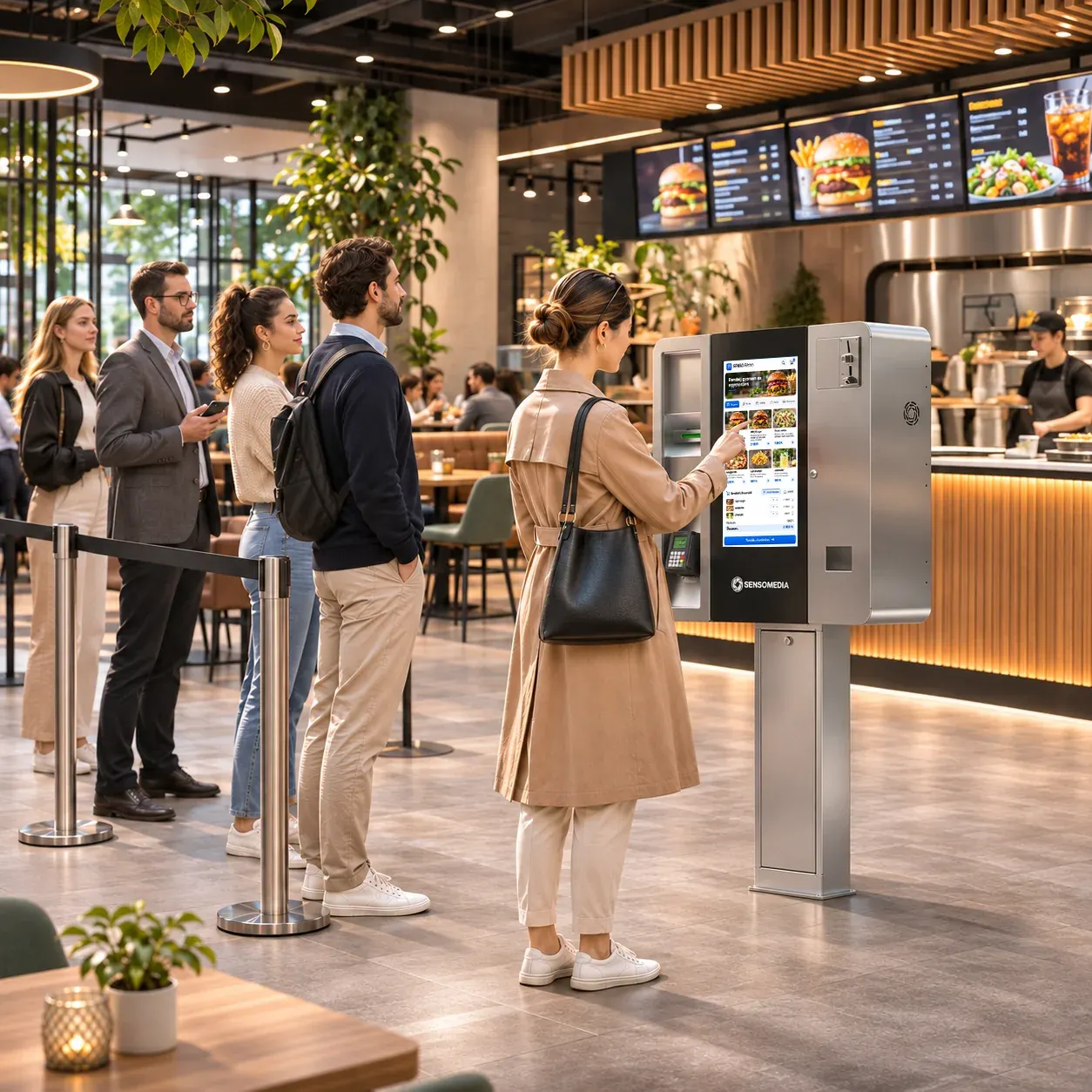
SENSO PayAccess is designed for locations where payment directly authorises use of a service or area. It supports fee collection for paid washrooms, smaller access points and automated services.
The software provides a short, easy-to-understand purchase journey. Visitors review the fee, pay and either receive an access identifier or gain immediate passage, depending on the configuration.
A local administration interface complements the device application. Authorised staff perform daily tasks, from opening gates to servicing cash handling and printing units. The solution can also integrate with existing access systems.
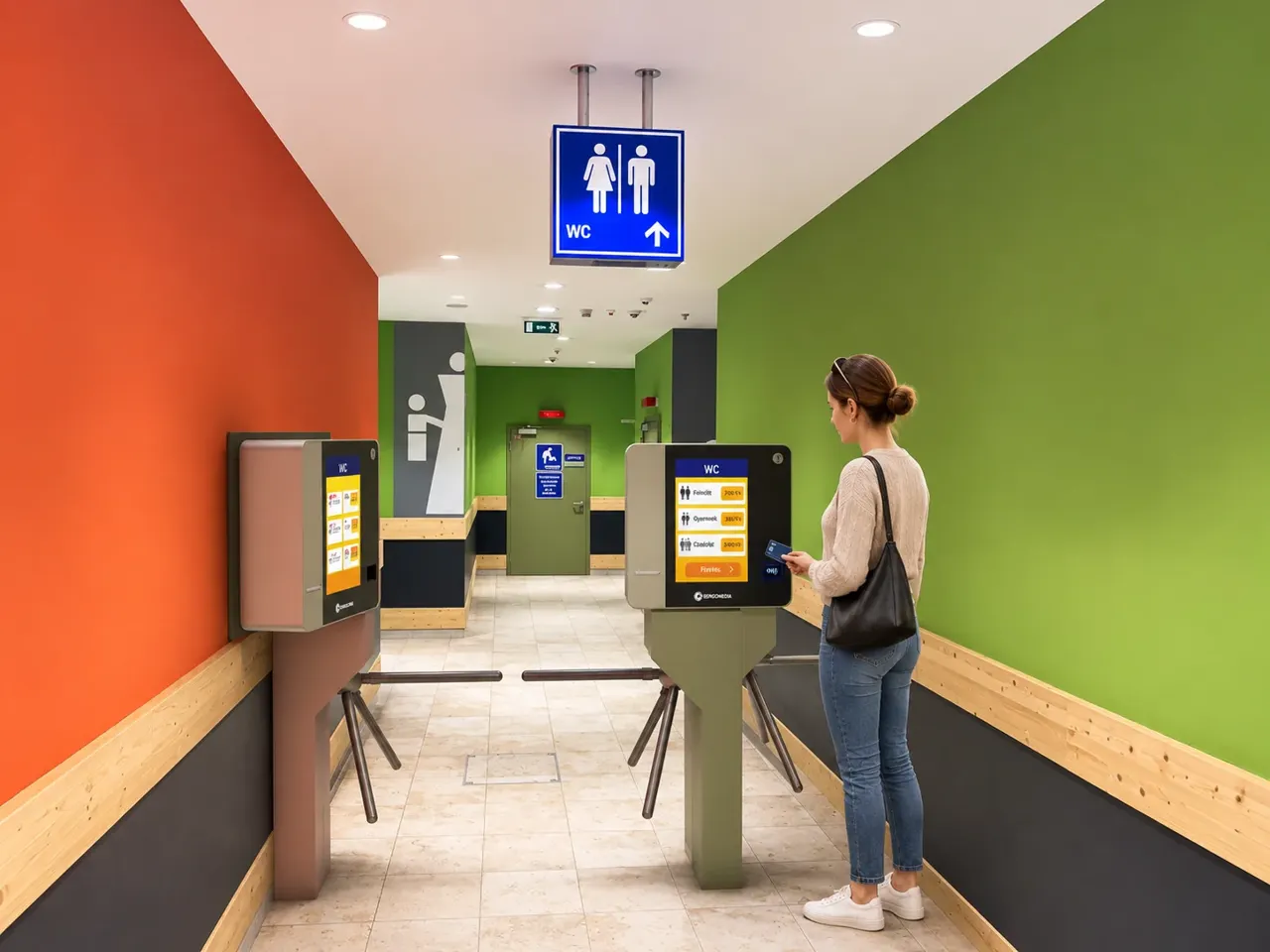
We design the user interface and operational tasks as a coordinated system, choosing a deployment configuration suited to business objectives and site conditions.
The application focuses on payment and issuing access rights.

Straightforward on-screen instructions also support international visitors.

Administration access can be adapted to on-site responsibilities.

The payment point can connect to access infrastructure and other systems.

A successful transaction can open a gate or door or issue an identifier.

Suitable banking and cash modules enable multiple payment options.

Cash storage levels and notifications help ensure timely collection.
Connected software components provide user functions and back-end processes.
The interface displays the usage fee, handles payment and issues access rights. Identifier types and direct gate opening options follow the on-site access arrangement.
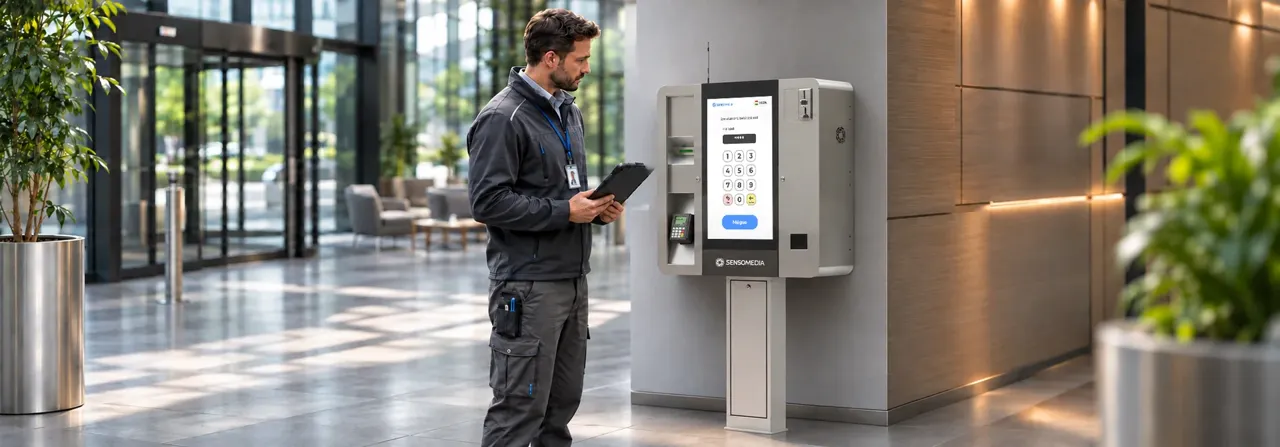
Staff log in with two-step authentication and use functions according to permission levels. The interface supports gate operation and servicing of cash and printing components.
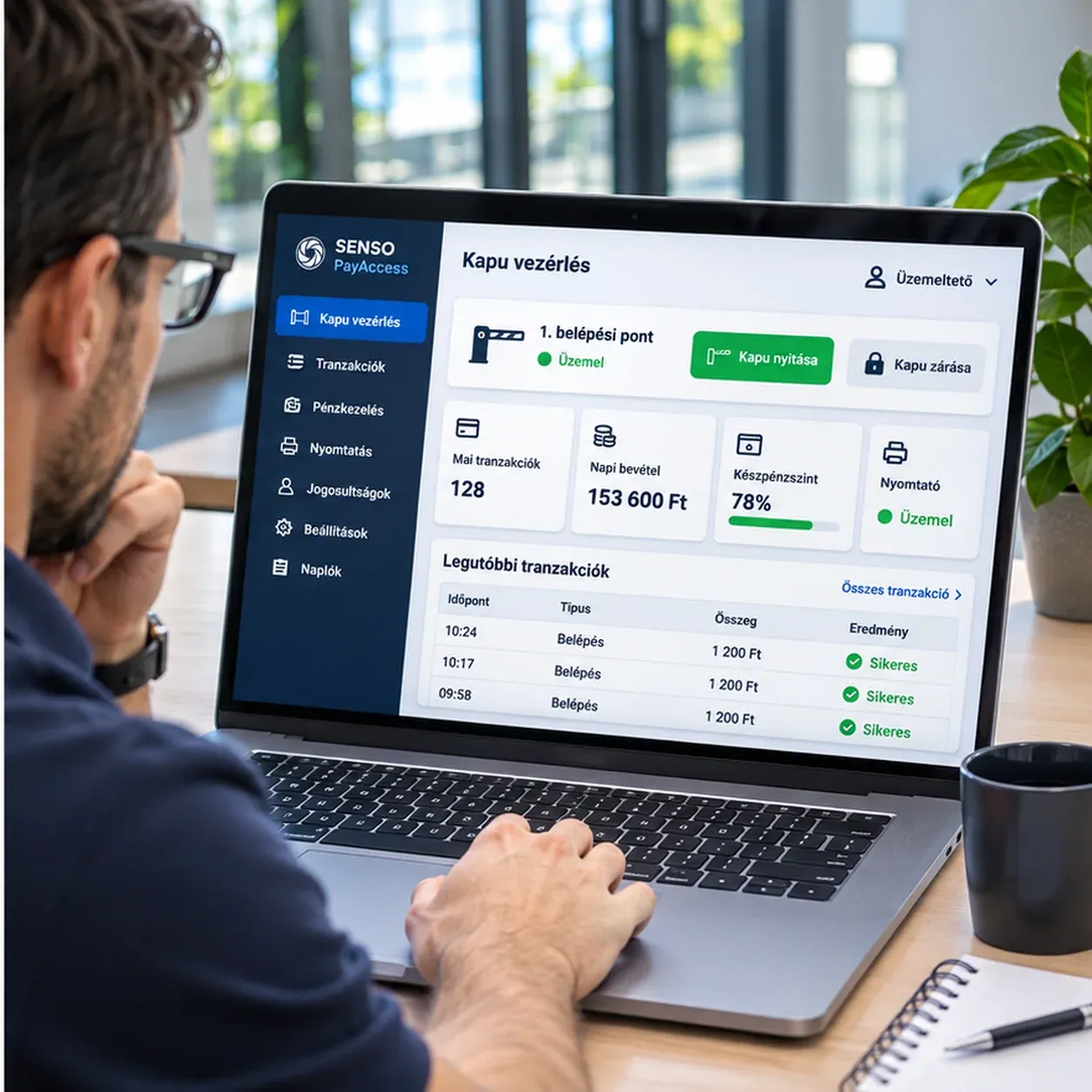
Deployment can include system integration, branding and development adapted to the existing environment. The precise scope is defined as part of the project.

When deploying SENSO PayAccess, we review existing hardware, software and data connections. We define interfaces, data flow directions and operational responsibilities so the new interface fits existing processes and reduces duplicate data entry where possible.

We adapt graphics, menus and information delivery to the partner and application. Beyond colours and logos, screen layouts support clear service use. Required languages and supplementary information are agreed during design.

Not every upgrade requires an entirely new device fleet. A technical assessment identifies components that can be retained, refurbishment needs and necessary software changes. Deployment is planned around the partner’s daily operations.
PayAccess avoids lengthy product selection: visitors pay to use a specific service. Screens and feedback are designed around this short journey.
The service price is clearly visible before payment.
Short, direct instructions guide use of the interface.
Information can be adapted to the site’s visitors.
Available methods depend on the installed modules.
The system can generate a QR code for admission.
Access rights can also link to other compatible identification methods.
With suitable integration, payment can open a gate or door.
Visitors receive clear information about the payment outcome.
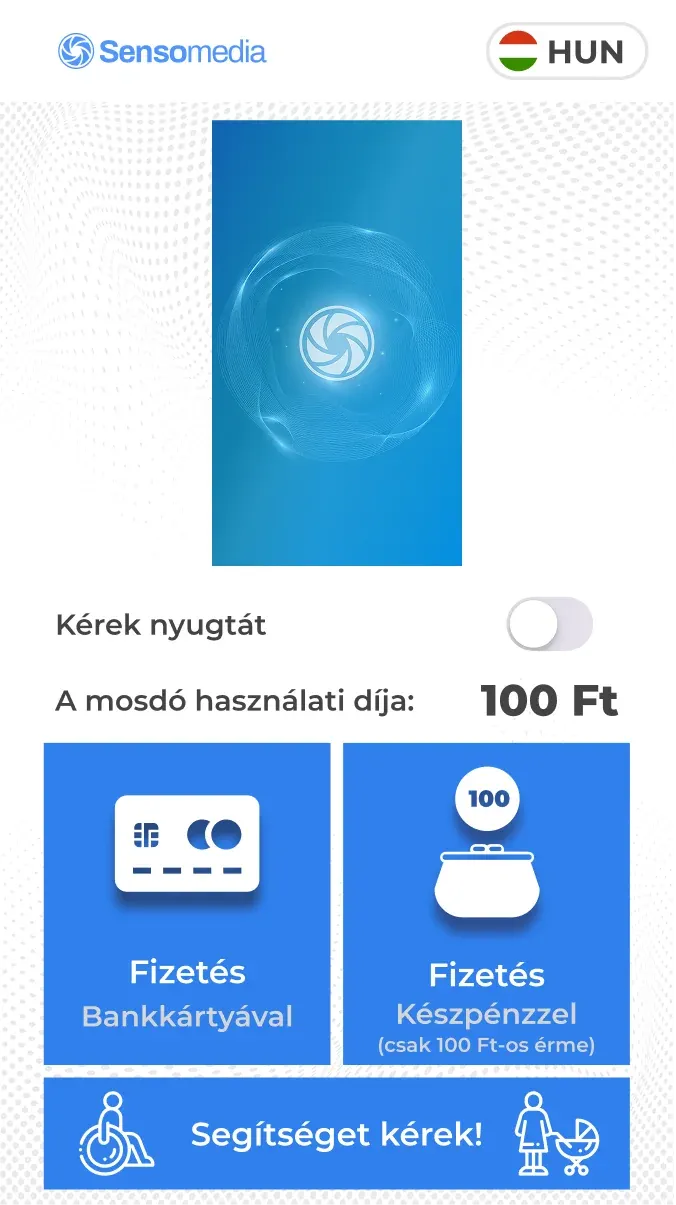
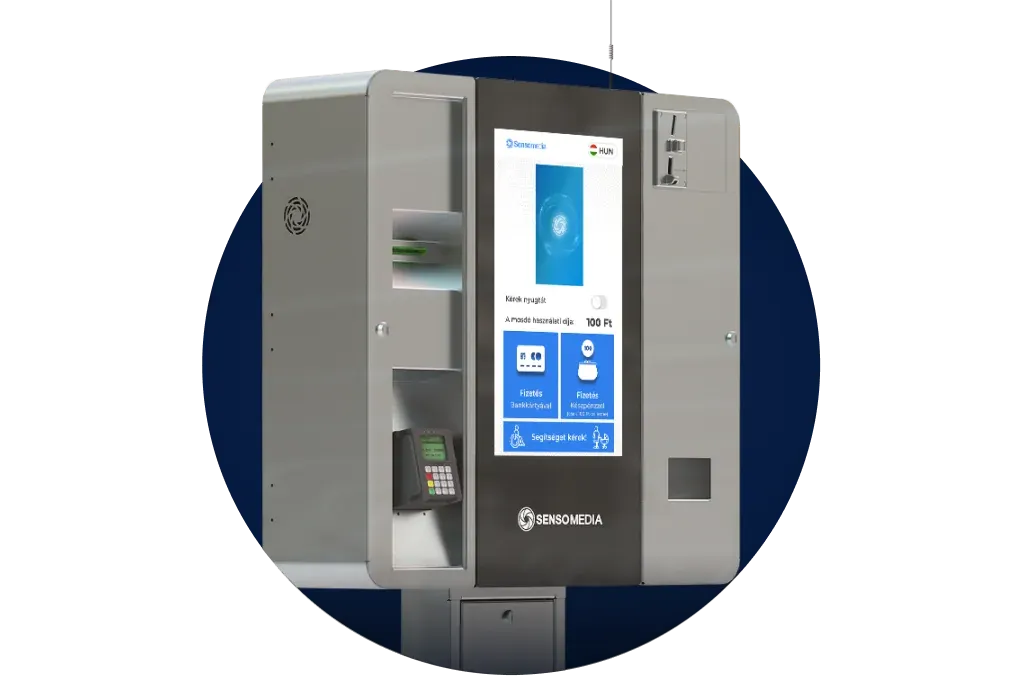
Visitors check the service and fee on screen. The interface limits the process to necessary choices.
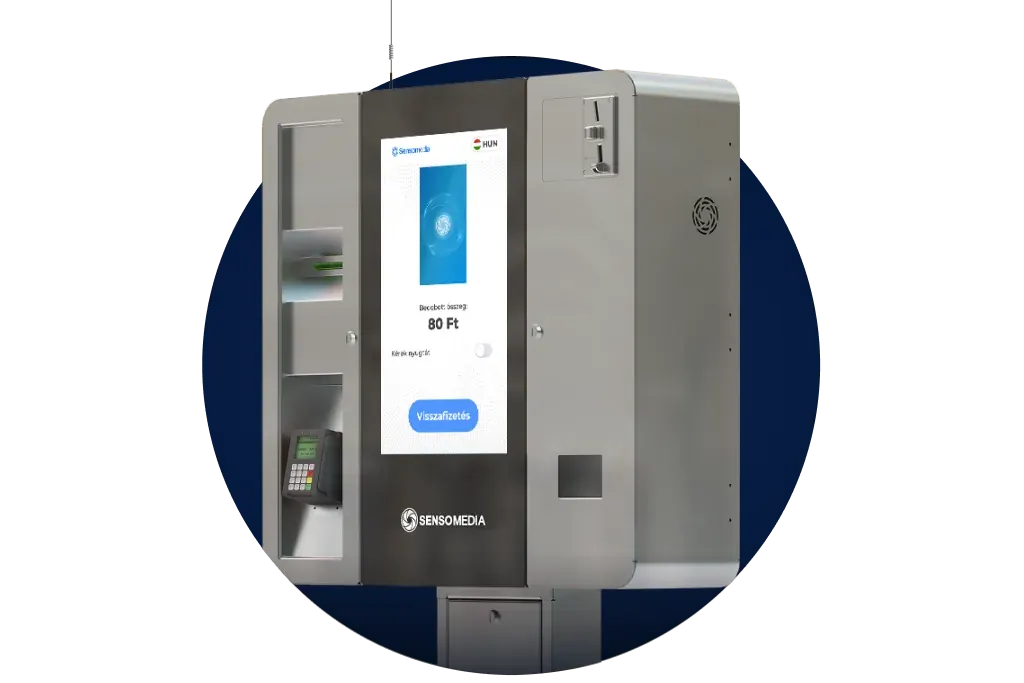
The fee is paid using available card or cash methods. Progression depends on the payment outcome.
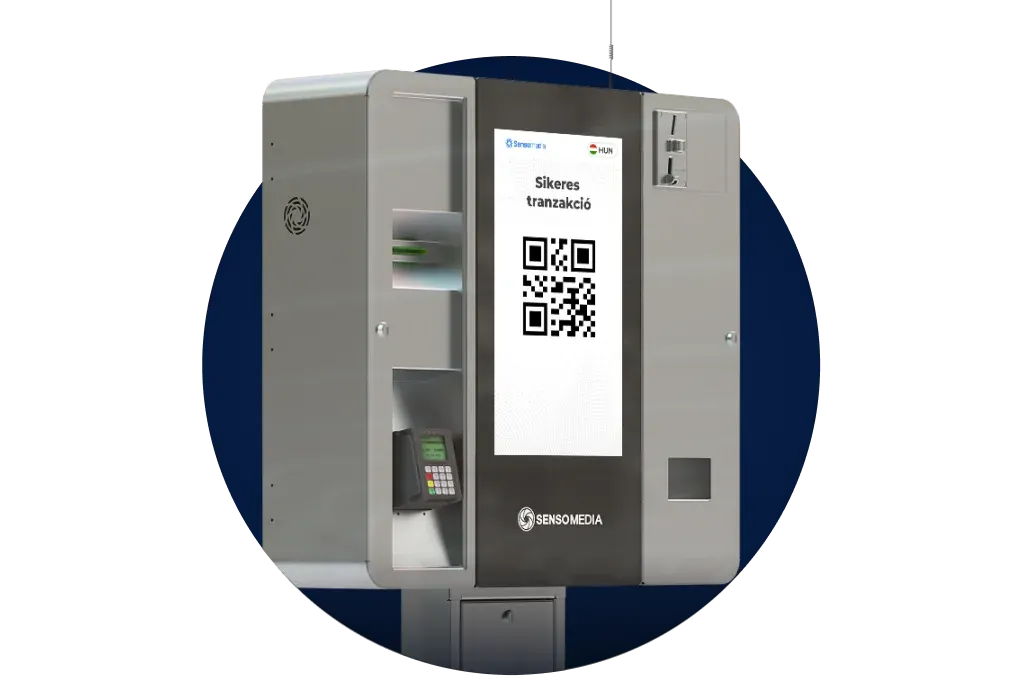
After a successful transaction, the software can generate a QR code or another digital access identifier. With direct control, it opens the gate instead of issuing a separate ticket.
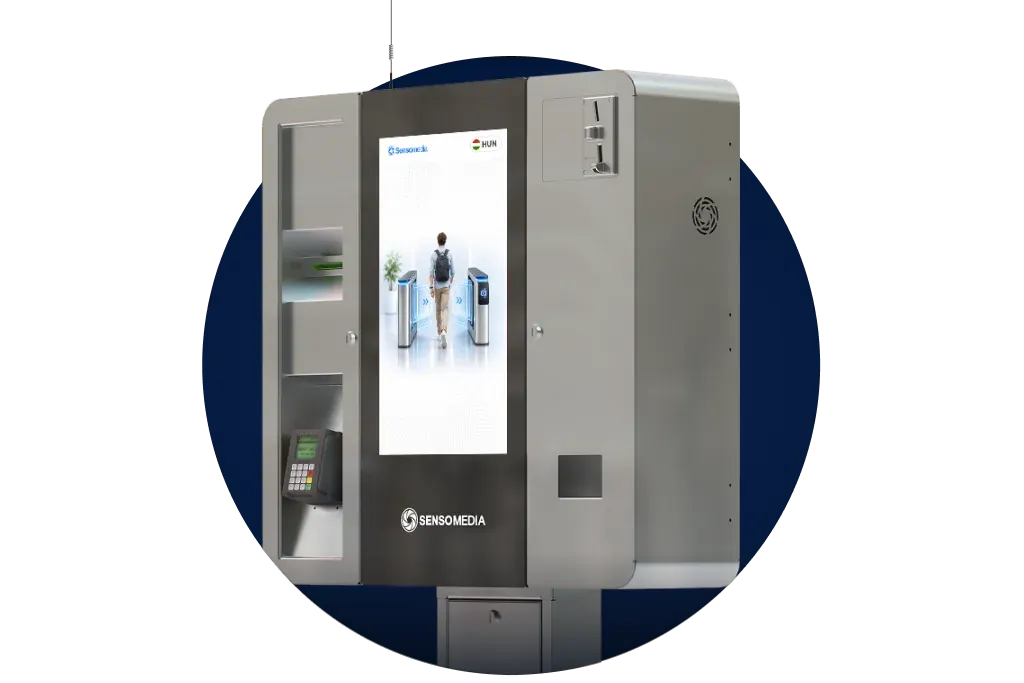
Visitors use their access rights in the configured manner and pass through the entrance. Identifier validation and opening work together with the connected gate controller.
The following functions depend on the selected configuration and required integrations. Their exact implementation and associated services are agreed before deployment.
Authorised employees can use a QR code or another compatible identifier at the entrance. Access follows the site’s staff policies.
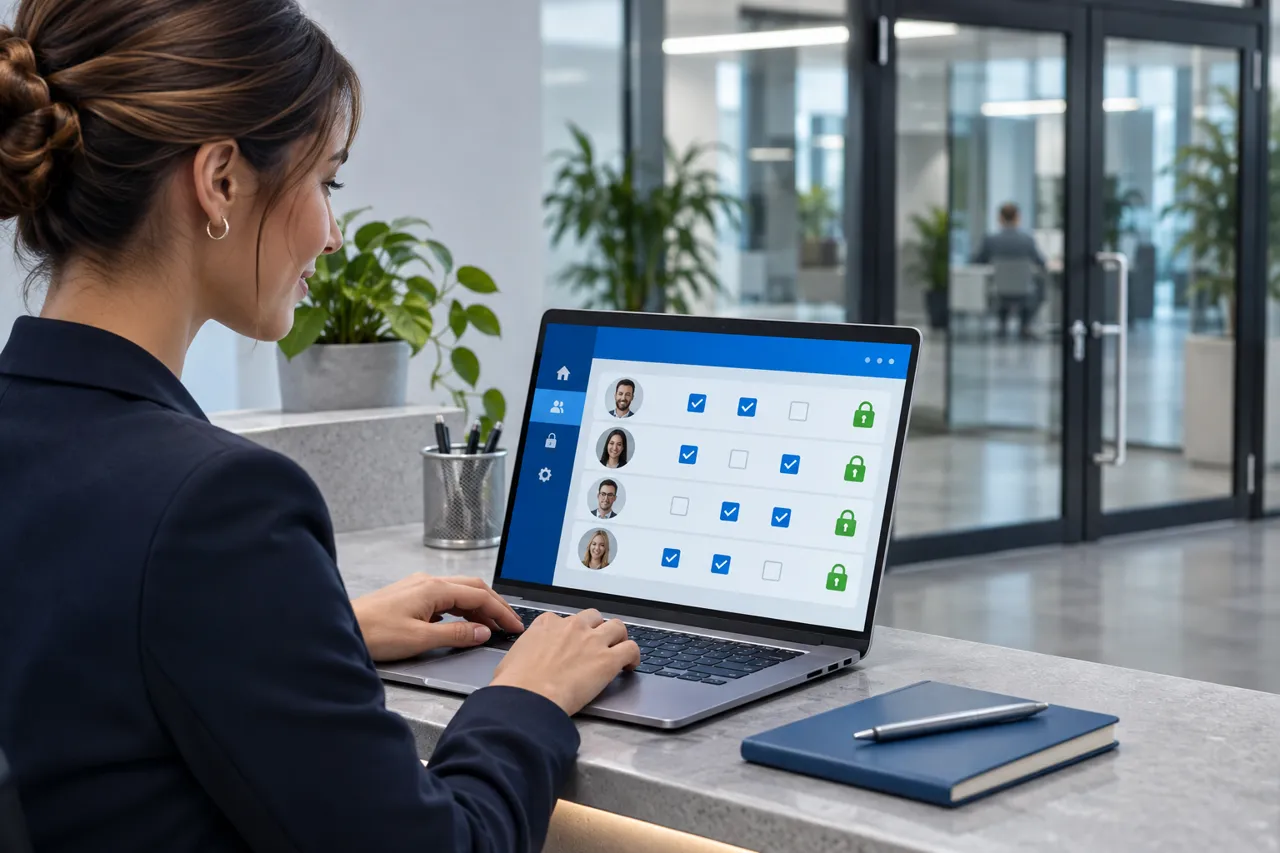
Access control can connect to the facility’s fire alarm or other safety infrastructure. Opening and control behaviour are configured according to the site’s safety plan.
Local administration supports daily operations, making staff actions available according to permissions assigned to each task.
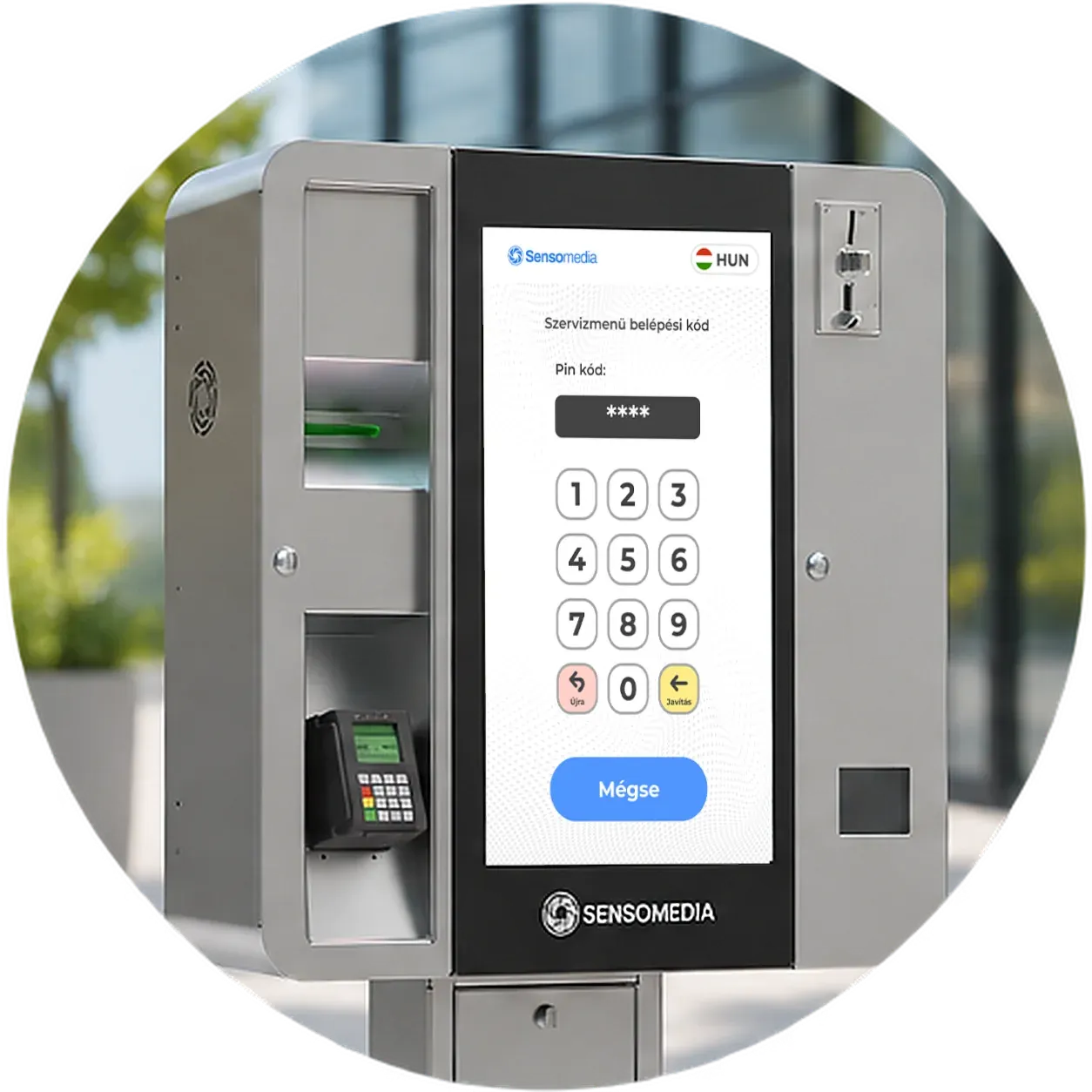
The administration interface uses two-step authentication, adding a separate verification step to everyday access.
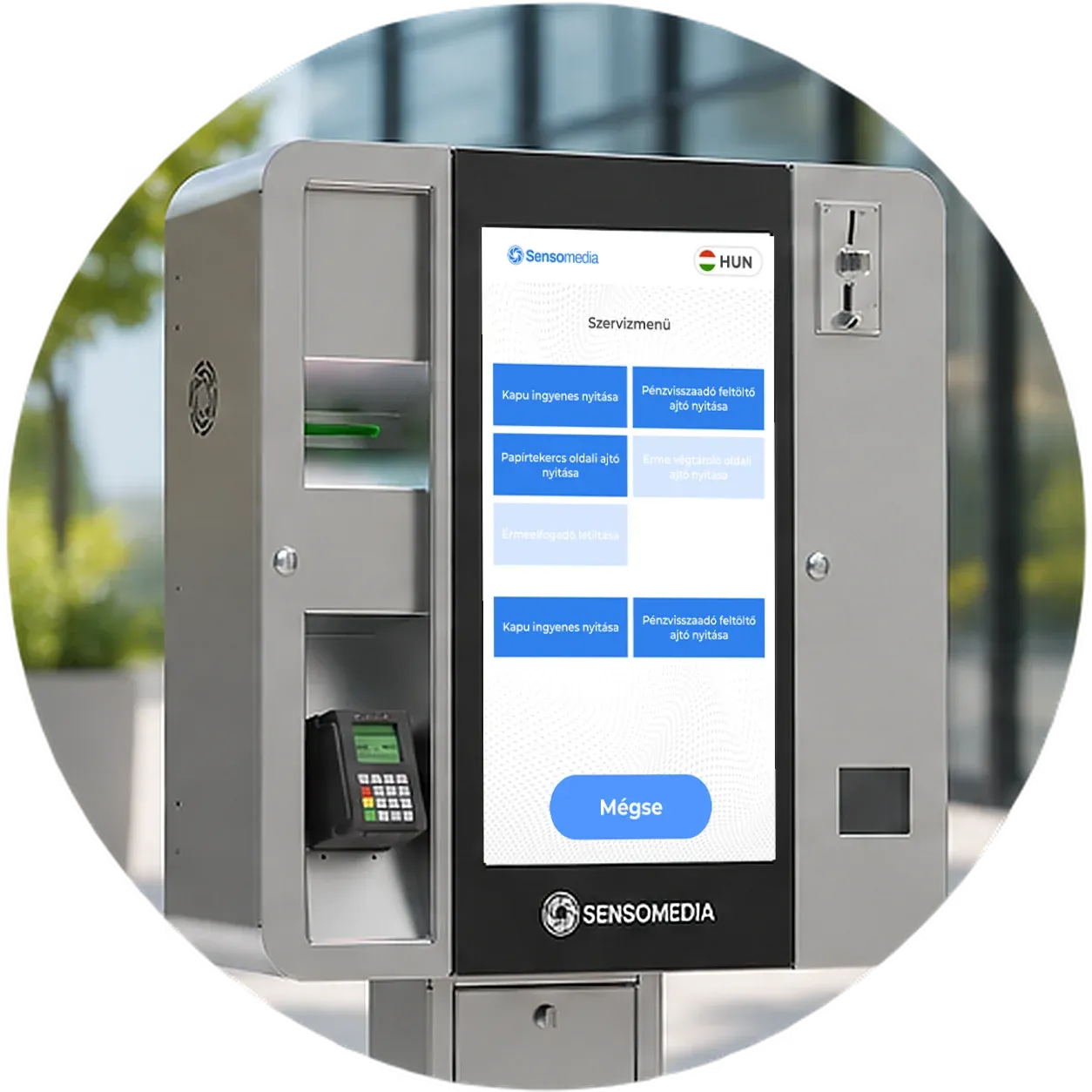
Different roles can access different actions. Cash management and general operational tasks can be separated.
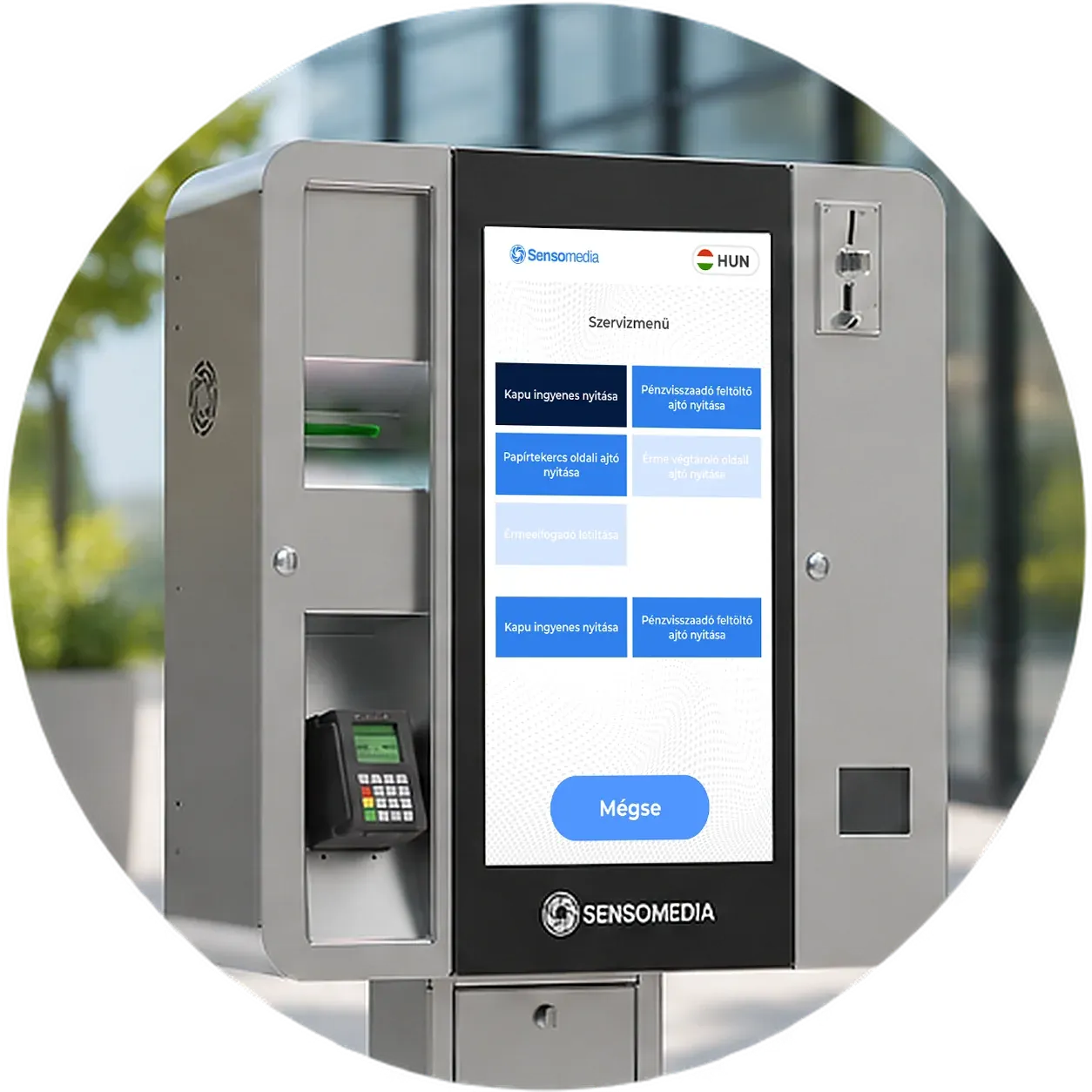
Authorised staff can open the gate from the administration interface, supporting on-site service and supervision.
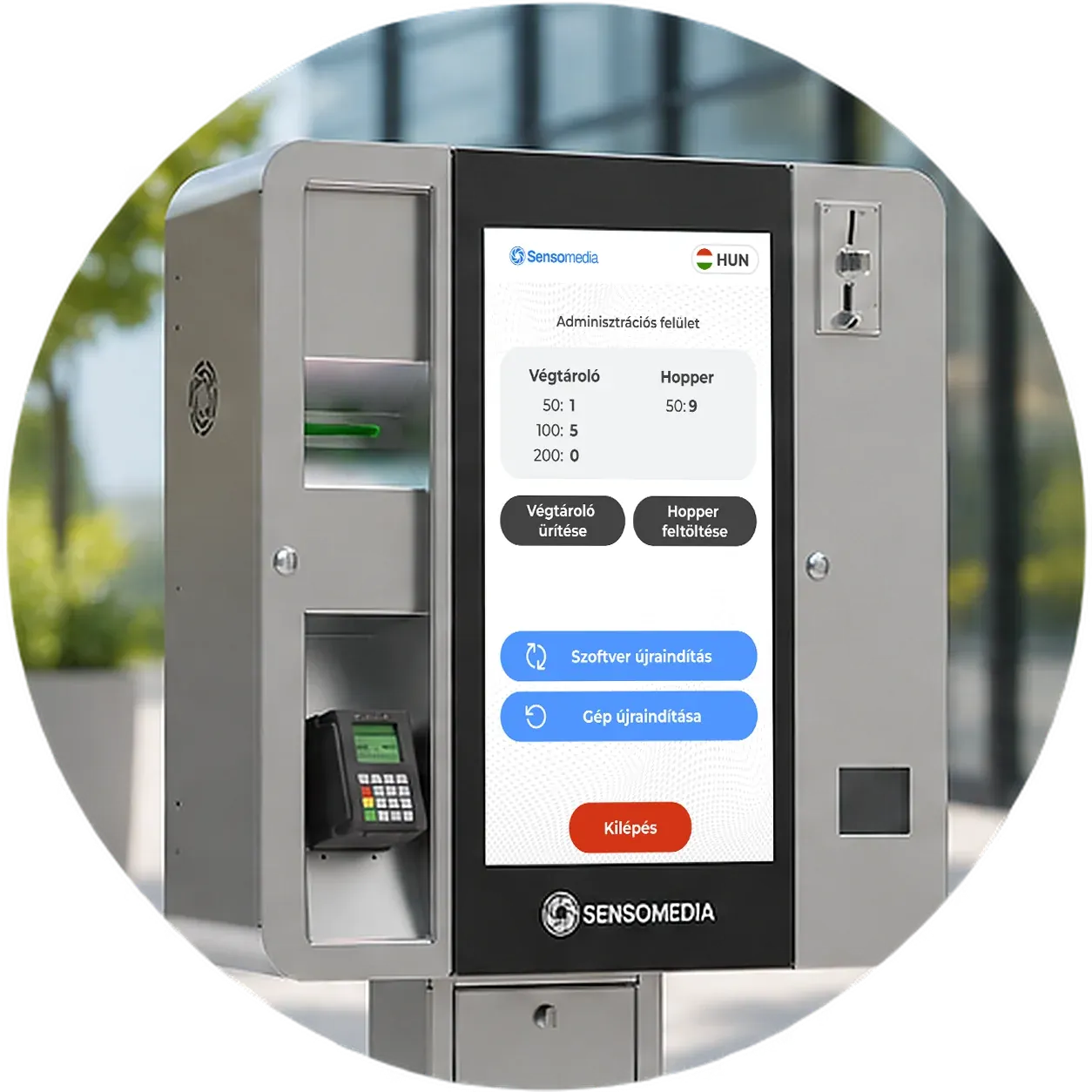
Cash storage levels can be tracked, with automatic notifications when intervention is needed, helping schedule collection.
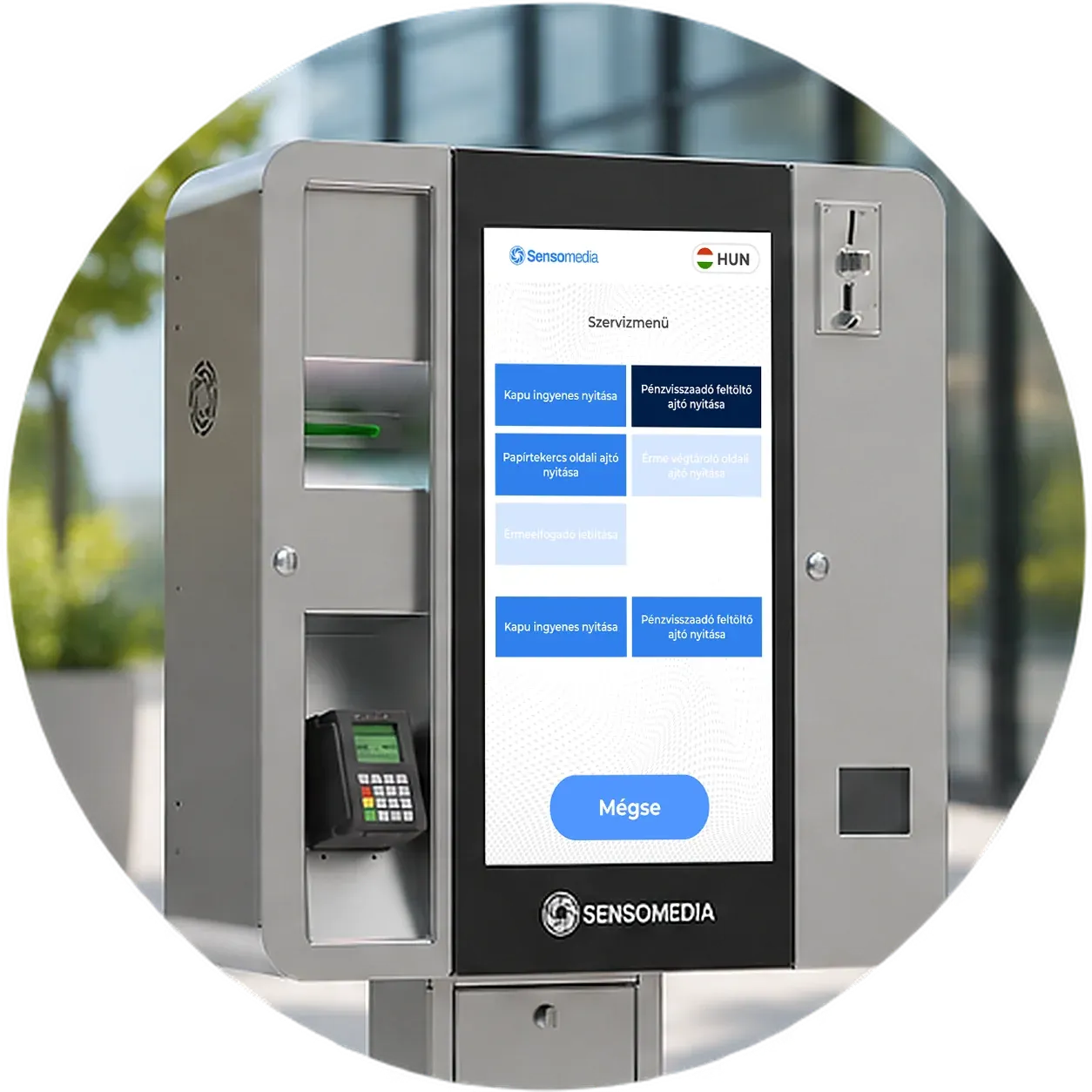
The interface supports compartment opening for paper replacement and cash collection. Available actions depend on the terminal design.
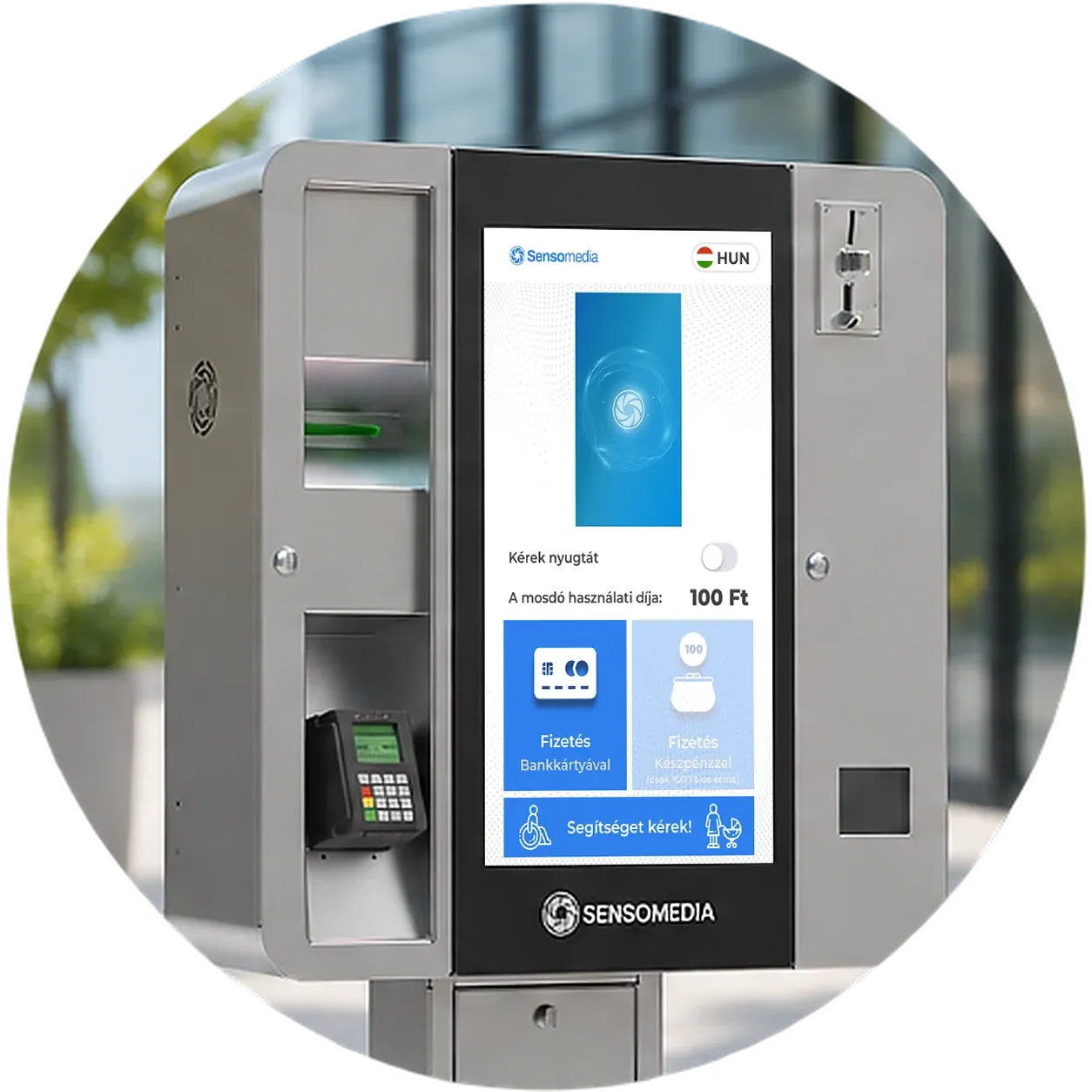
Coin acceptance can be temporarily disabled when needed, helping control payment options during operational situations.
The following connections can be configured according to partner requirements and the technical capabilities of existing infrastructure. Integrations are optional and are not automatically available in every installation.
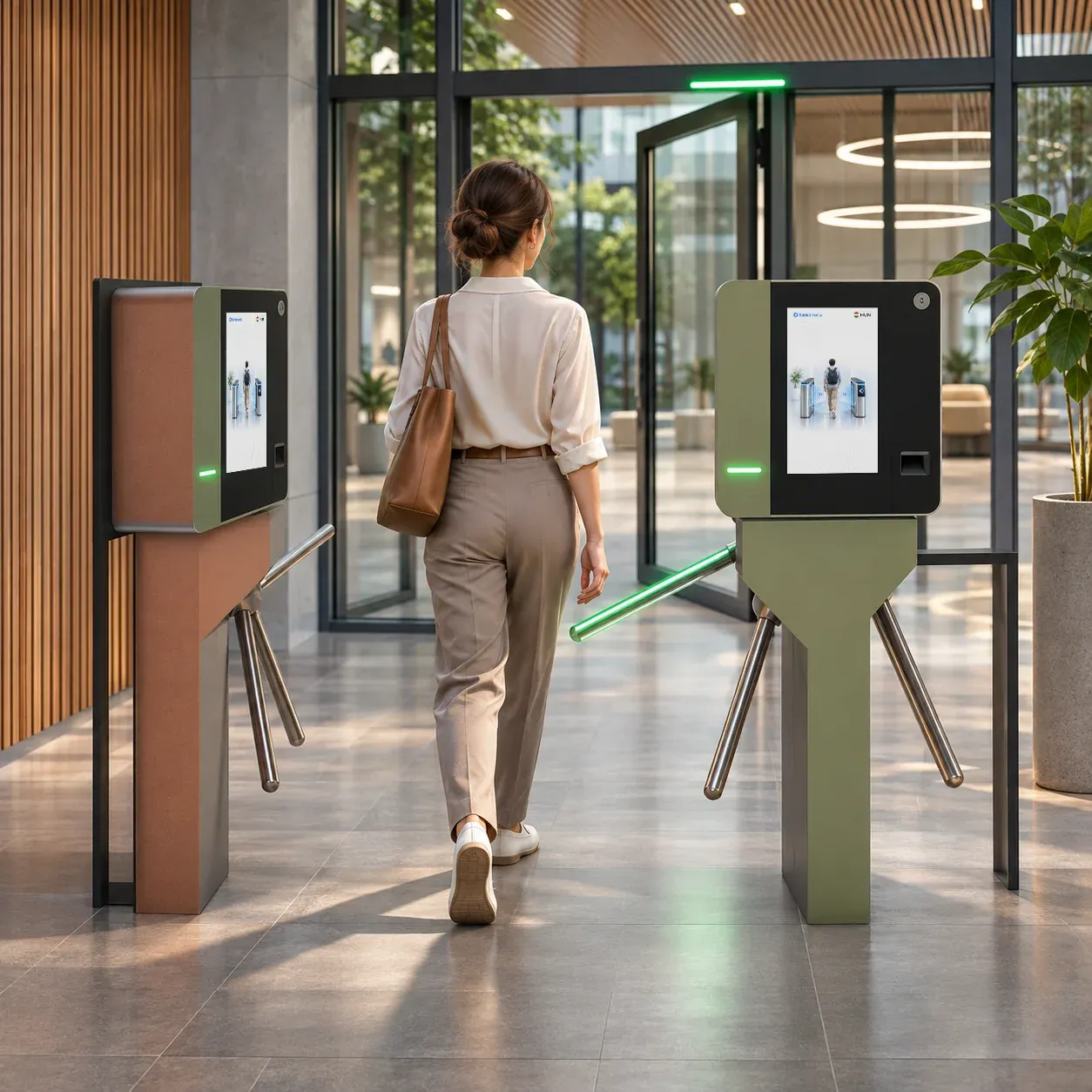
Payment results can be forwarded to compatible controllers. Entry can use direct opening or validation of issued access rights.
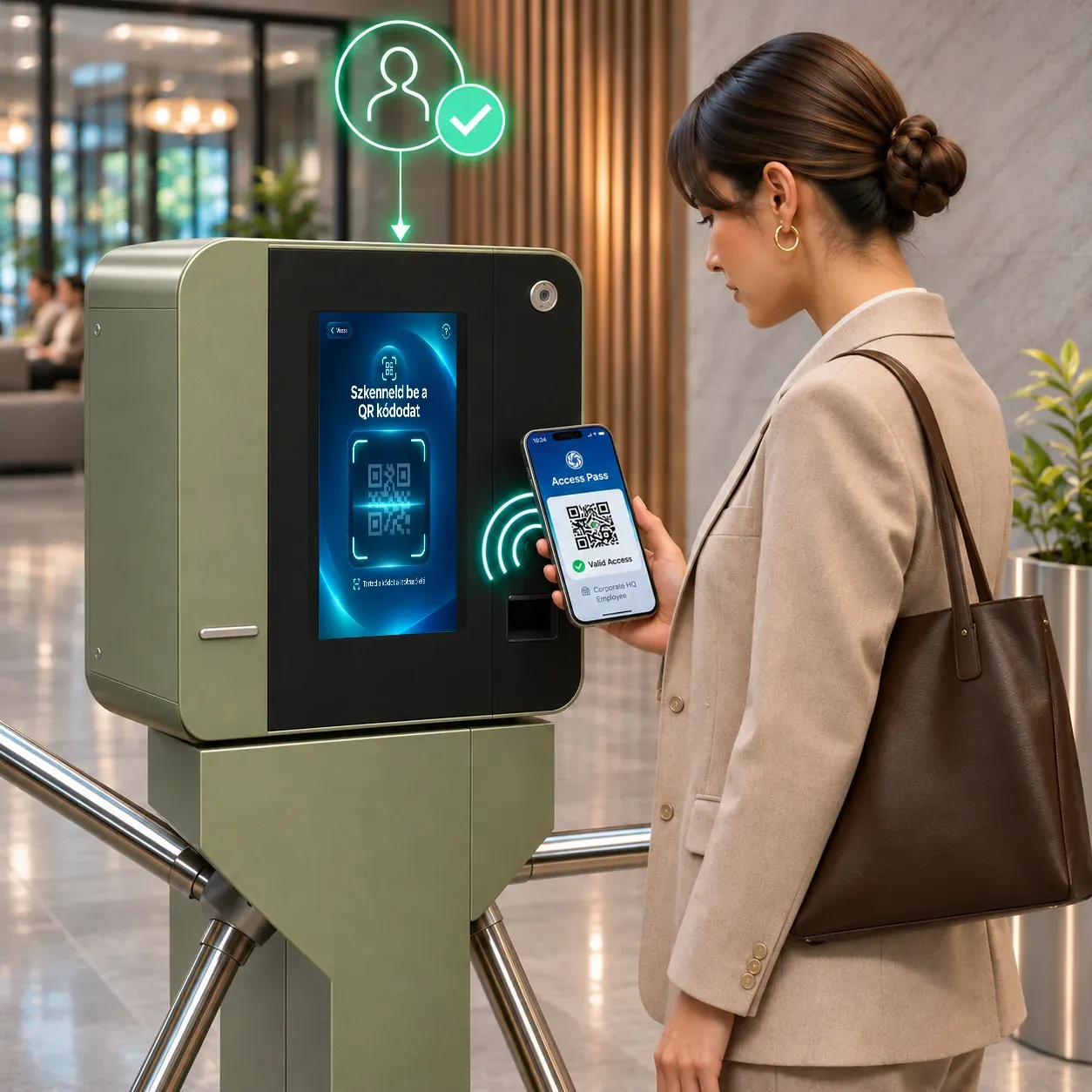
The PayAccess payment interface can be combined with the Gate access environment. Permission rules and daily management are aligned with site operations.
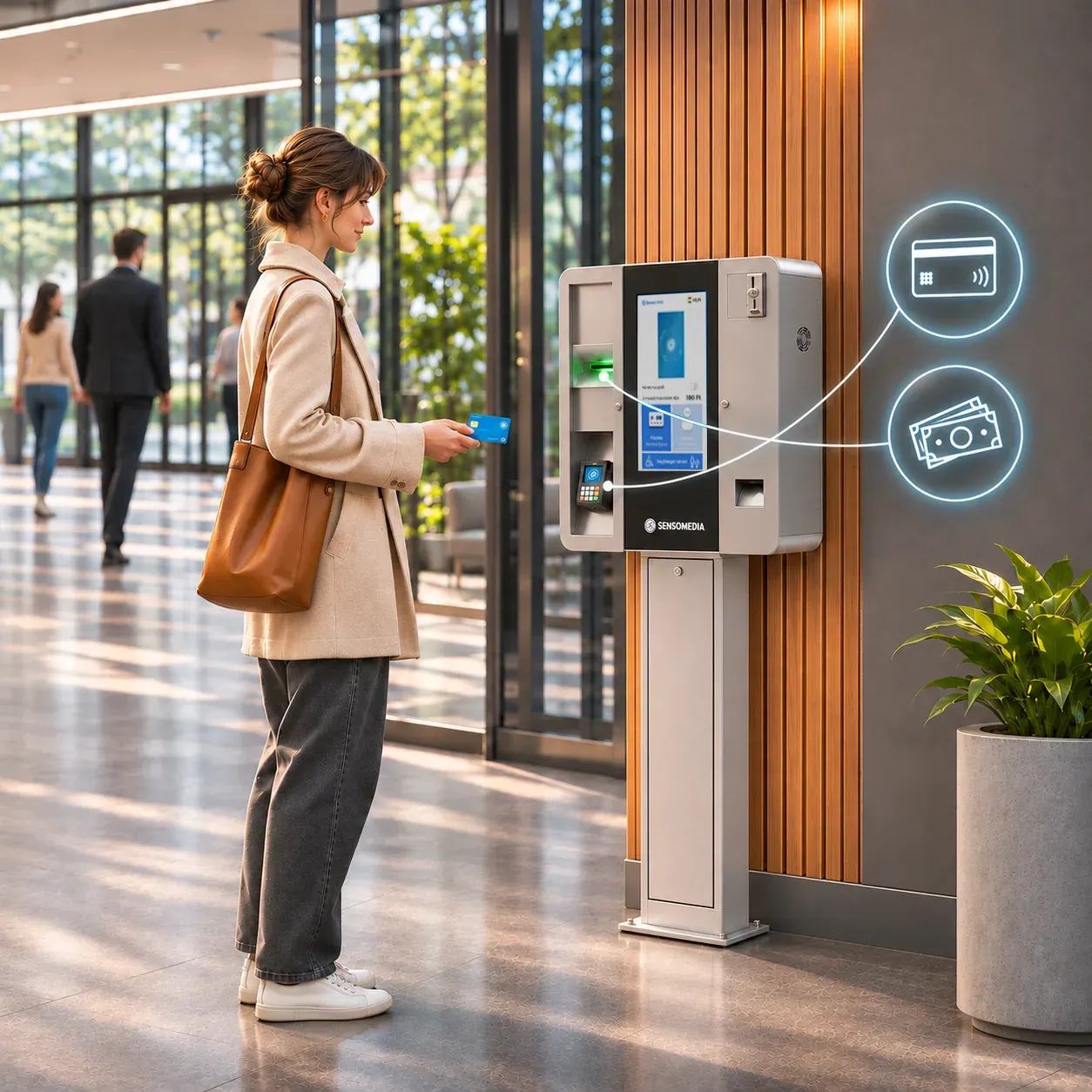
The software works with selected card and cash hardware. Installed devices determine exact acceptance and change dispensing capabilities.
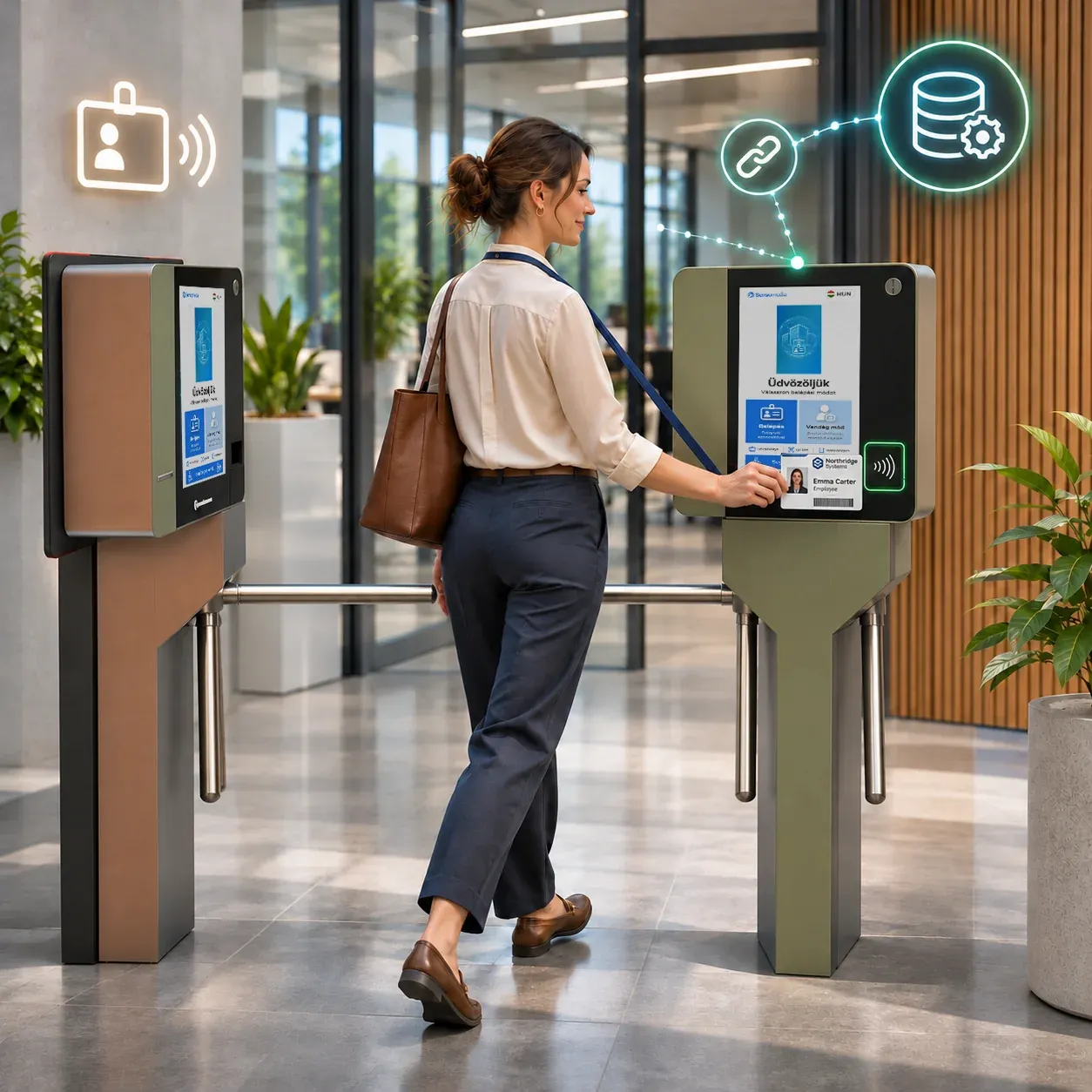
Staff or other payment-free permissions can connect to a separate identification system. Integration follows the partner’s access procedures.
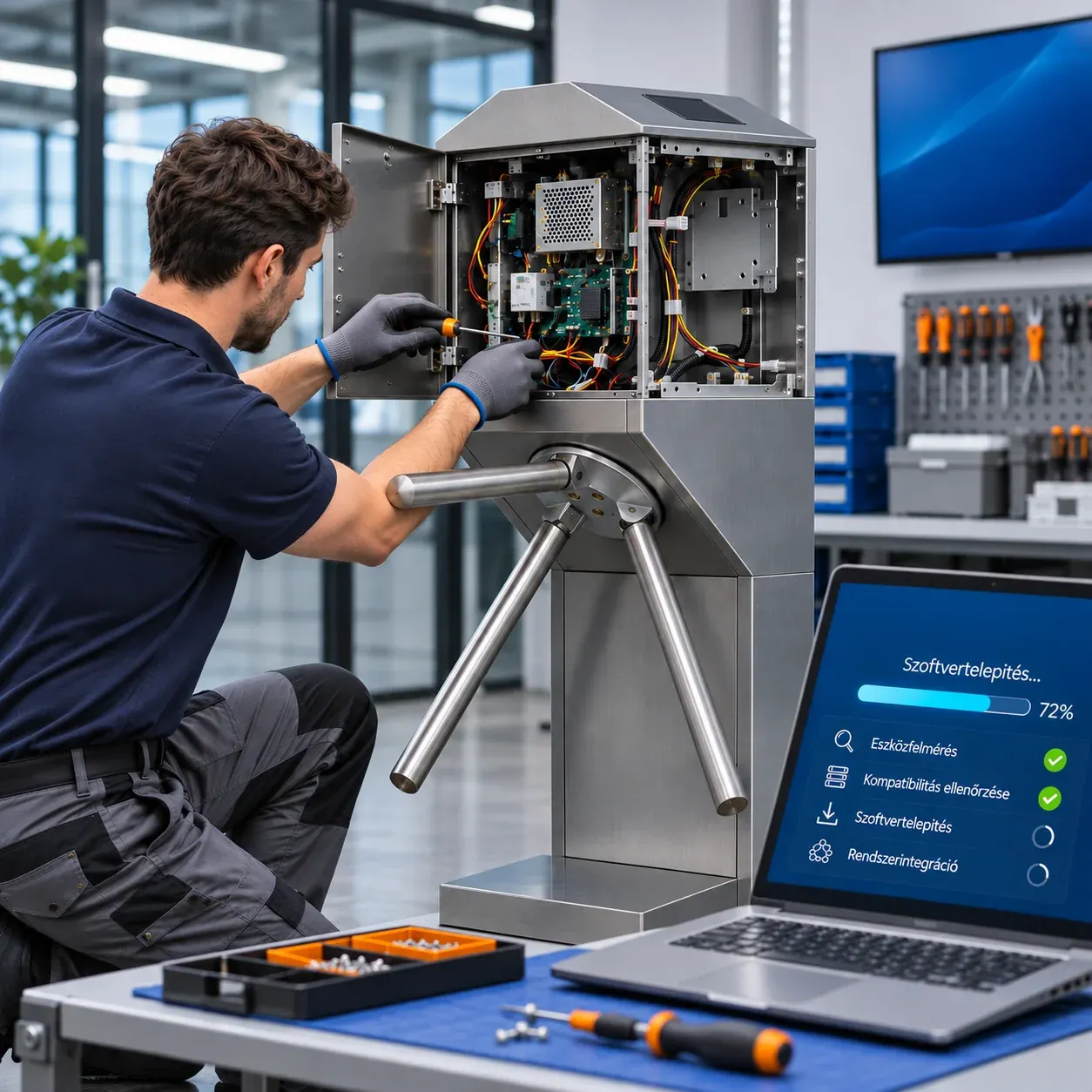
When upgrading an existing network, we first assess hardware condition, communications and connected systems. This determines what can be retained and where replacement components or extensive refurbishment are needed.
We install the SENSO software environment on suitably prepared devices, establish central connections and integrate with the partner’s systems. Device and interface rebranding can also form part of the project.
Long-term monitoring, support and maintenance are planned with service levels suited to the installed environment.
Our Payment Terminal machines connect fee collection to access control. Turnstiles and other access points are adapted to the facility layout.
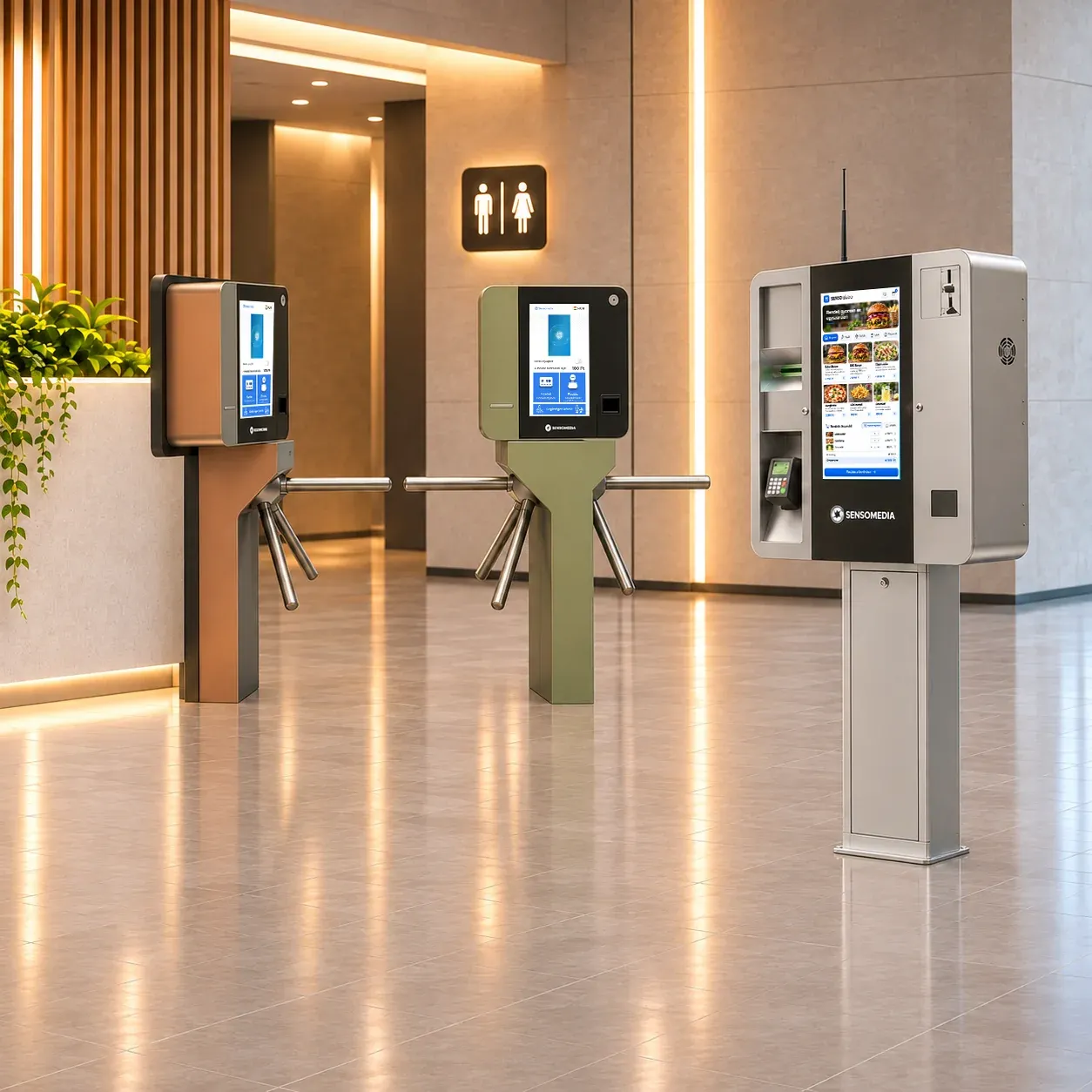
freestanding version
A payment terminal with a 22-inch display, card payments, coin acceptance and coin change. Payment can trigger the connected access controller.
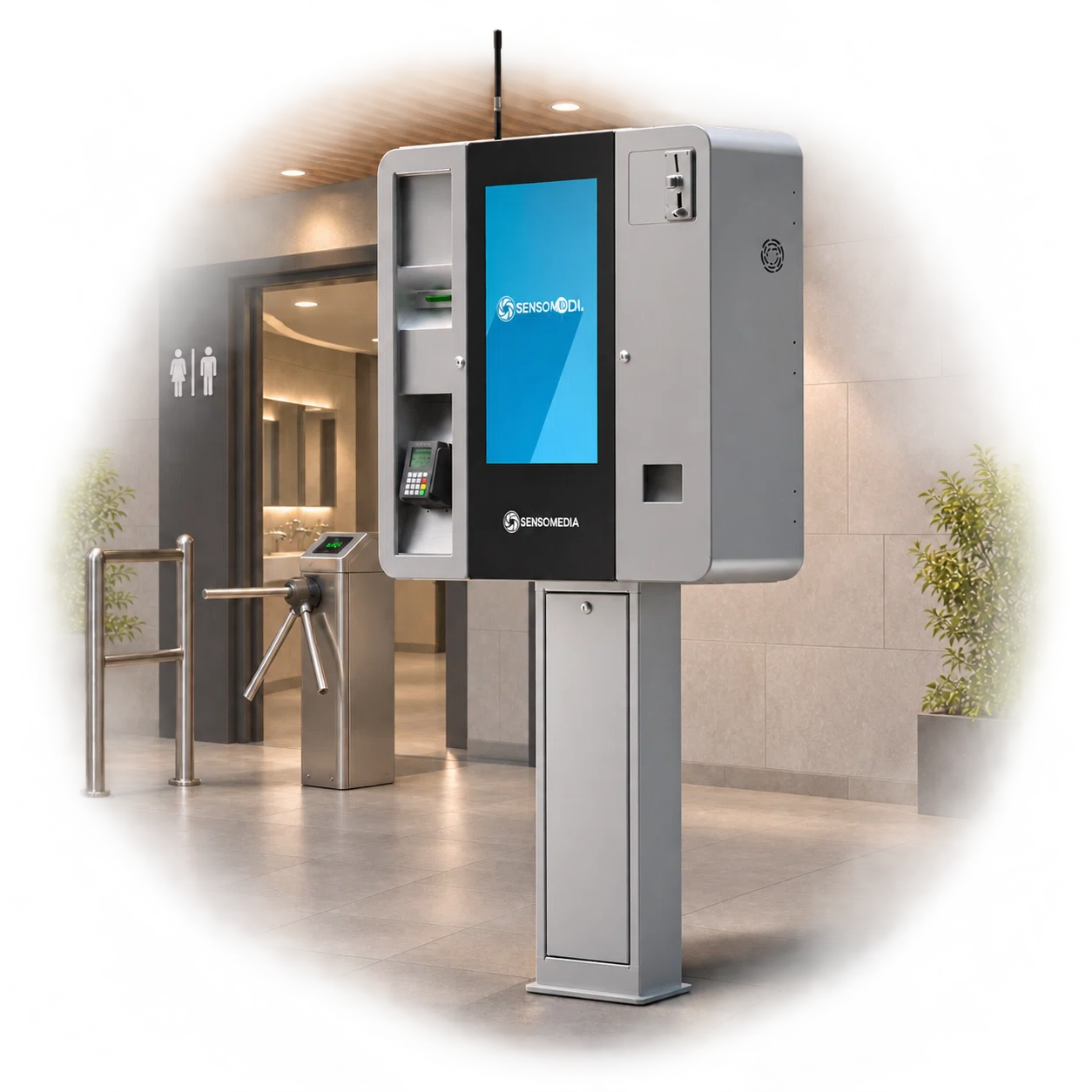
turnstile access
The connected turnstile grants washroom access after payment. Payment and access validation work together in one coordinated system.