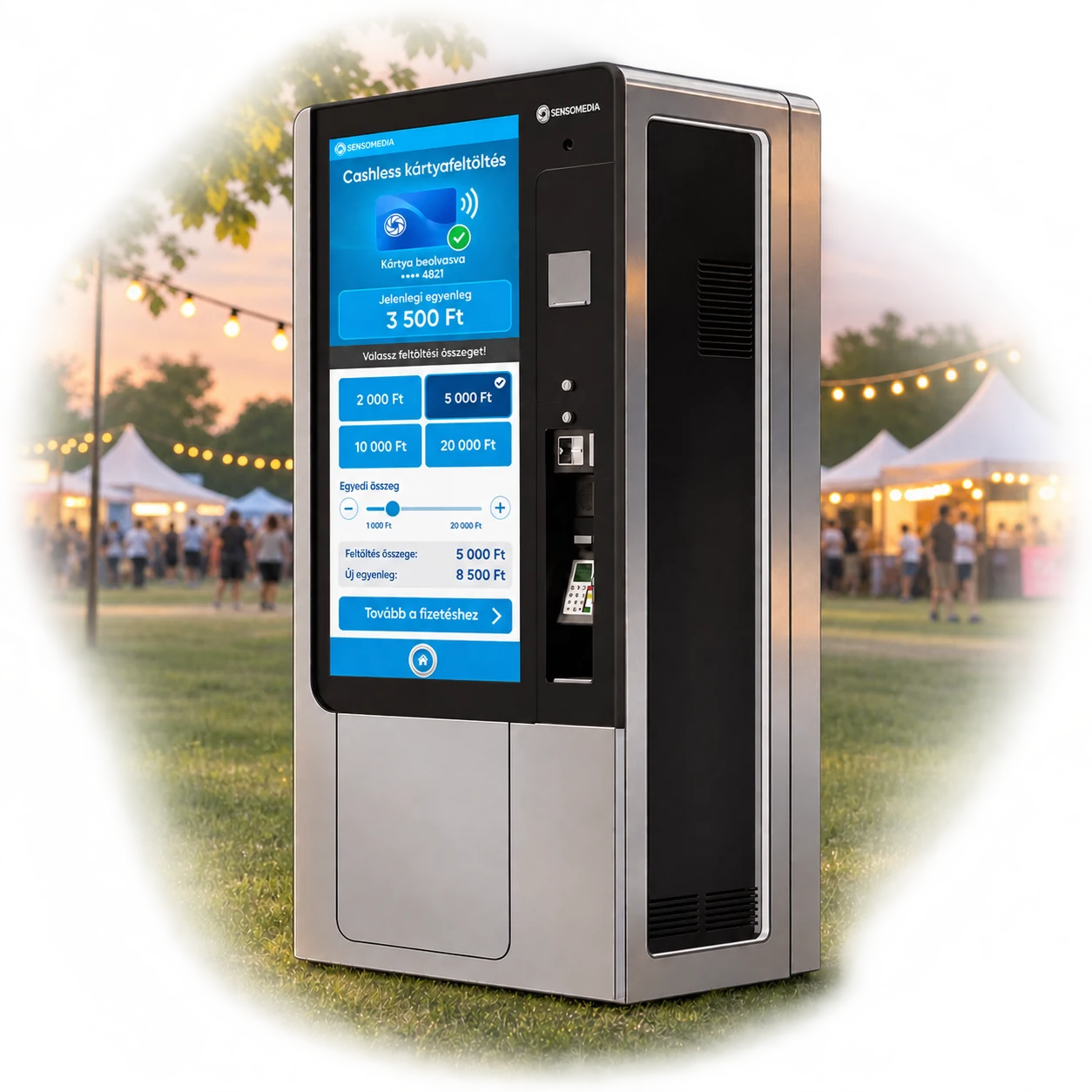
Card issuance and top-up application
The kiosk handles new card requests, existing card reading and top-ups. Its multilingual interface guides users from balance checking to payment confirmation.
 Let’s talk!

Self-service card issuance and balance top-up
SENSO Cashless Top-up provides self-service card issuance and top-ups for events, festivals, sports facilities and other closed-loop payment environments. Visitors can obtain a card, check its balance and add funds without staff assistance.
The application maintains a direct data connection with the closed-loop payment system. Top-ups are assigned to the identified card, with successful payment followed by a balance credit and transaction confirmation.
The central Back Office tracks top-ups, terminal status, card inventory and cash storage. It supports coordinated operation of multiple top-up points, aligned with the venue’s payment system.
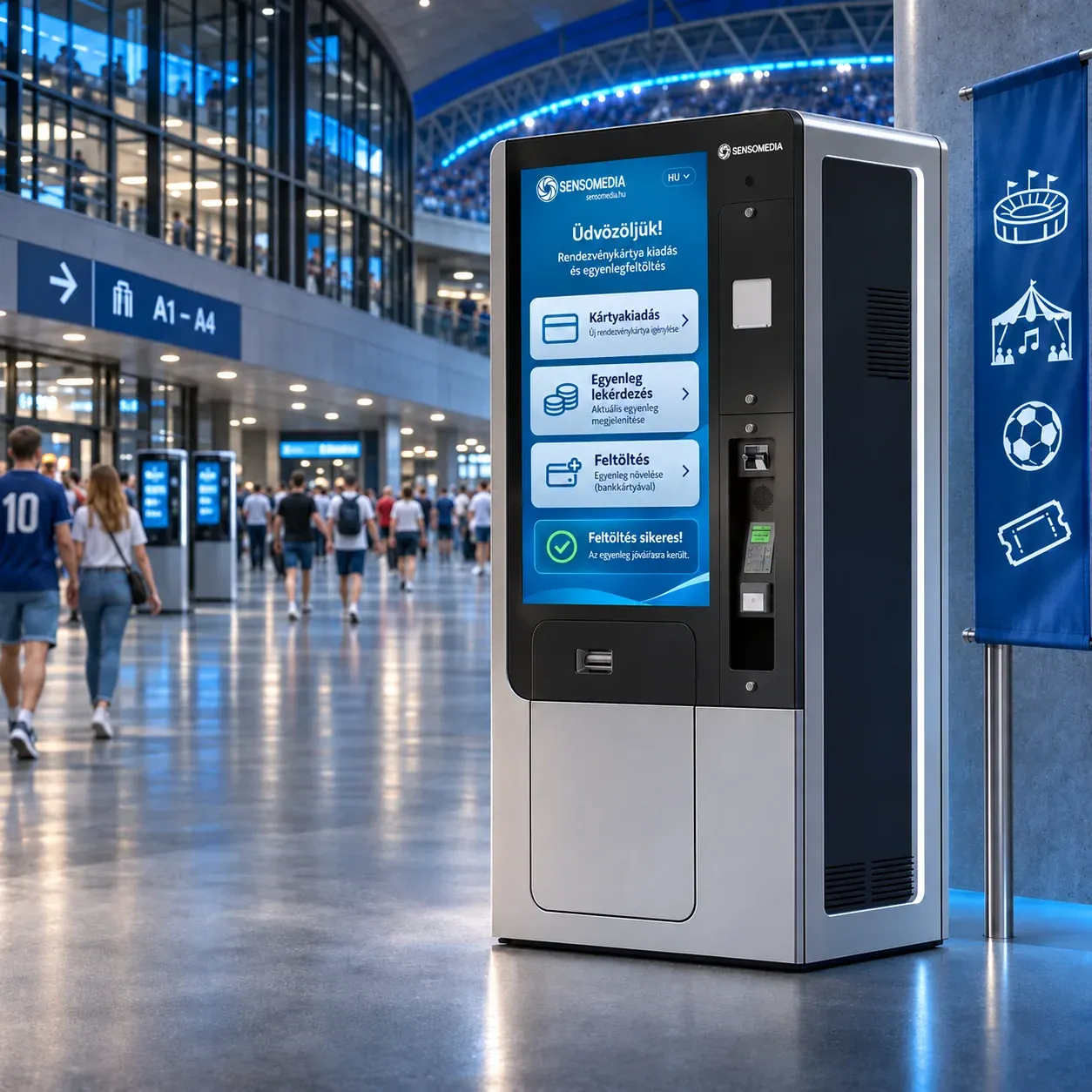
We design the user interface and operational tasks as a coordinated system, choosing a deployment configuration suited to business objectives and site conditions.

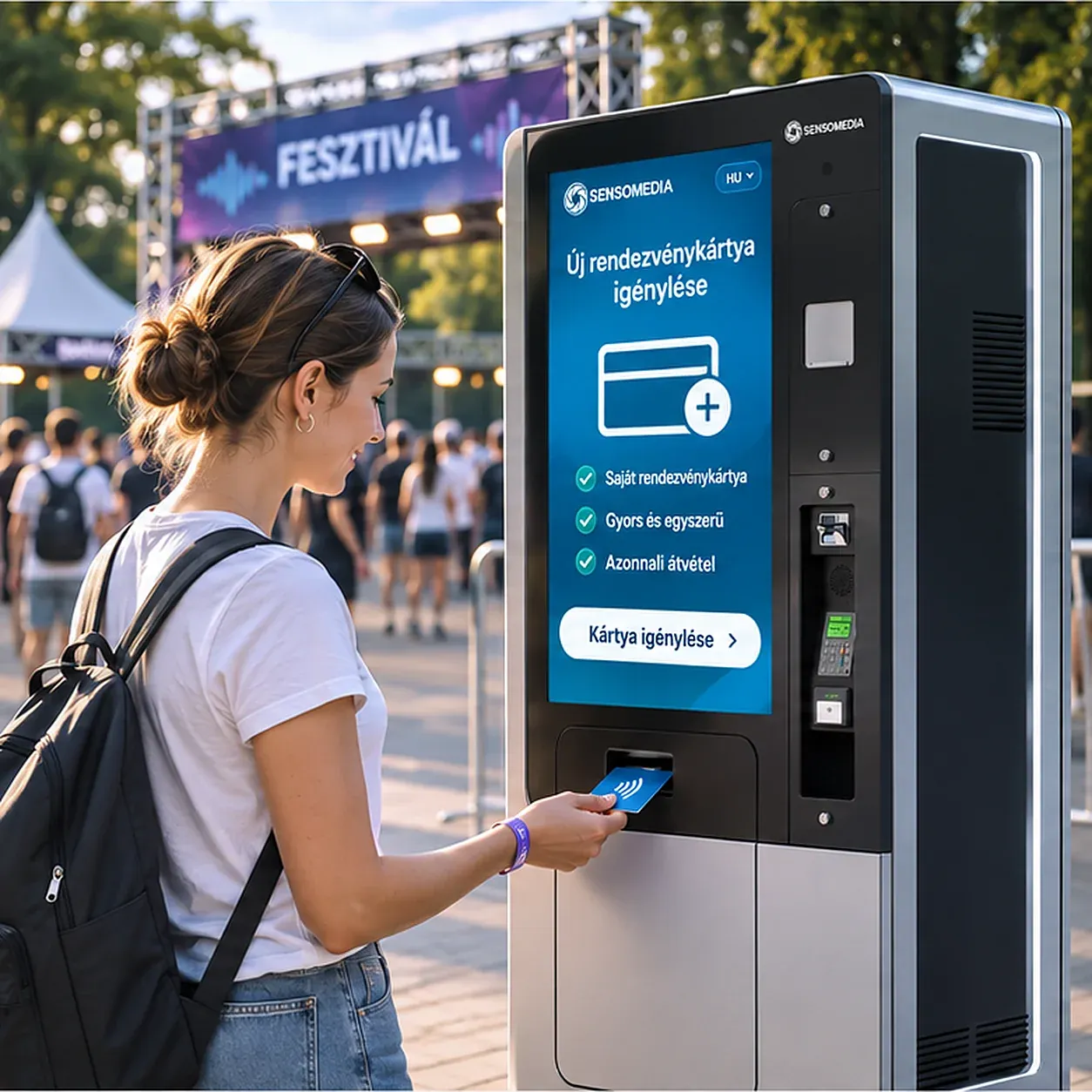
A suitable dispenser allows new cards to be obtained without staff assistance.

Preset amounts and manually entered values can be used.

Successful top-ups are reflected in the connected closed-loop payment system.

Top-up transactions and financial data can be retrieved.

Reading an existing card links the operation to the correct balance.

Depending on the hardware, the system handles both card and cash deposits.

Card dispenser and cash storage levels can be tracked centrally.
Connected software components provide user functions and back-end processes.
The kiosk handles new card requests, existing card reading and top-ups. Its multilingual interface guides users from balance checking to payment confirmation.
The back-end collects top-up data and monitors terminals. Alongside financial reports, card stock and cash levels are tracked, with role-based access.

Deployment can include system integration, branding and development adapted to the existing environment. The precise scope is defined as part of the project.

When deploying SENSO Cashless Top-up, we review existing hardware, software and data connections. We define interfaces, data flow directions and operational responsibilities so the new interface fits established processes and reduces duplicate data entry where possible.

We adapt graphics, menus and information delivery to the partner and application. Beyond colours and logos, screen layouts support clear service use. Required languages and supplementary information are agreed during design.

Not every upgrade requires an entirely new device fleet. A technical assessment identifies components that can be retained, refurbishment needs and necessary software changes. Deployment is planned around the partner’s daily operations.
The interface can present card issuance and top-up as two easily accessible options. Connection to the closed-loop payment system is essential to every transaction.
A compatible dispenser can be controlled from the kiosk.
Existing cards are identified quickly.
The system displays the balance using connected account data.
Frequently used top-up amounts are selected with one touch.
Users can manually enter an amount within permitted limits.
Card or cash payment follows the installed modules.
Successful top-ups are confirmed in the interface.
Centrally managed content can appear in a dedicated interface area.
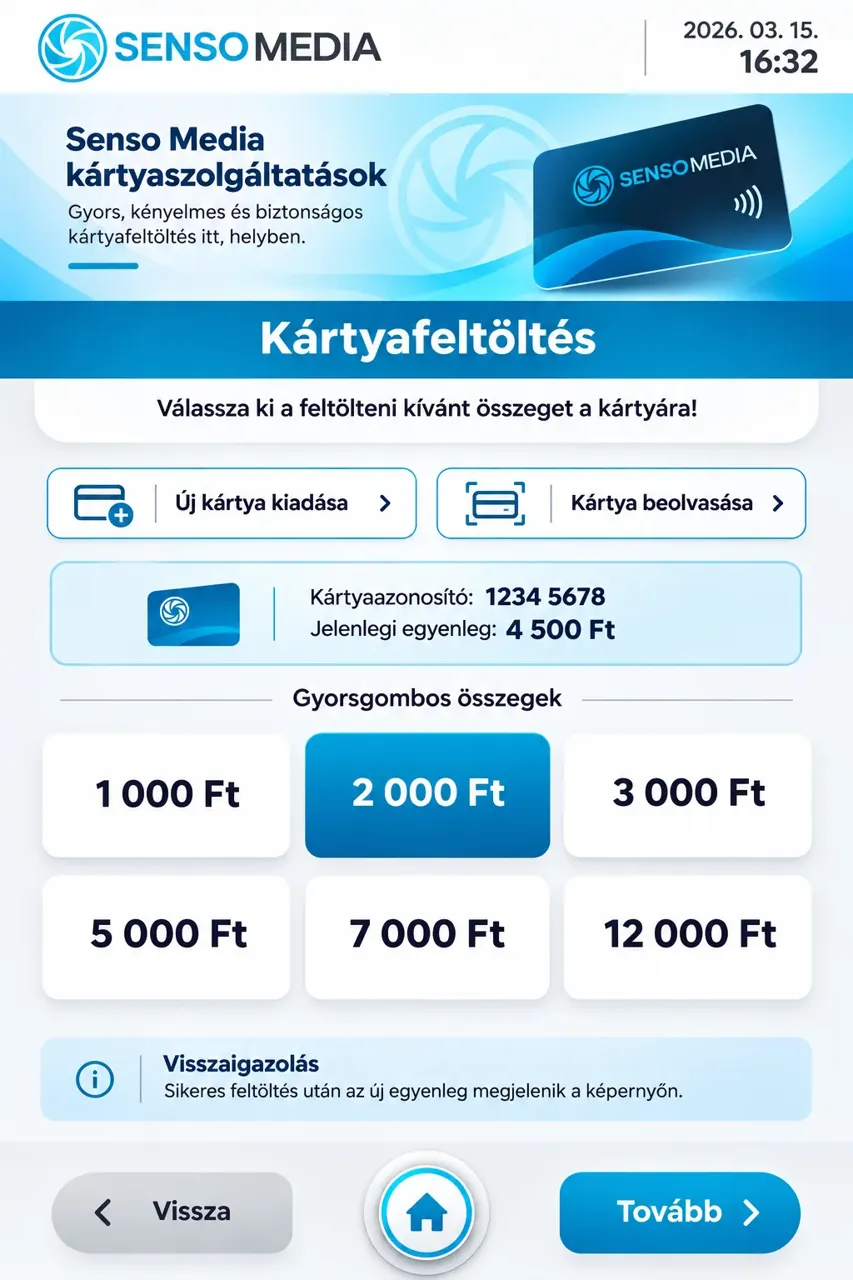
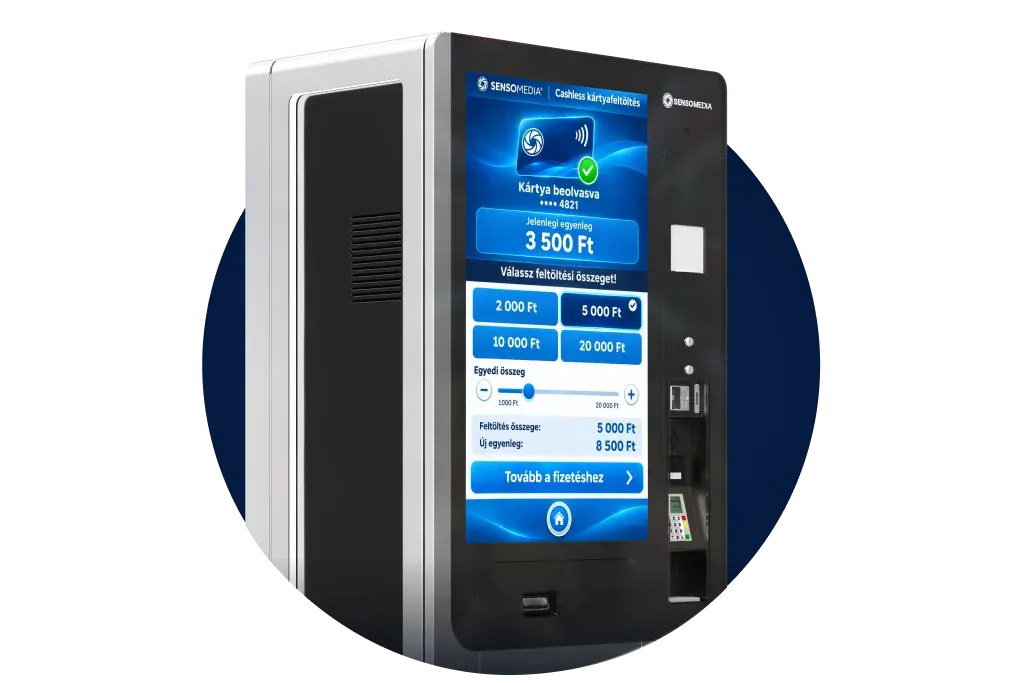
Visitors request a new card or place an existing card at the reader. The system identifies the target of the top-up.
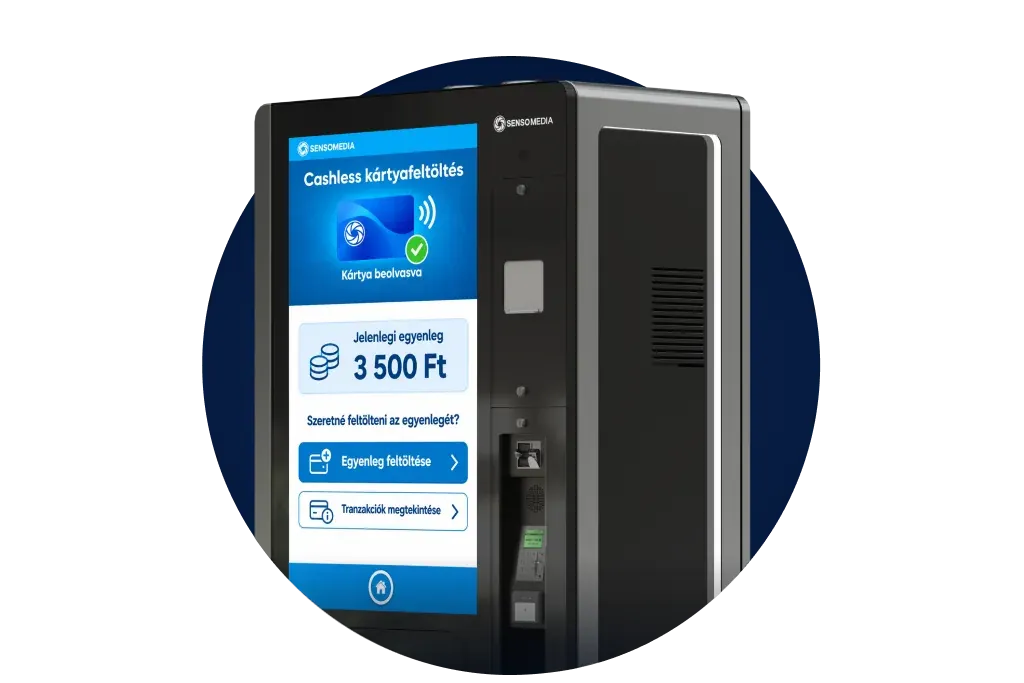
The interface displays the balance available from the connected payment system, helping visitors decide whether to add funds.
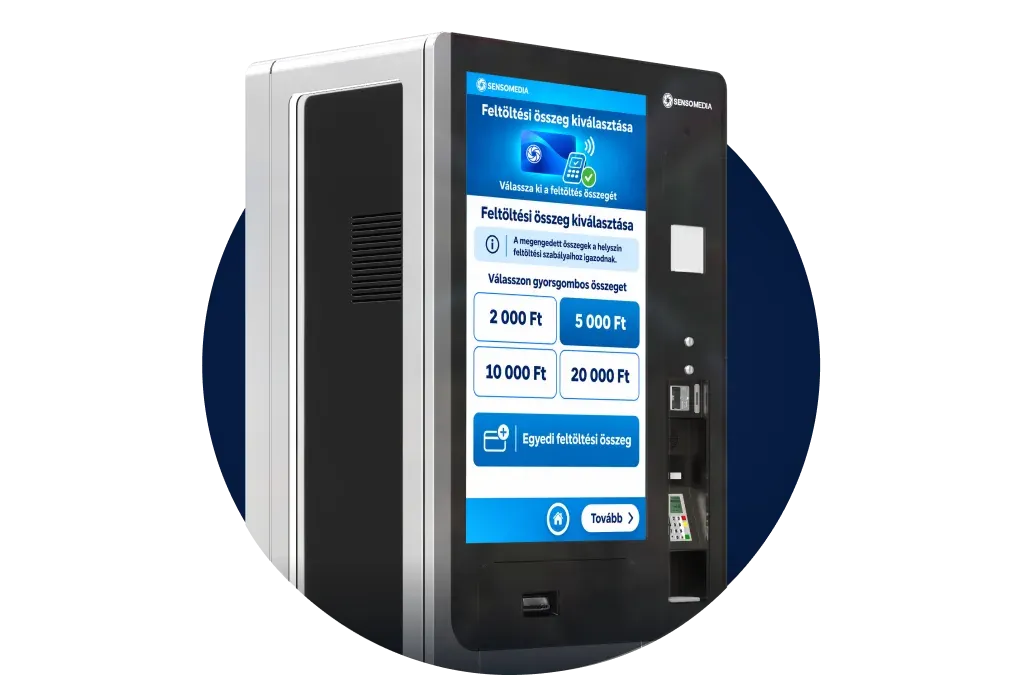
Users choose a preset amount or enter a value manually. Permitted amounts follow the venue’s top-up rules.
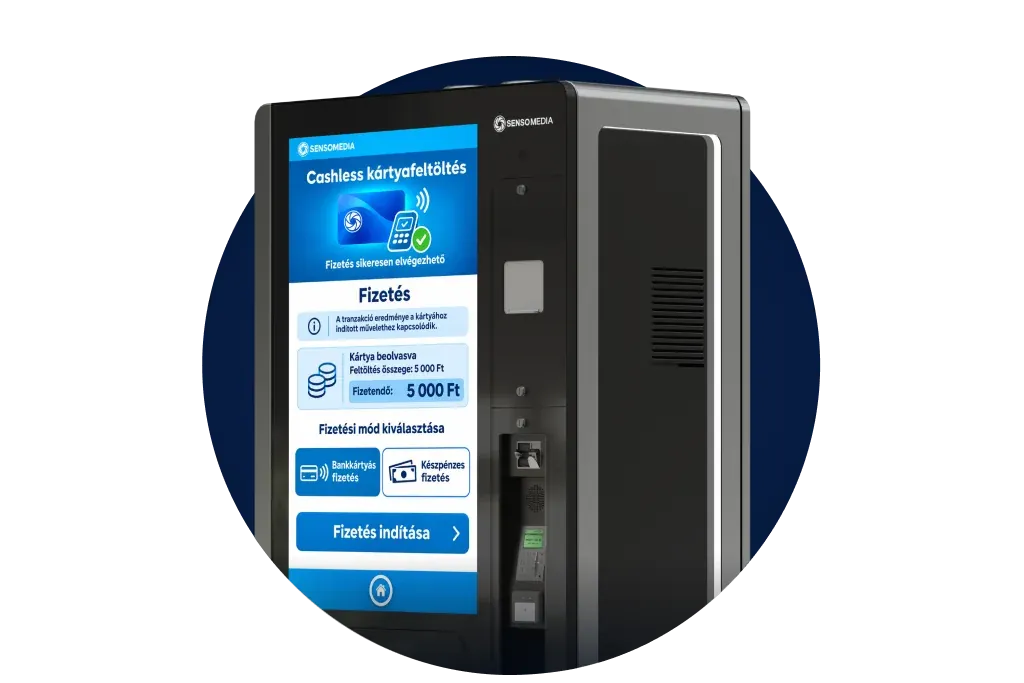
Customers pay using an available method. The software associates the transaction outcome with the operation initiated for the card.
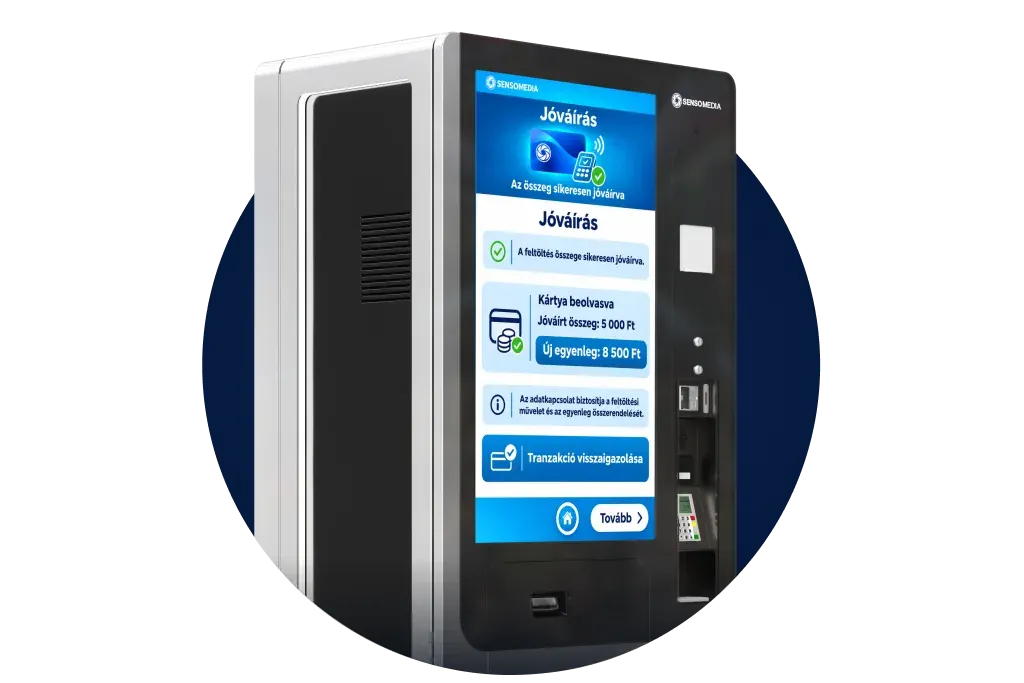
After successful payment, funds are assigned to the correct card in the connected closed-loop system. The data connection links the top-up operation with the balance. Users receive transaction feedback, and the event is recorded in Back Office. The terminal is then ready for the next operation.
The following functions depend on the selected configuration and required integrations. Their exact implementation and associated services are agreed before deployment.
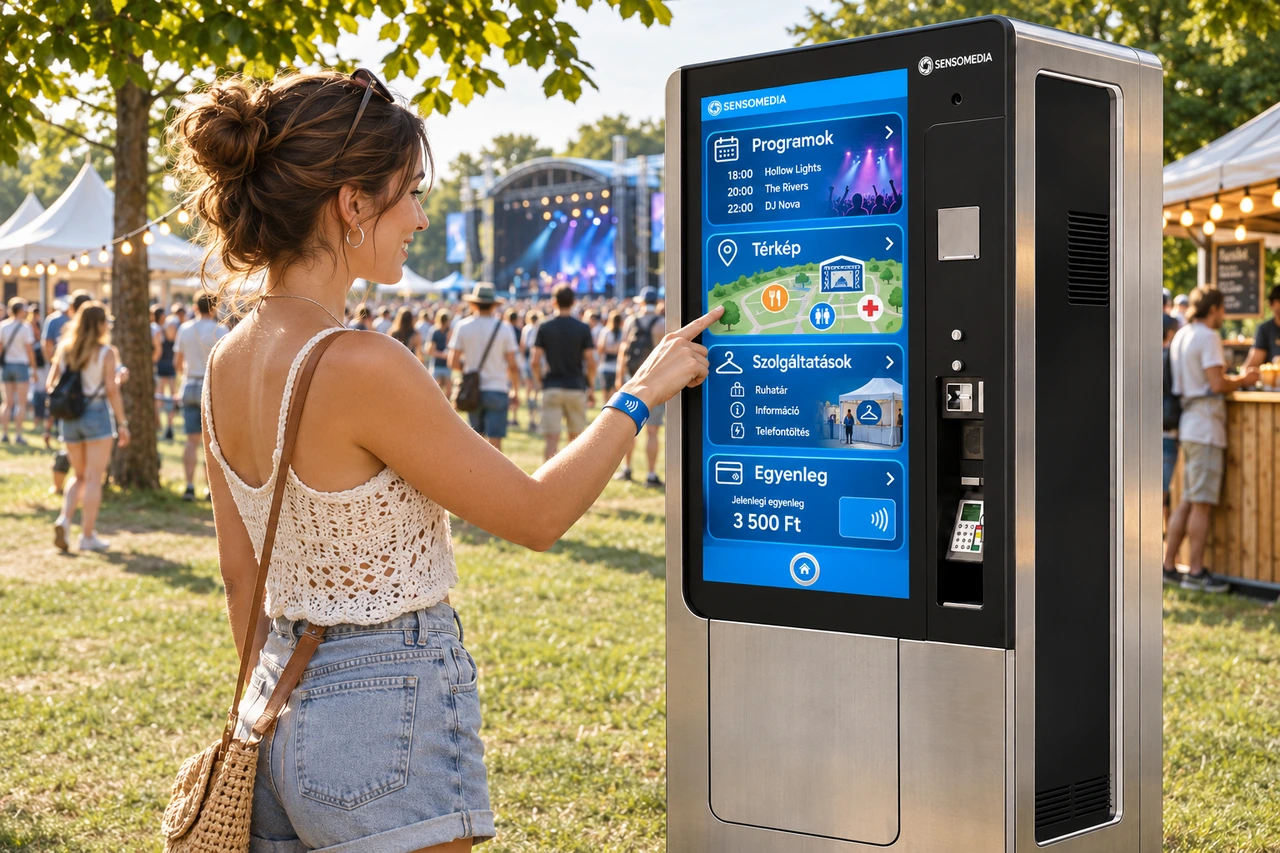
An information menu and sales of other services can complement the top-up point. The range follows the event’s or facility’s connected systems.
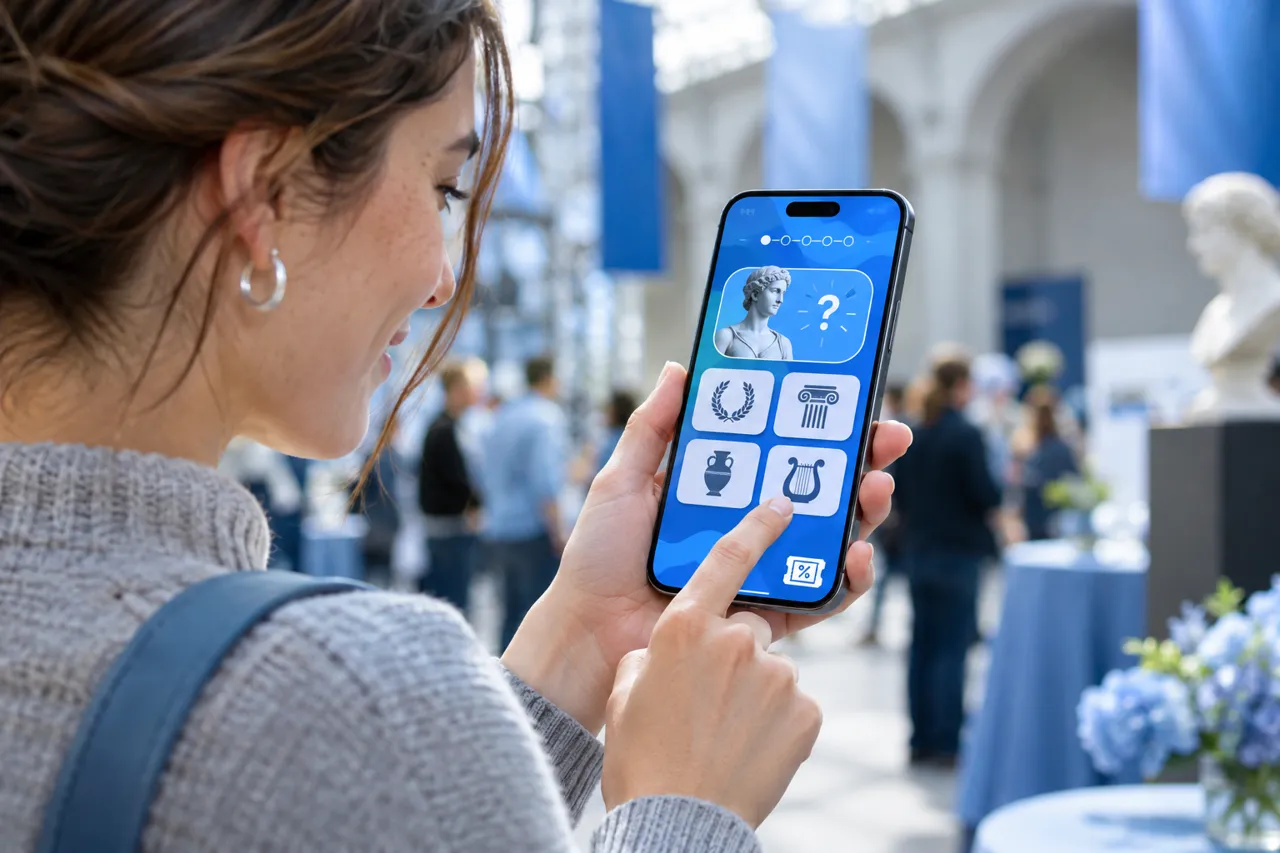
Promotional games or other digital activities can be offered on the kiosk. Content is designed alongside the top-up journey to suit the venue’s objectives.
Back Office provides visibility into on-site stocks as well as financial processes, supporting replenishment before peak periods and interventions during events.

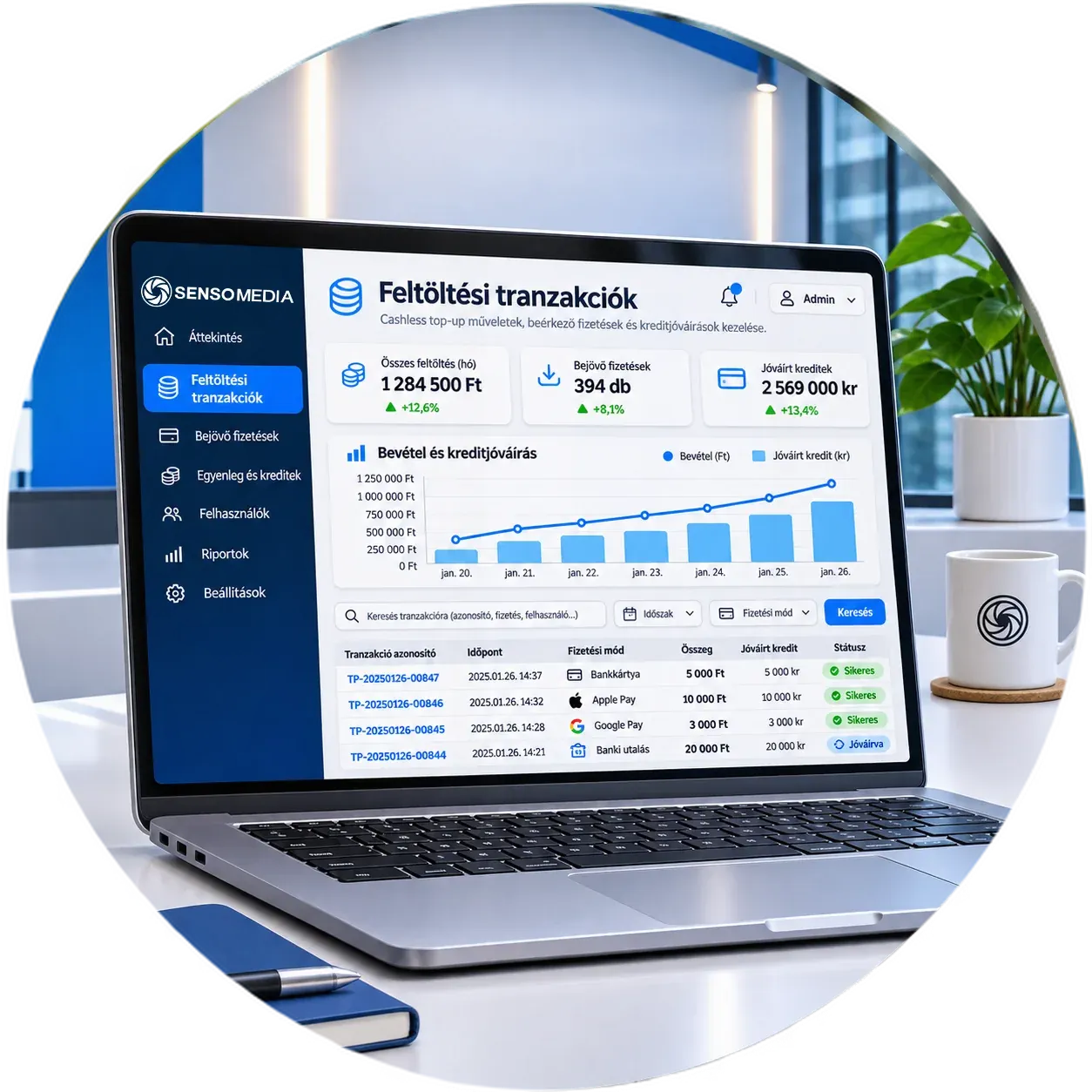
Payments and credits are recorded for retrieval. Transaction data allow each top-up point’s operation and activity to be checked.
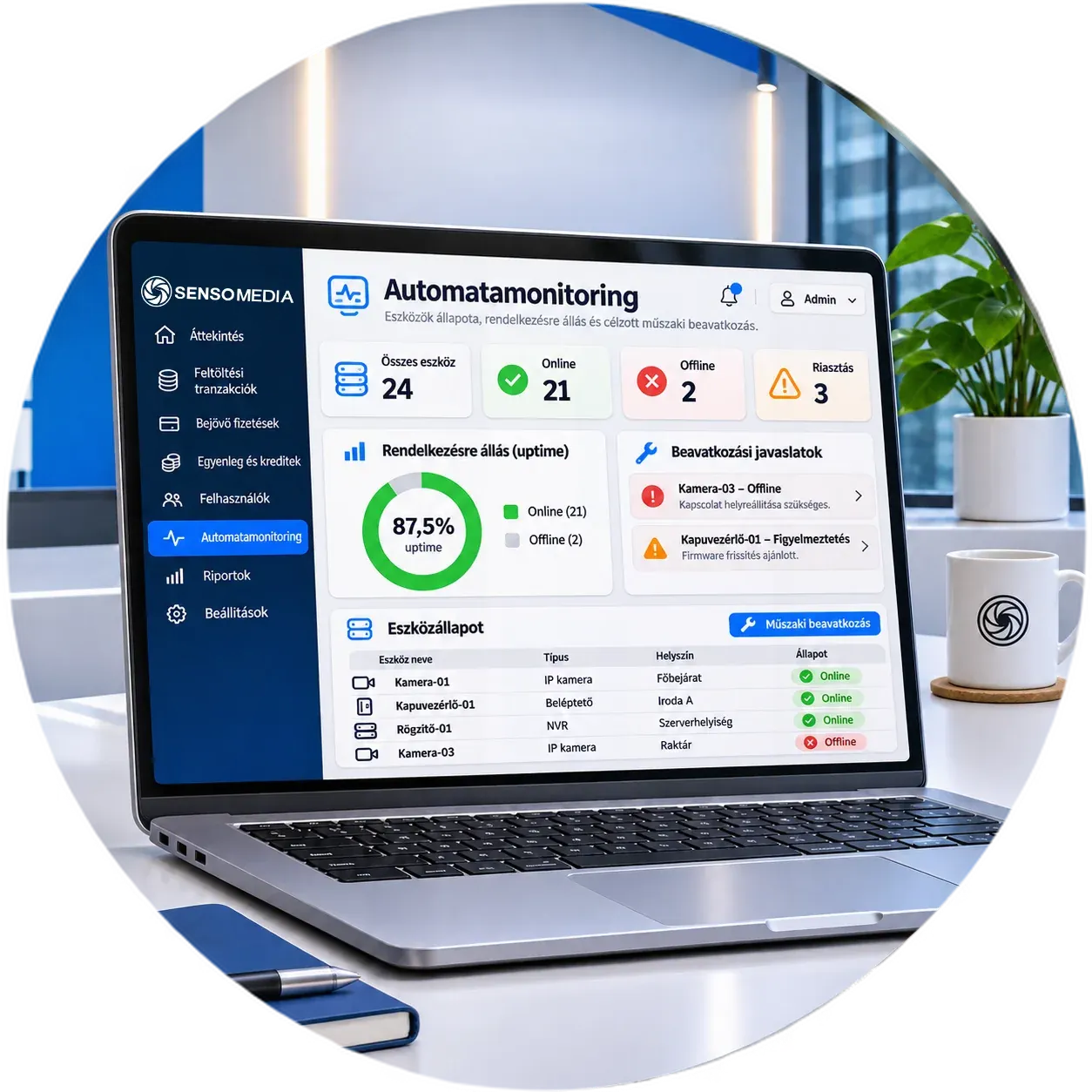
Top-up terminal status is tracked centrally. Available device data support targeted technical intervention.
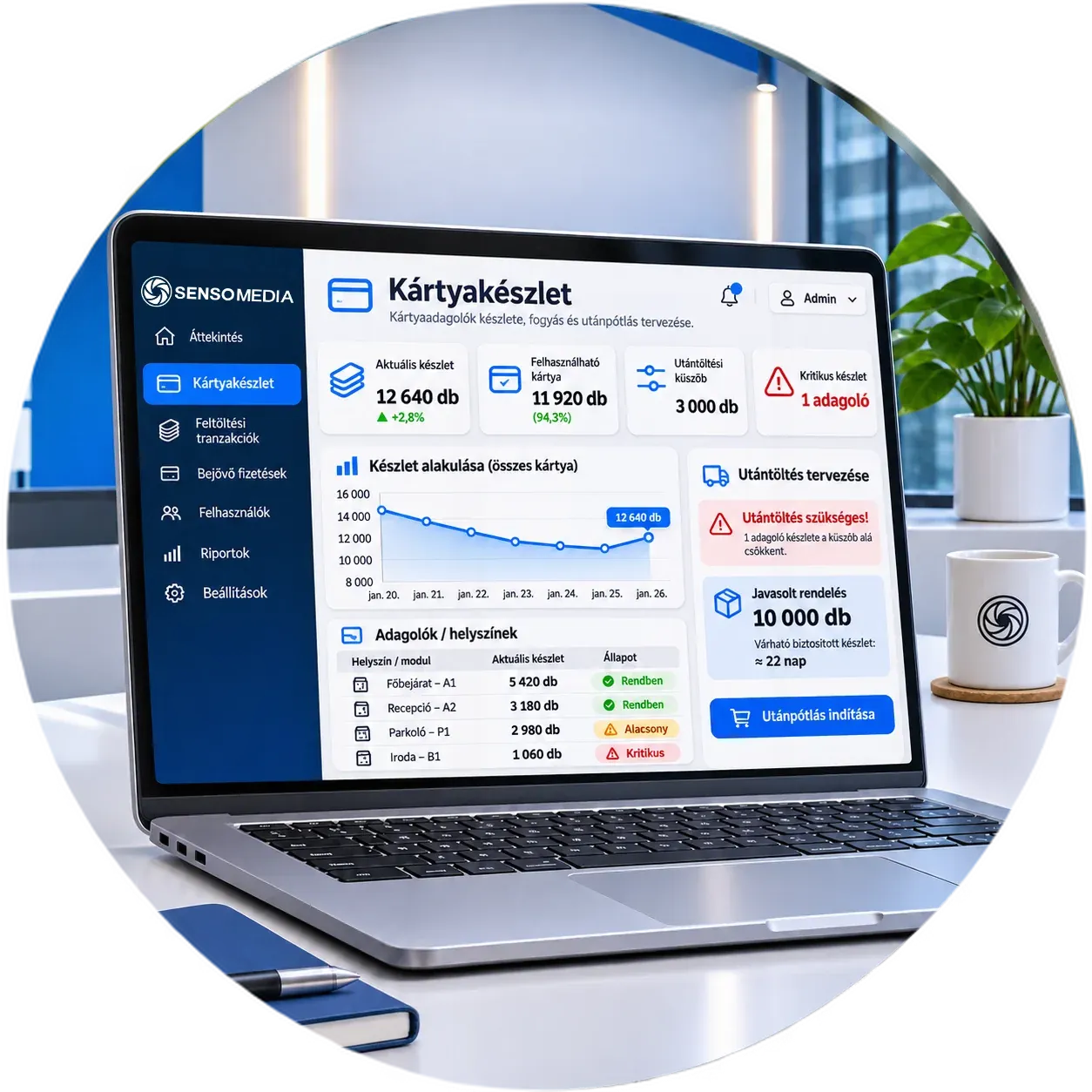
Card dispenser stock levels can be checked, helping arrange replenishment before visitor demand increases.
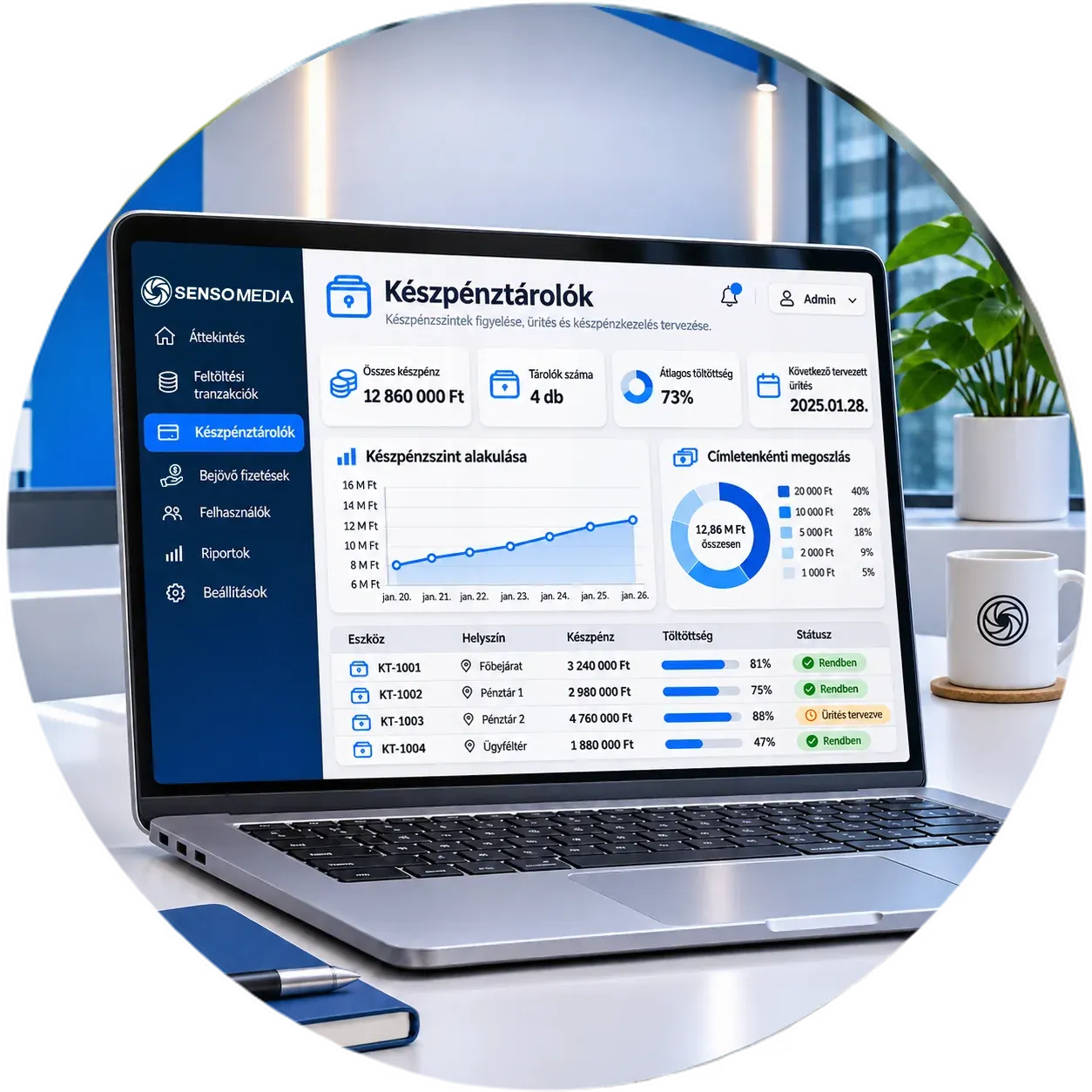
Cash levels are tracked so collection and handling can follow actual usage. Displayed data depend on installed modules.
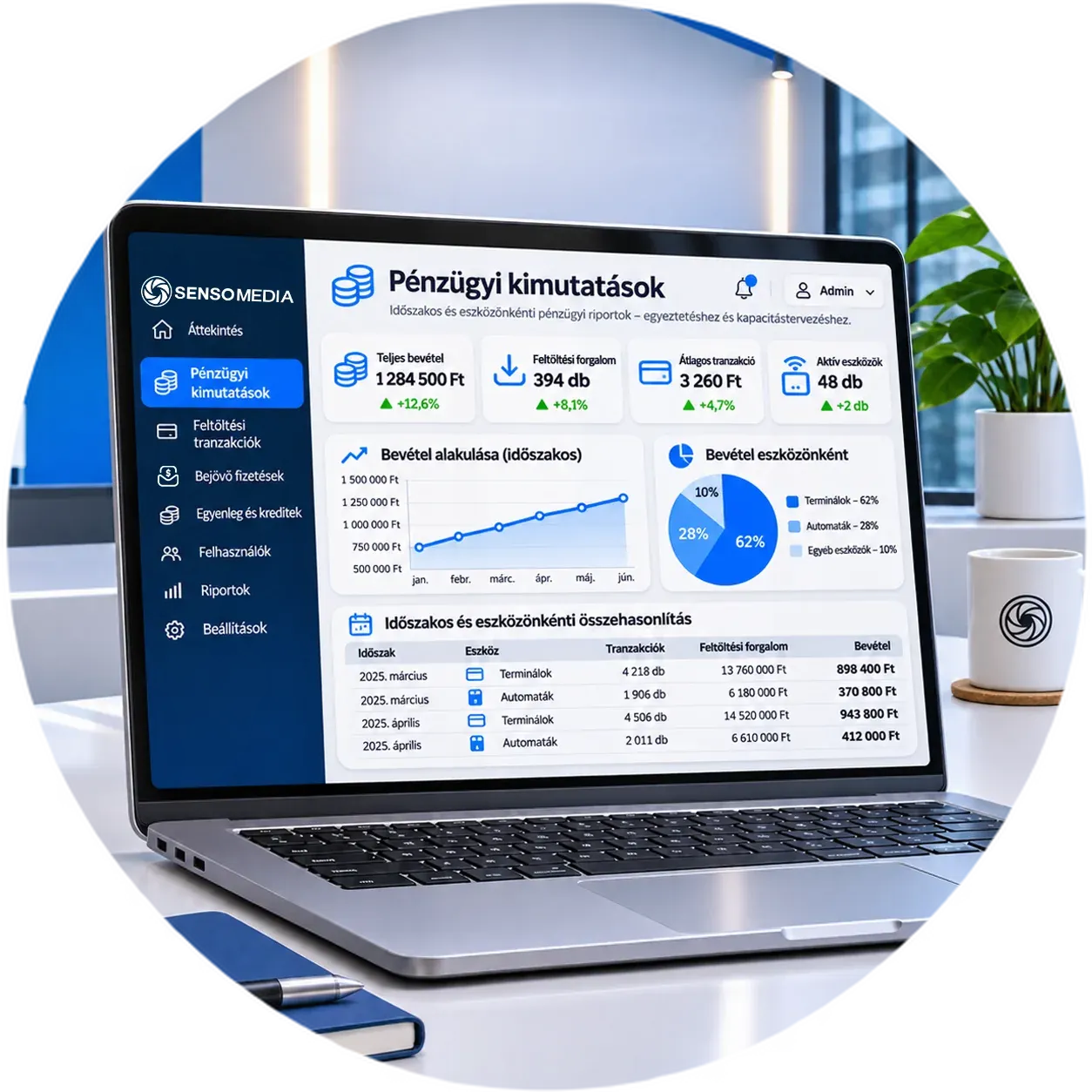
Top-up activity can be analysed by period and device. Reports support financial reconciliation and capacity planning.
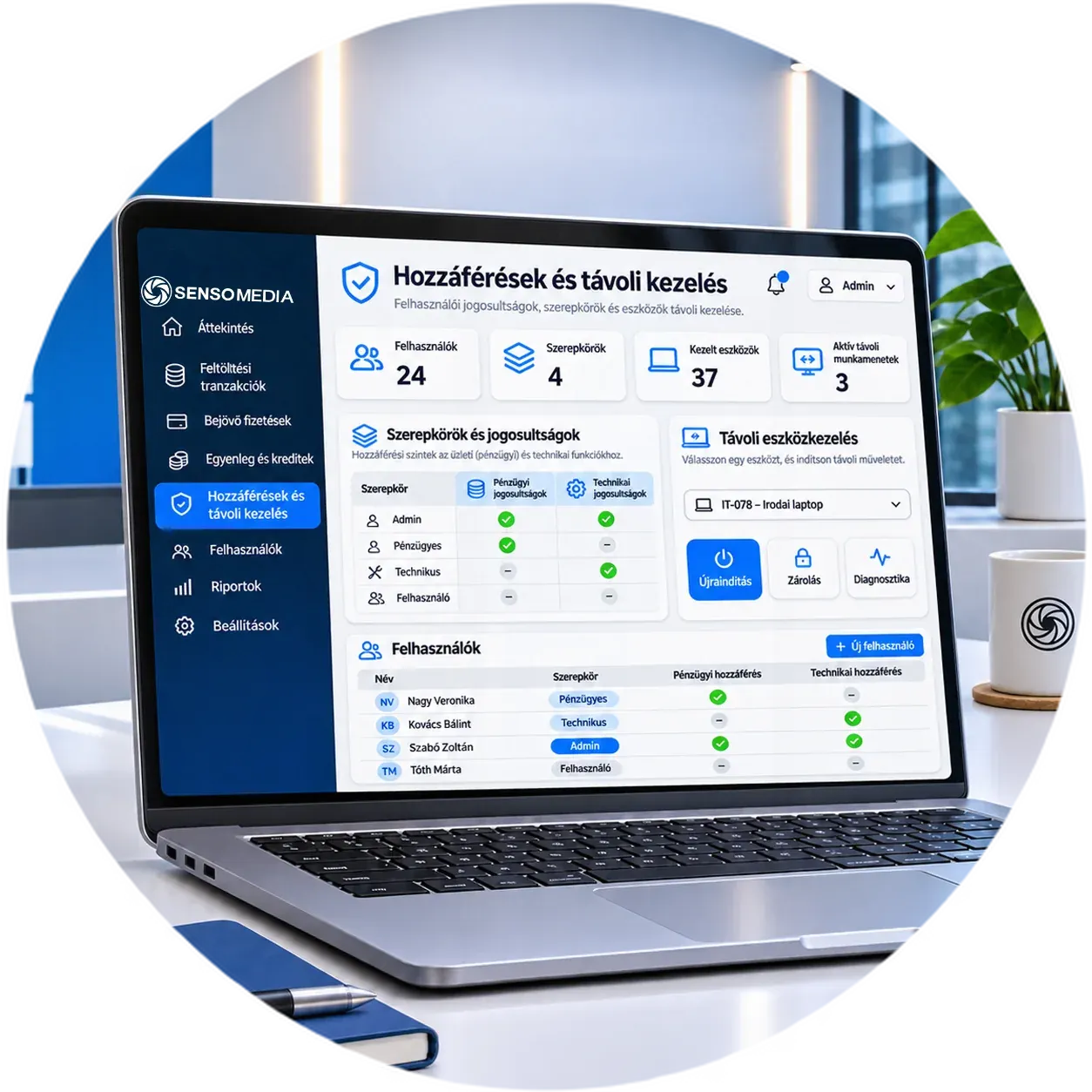
Role-based permissions separate financial and technical work. Supported controls are also available remotely.
The following connections can be configured according to partner requirements and the technical capabilities of existing infrastructure. Integrations are optional and are not automatically available in every installation.
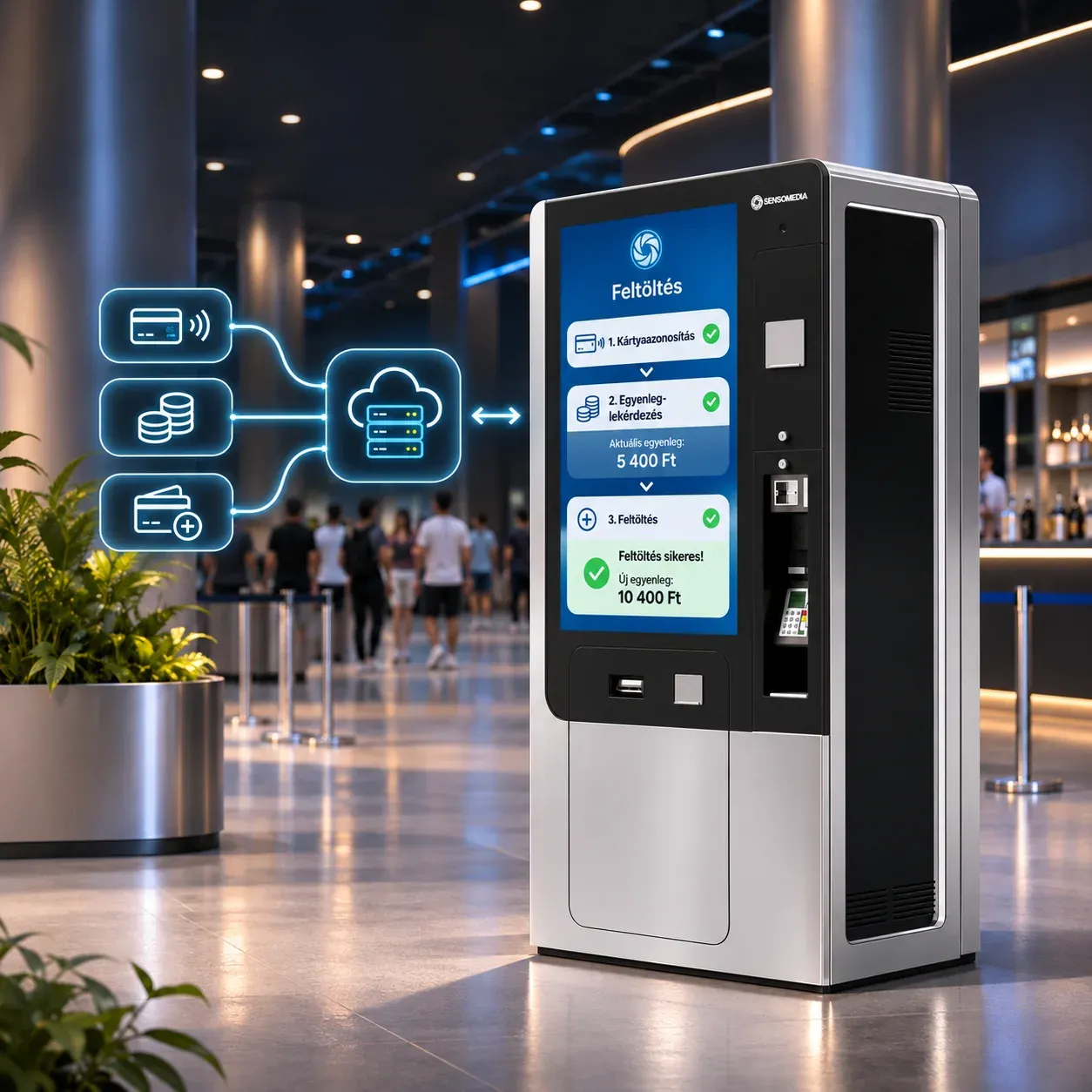
Card identification, balance enquiries and top-ups connect to the partner’s payment system. Card technology and data exchange are agreed during deployment.
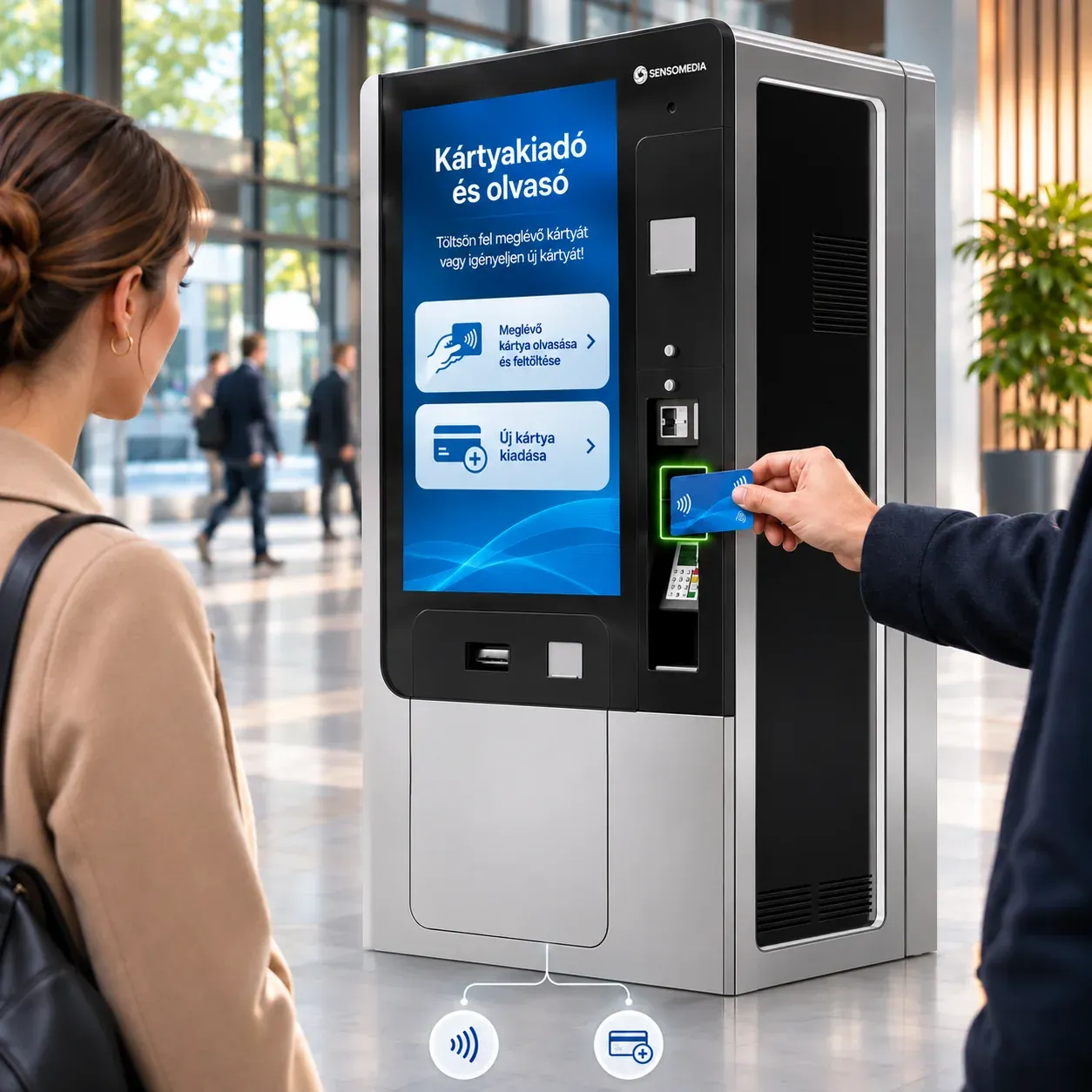
Suitable peripherals read existing cards and issue new ones. The software connects their operation to the user journey.
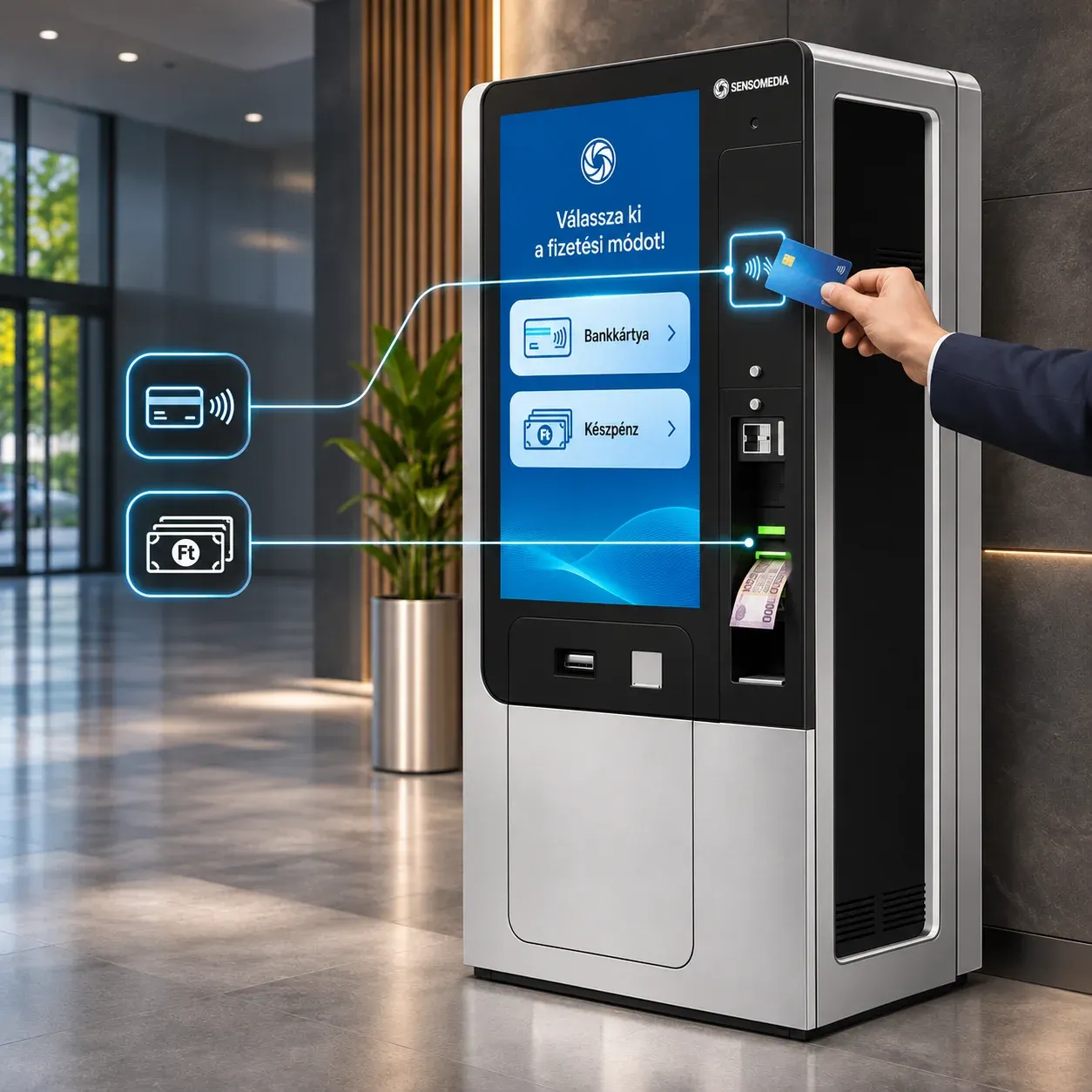
Card acceptance and cash handling align with the installation’s payment environment, determining the supported top-up methods.
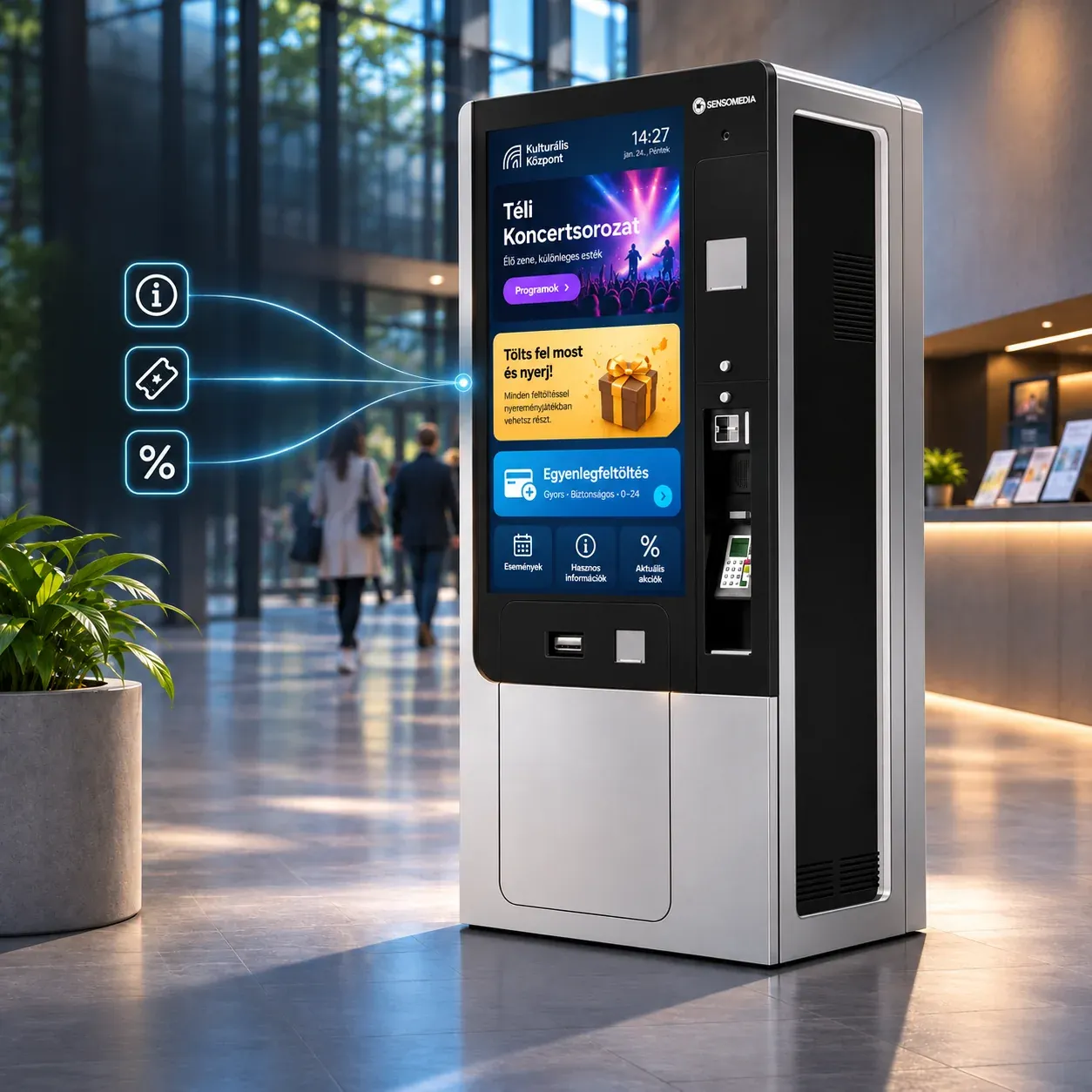
Digital Signage content lets the top-up point provide information, event recommendations and campaigns in a dedicated interface area.

When upgrading an existing network, we first assess hardware condition, communications and connected systems. This determines what can be retained and where replacement components or extensive refurbishment are needed.
We install the SENSO software environment on suitably prepared devices, establish central connections and integrate with the partner’s systems. Device and interface rebranding can also form part of the project.
Long-term monitoring, support and maintenance are planned with service levels suited to the installed environment.
Top-up and card issuance require equipment with identification and card handling peripherals connected to the closed-loop payment system.

Outdoor Full
A double-sided outdoor top-up terminal with a card dispenser, NFC and barcode readers. Card, banknote and coin payments connect to balance management in the linked cashless system.