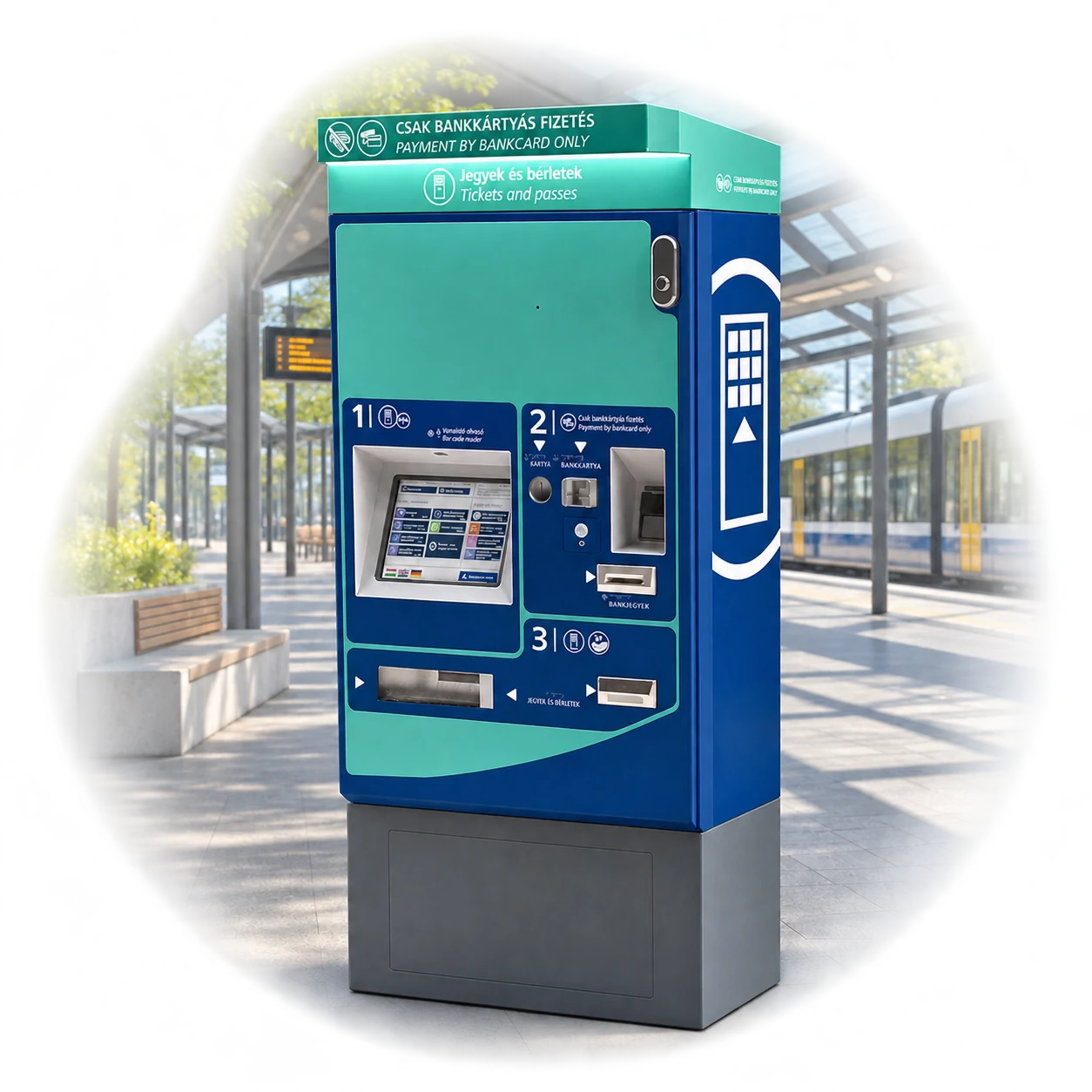
Ticket vending kiosk application
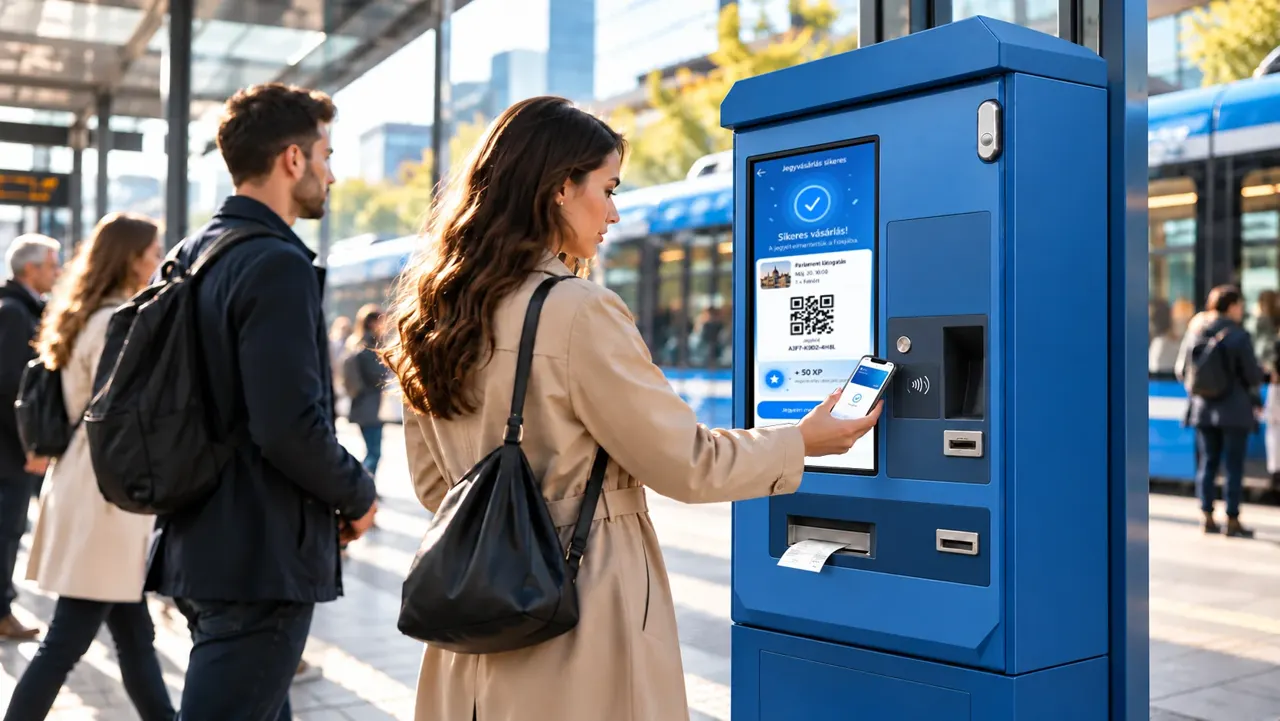
Passengers select a product, enter the required details and pay. The software works with installed modules to manage payment, ticket issuance and receipts.
 Let’s talk!
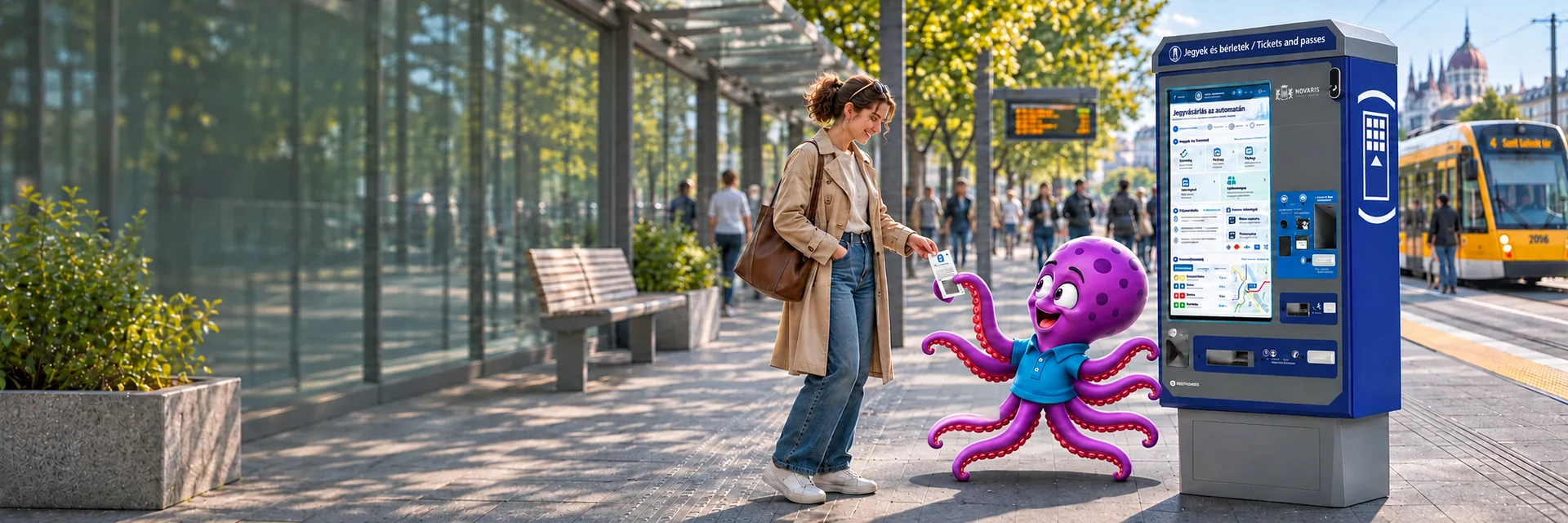
Fast self-service ticket and travel pass purchases
SENSO PublicTransport supports self-service ticket and travel pass sales for transport operators. Designed for busy passenger locations, it connects the vending machine interface, fare system, payments and central operations.
Passengers receive clear choices while operators manage a unified machine network. The multilingual interface, product range and purchasing journey can be adapted to each transport provider’s rules.
The system supports both new machine installations and modernisation of existing ticketing infrastructure. Its central back-end supports daily financial and technical tasks.
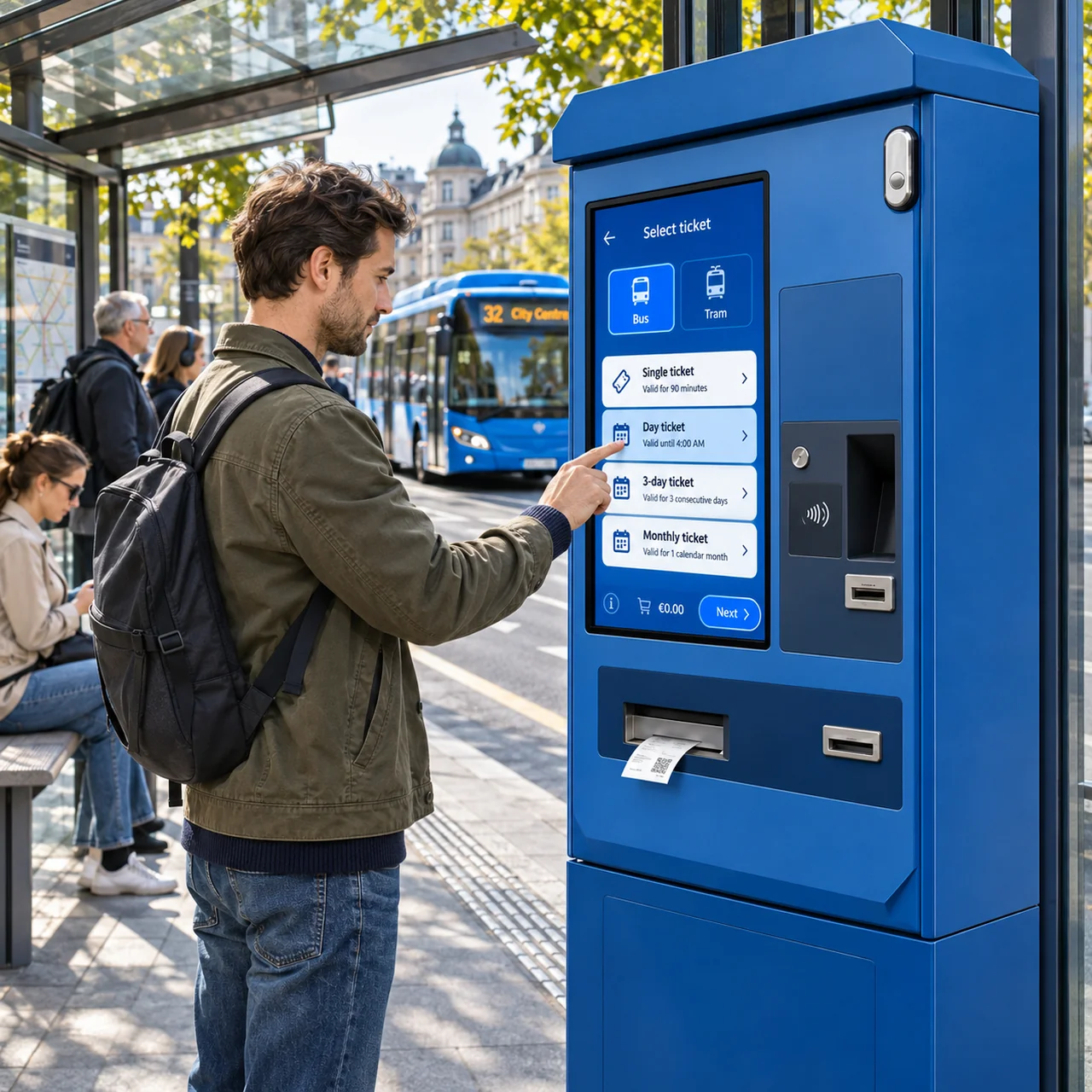
We design the user interface and operational tasks as a coordinated system, choosing a deployment configuration suited to business objectives and site conditions.
Ticket purchases remain available independently of staffed ticket office opening hours.
Frequently purchased products can be placed in an easily accessible menu.
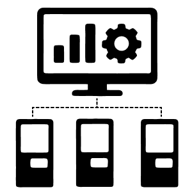
Machine status and transactions can be tracked in one interface.
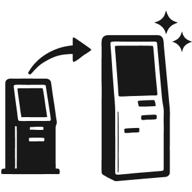
Existing machines can be included where their technical condition is suitable.
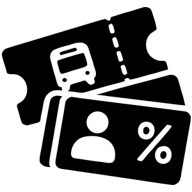
Tickets, travel passes and discounted products can be displayed according to the operator’s rules.

Local passengers and tourists can obtain information and make purchases at the same machine.
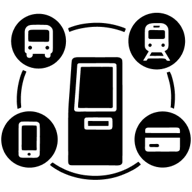
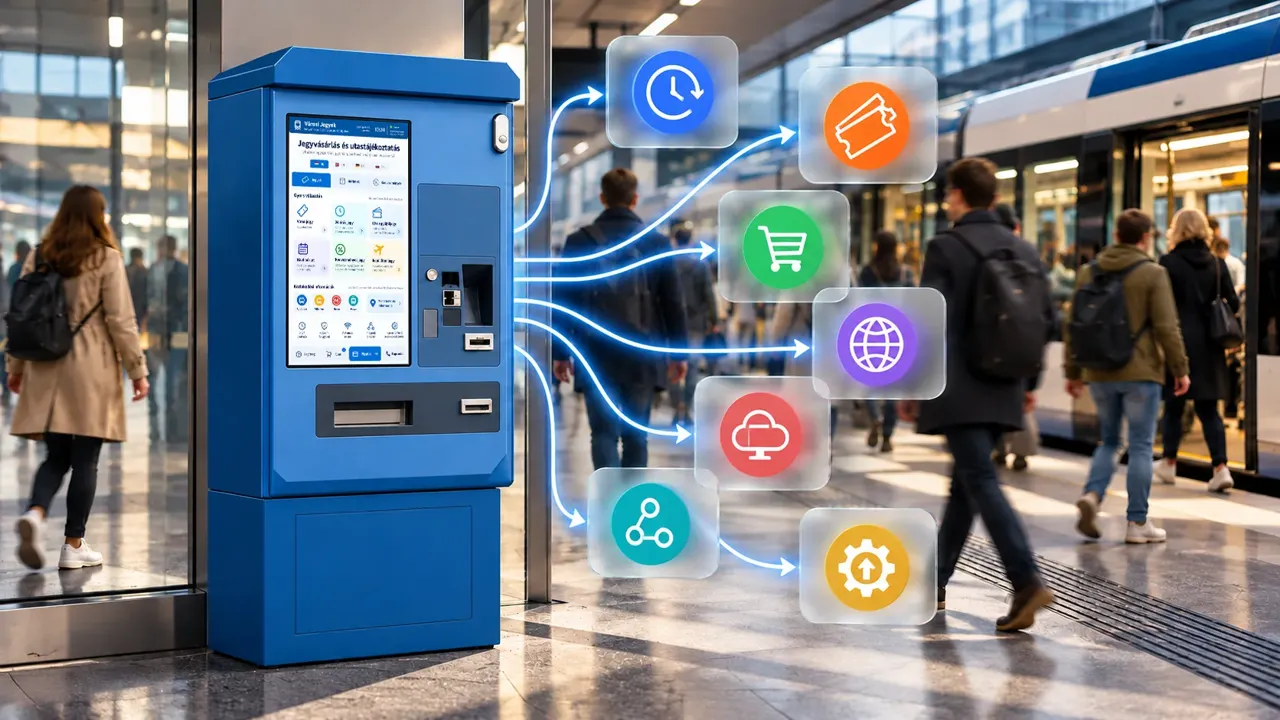
On-site sales can connect with other transport and ticketing systems.
Connected software components provide user functions and back-end processes.
Passengers select a product, enter the required details and pay. The software works with installed modules to manage payment, ticket issuance and receipts.
The operator centrally manages products, fares and configurations, with access to transaction data, technical network status and operational events.
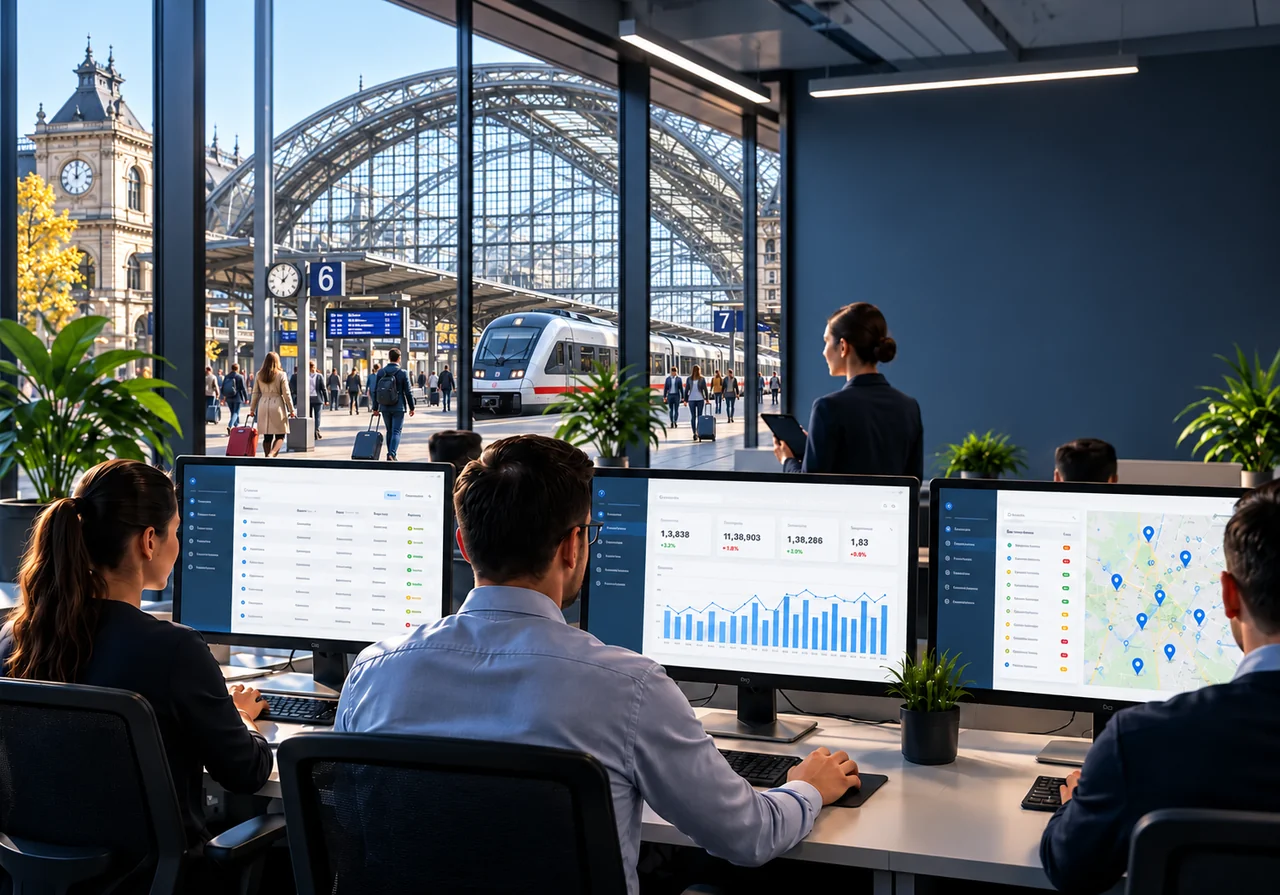
Deployment can include system integration, branding and development adapted to the existing environment. The precise scope is defined as part of the project.

When deploying SENSO PublicTransport, we review existing hardware, software and data connections. We define interfaces, data flow directions and operational responsibilities so that the new interface fits existing processes and reduces duplicate data entry where possible.

We adapt graphics, menus and information delivery to the partner and application. Beyond colours and logos, screen layouts support clear service use. Required languages and supplementary information are agreed during design.
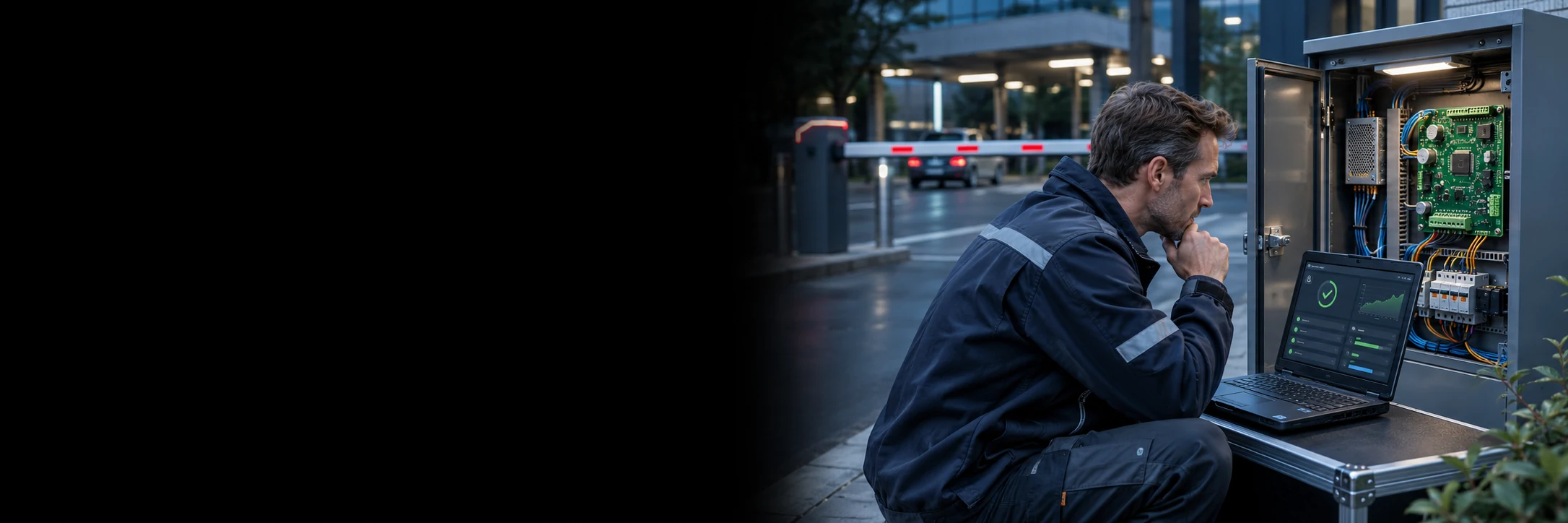
Not every upgrade requires an entirely new device fleet. A technical assessment identifies components that can be retained, refurbishment needs and necessary software changes. Deployment is planned around the partner’s daily operations.
The application prioritises clear transport product information and fast purchasing. The screen sequence is adapted to the fares and ticket issuance method.
The product range can be displayed using centrally managed product data.
Product selection follows the operator’s validity and discount rules.
Customers can follow the process in their preferred language.
Purchases are settled through the integrated payment provider.
Banknotes and coins can be accepted depending on the installed modules.
Purchase documents are generated according to the configured process.
Transport and navigation content can also appear in the interface.
Menus and graphics can match the transport operator’s identity.
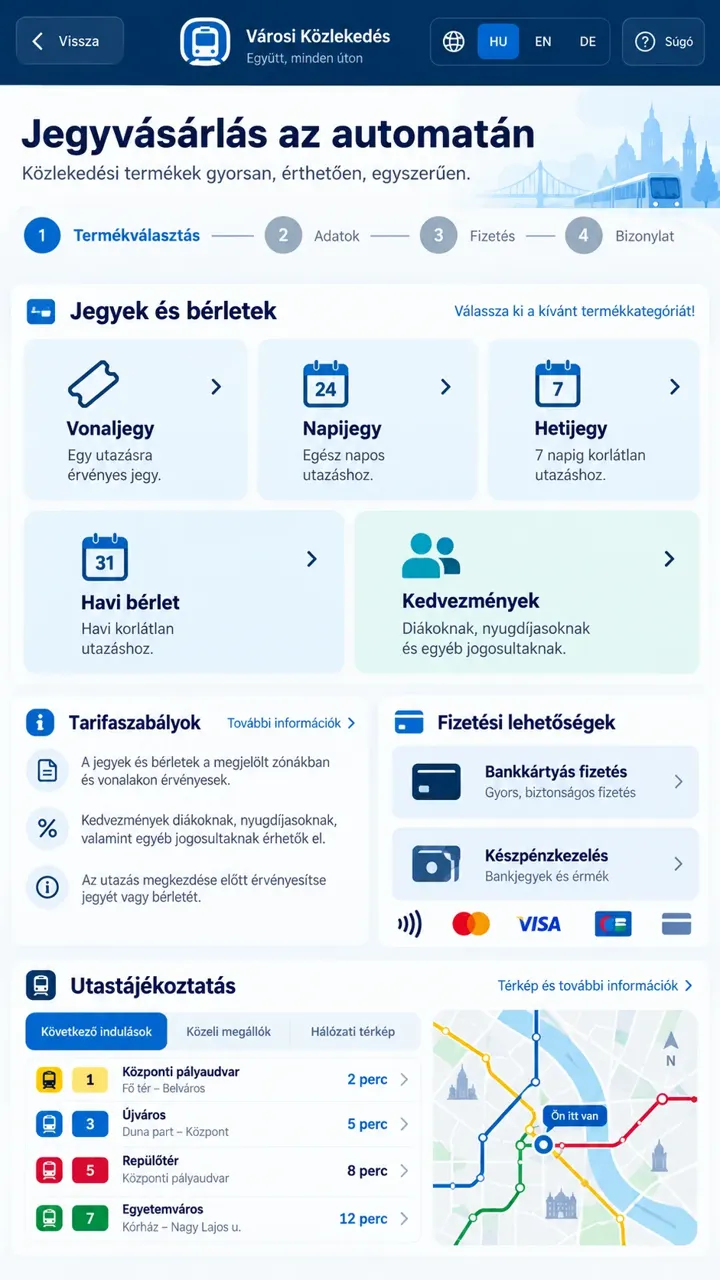
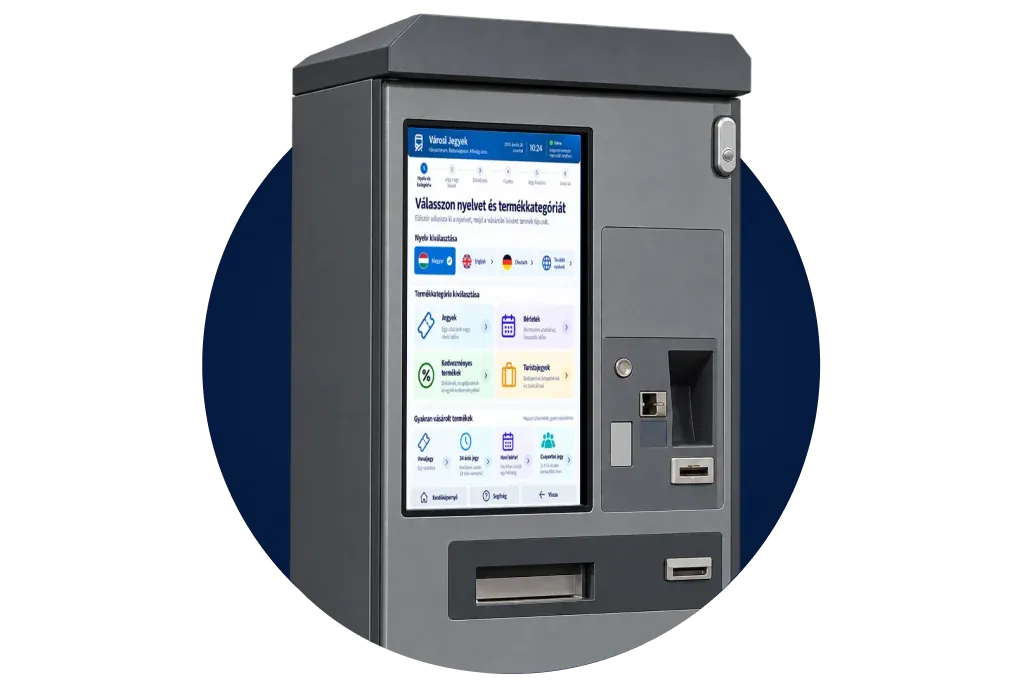
Passengers choose a language and ticket or pass category. Frequently purchased products can be highlighted on the start screen.
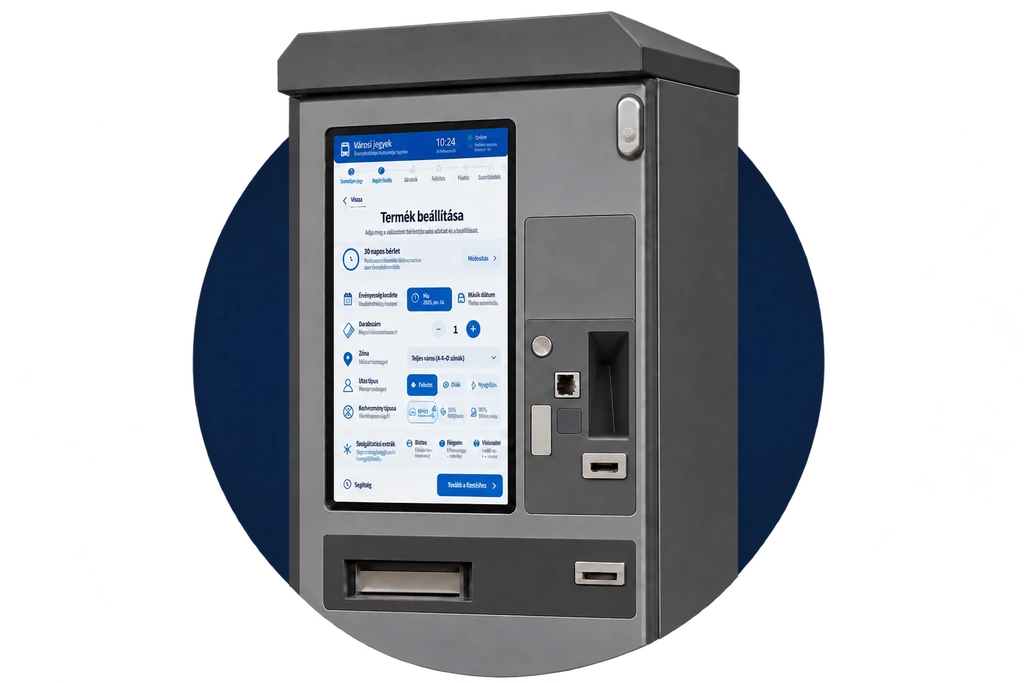
Validity, quantity and other required details are entered according to the operator’s rules. The interface helps passengers select the appropriate option.
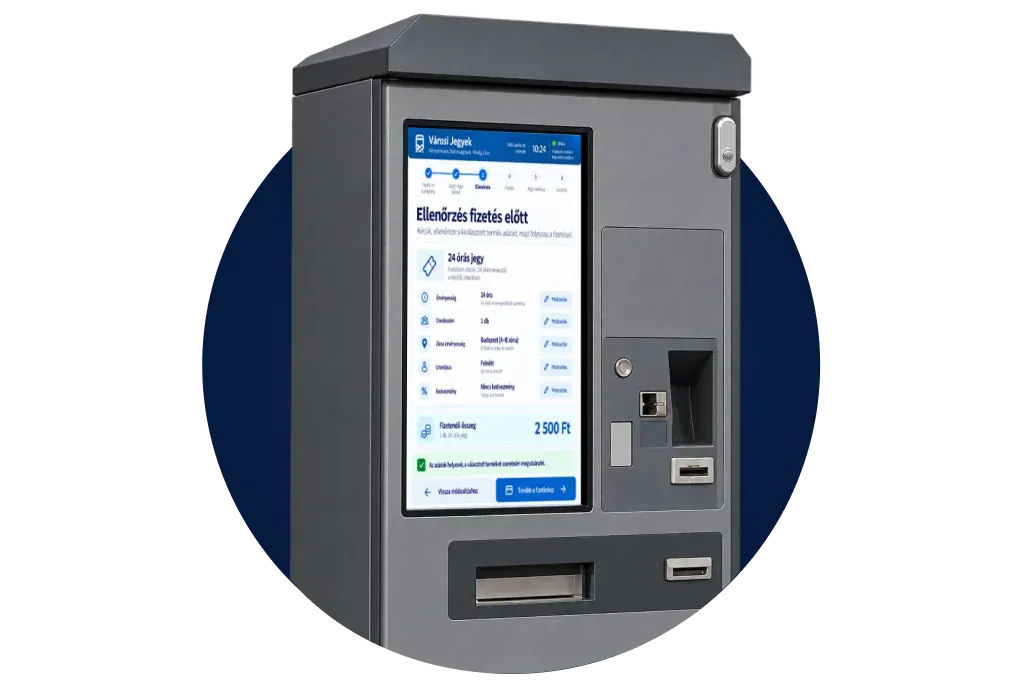
Before payment, a summary shows the selected product and total amount. Passengers can still check their details at this stage.
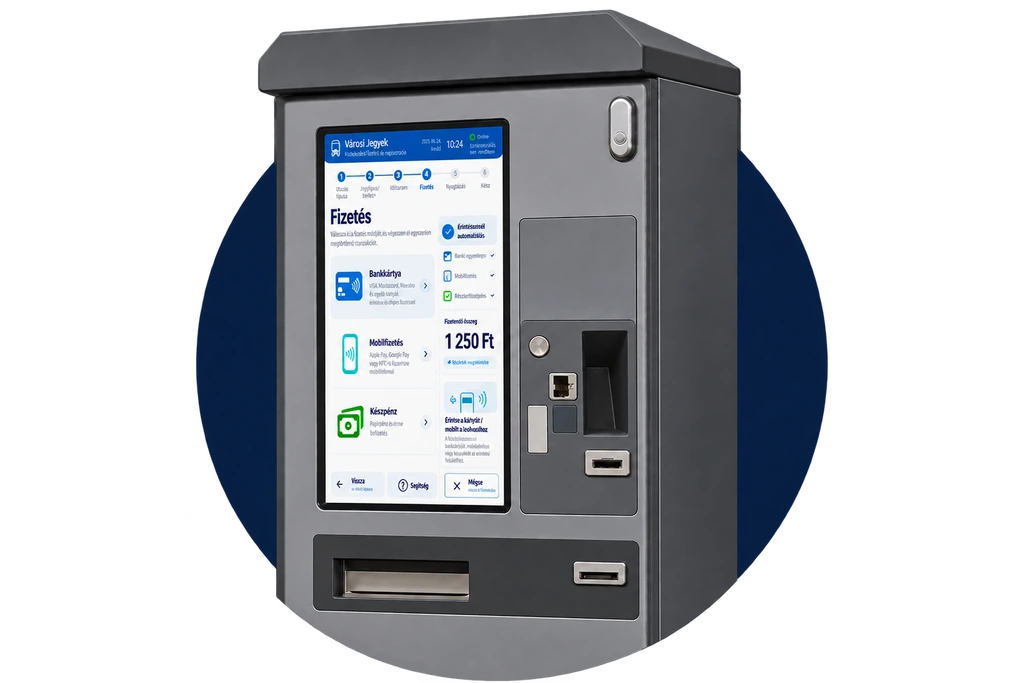
Customers pay using the methods available at that machine. The software offers only payment options actually installed.
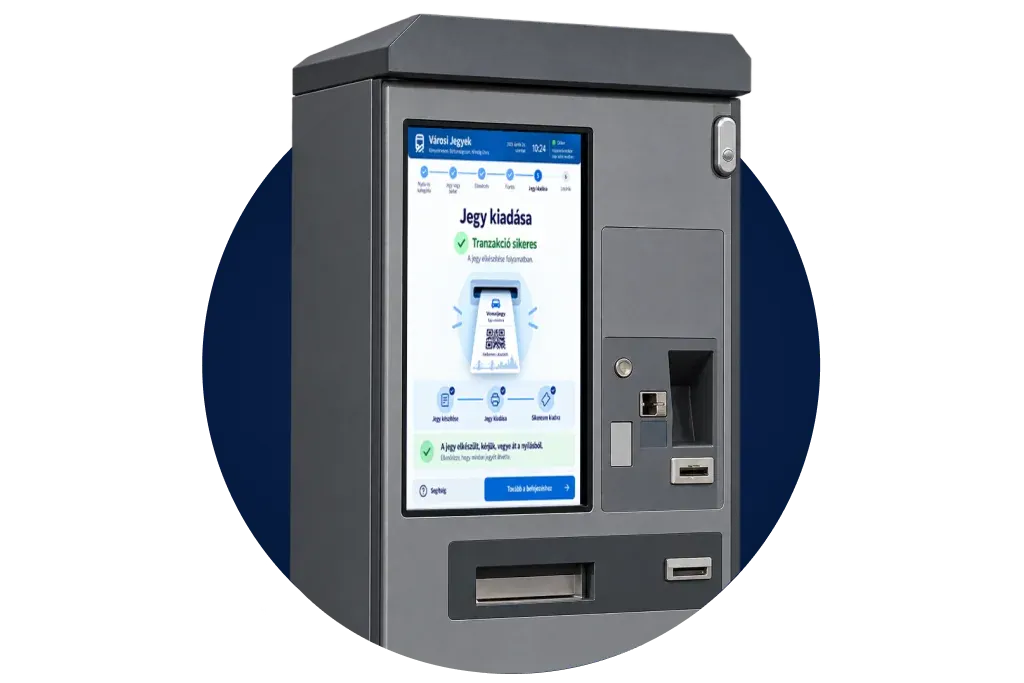
After a successful transaction, the selected ticket or pass is produced. The issuance method depends on the ticketing technology and connected transport system.
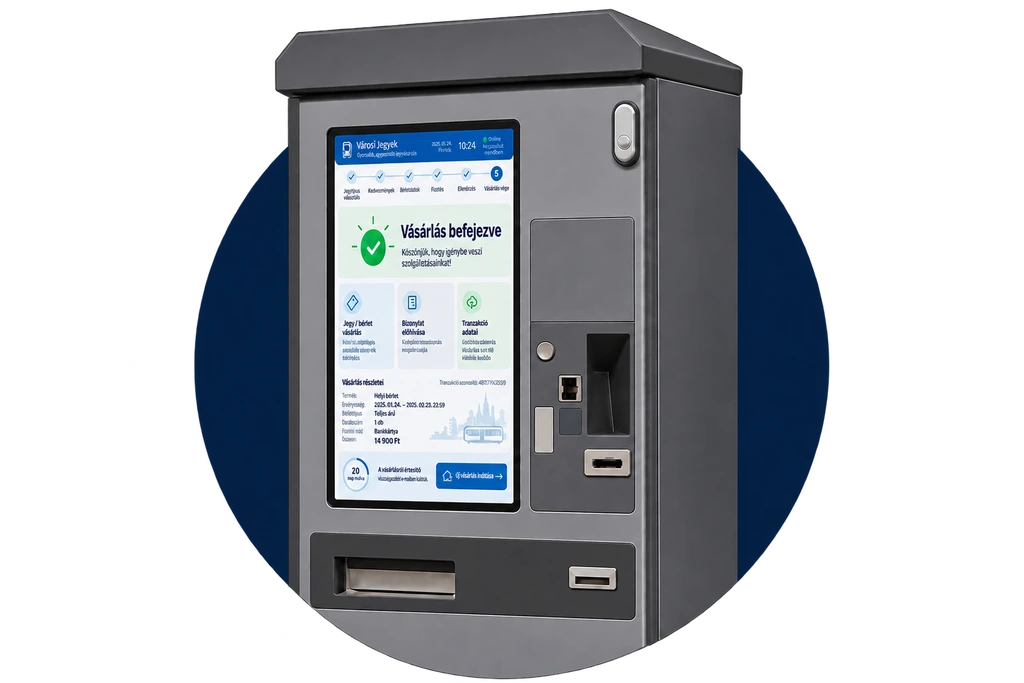
The machine issues the associated receipt and records the transaction centrally, then returns to the start screen for the next passenger.
The following functions depend on the selected configuration and required integrations. Their exact implementation and associated services are agreed before deployment.
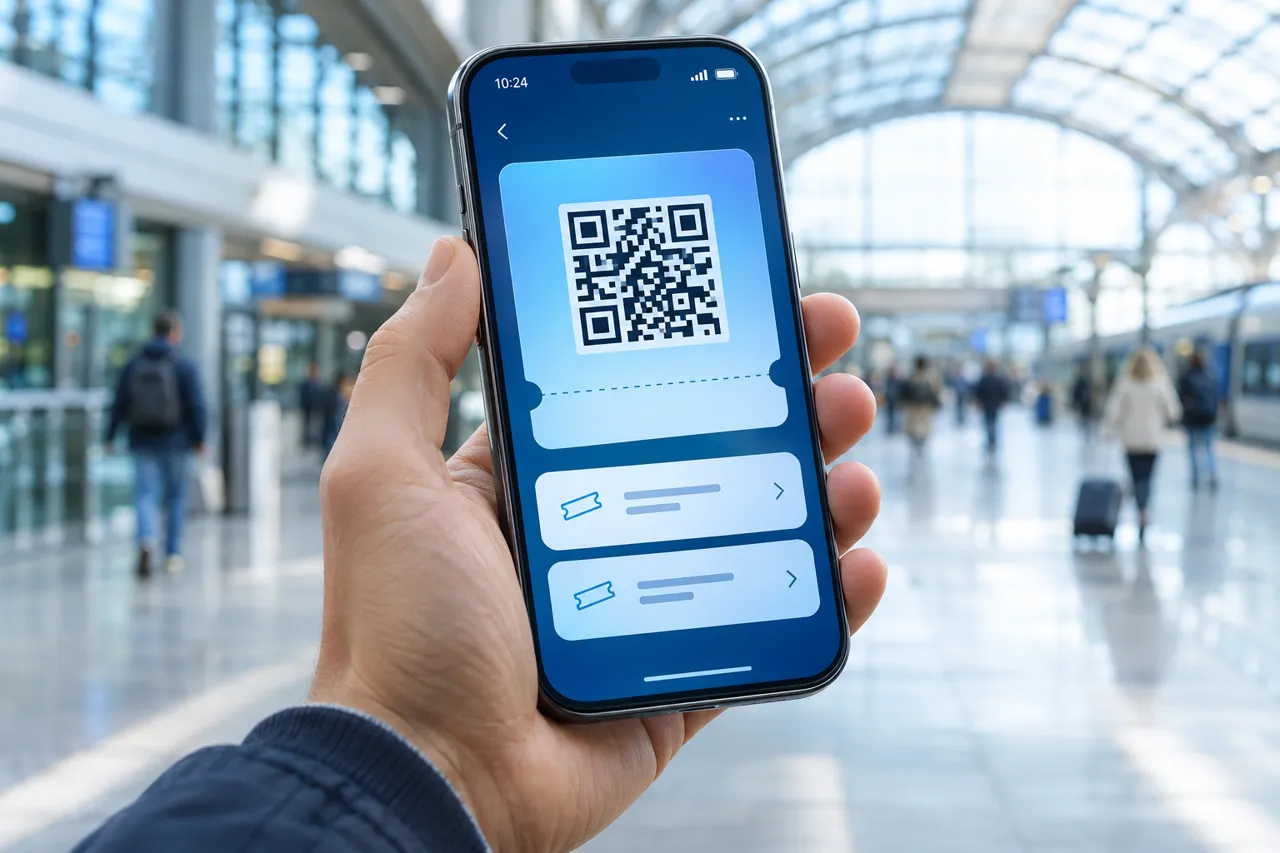
On-site ticketing can be complemented by Connect-based mobile purchases. Products and access to travel entitlements are adapted to the transport operator’s back-end system.
Digital Signage integration displays centrally edited and scheduled media on the machines. Playback adapts to use of the ticket purchasing interface.

Back Office provides visibility into both commercial and technical network operations. Product updates and device status checks can become central workflows.
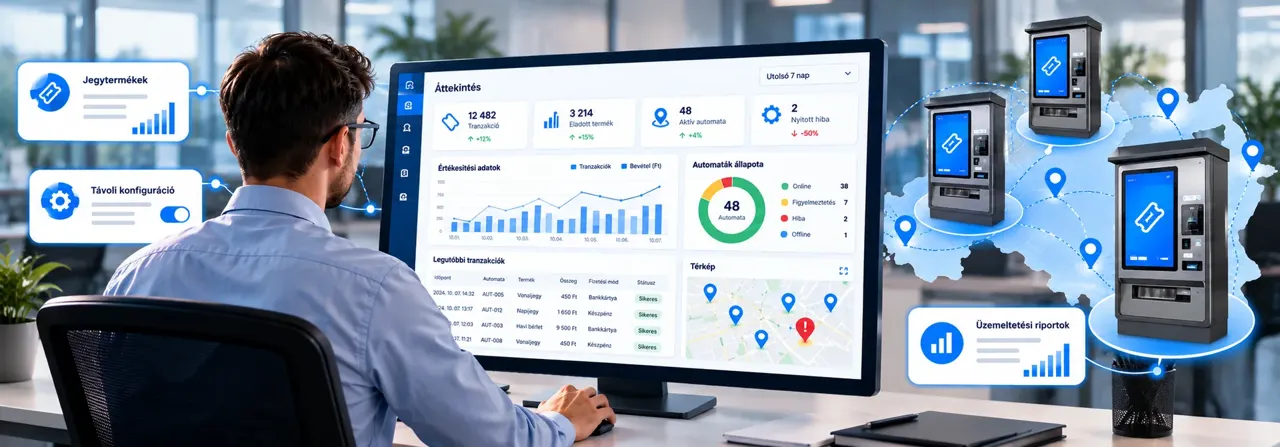
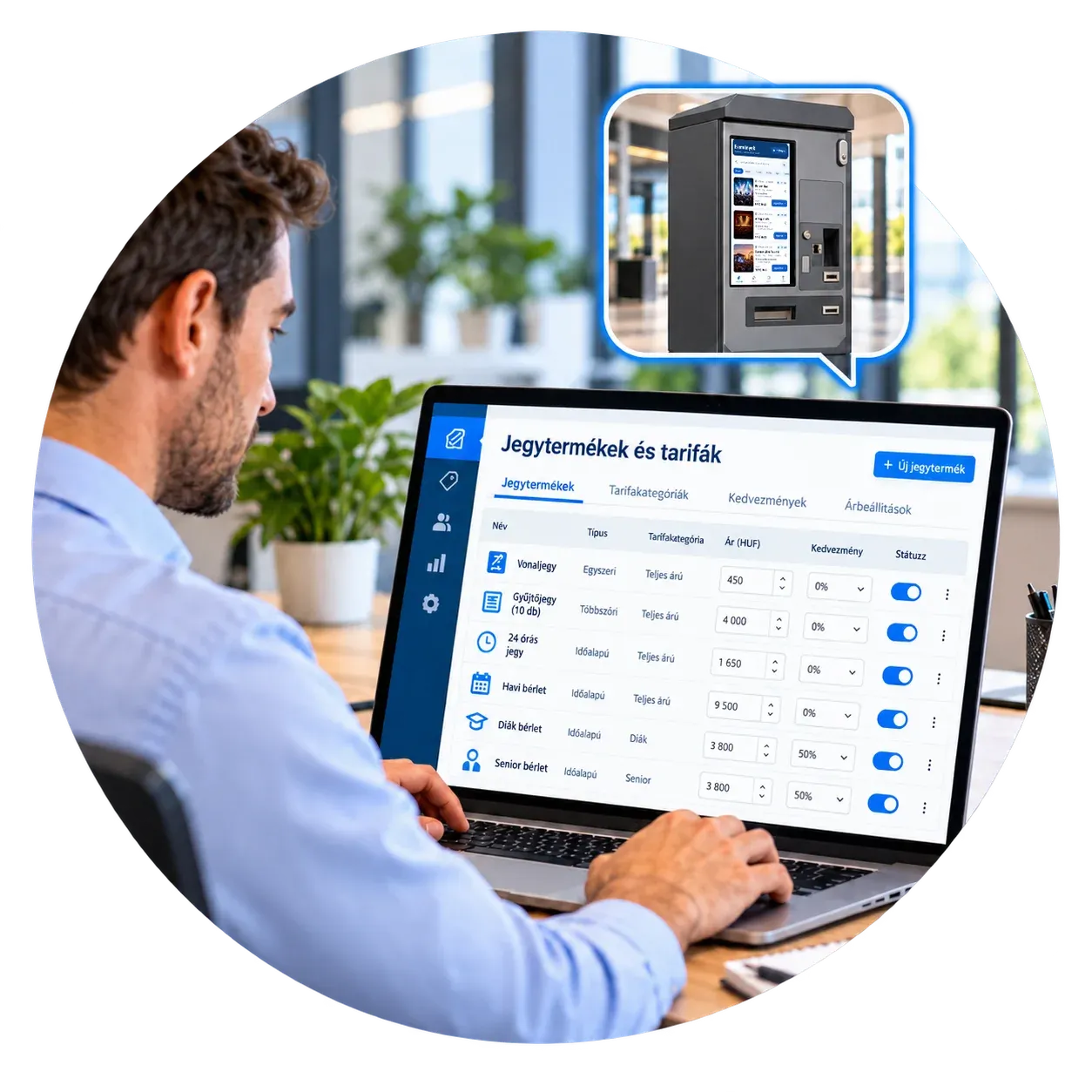
Product data and prices can be managed centrally or imported from an integrated source. Changes follow the operator’s sales procedures.
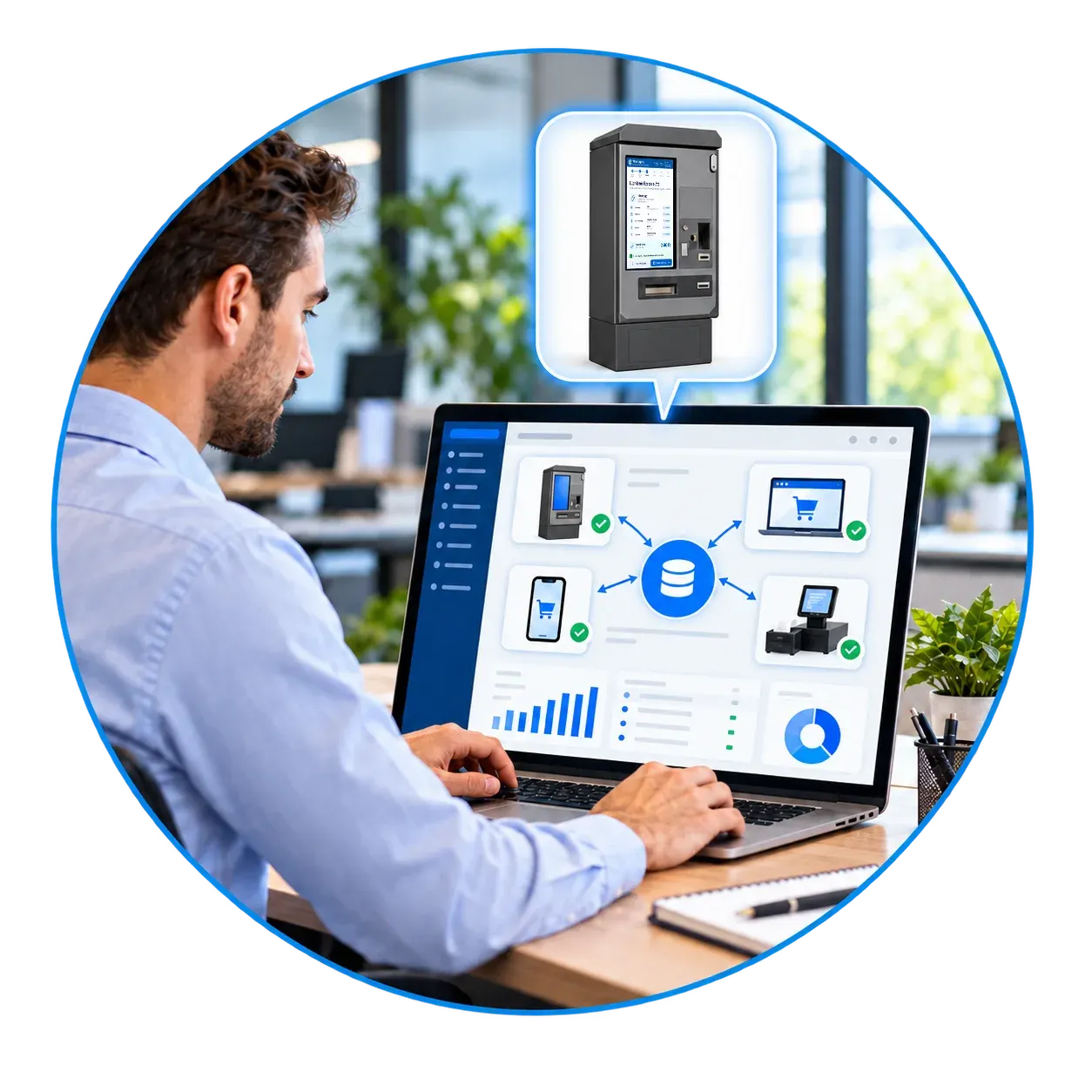
Data exchange with connected systems coordinates machine sales with other channels and can support shared product management.
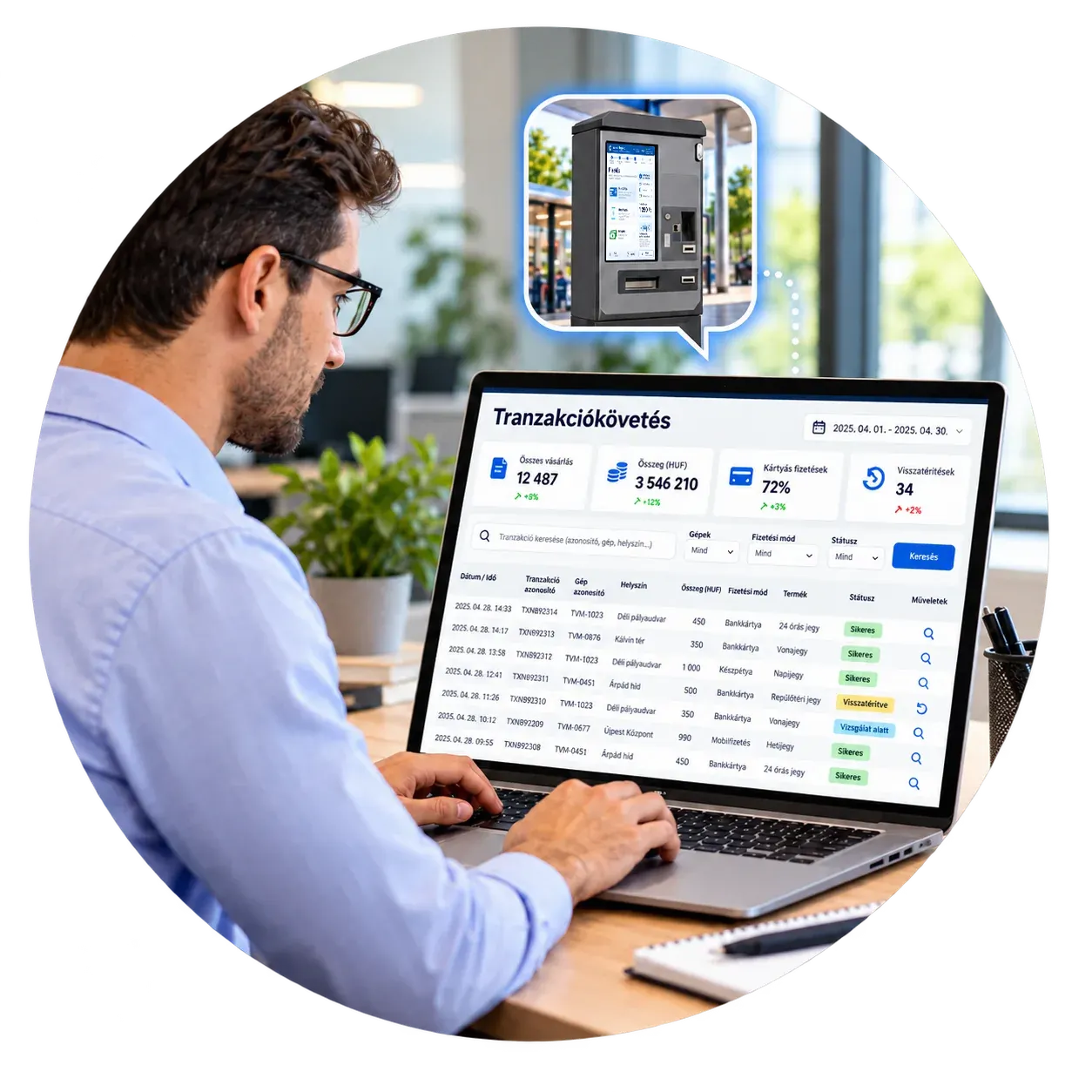
Individual purchases can be retrieved and financial data consolidated into reports, supporting settlement and customer service investigations.
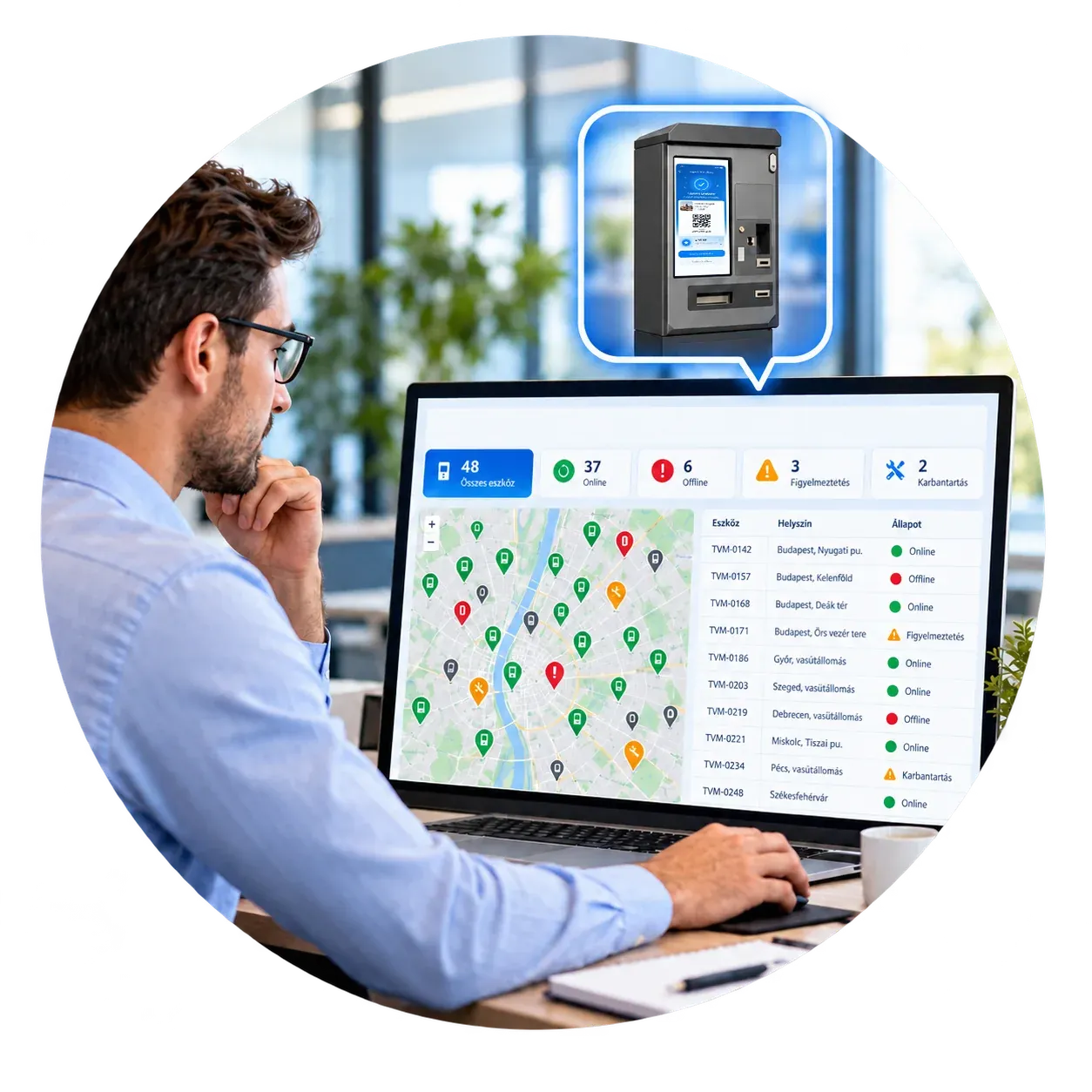
Machine and peripheral status can be checked across the network. Detected faults help target on-site interventions.
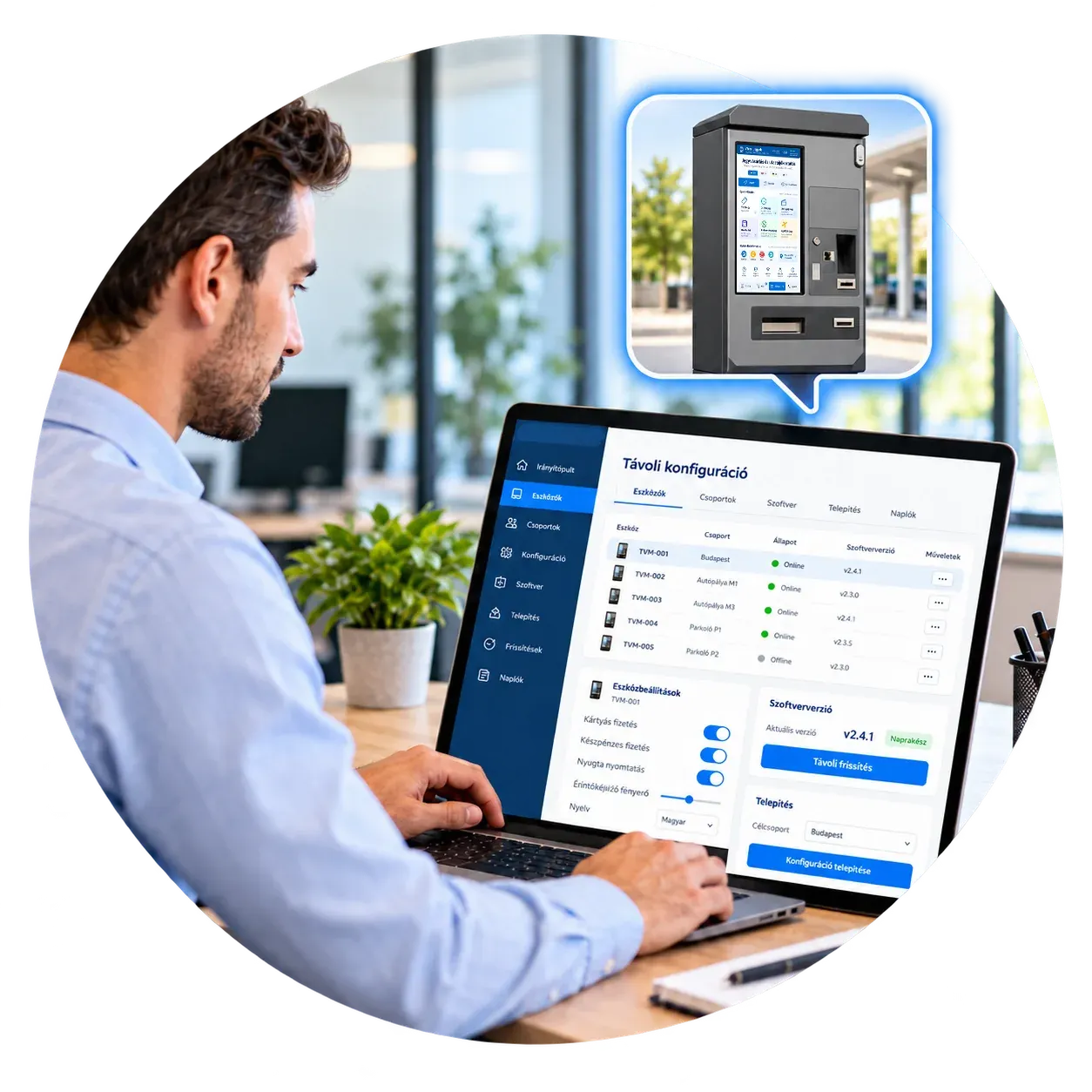
Supported settings and software updates can be managed remotely, allowing network changes to follow consistent operating procedures.
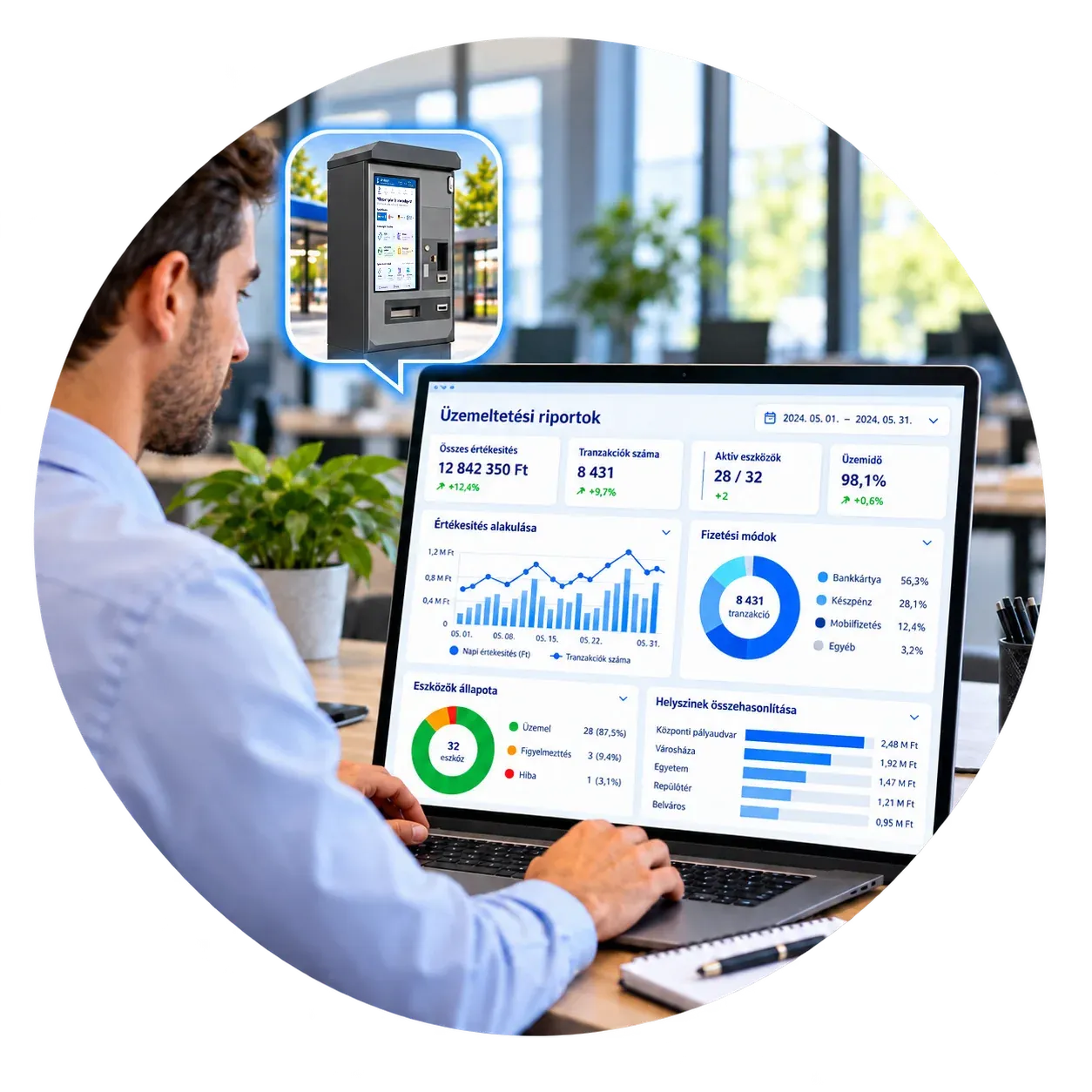
Sales and technical data can be analysed by period, location or device. Reports also support capacity planning and network development.
The following connections can be configured according to partner requirements and the technical capabilities of existing infrastructure. Integrations are optional and are not automatically available in every installation.
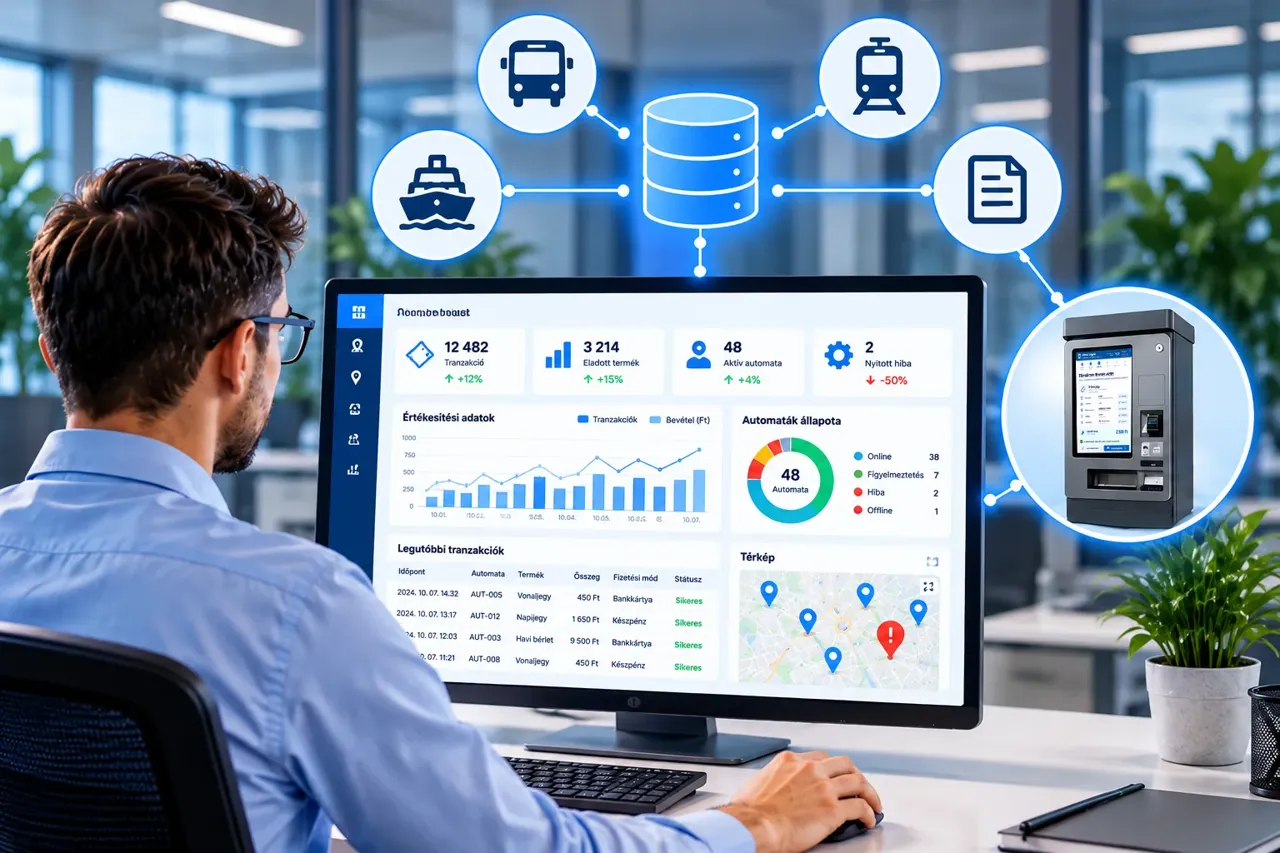
Fares, products and sales data can connect to the operator’s existing systems, supporting consistent data management and reducing duplicate administration.
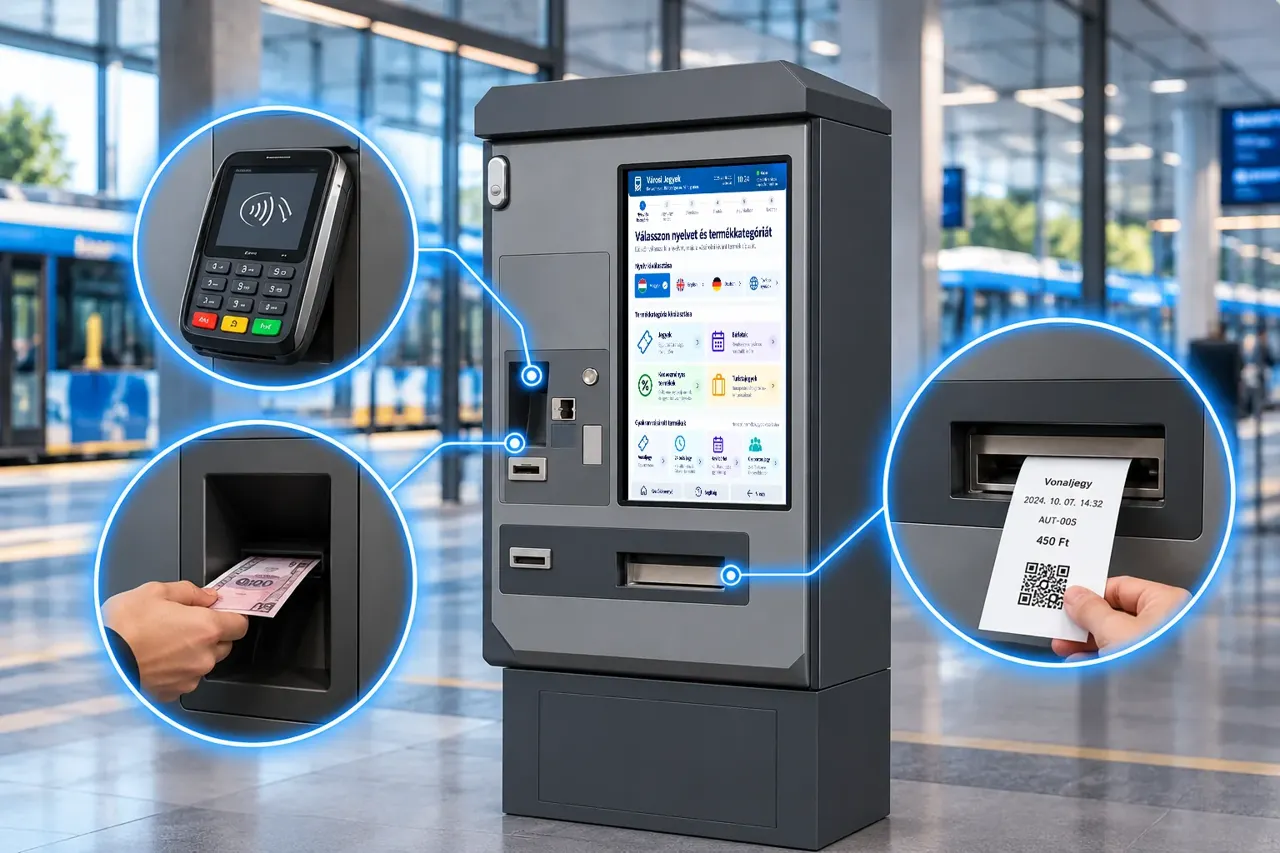
Card terminals, cash handling modules and ticket printers can integrate with the software according to the selected hardware’s capabilities.
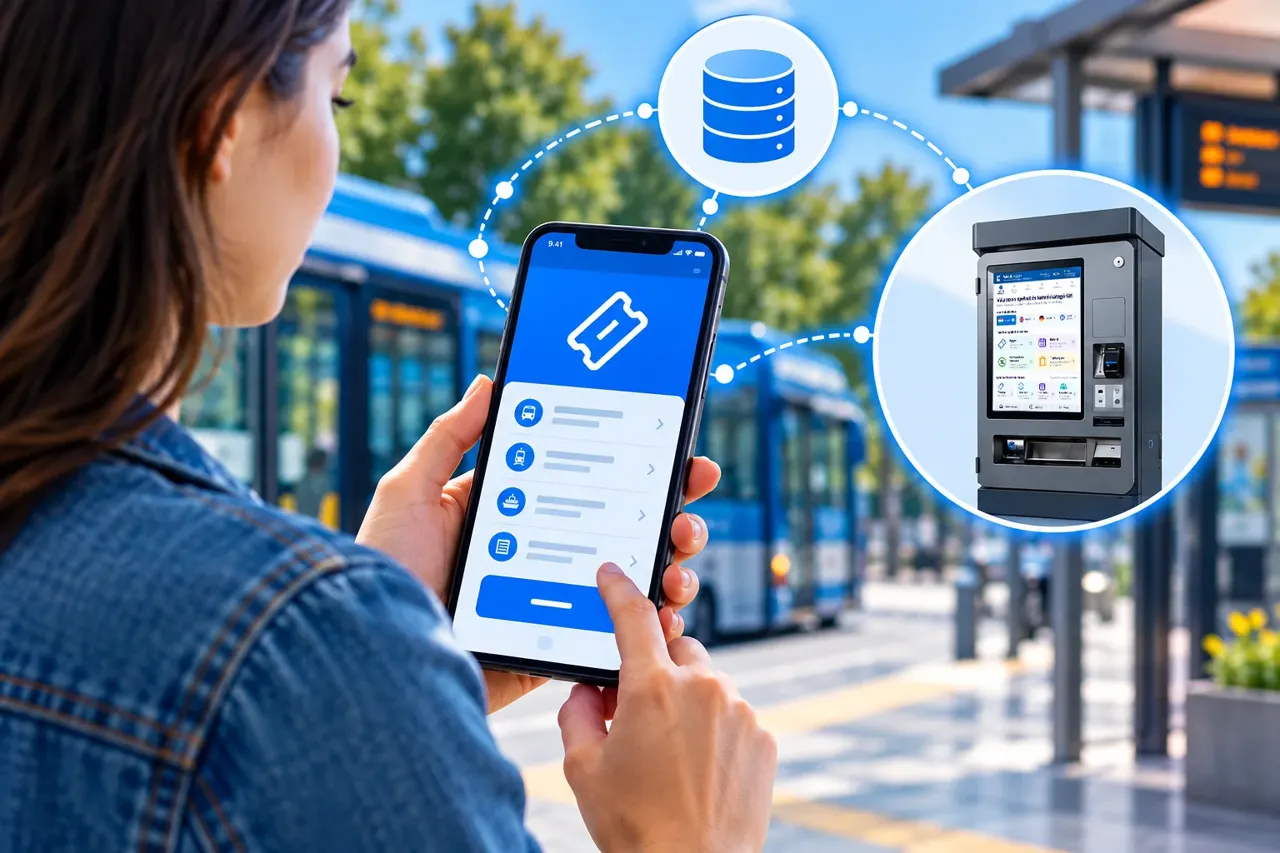
Transport ticket purchases embedded in a mobile app add a digital channel to on-site sales. Product and entitlement management follows the connected operator system.
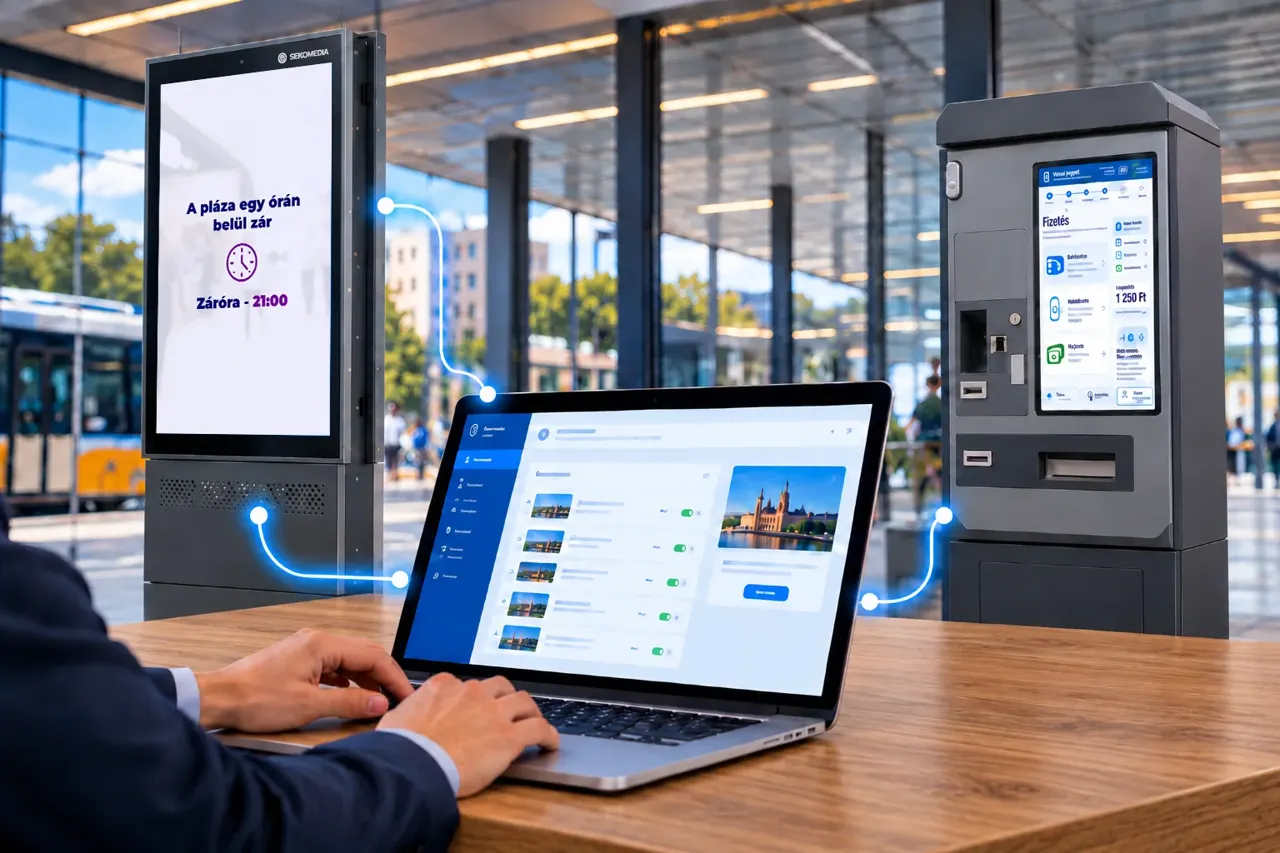
Passenger information and Digital Signage content can complement ticket purchasing, making the sales point part of on-site communications.
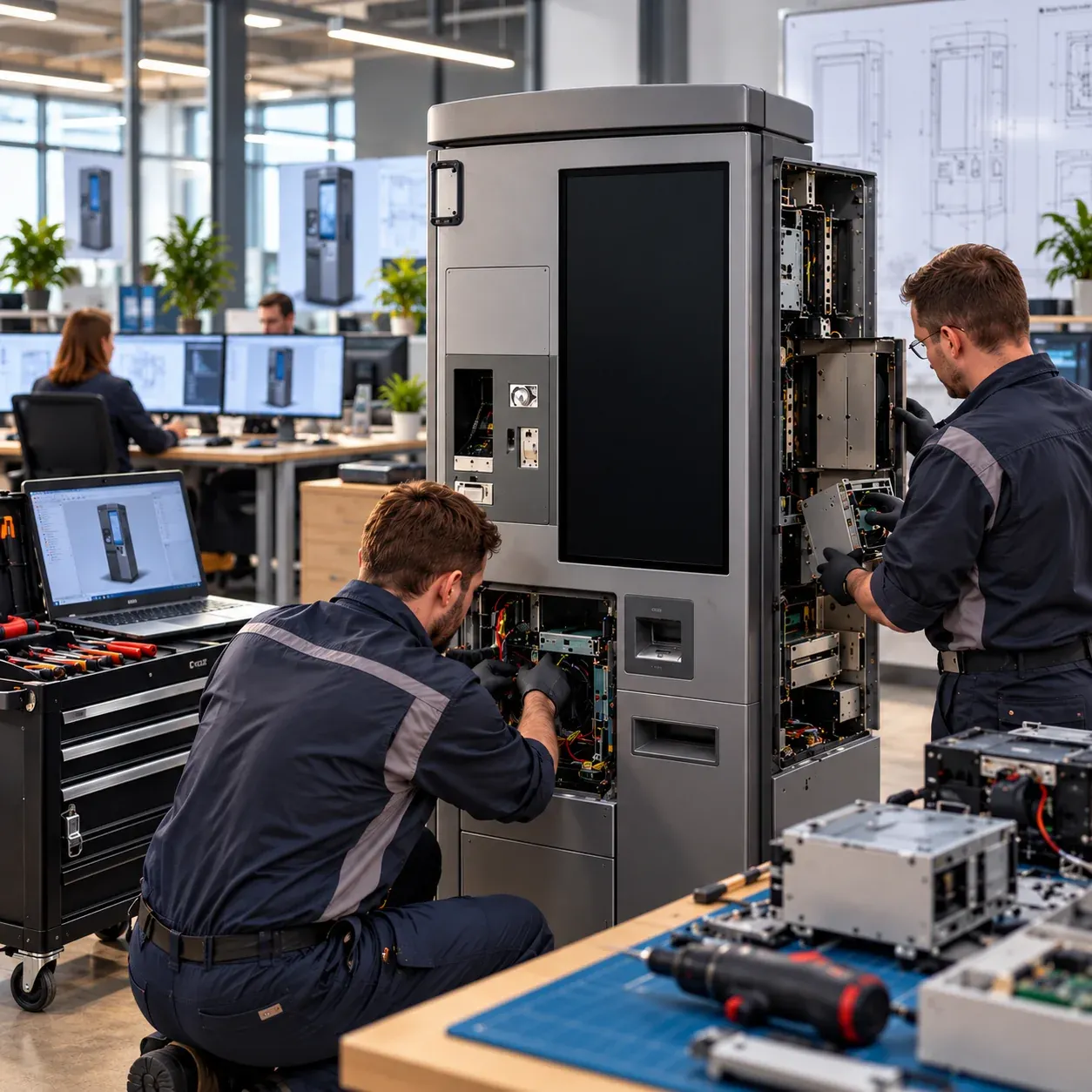
When upgrading an existing network, we first assess hardware condition, communications and connected systems. This determines what can be retained and where replacement components or extensive refurbishment are needed.
We install the SENSO software environment on suitably prepared devices, establish central connections and integrate with the partner’s systems. Device and interface rebranding can also form part of the project.
Long-term monitoring, support and maintenance are planned with service levels suited to the installed environment.
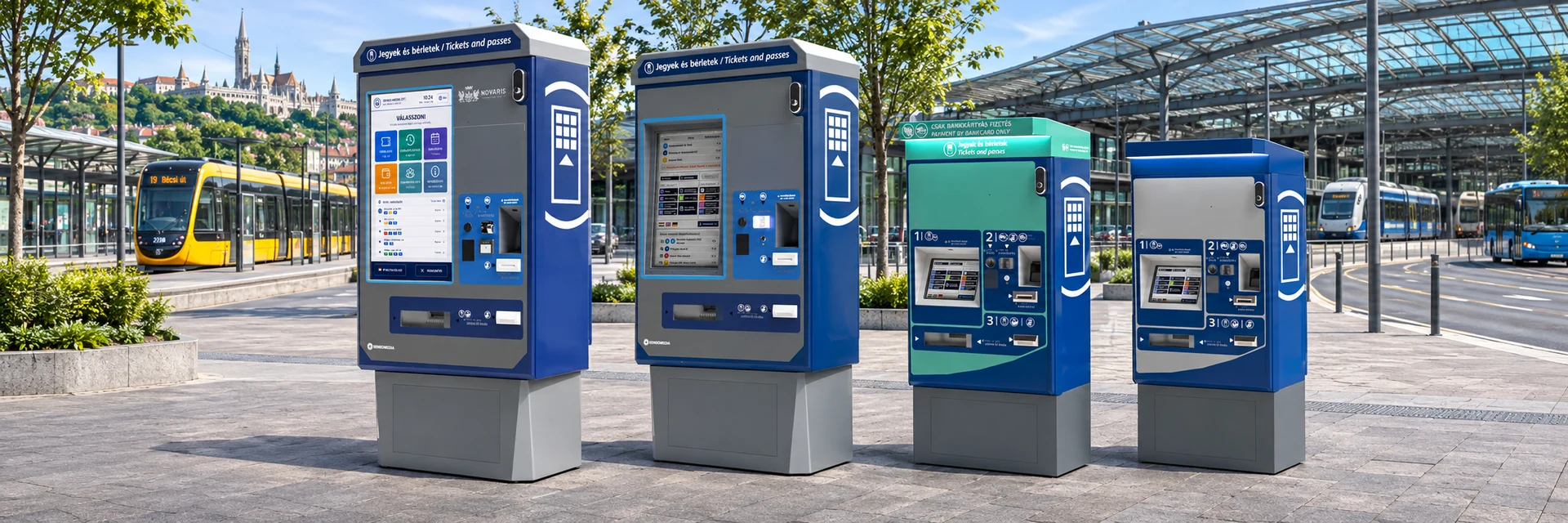
Alongside our own machines, we provide software for refurbished equipment. Products, payment methods and ticket issuance always depend on the installed peripherals.
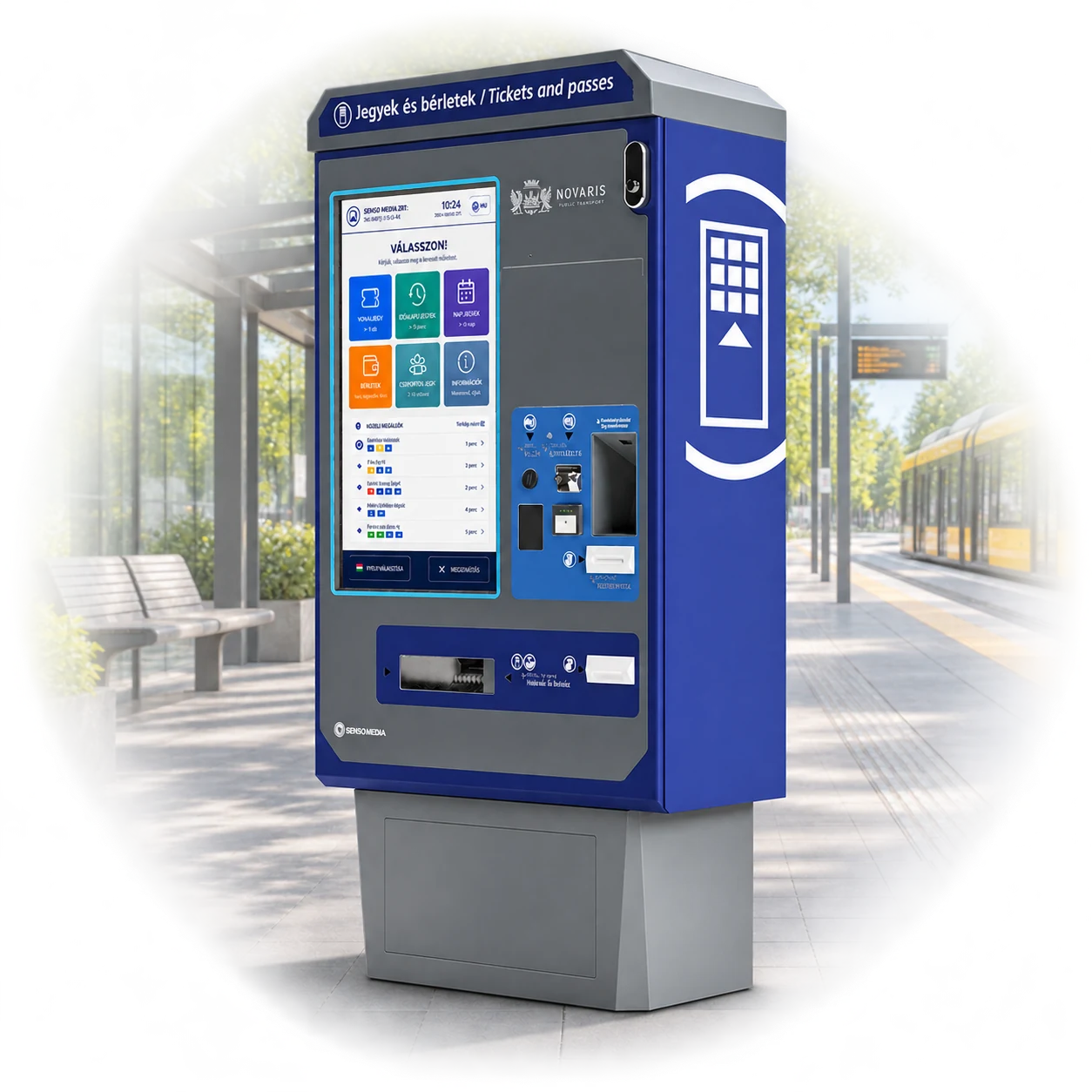
Vertical 43 Full
Our own ticket vending machine with a 43-inch portrait display. It supports transport ticket sales with card and cash payments and ticket printing.
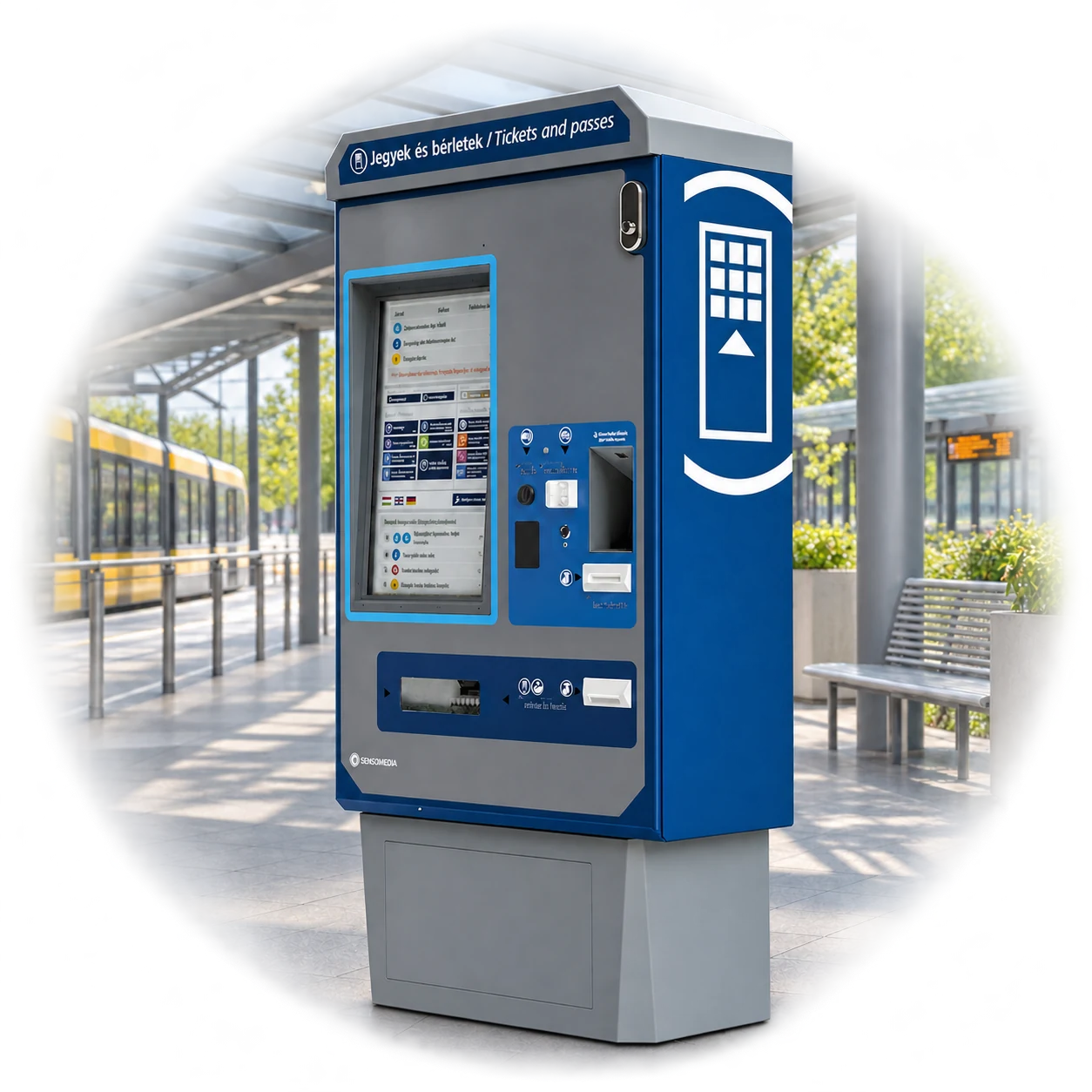
Vertical 32 Full
Our own ticket vending machine with a 32-inch portrait display. The product range can be managed through connection to the transport operator’s system.
Card Only and Full
Refurbished machines from other manufacturers with a modern SENSO software environment. Card-only and full-payment configurations enable existing networks to be renewed.