Ordering and payment application
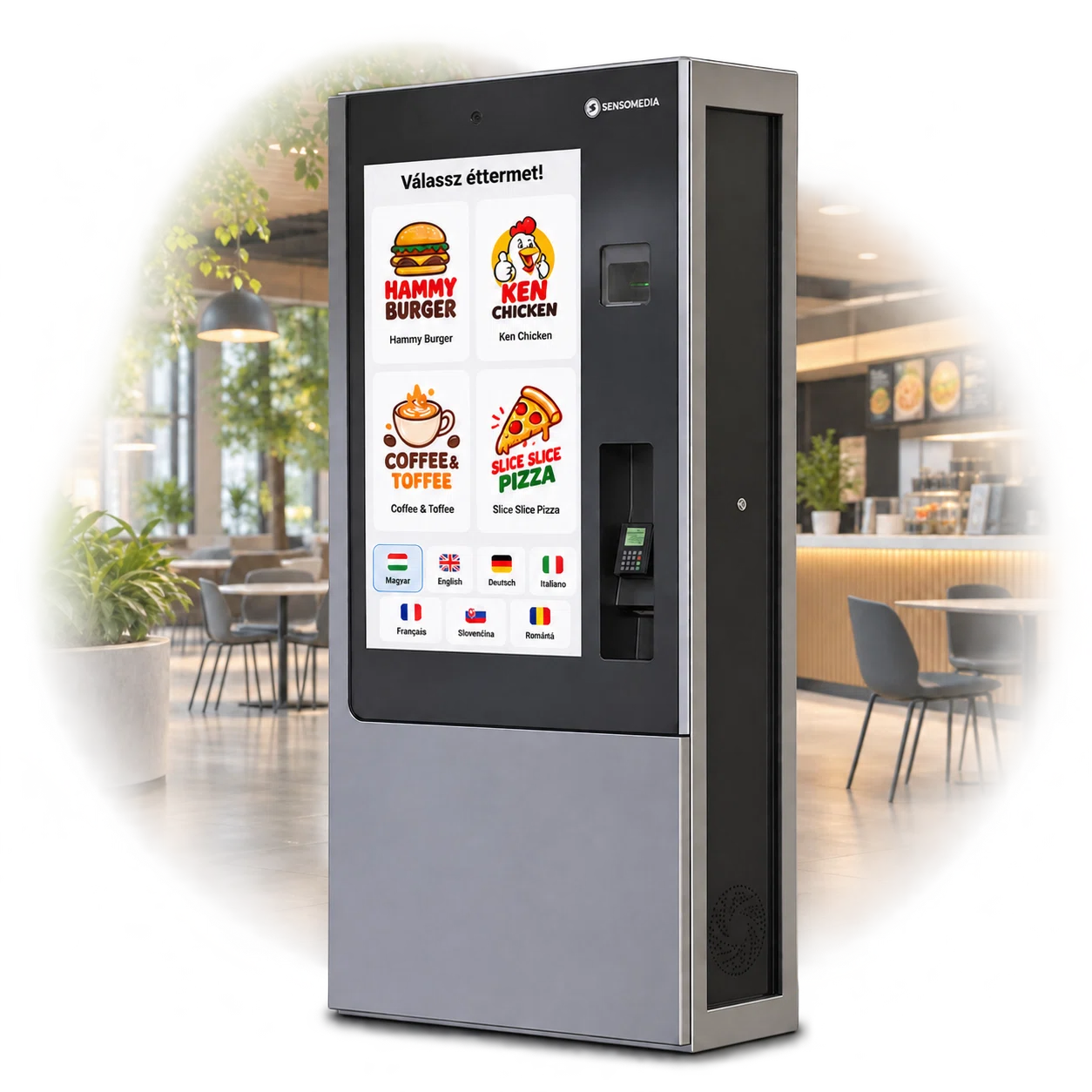
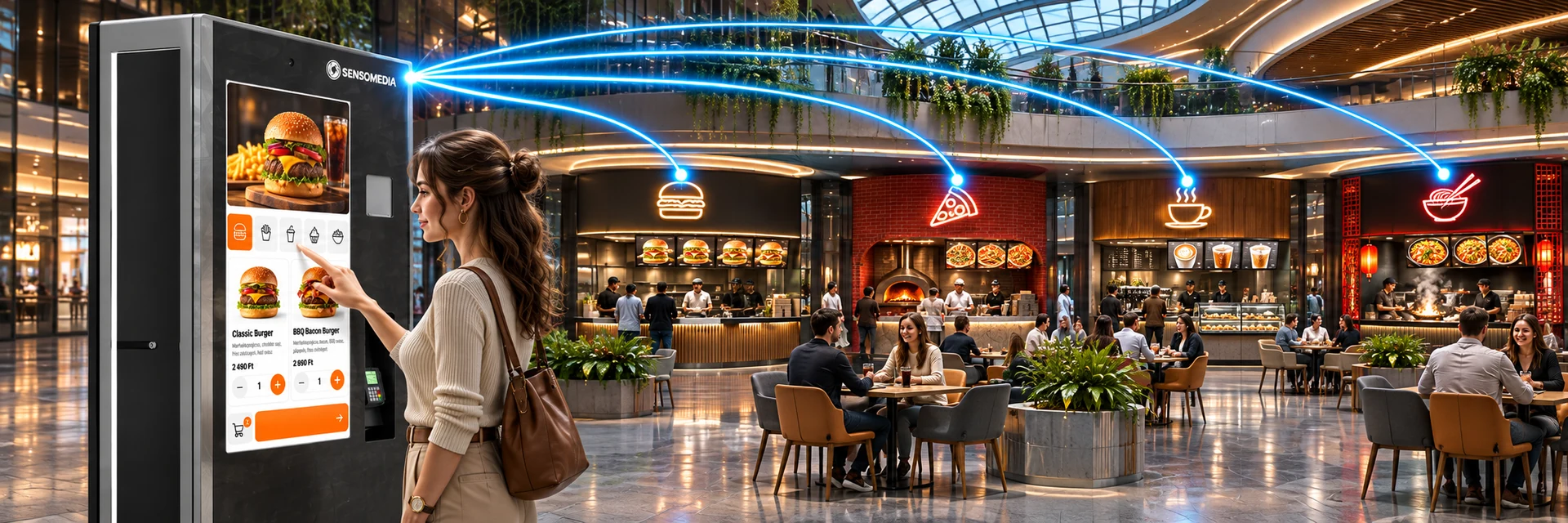
Customers choose a language and restaurant on the multilingual kiosk, then browse that provider’s branded range. Payment, receipt management and an order identifier complete the ordering process.
 Let’s talk!
Ordering, payment and collection in one coordinated process
SENSO SelfService provides a self-service ordering and payment interface for hospitality and service businesses. Customers build and pay for their own order, then use an order identifier to follow collection.
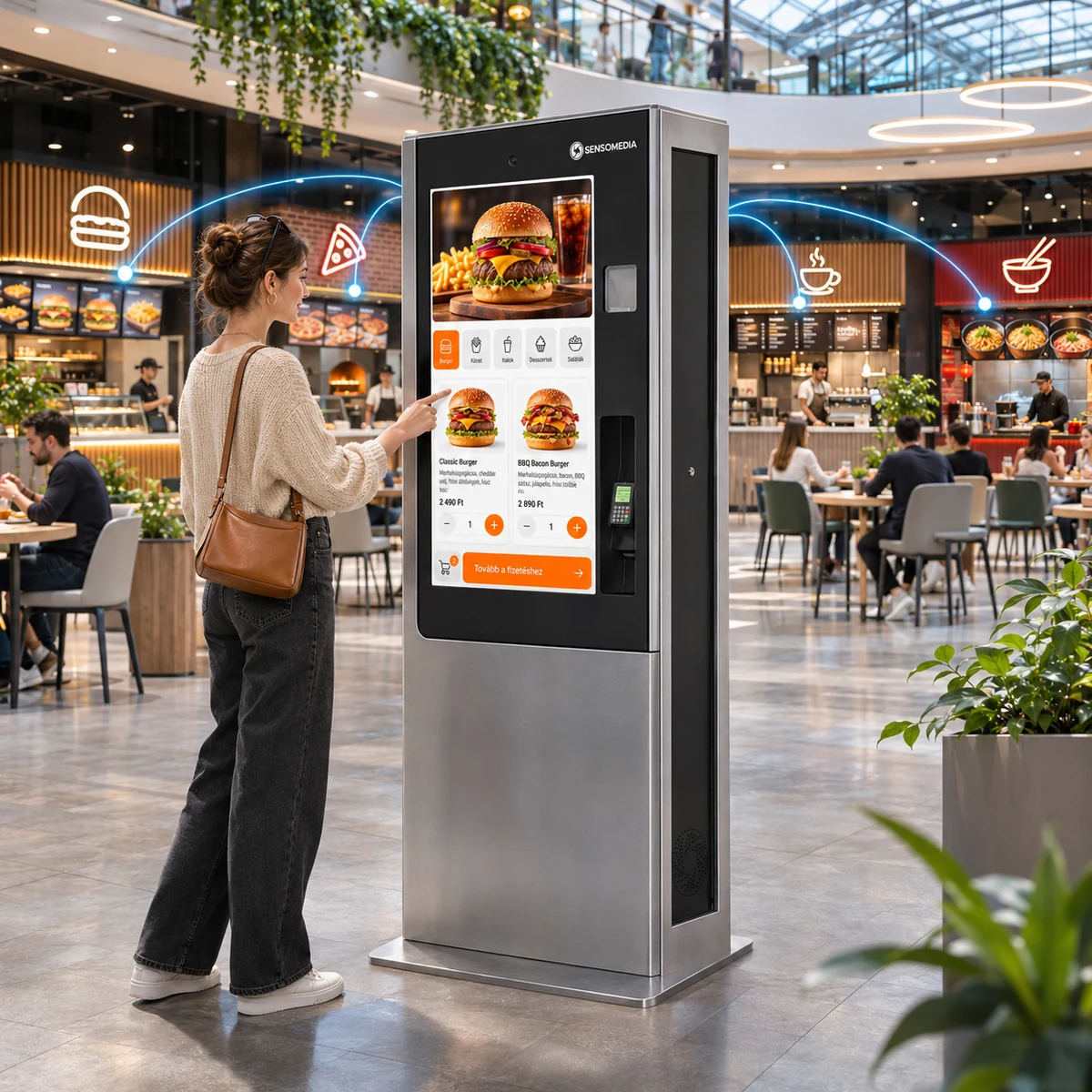
The system can handle several restaurants or service units on the same kiosk. Behind a central selection screen, each partner has its own branded ordering interface, while order data reach the appropriate POS system.
Alongside the customer interface, the solution can provide central administration and connections to a proprietary or integrated queue management system. Automation can therefore extend from ordering to service delivery, clearly supporting multiple partners.
We design the user interface and operational tasks as a coordinated system, choosing a deployment configuration suited to business objectives and site conditions.
Customers browse the range and select items at their own pace.
Order and product data can be aligned with connected restaurant systems.
Order identifiers can appear in a proprietary or external customer calling system.
Machines, product ranges and transactions can be managed in a shared back-end.
A central menu can lead to each partner’s own ordering interface.
Card payments are supported, with cash available on suitable hardware.
Partners and job roles receive permissions suited to their tasks.
Connected software components provide user functions and back-end processes.
Customers choose a language and restaurant on the multilingual kiosk, then browse that provider’s branded range. Payment, receipt management and an order identifier complete the ordering process.
The central interface brings together configurations for partners, service units and machines. Product ranges, orders and transactions can be tracked, with access controlled by partner and role.
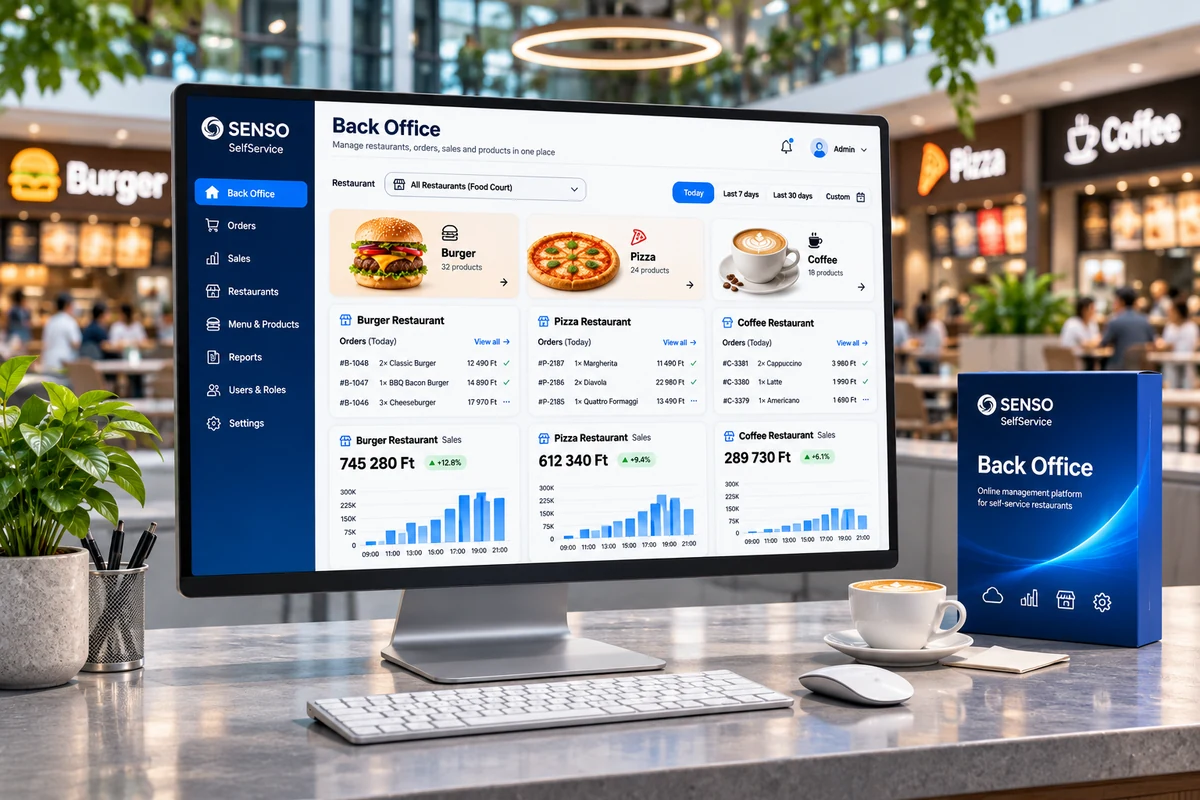
Deployment can include system integration, branding and development adapted to the existing environment. The precise scope is defined as part of the project.

When deploying SENSO SelfService, we review existing hardware, software and data connections. We define interfaces, data flow directions and operational responsibilities so that the new interface connects to existing processes and reduces duplicate data entry where possible.

We adapt graphics, menus and information delivery to the partner and application. Beyond colours and logos, screen layouts support clear service use. Required languages and supplementary information are agreed during design.

Not every upgrade requires an entirely new device fleet. A technical assessment identifies components that can be retained, refurbishment needs and necessary software changes. Deployment is planned around the partner’s daily operations.
The kiosk organises ordering around the venue’s operations. At multi-provider locations, customers first select a restaurant, then browse its own range.
Choose a language and service unit in a clear interface.
Restaurants can have their own graphics and menu structure.
Products and prices are displayed using the connected data source.
Selected items can be checked before payment.
The system works with the installed payment modules.
An invoicing process can form part of receipt management.
The issued identifier is used during service and collection.
Collection can connect to proprietary or external queue management.
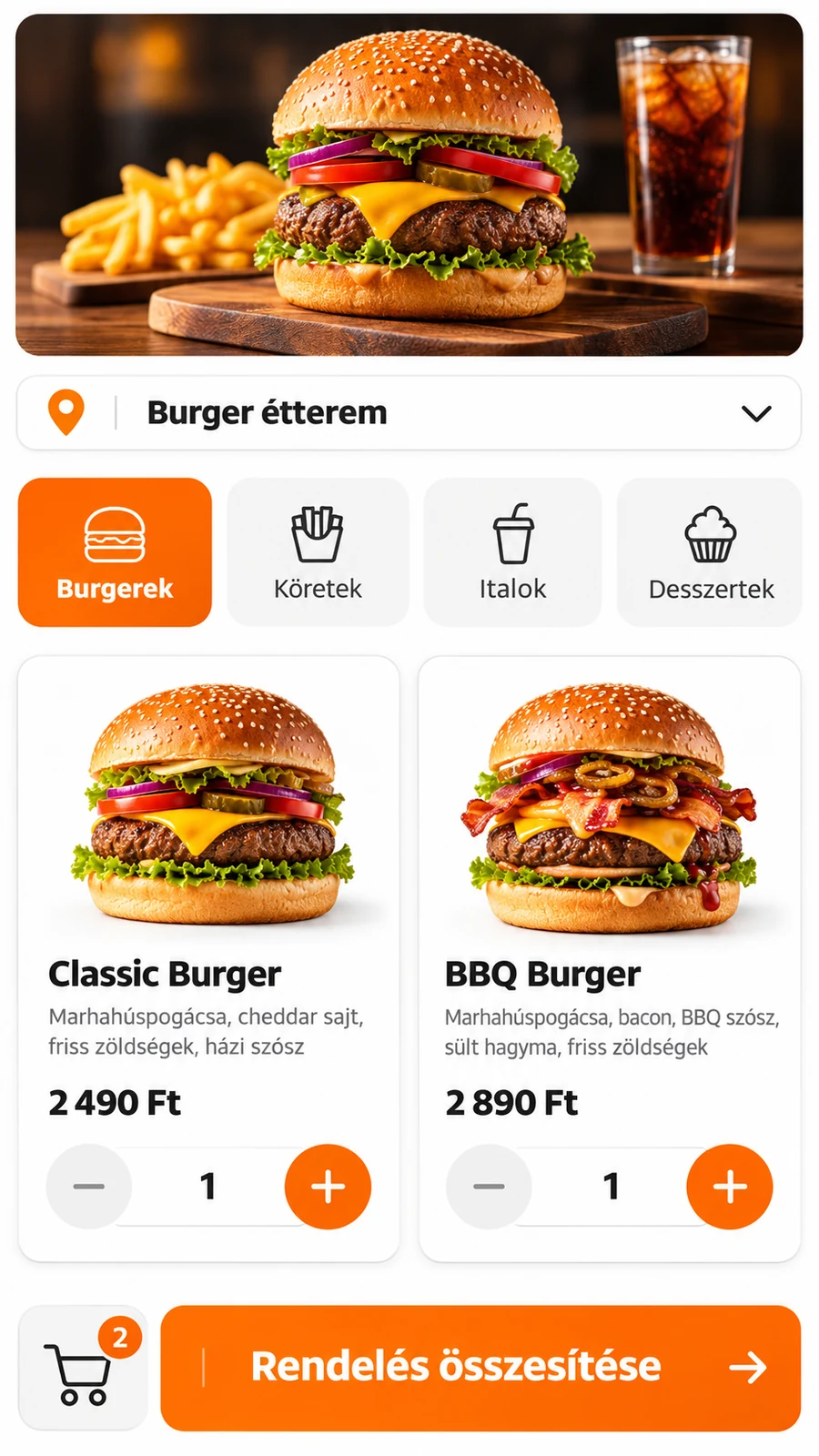
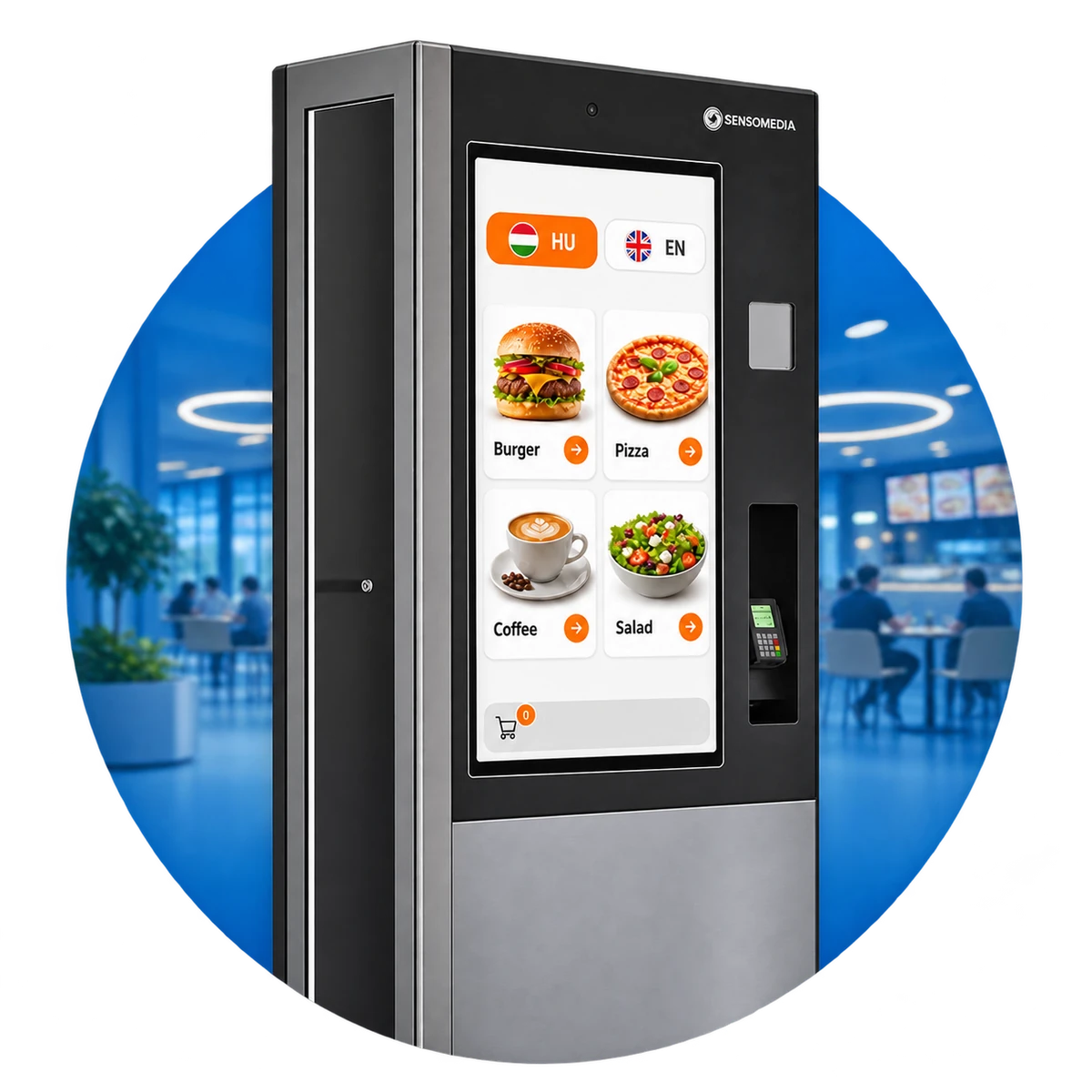
Customers reach their chosen provider from the central start screen. For a single restaurant, the journey can begin directly with the product range.
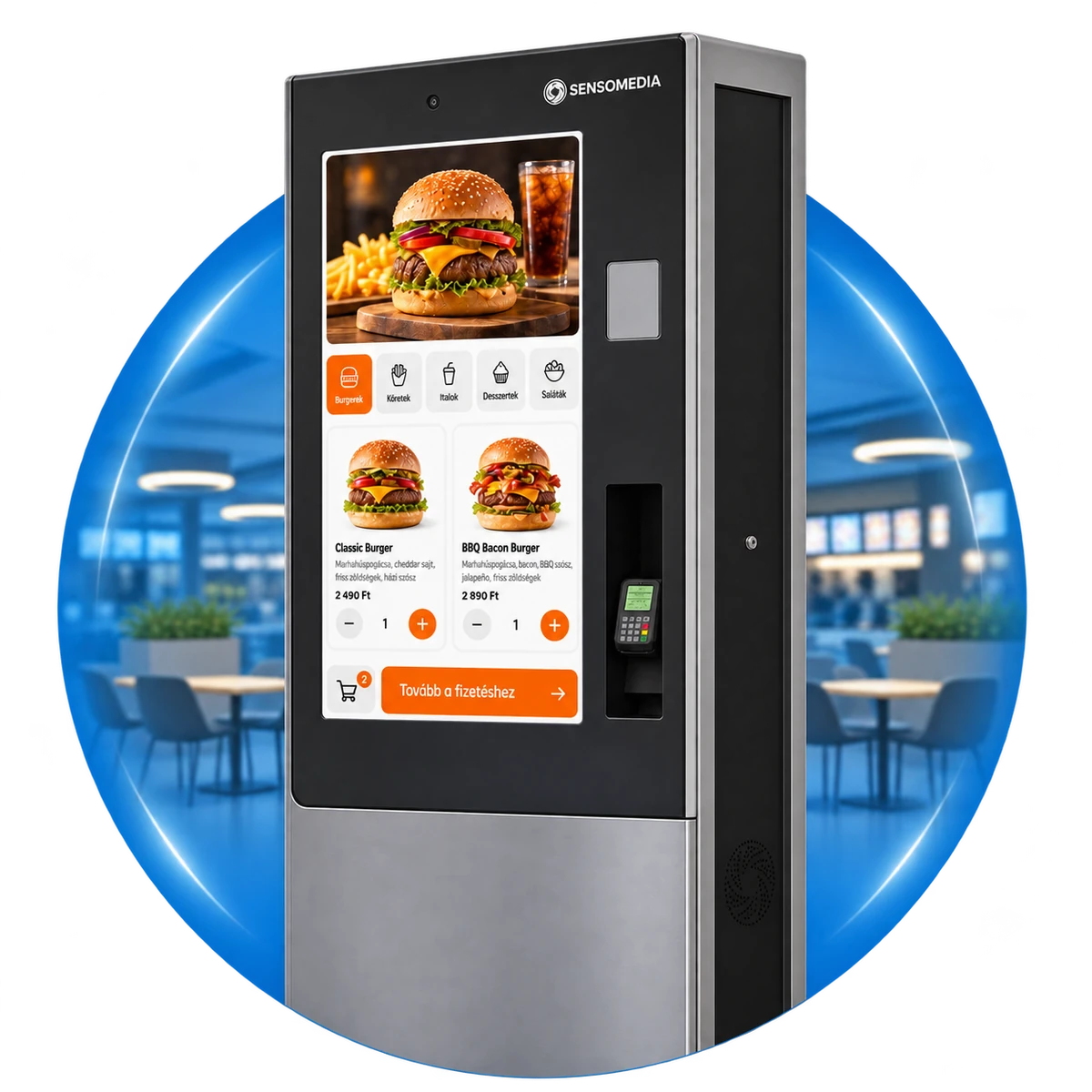
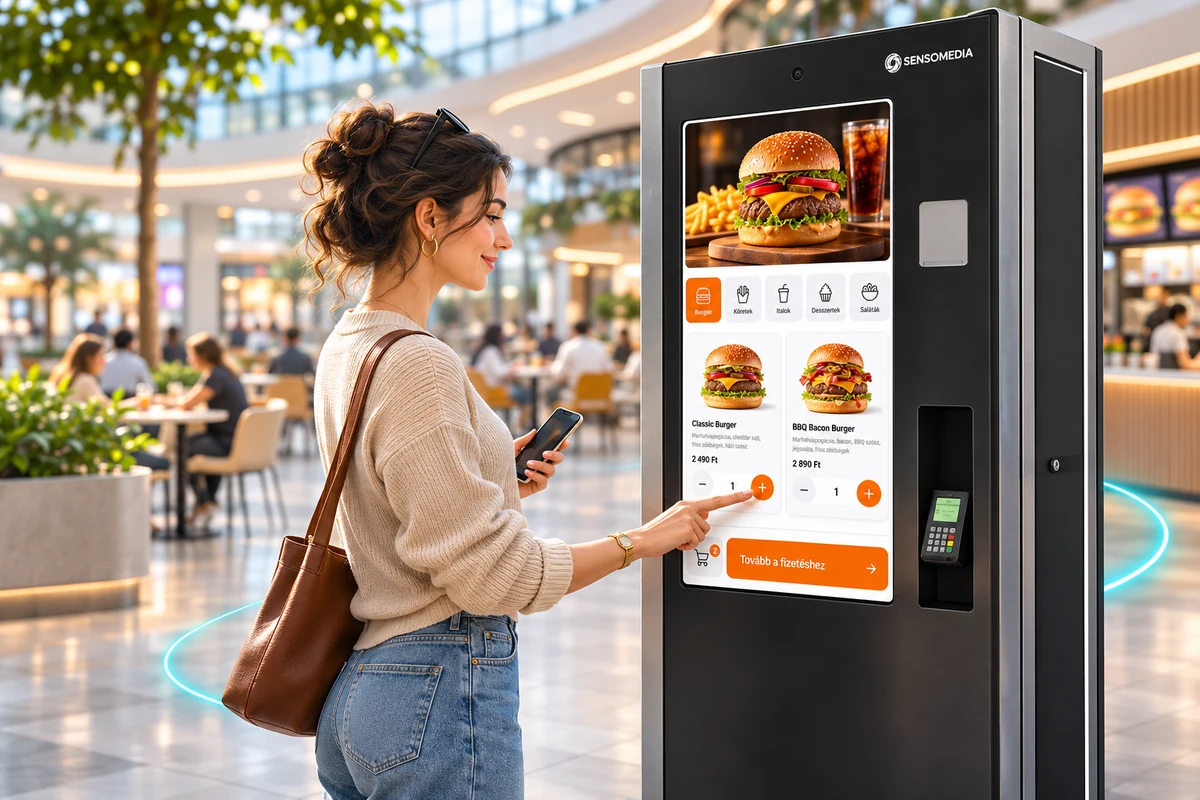
Users select products and configure their order within the permitted options. Product data can also come from POS integration.
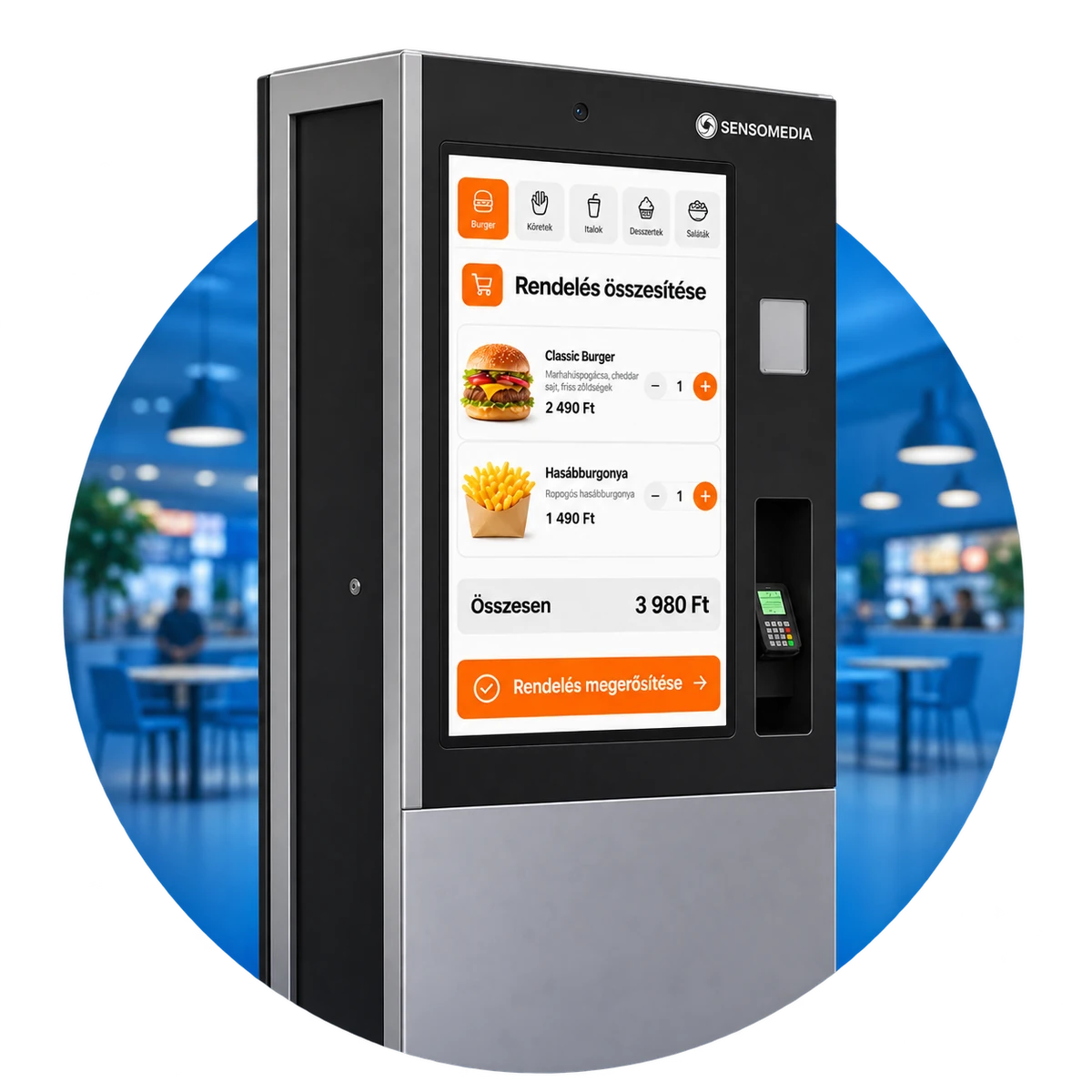
The summary displays the order contents and total in one place. Customers can still change their selection before paying.
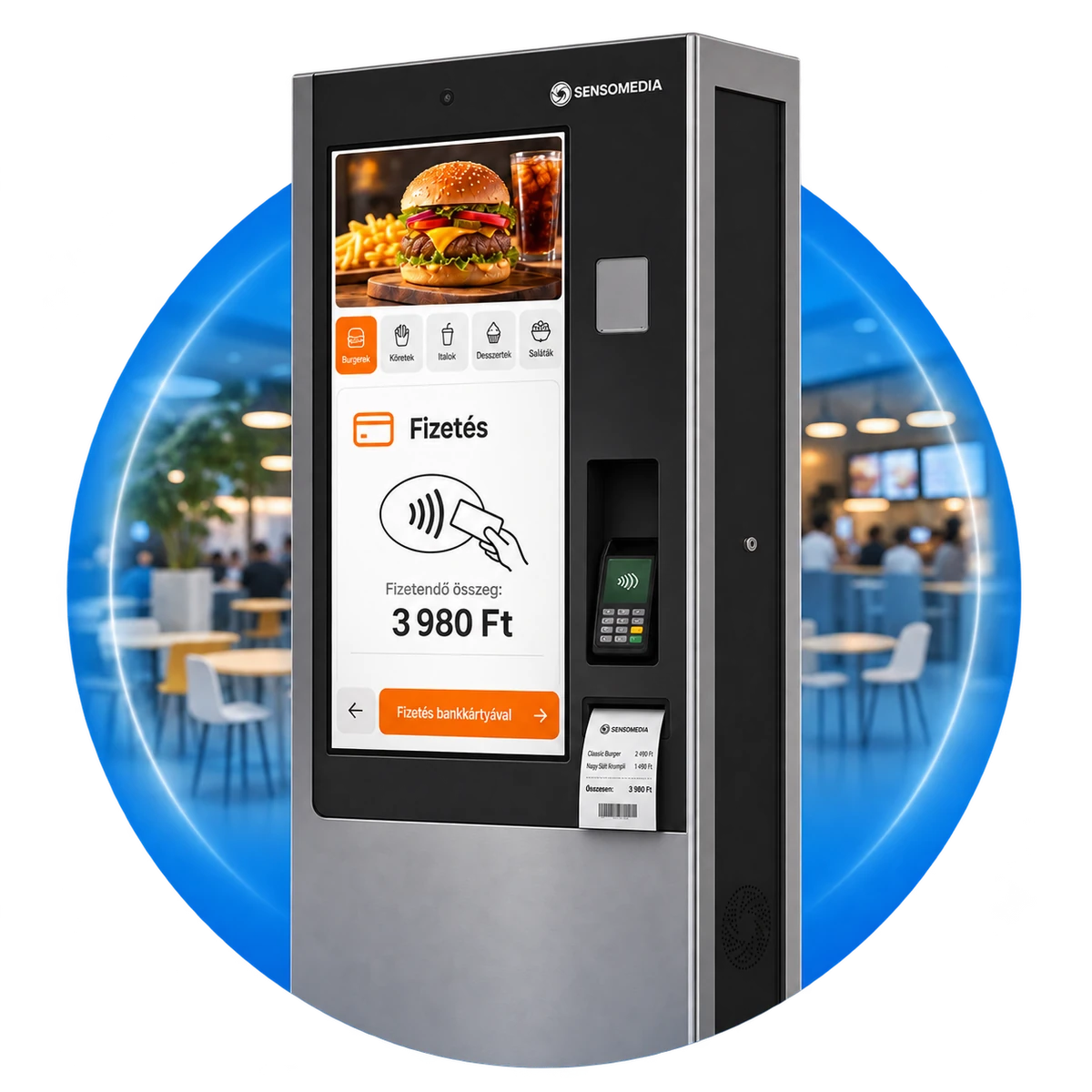
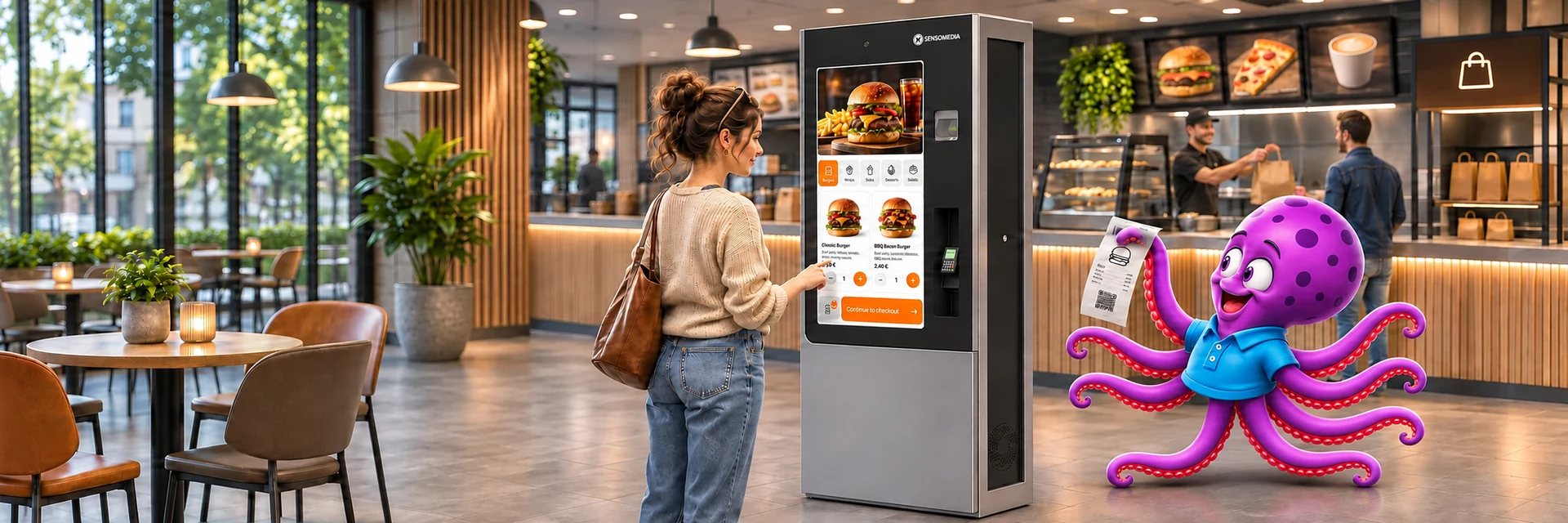
Customers pay using the terminal’s available methods. Invoice requests and receipts follow the provider’s accounting system.
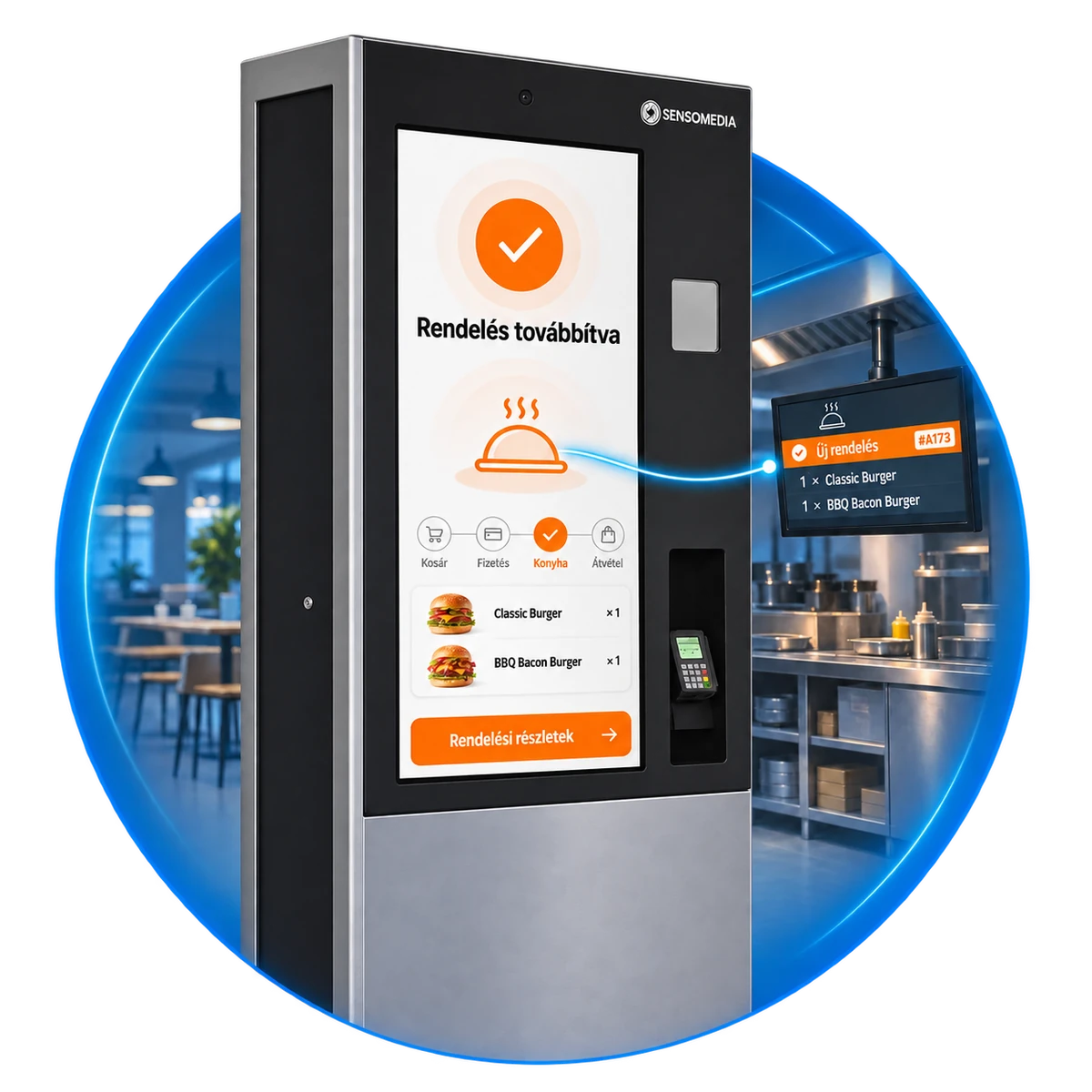
Order data enter the integrated service environment. Restaurant-specific connections keep workflows separate at multi-partner venues.
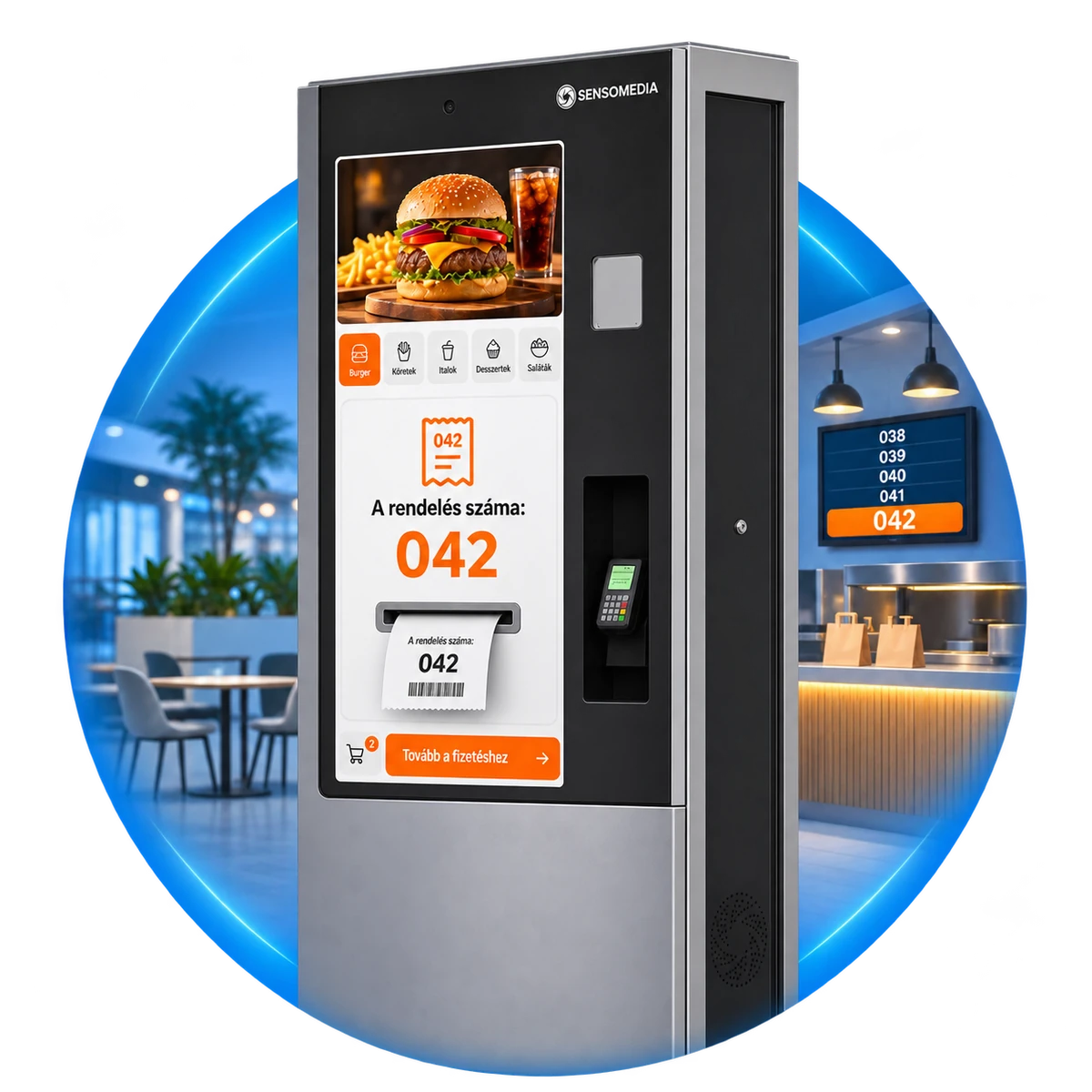
Customers receive an order identifier. A call displayed in the proprietary or integrated queue management system supports collection of the completed order.
The following functions depend on the selected configuration and required integrations. Their exact implementation and associated services are agreed before deployment.
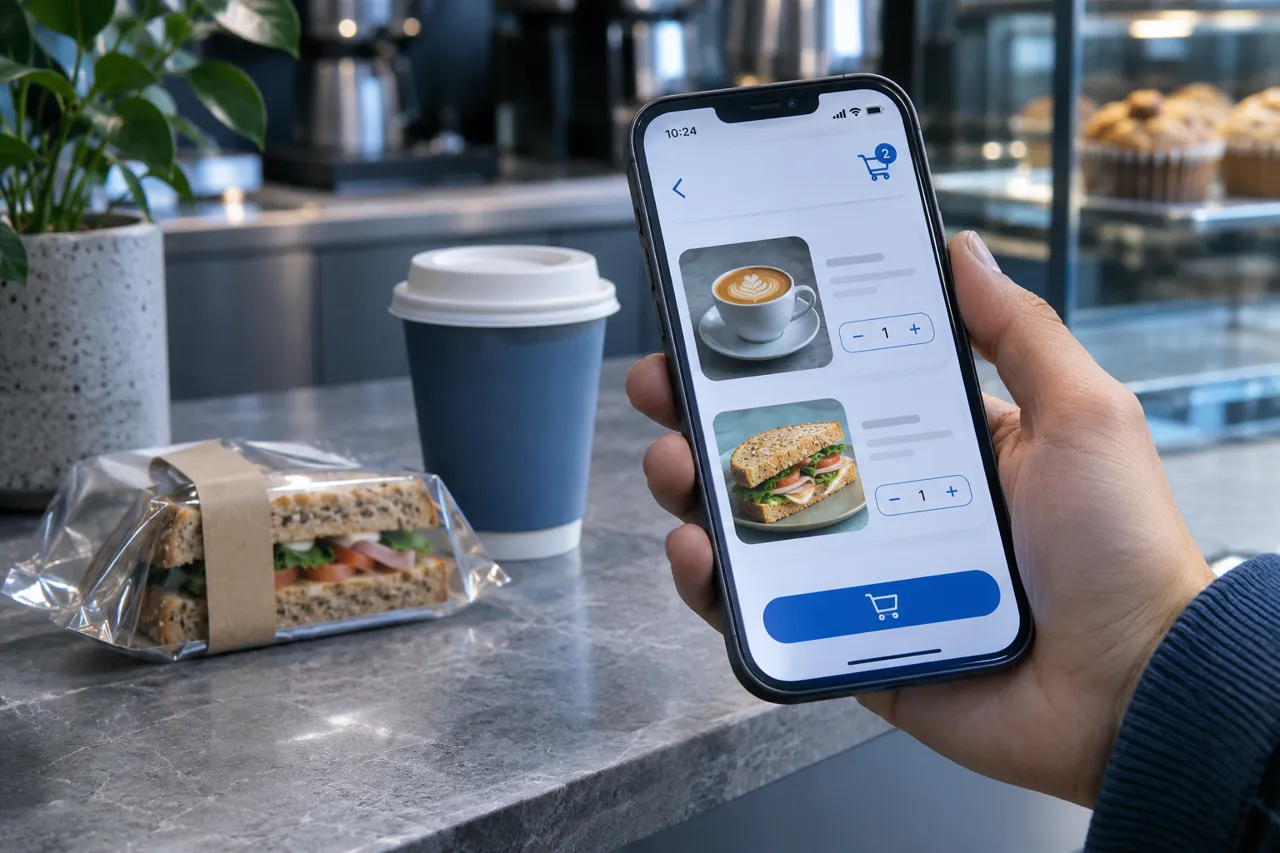
Connect or Engagement Module integration can make ordering available on phones. Order and payment data connect to the on-site service system.
Media can appear in a designated interface area, with full-screen playback when idle. Content is managed centrally, including on a schedule.

Central administration supports everything from product management to device oversight. Separating permissions and data is especially important at multi-provider locations.
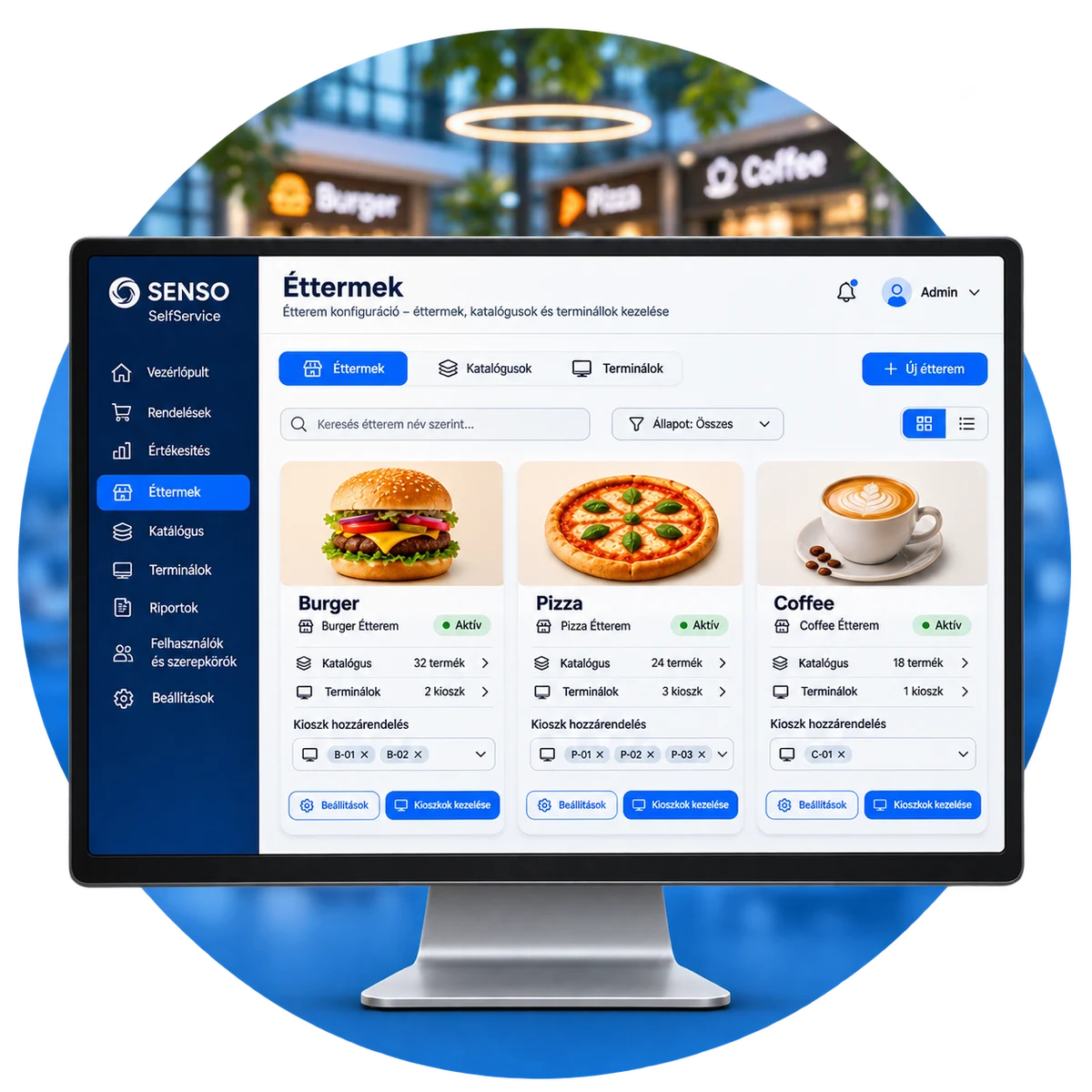
Service units, their product ranges and connections can be configured in the system. Appropriate providers are assigned to each kiosk.
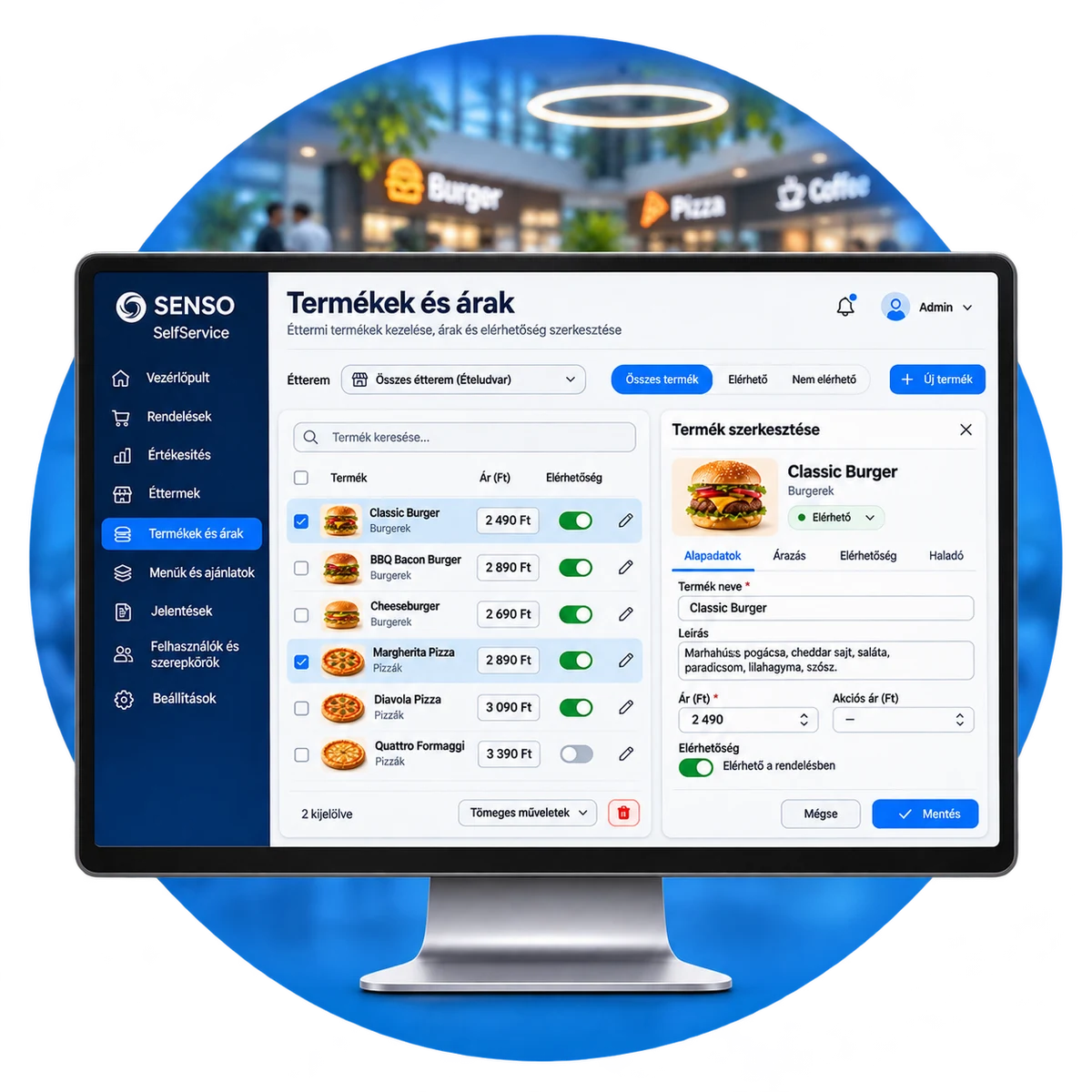
Products and prices are updated through the configured data connections. Alongside central management, the partner’s POS system can serve as a primary data source.
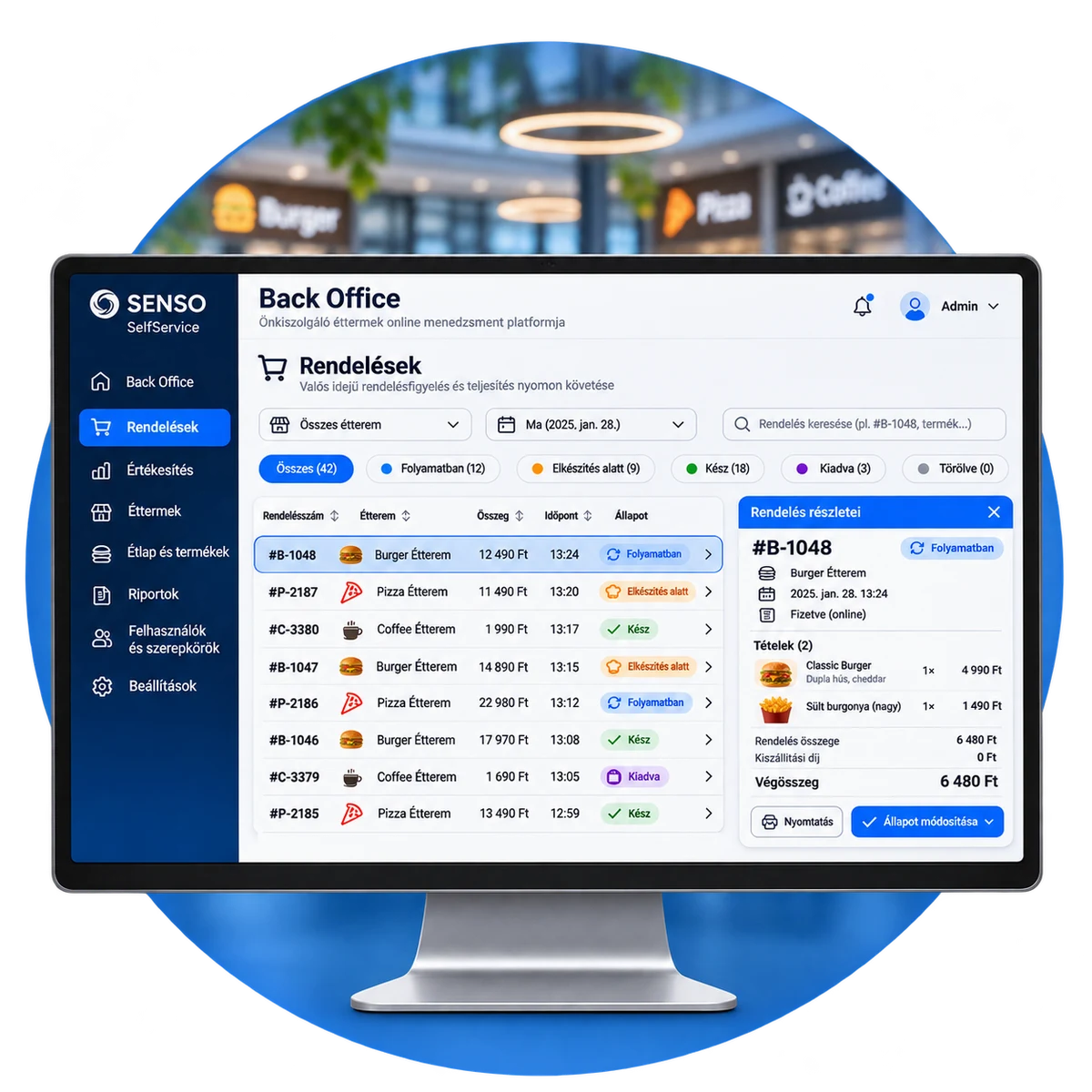
Orders and financial transactions can be retrieved, supporting settlement and investigation of individual order enquiries.
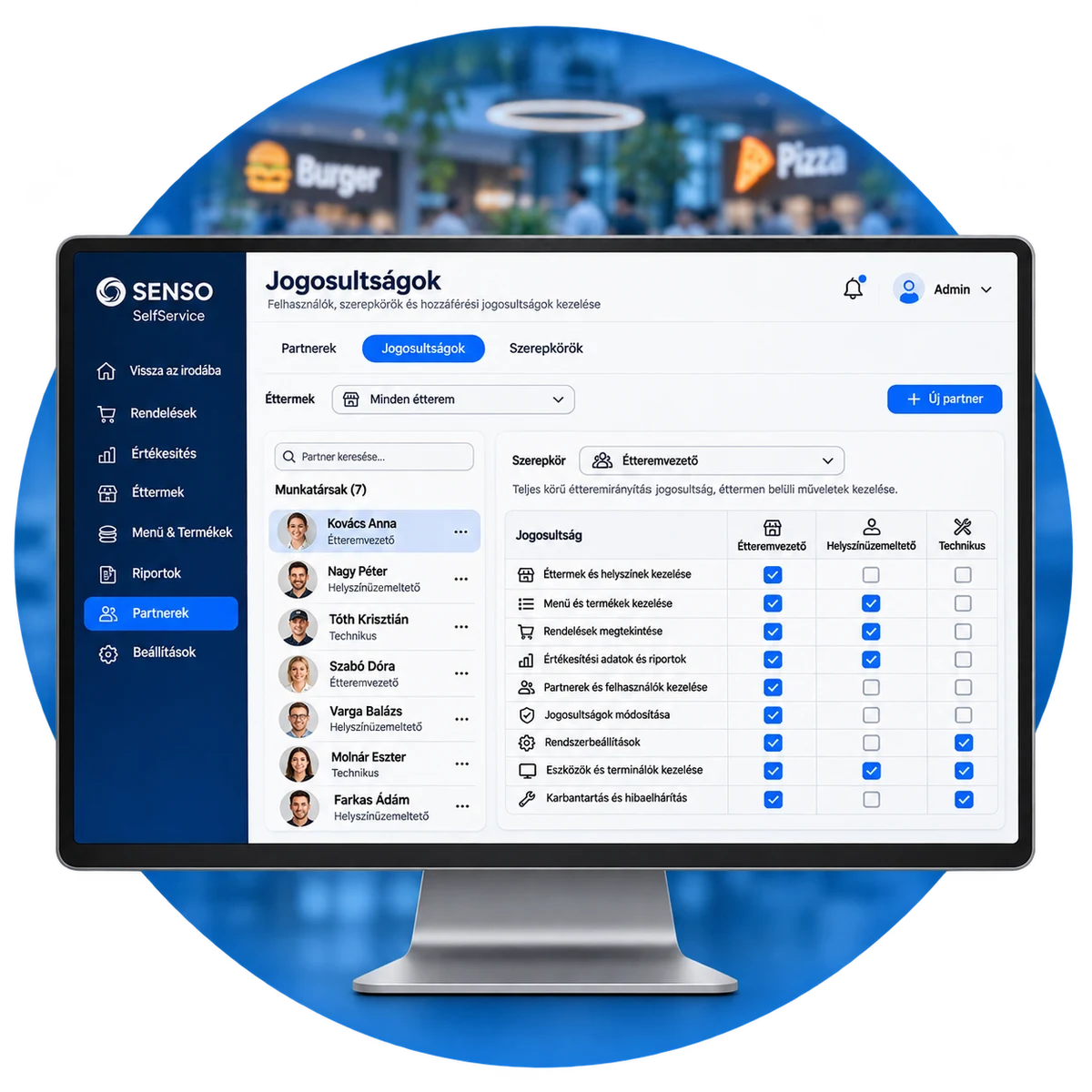
Access can be tailored by partner and position. Restaurant staff, venue operators and technical personnel can perform different tasks.
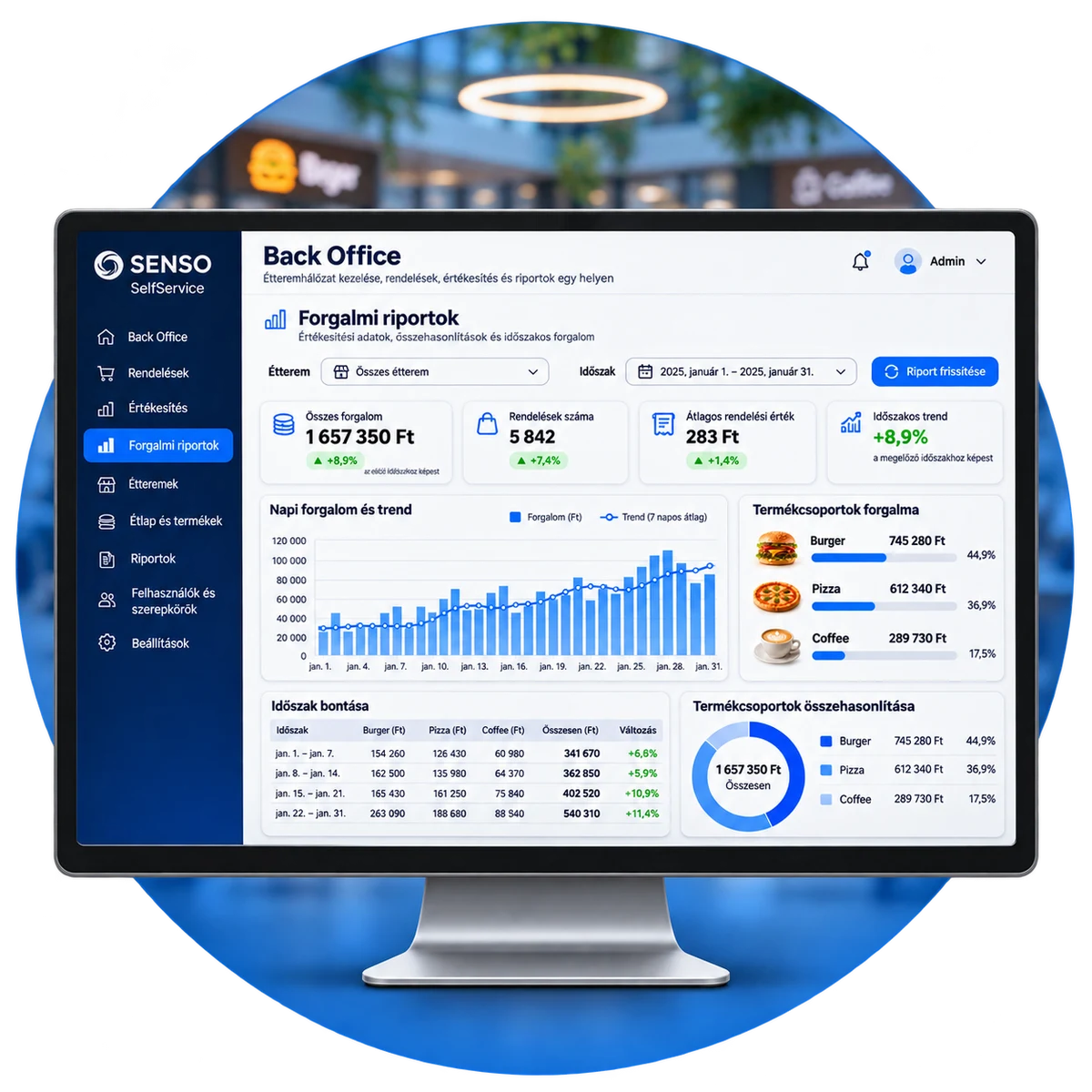
Sales data can be analysed by period and service unit, helping assess the range and automated sales performance.
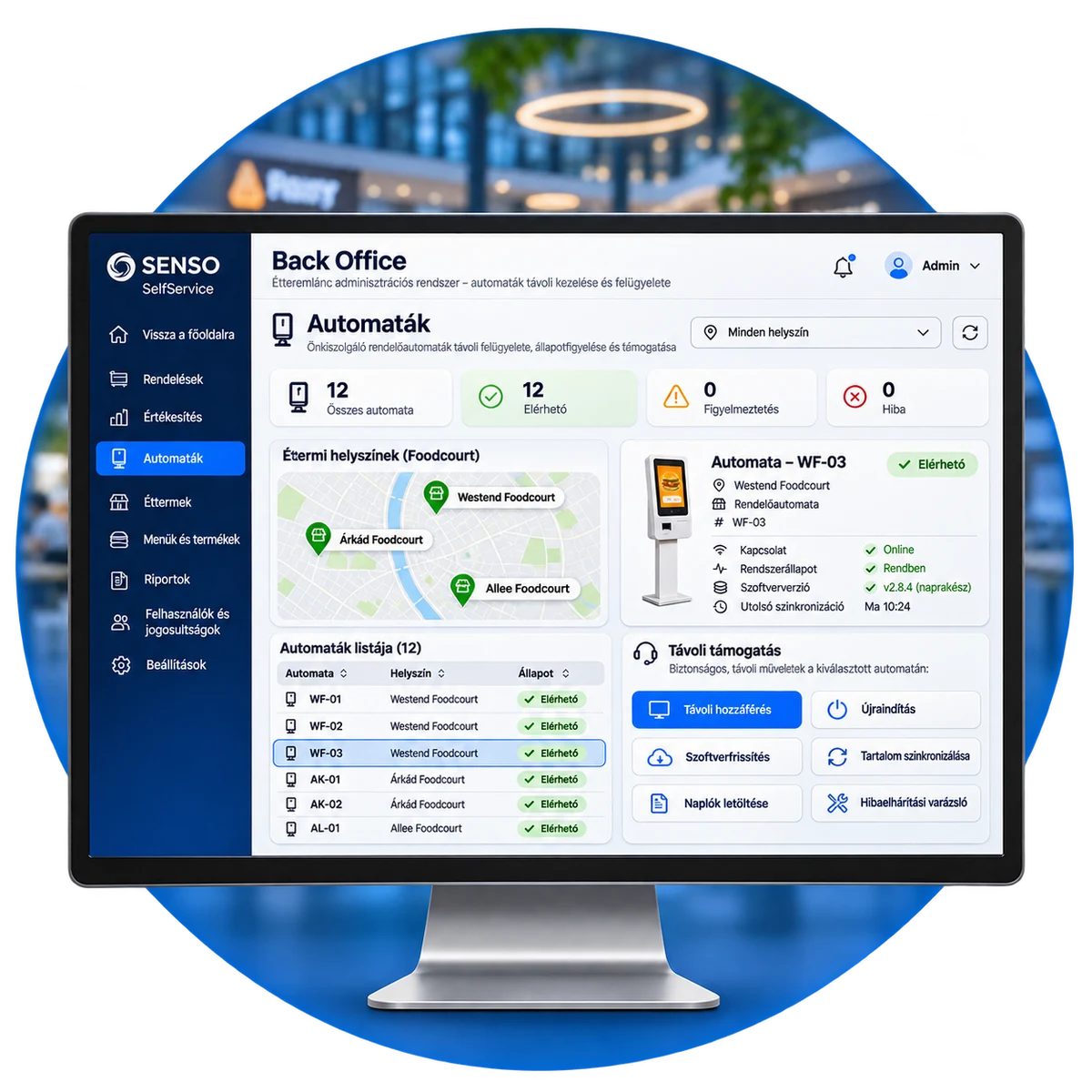
Sales point status is checked centrally and supported controls are available remotely. Technical monitoring can be coordinated across locations.
The following connections can be configured according to partner requirements and the technical capabilities of existing infrastructure. Integrations are optional and are not automatically available in every installation.
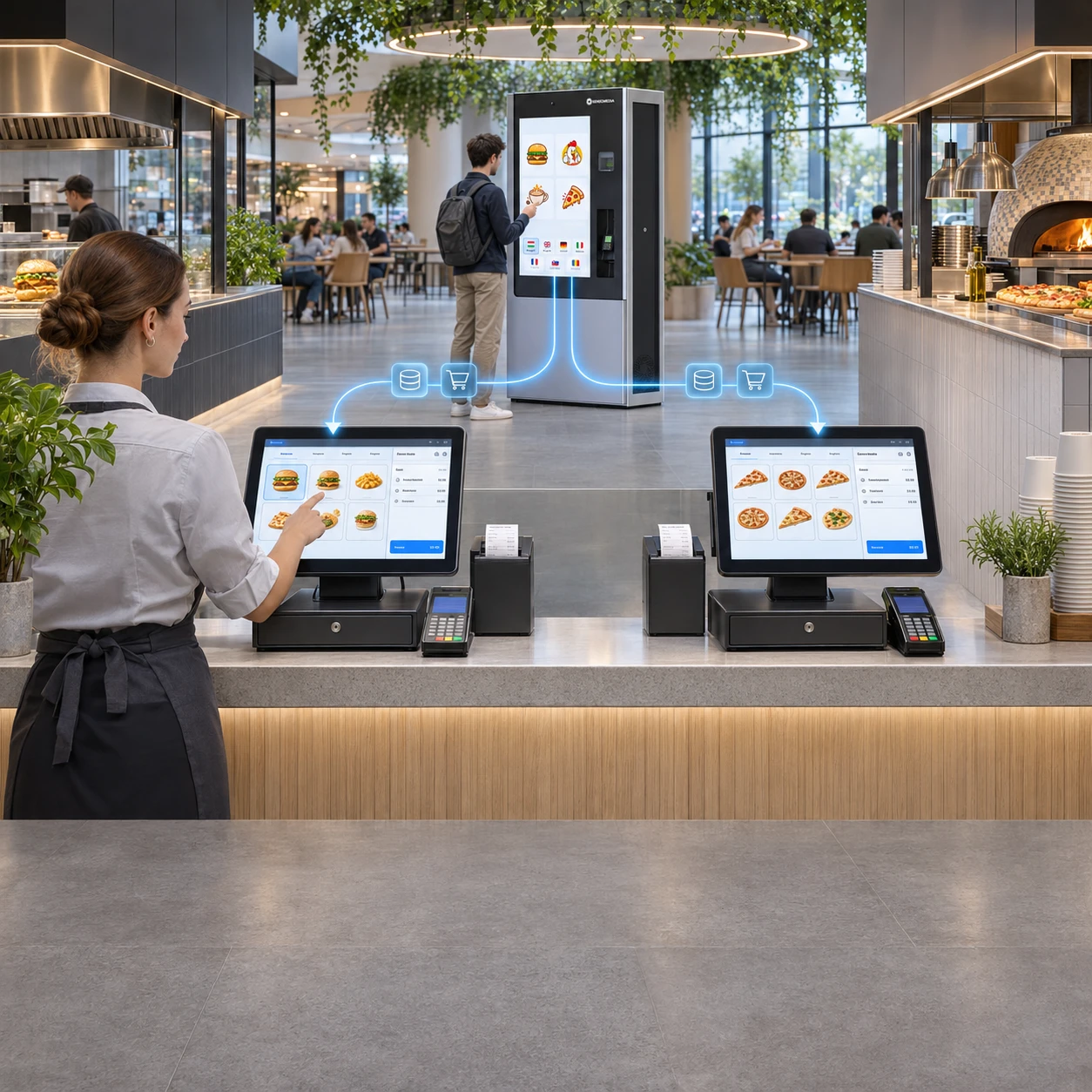
One kiosk can integrate with several restaurant POS systems, directing product and order data to the appropriate partner.
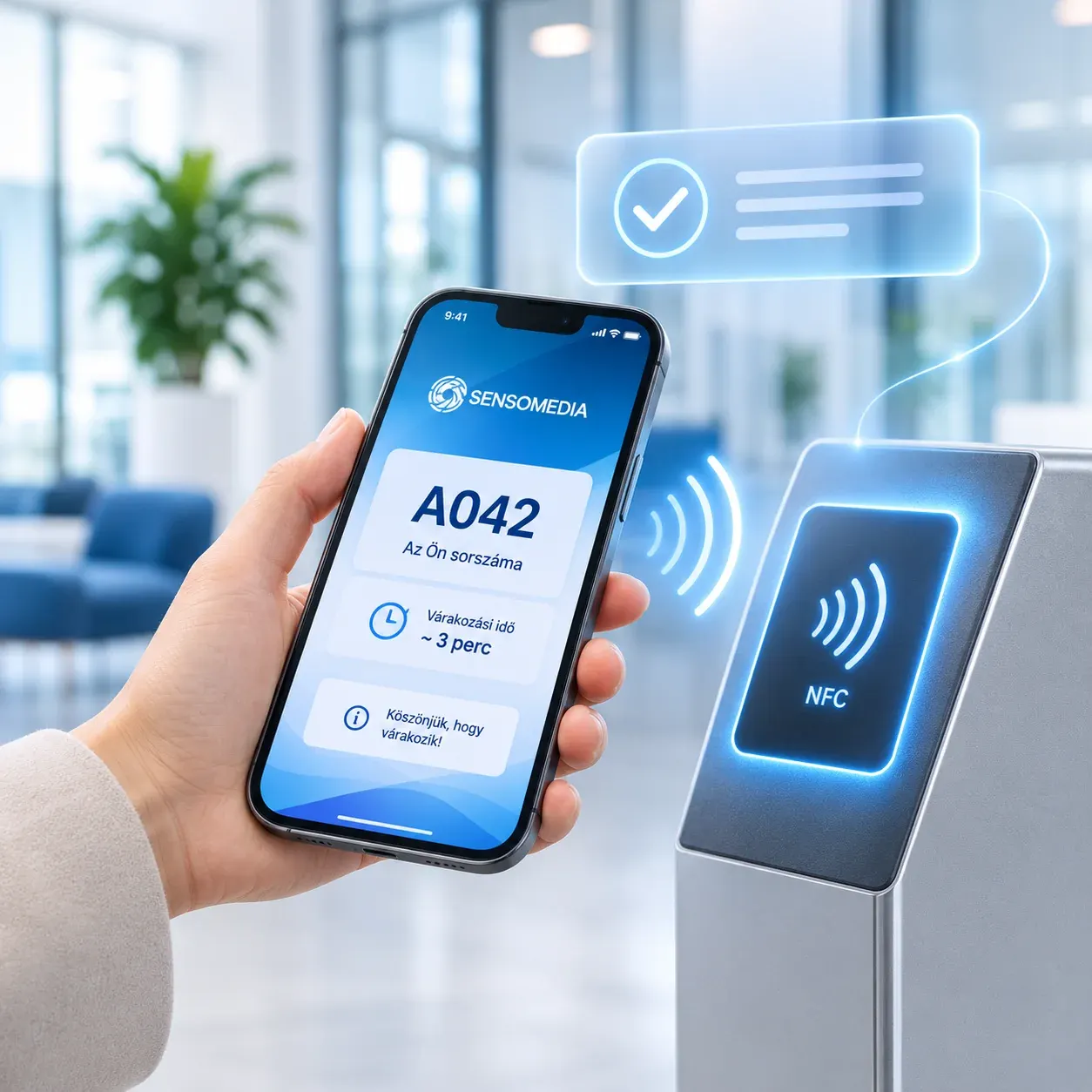
Order identifiers can be managed in proprietary or external systems, linking order placement and collection within one process.
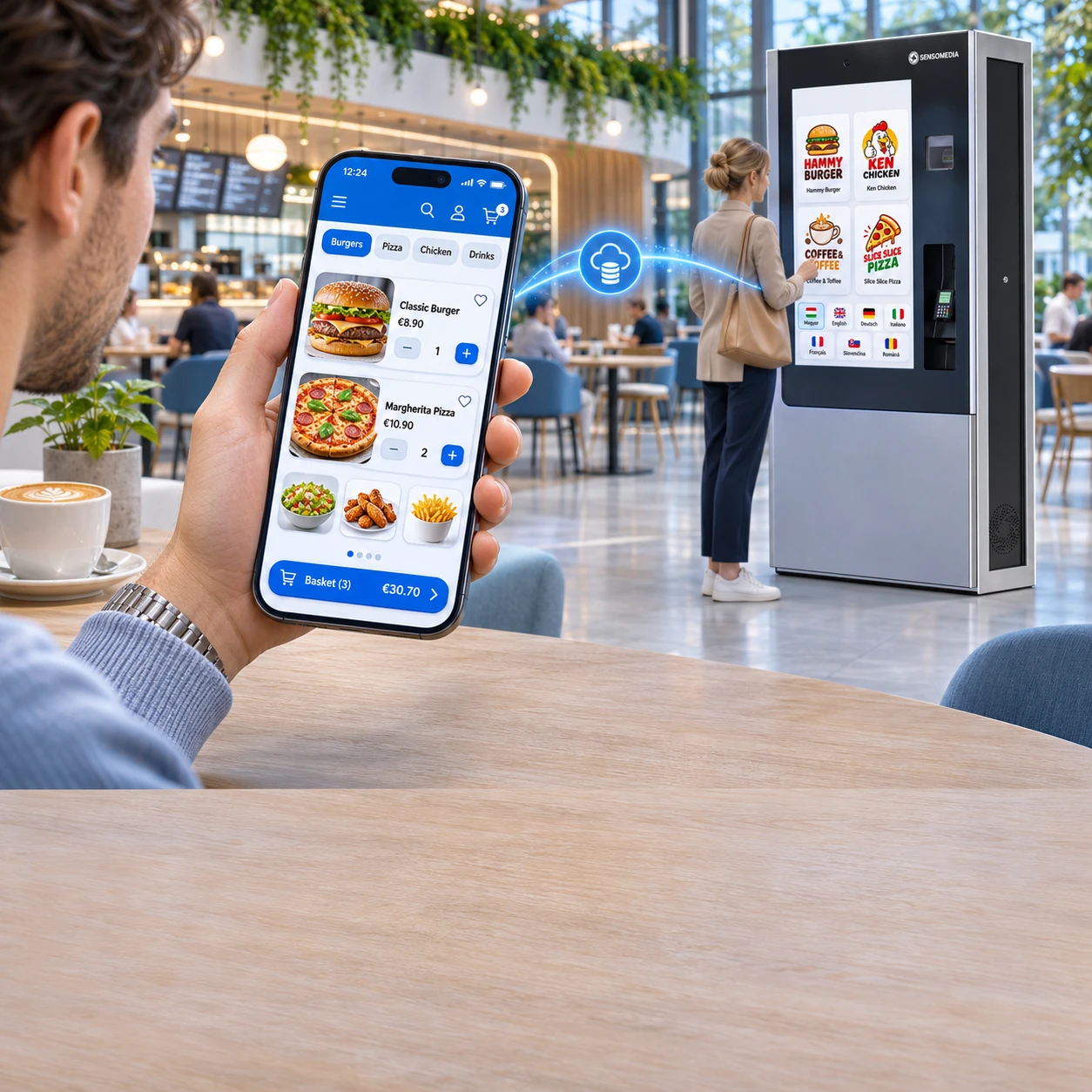
Connect or Engagement Module integration can provide a phone-accessible ordering interface whose range and data exchange align with the on-site system.
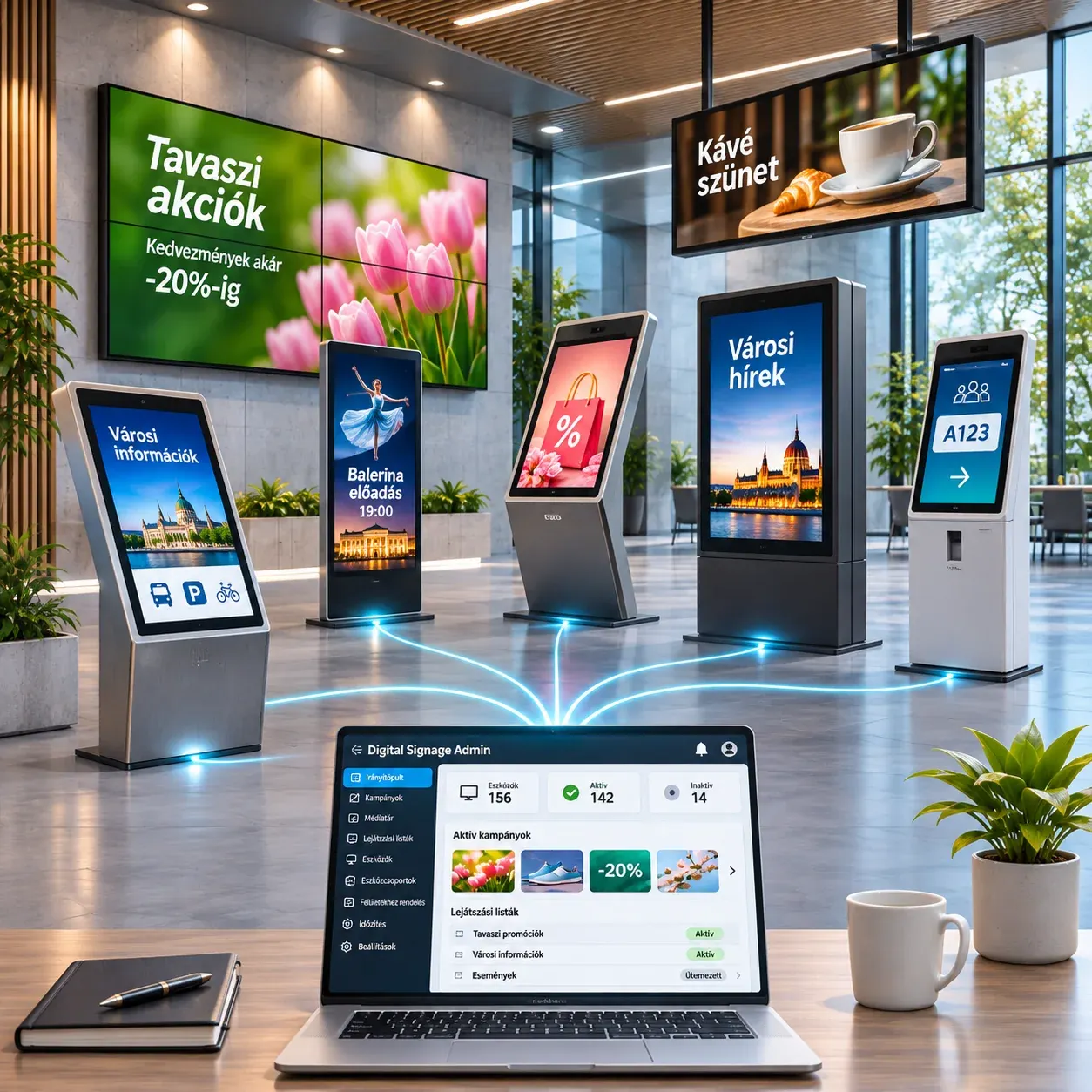
Alongside the selected payment solution, centrally managed offers and media can appear in the appropriate area of the kiosk’s ordering interface.
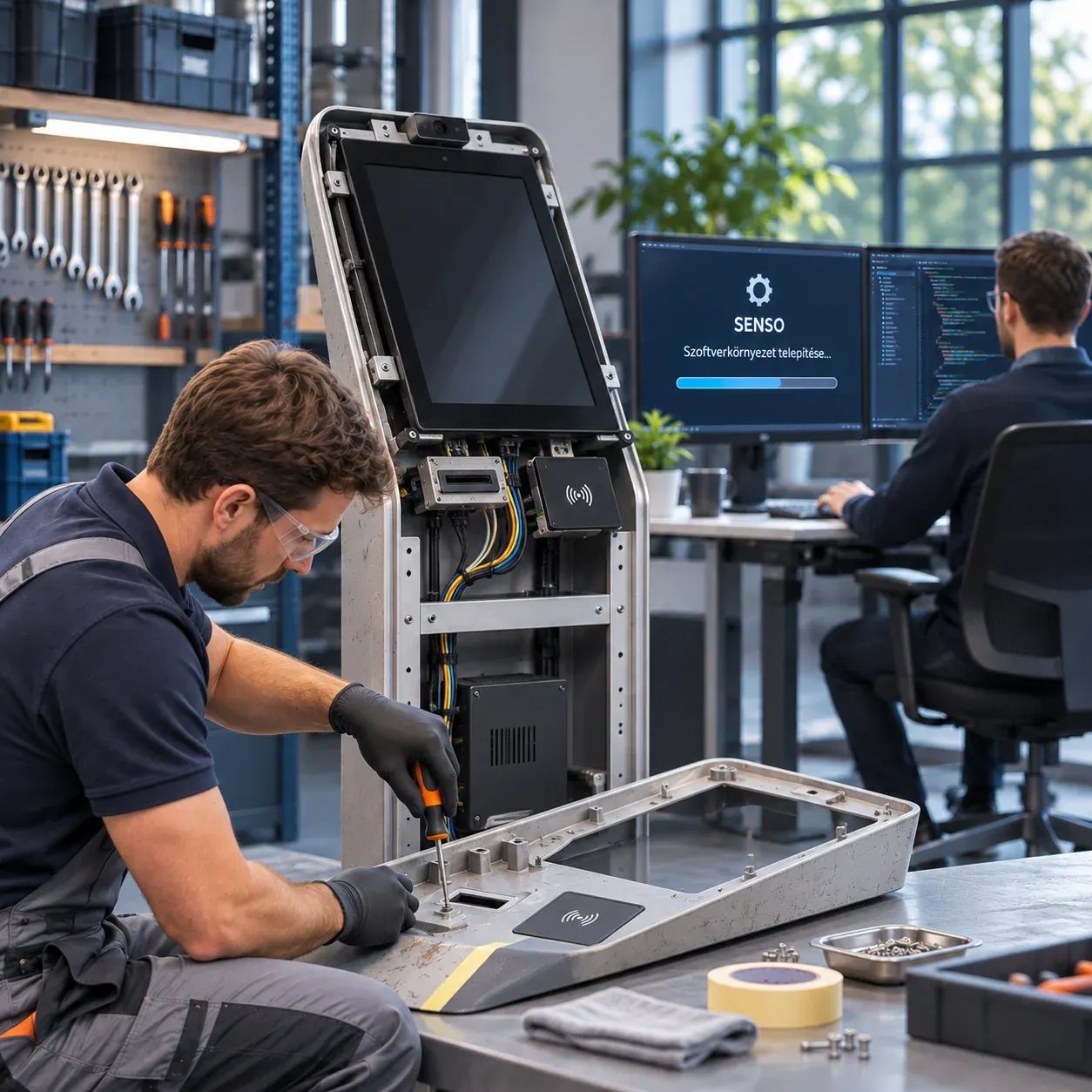
When upgrading an existing network, we first assess hardware condition, communications and connected systems. This determines what can be retained and where replacement components or extensive refurbishment are needed.
We install the SENSO software environment on suitably prepared devices, establish central connections and integrate with the partner’s systems. Device and interface rebranding can also form part of the project.
Long-term monitoring, support and maintenance are planned with service levels suited to the installed environment.
Our Self Service terminals are designed for card payments. Projects requiring cash ordering receive a separately designed suitable hardware configuration and integration.
Card Only
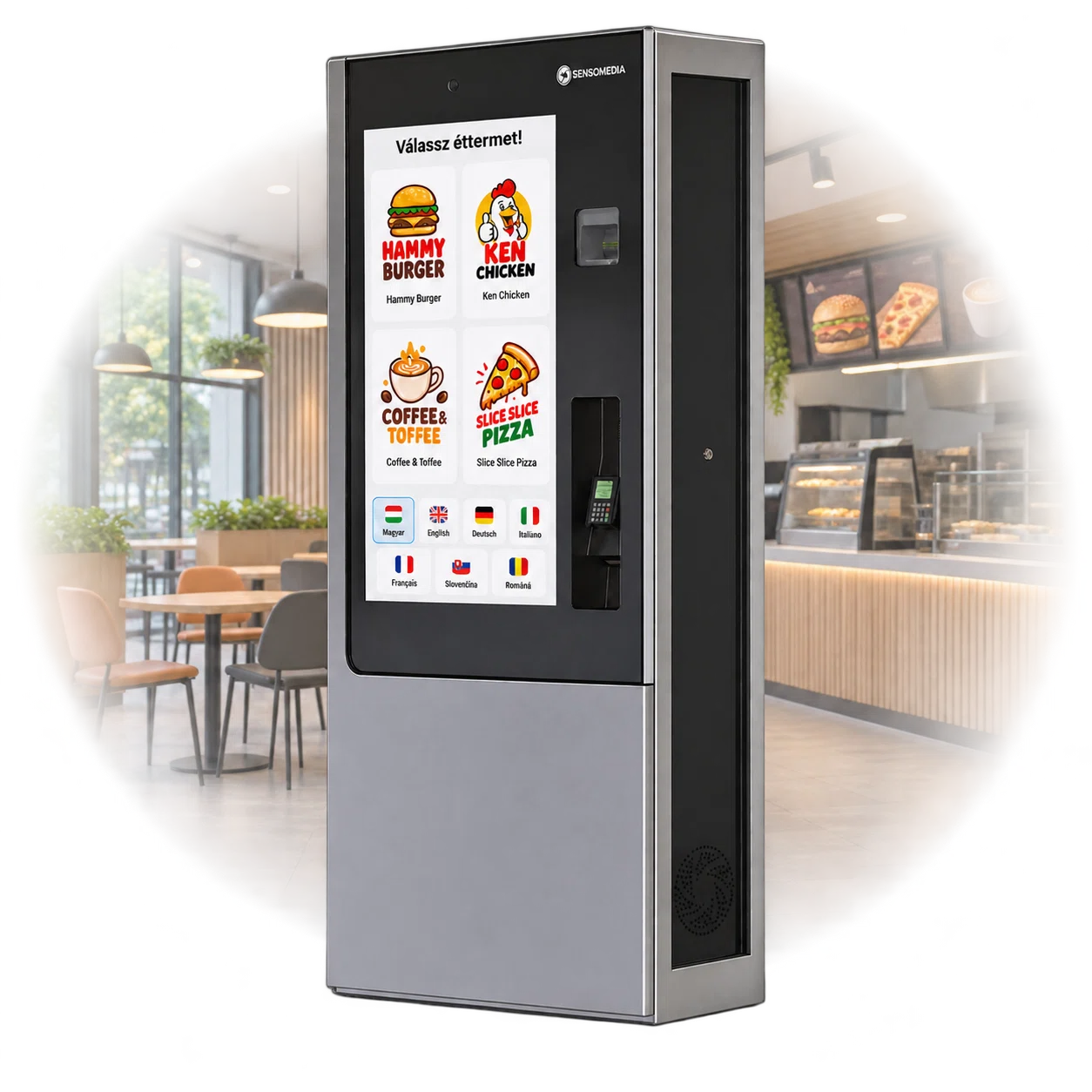
A single-sided self-service ordering terminal with card payments. Menus, product selection and order submission can be adapted to the venue’s operations.
Card Only
A card-based ordering terminal with two customer-facing sides, providing independent ordering even at busier venues.