Information kiosk application
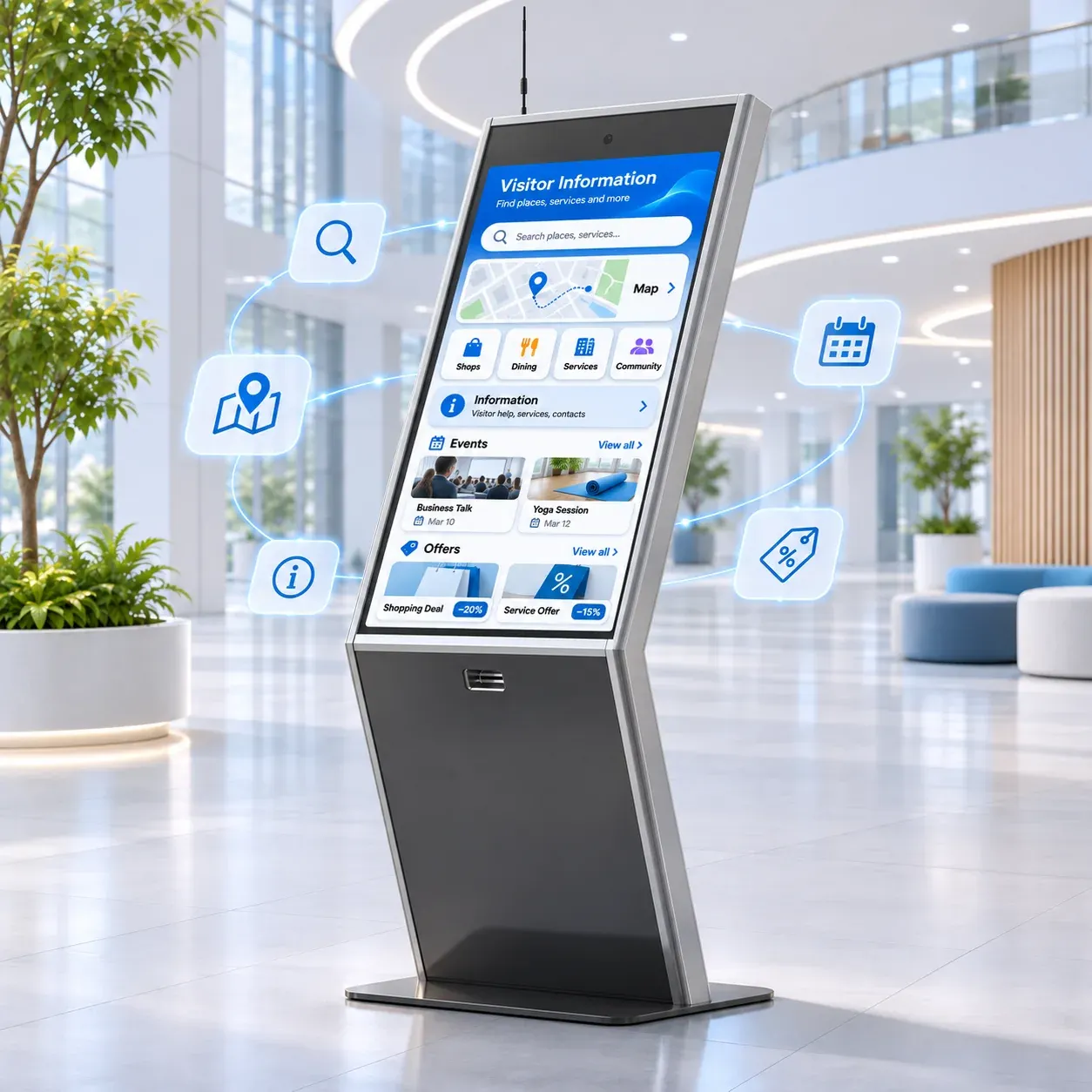
The interface combines modules such as maps, search, information pages, events and offers. Visitors reach content through different routes without a fixed sequence.
 Let’s talk!
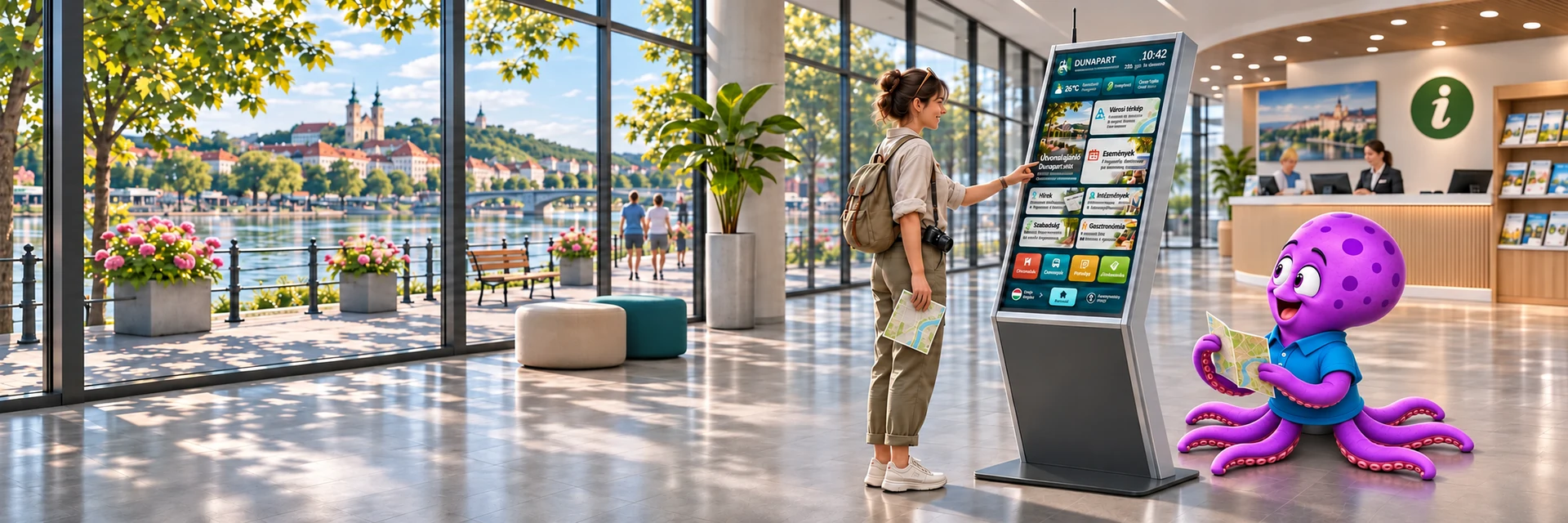
Information, navigation and services in one clear interface
SENSO Generic Info is a modular information platform connecting on-site guidance with searchable content, interactive maps and digital services. It serves shopping centres, public spaces, cultural institutions and office buildings.
Visitors find stores, services or events, plan routes and use additional available functions. Content and interface structure adapt to local needs, turning an information kiosk into a practical customer service point.
Pages, offers and media are updated from a central content manager across multiple locations. More than twenty shopping centres throughout Hungary rely on the information and navigation systems behind the platform; this experience also informs Generic Info development.
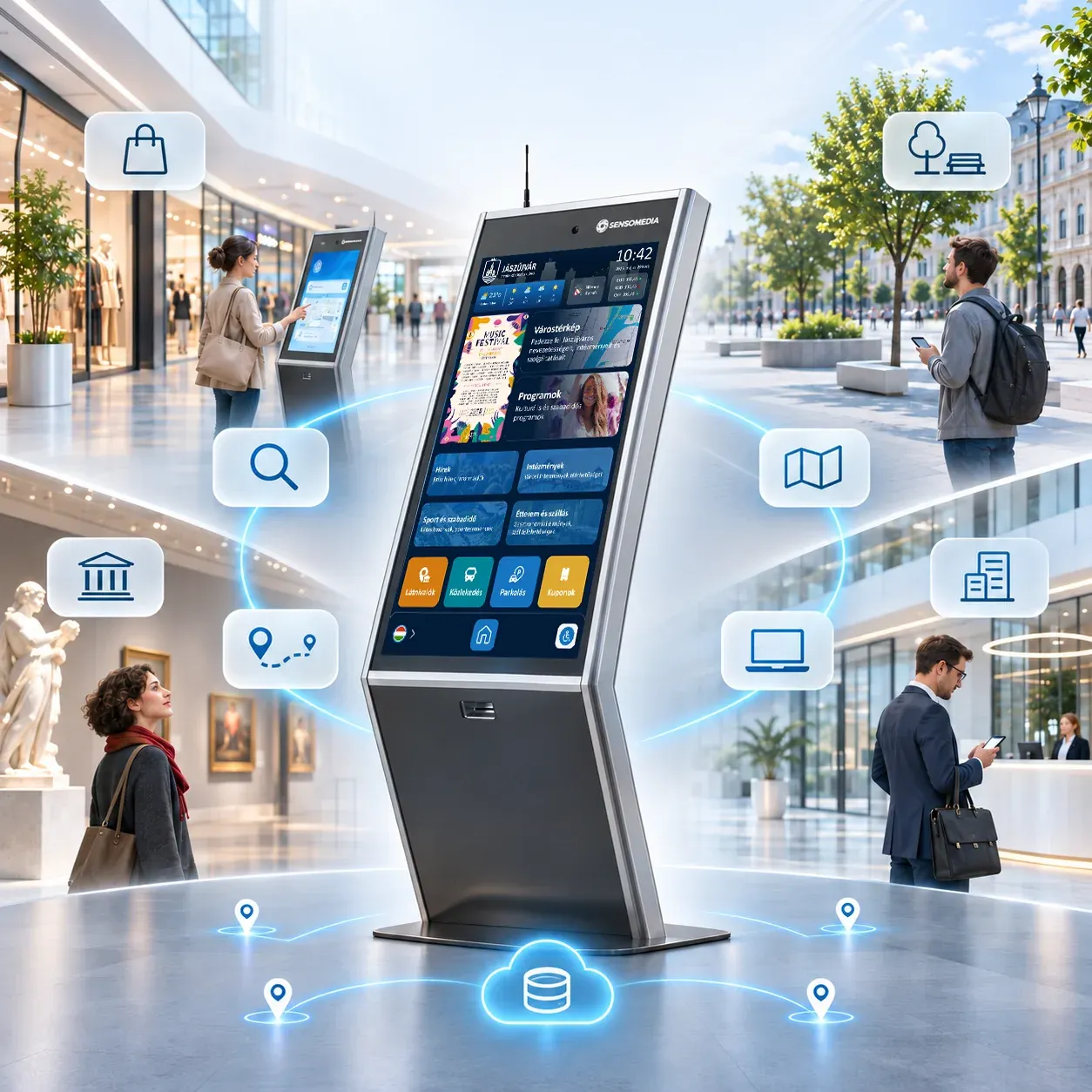
We design the user interface and operational tasks as a coordinated system, choosing a deployment configuration suited to business objectives and site conditions.

Stores, services and content are available in a clear directory.

Changes do not require editing each kiosk separately.

Presentation and assistance functions can be adapted to visitors.

Advertising and public announcements can appear alongside interactive content.

Maps help visitors find their way to a destination.
QR codes and suitable integration transfer selected information to a phone.

Information access can expand into ticket purchases, queue requests or other digital functions.
Connected software components provide user functions and back-end processes.
The interface combines modules such as maps, search, information pages, events and offers. Visitors reach content through different routes without a fixed sequence.
Editors manage information pages, categories, images, videos and coupons. Devices can be grouped, media arranged into playlists and connected data sources configured.
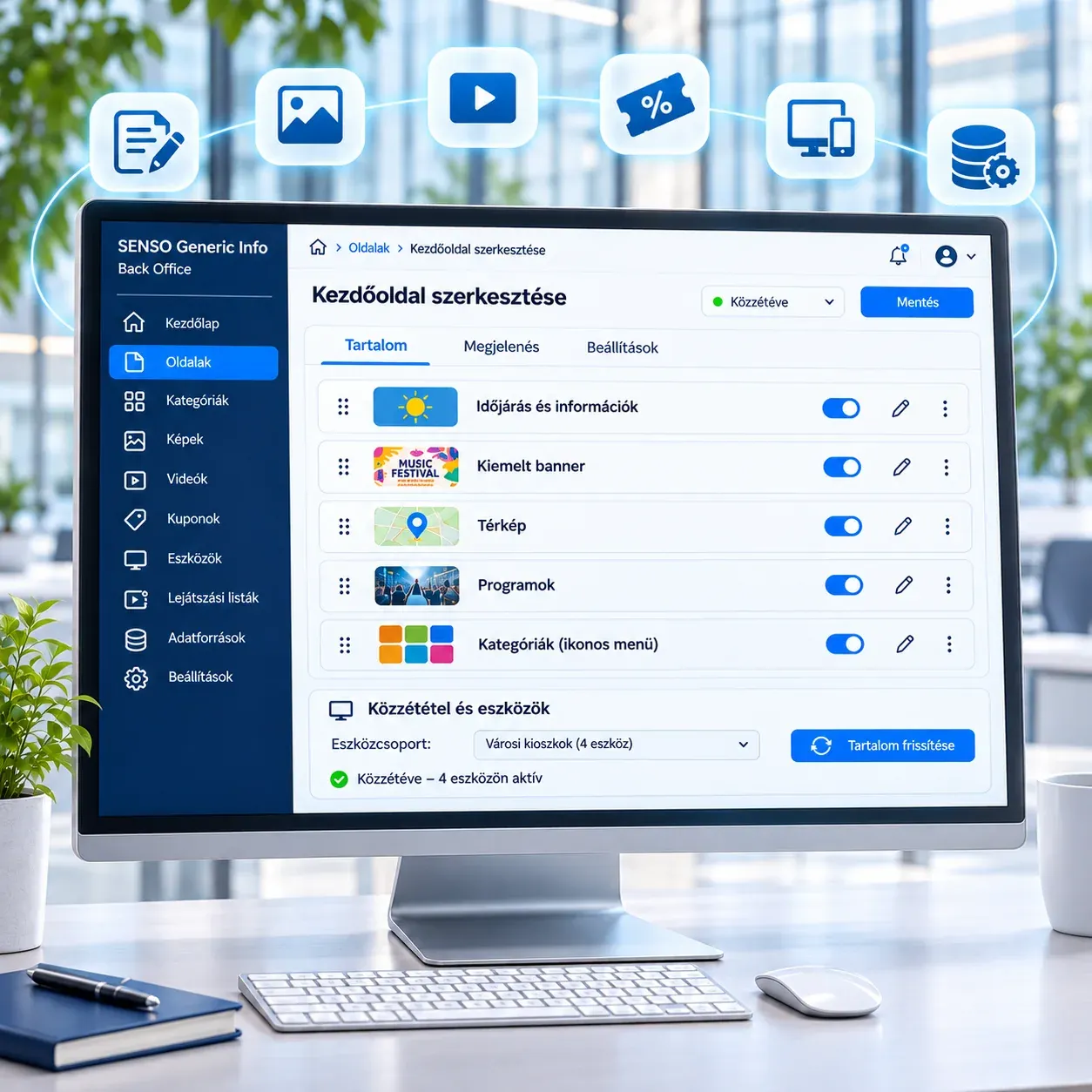
Deployment can include system integration, branding and development adapted to the existing environment. The precise scope is defined as part of the project.

When deploying SENSO Generic Info, we review existing hardware, software and data connections. We define interfaces, data flow directions and operational responsibilities so the new interface fits established processes and reduces duplicate data entry where possible.

We adapt graphics, menus and information delivery to the partner and application. Beyond colours and logos, screen layouts support clear service use. Required languages and supplementary information are agreed during design.

Not every upgrade requires an entirely new device fleet. A technical assessment identifies components that can be retained, refurbishment needs and necessary software changes. Deployment is planned around the partner’s daily operations.
Search, map navigation and current content share a clear interface. Visitors independently find stores, services and local information.
Languages can be selected for the venue’s audience. Users access menus and available content in their preferred language.
Selected routes or information can be transferred to a phone using a QR code, keeping content available after visitors leave the kiosk.
Name days, exchange rates, time and weather can appear on screen. These useful updates accompany kiosk content and refresh through the selected data sources.
Colours, logos and graphics match the partner’s brand. Menus and content follow the location’s services, creating a consistent, easy-to-use interface.
Images, videos, notices and promotions can adapt to the usage context. Central content updates help kiosk communication reflect changes at the location.
Information can be complemented by queue tickets, ticket purchases or services continued on a phone. Selected services become available through data connections with the partner’s systems.
Advertisements can appear in a dedicated part of the interface during use. They accompany information and navigation while keeping these functions usable.
Reduced-mobility mode is a core feature that moves controls to a screen area more easily reached from a wheelchair. Visitors can use the kiosk’s information and navigation interface more comfortably.
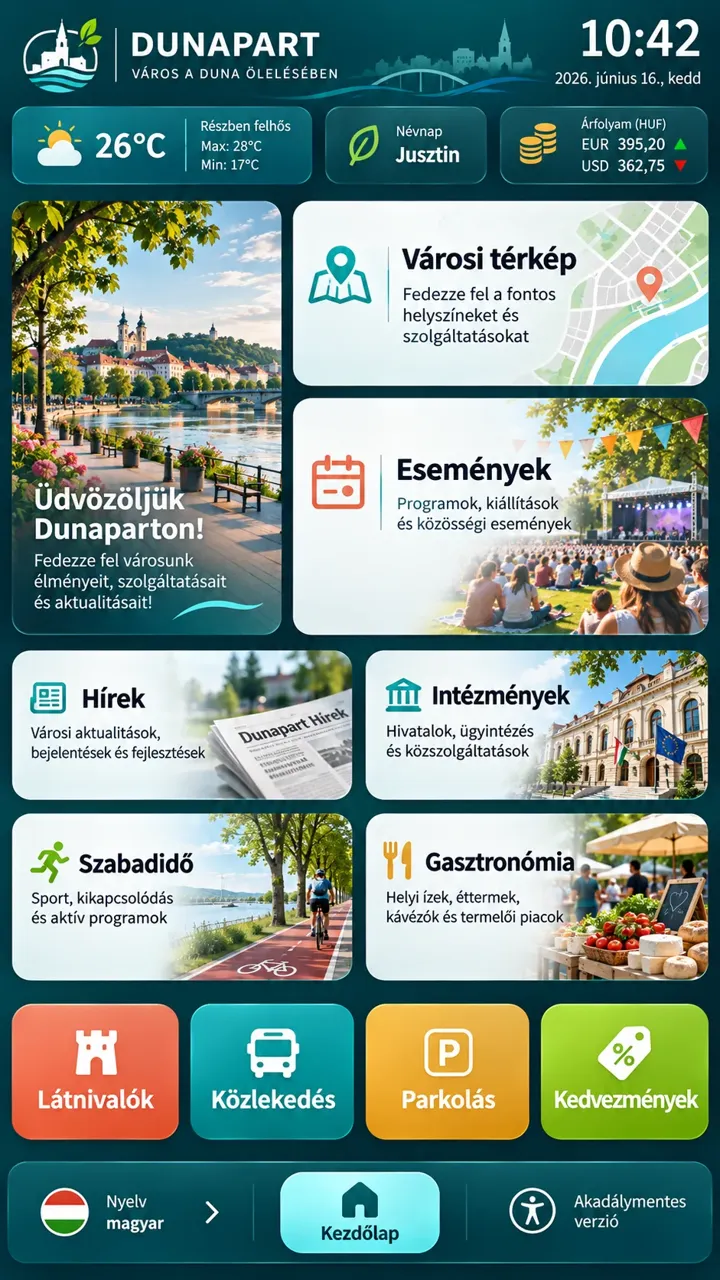
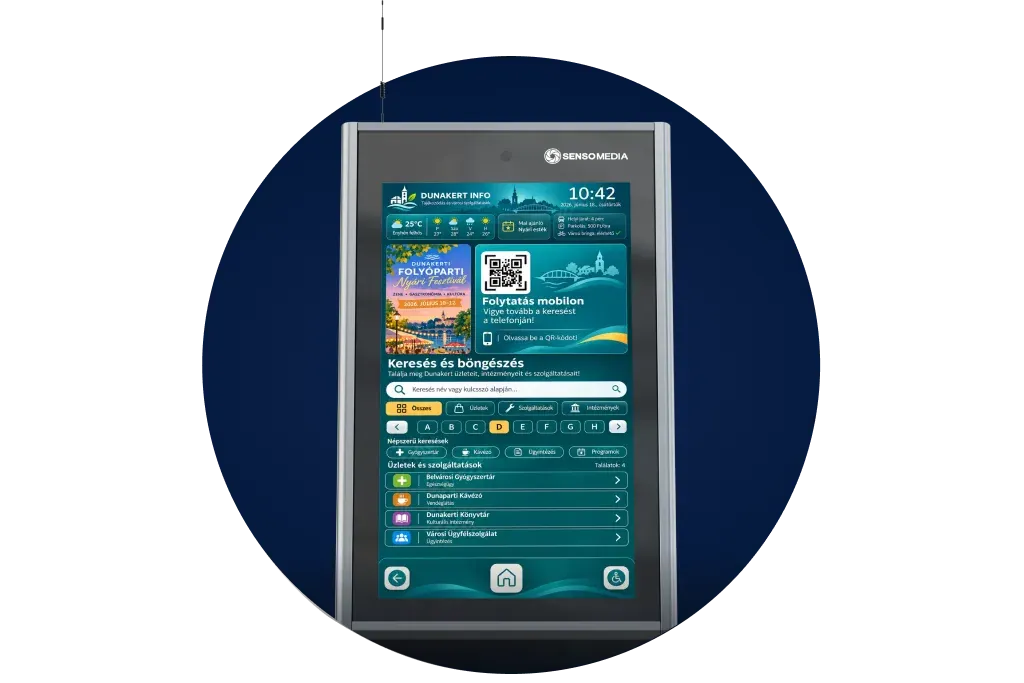
Visitors search stores, services and local content by name, category or keyword, then open details directly from the results.
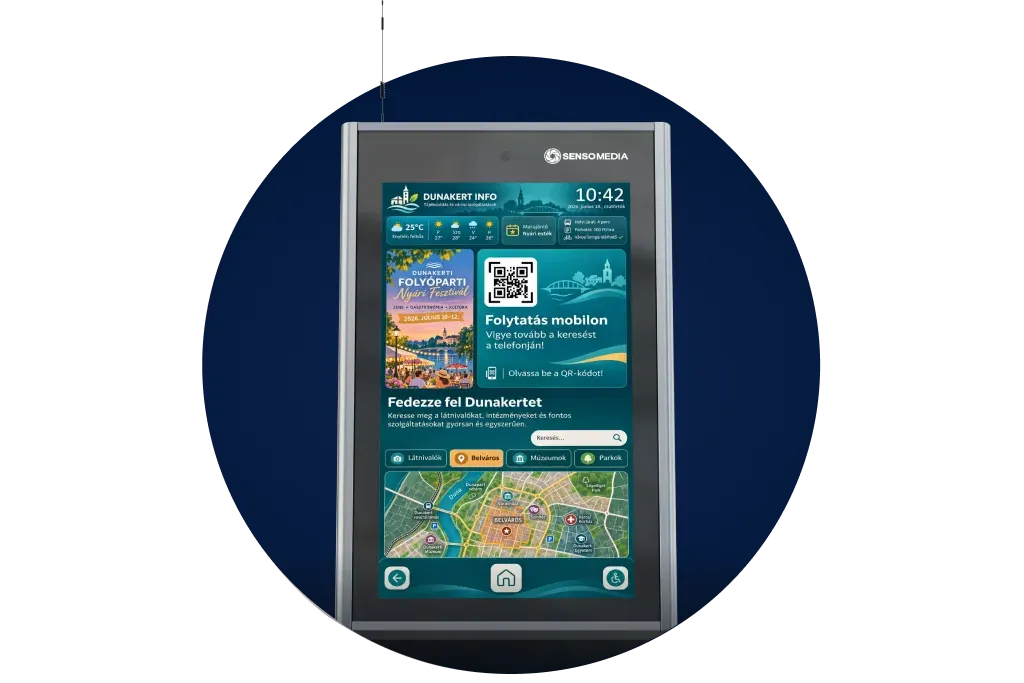
A pan-and-zoom map makes the location easy to explore and supports route planning to the selected destination.
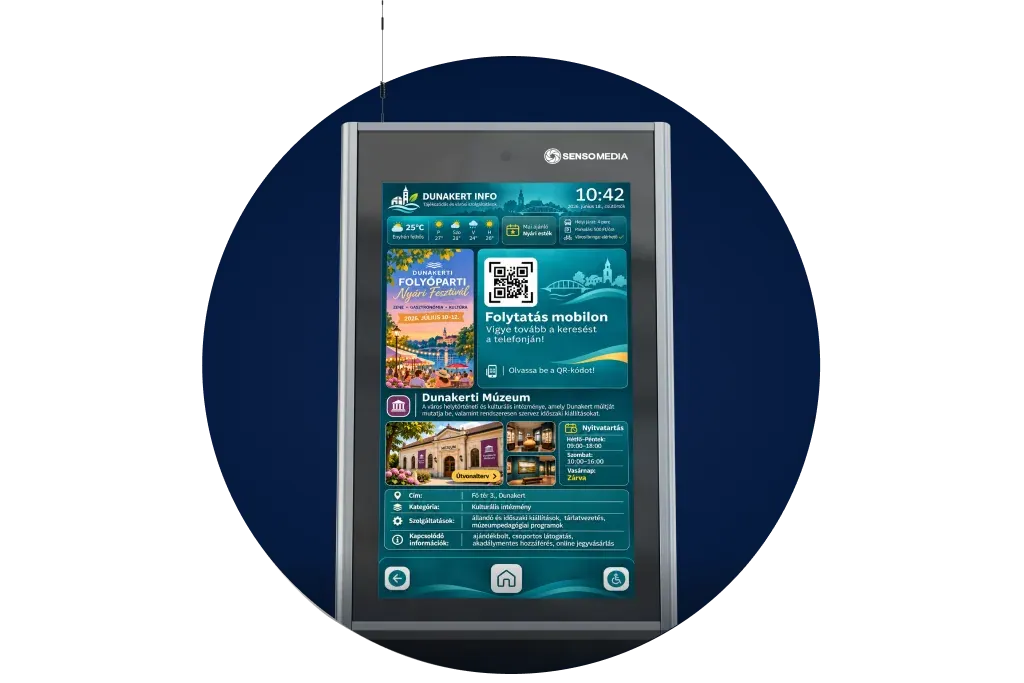
Descriptions, opening hours, images, news and events follow the venue’s structure. Visitors receive both permanent information and current updates in one interface.
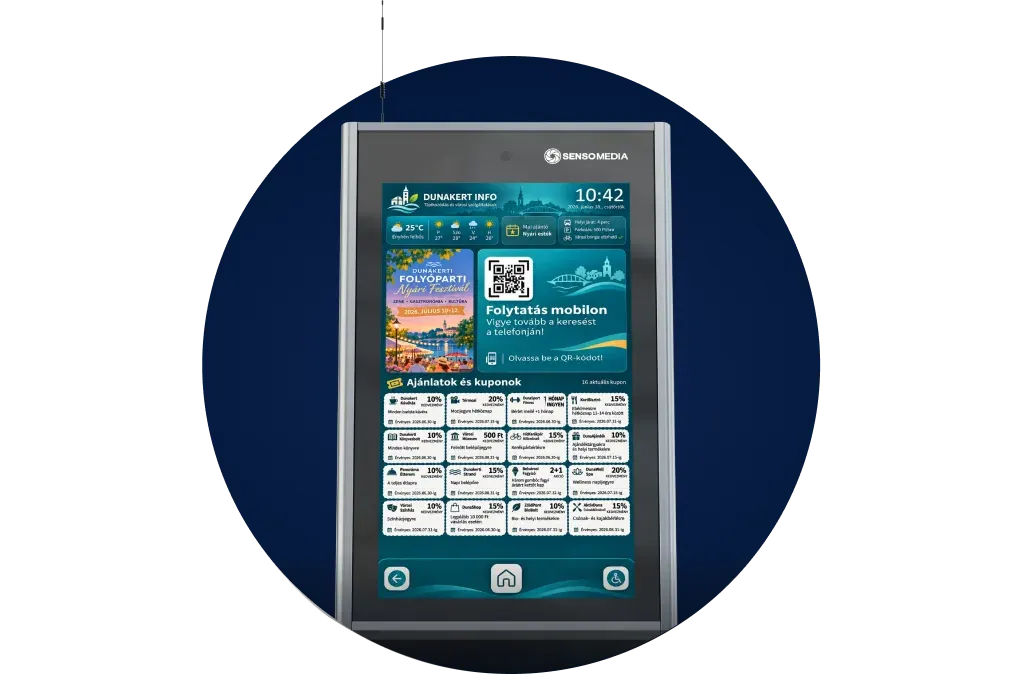
Partner offers are browsed in one place and redeemed through the configured process. Printer-equipped kiosks can issue suitable coupons on site.
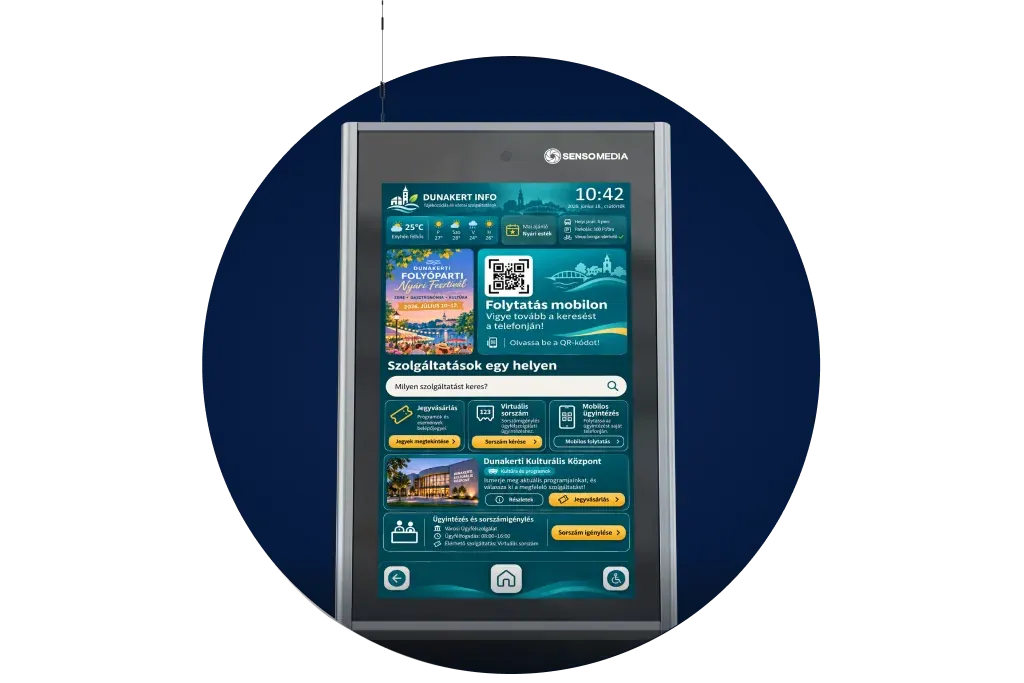
Visitors can browse products and build a basket at the kiosk, transfer it to a phone by QR code and pay on mobile. The journey connects to integrated sales and payment systems.
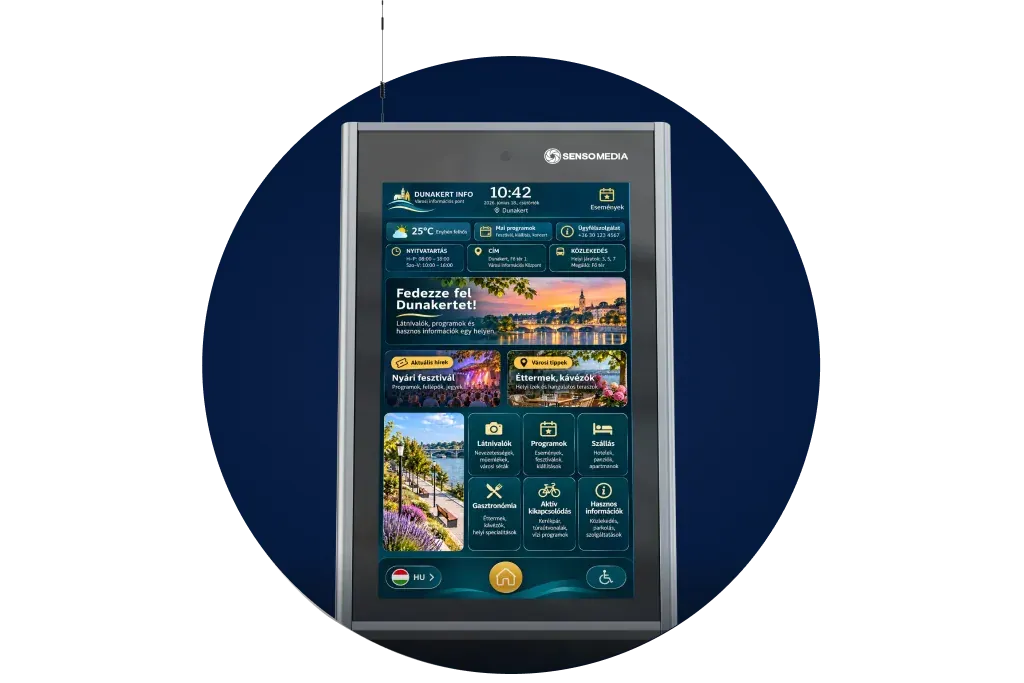
Reduced-mobility mode is a core feature that moves controls to a screen area more easily reached from a wheelchair. Visitors can use the kiosk’s information and navigation interface more comfortably.
The following functions depend on the selected configuration and required integrations. Their exact implementation and associated services are agreed before deployment.
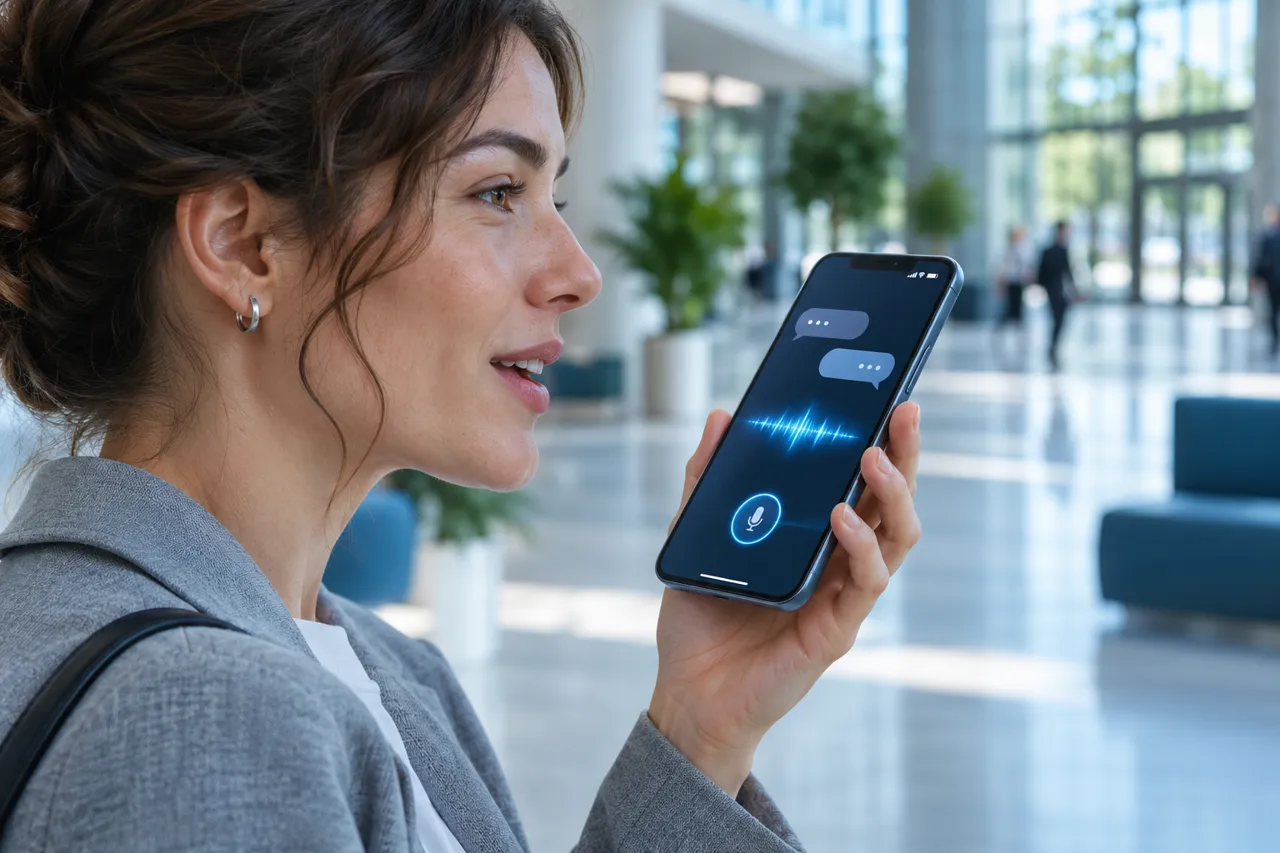
Visitors ask spoken questions and receive voice responses based on venue content. Knowledge and tone are developed with the partner.
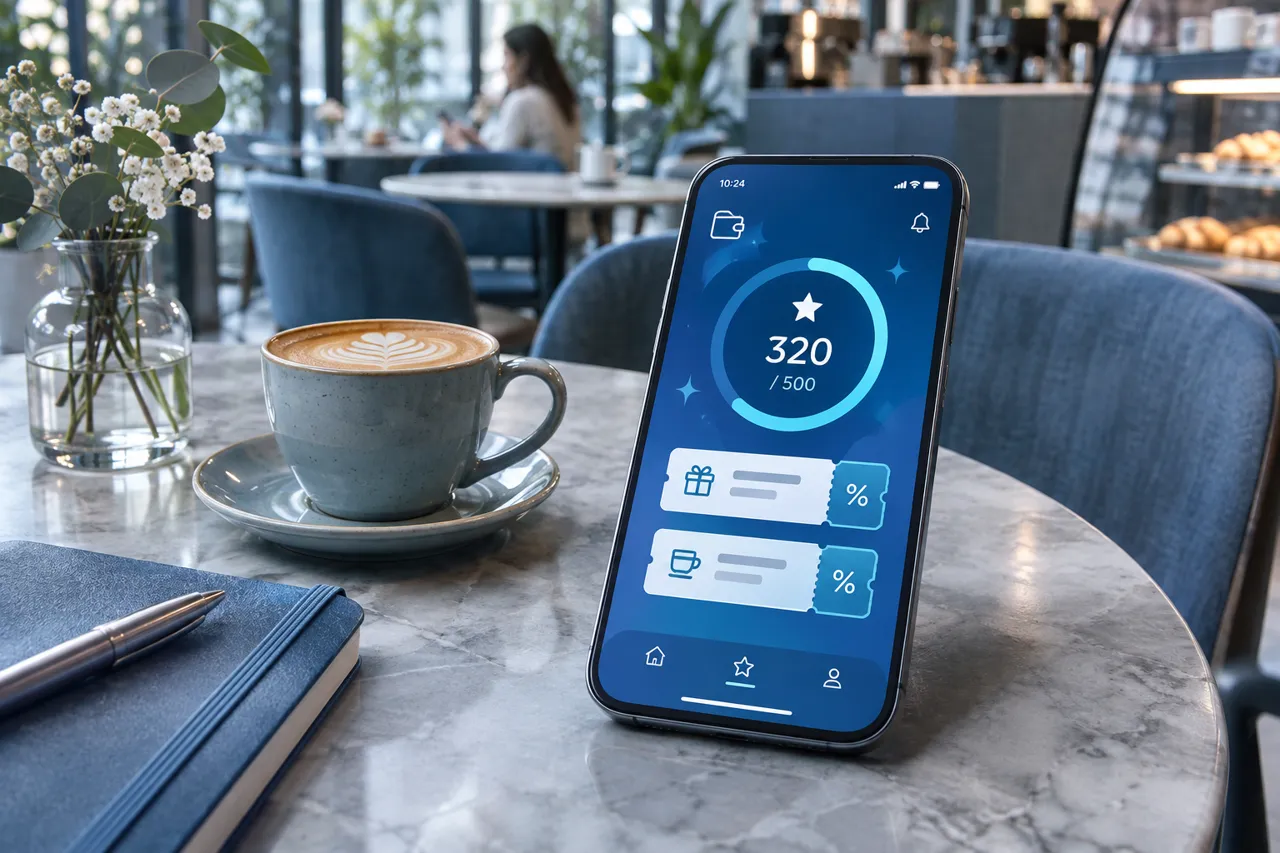
SENSO Queue enables virtual queue numbers, while Connect and XP can reward designated activities. NFC touchpoints can also support mobile access.
The content manager coordinates different locations and interfaces. Shared and local information are organised in the same management environment.
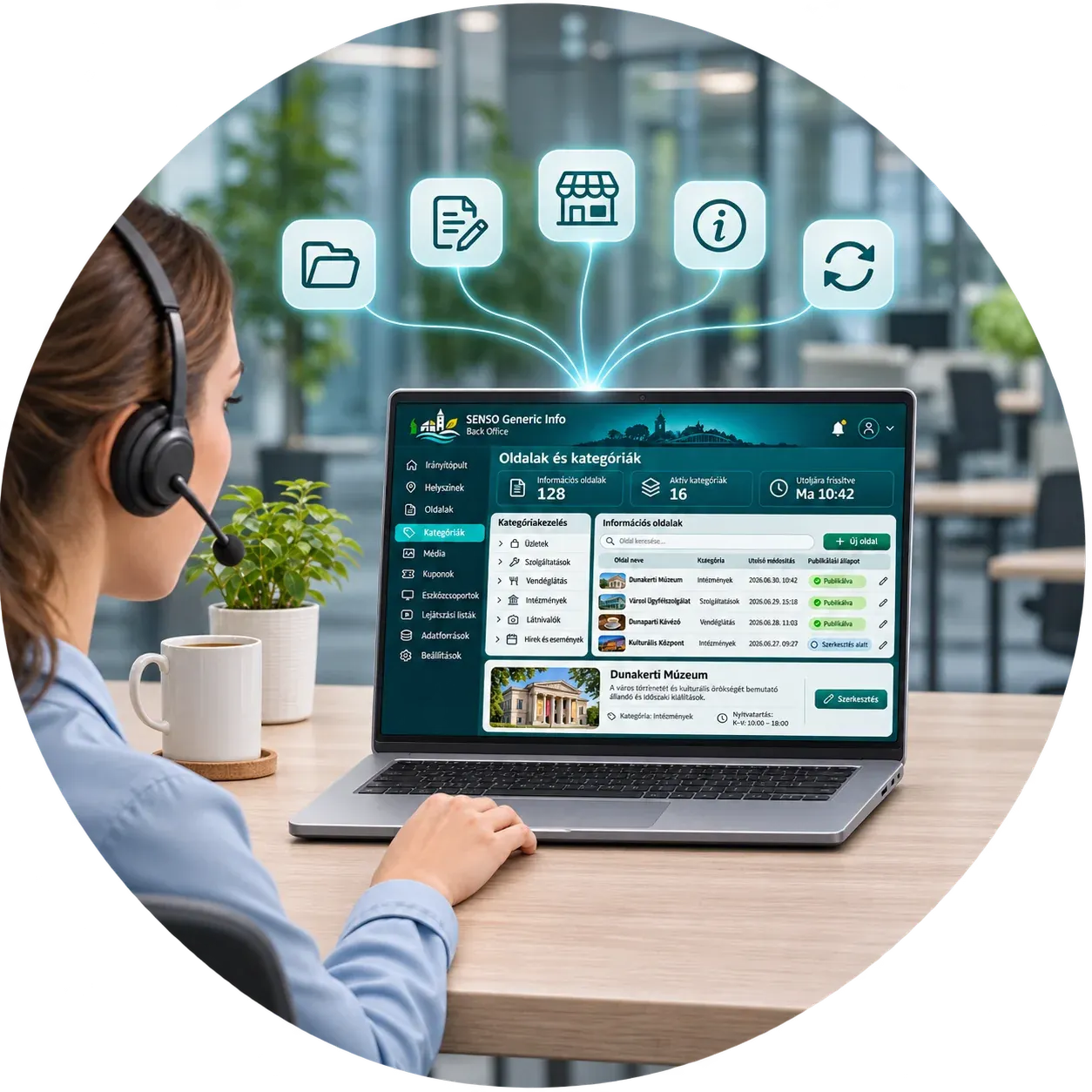
The information structure follows the venue. Updating store, service and content data keeps visitors informed.
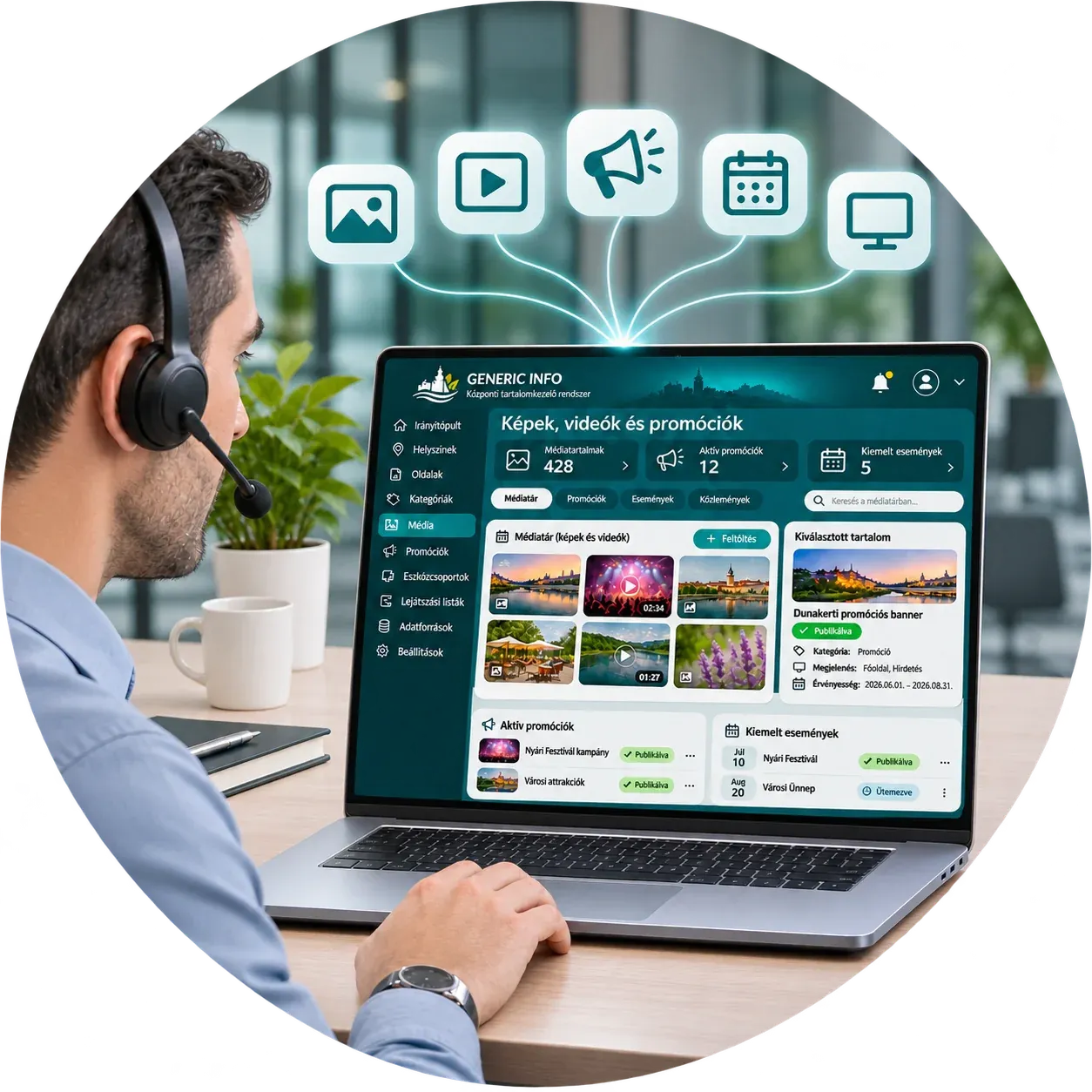
Visual content is managed centrally. Announcements, events and campaigns appear in designated interface areas.
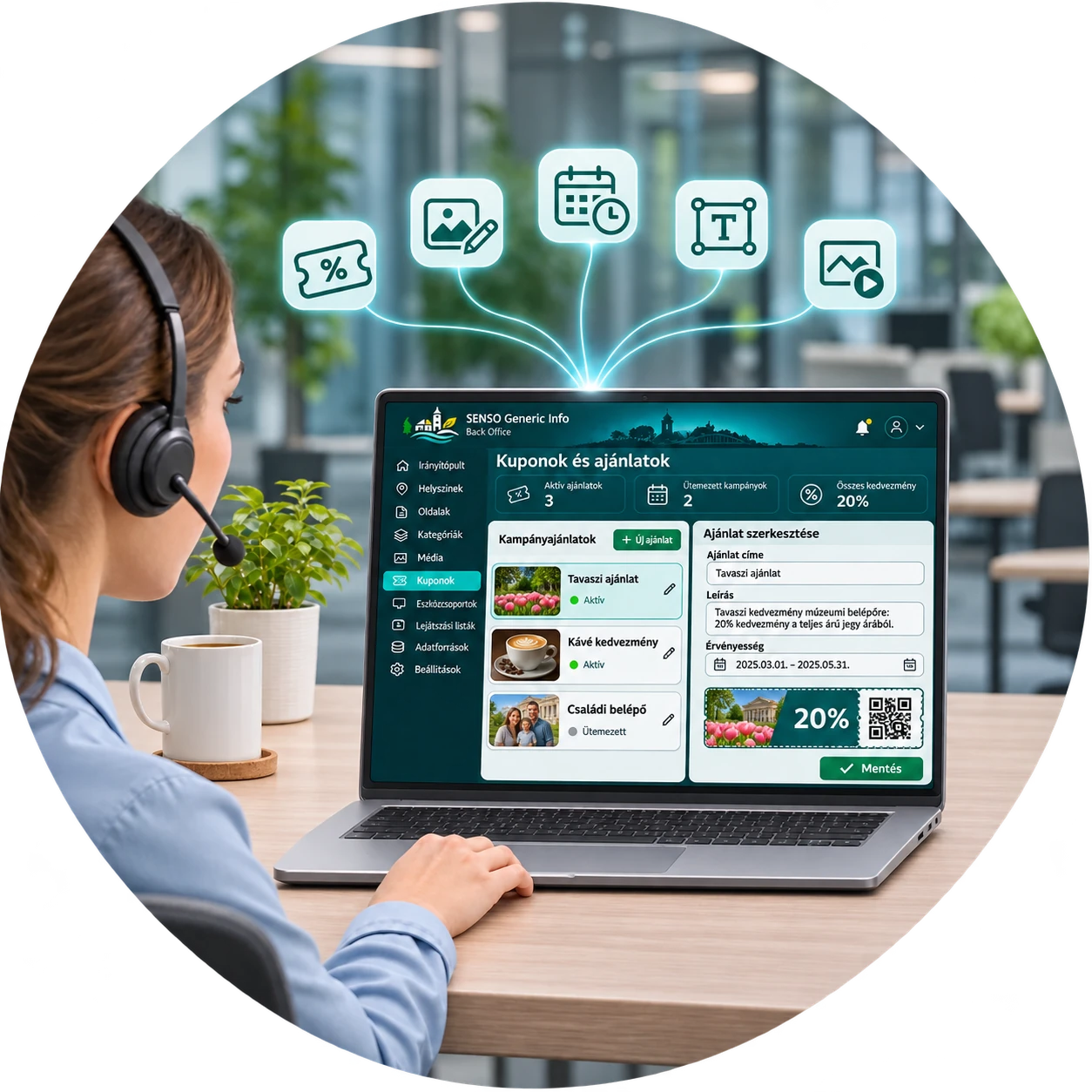
Coupon booklet content follows current campaigns. Editors update offer wording and associated media.
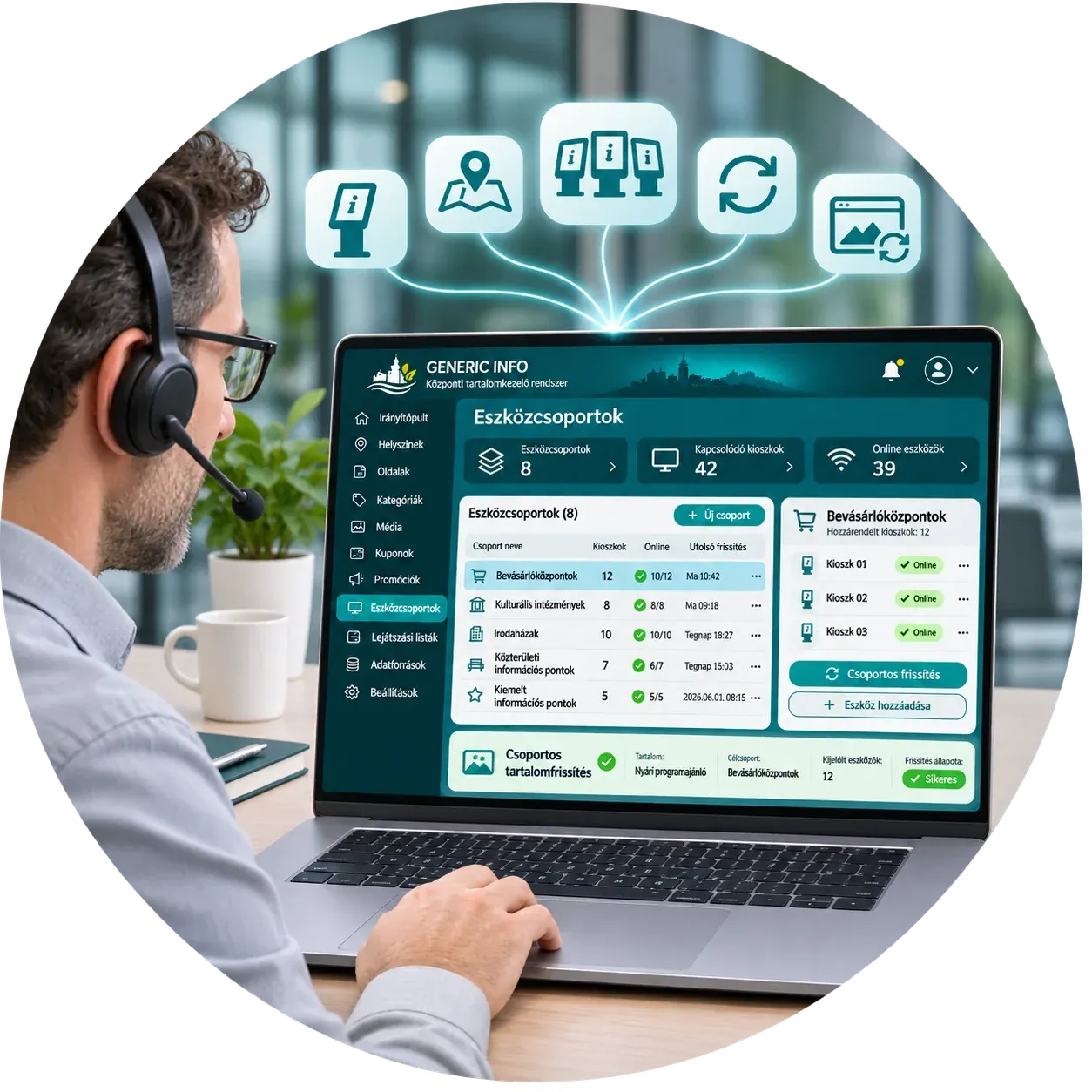
Kiosks can be organised into custom groups so location- or audience-specific updates are applied together.
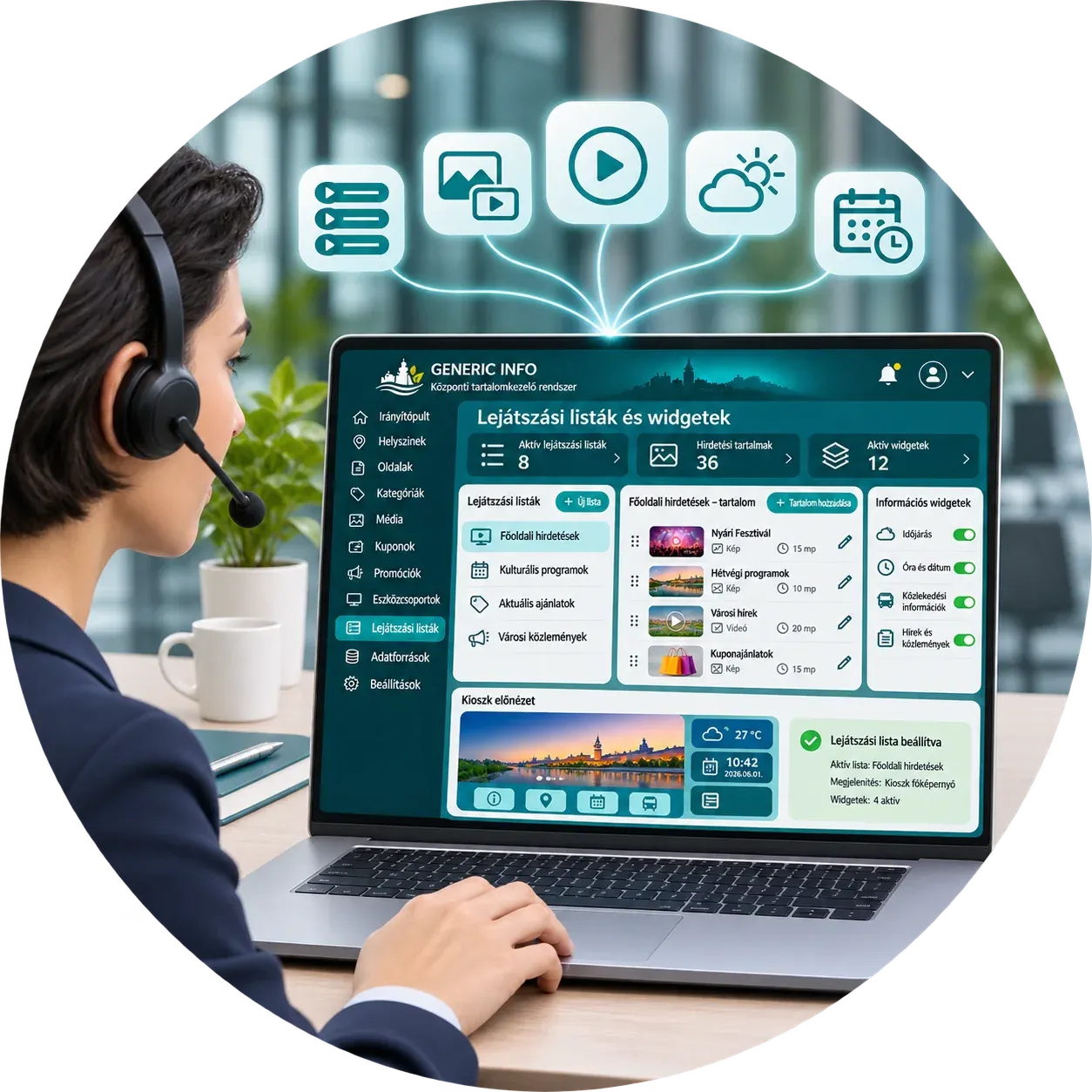
Advertising is organised into playlists, and supplementary information widgets are managed centrally. Content follows the interactive interface’s behaviour.
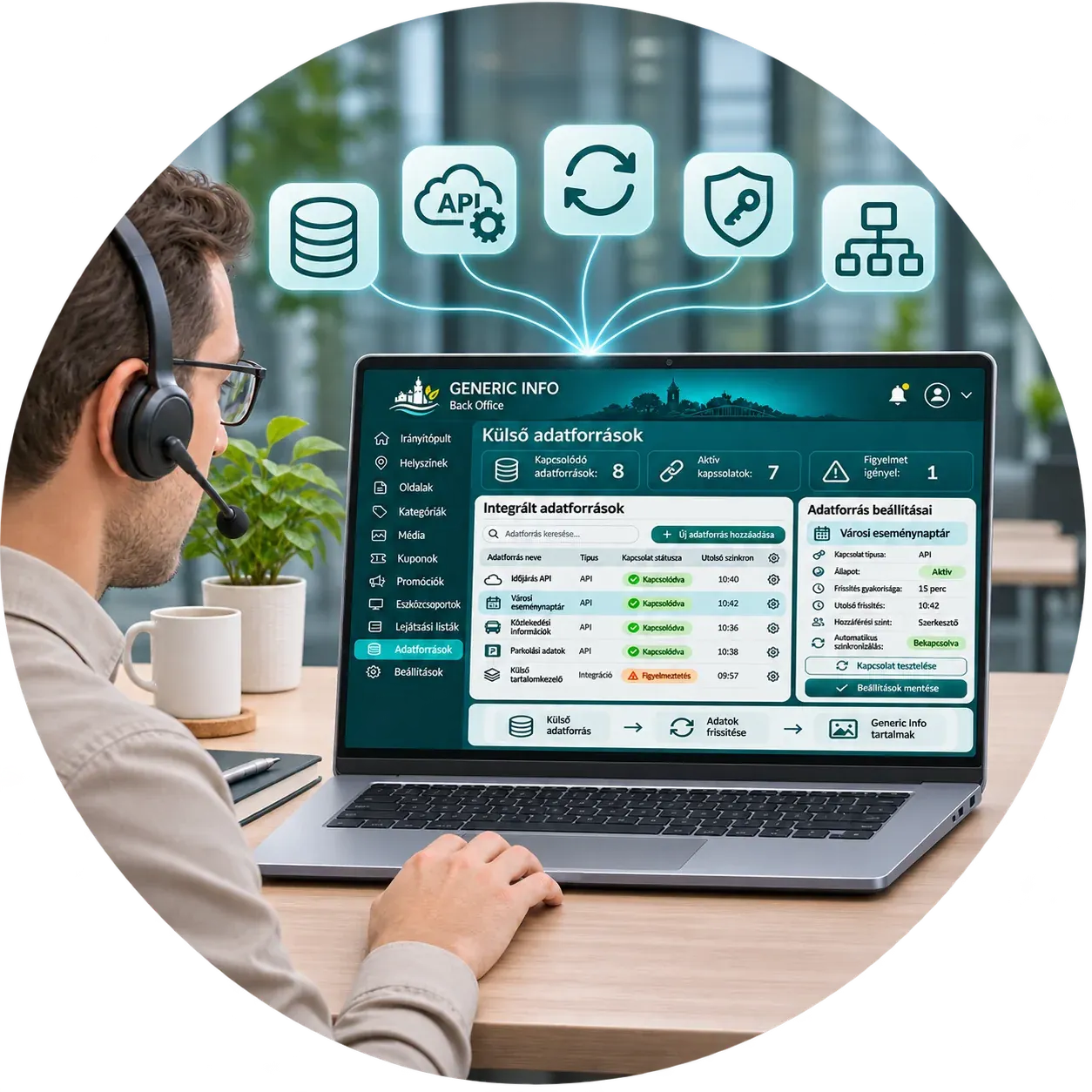
Integrated service connections are configured centrally. Staff access and update processes are adapted to the data sources.
The following connections can be configured according to partner requirements and the technical capabilities of existing infrastructure. Integrations are optional and are not automatically available in every installation.
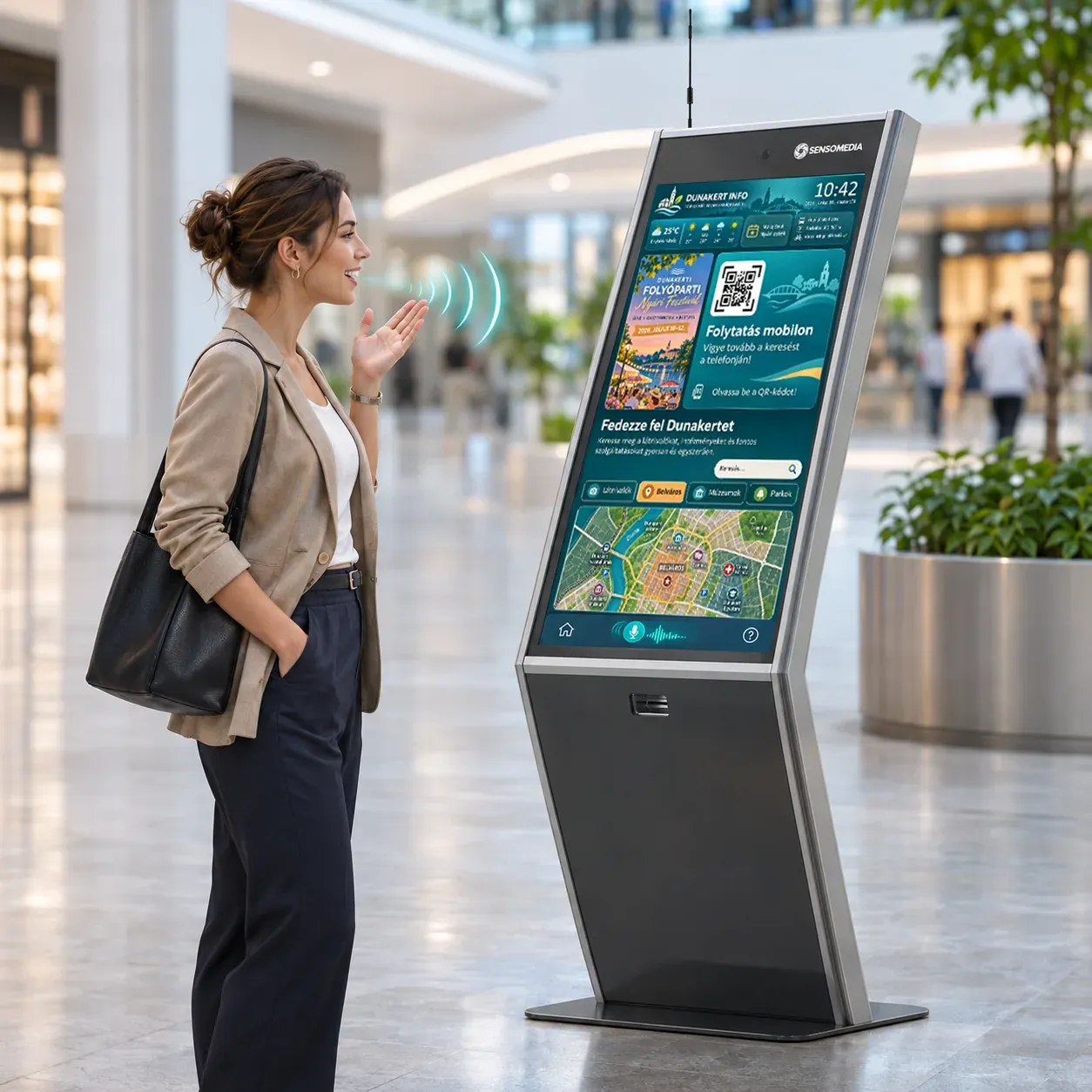
Voice assistance based on kiosk content and a jointly developed knowledge base can complement on-screen search.
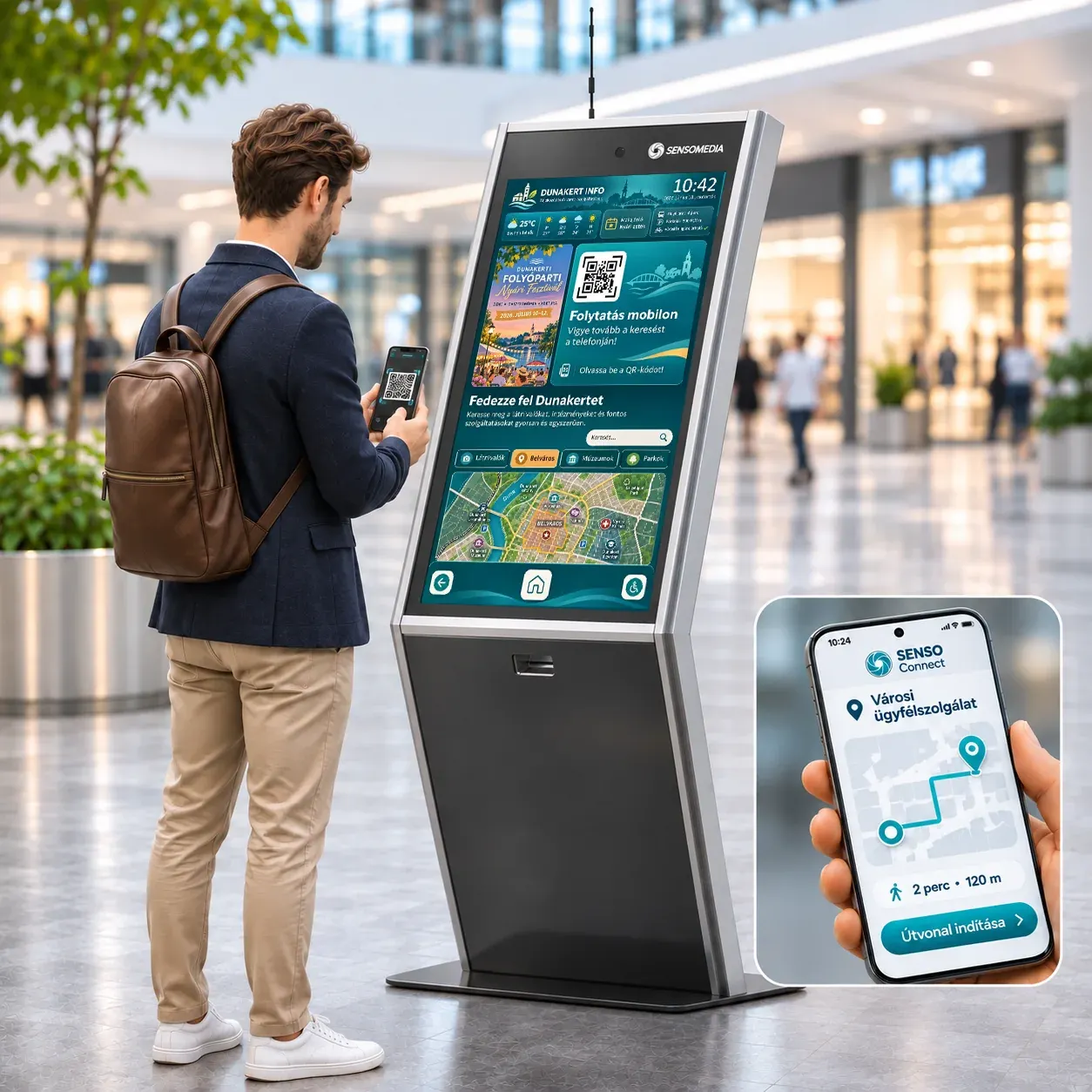
NFC touchpoints and mobile apps can connect to on-site information. Mobile continuation or points collection uses appropriate user identification.
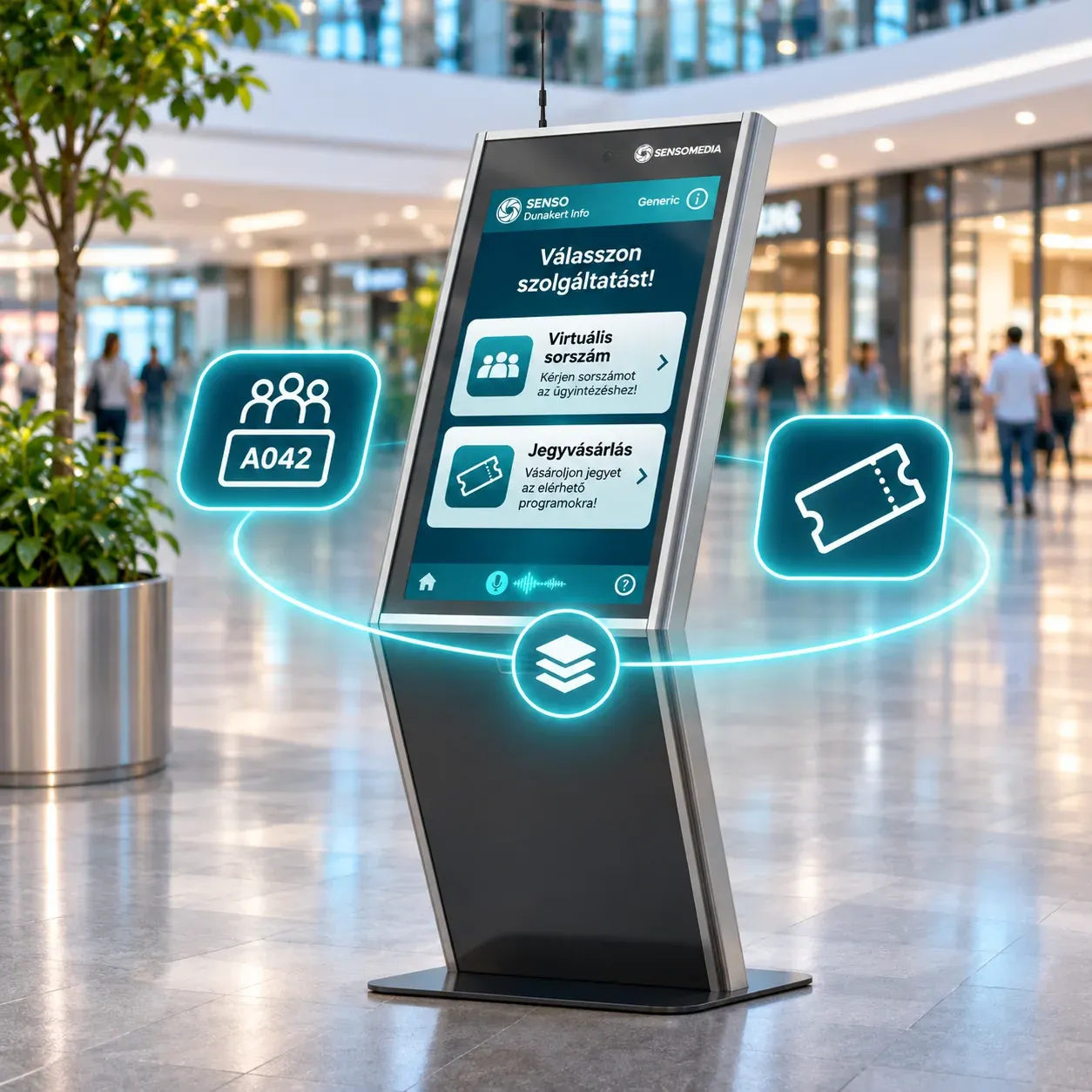
Virtual queue numbers or ticket purchases can be accessed directly from the information environment, combining several customer service functions in one kiosk.
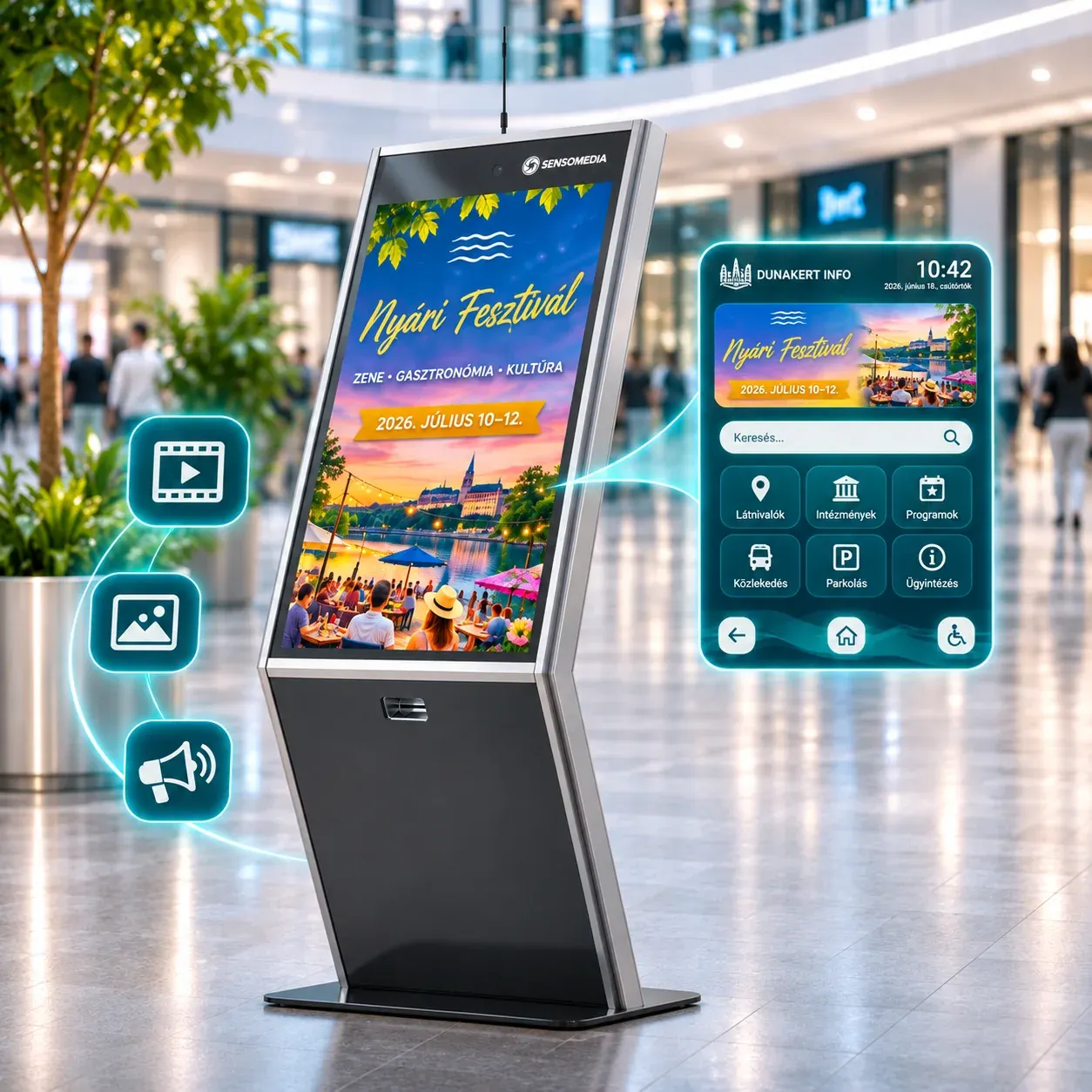
Centrally managed media appear in a dedicated area during active use and full-screen when idle.
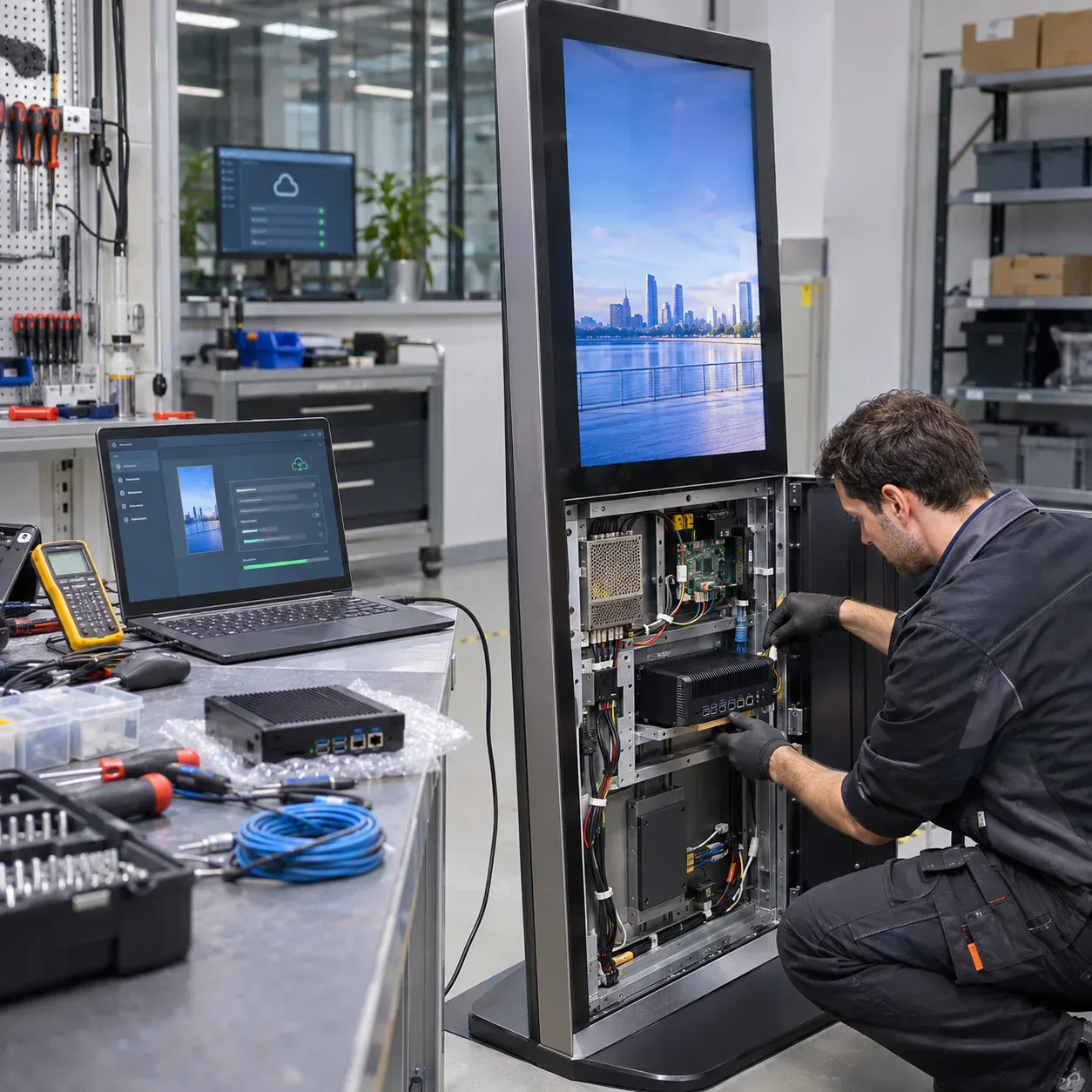
When upgrading an existing network, we first assess hardware condition, communications and connected systems. This determines what can be retained and where replacement components or extensive refurbishment are needed.
We install the SENSO software environment on suitably prepared devices, establish central connections and integrate with the partner’s systems. Device and interface rebranding can also form part of the project.
Long-term monitoring, support and maintenance are planned with service levels suited to the installed environment.
Our information devices offer touchscreens for different spaces and uses. Software layouts are adapted to the display and installation height.
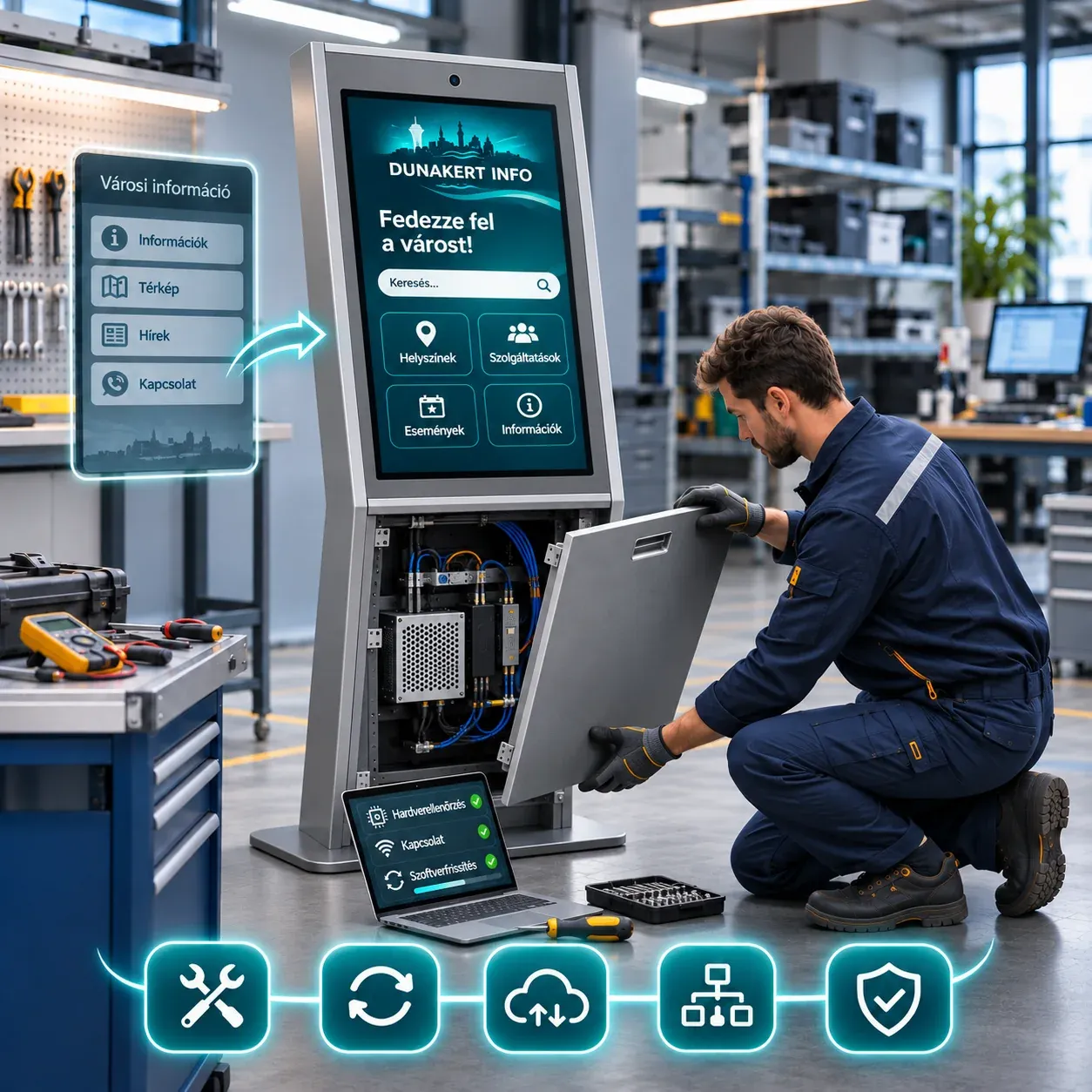
indoor and outdoor versions
Freestanding information terminals for search, maps and local content browsing. The indoor or outdoor model is selected for the installation site.
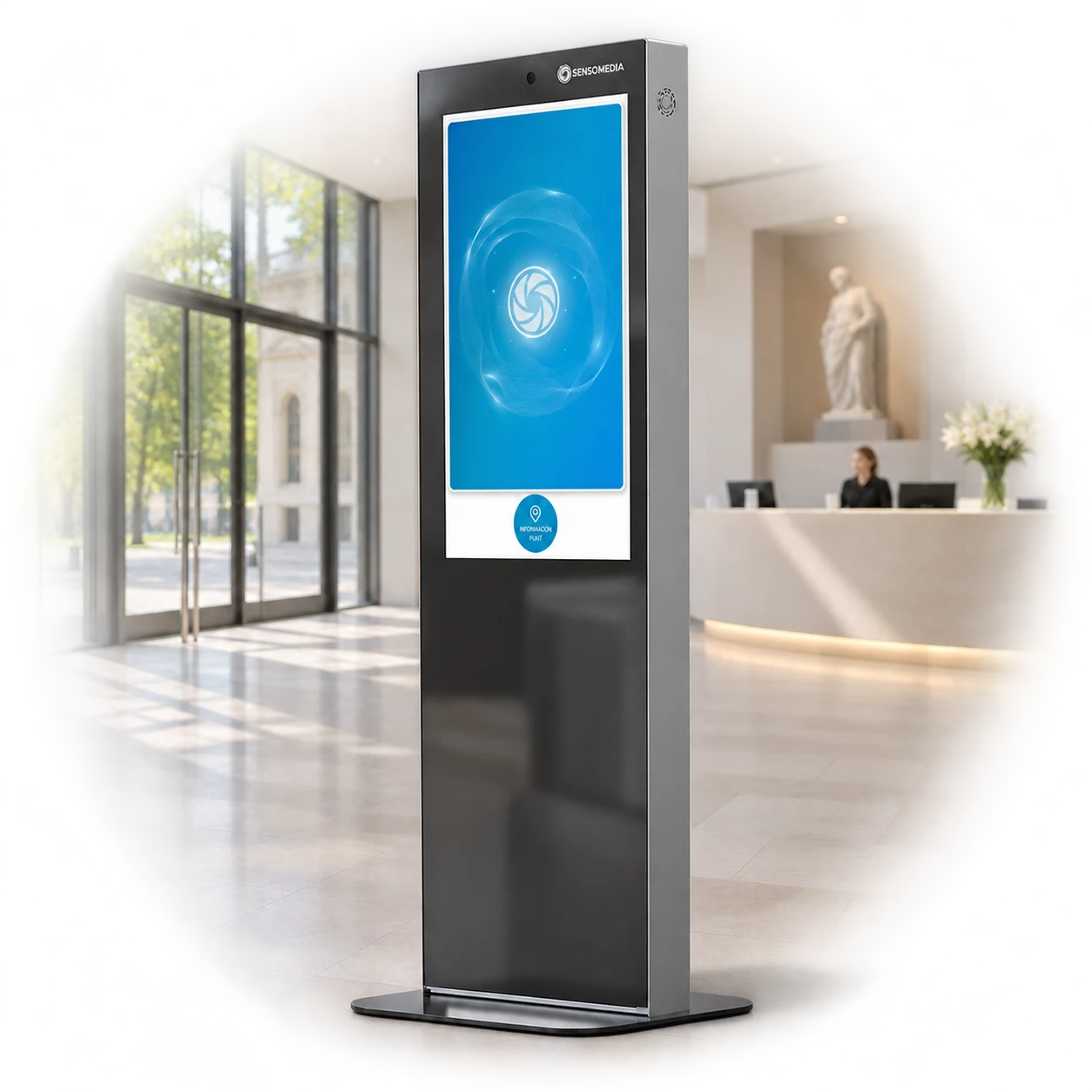
interactive versions
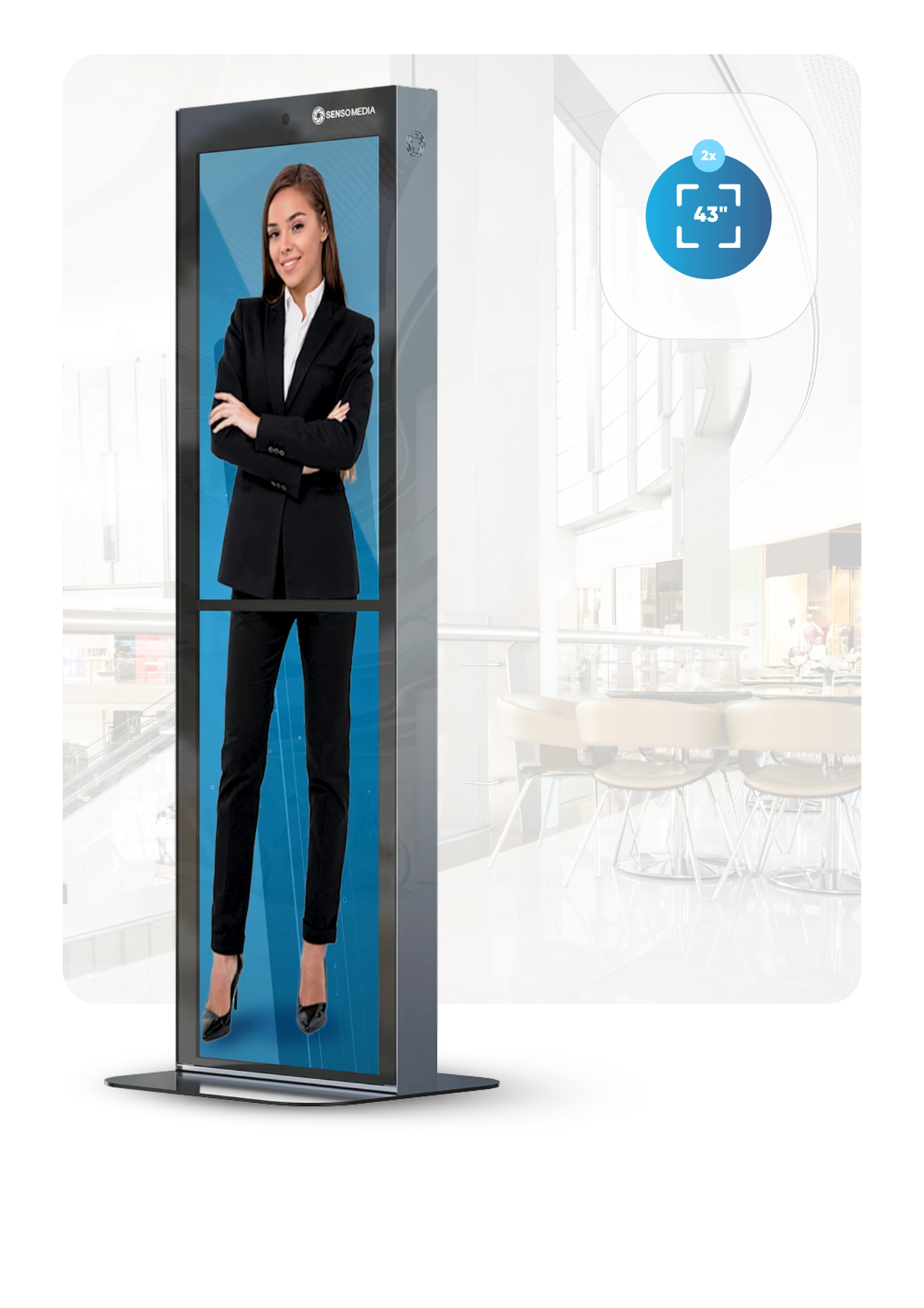
Dual-display indoor and outdoor information devices combine interactive interfaces and supplementary content in one unit.
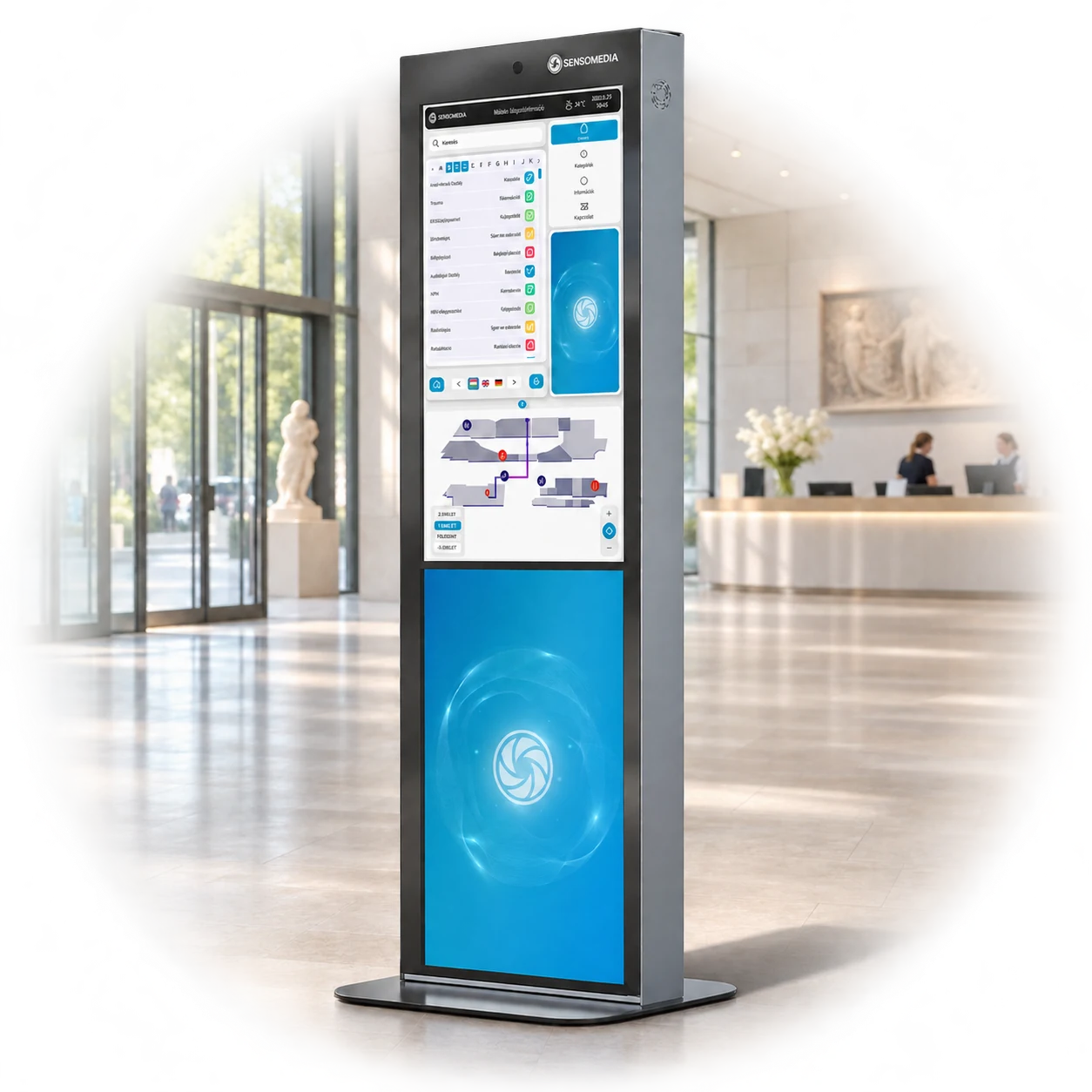
Indoor information kiosks with 43-inch touchscreens. The Info Desk with Printer coupon printer can issue suitable digital coupon booklet offers on site.
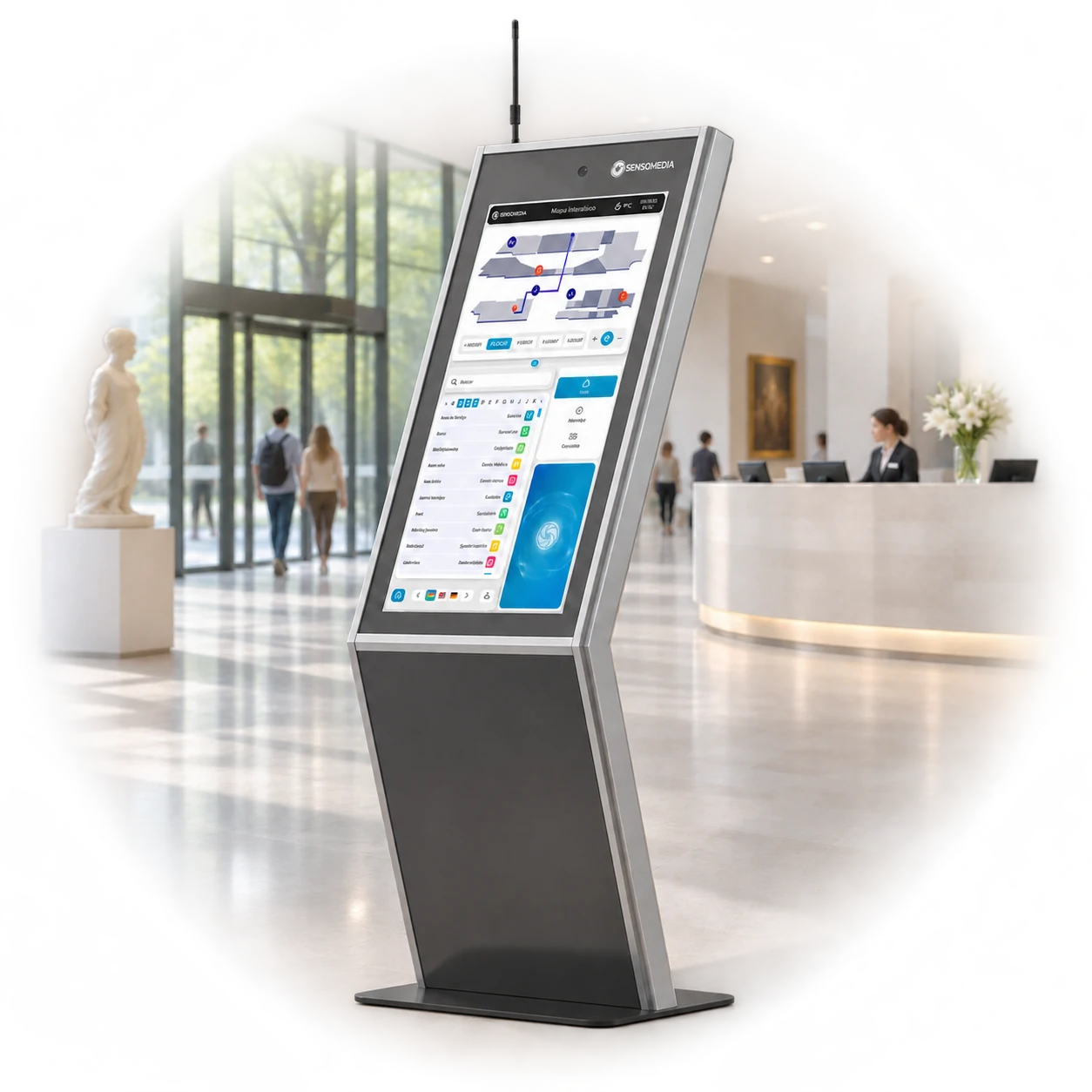
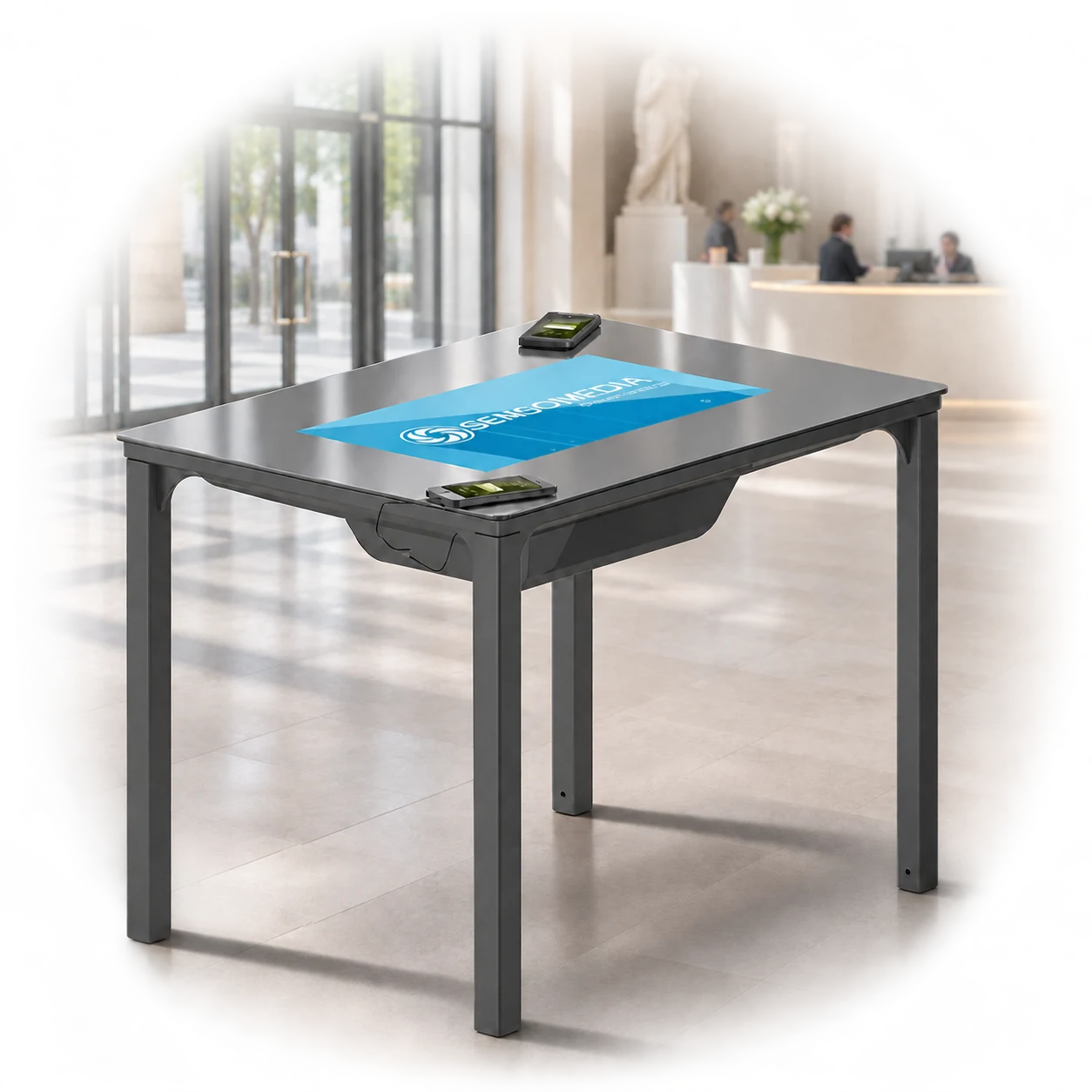
An information table with a 43-inch touchscreen. Search and information functions can use a layout designed for table-based interaction.