Queue ticket kiosk application
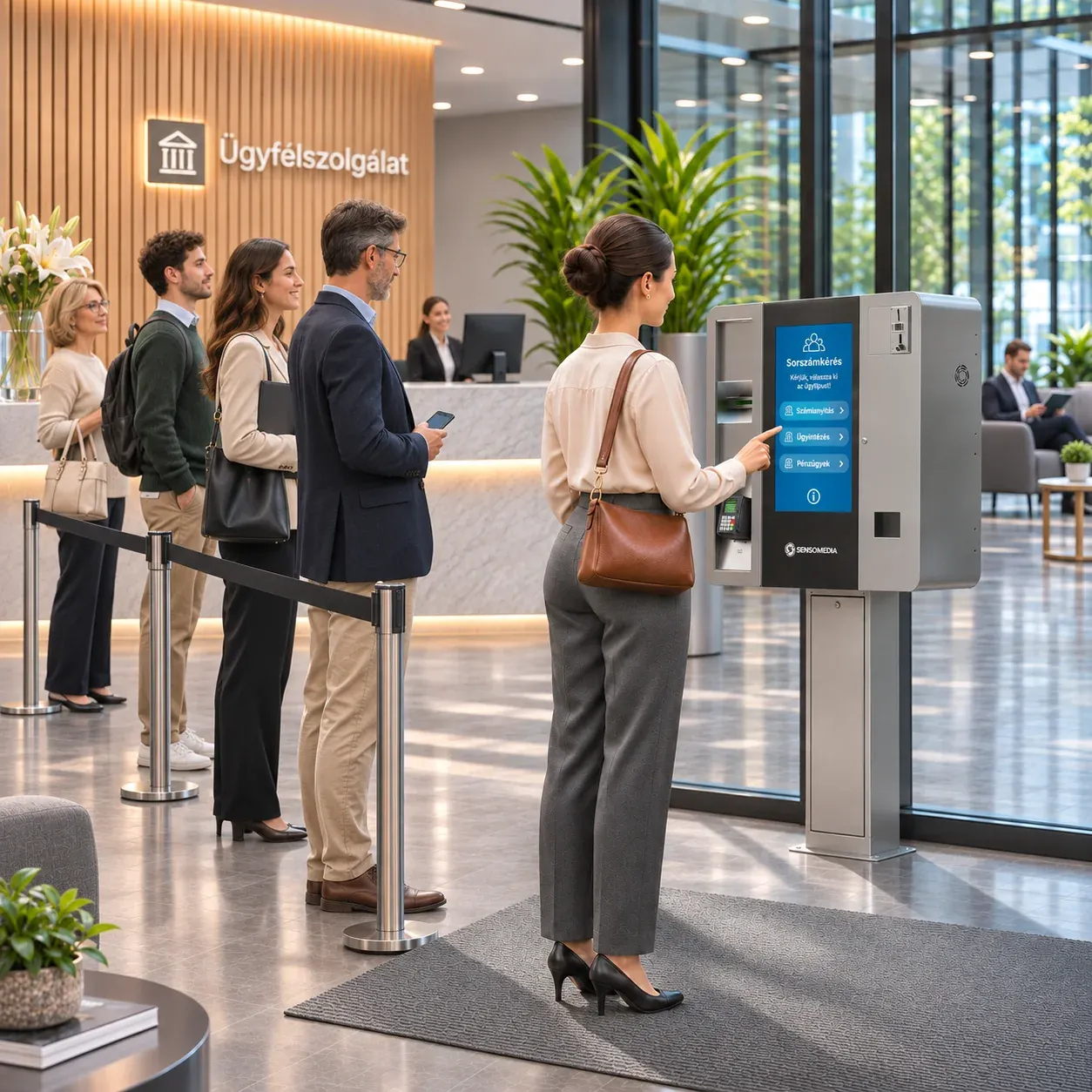
Customers choose a category, receive information and request a queue number. The interface can issue a printed ticket or act as the entry point to a digital journey.
 Let’s talk!

Clear waiting information and better organised customer service
SENSO Queue supports customer flow from issuing a queue number to service delivery. It provides printed or virtual queue tickets for shops, customer service centres and other busy facilities.
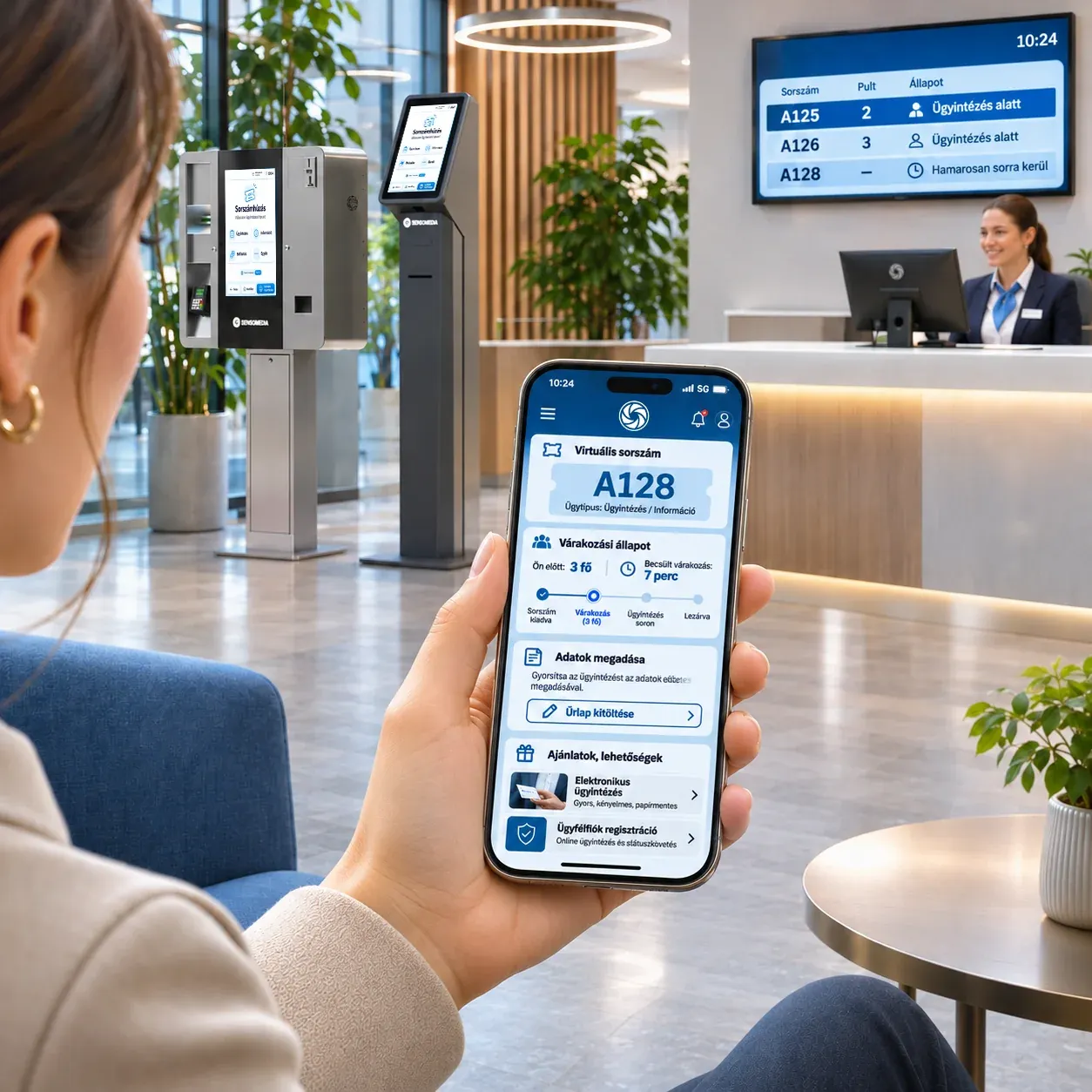
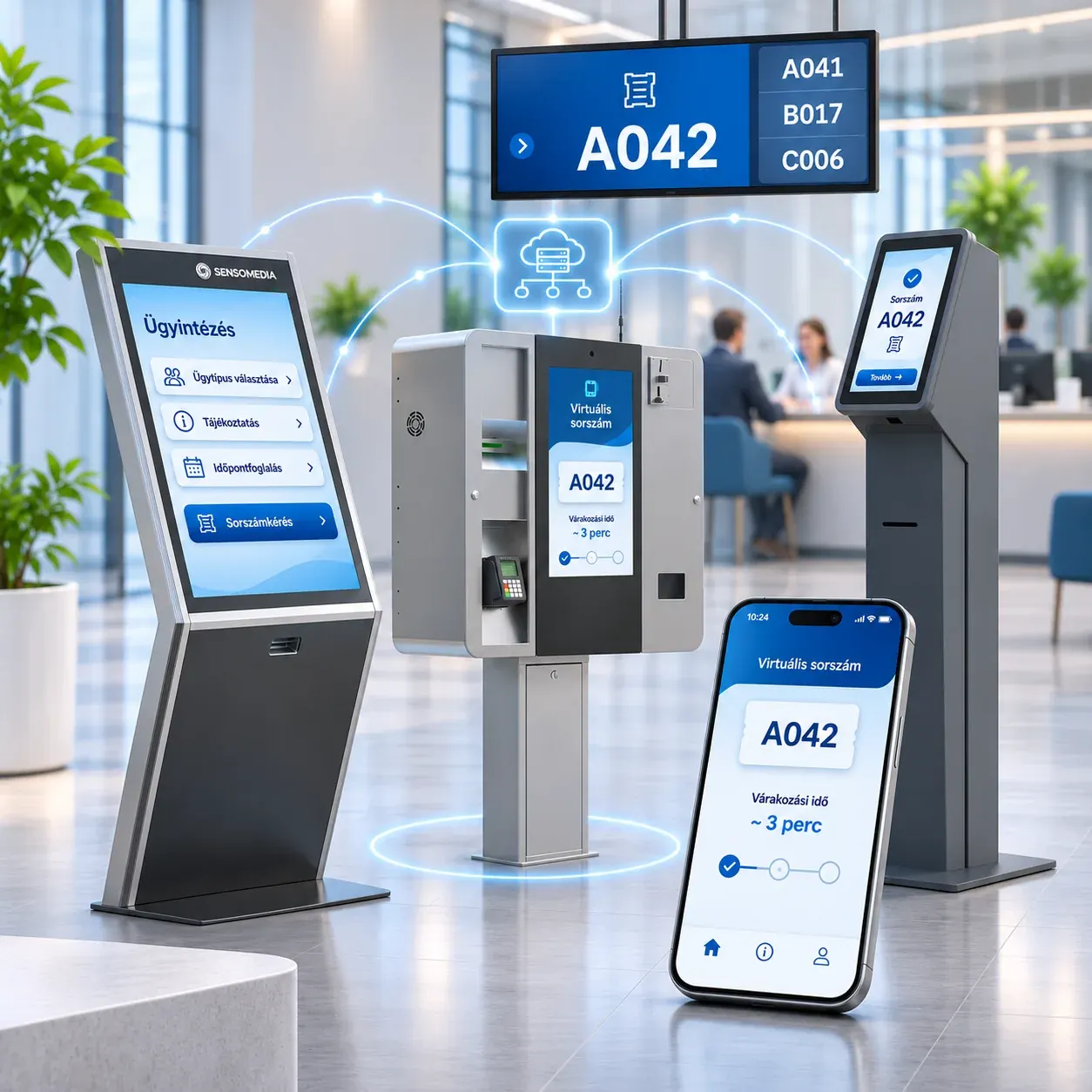
Visitors select their service type at a kiosk, while QR scanning can link booked appointments to queue numbers. Virtual tickets on phones can display waiting information, freeing customers from staying beside a display.
Waiting time can also become a useful communication channel: information and offers can be displayed, and viewed offers passed to staff for the subsequent appointment. Existing customer calling displays can be integrated.
We design the user interface and operational tasks as a coordinated system, choosing a deployment configuration suited to business objectives and site conditions.

Categories can be arranged in menus according to the services available at the location.

A QR code can generate a queue number linked to a booking.

Some information needed for service can be entered while waiting.
Modernisation can build on existing customer calling infrastructure.
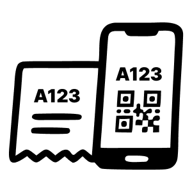
The solution can be adapted to visitors’ needs and the venue.
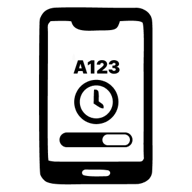
The virtual interface can display the queue number and estimated wait.

Viewed offers can be forwarded to the service agent.
Connected software components provide user functions and back-end processes.
Customers choose a category, receive information and request a queue number. The interface can issue a printed ticket or act as the entry point to a digital journey.
Customers use the web interface to follow their number and wait, enter information and view offers. Back-end connections coordinate categories, calls and information passed to service staff.
Deployment can include system integration, branding and development adapted to the existing environment. The precise scope is defined as part of the project.

When deploying SENSO Queue, we review existing hardware, software and data connections. We define interfaces, data flow directions and operational responsibilities so the new interface fits established processes and reduces duplicate data entry where possible.

We adapt graphics, menus and information delivery to the partner and application. Beyond colours and logos, screen layouts support clear service use. Required languages and supplementary information are agreed during design.

Not every upgrade requires an entirely new device fleet. A technical assessment identifies components that can be retained, refurbishment needs and necessary software changes. Deployment is planned around the partner’s daily operations.
Customers select their service type on arrival and follow their number on paper or a phone. On-site and mobile interfaces form part of the same customer flow.
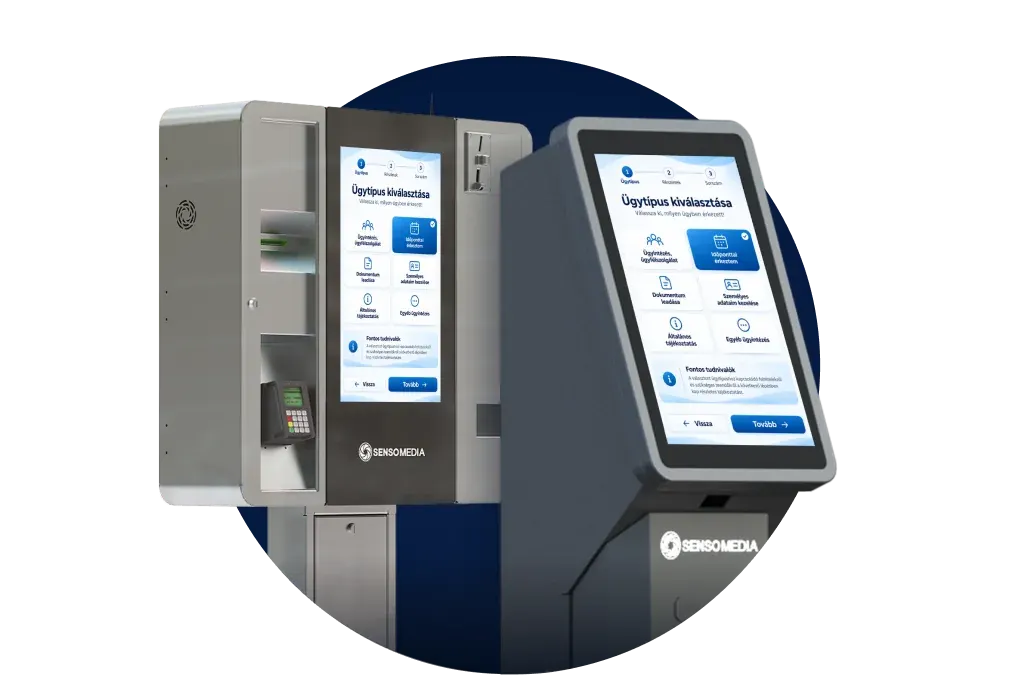
Multi-level category menus guide visitors to the right service. An information pop-up can explain requirements before selection.
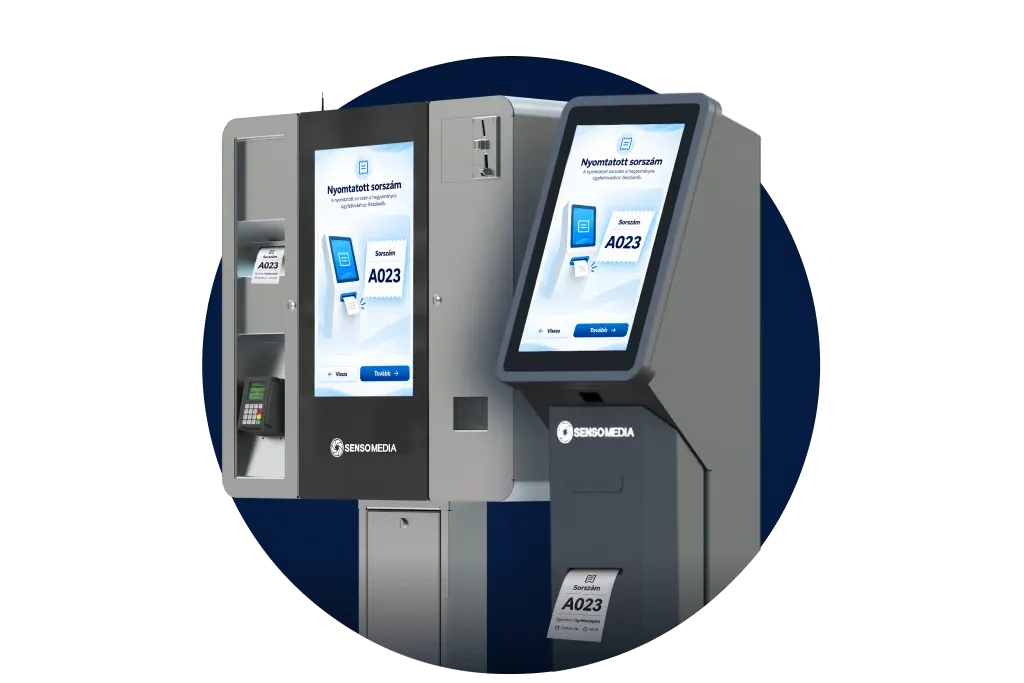
With a suitable printer, the kiosk issues paper queue tickets assigned to the service category and associated calling process.
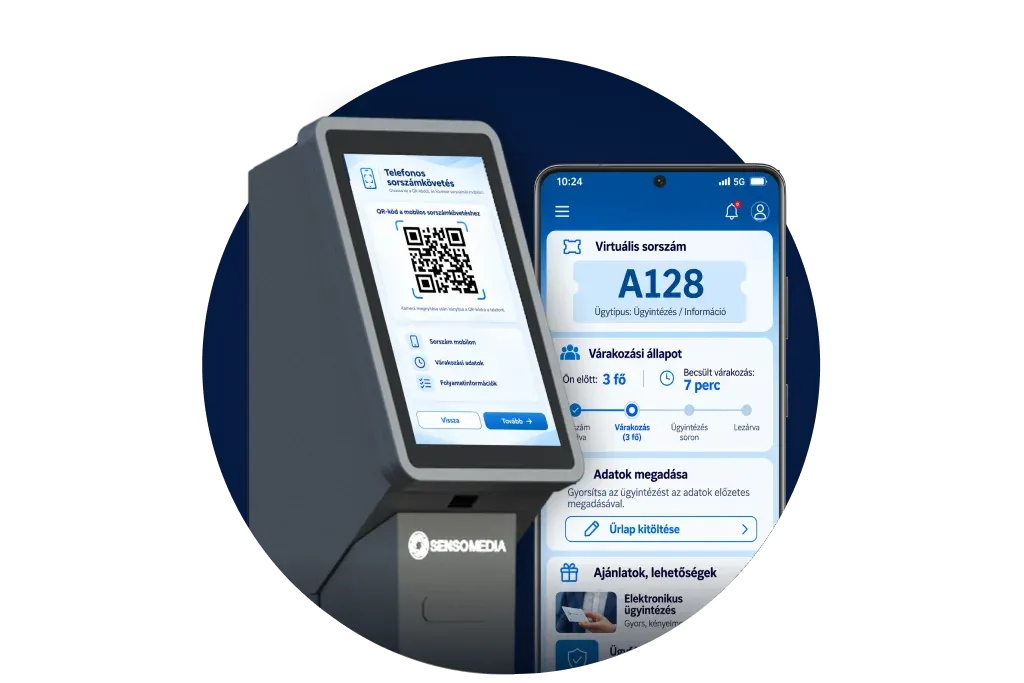
The queue number can appear in a branded web interface on the visitor’s phone, offering a digital alternative to printed tickets.
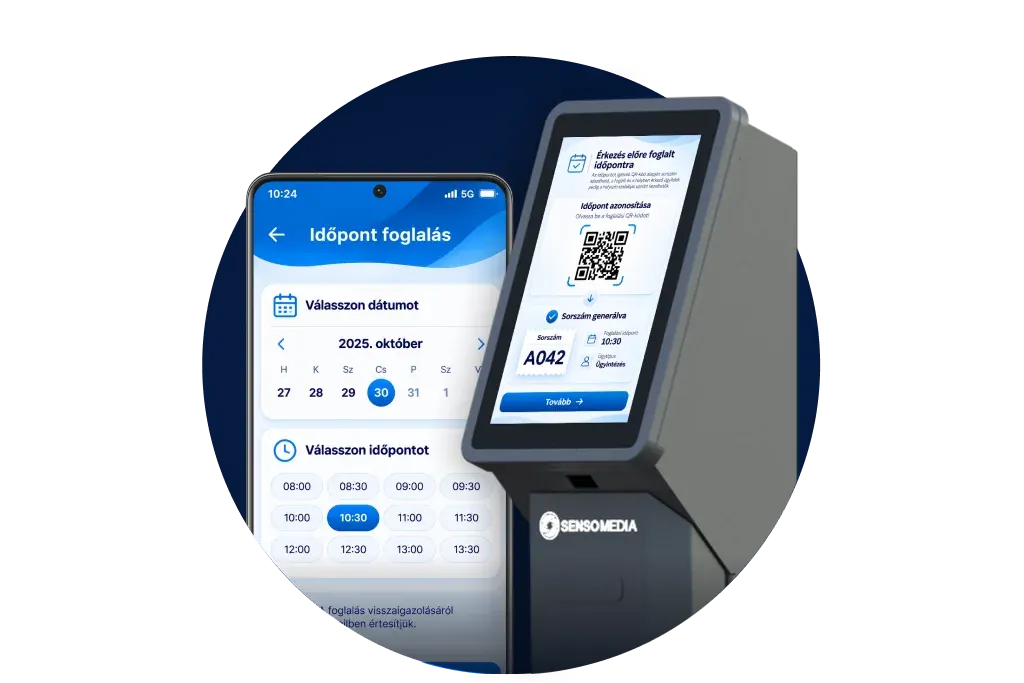
Scanning a booking QR code can generate a queue number for an arriving customer. This requires a suitable reader and connection to booking data.
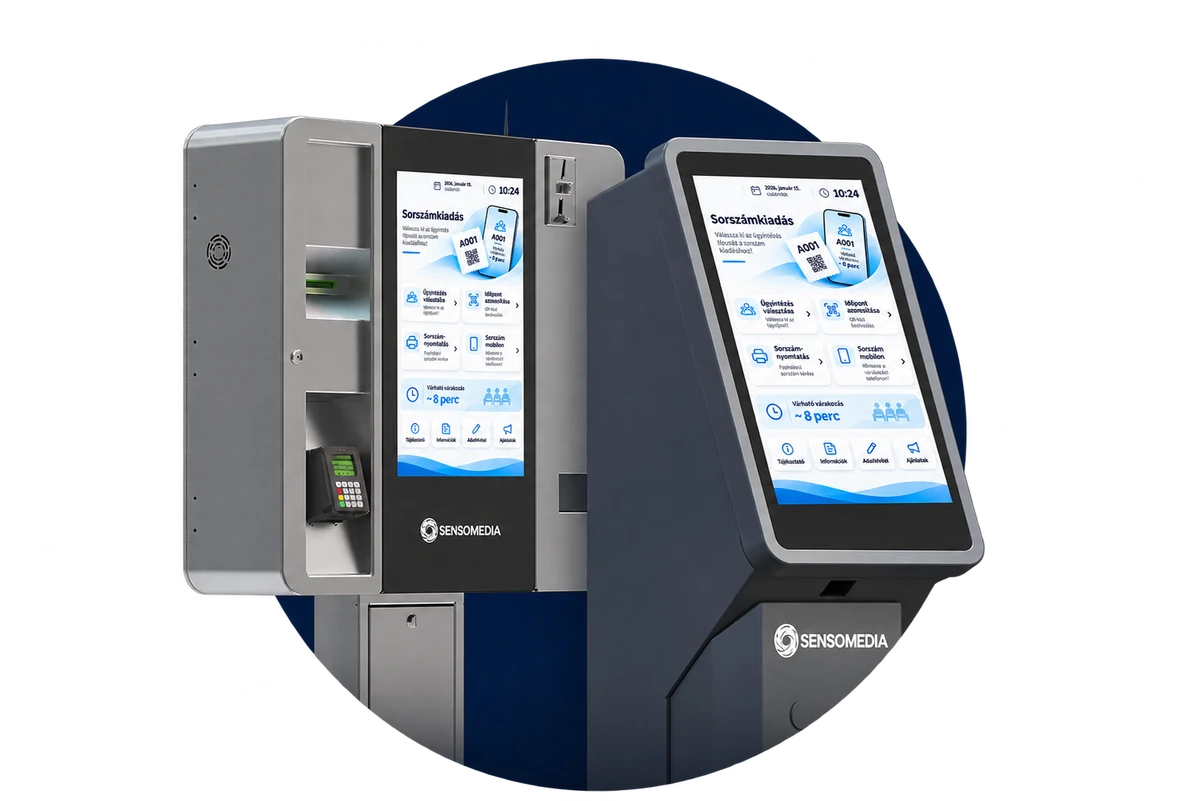
The mobile interface can show queue information and the calculated estimated wait, allowing users to follow progress on their own device.
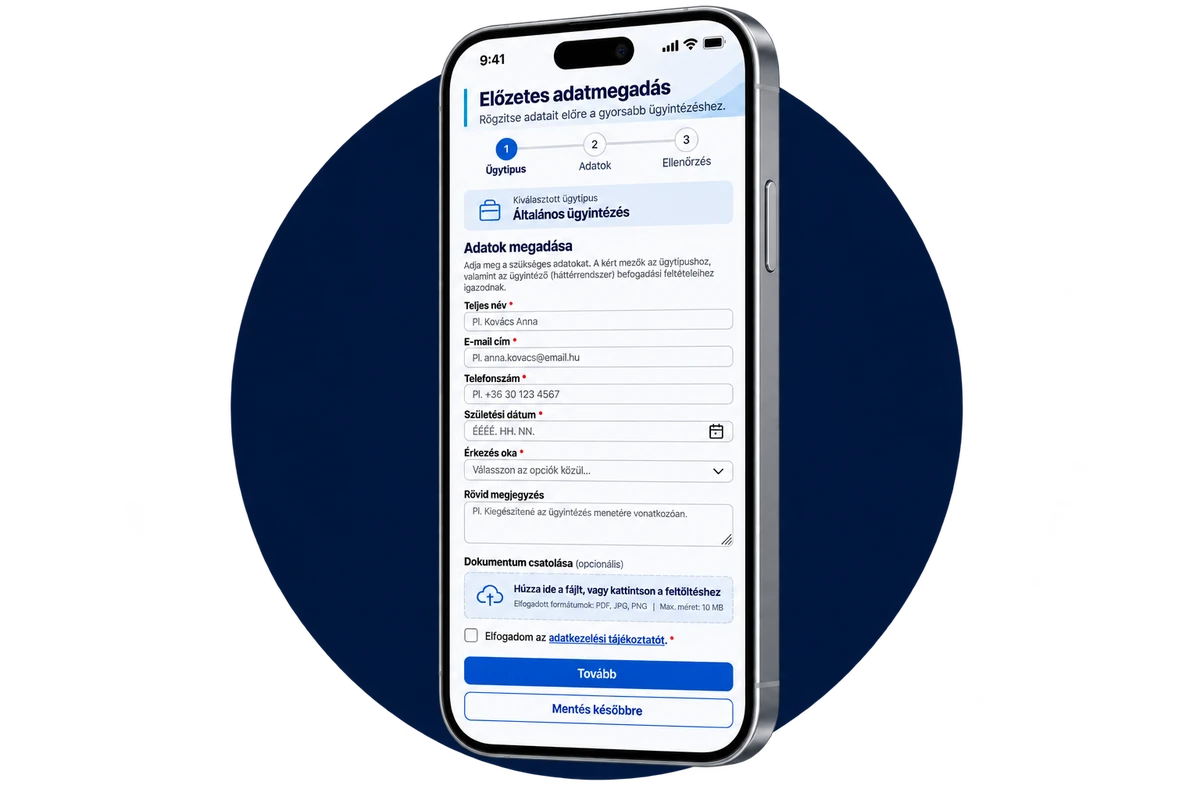
Users enter required service details in advance through the web interface. Fields and transfer to staff systems follow the provider’s process.
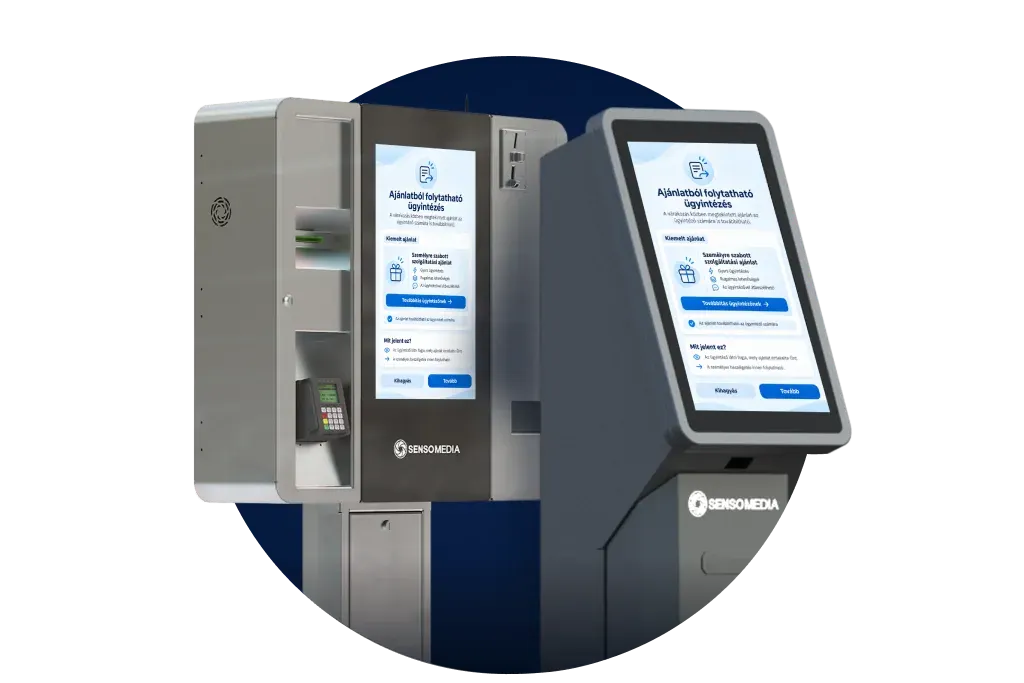
Offers viewed while waiting can be forwarded to staff, allowing personal service to build on the customer’s earlier interests.
The following functions depend on the selected configuration and required integrations. Their exact implementation and associated services are agreed before deployment.
Current offers and information can appear on the virtual queue screen, adapted to the venue’s services and communications.

Queue settings account for service categories, staff workflows and displays together. Required staff views are adapted to the connected system.
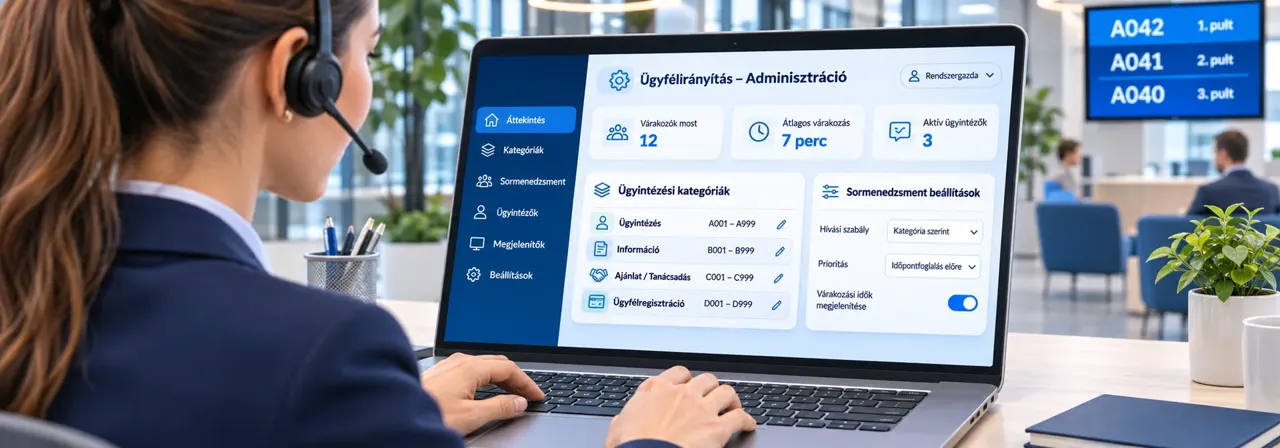
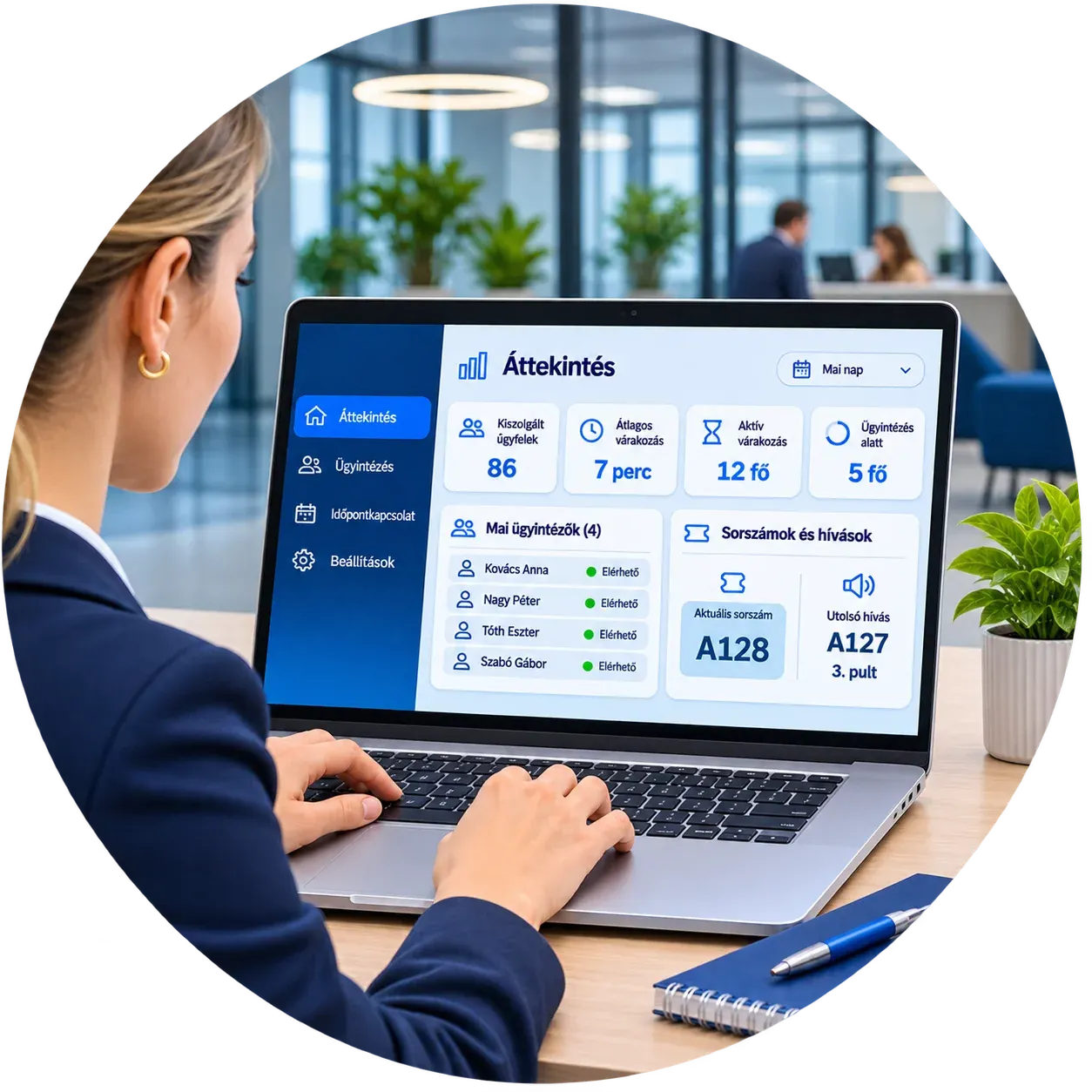
Categories and menu levels follow the provider’s processes. User-facing information can be organised within the same structure.
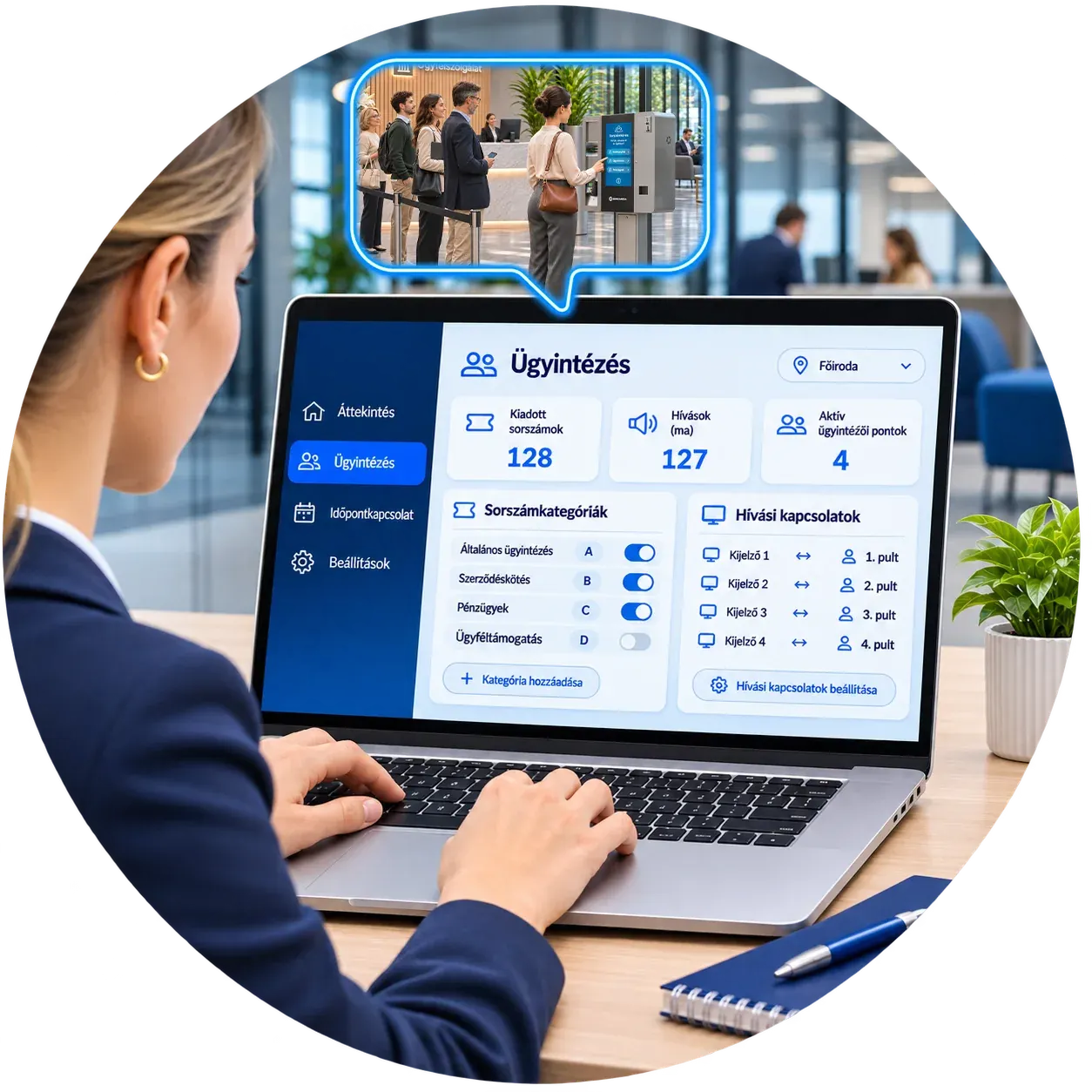
Category assignment and calling connections follow local operations. Connecting displays and service points forms part of integration.
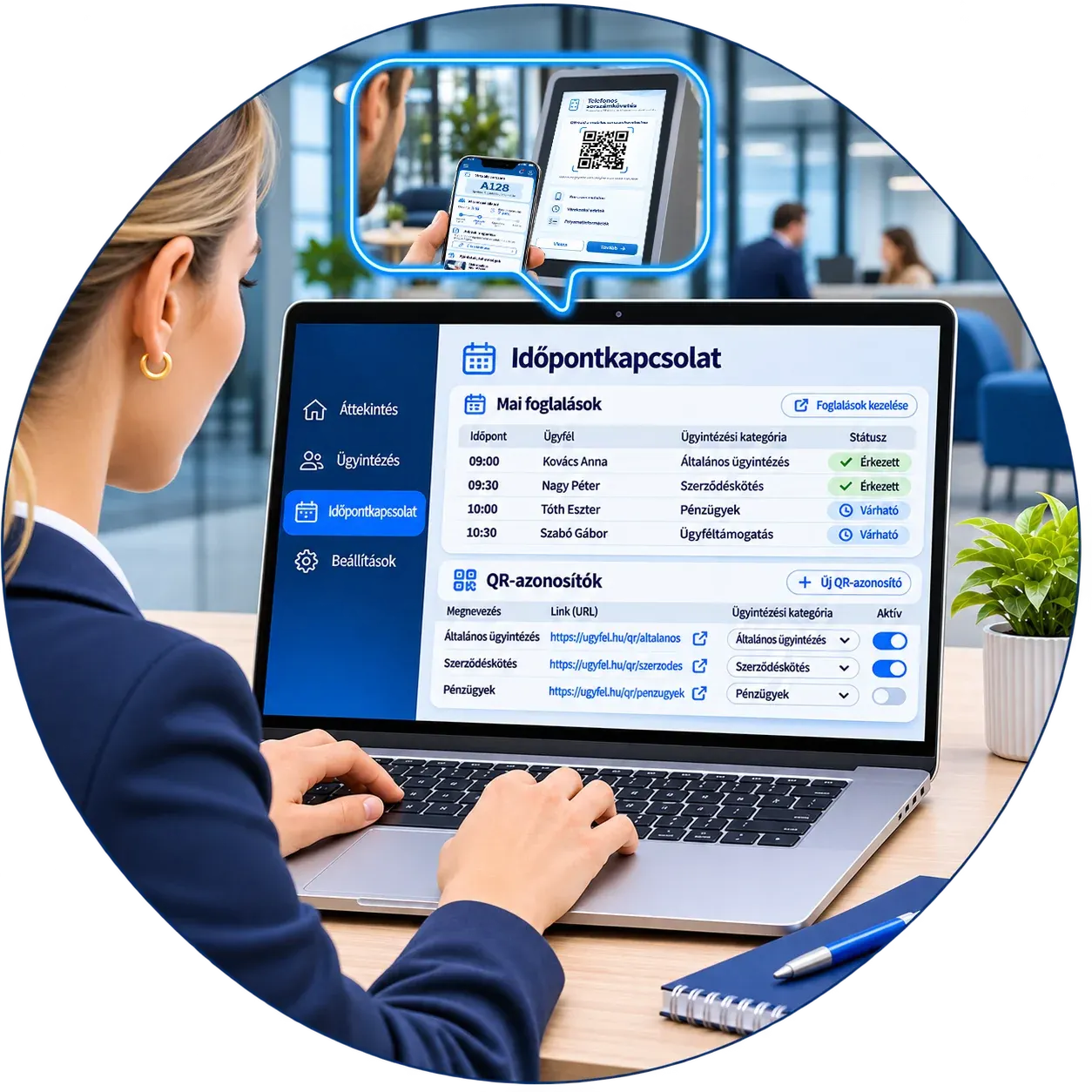
Linking booking QR identifiers with on-site arrivals is implemented in coordination with the booking system, supporting scheduled service.
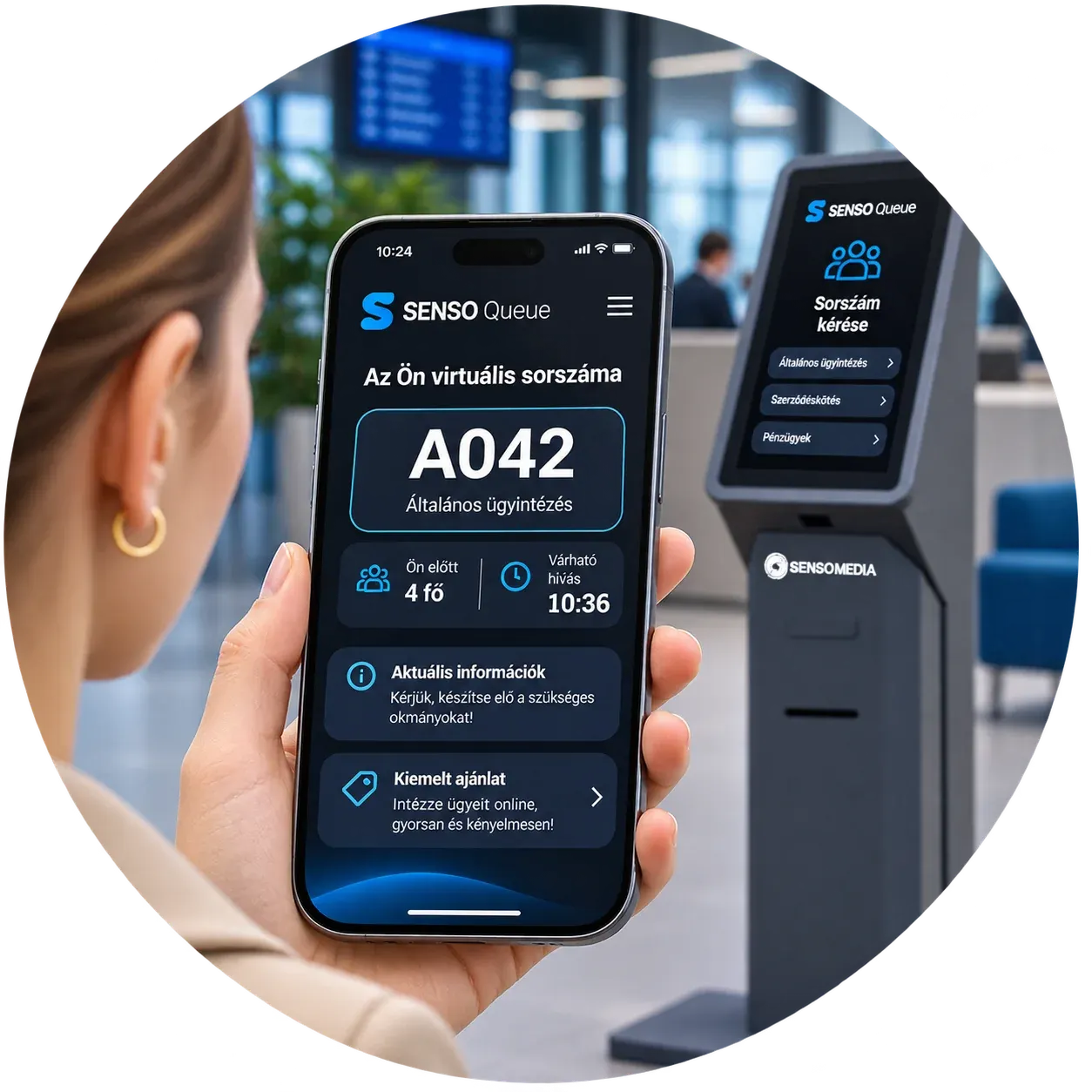
The virtual queue interface’s branding and information can be customised. Waiting data and supplementary content appear in one customer interface.
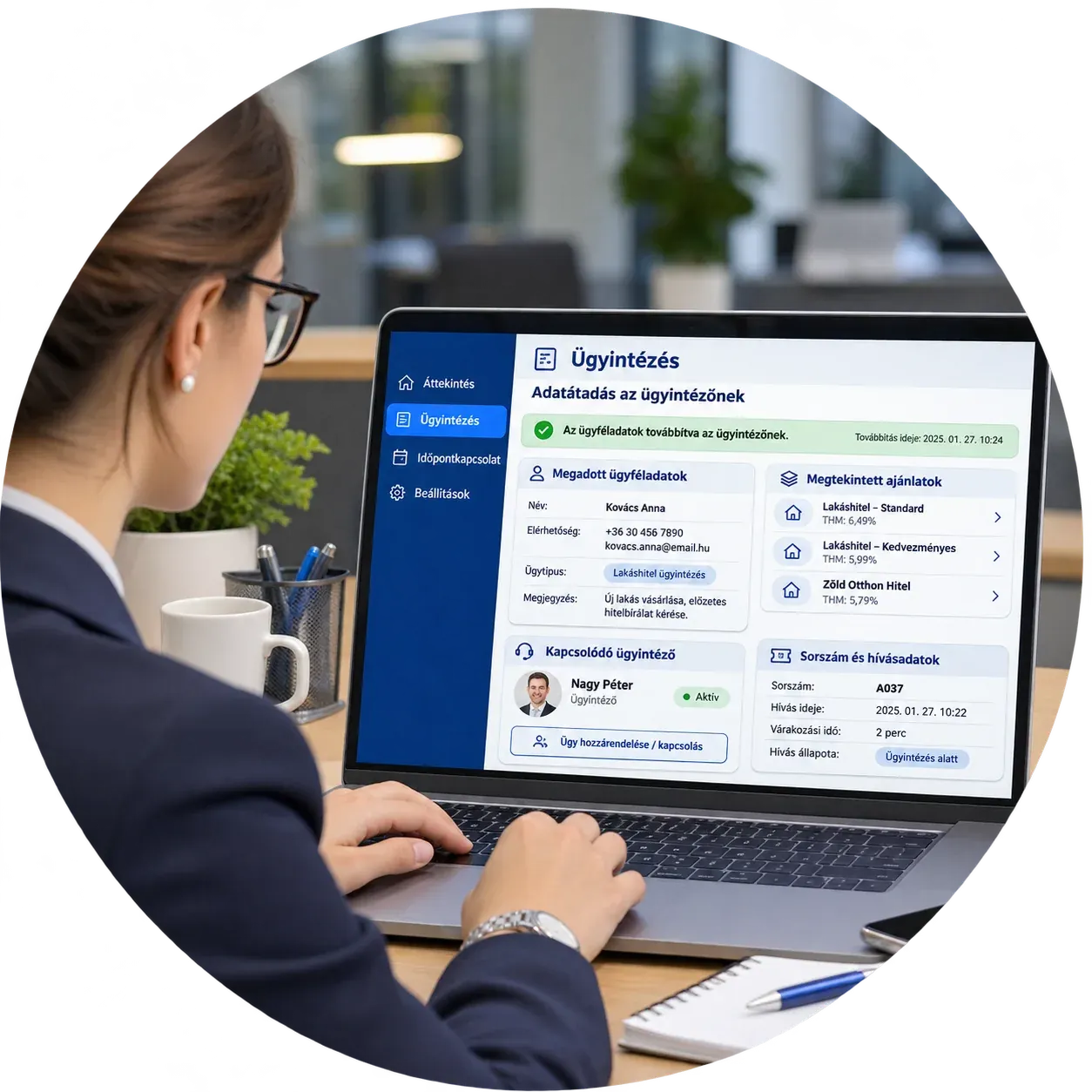
Submitted customer details and viewed offers can be linked to the serving employee. The scope of transferred data is defined during deployment.

Information, offers and operational connections are managed through the configured interface. Specific permission and reporting requirements are agreed during project planning.
The following connections can be configured according to partner requirements and the technical capabilities of existing infrastructure. Integrations are optional and are not automatically available in every installation.
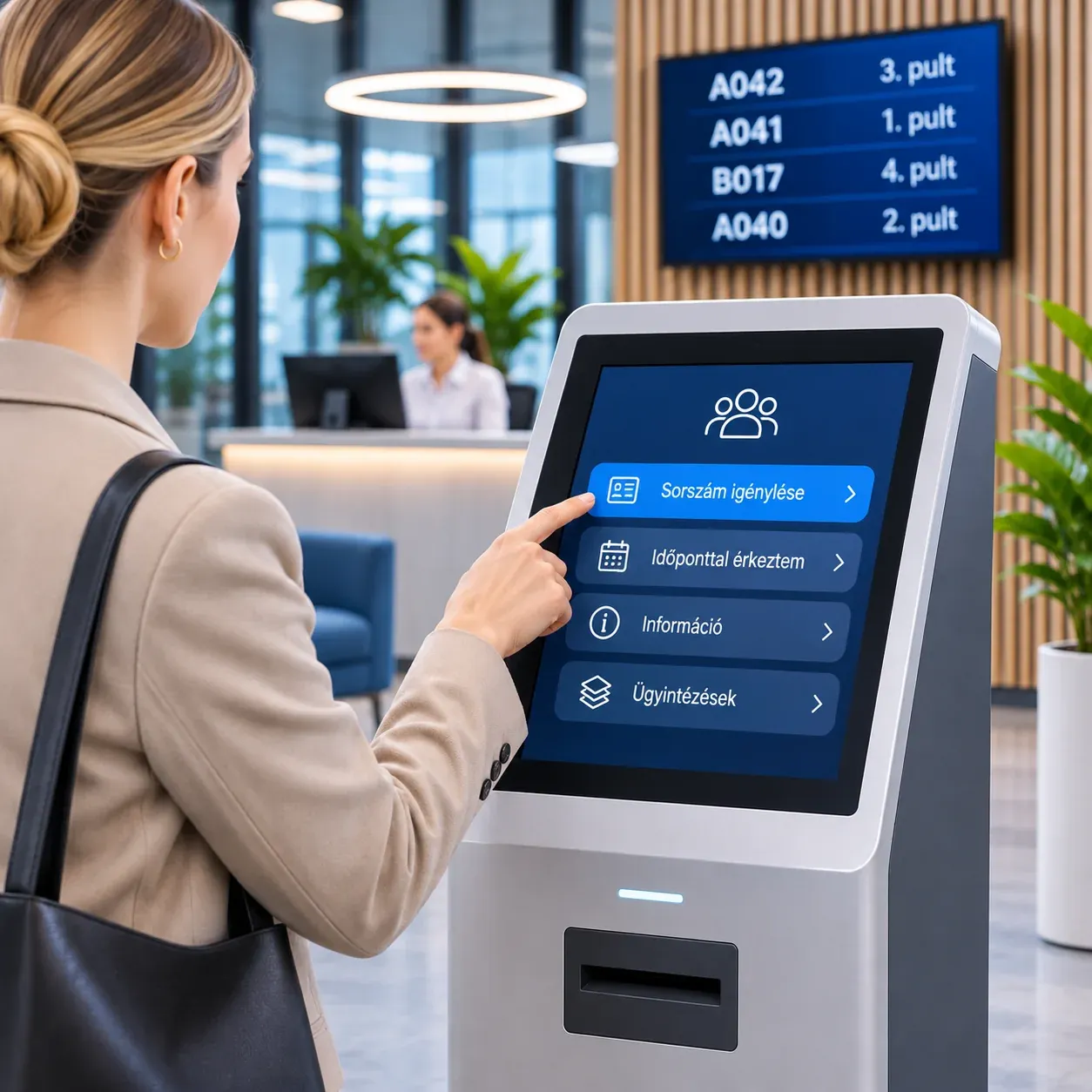
Existing queue displays can be integrated where a suitable technical connection is available, retaining them within the modernised process.
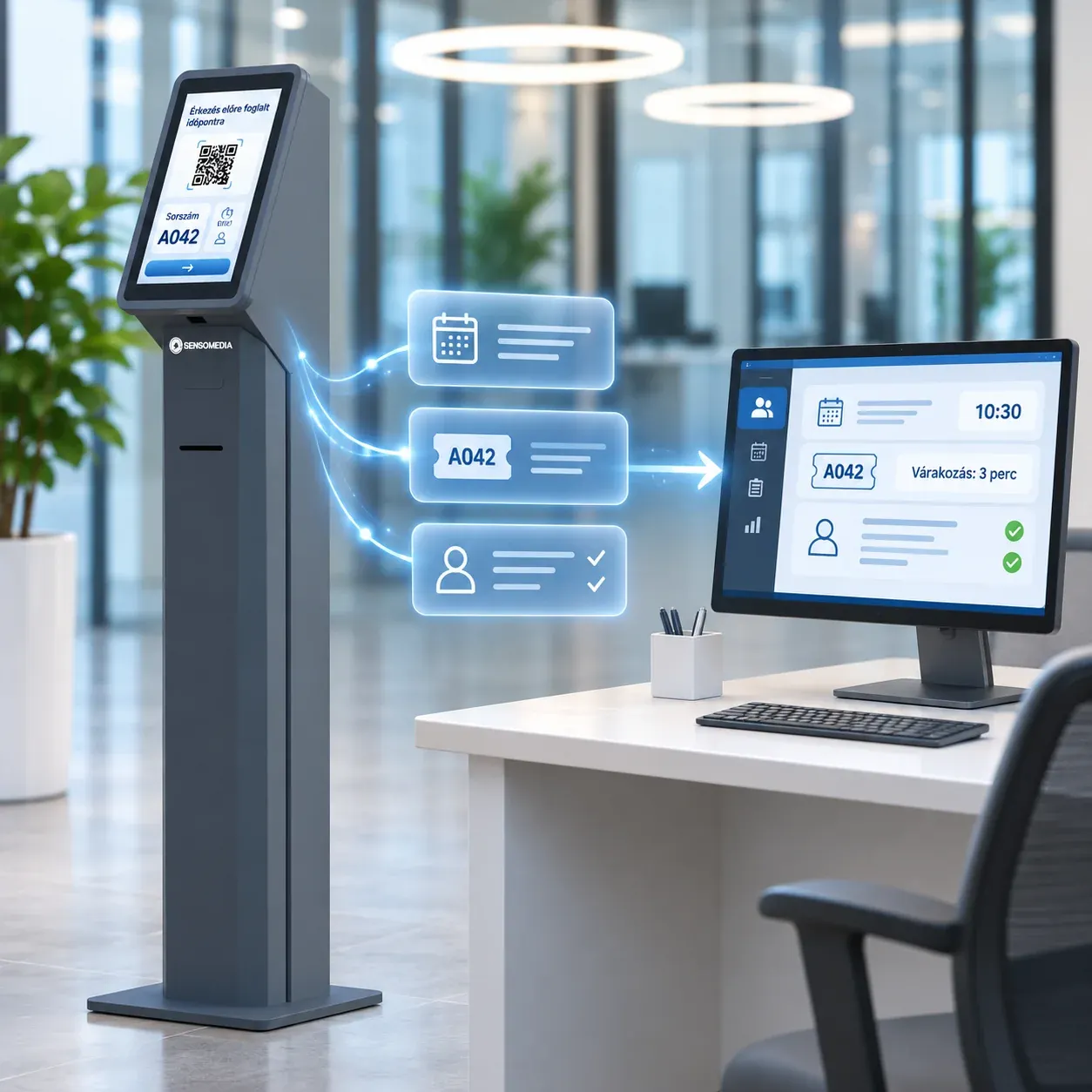
Appointment data and information entered while waiting can connect to the associated service environment.
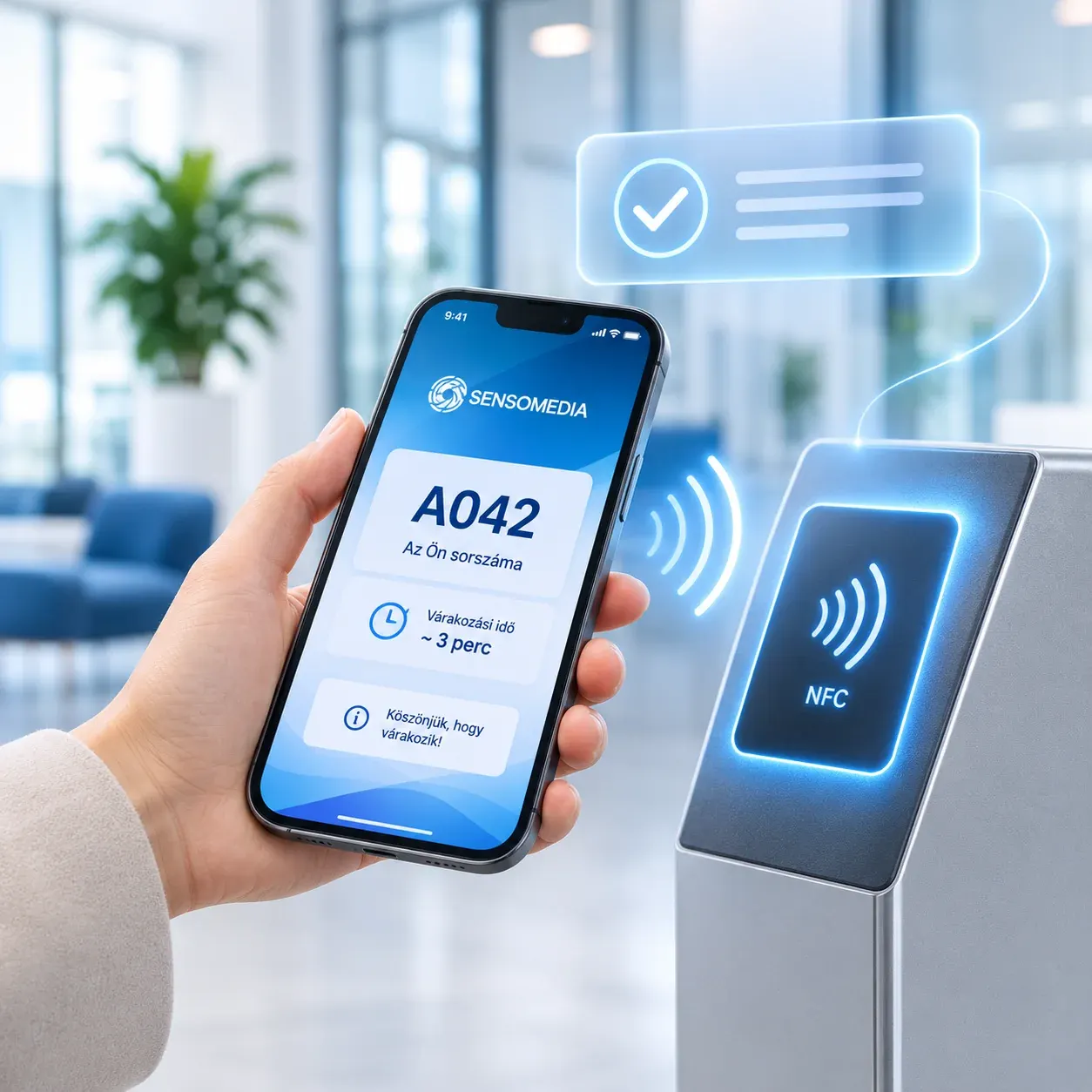
NFC touchpoints can provide mobile entry to virtual queue screens. The phone-based journey can complement reception even without an on-site kiosk.
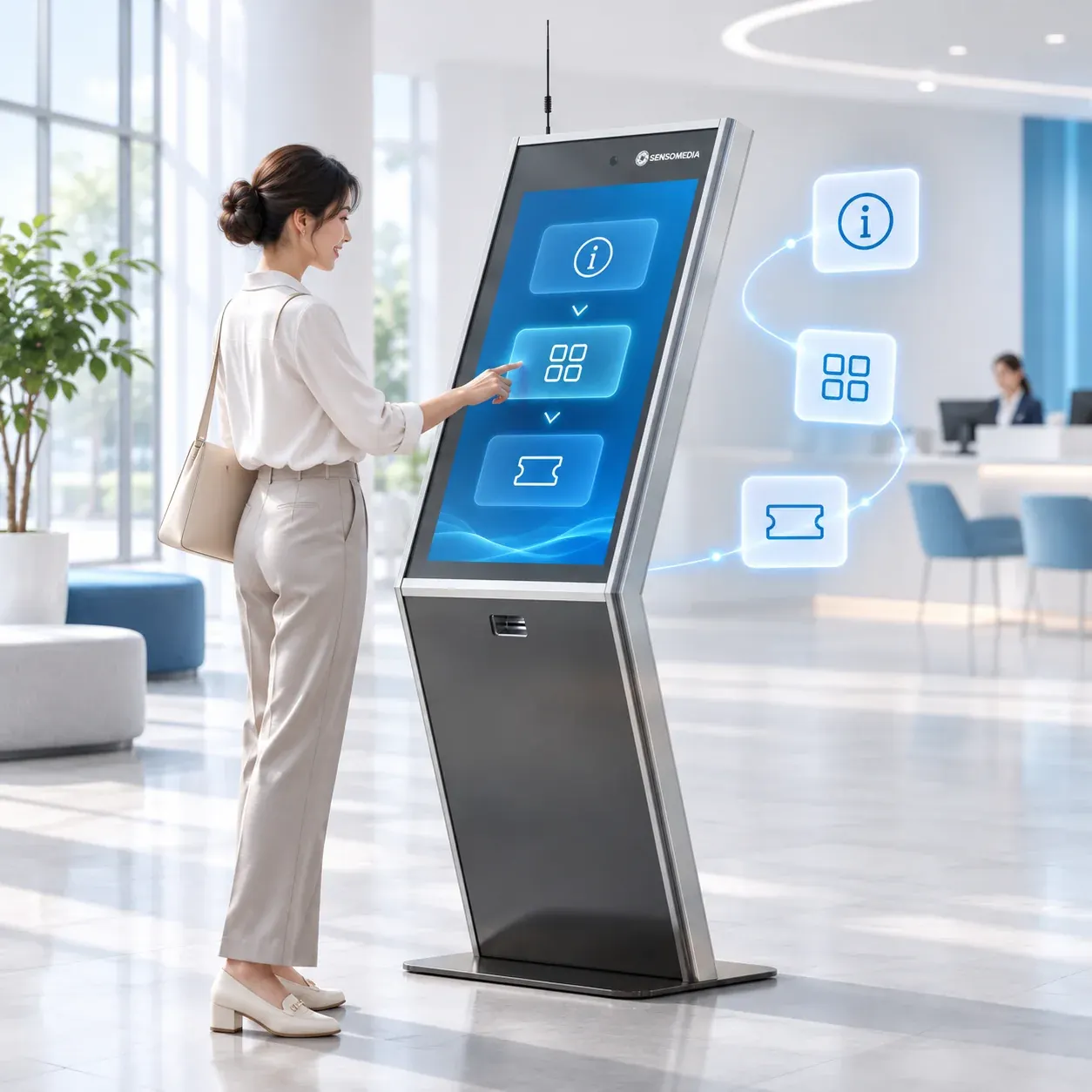
Queue management can be accessed from information kiosks, bringing information, service selection and queue requests into one user environment.
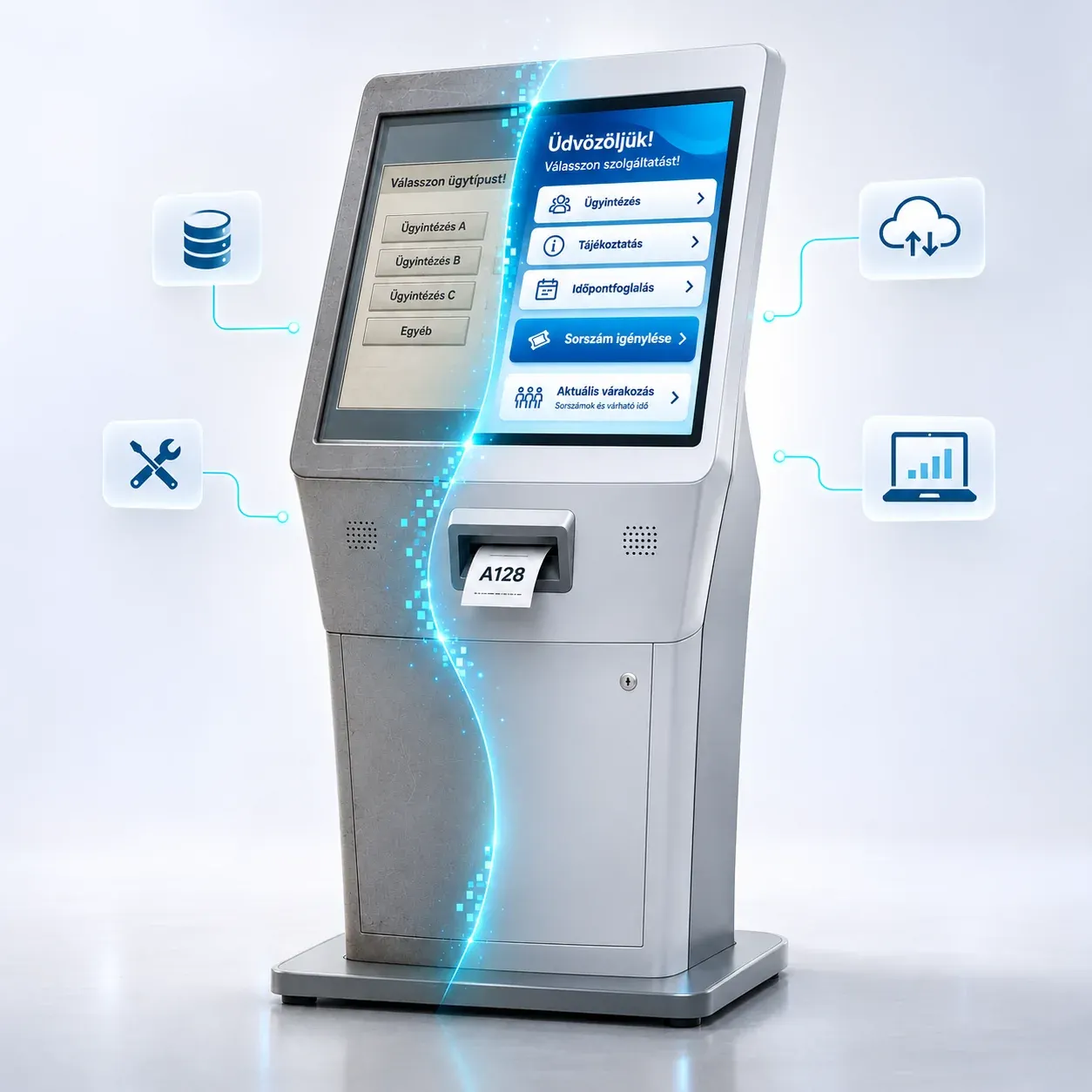
When upgrading an existing network, we first assess hardware condition, communications and connected systems. This determines what can be retained and where replacement components or extensive refurbishment are needed.
We install the SENSO software environment on suitably prepared devices, establish central connections and integrate with the partner’s systems. Device and interface rebranding can also form part of the project.
Long-term monitoring, support and maintenance are planned with service levels suited to the installed environment.
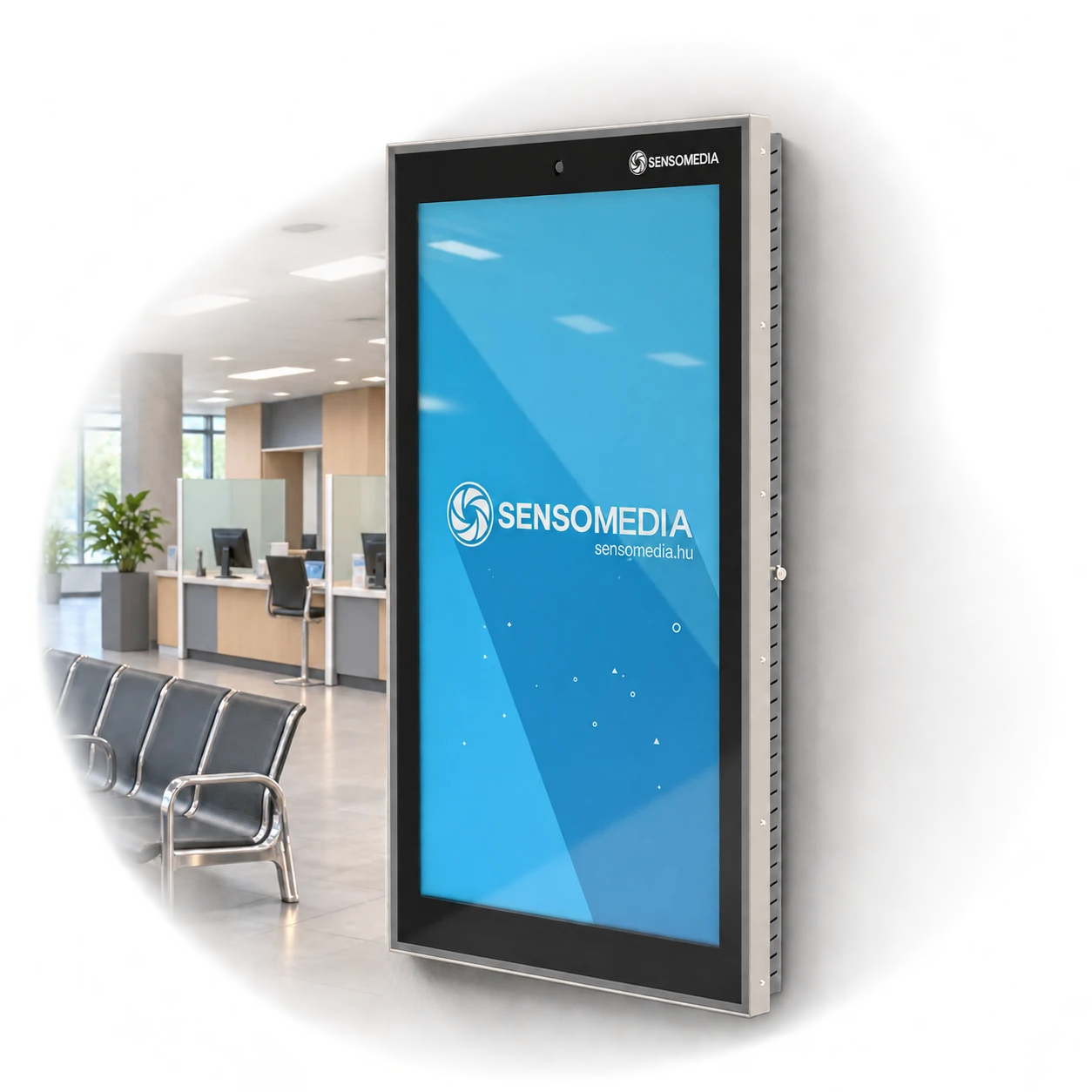
Queue kiosks and calling displays serve different purposes. The terminal handles service selection and ticket issuance; connected displays show current calls.
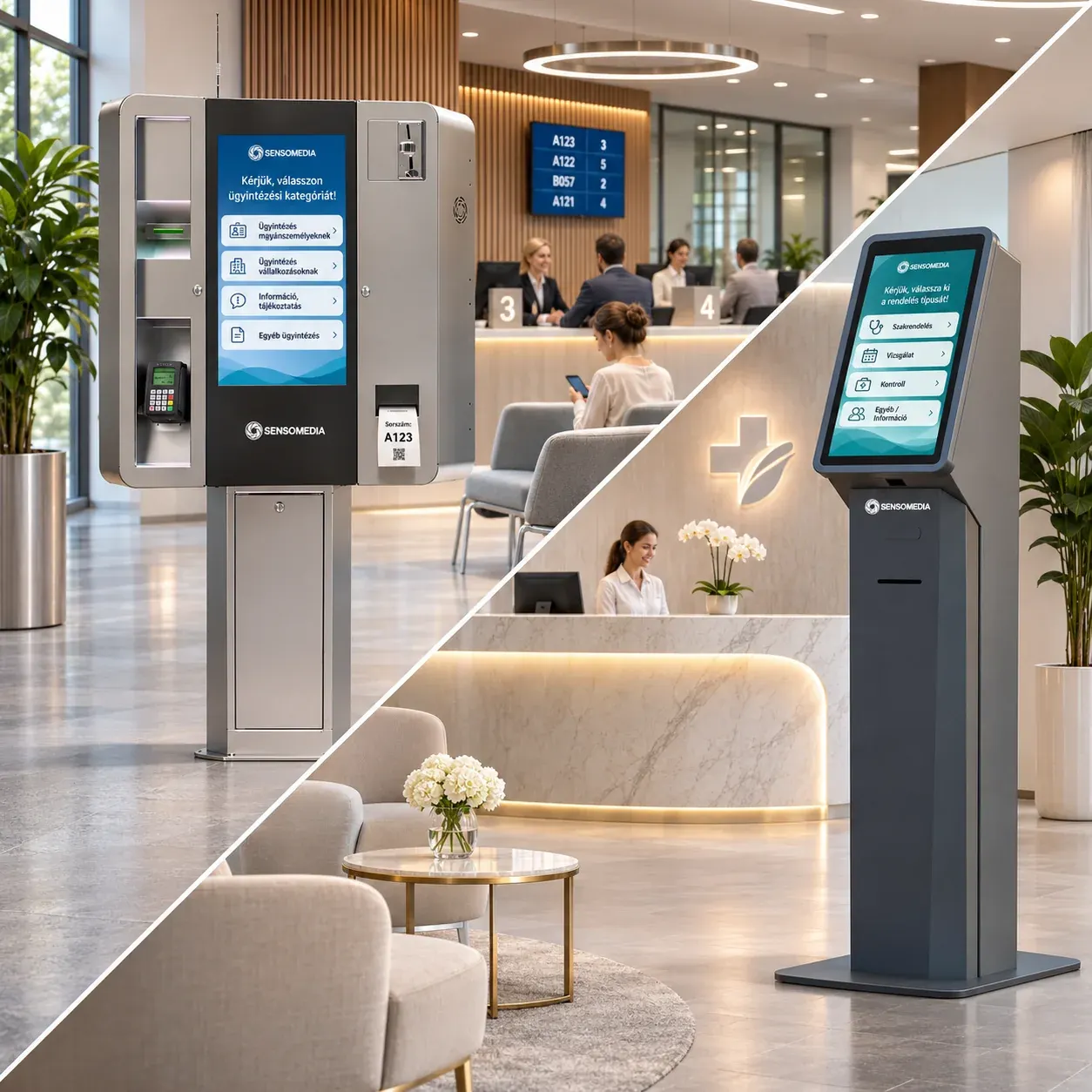
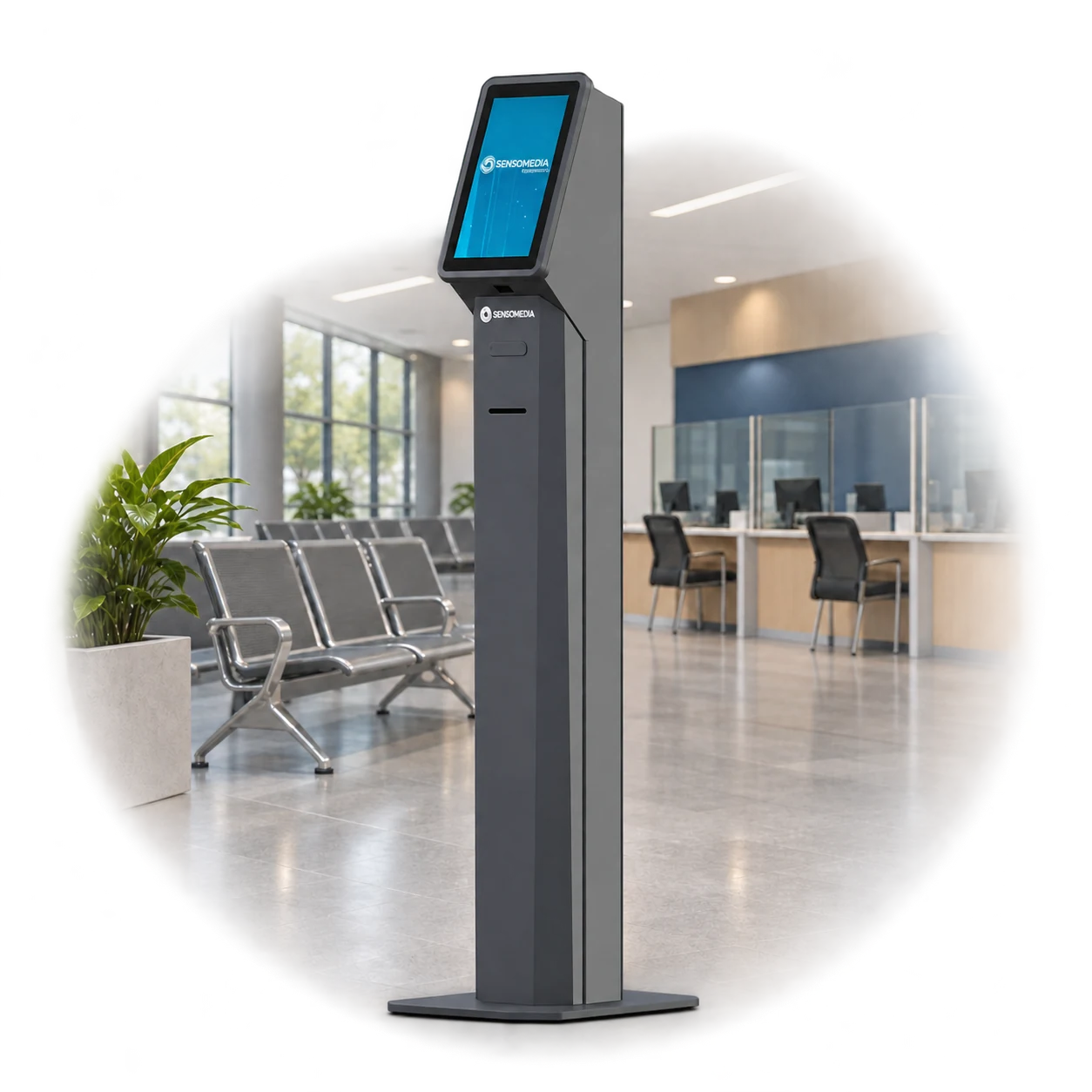
freestanding version
A customer flow kiosk with a 10.1-inch touchscreen and queue ticket printer. Optional compatible readers can add QR or RFID identification.
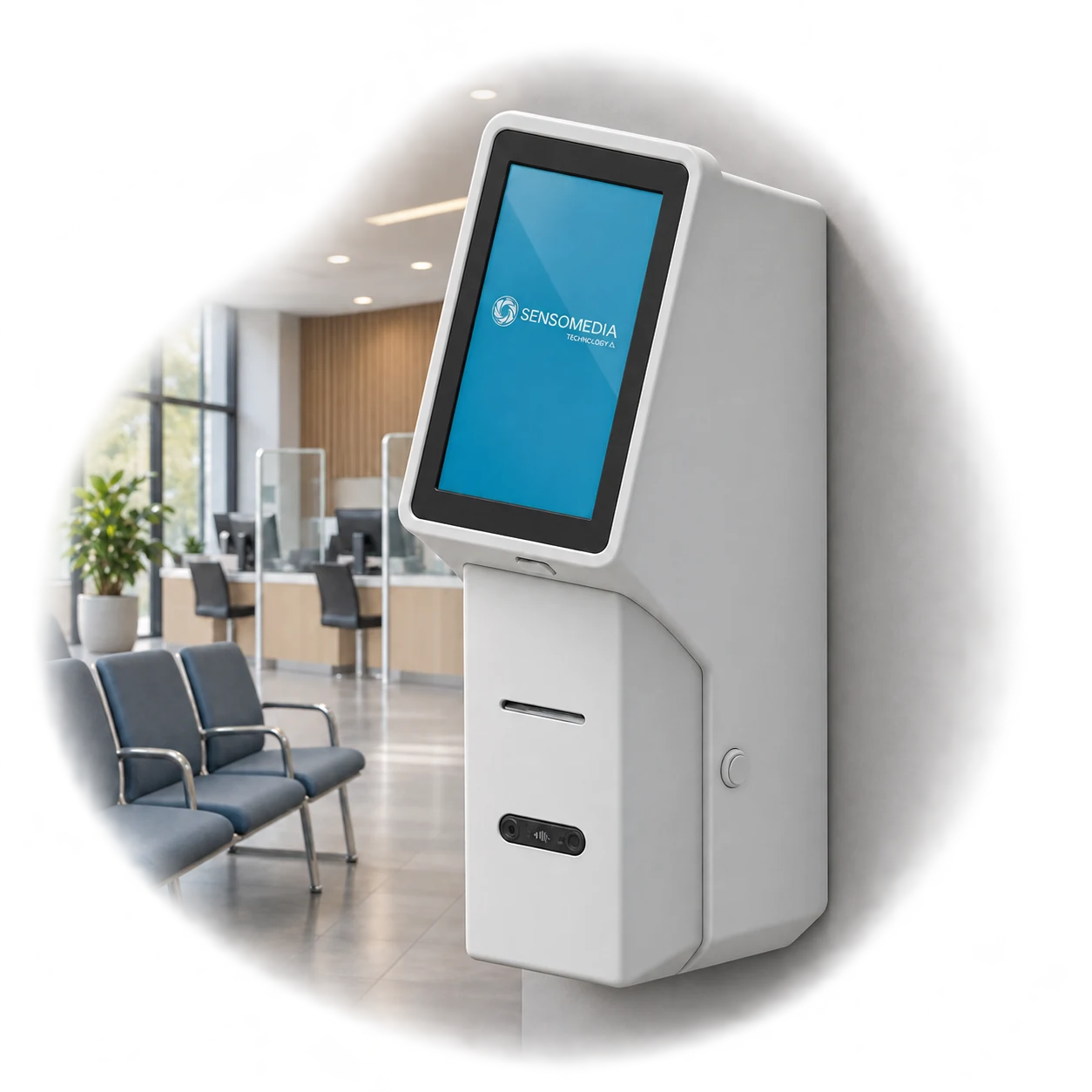
wall-mounted version
A wall-mounted ticket dispenser for smaller reception areas, combining category selection, printed queue tickets and mobile access in one customer flow.
optional calling display
Our wall displays can be integrated to show customer calling information. They act as displays in this role, while the kiosk provides the queue ticket application.