Reception kiosk application
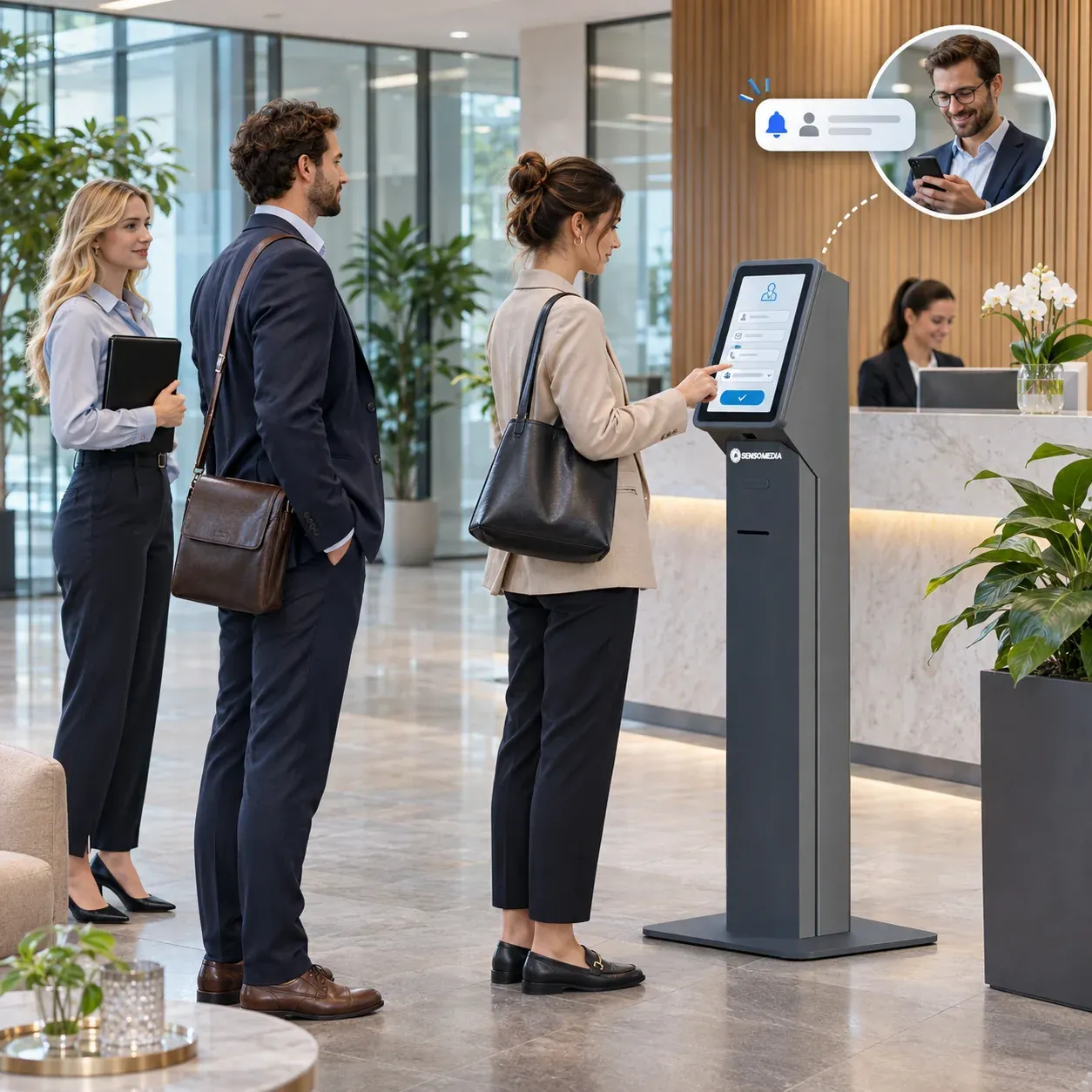
The interface adapts check-in to the visit purpose and host selection. Guests enter their own details, and the system can initiate a call or notification.
 Let’s talk!
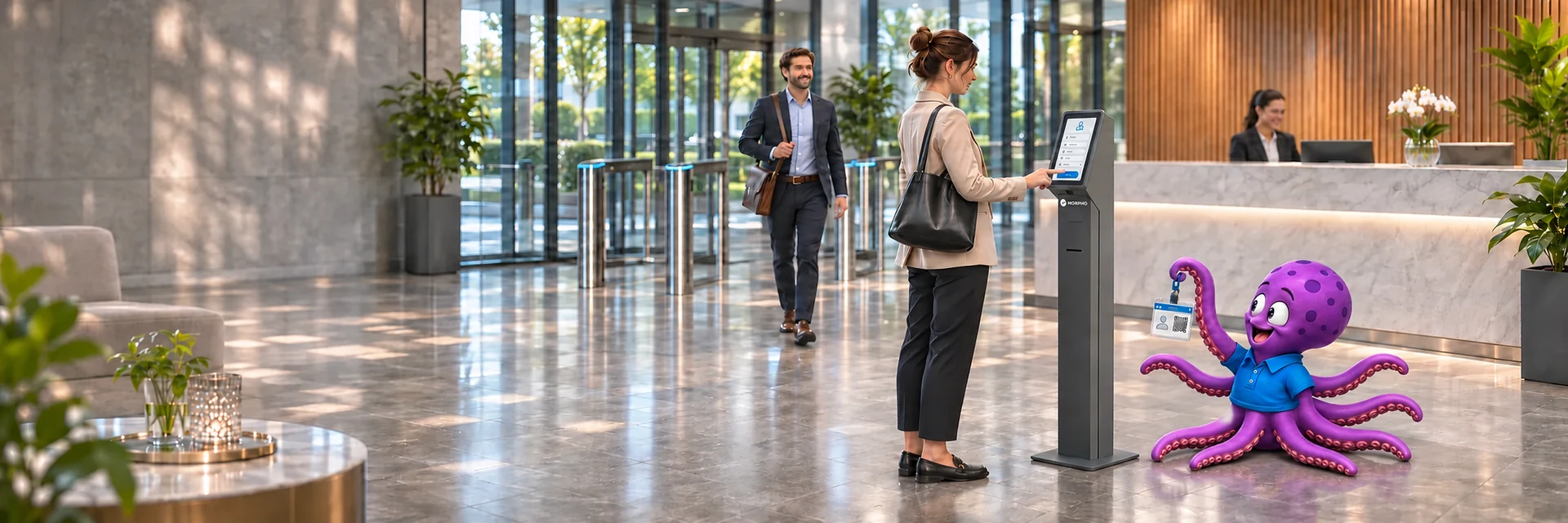
Simpler reception, from arrival to host notification
SENSO QuickCall brings clarity to visitor management in offices, corporate reception areas and customer-facing facilities. Guests enter details at a kiosk, select the employee or department they wish to visit and announce their arrival.
Check-in can trigger a notification or VoIP call, informing the host directly. A dedicated courier button shortens frequently repeated delivery procedures.
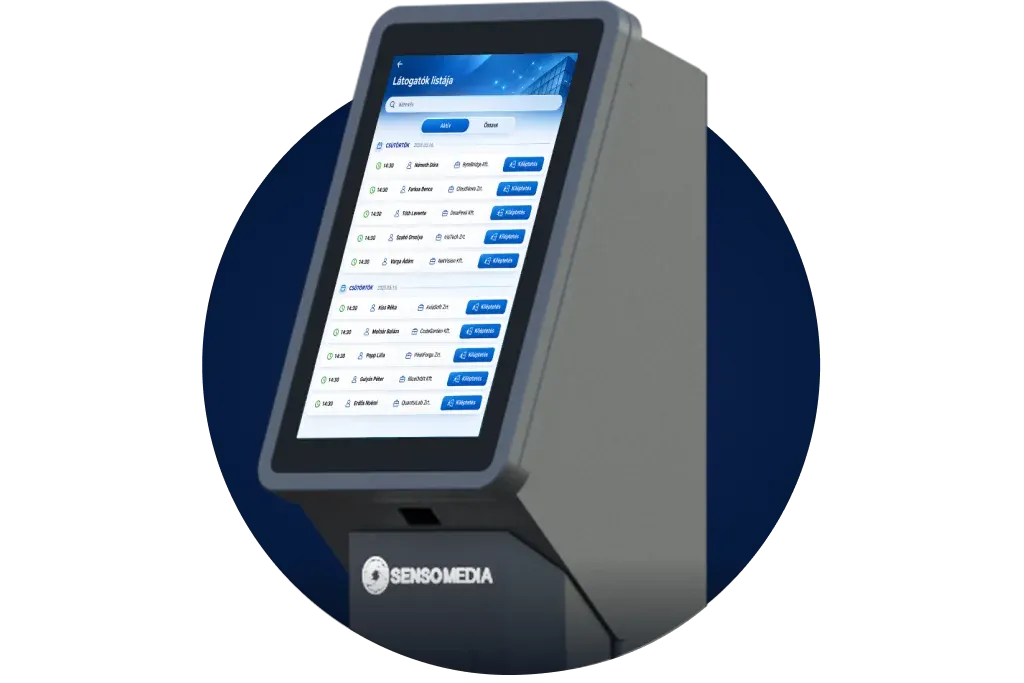
Searchable visit records and an updated partner database support administration. Access control and door release can be integrated where required, following company reception procedures.
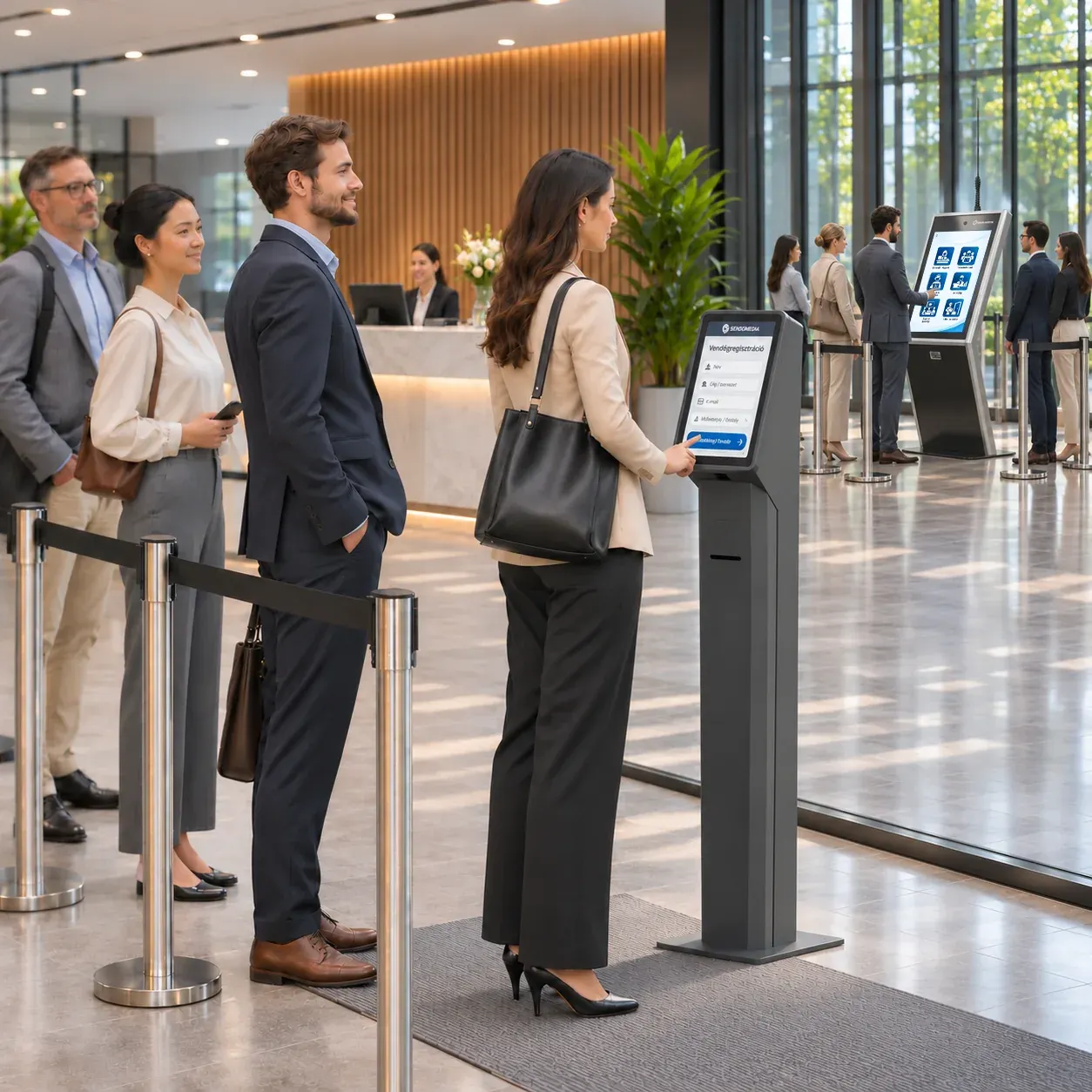
We design the user interface and operational tasks as a coordinated system, choosing a deployment configuration suited to business objectives and site conditions.

Visitors enter required information directly at the kiosk.

Check-in can also initiate a call.

Known company details can be reused for repeat registrations.
Door release follows local security and reception rules.
Arrival information reaches the selected person or department.

A dedicated function speeds up recurring deliveries.

Recorded visit details are available to authorised staff.
Connected software components provide user functions and back-end processes.
The interface adapts check-in to the visit purpose and host selection. Guests enter their own details, and the system can initiate a call or notification.
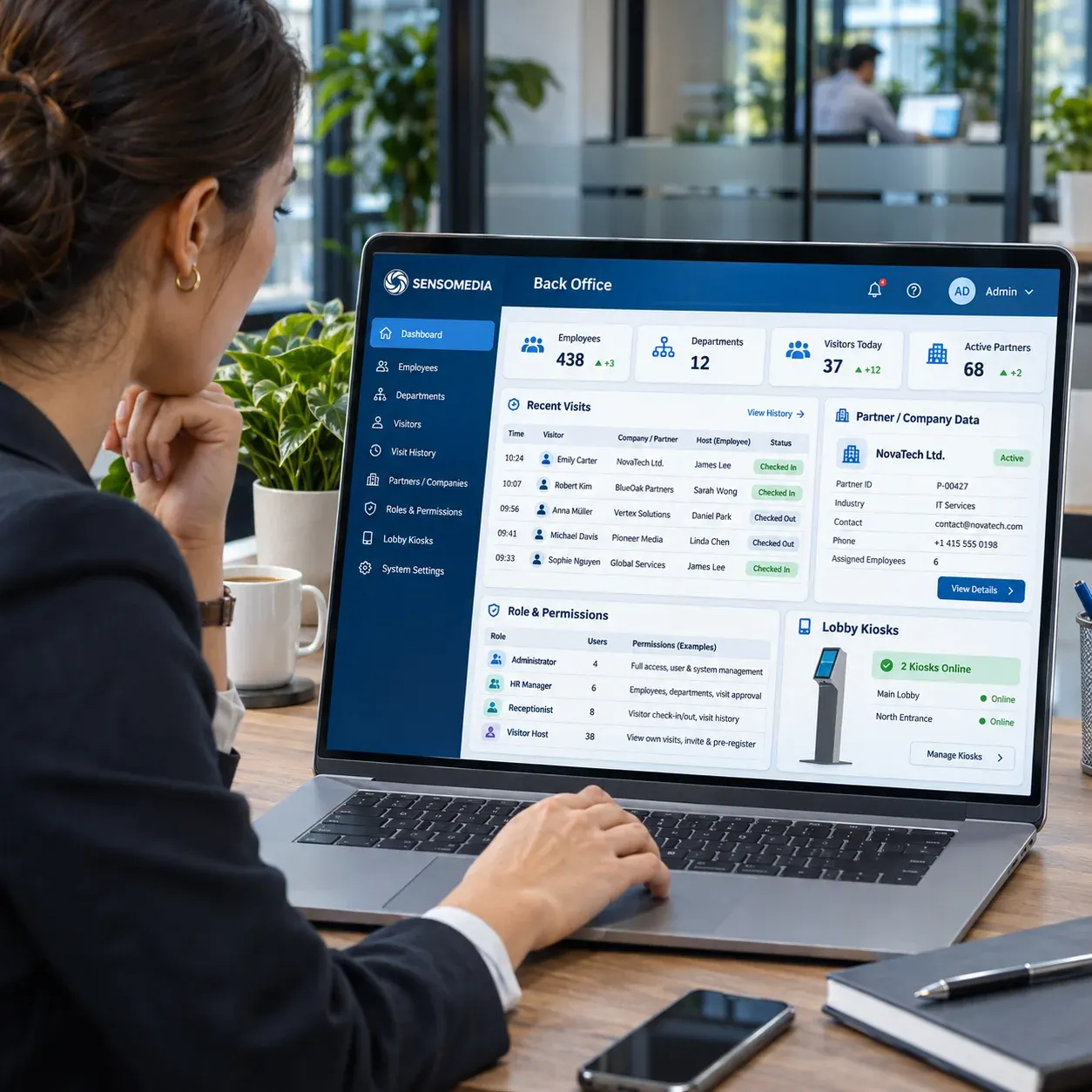
The central interface manages employees and departments and retrieves visit records. Partner data and role-based permissions support daily administration.
Deployment can include system integration, branding and development adapted to the existing environment. The precise scope is defined as part of the project.

When deploying SENSO QuickCall, we review existing hardware, software and data connections. We define interfaces, data flow directions and operational responsibilities so the new interface fits existing processes and reduces duplicate data entry where possible.

We adapt graphics, menus and information delivery to the partner and application. Beyond colours and logos, screen layouts support clear service use. Required languages and supplementary information are agreed during design.
Not every upgrade requires an entirely new device fleet. A technical assessment identifies components that can be retained, refurbishment needs and necessary software changes. Deployment is planned around the partner’s daily operations.
The kiosk shortens administration according to the type of visit. Guests and couriers can receive different check-in options.
Required personal and company details can be entered independently.
Known company details can be filled in automatically.
Search employees or departments within the configured structure.
Check-in can request the purpose of the visit.
Arrival information is forwarded through the configured communication channel.
Frequent deliveries can follow a dedicated journey.
Information is also suitable for international office environments.
The reception interface can match the company’s branding.
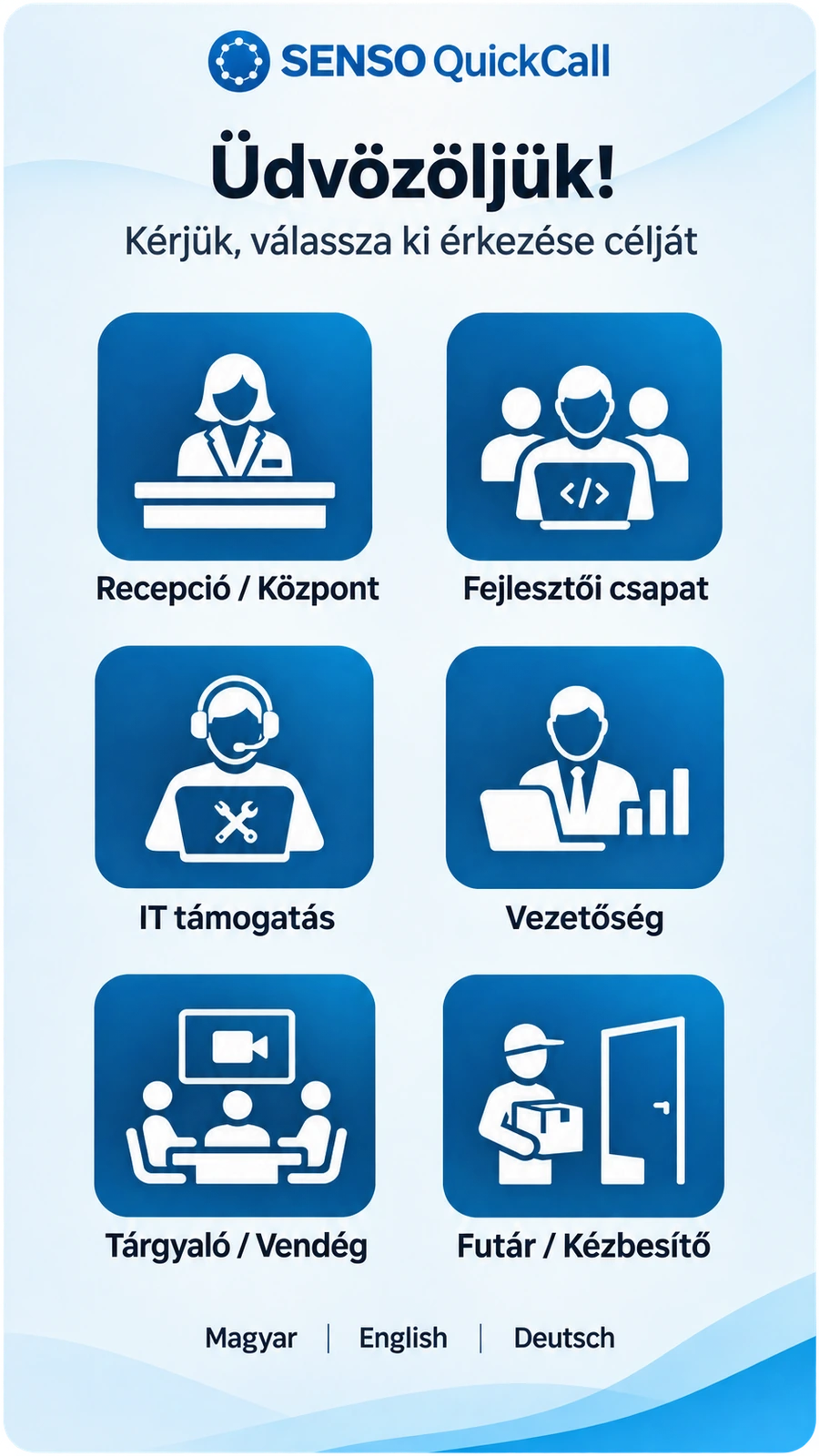
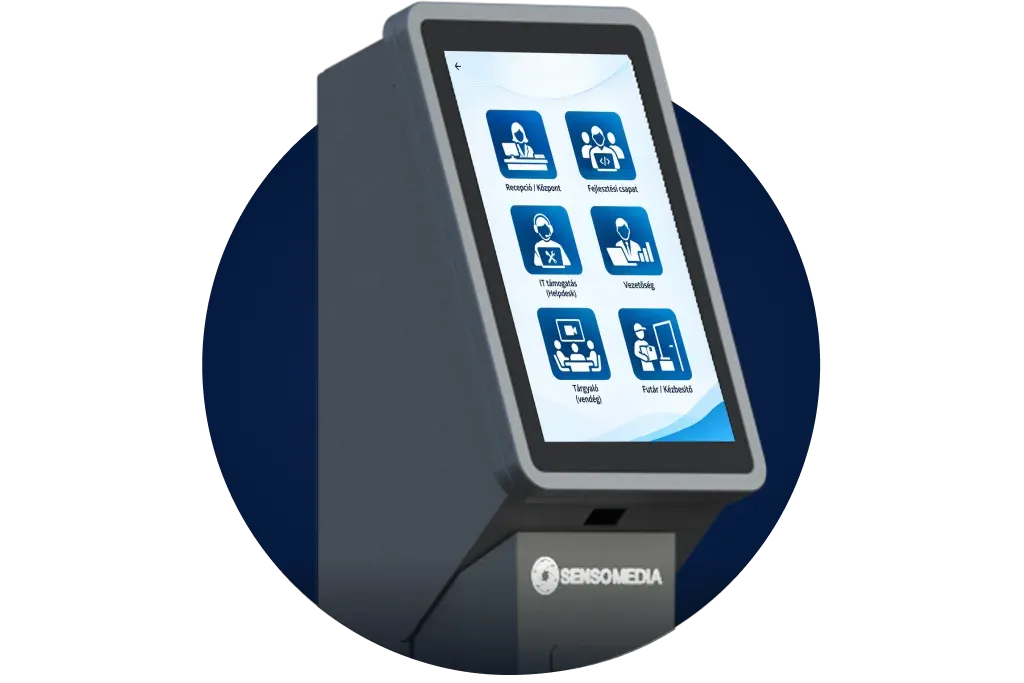
Visitors select the option relevant to their situation. Couriers use a quick-access button to reach their dedicated process.
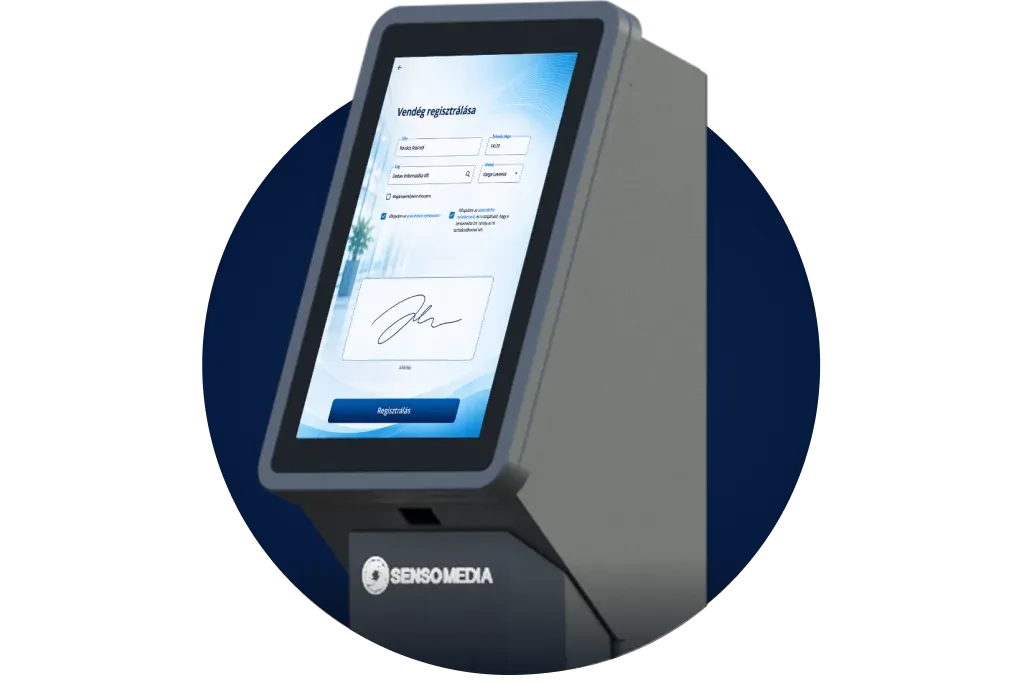
Guests enter requested details and the purpose of their visit. Automatic completion of known company information can shorten administration.
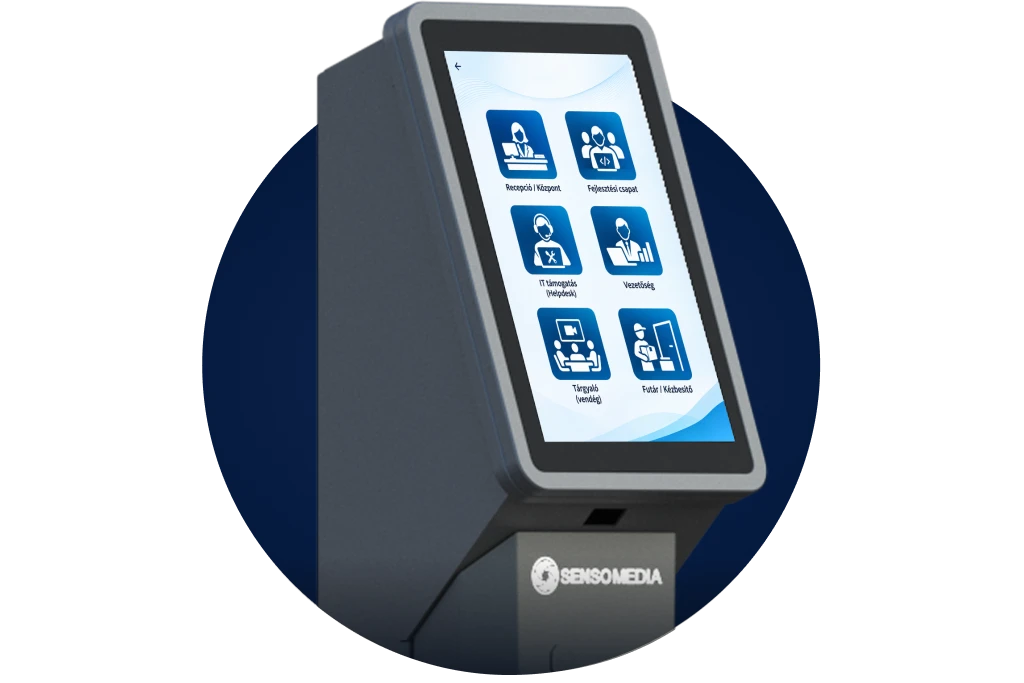
Users select the person or department they wish to visit. Options follow the records maintained in the company administration interface.
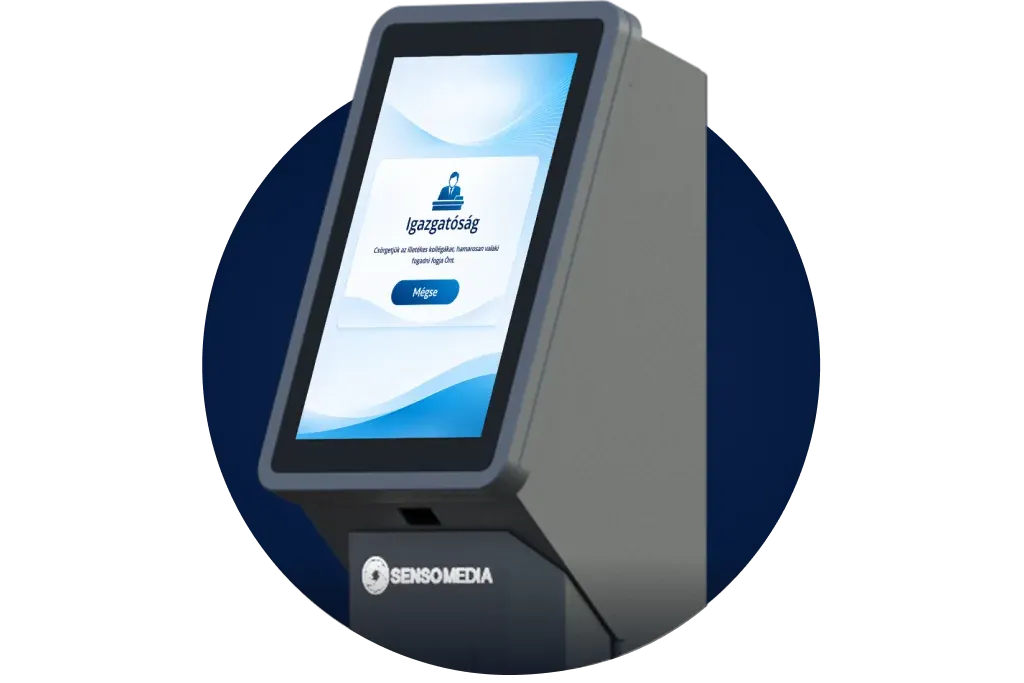
The system initiates a VoIP call or automatic notification as configured, delivering arrival information to the correct host.
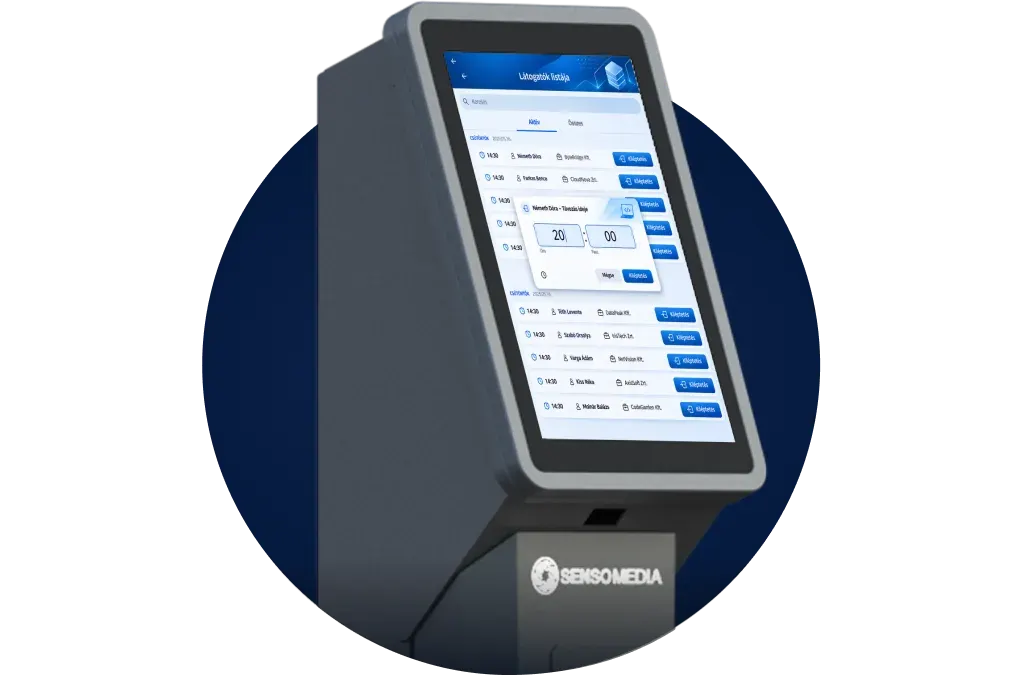
Event details enter the back-end system, where authorised staff can retrieve the check-in later.
Suitable integration can add door release to the process. Company access rules determine entry conditions.
The following functions depend on the selected configuration and required integrations. Their exact implementation and associated services are agreed before deployment.
Visitor check-in can connect to access control. Opening conditions follow company reception and entry procedures.
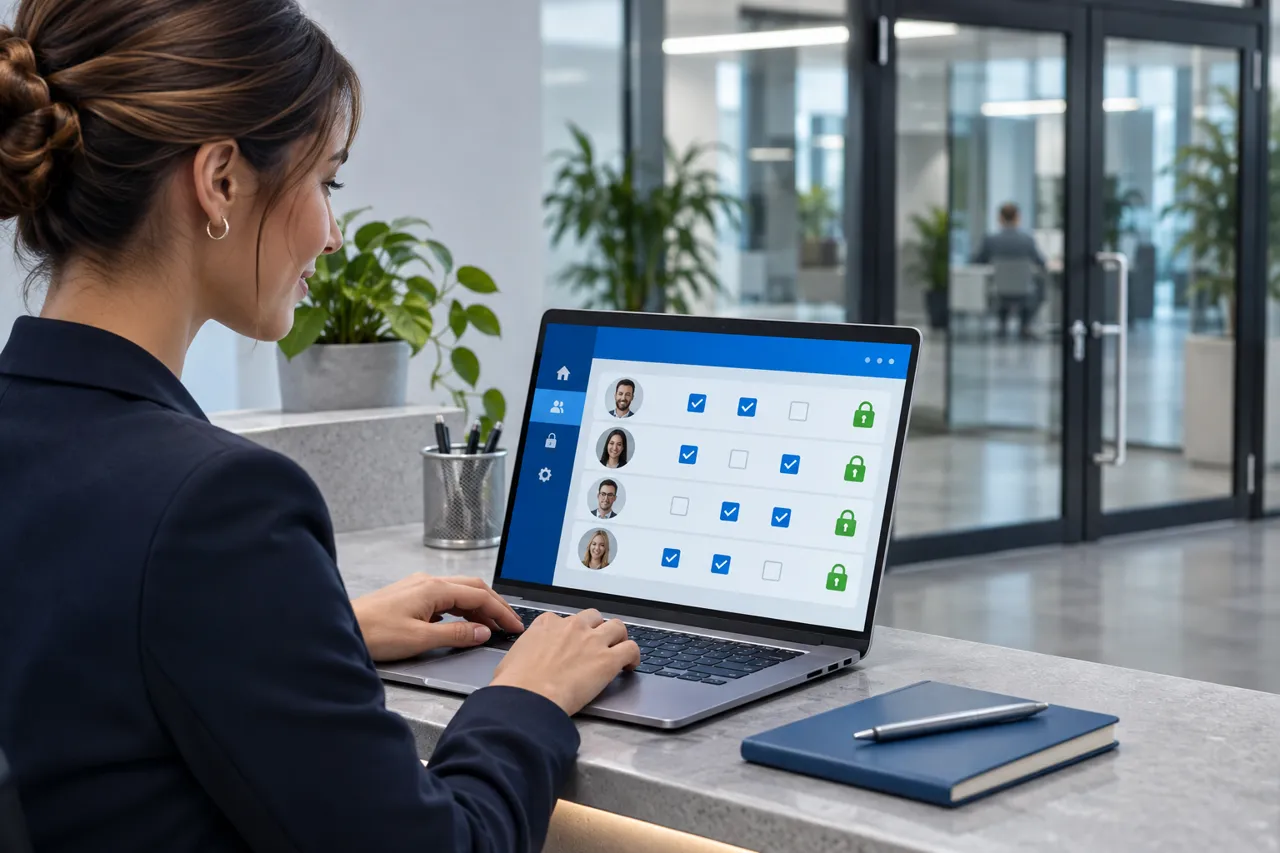
Back Office manages data according to the reception process, bringing employee records and visit events into one interface.
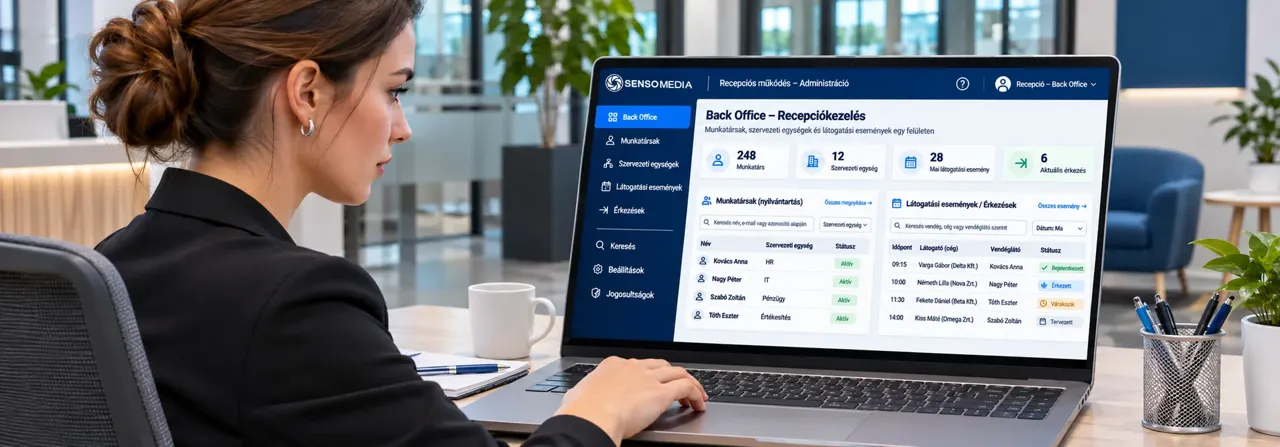
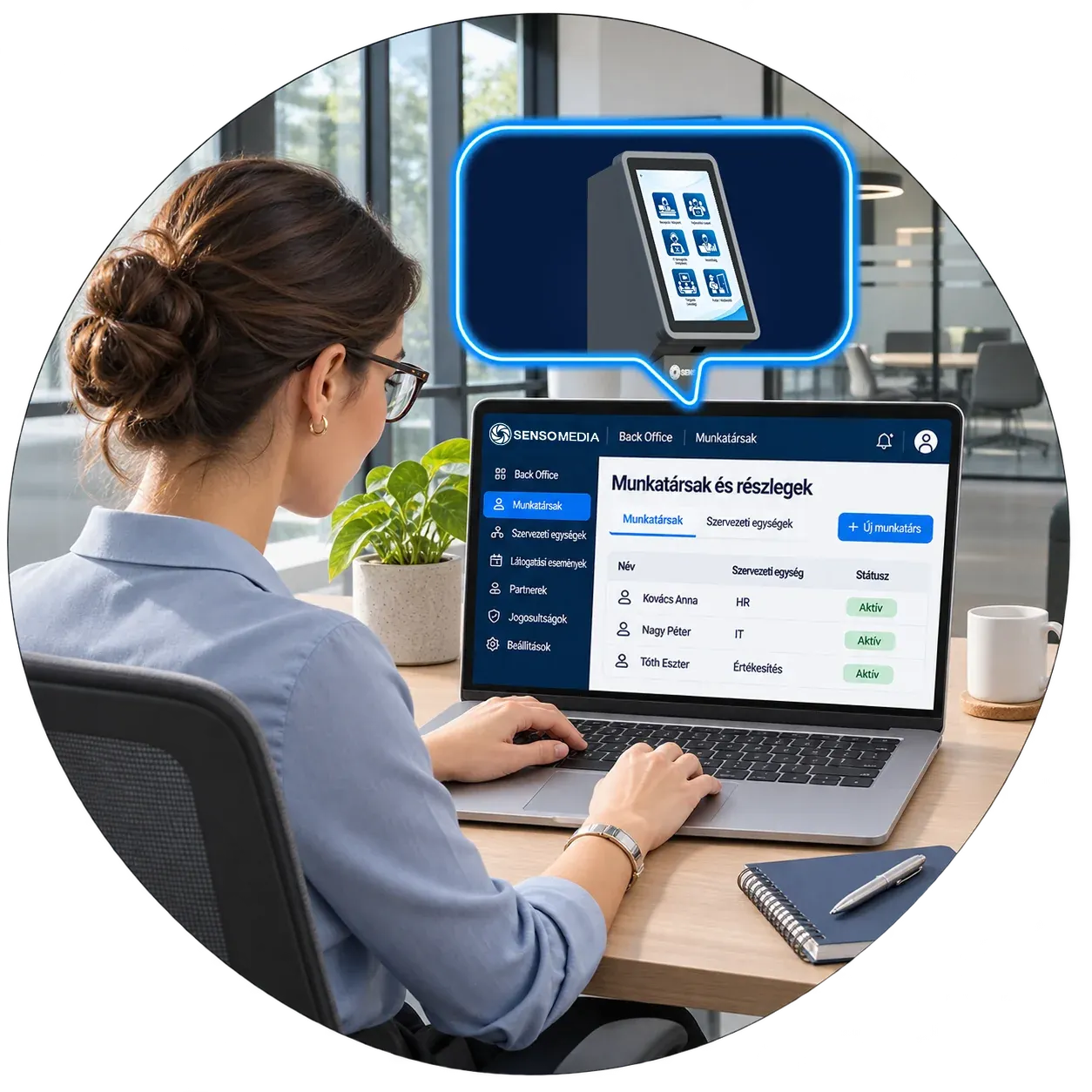
Hosts and organisational units are managed centrally. Kiosk options follow this structure.
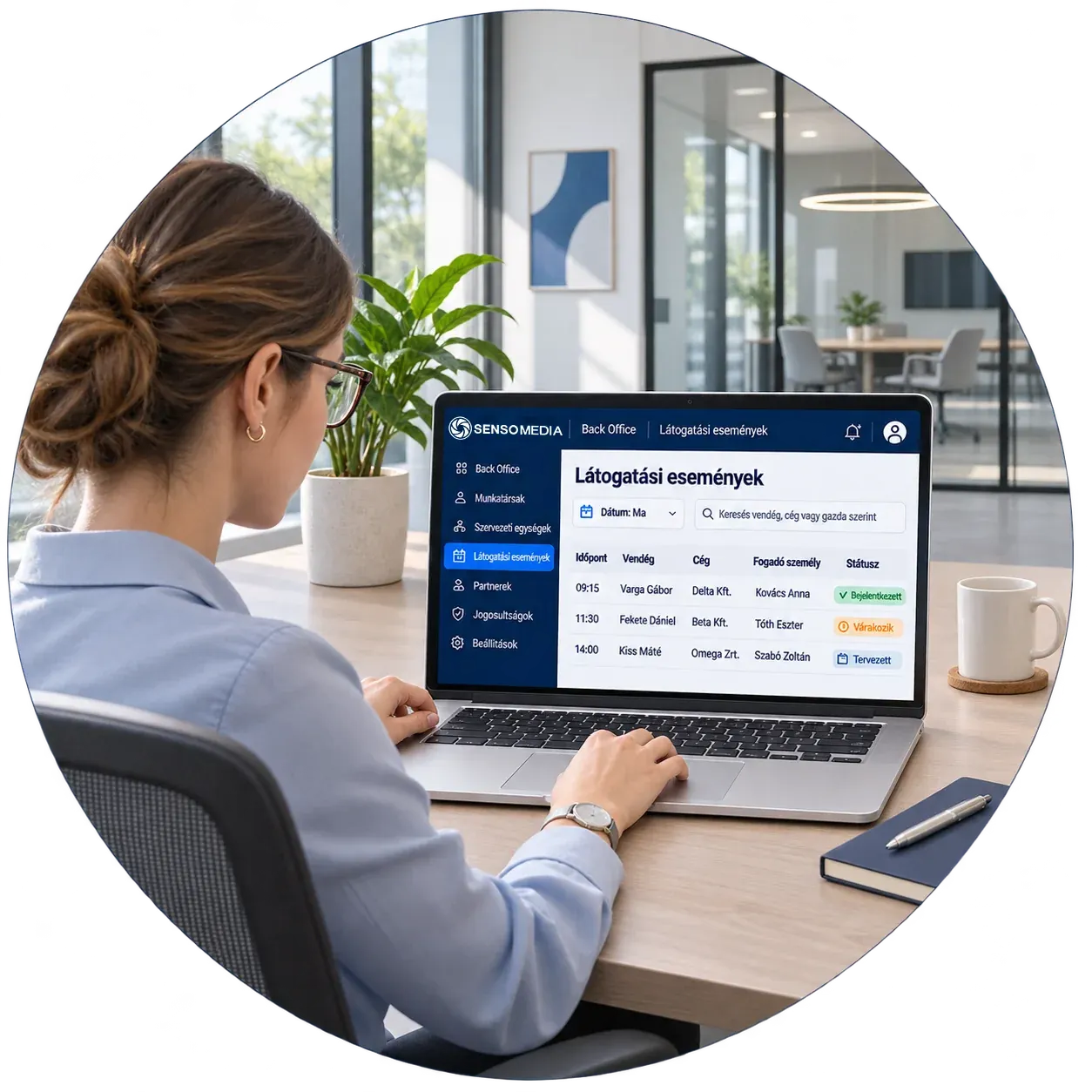
Kiosk check-ins can be retrieved to clarify reception enquiries later.
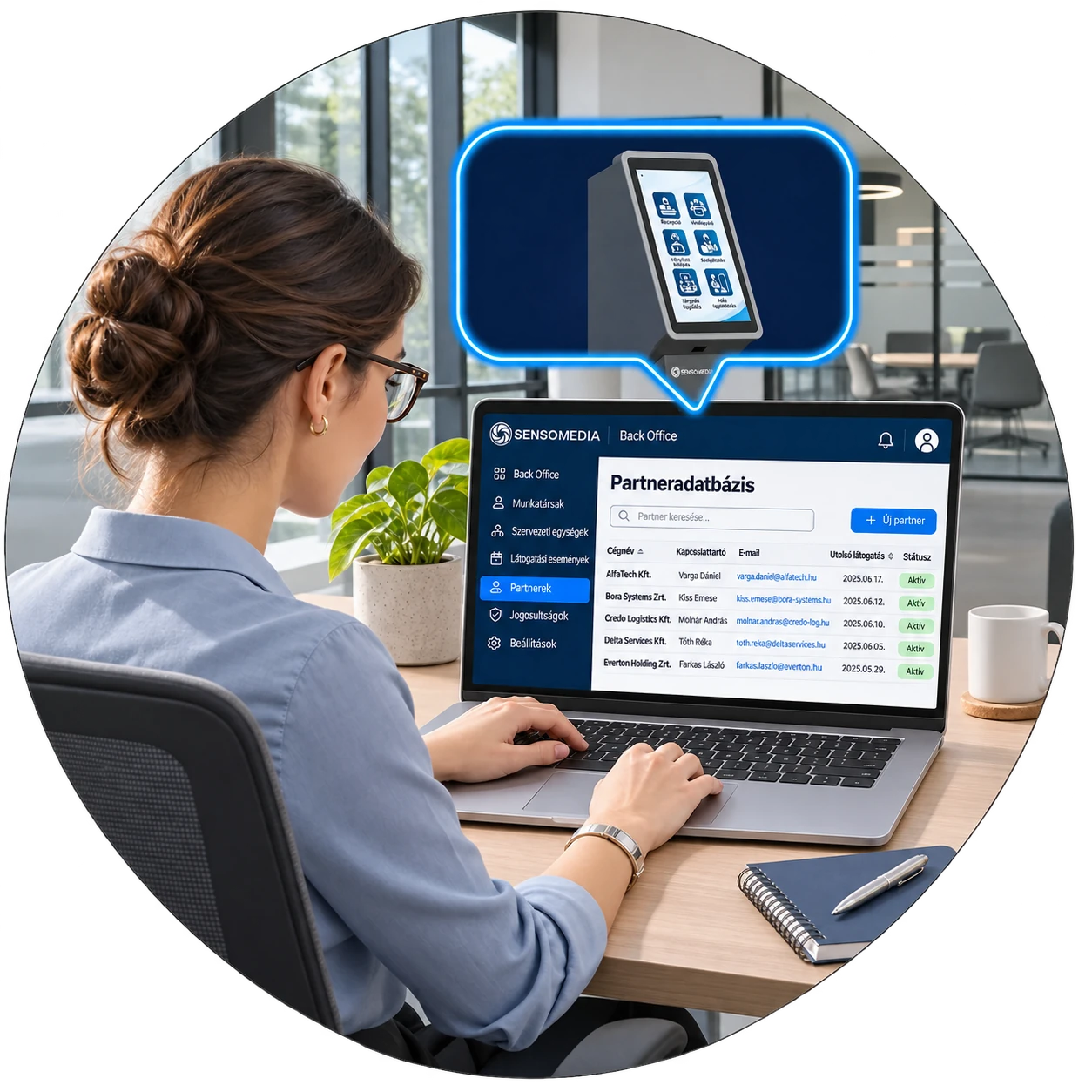
Recorded company information can update the partner database, reducing data entry for returning visitors.
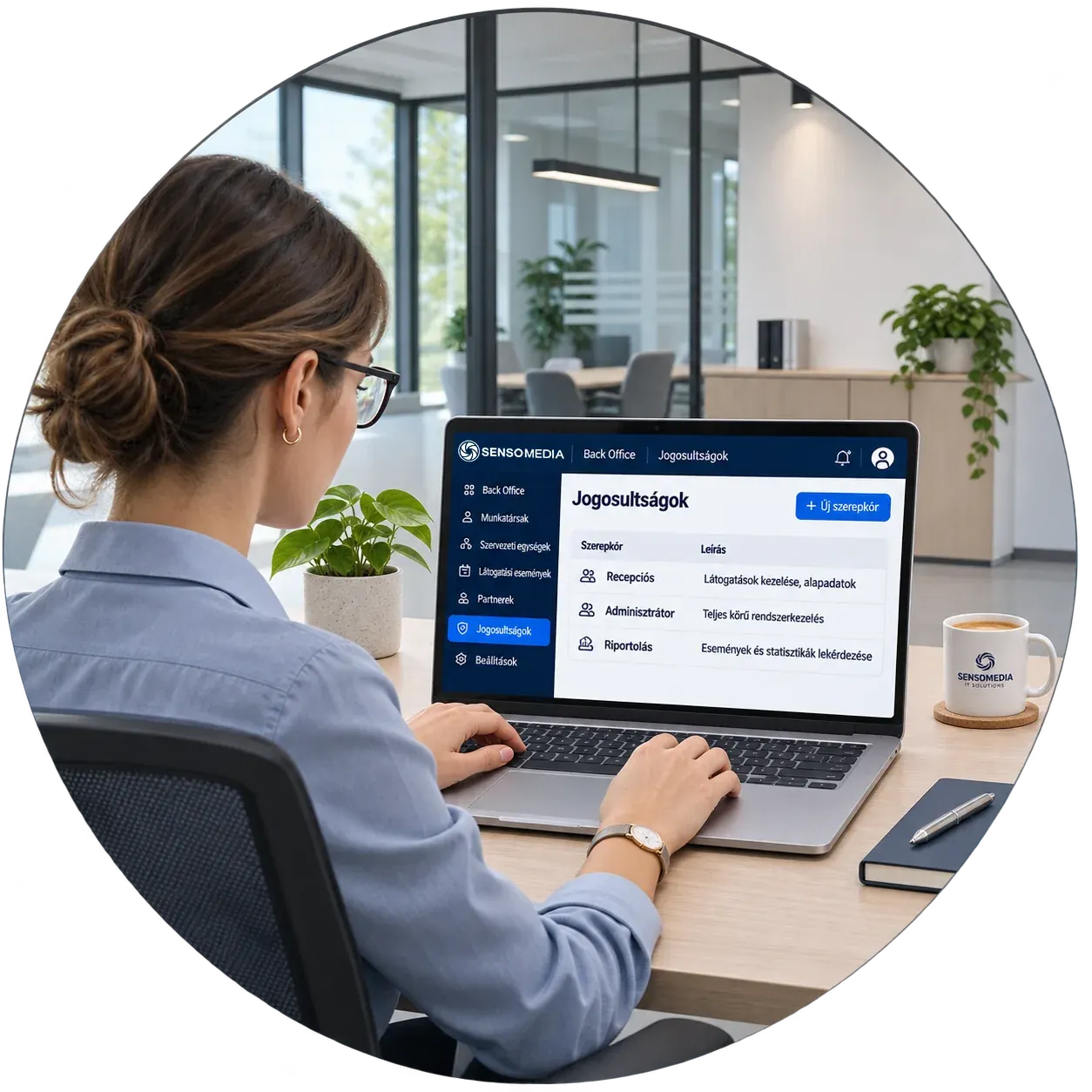
Staff access is tailored to roles, providing the administration functions required for each responsibility.
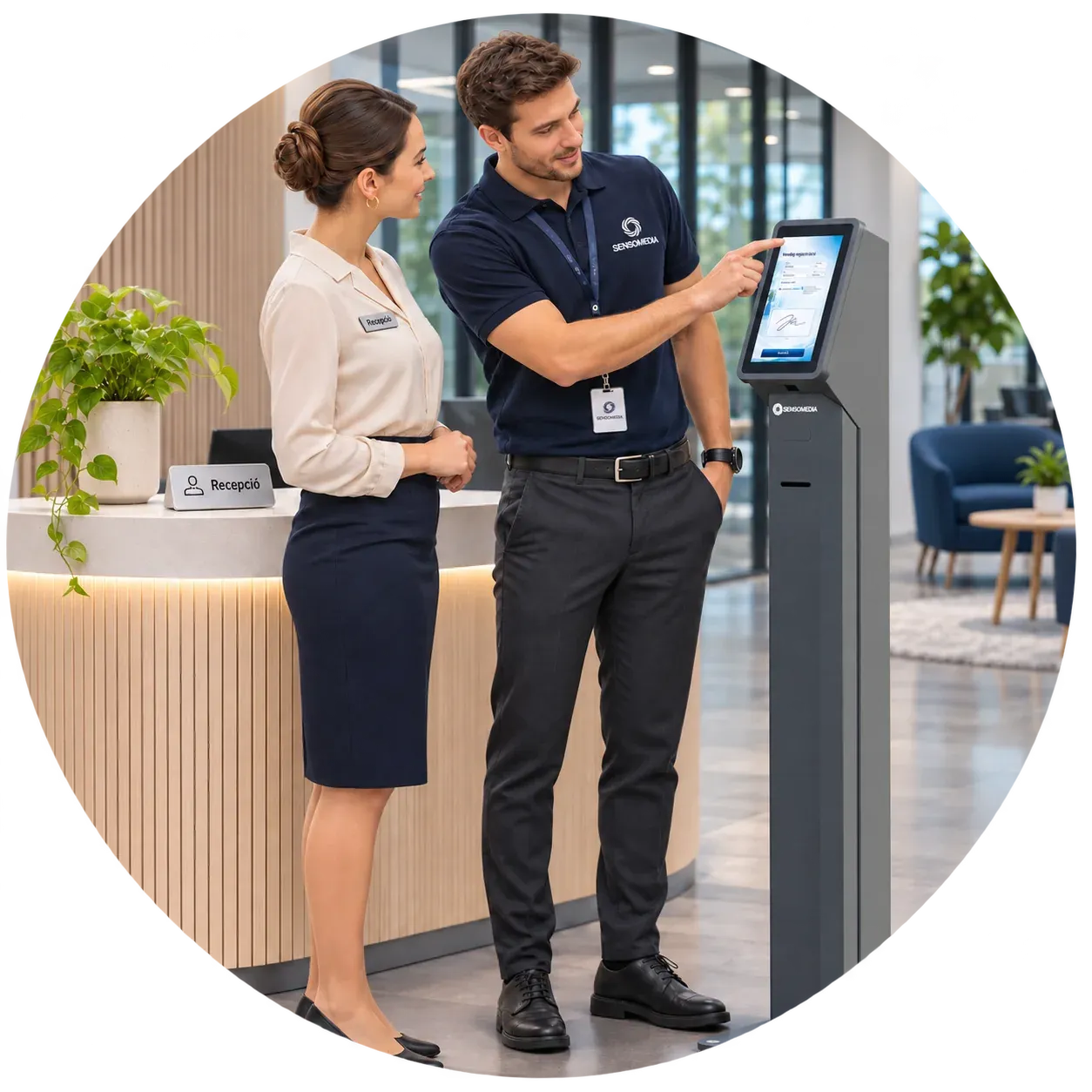
Check-in categories, requested information and notification connections are adapted to the site. Changes follow the agreed reception process.
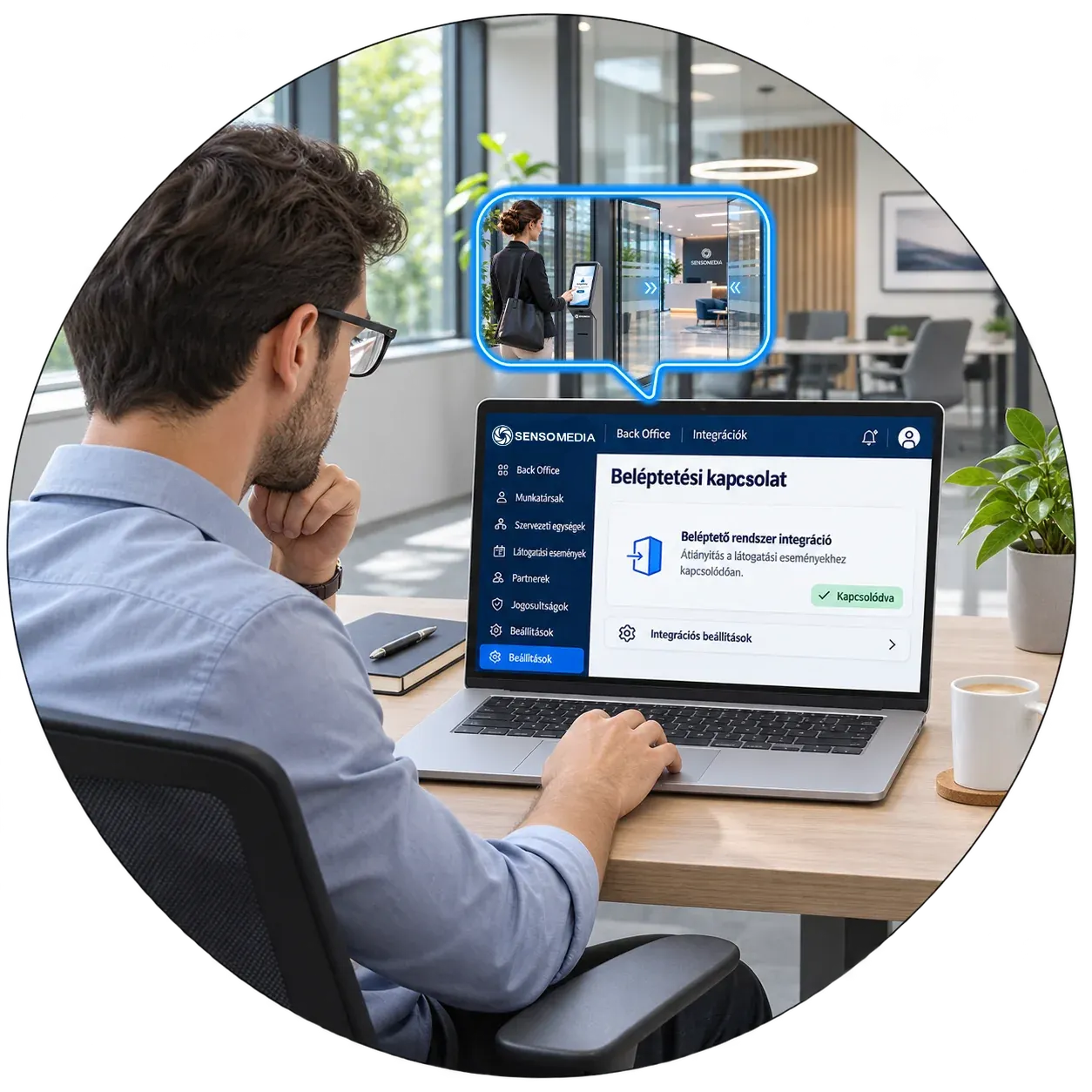
Door release can be provided through integration. Staff actions and automated operations are coordinated with the partner’s access environment.
The following connections can be configured according to partner requirements and the technical capabilities of existing infrastructure. Integrations are optional and are not automatically available in every installation.
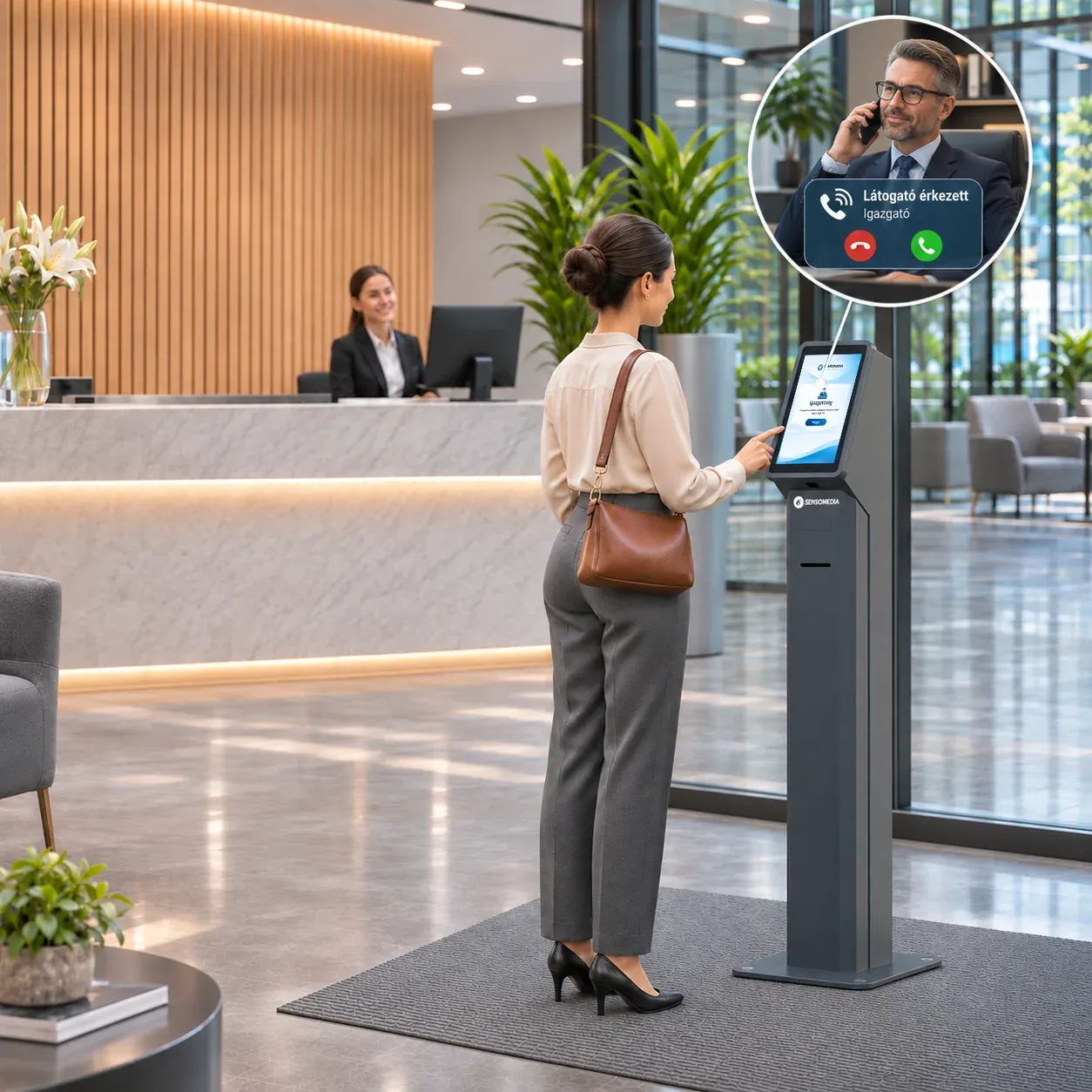
A call or notification to the configured system can announce a visitor’s arrival. The channel is selected according to the partner’s infrastructure.
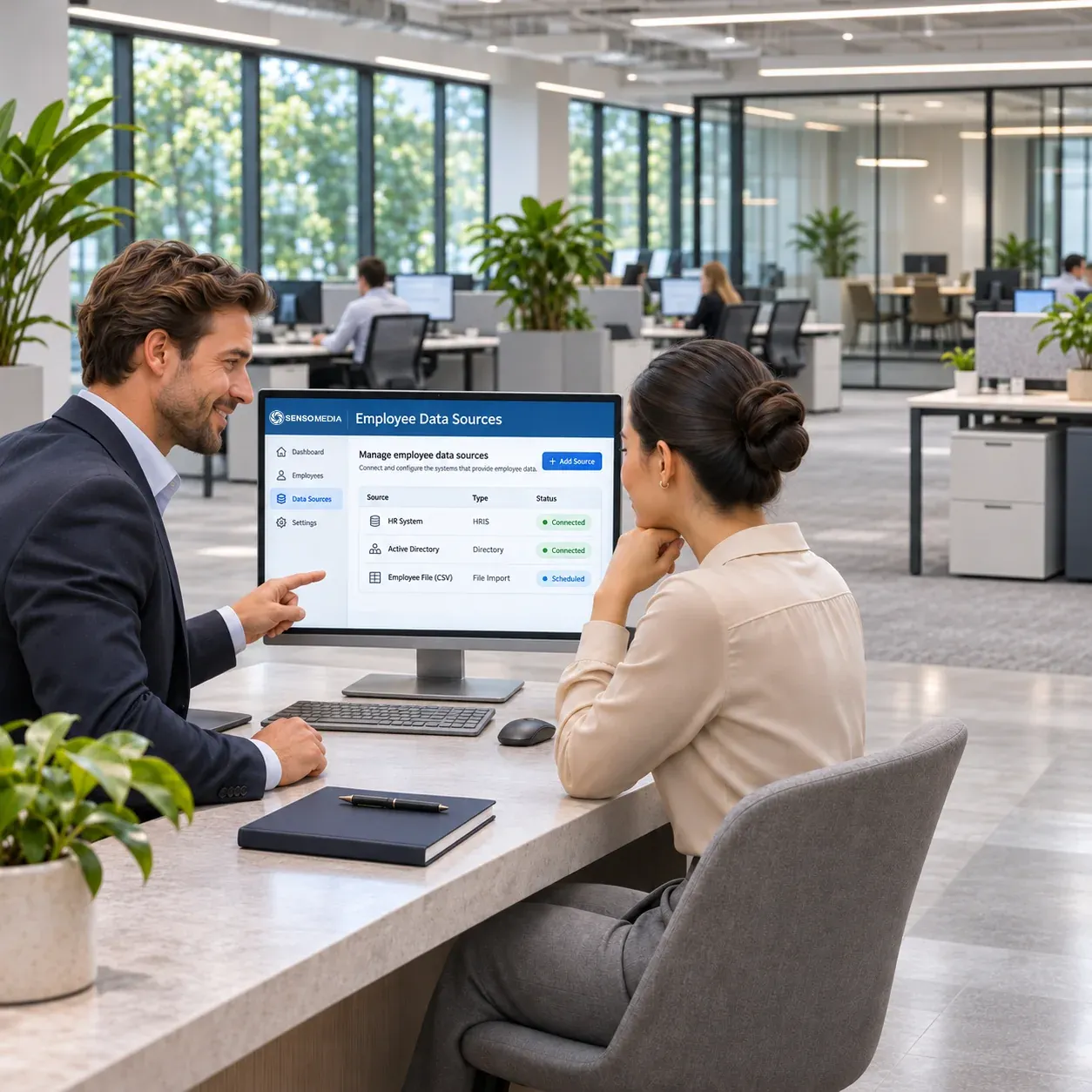
Bespoke integration can import reception data from company records. Update procedures follow the connected system.
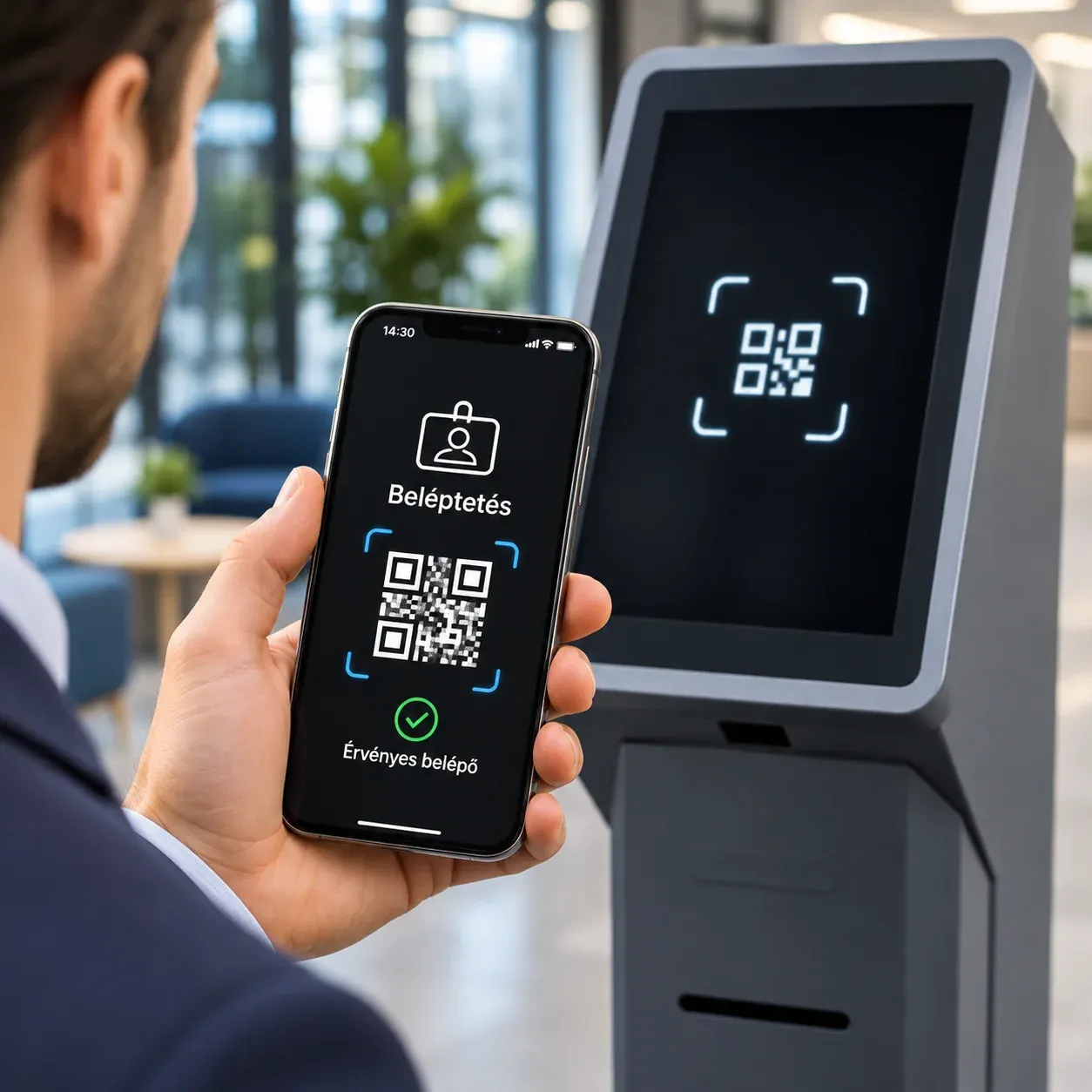
SENSO Gate or compatible external access control can connect to reception, extending the system from notification to entry support.
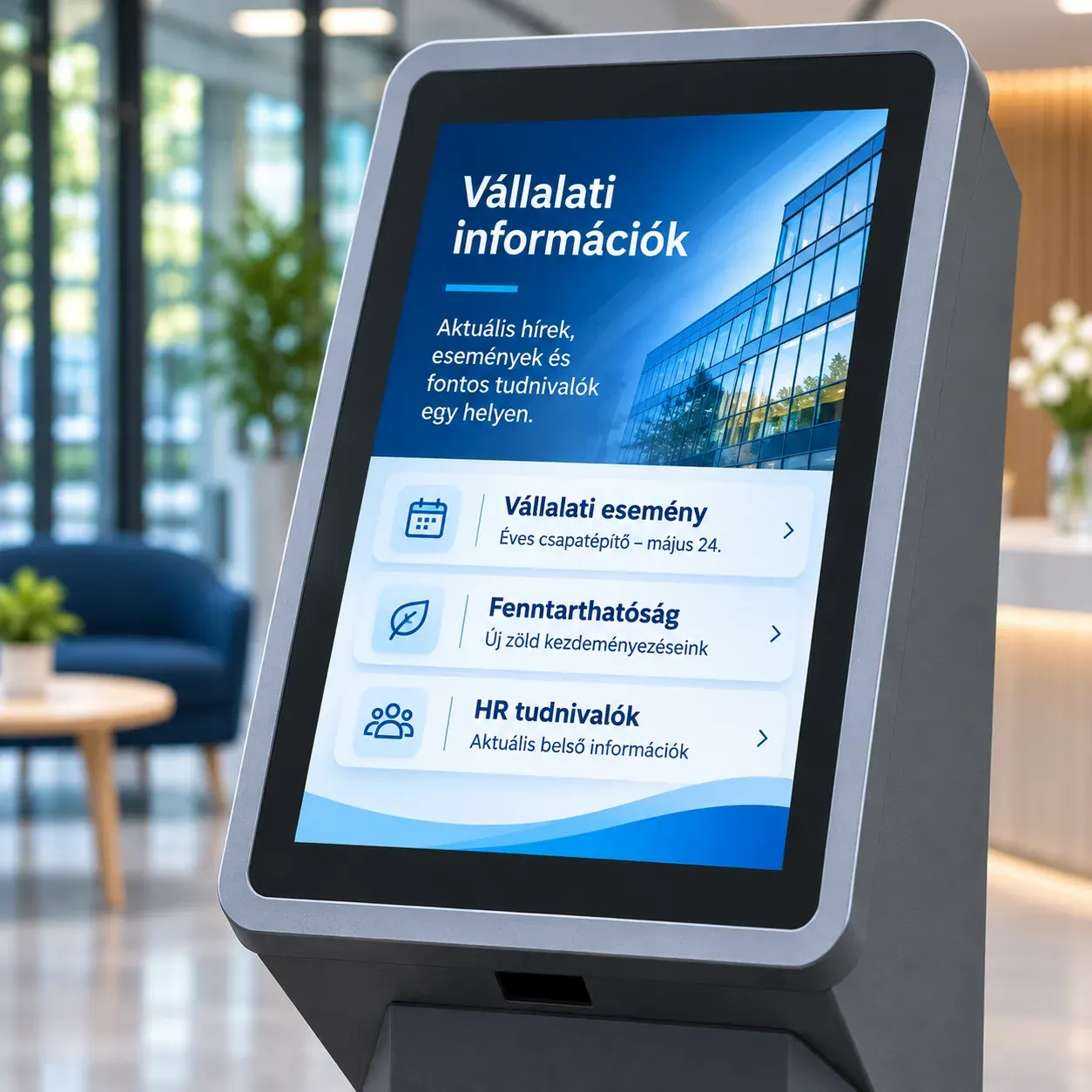
Information and Digital Signage content can complement the kiosk, making it part of company communications when idle.
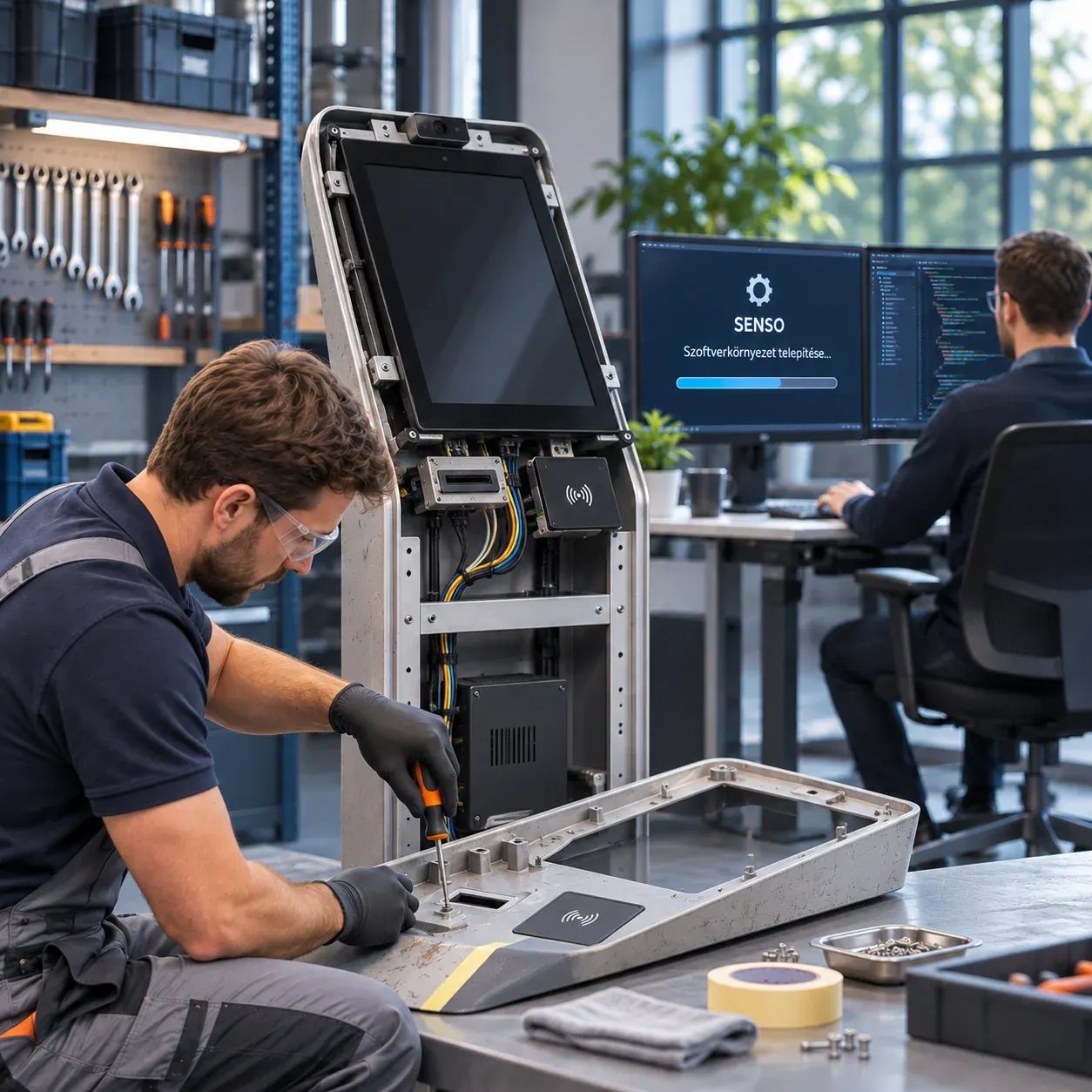
When upgrading an existing network, we first assess hardware condition, communications and connected systems. This determines what can be retained and where replacement components or extensive refurbishment are needed.
We install the SENSO software environment on suitably prepared devices, establish central connections and integrate with the partner’s systems. Device and interface rebranding can also form part of the project.
Long-term monitoring, support and maintenance are planned with service levels suited to the installed environment.
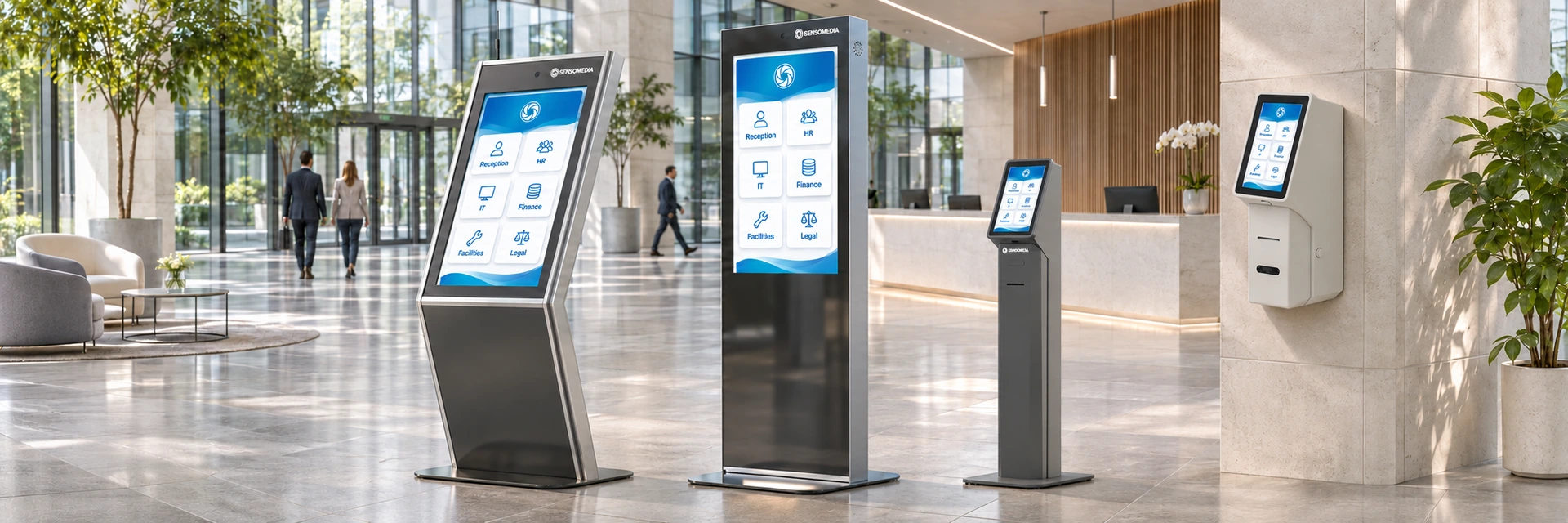
The visitor interface can run on an information kiosk. VoIP calls require a suitable microphone, audio output and network connection, configured as part of the project.
An indoor touchscreen kiosk for visitor check-in. Audio accessories required for calls are adapted to the installation environment.
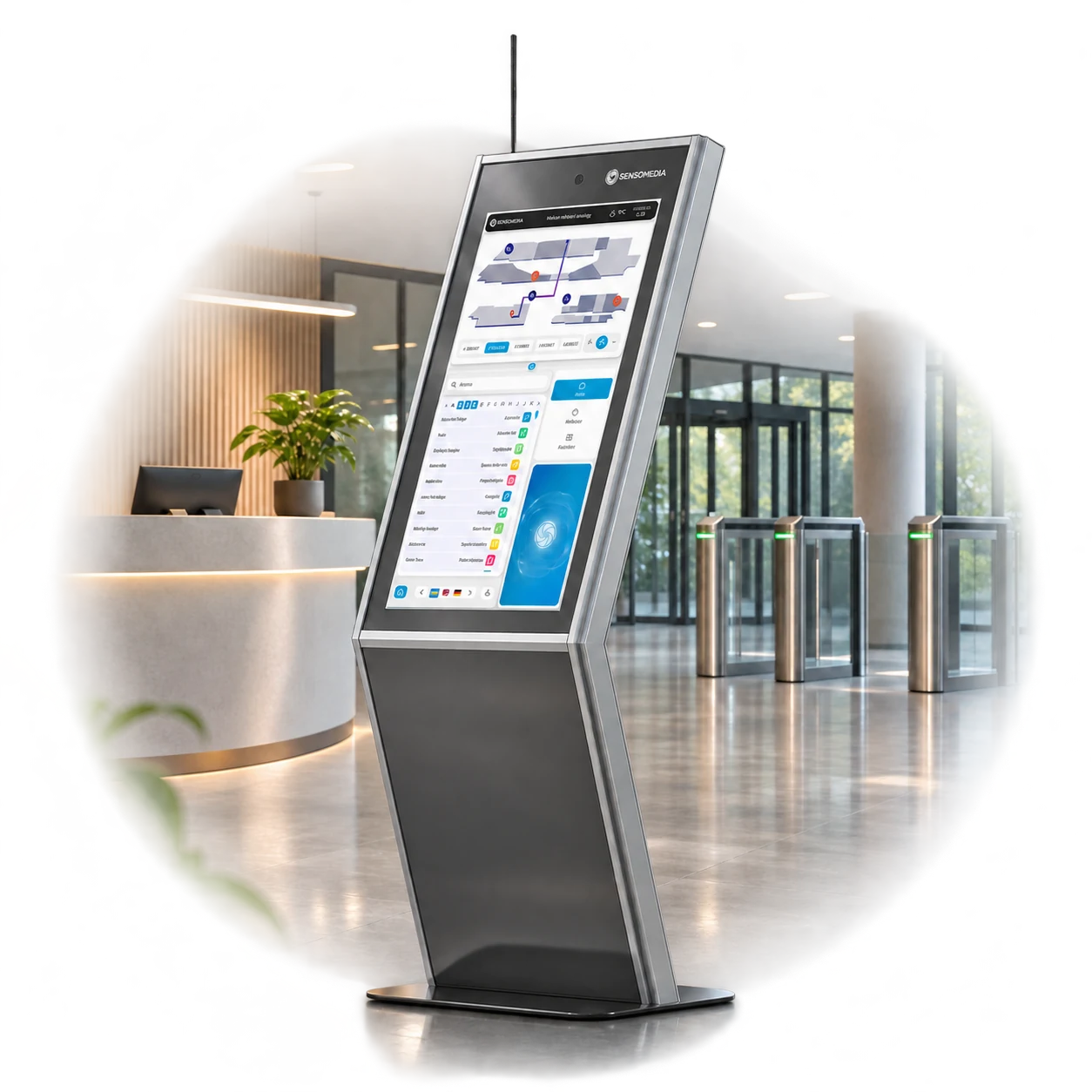
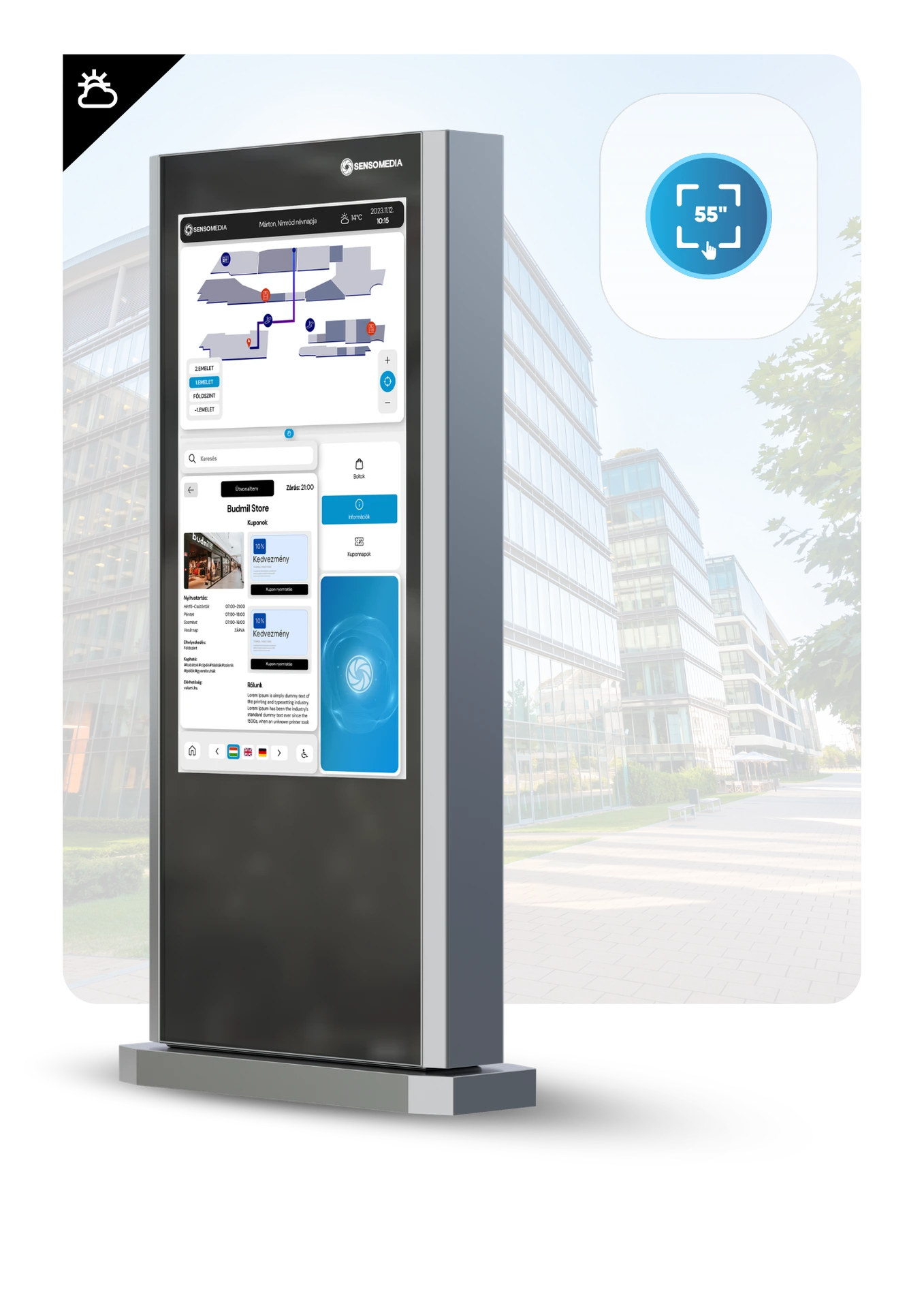
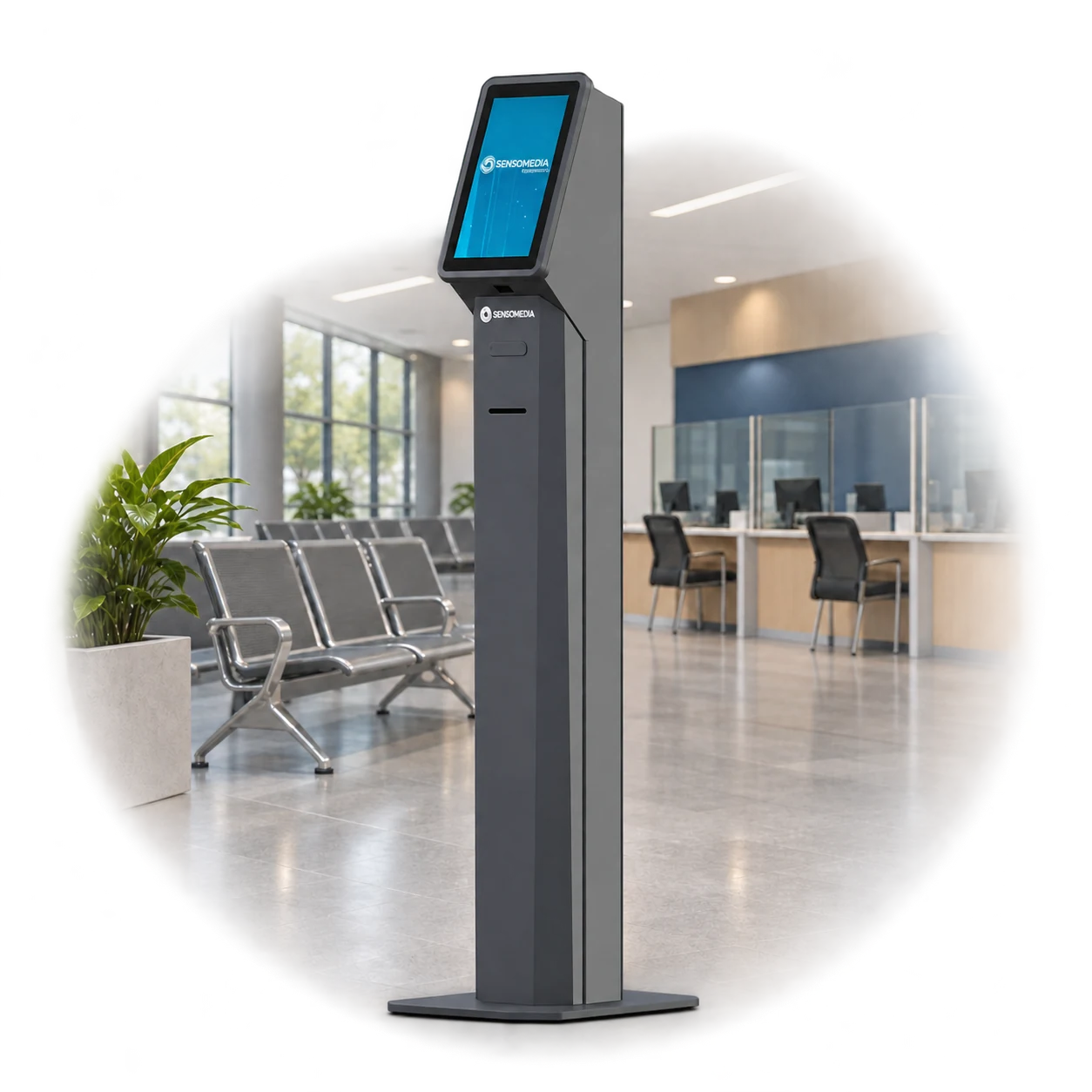
A freestanding indoor information terminal that can serve as a reception point with suitable software and peripherals. On-screen information is organised around available contacts and visit purposes.
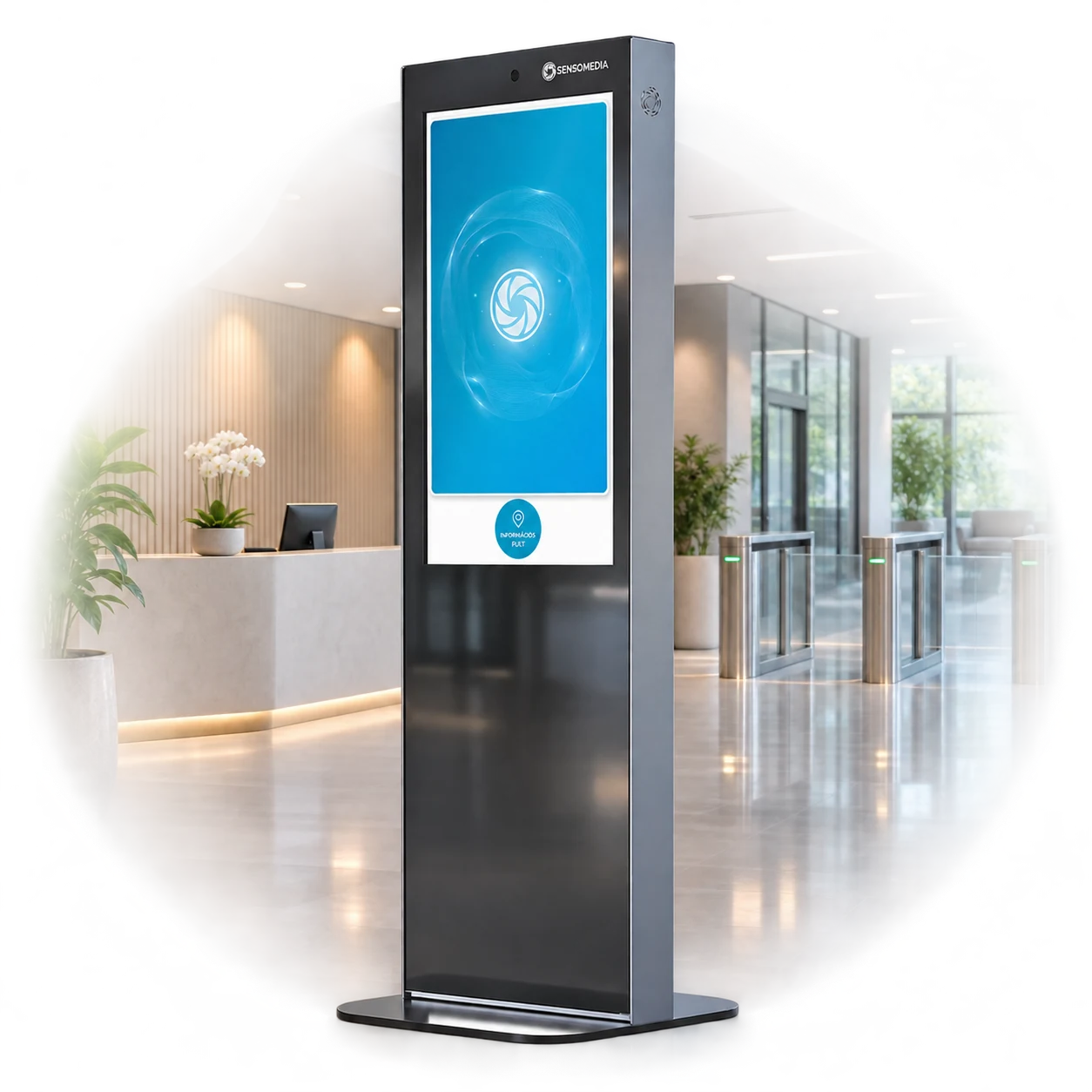
freestanding version
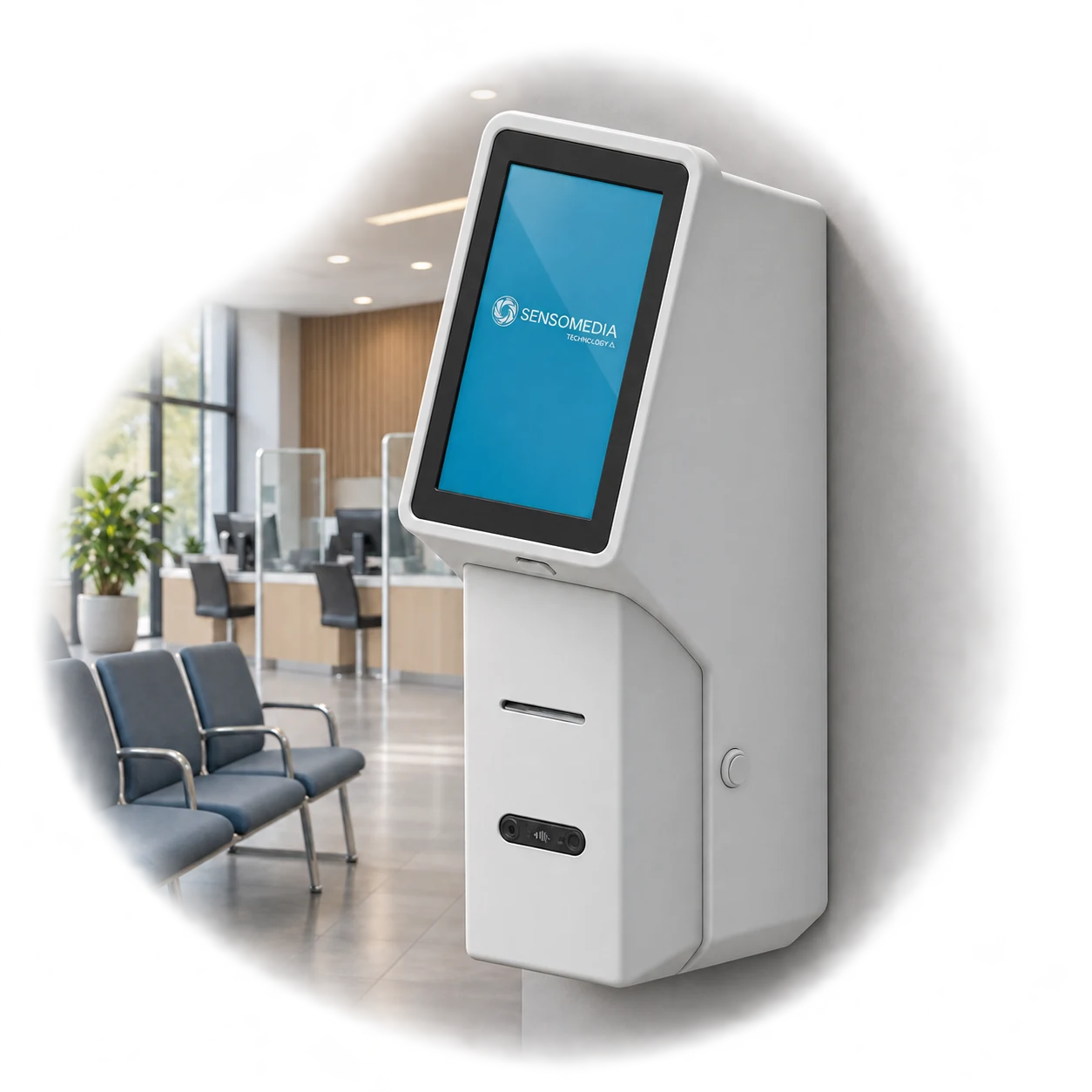
A customer flow kiosk with a 10.1-inch touchscreen and queue ticket printer. Optional compatible readers can add QR or RFID identification.
wall-mounted version
A wall-mounted ticket dispenser for smaller reception areas, combining category selection, printed queue tickets and mobile access in one customer flow.